Procedural Placement Made Simple
The ProInstance Tools Plugin is a lightweight set of tools designed for procedural mesh and actor placement. It helps creators avoid repetitive tasks during level and environment design. Therefore, it streamlines the workflow by providing unified and easy-to-understand settings. This plugin was notably recognized as a sponsored content product for June 2021.
Managing large environments often requires placing many objects manually. However, this tool allows for almost endless ways to place meshes or actors efficiently. It is designed to be as easy to use as possible for developers of all skill levels.
Key Features of ProInstance Tools Plugin
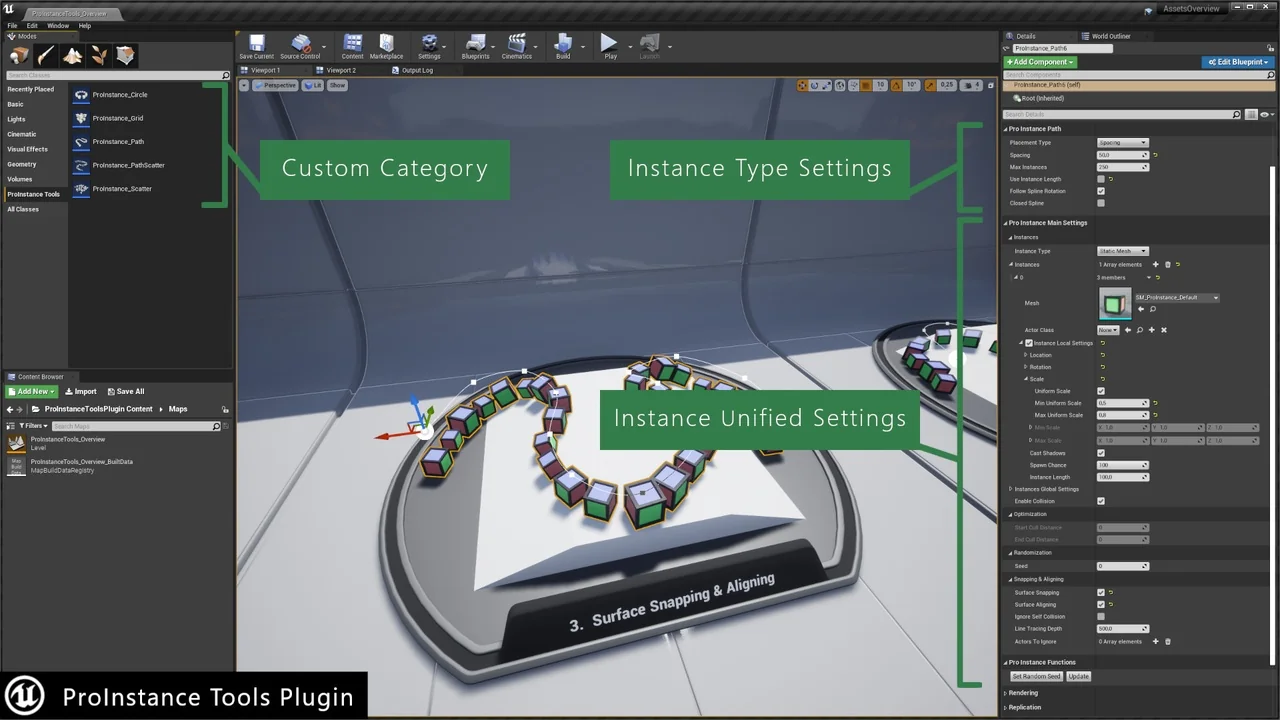
The ProInstance Tools Plugin includes several features that enhance control over scene elements. Users can manage transform settings for all instances at once or individually. Additionally, controlled randomization is available through the use of seed numbers. This ensures that variations in placement remain predictable and repeatable.
Versatile Placement Types
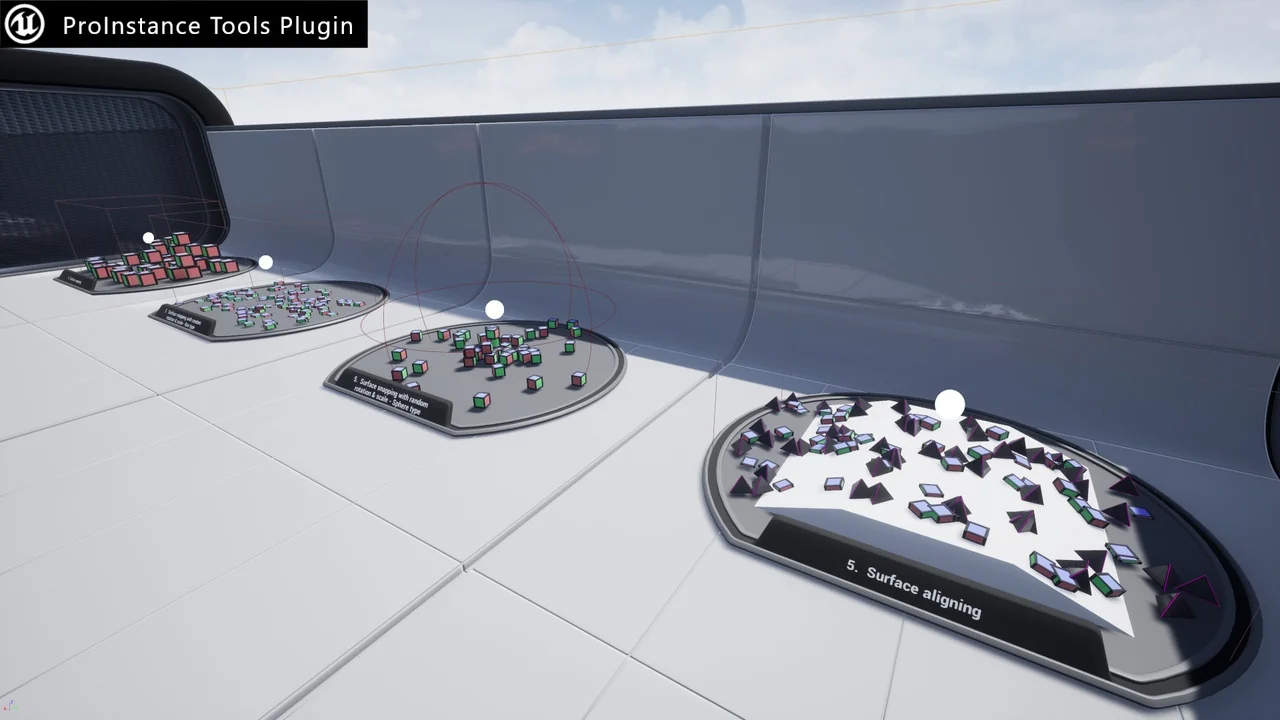
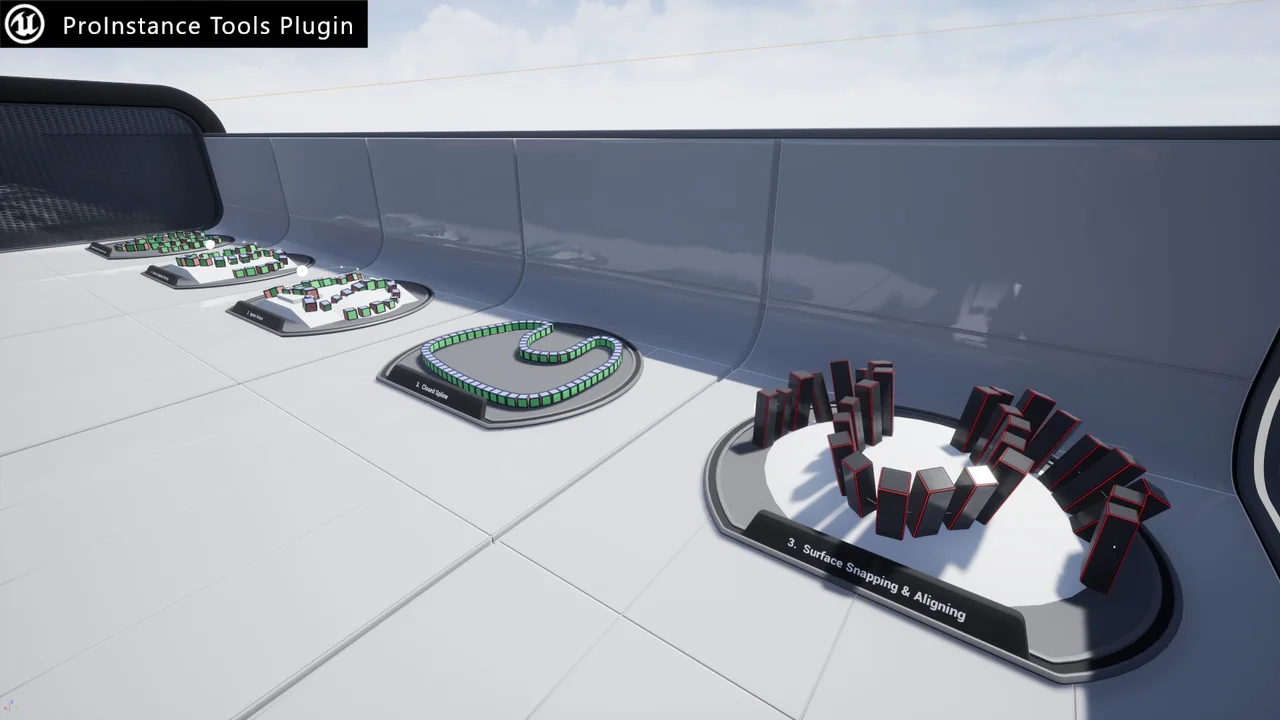
The developer has included five distinct ProInstance types to handle various layout needs. These types include:
- Circle: For radial arrangements.
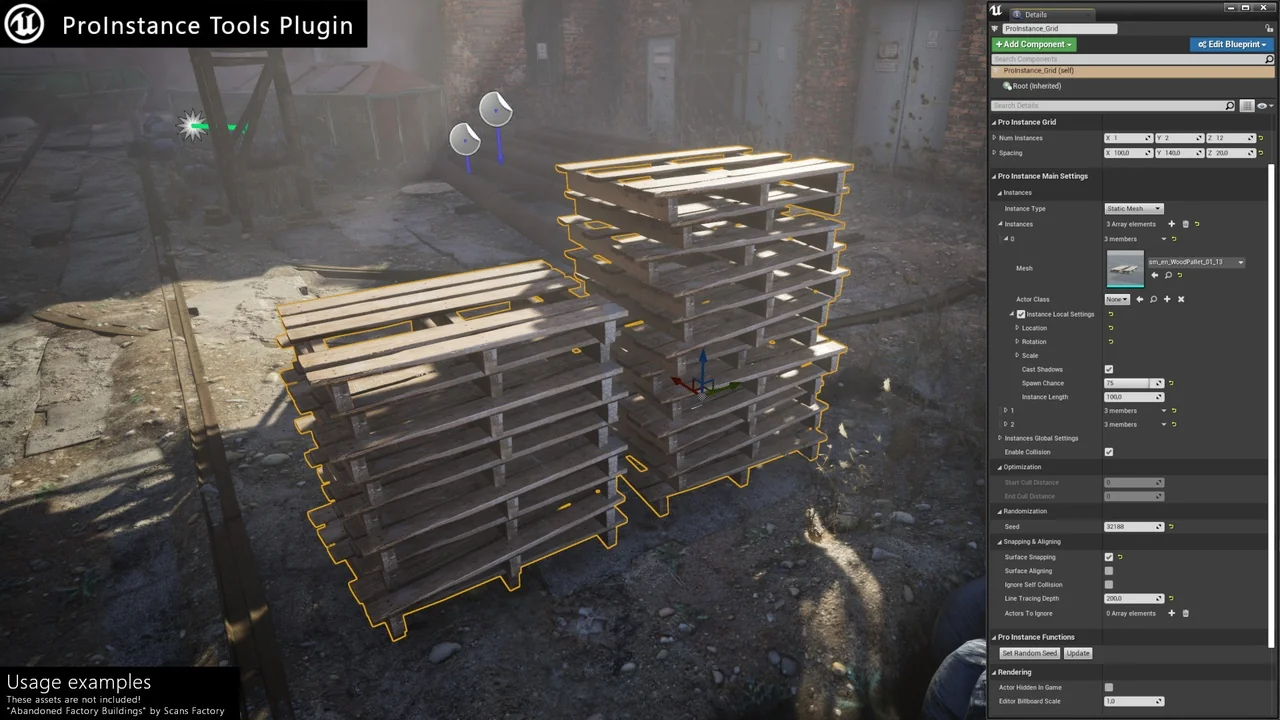
- Grid: For structured, repetitive layouts.
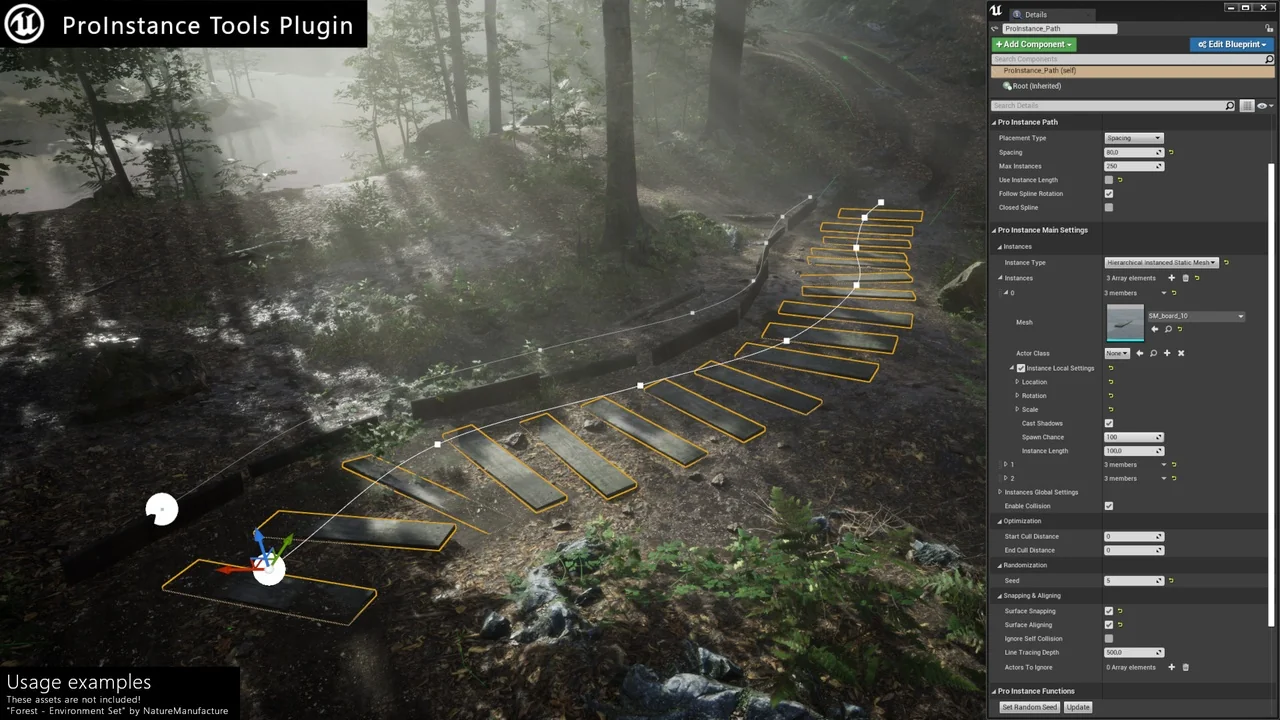
- Path: For linear placement along defined lines.
- PathScatter: For randomized placement along a specific path.
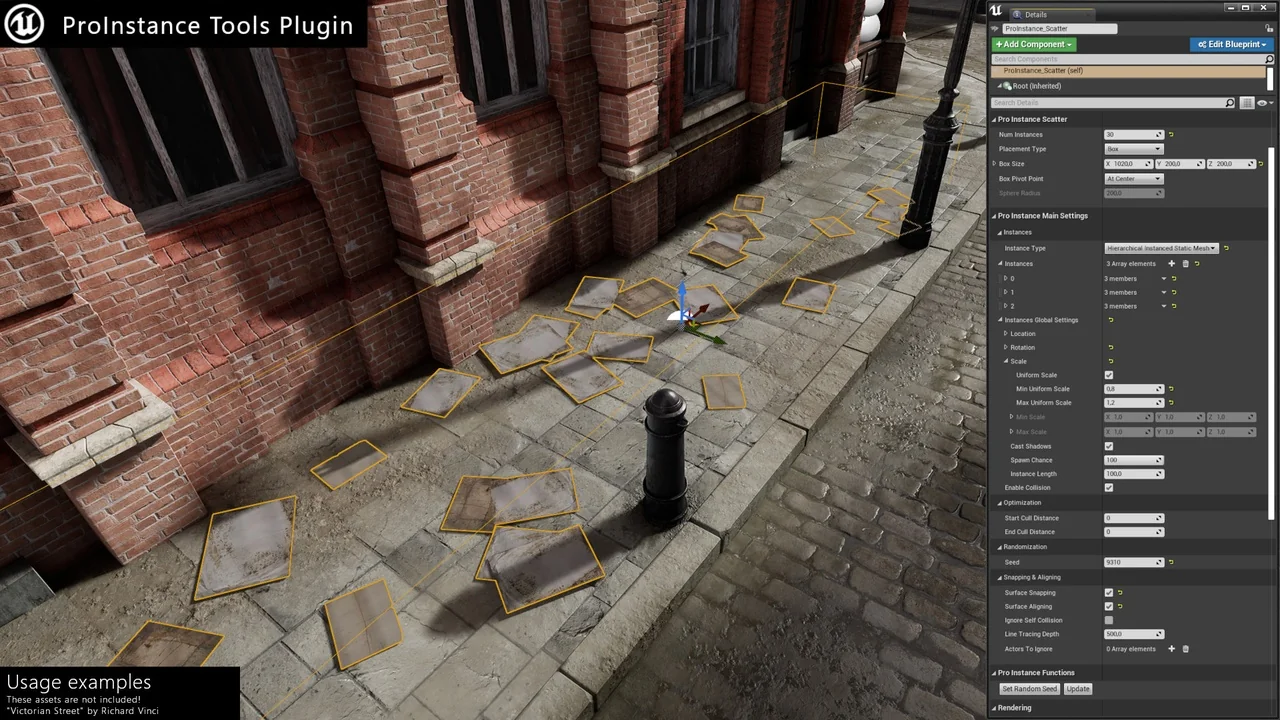
- Scatter: For broad, randomized distribution across an area.
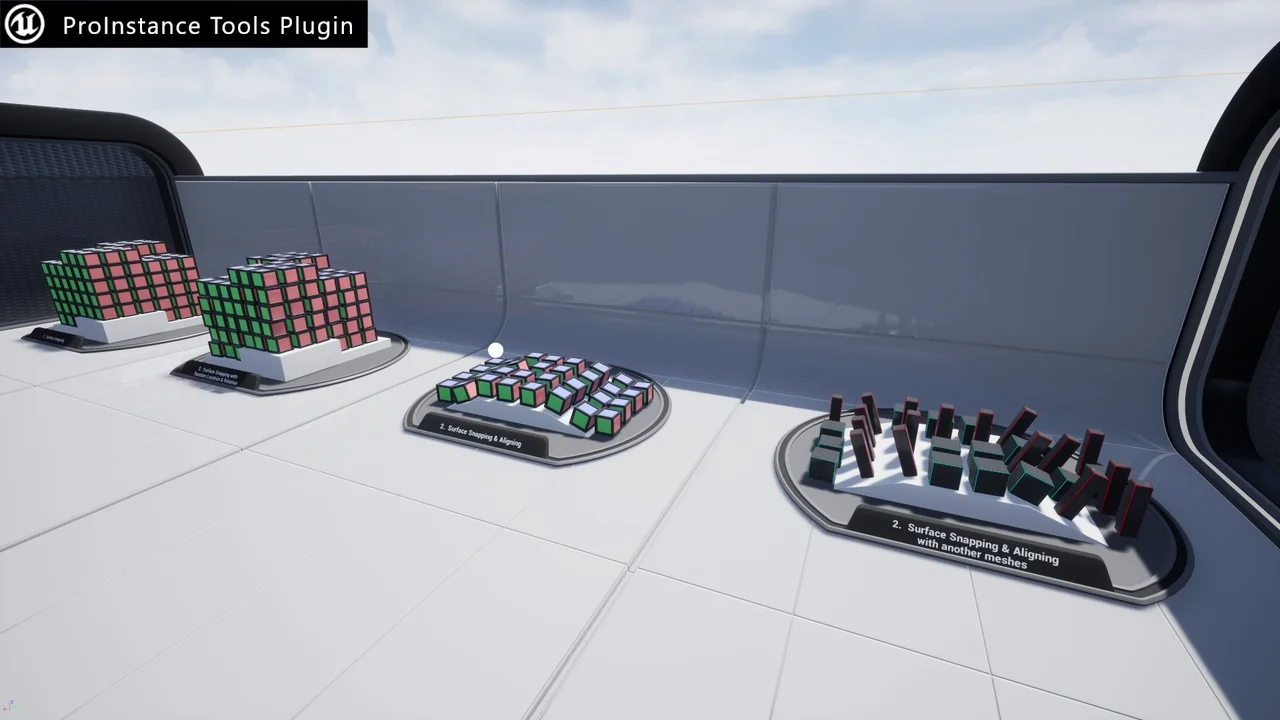
Furthermore, the plugin supports snapping and alignment to the surface below. This ensures that objects sit naturally within the environment regardless of the terrain shape.
Performance and Optimization
One of the primary benefits of the ProInstance Tools Plugin is its ability to improve performance. It helps reduce drawcalls by utilizing efficient component types. Users can instantly switch between Static Meshes, Instanced Static Meshes (ISM), and Hierarchical Instanced Static Meshes (HISM). Moreover, it supports any other Actor Class for maximum flexibility.
The plugin also features a bake function. This allows users to convert procedural placements into separate Static Meshes or Actor Classes. Consequently, this provides a way to finalize the design while maintaining optimization.
Streamlined Workflow Integration
The toolset is built to integrate seamlessly into the existing editor environment. It features custom icons and a new custom category in Place Mode for quick access. Because it is lightweight, it does not bloat the project while providing powerful generation capabilities.
The developer includes a demo level with usage examples to help users get started quickly. This resource can be found within the plugin content folder. By using these examples, creators can quickly understand how to implement the various placement types in their own projects.
Conclusion
The ProInstance Tools Plugin is a practical solution for any developer looking to automate repetitive environment tasks. Its combination of procedural generation and unified settings makes it a versatile addition to a level design toolkit. Whether you are creating complex paths or simple grids, this tool provides the control and performance optimization needed for modern game development.
Screenshots & Gallery