Advanced Shader Interactions for Indie Developers
The Prismatiscape Interaction Plugin is a locally-bound global shader interaction system specifically designed for Unreal Engine 5.3+. This tool was created for indie developers who want to elevate the visual quality of their projects. By leveraging modern engine features, it allows for high-quality interactions without sacrificing performance.
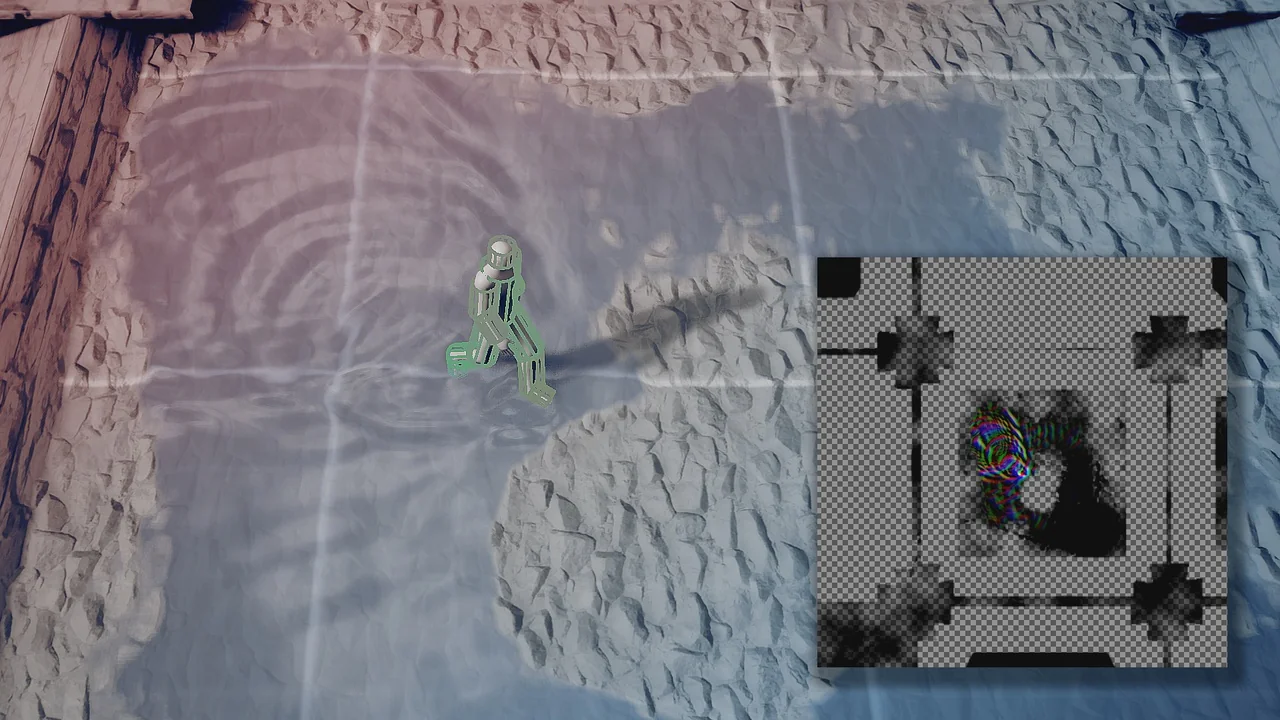
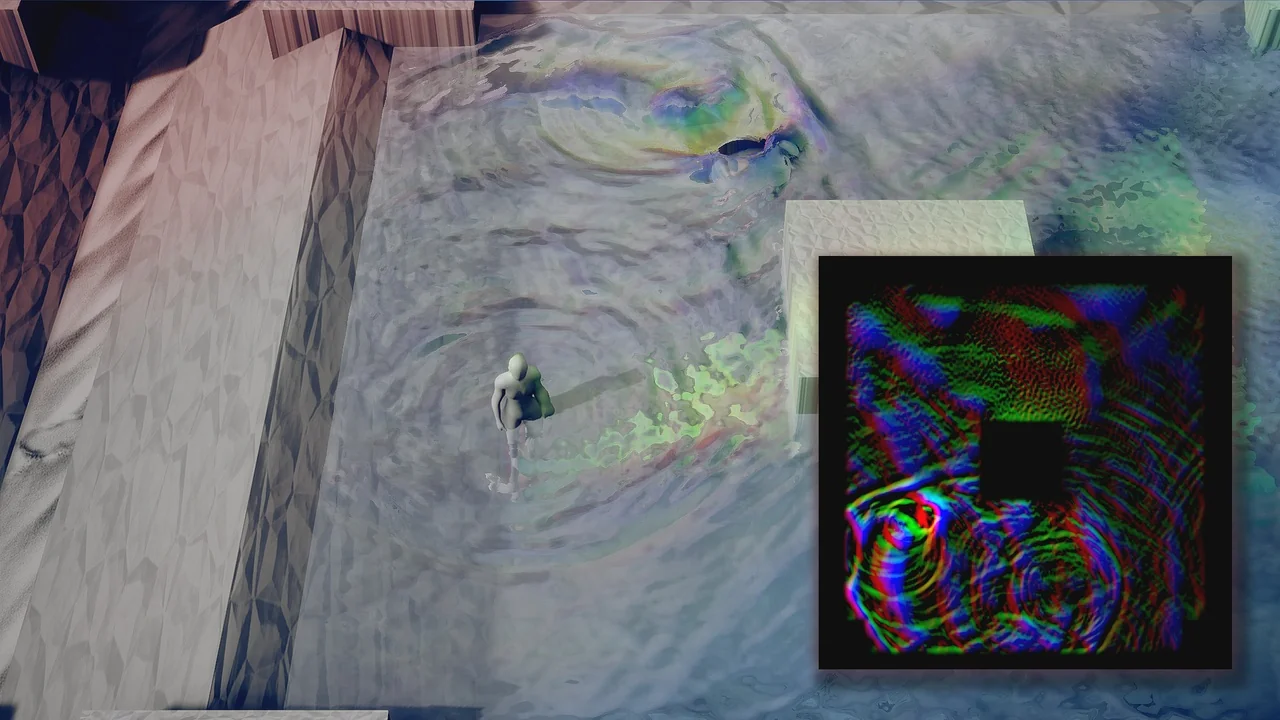
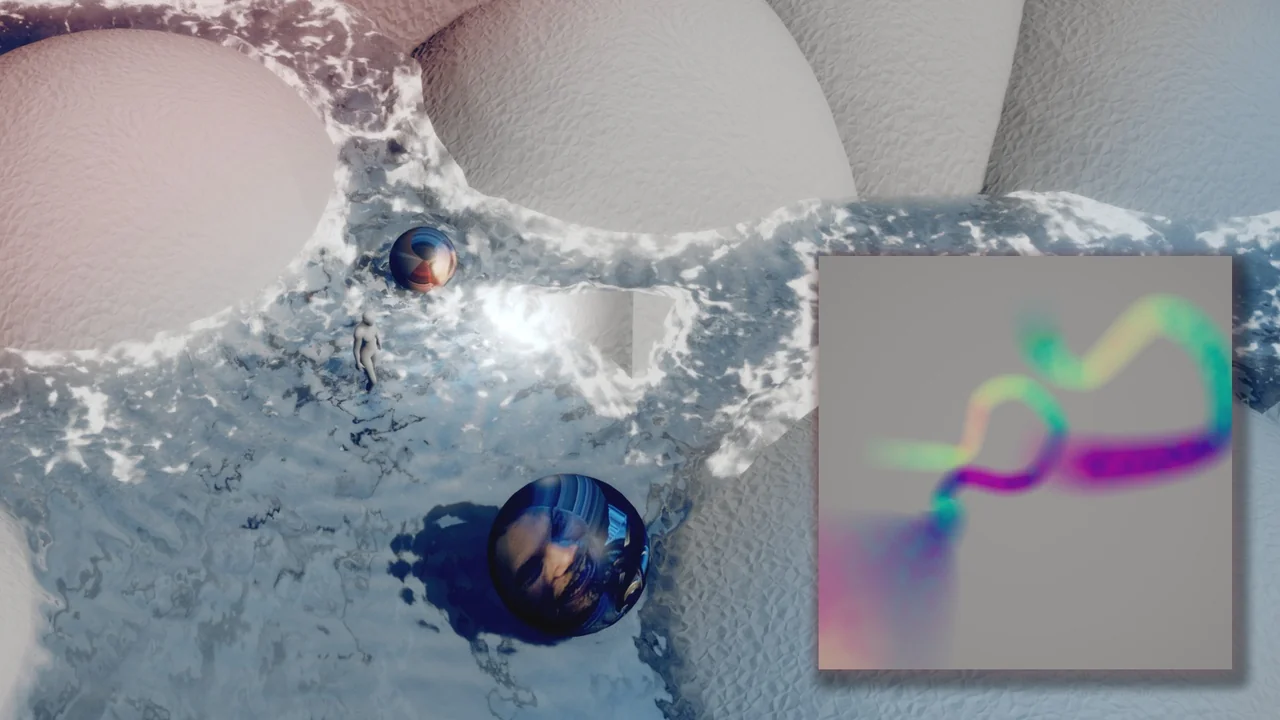
The system utilizes the power of NiagaraGrid2D and Runtime Virtual Textures (RVT) to drive its effects. Consequently, users can achieve realistic environmental reactions across various surfaces. Therefore, it serves as a comprehensive solution for creators looking to add physical depth to their game worlds.
Key Features and Simulation Capabilities
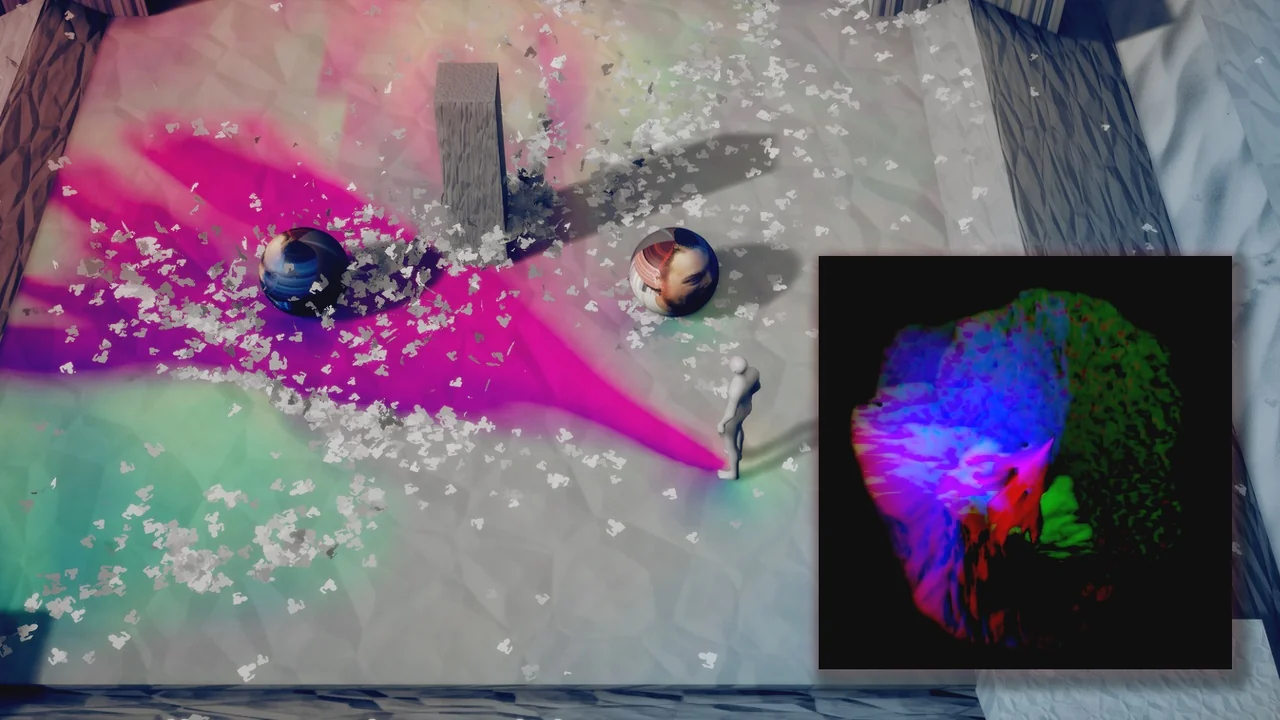
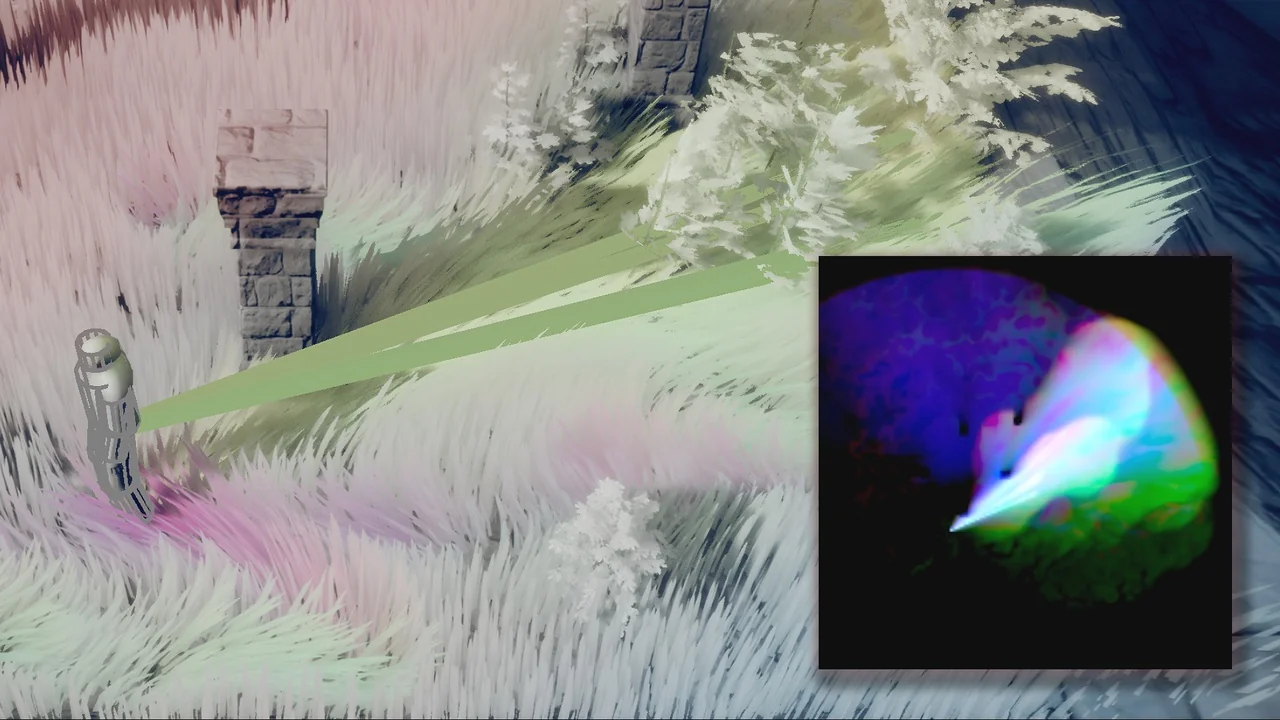
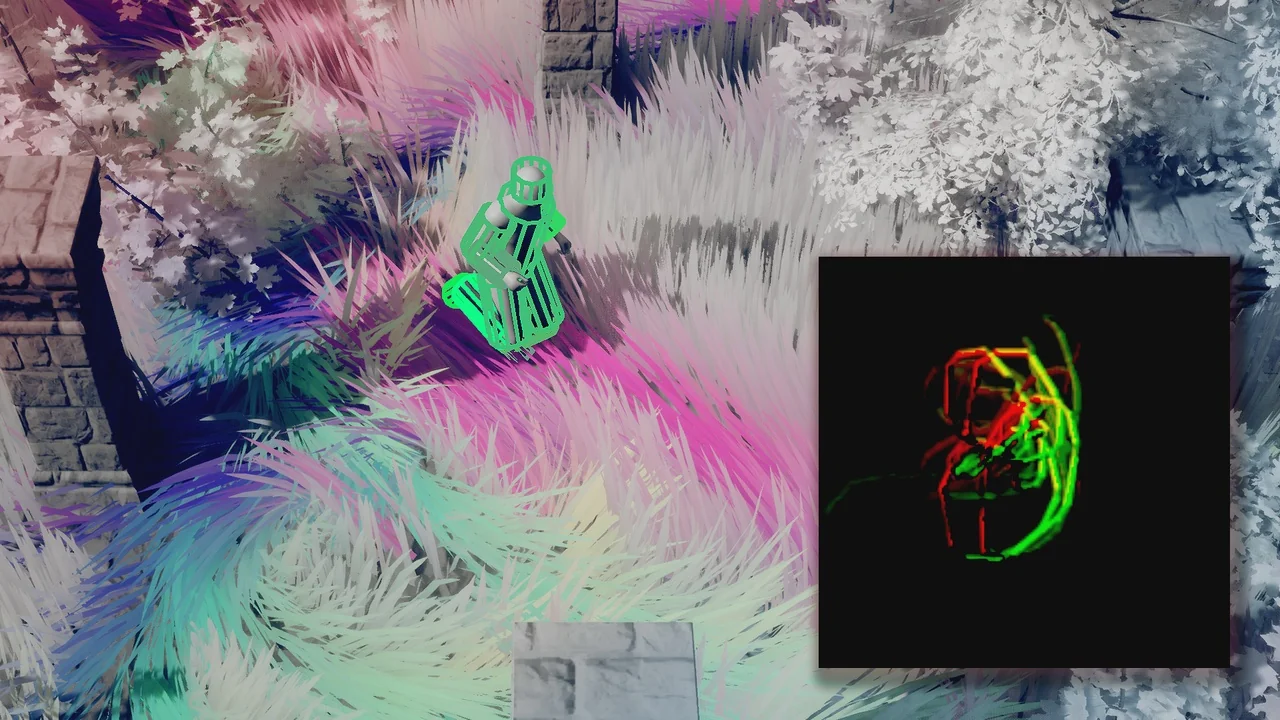
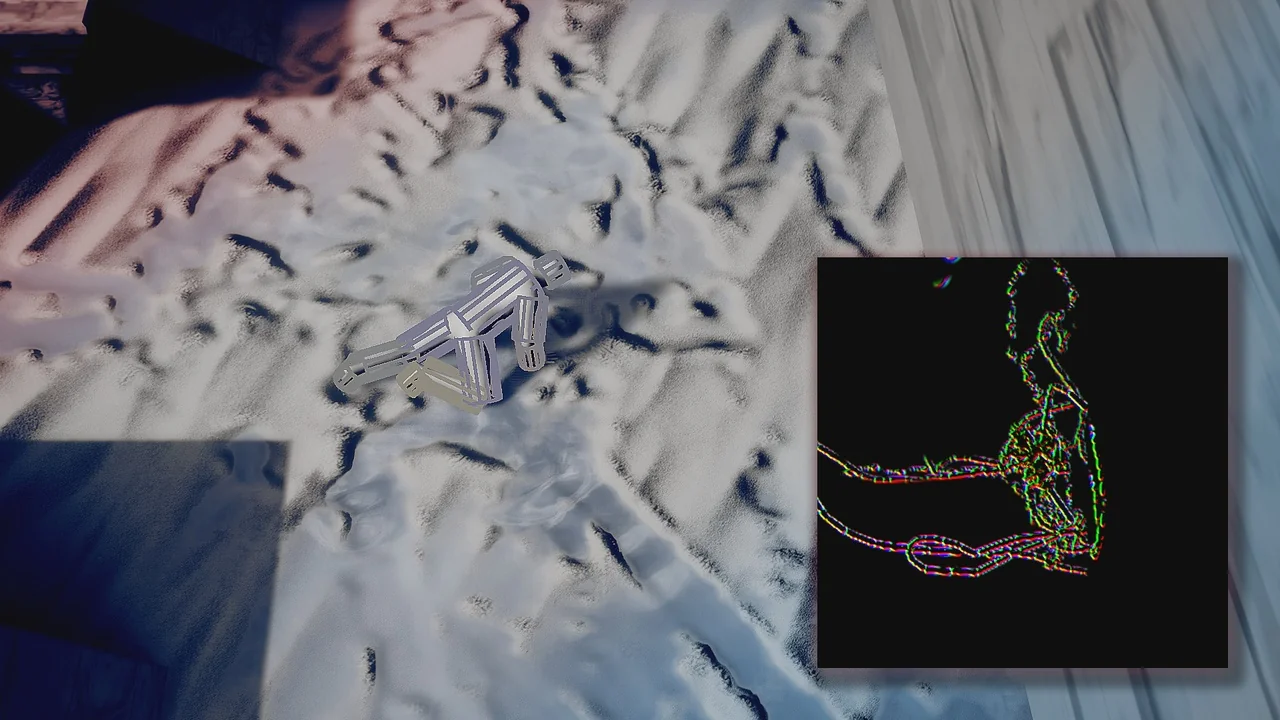
The developer has included several performant simulation types within the plugin. These features ensure that the environment feels alive and reactive to player movement. The main simulation categories include:
- Wind Simulations: Create dynamic air movement that affects the scene.
- Water and Surface Interactions: Realistic ripples and surface displacements.
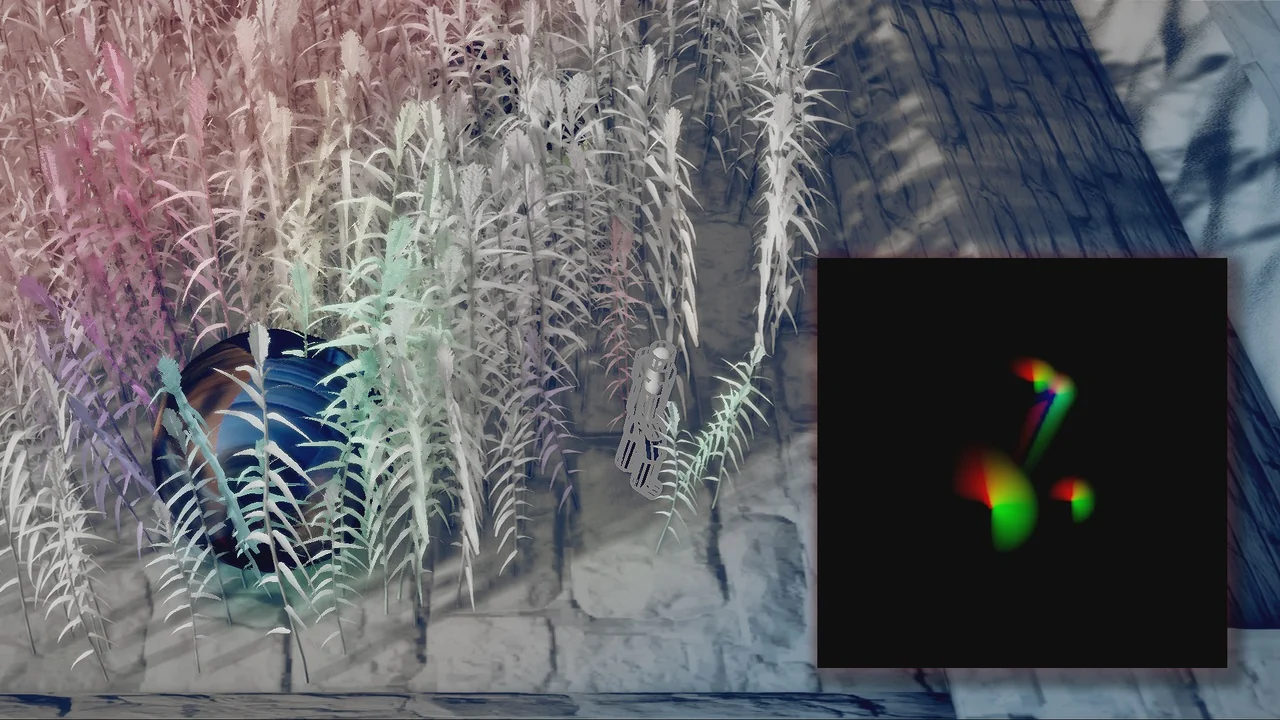
- Foliage Simulations: Interactive plants that react to external forces.
- Automatic Drawing: Drag-and-drop components make implementation seamless.
Moreover, the package includes a custom Pivot-Painting script. This script is easy to use and specifically designed for creating interactive foliage assets quickly. Because of these tools, developers can focus more on design and less on complex technical setups.
Setup and Technical Requirements
To use the Prismatiscape Interaction Plugin, you must ensure your project is properly configured. First, you must navigate to Project Settings and ensure that “Enable Virtual Texturing” is ticked. This step is essential for the Runtime Virtual Texture features to function correctly.
Additionally, users should be aware of a specific engine behavior during the initial setup. If you encounter a “Warning CreateExport” message upon the first project start-up, you should close the project immediately. You must not save any plugin Blueprints during this time. However, the errors will be permanently fixed once you reopen the project.
Workflow Best Practices
Maintaining your project during updates is straightforward if you follow the developer’s guidelines. Any changes made directly inside the Prismatiscape Interaction Plugin folder will be lost when updating to a new version. Therefore, it is highly recommended to create Child Classes for any assets you wish to override.
Alternatively, you can override variables directly in the Component Instances when they are added to your Actors. This approach ensures your custom settings remain intact throughout the development cycle. By following these practices, you can fully utilize the plugin’s capabilities while maintaining a clean and update-ready project structure.
Conclusion
The Prismatiscape Interaction Plugin offers a powerful and efficient way to handle global shader interactions in Unreal Engine 5.3+. Through the use of Niagara and RVT technologies, it provides indie developers with professional-grade simulation tools. Whether you are creating dense forests or reactive water bodies, this plugin simplifies the process of building immersive environments.
Screenshots & Gallery