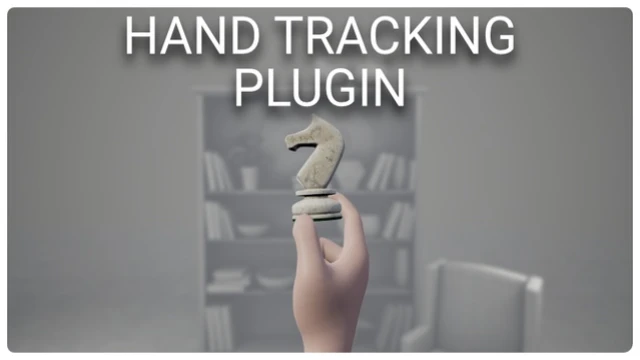
The Hand Tracking Plugin brings new hand tracking functionalities to the Meta Quest devices.
NOTE:
- To prevent anyone who has not acquired the plugin through the marketplace to make use of the discord server support we have to unfortunately verify our users. Once you join the discord server you will automatically be granted the role of “Not Verified” which only let’s you view the announcements and start-here channels. Accept the server rules and then make sure to email us the marketplace receipt at [email protected]. We will grant you the role “HT – Verified” as soon as possible and give you full access to the server.
- We do not support custom builds of the engine. The plugin will most likely work with custom builds of the engine (such as the Oculus branch) but you will be responsible for building the plugin yourself. You will have to be knowledgeable about Unreal’s build system and may need to dive into the plugin’s code.
- Who is the plugin for?
- The plugin is aimed at intermediate and advanced Unreal’s users. It tries its best to minimise the amount of code required by developers, however, it is very likely that you will make use of the plugin’s API to achieve specific features. As such you must be knowledgeable about blueprints and overall Unreal Engine systems/workflows (e.g. collisions, editor tools, components, interfaces and etc).
- Besides Unreal Engine specific knowledge you should also have some experience with VR and hand tracking. While the plugin makes creating hand tracking games/experiences easier it is still based on Meta’s integration of both VR and hand tracking. The latter means that if you are not somewhat comfortable in both areas you will struggle to use the plugin because of your own lack of knowledge.About the plugin
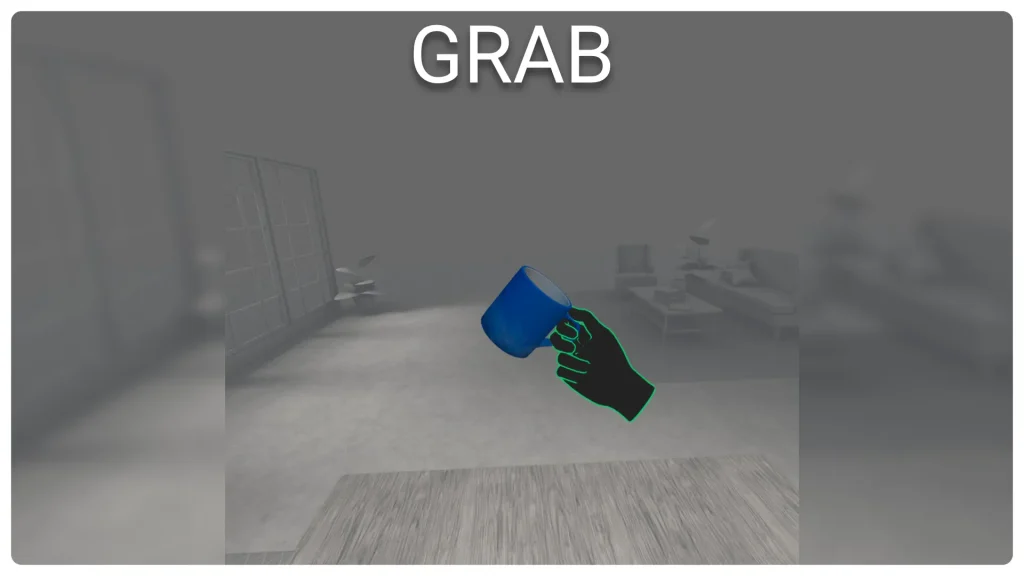
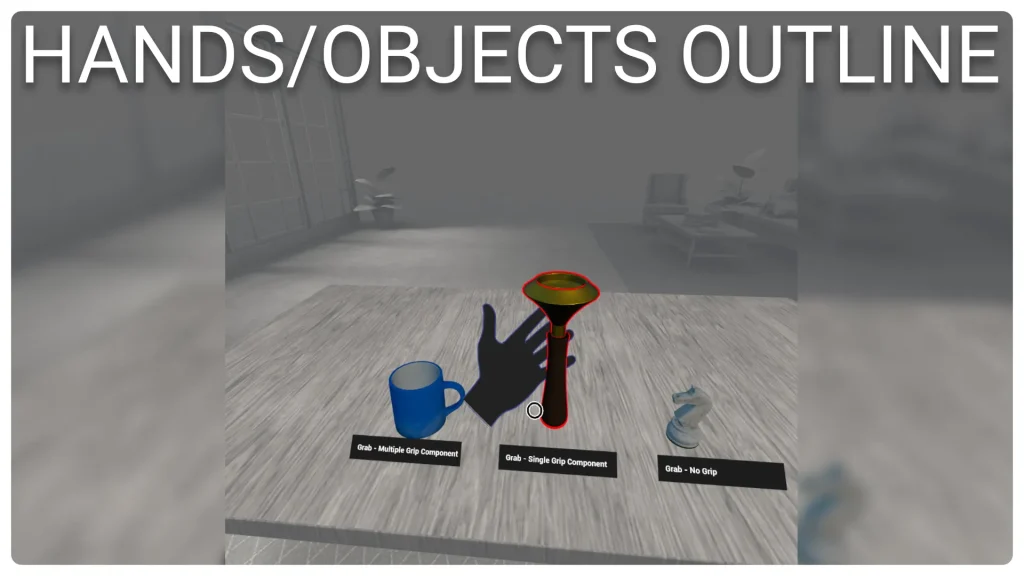
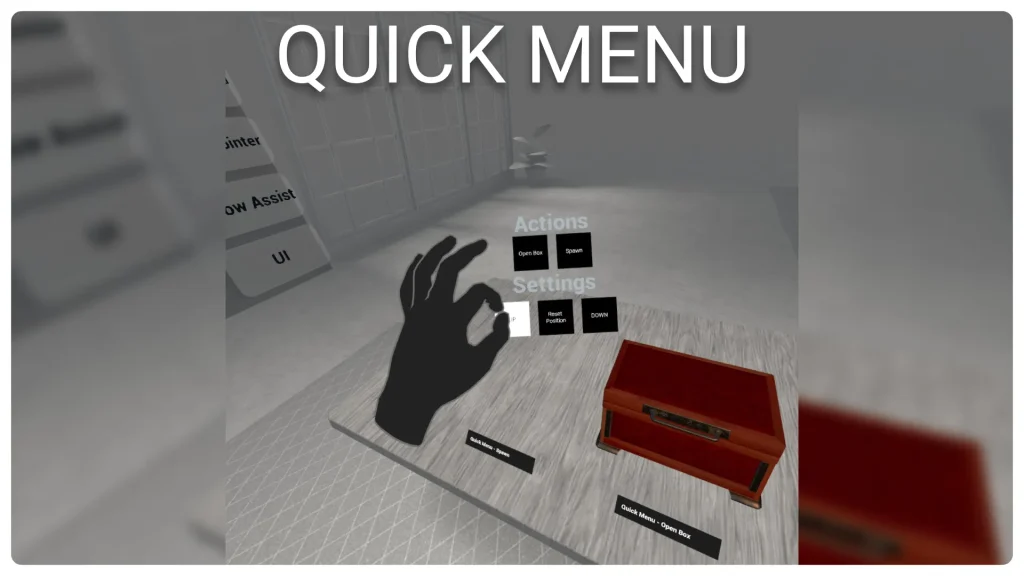
- The Hand Tracking Plugin brings a host of new features to hand tracking on the Meta Quest devices. Using the plugin you can easily integrate grabbing, locomotion, gesture recognition, outline effects for hands/objects, laser pointers to interact with widgets/objects, menus and UI elements.
- Using the custom hand component provided by the plugin you can turn on and off any of the features provided. Each of these features can be fine tuned with several properties to behave as you expect them to.
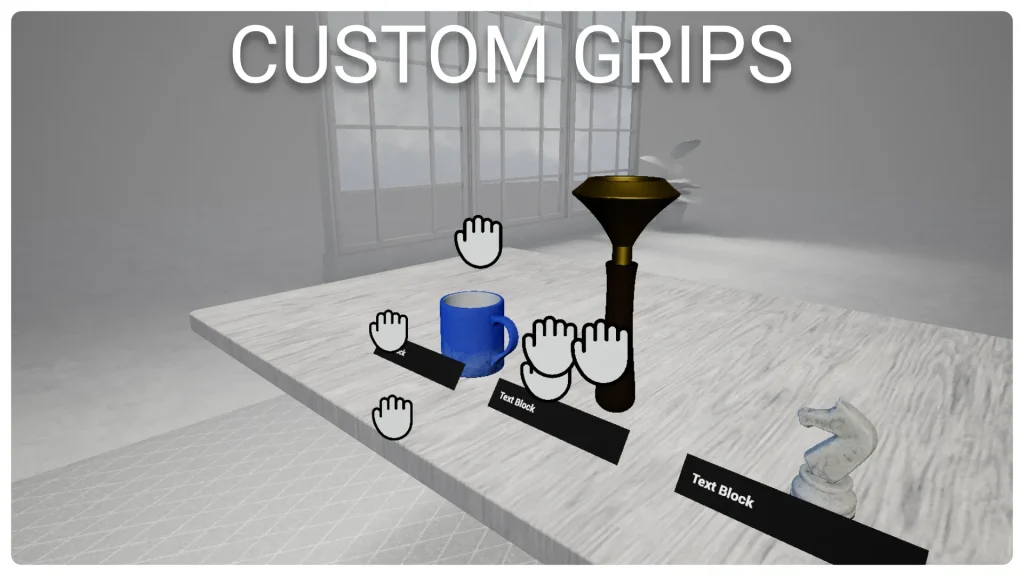
- The advanced grabbing system let you specify as many custom grips as you want for each actor both in blueprints and in the viewport. The grips will also let you detail what hand is allowed to grab, the hand pose to play and more. Thanks to the grips in editor tool you will be able to position the grips with precision and visualise in editor the final grip result.
- The laser pointers will provide widget interactions as well as objects interactions out of the box. Using the primary and secondary pinch actions you will be able to click and scroll through widgets as well as interact with objects in several ways. The plugin offers two out of the box examples of laser pointers (including a replica of the quest home one), however, you can create your own custom laser pointer class to make it look and feel the way you want.
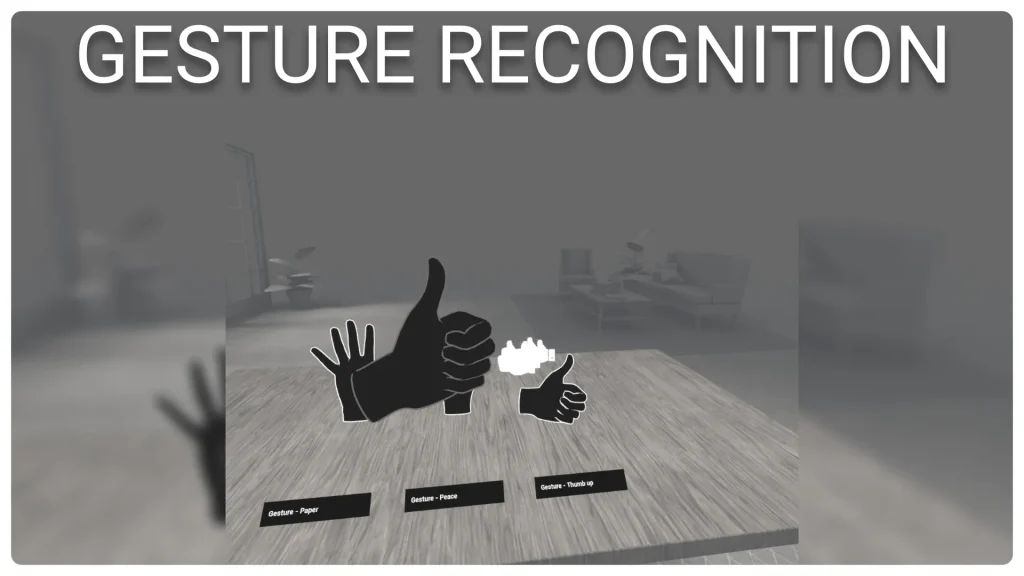
- The gesture recognition component allows to create custom gestures assets and recognise them at runtime. The custom in-editor tools of the component will let you easily pick the event to fire for each gesture when recognised.
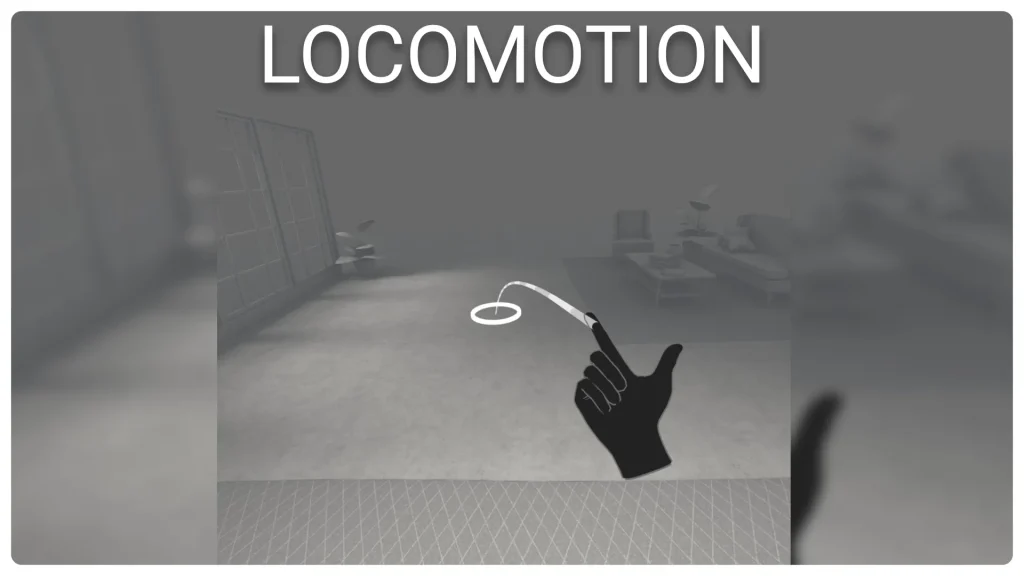
- The locomotion component will let you easily integrate movement and rotation in your pawn. Its many properties will let you customise what the locomotion looks like in VR and how it behaves.
Click here to view the full details of the resource.:URL

Click the button below to download.
Download: