Optimizing Large Data Displays in Unity
Managing extensive data lists within a user interface often presents performance challenges, particularly on mobile platforms where memory and processing power are limited. EnhancedScroller addresses these constraints by virtualizing data, a process that ensures only the elements currently visible to the user are active. Instead of instantiating thousands of UI elements simultaneously, the system uses a small pool of elements to represent thousands of rows. This efficiency reduces the processing load and significantly lowers memory consumption during runtime.
One of the core technical advantages of this system is the avoidance of object destruction. Because the scroller recycles list items rather than destroying and recreating them, the platform does not have to trigger frequent garbage collection cycles. This lead to a smoother user experience, as garbage collection is a common cause of frame rate stutters in Unity applications. The tool is designed to work directly on top of Unity’s built-in UI system components, allowing developers to integrate it into existing projects without abandoning standard UI workflows.
The MVC Approach to List Management
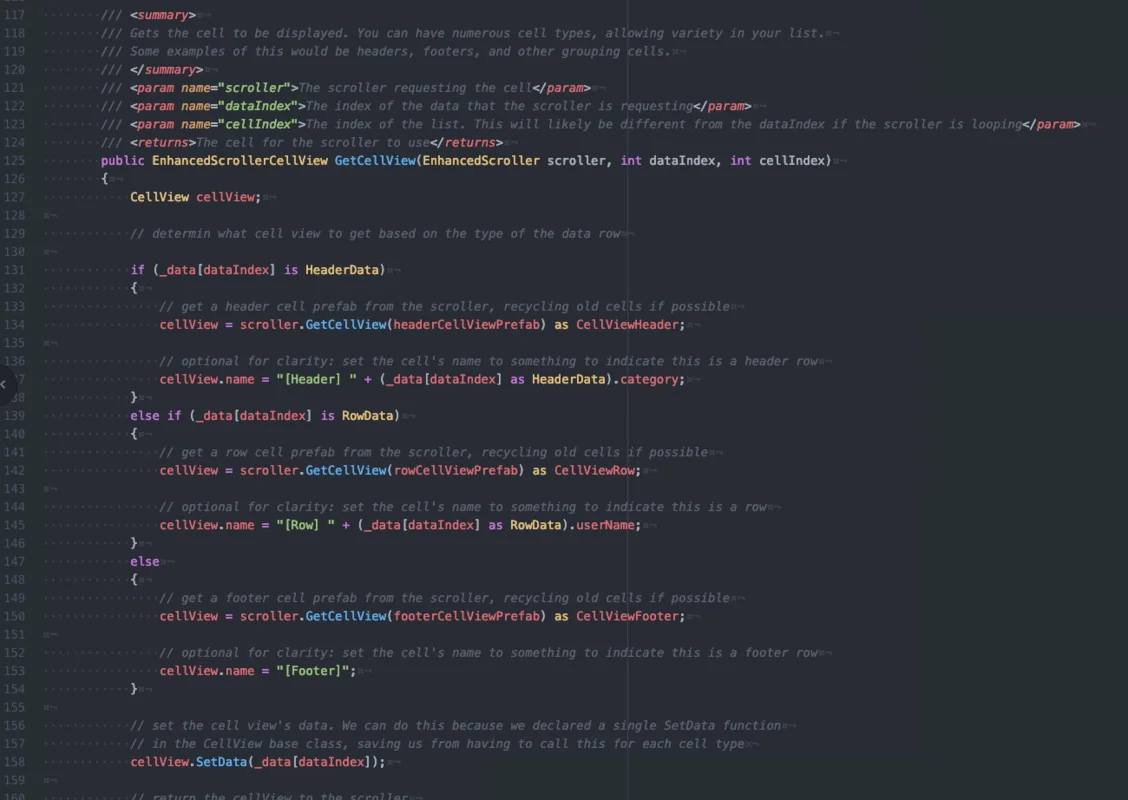
The architecture of EnhancedScroller follows a Model-View-Controller (MVC) framework, which enforces a strict separation of concerns. Under this paradigm, the scroller itself remains unaware of the specific data it displays or how that data is visually presented. Its primary responsibility is the management of the list mechanics. This separation allows for a cleaner codebase where the data logic and the visual cell representation are handled independently.
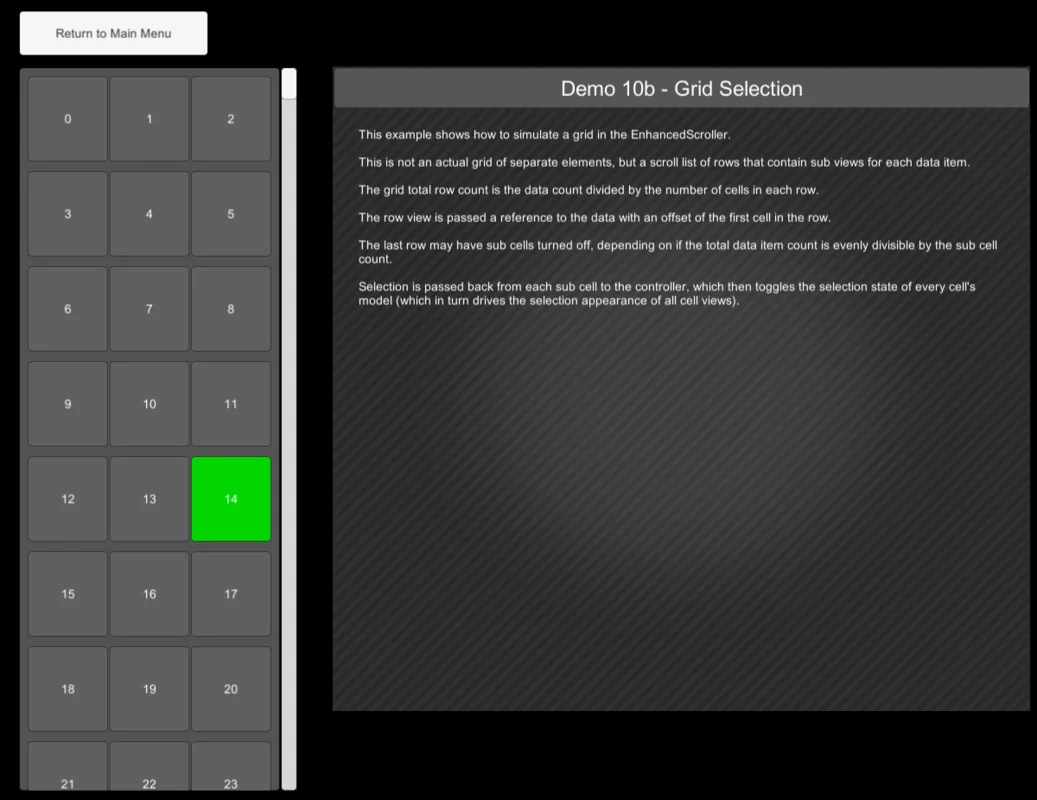
Lists are data-driven and generated dynamically. This means developers do not need to manually set up every list item at design time. Instead, the scroller populates the interface based on the data provided at runtime. This dynamic creation is essential for projects involving unpredictable data lengths or real-time updates, ensuring the UI remains responsive to the underlying data model.
Customization and Layout Control
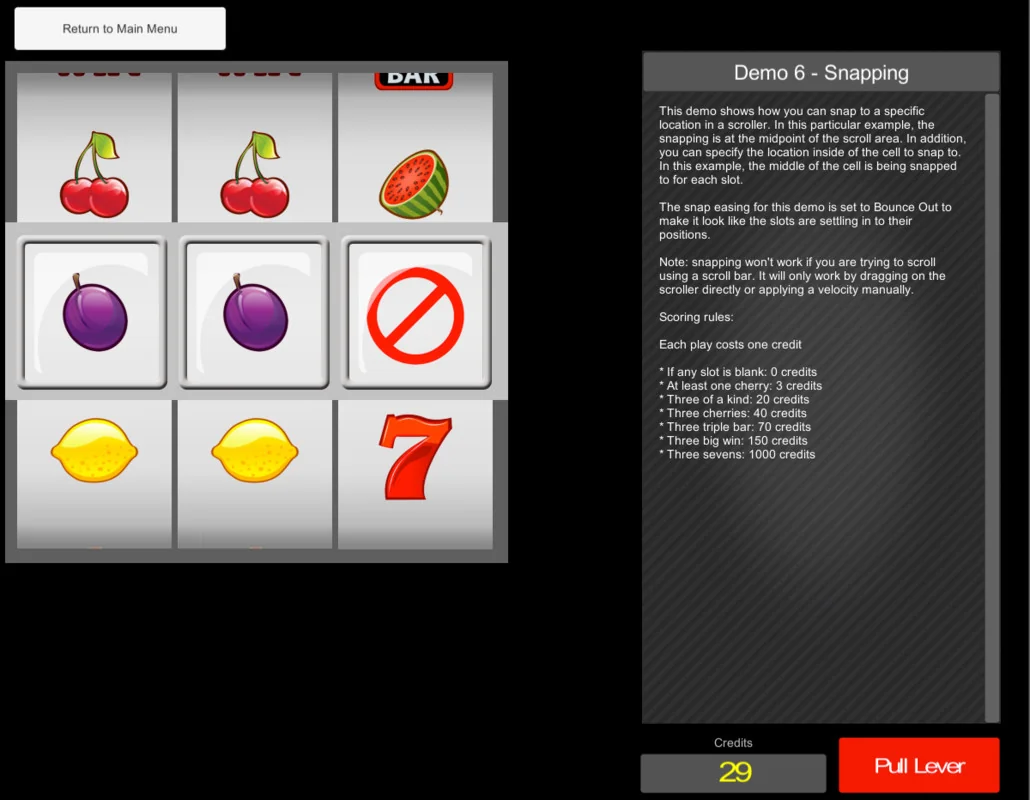
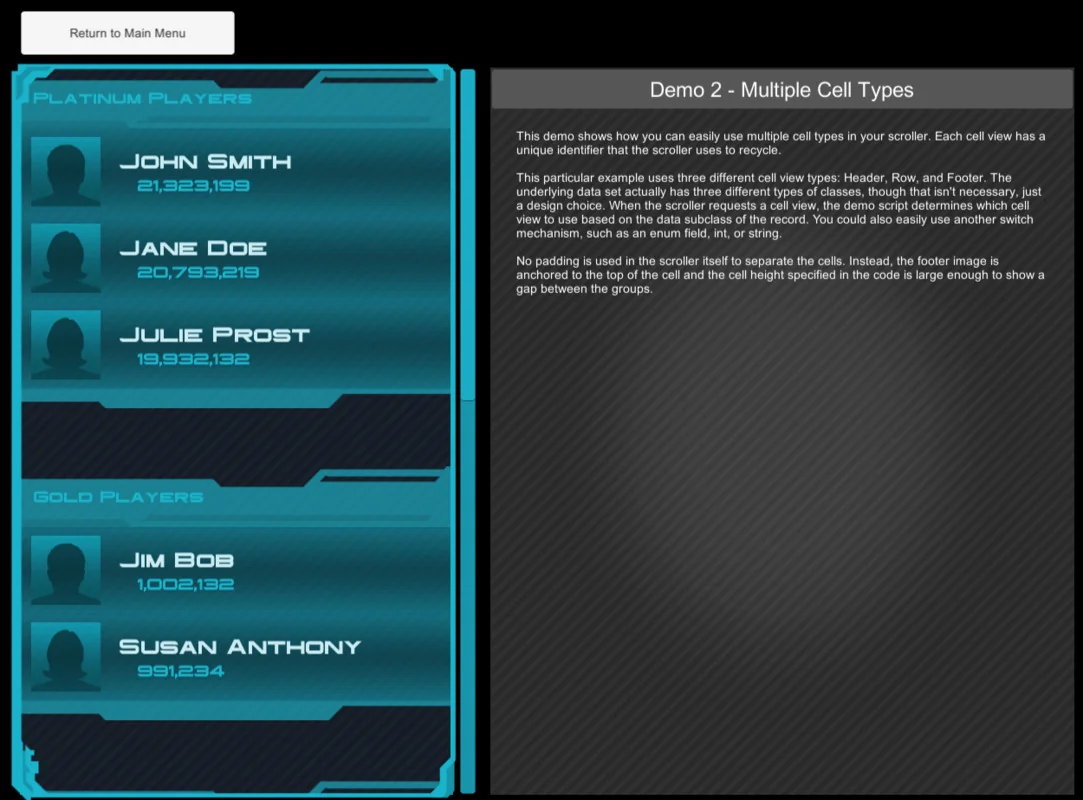
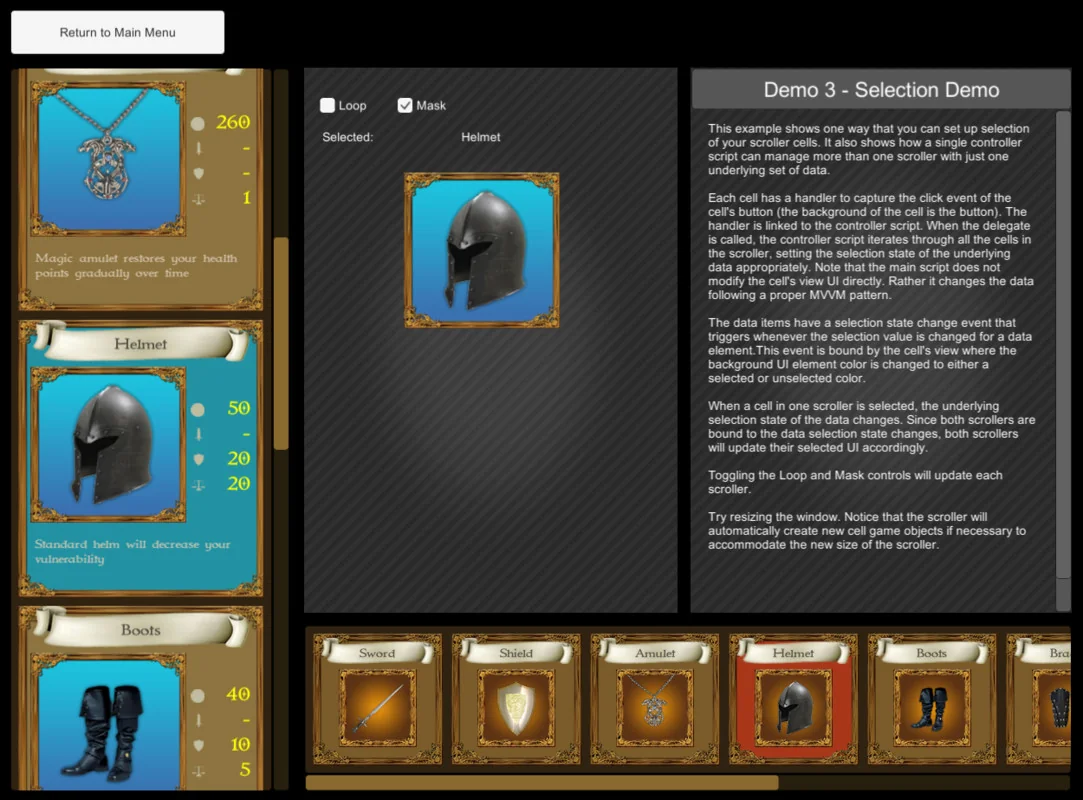
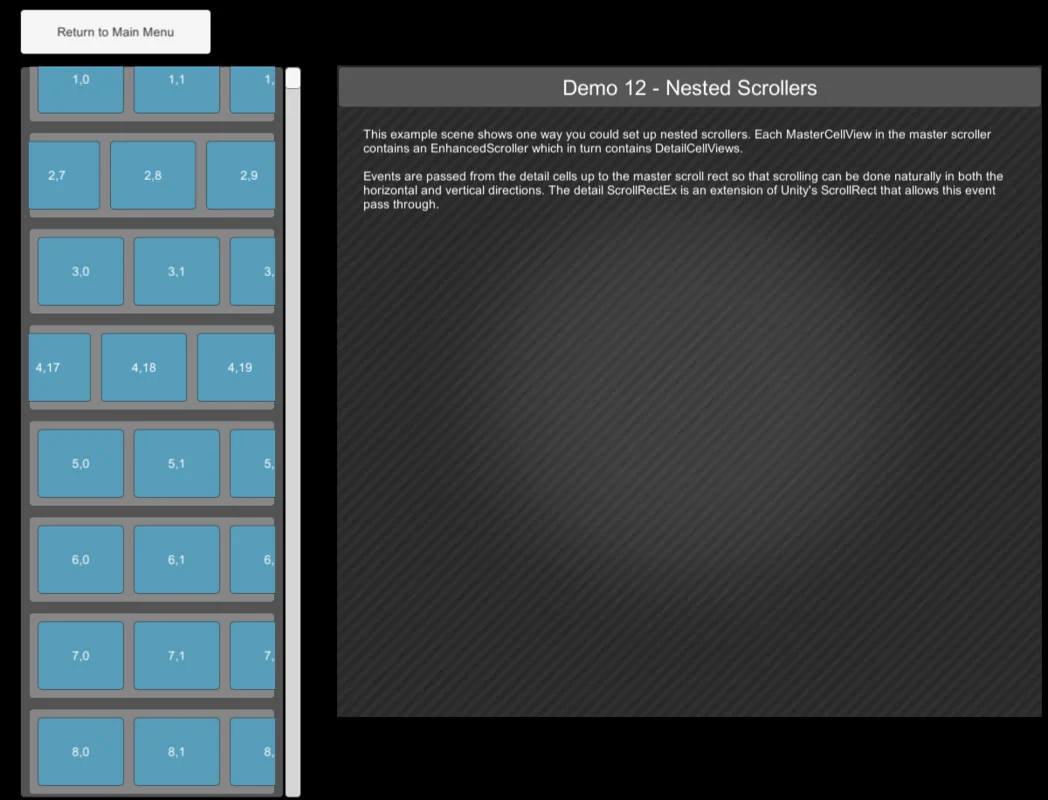
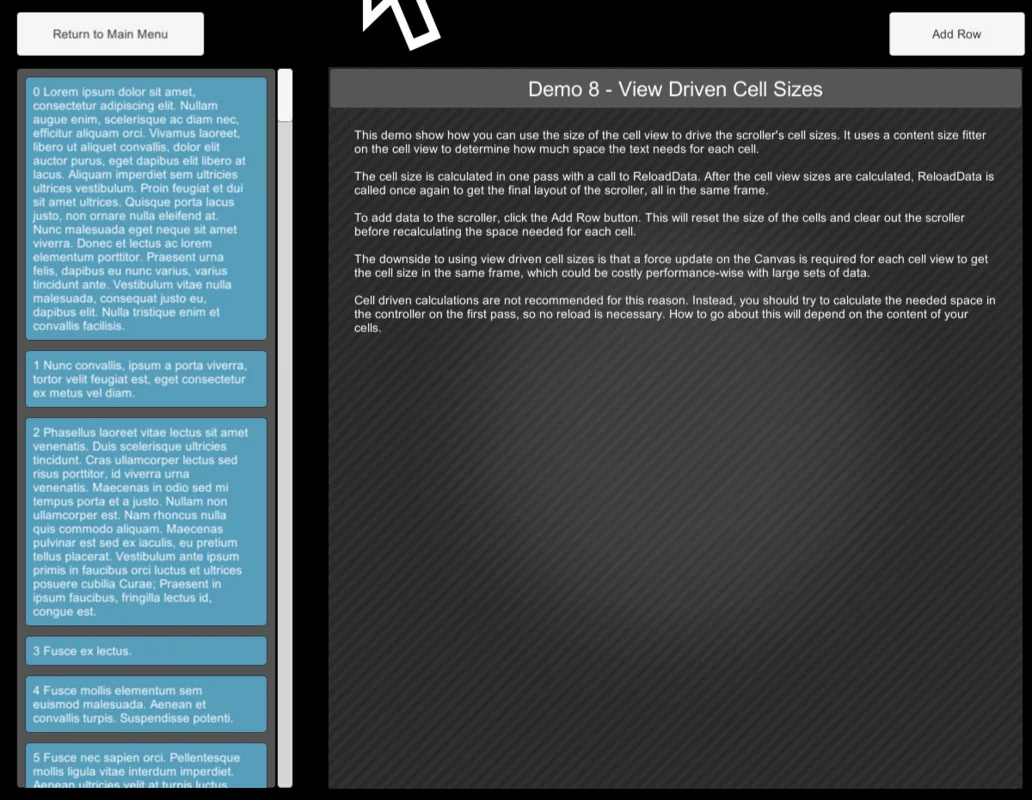
Flexibility in layout is maintained through support for both global and individual cell sizing. Developers can choose to have all cells share the same dimensions or assign unique sizes to each cell, accommodating diverse content types within a single list. To enhance the navigation experience, the tool includes optional snapping functionality. This allows the scroller to lock cells into specific positions, ensuring that items are always aligned correctly within the viewport.
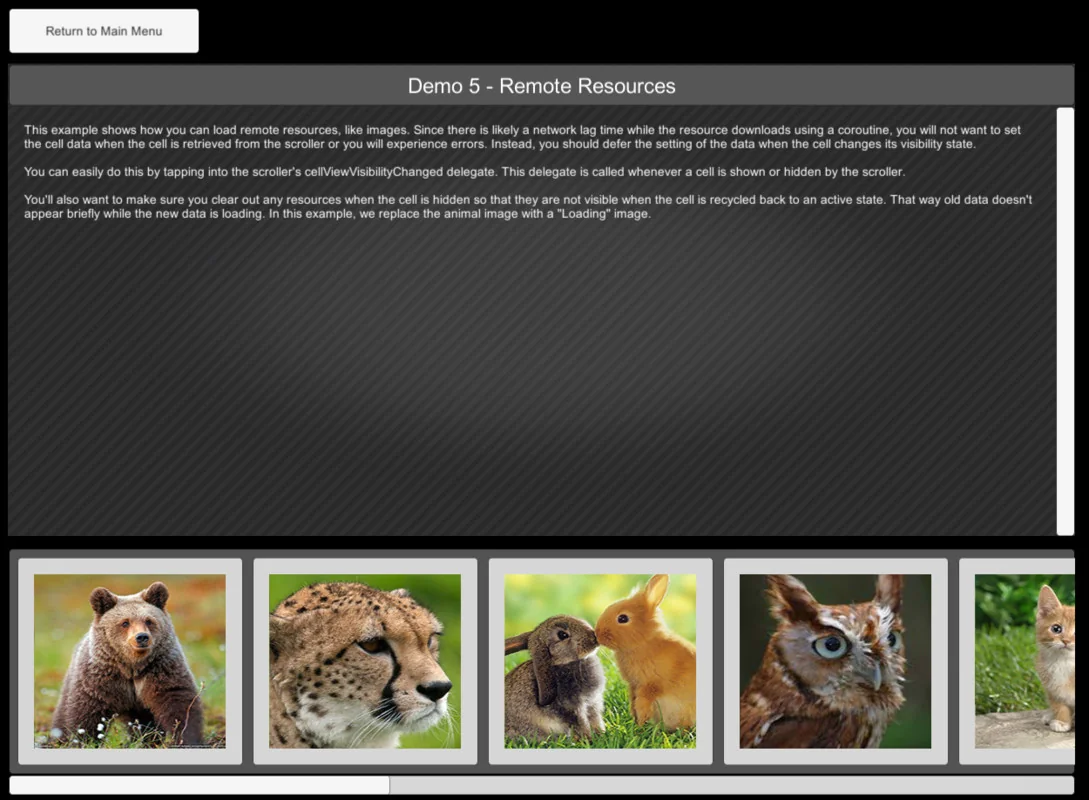
For projects requiring a continuous stream of information, an optional looping feature enables infinite lists. This is particularly useful for menus or galleries where the data needs to wrap around seamlessly. To smooth out the interaction, the scroller utilizes tweening for jumping and snapping transitions. These eased transitions prevent jarring movements when the scroller is forced to a specific index or when it settles into a snapped position.
Technical Implementation and Compatibility
The package includes 196 assets and provides the full C# source code, allowing for deep inspection and modification to suit specific project requirements. Because the source code is accessible, developers can better understand the underlying recycling logic and extend the MVC framework as needed. The asset also comes with demos and tutorials to illustrate different implementation scenarios, ranging from basic lists to complex dynamic layouts.
Compatibility spans several generations of the Unity engine, supporting versions from 2017.4.8 through to 6000.0.42. It is also designed to function across various render pipelines. Whether a project is utilizing the Built-in Render Pipeline, the Universal Render Pipeline (URP), or the High Definition Render Pipeline (HDRP), the tool maintains its functionality. It also supports Custom Scriptable Render Pipelines (SRP), making it a versatile choice for developers working across different visual standards and performance targets.
Resource Efficiency for Mobile Development
The focus on virtualization and recycling makes this tool specifically relevant for mobile-friendly development. By keeping the UI element count low, the scroller ensures that the draw call count remains manageable even when dealing with thousands of data points. This efficiency is critical for maintaining high frame rates on handheld devices. Because the scroller focuses purely on the management of the list and the recycling of the views, it provides a specialized solution for developers who need to bridge the gap between large data sets and performant Unity UI implementations.
Visual Breakdown
Protected download
Access this resource
All resources are 100% manually reviewed to eliminate all risks.