"6ac84fdb0bd06614"{"id":"1001233","slug":"dynamic-qte-system","title":"Dynamic QTE System","category":"Action-Adventure","engine":"5.0+","assetVersion":"","engineVersion":"Engine Version: 5.0+","tag":"Action-Adventure","accent":"blue","visual":"mech","summary":"Explore the Dynamic QTE System for Unreal Engine, featuring non-linear cinematic quick time events, MSL toolkit subsystems, and NPC-driven sequences.","platform":"Unreal Engine","publishedAt":"2026-09-21T03:40:52.960Z","updatedAt":"2026-09-21T03:40:52.960Z","sourceNotes":[],"fileContents":[],"compatibility":["Unreal Engine","Engine Version: 5.0+"],"featuredImage":{"alt":"Dynamic QTE System","src":"/wp-content/uploads/published/2026/09/dc69da09122c-09594aa3-a75c-4c31-be50-6d617a4b9e72-24a2b26565.webp"},"hasDownloadLink":true,"downloads":0,"terms":[{"taxonomy":"category","slug":"action-adventure","name":"Action-Adventure"}],"galleryImages":[{"src":"/wp-content/uploads/published/2026/09/4d6ca98cce4d-9ff74946-3ac7-4143-afb2-f619e43a5abe-123ae06e56.webp","alt":"Dynamic QTE System"},{"src":"/wp-content/uploads/published/2026/09/80b745f23fc6-c0358442-4504-4483-bd82-5922c7d24727-079b656467.webp","alt":"Dynamic QTE System"},{"src":"/wp-content/uploads/published/2026/09/7a2678e83c53-0bc72dd3-d6ba-4b94-bb28-44dd93a71cd0-8e6ae1413e.webp","alt":"Dynamic QTE System"},{"src":"/wp-content/uploads/published/2026/09/6ce385fc5bd9-6ab28cd6-eaa5-46a7-a333-b549dbb65b4d-4f0b5576fe.webp","alt":"Dynamic QTE System"},{"src":"/wp-content/uploads/published/2026/09/601c7c149d50-f8519f19-9497-4acc-8398-da8323ea8c65-7e1da378a2.webp","alt":"Dynamic QTE System"}],"accessPanel":{"kind":"resource","title":"Download this resource","eyebrow":"Free Download","message":"Log in or create a free account to start your download.","fileName":"Content.7z","safetyNote":"Resources are manually reviewed before listing to improve quality and reduce obvious risks.","actionLabel":"Download Free","resourceType":"Resource archive"},"contentHtml":"\u003cp\u003eIntegrating quick time events into a project requires balancing visual timing, input windows, and outcome branching. The Dynamic QTE System operates as a dynamic and cinematic QTE builder inside Unreal Engine, rebuilt and upgraded from earlier foundations to give developers direct control over non-linear scene progression. Working with this system requires at least a baseline knowledge of Blueprint scripting. The architecture is structured for developers comfortable working in node-based gameplay scripting rather than complete engine newcomers, as setting up and customizing complex branching trees depends on navigating its modular logic assets.\u003c/p\u003e \u003ch2\u003eBlueprint Architecture and MSL Toolkit Subsystem Integration\u003c/h2\u003e\n\u003cp\u003eThe system embeds specialized subsystems derived from the MSL toolkit to manage input calculations and execution checks. Rather than forcing creators to write custom timing loops, listener components, and evaluation triggers for every individual sequence, these subsystems handle the underlying mathematical calculations for inputs automatically. This modular Blueprint setup keeps event triggering clean and predictable across varied gameplay encounters.\u003c/p\u003e \u003cp\u003eBecause the builder logic is entirely editable, creators can modify the parameters governing each action window. Developers can adjust timing precision, failure thresholds, and success conditions directly within the Blueprints. This foundational architecture accommodates varied pacing styles, whether an encounter demands rapid-fire reflex challenges or extended, cinematic moments where the player responds to visual prompts at deliberate intervals.\u003c/p\u003e \u003ch2\u003eBuilding Non-Linear QTE Scenes and Dynamic Branches\u003c/h2\u003e\n\u003cp\u003eStandard quick time events often follow a rigid binary pattern where a player either inputs the correct prompt or fails immediately. The Dynamic QTE System expands this paradigm into complex, non-linear QTE scenes featuring multi-tiered consequences and diverse condition checks. Instead of cycling through a static sequence, events can split into separate visual and mechanical branches depending on how and when an action occurs.\u003c/p\u003e \u003cp\u003eResults are fully editable within the editor. Designers can tie scene outcomes to precise conditions, such as earlier player performance, environment states, or specific combat actions. A single sequence can transition smoothly into multiple divergent scenes without abrupt cuts or broken visual states. By firing customized events along the timeline, the system supports seamless scene flow, ensuring that camera shifts, character animations, and environmental reactions remain synchronized throughout each interactive beat.\u003c/p\u003e \u003ch2\u003eExecuting Autonomous NPC and Background Actor Sequences\u003c/h2\u003e\n\u003cp\u003eOne notable capability of the framework is its support for scenes that execute entirely without player input or a player character. Any actor in the level can take on roles inside an interactive scene. This structure enables background actors and non-player characters (NPCs) to engage in dynamic, choreographed sequences independently.\u003c/p\u003e \u003cp\u003eIn practice, developers can script complex cinematic interactions between enemies, bystanders, or ambient creatures using the exact same QTE builder logic. The system processes these events without waiting for controller or keyboard events, driving realistic character animations and staged set-pieces in real time. This functionality allows world-building elements and scripted cutscenes to maintain the visual fidelity of player-driven quick time events while running autonomously in the background.\u003c/p\u003e \u003ch2\u003eModularity and Multi-Toolkit Gameplay Pipelines\u003c/h2\u003e\n\u003cp\u003eConstructed as a modular, animated, and realistic interactive toolkit, the framework is adaptable across several genres. Because the core logic separates input calculation from scene execution, it functions effectively alongside complementary systems such as the Easy AI Toolkit. The developer has also integrated concepts and compatibility profiles across related assets, including the Locomotion Easy Toolkit, Ultra Combo Toolkit, RPG Stats, DLG Tree/Quest, and Multiplayer Ragdoll packages.\u003c/p\u003e \u003cp\u003eWhen combined into a broader gameplay pipeline, the dynamic QTE builder can bridge standard combat or dialogue mechanics with high-impact narrative events. An AI encounter managed by an AI toolkit can trigger a dynamic QTE transition seamlessly when specific combat conditions are met, shifting the character into a choreographed interactive scene before returning control back to regular gameplay loops.\u003c/p\u003e \u003ch2\u003eEngine Version Compatibility and Long-Term Maintenance\u003c/h2\u003e\n\u003cp\u003eThe Dynamic QTE System supports Unreal Engine versions spanning from 4.19.2 through 4.24 and beyond. In standard Unreal Engine workflows, projects built on earlier versions transition upward into newer engine builds by default without requiring immediate overhauls. However, engine updates periodically modify core internal functions, which can cause unexpected compilation or runtime errors when migrating assets forward.\u003c/p\u003e \u003cp\u003eWhen unexpected function discrepancies arise in newer engine releases, the Blueprint logic is exposed for direct troubleshooting and quick fixes. Developers integrating the asset have access to playable demonstration builds and dedicated video tutorial playlists to inspect working configurations. Community support channels and direct email communication provide pathways for technical assistance, ensuring that interactive scenes, timing calculations, and actor bindings remain functional across project production cycles.\u003c/p\u003e\n\n\u003ch2\u003eRelated Resources Worth Checking\u003c/h2\u003e\n\u003cul\u003e\n\u003cli\u003e\u003ca href=\"https://3dcghub.com/advanced-locomotion-system-v4/\" title=\"Advanced Locomotion System V4\"\u003eAdvanced Locomotion System V4\u003c/a\u003e\u003c/li\u003e\n\u003cli\u003e\u003ca href=\"https://3dcghub.com/demonstrating-animation-blueprints-and-ai-for-gameplay-designers/\" title=\"Demonstrating Animation Blueprints and AI for Gameplay Designers\"\u003eDemonstrating Animation Blueprints and AI for Gameplay Designers\u003c/a\u003e\u003c/li\u003e\n\u003cli\u003e\u003ca href=\"https://3dcghub.com/asc-teuthisan/\" title=\"ASC Teuthisan\"\u003eASC Teuthisan\u003c/a\u003e\u003c/li\u003e\n\u003cli\u003e\u003ca href=\"https://3dcghub.com/enhanced-movement-system/\" title=\"Enhanced Movement System\"\u003eEnhanced Movement System\u003c/a\u003e\u003c/li\u003e\n\u003cli\u003e\u003ca href=\"https://3dcghub.com/fantasy-girls-pack-2/\" title=\"Fantasy Girls Pack\"\u003eFantasy Girls Pack\u003c/a\u003e\u003c/li\u003e\n\u003c/ul\u003e","contentTextLength":5662,"navigation":{"current":6,"total":3181,"previous":{"id":"1001234","slug":"dynamic-ragdoll","title":"Dynamic Ragdoll","category":"Action-Adventure","platform":"Unreal Engine","updatedAt":"2026-09-21T03:43:09.332Z"},"next":{"id":"1001232","slug":"dynamic-orbs-system","title":"Dynamic Orbs System","category":"Weapons \u0026 Combat","platform":"Unreal Engine","updatedAt":"2026-09-21T03:37:02.772Z"}},"relatedResources":[{"id":"1001235","slug":"easy-ai-toolkit","title":"Easy AI Toolkit","category":"Action-Adventure","engine":"5.0+","assetVersion":"","engineVersion":"Engine Version: 5.0+","tag":"Action-Adventure","accent":"blue","visual":"mech","summary":"Explore the Easy AI Toolkit for Unreal Engine, featuring modular actor navigation, controller lifecycle controls, and dynamic behavior tree swapping.","platform":"Unreal Engine","publishedAt":"2026-09-21T03:45:03.291Z","updatedAt":"2026-09-21T03:45:03.291Z","sourceNotes":[],"fileContents":[],"compatibility":["Unreal Engine","Engine Version: 5.0+"],"featuredImage":{"alt":"Easy AI Toolkit","src":"/wp-content/uploads/published/2026/09/2ea23c1fb0c2-05ef4a20-03f1-4d9a-832b-7ce6083cdc69-d6a85e3559.webp"},"hasDownloadLink":true,"downloads":0},{"id":"1001234","slug":"dynamic-ragdoll","title":"Dynamic Ragdoll","category":"Action-Adventure","engine":"5.0+","assetVersion":"","engineVersion":"Engine Version: 5.0+","tag":"Action-Adventure","accent":"blue","visual":"mech","summary":"Explore the Dynamic Ragdoll component for Unreal Engine, blending physics-driven movement with capsule navigation, grabbing, and static mesh grappling.","platform":"Unreal Engine","publishedAt":"2026-09-21T03:43:09.332Z","updatedAt":"2026-09-21T03:43:09.332Z","sourceNotes":[],"fileContents":[],"compatibility":["Unreal Engine","Engine Version: 5.0+"],"featuredImage":{"alt":"Dynamic Ragdoll","src":"/wp-content/uploads/published/2026/09/6824929db97d-78b6c3bc-6964-4151-a8be-5208c1911bd3-2af4fd9652.webp"},"hasDownloadLink":true,"downloads":0},{"id":"1001226","slug":"advanced-locomotion-system-v4","title":"Advanced Locomotion System V4","category":"Action-Adventure","engine":"5.0+","assetVersion":"","engineVersion":"Engine Version: 5.0+","tag":"Action-Adventure","accent":"blue","visual":"animation","summary":"Technical breakdown of Advanced Locomotion System V4 for Unreal Engine 4, covering curve-driven movement, layered AnimBP logic, and dynamic mantling.","platform":"Unreal Engine","publishedAt":"2026-09-21T03:20:36.125Z","updatedAt":"2026-09-21T03:20:36.125Z","sourceNotes":[],"fileContents":[],"compatibility":["Unreal Engine","Engine Version: 5.0+"],"featuredImage":{"alt":"Advanced Locomotion System V4","src":"/wp-content/uploads/published/2026/09/51c36ad1f441-ab404707-41ee-416b-828a-8d4b1f1bf80d-f9556d70e9.webp"},"hasDownloadLink":true,"downloads":0}]}
Action-Adventure
Dynamic QTE System
Explore the Dynamic QTE System for Unreal Engine, featuring non-linear cinematic quick time events, MSL toolkit subsystems, and NPC-driven sequences.
Integrating quick time events into a project requires balancing visual timing, input windows, and outcome branching. The Dynamic QTE System operates as a dynamic and cinematic QTE builder inside Unreal Engine, rebuilt and upgraded from earlier foundations to give developers direct control over non-linear scene progression. Working with this system requires at least a baseline knowledge of Blueprint scripting. The architecture is structured for developers comfortable working in node-based gameplay scripting rather than complete engine newcomers, as setting up and customizing complex branching trees depends on navigating its modular logic assets.
Blueprint Architecture and MSL Toolkit Subsystem Integration
The system embeds specialized subsystems derived from the MSL toolkit to manage input calculations and execution checks. Rather than forcing creators to write custom timing loops, listener components, and evaluation triggers for every individual sequence, these subsystems handle the underlying mathematical calculations for inputs automatically. This modular Blueprint setup keeps event triggering clean and predictable across varied gameplay encounters.
Because the builder logic is entirely editable, creators can modify the parameters governing each action window. Developers can adjust timing precision, failure thresholds, and success conditions directly within the Blueprints. This foundational architecture accommodates varied pacing styles, whether an encounter demands rapid-fire reflex challenges or extended, cinematic moments where the player responds to visual prompts at deliberate intervals.
Building Non-Linear QTE Scenes and Dynamic Branches
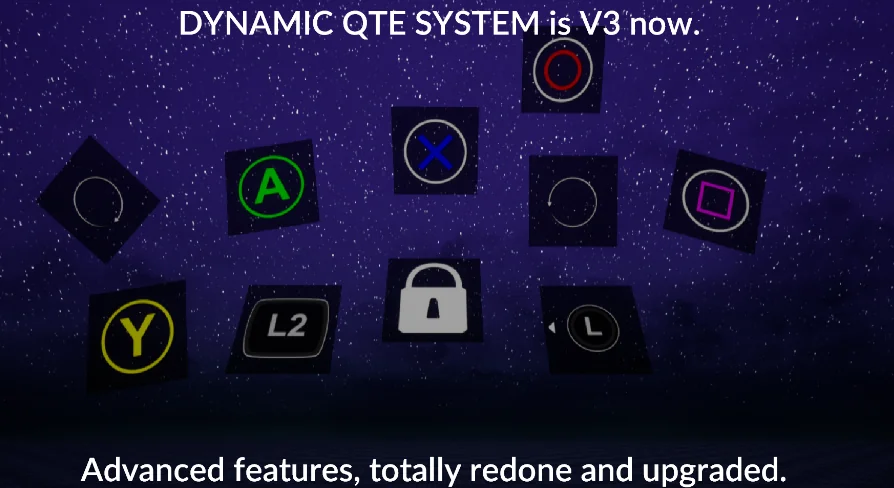
Standard quick time events often follow a rigid binary pattern where a player either inputs the correct prompt or fails immediately. The Dynamic QTE System expands this paradigm into complex, non-linear QTE scenes featuring multi-tiered consequences and diverse condition checks. Instead of cycling through a static sequence, events can split into separate visual and mechanical branches depending on how and when an action occurs.
Results are fully editable within the editor. Designers can tie scene outcomes to precise conditions, such as earlier player performance, environment states, or specific combat actions. A single sequence can transition smoothly into multiple divergent scenes without abrupt cuts or broken visual states. By firing customized events along the timeline, the system supports seamless scene flow, ensuring that camera shifts, character animations, and environmental reactions remain synchronized throughout each interactive beat.
Executing Autonomous NPC and Background Actor Sequences
One notable capability of the framework is its support for scenes that execute entirely without player input or a player character. Any actor in the level can take on roles inside an interactive scene. This structure enables background actors and non-player characters (NPCs) to engage in dynamic, choreographed sequences independently.
In practice, developers can script complex cinematic interactions between enemies, bystanders, or ambient creatures using the exact same QTE builder logic. The system processes these events without waiting for controller or keyboard events, driving realistic character animations and staged set-pieces in real time. This functionality allows world-building elements and scripted cutscenes to maintain the visual fidelity of player-driven quick time events while running autonomously in the background.
Modularity and Multi-Toolkit Gameplay Pipelines
Constructed as a modular, animated, and realistic interactive toolkit, the framework is adaptable across several genres. Because the core logic separates input calculation from scene execution, it functions effectively alongside complementary systems such as the Easy AI Toolkit. The developer has also integrated concepts and compatibility profiles across related assets, including the Locomotion Easy Toolkit, Ultra Combo Toolkit, RPG Stats, DLG Tree/Quest, and Multiplayer Ragdoll packages.
When combined into a broader gameplay pipeline, the dynamic QTE builder can bridge standard combat or dialogue mechanics with high-impact narrative events. An AI encounter managed by an AI toolkit can trigger a dynamic QTE transition seamlessly when specific combat conditions are met, shifting the character into a choreographed interactive scene before returning control back to regular gameplay loops.
Engine Version Compatibility and Long-Term Maintenance
The Dynamic QTE System supports Unreal Engine versions spanning from 4.19.2 through 4.24 and beyond. In standard Unreal Engine workflows, projects built on earlier versions transition upward into newer engine builds by default without requiring immediate overhauls. However, engine updates periodically modify core internal functions, which can cause unexpected compilation or runtime errors when migrating assets forward.
When unexpected function discrepancies arise in newer engine releases, the Blueprint logic is exposed for direct troubleshooting and quick fixes. Developers integrating the asset have access to playable demonstration builds and dedicated video tutorial playlists to inspect working configurations. Community support channels and direct email communication provide pathways for technical assistance, ensuring that interactive scenes, timing calculations, and actor bindings remain functional across project production cycles.
 Action-Adventure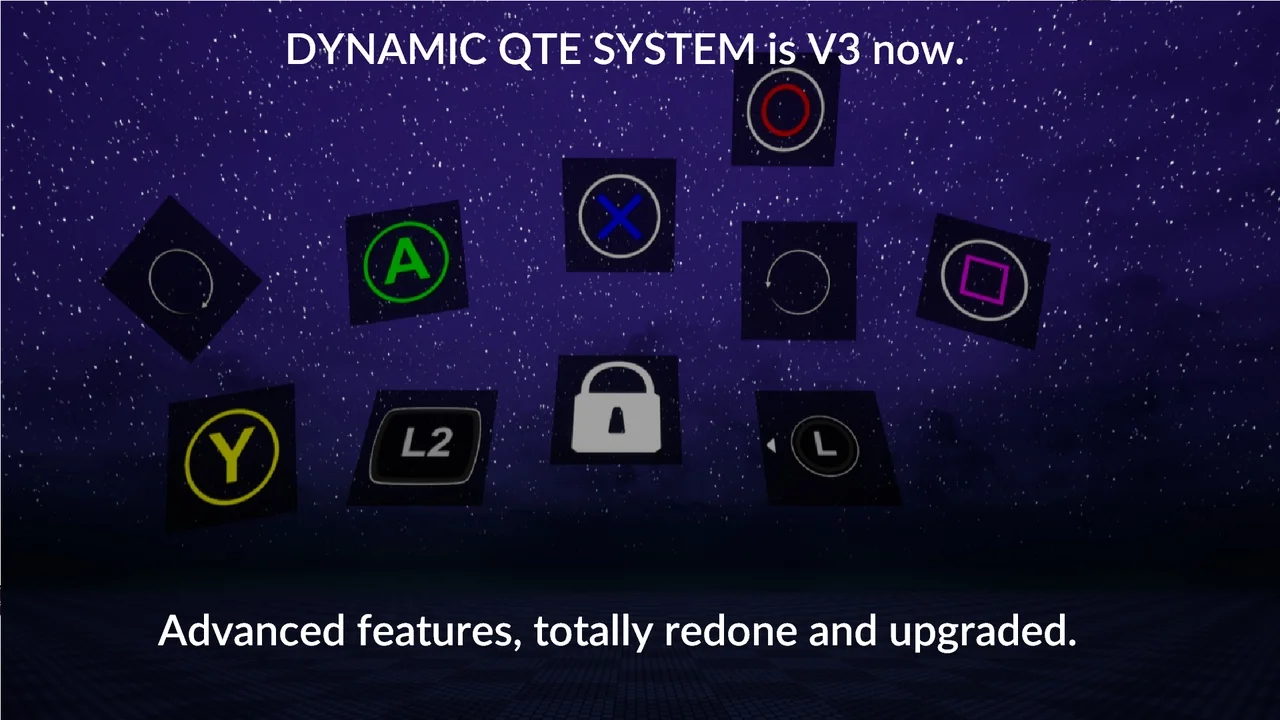
 Action-Adventure
 Action-Adventure
 Action-Adventure