"6ac84fdb0bd06614"{"id":"1001229","slug":"cesium-for-unreal-vr-tutorials","title":"Cesium for Unreal VR Tutorials","category":"Action-Adventure","engine":"5.0+","assetVersion":"","engineVersion":"Engine Version: 5.0+","tag":"Action-Adventure","accent":"blue","visual":"mech","summary":"Explore strategies, ergonomics, and Blueprint solutions for building global-scale Earth and city photogrammetry applications using Cesium for Unreal VR Tutorial","platform":"Unreal Engine","publishedAt":"2026-09-21T03:31:12.361Z","updatedAt":"2026-09-21T03:31:12.361Z","sourceNotes":[],"fileContents":[],"compatibility":["Unreal Engine","Engine Version: 5.0+"],"featuredImage":{"alt":"Cesium for Unreal VR Tutorials","src":"/wp-content/uploads/published/2026/09/51bc35b38180-de1574c1-11ed-455f-9f6b-23e71a9abf10-19f6c7e45e.webp"},"hasDownloadLink":true,"downloads":0,"terms":[{"taxonomy":"category","slug":"action-adventure","name":"Action-Adventure"}],"galleryImages":[{"src":"/wp-content/uploads/published/2026/09/b27bf7be9b62-63b4b481-1337-4949-90ce-a610d9e671ec-fce2f22ccc.webp","alt":"Cesium for Unreal VR Tutorials"},{"src":"/wp-content/uploads/published/2026/09/cb1e2b91b9fd-6b2817a5-d67d-4ecc-9ba7-9e071bb91323-03498b7dba.webp","alt":"Cesium for Unreal VR Tutorials"},{"src":"/wp-content/uploads/published/2026/09/147f5dc7e697-ceac874c-e23e-47d4-9fda-842aa5e48882-395602b2ae.webp","alt":"Cesium for Unreal VR Tutorials"},{"src":"/wp-content/uploads/published/2026/09/5b562cc37fe8-b52202c5-89a5-422b-89f3-e5cbbe12be58-20419bea06.webp","alt":"Cesium for Unreal VR Tutorials"},{"src":"/wp-content/uploads/published/2026/09/f85f2a6c6961-49aaf711-0b89-4e2b-9f0b-84fb1859bed5-5de4359ff4.webp","alt":"Cesium for Unreal VR Tutorials"},{"src":"/wp-content/uploads/published/2026/09/5d47cb7e3b21-c09b2951-41ae-4c7d-8f61-d73afbfb0c9f-1cc7fd11dd.webp","alt":"Cesium for Unreal VR Tutorials"}],"accessPanel":{"kind":"resource","title":"Download this resource","eyebrow":"Free Download","message":"Log in or create a free account to start your download.","fileName":"Content.7z","safetyNote":"Resources are manually reviewed before listing to improve quality and reduce obvious risks.","actionLabel":"Download Free","resourceType":"Resource archive"},"contentHtml":"\u003ch2\u003eBuilding Global-Scale Applications in VR with Cesium for Unreal\u003c/h2\u003e\u003cp\u003eDeveloping virtual reality experiences inside massive spatial environments introduces structural hurdles rarely encountered in standard room-scale scenes. Running a project that extends across an entire digital Earth, dense city structures, and expansive photogrammetry datasets demands a completely different approach to user perspective and locomotion. Cesium for Unreal VR Tutorials targets this exact problem space, establishing a practical guide to recommended practices for VR application design and player ergonomics within global datasets.\u003c/p\u003e\u003cp\u003eStandard VR mechanics typically assume a flat floor, localized collision geometry, and relatively compact boundaries. Once geospatial tilesets and planetary globes enter the viewport, developers must accommodate transitions between micro-level urban streetscapes and macro-level planetary viewpoints. The tutorial project provides actionable strategies to resolve the technical and experiential complications that arise when users interact with real-world scales inside an immersive headset.\u003c/p\u003e\u003ch2\u003eUser Ergonomics and Movement Across Earth and City Datasets\u003c/h2\u003e\u003cp\u003eLocomotion across high-resolution photogrammetry and curved globe surfaces exposes users to potential disorientation if scale, speed, and player orientation are handled incorrectly. Navigating through a reconstructed city requires tight character control and responsive collision handling, while shifting outward to regional or planetary views requires an entirely different kinetic framework. Addressing user ergonomics directly prevents the physical discomfort often triggered by rapid altitude shifts or disjointed movement across massive 3D terrain.\u003c/p\u003e\u003cp\u003eThe project focuses heavily on how movement and teleportation mechanics function in these environments. Teleport systems made for conventional indoor scenes frequently break down when projected against massive outdoor photogrammetric tilesets or varying levels of terrain detail. By studying recommended practices for spatial orientation, developers can establish movement systems that respect user comfort while still allowing seamless exploration of large-scale geographic scenes.\u003c/p\u003e\u003ch2\u003eDissecting UX Challenges Through Blueprint Code and Example Levels\u003c/h2\u003e\u003cp\u003eRather than presenting abstract theory, the project breaks down problems through concrete example levels and functional code. Each entry in the tutorial series isolates a specific user experience obstacle encountered during the creation of global-scale interactive simulations. The material explains the exact UX challenge, walks through the design thinking behind resolving it, and provides the corresponding Blueprint and Animationblueprint setups.\u003c/p\u003e\u003cp\u003eHaving complete working levels allows developers to inspect scripts directly within Unreal Engine. You can observe how input triggers interact with custom pawn setups, how raycasting or movement arcs calculate against streaming terrain, and how character states update across diverse navigation tasks. This step-by-step connection between design intent and Blueprint execution helps teams build scalable features into their own projects without having to design complex geospatial VR interactions from scratch.\u003c/p\u003e\u003ch2\u003eInput Configuration Across Meta Quest, HTC Vive, and Valve Index\u003c/h2\u003e\u003cp\u003eReliable user ergonomics depend directly on responsive hardware interaction. Controller tracking and button configurations must remain consistent whether the user is executing small-scale object interactions or initiating high-speed traversals across a city. The project handles input mapping with clear distinctions between tested platforms and adaptable hardware baselines.\u003c/p\u003e\u003cp\u003eInput functionality within the project is tested directly on the Meta Quest 2. These controller bindings are built to work predictably with Meta Quest and Rift hardware utilizing standard Touch controllers. Beyond the Meta hardware ecosystem, corresponding input bindings are pre-configured for other major VR platforms, including the HTC Vive and Valve Index. While these additional headset profiles provide reasonable baseline mappings, projects targeting them can refine controller actions based on specific project needs.\u003c/p\u003e\u003cp\u003eFor teams utilizing headsets outside these tested and baseline profiles, custom controller mappings can be established manually. By matching project input actions and axis definitions to alternative hardware bindings—following standard Unreal Engine input conventions and the baseline patterns demonstrated in the official VR Template project—developers can bring the tutorial project's locomotion and interaction mechanics to any supported VR runtime.\u003c/p\u003e\u003ch2\u003eImplementation for Geospatial Simulation and Interactive Workflows\u003c/h2\u003e\u003cp\u003eBuilding functional interactive software on top of global photogrammetry requires equal attention to spatial data streaming, performance stability, and comfortable user control. Simulation teams, spatial researchers, and interactive environment creators can use this tutorial series to bypass common design pitfalls inherent to large-scale VR. Because the project includes example levels, design rationales, and modular Blueprint systems, it offers an immediate foundation for anyone tasked with bringing immersive human-scale navigation to real-world geospatial data.\u003c/p\u003e\n\n\u003ch2\u003eRelated Resources Worth Checking\u003c/h2\u003e\n\u003cul\u003e\n\u003cli\u003e\u003ca href=\"https://3dcghub.com/enhanced-movement-system/\" title=\"Enhanced Movement System\"\u003eEnhanced Movement System\u003c/a\u003e\u003c/li\u003e\n\u003cli\u003e\u003ca href=\"https://3dcghub.com/hyper-multiplayer-survival-template-pro-mst-v4/\" title=\"Hyper Multiplayer Survival Template Pro [MST] V4\"\u003eHyper Multiplayer Survival Template Pro [MST] V4\u003c/a\u003e\u003c/li\u003e\n\u003cli\u003e\u003ca href=\"https://3dcghub.com/hyper-multiplayer-survival-template-plus-mst-v4/\" title=\"Hyper Multiplayer Survival Template Plus [MST] v4\"\u003eHyper Multiplayer Survival Template Plus [MST] v4\u003c/a\u003e\u003c/li\u003e\n\u003cli\u003e\u003ca href=\"https://3dcghub.com/animation-ecosystem-for-game-development/\" title=\"Animation Ecosystem for Game Development\"\u003eAnimation Ecosystem for Game Development\u003c/a\u003e\u003c/li\u003e\n\u003cli\u003e\u003ca href=\"https://3dcghub.com/advanced-locomotion-system-v4/\" title=\"Advanced Locomotion System V4\"\u003eAdvanced Locomotion System V4\u003c/a\u003e\u003c/li\u003e\n\u003c/ul\u003e","contentTextLength":5513,"navigation":{"current":10,"total":3181,"previous":{"id":"1001230","slug":"defender-animated-dialogue-system","title":"Defender: Animated Dialogue System","category":"Action-Adventure","platform":"Unreal Engine","updatedAt":"2026-09-21T03:33:30.367Z"},"next":{"id":"1001228","slug":"art-fashion-automotive-galleries-and-showcases","title":"Art, Fashion, Automotive Galleries and Showcases","category":"Interior","platform":"Unreal Engine","updatedAt":"2026-09-21T03:26:37.256Z"}},"relatedResources":[{"id":"1000732","slug":"enhanced-movement-system","title":"Enhanced Movement System","category":"Action-Adventure","engine":"5.5+","assetVersion":"","engineVersion":"Engine Version: 5.5+","tag":"Action-Adventure","accent":"blue","visual":"mech","summary":"Unreal Engine character movement toolkit with parkour vaulting, grappling hook, stamina UI, fall damage, footstep SFX, and a built-in tutorial system.","platform":"Unreal Engine","publishedAt":"2026-07-26T16:09:42.506Z","updatedAt":"2026-07-26T16:09:42.506Z","sourceNotes":[],"fileContents":[],"compatibility":["Unreal Engine","Engine Version: 5.5+"],"featuredImage":{"alt":"Enhanced Movement System","src":"/wp-content/uploads/published/2026/07/b8b1ddf5c110-41b67793-7ddd-4d06-a732-99b15b075a9e-8f7eecf2bd.webp"},"hasDownloadLink":true,"downloads":0},{"id":"1001152","slug":"hyper-multiplayer-survival-template-pro-mst-v4","title":"Hyper Multiplayer Survival Template Pro [MST] V4","category":"Action-Adventure","engine":"5.3+","assetVersion":"","engineVersion":"Engine Version: 5.3+","tag":"Action-Adventure","accent":"blue","visual":"mech","summary":"Explore Hyper Multiplayer Survival Template Pro [MST] V4, a fully replicated Unreal Engine framework for open-world, co-op PvE, and survival projects.","platform":"Unreal Engine","publishedAt":"2026-09-10T17:56:18.119Z","updatedAt":"2026-09-10T17:56:18.119Z","sourceNotes":[],"fileContents":[],"compatibility":["Unreal Engine","Engine Version: 5.3+"],"featuredImage":{"alt":"Hyper Multiplayer Survival Template Pro [MST] V4","src":"/wp-content/uploads/published/2026/09/6060550226b8-0f2946eb-0653-4ed7-a160-e35859e9e5e9-61232ad933.webp"},"hasDownloadLink":true,"downloads":1},{"id":"1001151","slug":"hyper-multiplayer-survival-template-plus-mst-v4","title":"Hyper Multiplayer Survival Template Plus [MST] v4","category":"Action-Adventure","engine":"5.4+","assetVersion":"","engineVersion":"Engine Version: 5.4+","tag":"Action-Adventure","accent":"blue","visual":"mech","summary":"Explore Hyper Multiplayer Survival Template Plus v4, featuring replicated base building, landscape tools, inventory, crafting, and modular Unreal Engine systems","platform":"Unreal Engine","publishedAt":"2026-09-10T15:52:12.318Z","updatedAt":"2026-09-10T15:52:12.318Z","sourceNotes":[],"fileContents":[],"compatibility":["Unreal Engine","Engine Version: 5.4+"],"featuredImage":{"alt":"Hyper Multiplayer Survival Template Plus [MST] v4","src":"/wp-content/uploads/published/2026/09/6998f3fa0308-de2368c5-543b-49ea-adad-ee13b3d478ed-563273f35a.webp"},"hasDownloadLink":true,"downloads":1}]}
Action-Adventure
Cesium for Unreal VR Tutorials
Explore strategies, ergonomics, and Blueprint solutions for building global-scale Earth and city photogrammetry applications using Cesium for Unreal VR Tutorial
Building Global-Scale Applications in VR with Cesium for Unreal
Developing virtual reality experiences inside massive spatial environments introduces structural hurdles rarely encountered in standard room-scale scenes. Running a project that extends across an entire digital Earth, dense city structures, and expansive photogrammetry datasets demands a completely different approach to user perspective and locomotion. Cesium for Unreal VR Tutorials targets this exact problem space, establishing a practical guide to recommended practices for VR application design and player ergonomics within global datasets.
Standard VR mechanics typically assume a flat floor, localized collision geometry, and relatively compact boundaries. Once geospatial tilesets and planetary globes enter the viewport, developers must accommodate transitions between micro-level urban streetscapes and macro-level planetary viewpoints. The tutorial project provides actionable strategies to resolve the technical and experiential complications that arise when users interact with real-world scales inside an immersive headset.
User Ergonomics and Movement Across Earth and City Datasets
Locomotion across high-resolution photogrammetry and curved globe surfaces exposes users to potential disorientation if scale, speed, and player orientation are handled incorrectly. Navigating through a reconstructed city requires tight character control and responsive collision handling, while shifting outward to regional or planetary views requires an entirely different kinetic framework. Addressing user ergonomics directly prevents the physical discomfort often triggered by rapid altitude shifts or disjointed movement across massive 3D terrain.
The project focuses heavily on how movement and teleportation mechanics function in these environments. Teleport systems made for conventional indoor scenes frequently break down when projected against massive outdoor photogrammetric tilesets or varying levels of terrain detail. By studying recommended practices for spatial orientation, developers can establish movement systems that respect user comfort while still allowing seamless exploration of large-scale geographic scenes.
Dissecting UX Challenges Through Blueprint Code and Example Levels
Rather than presenting abstract theory, the project breaks down problems through concrete example levels and functional code. Each entry in the tutorial series isolates a specific user experience obstacle encountered during the creation of global-scale interactive simulations. The material explains the exact UX challenge, walks through the design thinking behind resolving it, and provides the corresponding Blueprint and Animationblueprint setups.
Having complete working levels allows developers to inspect scripts directly within Unreal Engine. You can observe how input triggers interact with custom pawn setups, how raycasting or movement arcs calculate against streaming terrain, and how character states update across diverse navigation tasks. This step-by-step connection between design intent and Blueprint execution helps teams build scalable features into their own projects without having to design complex geospatial VR interactions from scratch.
Input Configuration Across Meta Quest, HTC Vive, and Valve Index
Reliable user ergonomics depend directly on responsive hardware interaction. Controller tracking and button configurations must remain consistent whether the user is executing small-scale object interactions or initiating high-speed traversals across a city. The project handles input mapping with clear distinctions between tested platforms and adaptable hardware baselines.
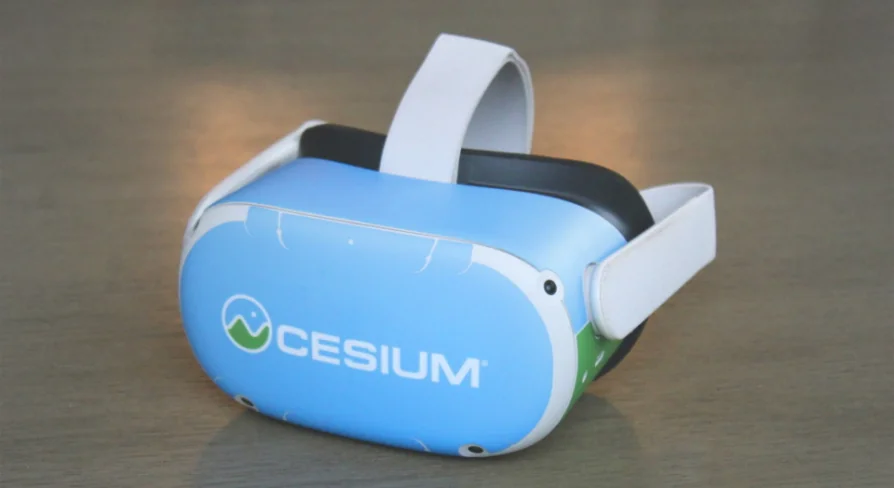
Input functionality within the project is tested directly on the Meta Quest 2. These controller bindings are built to work predictably with Meta Quest and Rift hardware utilizing standard Touch controllers. Beyond the Meta hardware ecosystem, corresponding input bindings are pre-configured for other major VR platforms, including the HTC Vive and Valve Index. While these additional headset profiles provide reasonable baseline mappings, projects targeting them can refine controller actions based on specific project needs.
For teams utilizing headsets outside these tested and baseline profiles, custom controller mappings can be established manually. By matching project input actions and axis definitions to alternative hardware bindings—following standard Unreal Engine input conventions and the baseline patterns demonstrated in the official VR Template project—developers can bring the tutorial project's locomotion and interaction mechanics to any supported VR runtime.
Implementation for Geospatial Simulation and Interactive Workflows
Building functional interactive software on top of global photogrammetry requires equal attention to spatial data streaming, performance stability, and comfortable user control. Simulation teams, spatial researchers, and interactive environment creators can use this tutorial series to bypass common design pitfalls inherent to large-scale VR. Because the project includes example levels, design rationales, and modular Blueprint systems, it offers an immediate foundation for anyone tasked with bringing immersive human-scale navigation to real-world geospatial data.
 Action-Adventure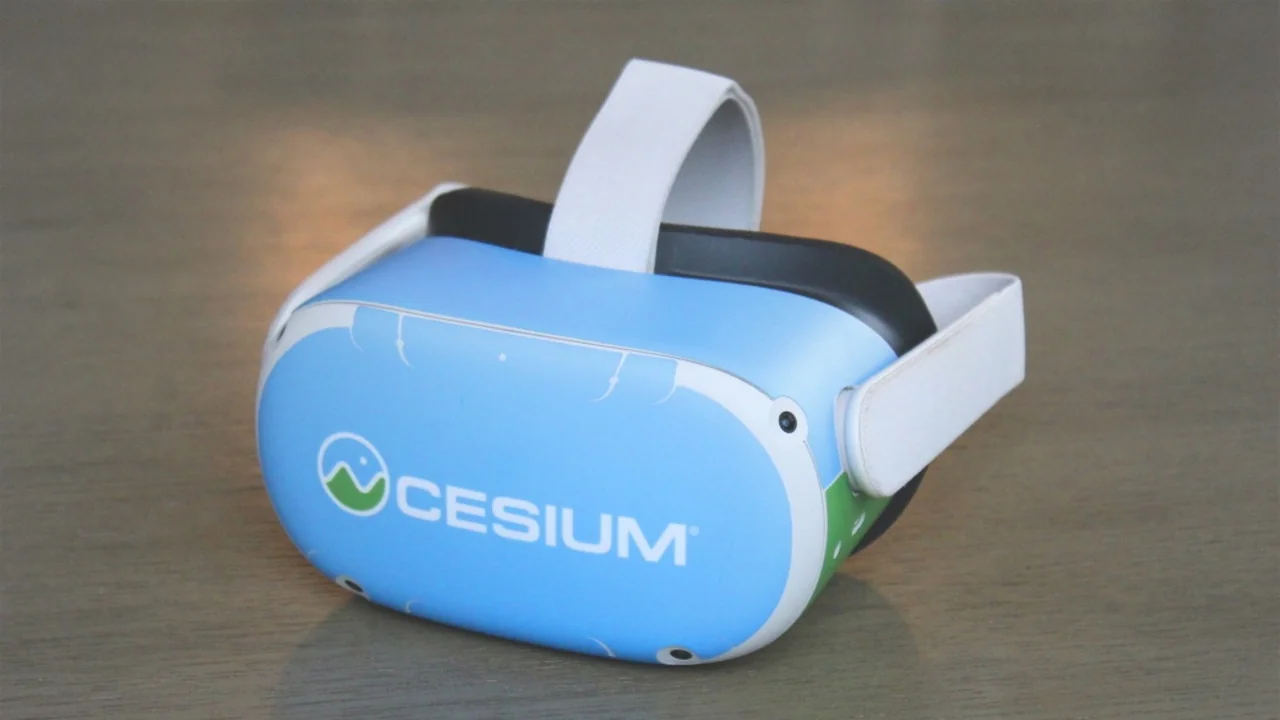
 Action-Adventure
![Hyper Multiplayer Survival Template Pro [MST] V4](/wp-content/uploads/published/2026/09/6060550226b8-0f2946eb-0653-4ed7-a160-e35859e9e5e9-61232ad933.webp) Action-Adventure
Action-Adventure![Hyper Multiplayer Survival Template Plus [MST] v4](/wp-content/uploads/published/2026/09/6998f3fa0308-de2368c5-543b-49ea-adad-ee13b3d478ed-563273f35a.webp) Action-Adventure
Action-Adventure