"4481da9c895ef786"{"id":"1001329","slug":"video-player-360-2d-180-360-stereo","title":"Video Player 360 (2D, 180, 360, Stereo)","category":"Engine Tools","engine":"4.21 - 5.2","assetVersion":"Asset Version: 1.0","engineVersion":"Engine Version: 4.21 - 5.2","tag":"Engine Tools","accent":"blue","visual":"mech","summary":"Video Player 360 delivers playback for 2D, 180, and 360 videos with stereo shaders, VR support for Oculus and Vive, and Android device compatibility.","platform":"Unreal Engine","publishedAt":"2026-10-03T04:19:57.661Z","updatedAt":"2026-10-03T04:19:57.661Z","sourceNotes":[],"fileContents":[],"compatibility":["Unreal Engine","Asset Version: 1.0","Engine Version: 4.21 - 5.2"],"featuredImage":{"alt":"Video Player 360 (2D, 180, 360, Stereo)","src":"/wp-content/uploads/published/2026/10/542d12f9c91a-b632a76b-32b3-42e3-8bdf-7bd7231487c0-9e32fbcdb5.webp"},"hasDownloadLink":true,"downloads":0,"terms":[{"taxonomy":"category","slug":"engine-tools-tools-and-plugins","name":"Engine Tools"}],"galleryImages":[{"src":"/wp-content/uploads/published/2026/10/f5b7c5f4cd96-5fc1cdb9-12c6-4910-84b3-81946f87d1a2-3f441baf53.webp","alt":"Video Player 360 (2D, 180, 360, Stereo)"},{"src":"/wp-content/uploads/published/2026/10/473f25152032-3c218bbf-01f8-4ce1-a826-4b39e259410d-7149217865.webp","alt":"Video Player 360 (2D, 180, 360, Stereo)"},{"src":"/wp-content/uploads/published/2026/10/bd9899657526-05a815cb-8e65-4556-a2e5-c87a73d52ea7-11b7803206.webp","alt":"Video Player 360 (2D, 180, 360, Stereo)"},{"src":"/wp-content/uploads/published/2026/10/573243b654cf-21287c01-b5ce-4e84-af32-6e08ad91db93-6b844fa904.webp","alt":"Video Player 360 (2D, 180, 360, Stereo)"},{"src":"/wp-content/uploads/published/2026/10/e366099edc0e-1bf71ccd-8c01-4a07-b5ed-d441383f3ab4-69e9f4a59a.webp","alt":"Video Player 360 (2D, 180, 360, Stereo)"},{"src":"/wp-content/uploads/published/2026/10/21c439ea2781-58b82153-6b71-413c-9e27-decd7fc3d4a5-4d1ed3a509.webp","alt":"Video Player 360 (2D, 180, 360, Stereo)"},{"src":"/wp-content/uploads/published/2026/10/19fc4a078747-6c1adc76-0e8d-4845-a8cd-e6cdacede867-c8d0270de7.webp","alt":"Video Player 360 (2D, 180, 360, Stereo)"},{"src":"/wp-content/uploads/published/2026/10/71ea7fbcf317-0c2383ef-1e06-4bcc-84d3-56d64a0039b6-cc7b80a011.webp","alt":"Video Player 360 (2D, 180, 360, Stereo)"}],"accessPanel":{"kind":"resource","title":"Download this resource","eyebrow":"Free Download","message":"Log in or create a free account to start your download.","fileName":"Video Player 360 (2D, 180, 360, Stereo).7z","safetyNote":"Resources are manually reviewed before listing to improve quality and reduce obvious risks.","actionLabel":"Download Free","resourceType":"Resource archive"},"contentHtml":"\u003cp\u003eVideo Player 360 provides a complete media viewing framework centered around playback for 2D, 180, 360, and stereoscopic video streams, paired with a library of dedicated material shaders. Rather than locking projection logic exclusively to an internal player blueprint, the tool provides modular shaders capable of running in external video players as well. This architecture ensures that projects requiring custom video pipelines can still take advantage of specialized mathematical mapping for curved, hemispherical, and spherical projections.\u003c/p\u003e \u003ch2\u003eMaterial Shaders for 2D, 180, 360, and Stereo Formats\u003c/h2\u003e\n\u003cp\u003eAt the center of the plugin is a collection of material shaders programmed to map differing visual projection geometries directly onto in-engine surfaces. The shaders handle flat 2D projections, hemispherical 180-degree displays, full 360-degree panoramic spheres, and the stereoscopic variations of each format. Stereoscopic output allows left-eye and right-eye separation inside 2D surfaces, 180-degree curved screens, and complete 360-degree panoramic environments.\u003c/p\u003e \u003cp\u003eBecause these material shaders operate independently, developers are not forced to route video output through one rigid playback system. Instead, the shaders can be placed on geometry, user interface components, or environment meshes while drawing data from any functional video player instance. This modularity allows developers with existing media pipelines or custom playback frameworks to pull in the plugin's projection math without rewriting their established underlying playback logic.\u003c/p\u003e \u003ch2\u003eStereoscopic VR Playback Across Oculus and HTC Vive\u003c/h2\u003e\n\u003cp\u003eImmersive video projection depends heavily on clean display splitting, and the package provides specific stereoscopic 3D handling for head-mounted displays. The stereo modes are built to communicate with dedicated PC VR hardware, including Oculus headsets and the HTC Vive. When feeding a stereoscopic video into these setups, the material logic splits the incoming video frames across the independent displays or eye buffers, delivering proper stereoscopic depth cues across 2D, 180, or 360 perspectives.\u003c/p\u003e \u003cp\u003eDeploying stereoscopic video inside interactive scenes often creates viewport alignment challenges when moving between standard monoscopic screens and immersive headsets. By supplying targeted stereo handling across Oculus and Vive devices, the plugin ensures that 180-degree dome footage and 360-degree equirectangular footage project with the correct stereo separation without manual UV slicing or separate multi-camera projection hacks inside the level.\u003c/p\u003e \u003ch2\u003eAndroid Multi-Device Support and Hardware Testing\u003c/h2\u003e\n\u003cp\u003eMobile VR and portable media experiences operate under different rendering constraints than tethered PC setups. The player system includes targeted support for Android environments through its Android Multi version setup. The mobile deployment has been verified through hardware testing on consumer Android handsets, specifically the Xiaomi Mi8 and the Xiaomi Note 5, alongside standalone Oculus mobile configurations.\u003c/p\u003e \u003cp\u003eStereo 3D modes function directly across these Android devices, permitting mobile virtual reality viewing setups or standalone mobile panoramic applications. This mobile pipeline ensures that shader instructions remain lightweight enough to execute smoothly on mobile graphics processors without dropping frames during high-resolution 180 or 360 video streaming.\u003c/p\u003e \u003ch2\u003eFullScreen Playback and the Experimental ImageViewer\u003c/h2\u003e\n\u003cp\u003eThe system expands past standard viewport rendering through the inclusion of dedicated display modes. FullScreen mode gives developers a straightforward method to maximize video playback across the entire target screen, bypassing standard viewport borders or embedded engine UI frames. This setup serves standalone presentation apps, kiosks, and clean player interfaces where the surrounding world should be occluded during playback.\u003c/p\u003e \u003cp\u003eAlongside video streams, an experimental ImageViewer feature extends the projection logic to still imagery. Panoramic visualization frequently requires cycling between pre-rendered stills and active video streams. The ImageViewer utilizes the existing panoramic shader math to present high-resolution static images across flat, 180-degree, and 360-degree perspectives, keeping asset presentation unified under a single display system.\u003c/p\u003e \u003ch2\u003eCamera 360 V3 Pipeline Compatibility\u003c/h2\u003e\n\u003cp\u003eVideo Player 360 fits directly into content generation pipelines driven by Camera 360 V3. Camera 360 V3 renders out complex panoramic formats, including VR180, FullDome, Cylindrical projections, and standard 360 panoramas in both mono and stereoscopic variants. The player plugin acts as the direct playback complement to those capture outputs.\u003c/p\u003e \u003cp\u003eWhen an engine scene is captured using Camera 360 V3's stereo or panoramic settings, the exported media can be loaded back into Video Player 360 without format conversions or custom texture remapping. The shaders decode the exact geometric projections established by the capture camera, providing a clean loop between rendering high-end panoramic sequences and displaying them in runtime applications.\u003c/p\u003e \u003cp\u003eThrough its mix of standalone material shaders, broad format support spanning flat 2D to stereo 360, and verified operation across PC VR headsets and Android hardware, Video Player 360 is built to handle the end-to-end display requirements of real-time panoramic and stereoscopic media.\u003c/p\u003e\n\n\u003ch2\u003eContinue Browsing Similar Packs\u003c/h2\u003e\n\u003cul\u003e\n\u003cli\u003e\u003ca href=\"https://3dcghub.com/multi-channel-media-player-by-opencv-high-performance-webcamera/\" title=\"Multi Channel Media Player By OpenCV High Performance WebCamera\"\u003eMulti Channel Media Player By OpenCV High Performance WebCamera\u003c/a\u003e\u003c/li\u003e\n\u003cli\u003e\u003ca href=\"https://3dcghub.com/stereo-panoramic-player/\" title=\"Stereo Panoramic Player\"\u003eStereo Panoramic Player\u003c/a\u003e\u003c/li\u003e\n\u003cli\u003e\u003ca href=\"https://3dcghub.com/videofusionplugin/\" title=\"VideoFusionPlugin\"\u003eVideoFusionPlugin\u003c/a\u003e\u003c/li\u003e\n\u003cli\u003e\u003ca href=\"https://3dcghub.com/create-a-complete-2d-survivors-style-game-in-godot-4/\" title=\"Create a Complete 2D Survivors Style Game in Godot 4\"\u003eCreate a Complete 2D Survivors Style Game in Godot 4\u003c/a\u003e\u003c/li\u003e\n\u003cli\u003e\u003ca href=\"https://3dcghub.com/clouds-lighting-system/\" title=\"Clouds Lighting System\"\u003eClouds Lighting System\u003c/a\u003e\u003c/li\u003e\n\u003c/ul\u003e","contentTextLength":5616,"navigation":{"current":11,"total":3269,"previous":{"id":"1000144","slug":"1000-mega-decal-package-ai-sources","title":"1000+ Mega Decal Package / AI SOURCES","category":"Variety","platform":"Unreal Engine","updatedAt":"2026-10-03T14:08:24.863Z"},"next":{"id":"1001328","slug":"simple-footstep-system-pro","title":"Simple Footstep System Pro","category":"Animations","platform":"Unreal Engine","updatedAt":"2026-10-03T04:13:22.077Z"}},"relatedResources":[{"id":"14234","slug":"multi-channel-media-player-by-opencv-high-performance-webcamera","title":"Multi Channel Media Player By OpenCV High Performance WebCamera","category":"Engine Tools","engine":"4.27,5.1 - 5.3","assetVersion":"Engine version: 4.27,5.1 - 5.3","engineVersion":"4.27","tag":"Engine Tools","accent":"blue","visual":"audio","summary":"Enhance your project with the Multi Channel Media Player By OpenCV High Performance WebCamera. This tool supports various network streams and local video formats with optimized performance.","platform":"Unreal Engine","publishedAt":"2026-03-11T17:03:08.000Z","updatedAt":"2026-04-19T15:45:50.000Z","sourceNotes":[],"fileContents":[],"compatibility":["Unreal Engine","Engine version: 4.27,5.1 - 5.3"],"featuredImage":{"alt":"Multi Channel Media Player By OpenCV High Performance WebCamera","src":"https://3dcghub.com/wp-content/uploads/2026/03/0af13d68-5c3b-4fc8-b64b-287261fc641d.webp"},"hasDownloadLink":true,"downloads":0},{"id":"14666","slug":"stereo-panoramic-player","title":"Stereo Panoramic Player","category":"Engine Tools","engine":"4.26 - 5.27,5.0 - 5.3","assetVersion":"Engine version: 4.26 - 5.27,5.0 - 5.3","engineVersion":"4.21","tag":"Engine Tools","accent":"blue","visual":"character","summary":"The Stereo Panoramic Player is a powerful runtime plugin designed to display and interact with 360° panoramic images and videos. It features dedicated actors for both automated virtual tours and deep programmatic customization.","platform":"Unreal Engine","publishedAt":"2026-03-11T18:53:23.000Z","updatedAt":"2026-04-19T15:45:42.000Z","sourceNotes":[],"fileContents":[],"compatibility":["Unreal Engine","Engine version: 4.26 - 5.27,5.0 - 5.3"],"featuredImage":{"alt":"Stereo Panoramic Player","src":"https://3dcghub.com/wp-content/uploads/2026/03/a896c60e-d989-4a7f-b364-62ee26955900.webp"},"hasDownloadLink":true,"downloads":0},{"id":"14764","slug":"videofusionplugin","title":"VideoFusionPlugin","category":"Engine Tools","engine":"4.27 - 5.0 - 5.5","assetVersion":"Engine version: 4.27 - 5.0 - 5.5","engineVersion":"4.27","tag":"Engine Tools","accent":"blue","visual":"city","summary":"VideoFusionPlugin enables the seamless integration of real-world video recordings into virtual 3D scenes. This tool is designed to enhance twin scenes by projecting realistic content directly into a digital environment.","platform":"Unreal Engine","publishedAt":"2026-03-11T19:20:57.000Z","updatedAt":"2026-04-19T15:45:41.000Z","sourceNotes":[],"fileContents":[],"compatibility":["Unreal Engine","Engine version: 4.27 - 5.0 - 5.5"],"featuredImage":{"alt":"VideoFusionPlugin","src":"https://3dcghub.com/wp-content/uploads/2026/03/9949e061-17f6-4eea-9903-896ad8f13fba.webp"},"hasDownloadLink":true,"downloads":0}]}
Engine Tools
Video Player 360 (2D, 180, 360, Stereo)
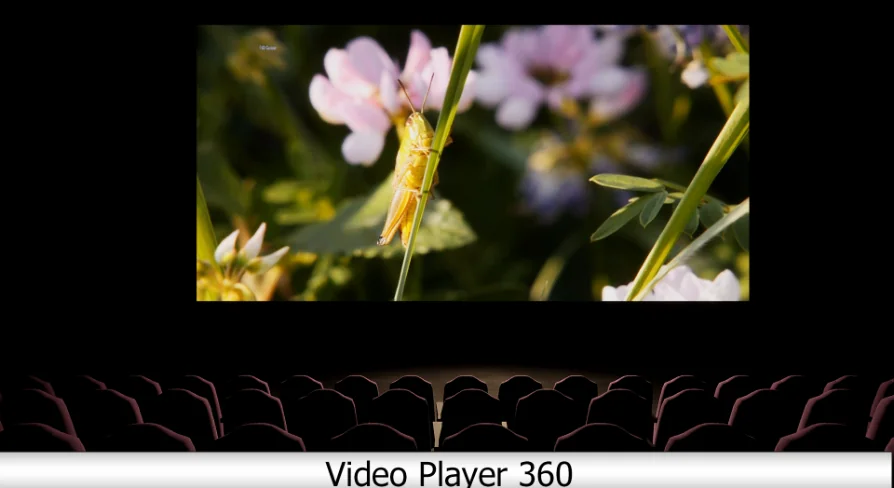
Video Player 360 delivers playback for 2D, 180, and 360 videos with stereo shaders, VR support for Oculus and Vive, and Android device compatibility.
Video Player 360 provides a complete media viewing framework centered around playback for 2D, 180, 360, and stereoscopic video streams, paired with a library of dedicated material shaders. Rather than locking projection logic exclusively to an internal player blueprint, the tool provides modular shaders capable of running in external video players as well. This architecture ensures that projects requiring custom video pipelines can still take advantage of specialized mathematical mapping for curved, hemispherical, and spherical projections.
Material Shaders for 2D, 180, 360, and Stereo Formats
At the center of the plugin is a collection of material shaders programmed to map differing visual projection geometries directly onto in-engine surfaces. The shaders handle flat 2D projections, hemispherical 180-degree displays, full 360-degree panoramic spheres, and the stereoscopic variations of each format. Stereoscopic output allows left-eye and right-eye separation inside 2D surfaces, 180-degree curved screens, and complete 360-degree panoramic environments.
Because these material shaders operate independently, developers are not forced to route video output through one rigid playback system. Instead, the shaders can be placed on geometry, user interface components, or environment meshes while drawing data from any functional video player instance. This modularity allows developers with existing media pipelines or custom playback frameworks to pull in the plugin's projection math without rewriting their established underlying playback logic.
Stereoscopic VR Playback Across Oculus and HTC Vive
Immersive video projection depends heavily on clean display splitting, and the package provides specific stereoscopic 3D handling for head-mounted displays. The stereo modes are built to communicate with dedicated PC VR hardware, including Oculus headsets and the HTC Vive. When feeding a stereoscopic video into these setups, the material logic splits the incoming video frames across the independent displays or eye buffers, delivering proper stereoscopic depth cues across 2D, 180, or 360 perspectives.
Deploying stereoscopic video inside interactive scenes often creates viewport alignment challenges when moving between standard monoscopic screens and immersive headsets. By supplying targeted stereo handling across Oculus and Vive devices, the plugin ensures that 180-degree dome footage and 360-degree equirectangular footage project with the correct stereo separation without manual UV slicing or separate multi-camera projection hacks inside the level.
Android Multi-Device Support and Hardware Testing
Mobile VR and portable media experiences operate under different rendering constraints than tethered PC setups. The player system includes targeted support for Android environments through its Android Multi version setup. The mobile deployment has been verified through hardware testing on consumer Android handsets, specifically the Xiaomi Mi8 and the Xiaomi Note 5, alongside standalone Oculus mobile configurations.
Stereo 3D modes function directly across these Android devices, permitting mobile virtual reality viewing setups or standalone mobile panoramic applications. This mobile pipeline ensures that shader instructions remain lightweight enough to execute smoothly on mobile graphics processors without dropping frames during high-resolution 180 or 360 video streaming.
FullScreen Playback and the Experimental ImageViewer
The system expands past standard viewport rendering through the inclusion of dedicated display modes. FullScreen mode gives developers a straightforward method to maximize video playback across the entire target screen, bypassing standard viewport borders or embedded engine UI frames. This setup serves standalone presentation apps, kiosks, and clean player interfaces where the surrounding world should be occluded during playback.
Alongside video streams, an experimental ImageViewer feature extends the projection logic to still imagery. Panoramic visualization frequently requires cycling between pre-rendered stills and active video streams. The ImageViewer utilizes the existing panoramic shader math to present high-resolution static images across flat, 180-degree, and 360-degree perspectives, keeping asset presentation unified under a single display system.
Camera 360 V3 Pipeline Compatibility
Video Player 360 fits directly into content generation pipelines driven by Camera 360 V3. Camera 360 V3 renders out complex panoramic formats, including VR180, FullDome, Cylindrical projections, and standard 360 panoramas in both mono and stereoscopic variants. The player plugin acts as the direct playback complement to those capture outputs.
When an engine scene is captured using Camera 360 V3's stereo or panoramic settings, the exported media can be loaded back into Video Player 360 without format conversions or custom texture remapping. The shaders decode the exact geometric projections established by the capture camera, providing a clean loop between rendering high-end panoramic sequences and displaying them in runtime applications.
Through its mix of standalone material shaders, broad format support spanning flat 2D to stereo 360, and verified operation across PC VR headsets and Android hardware, Video Player 360 is built to handle the end-to-end display requirements of real-time panoramic and stereoscopic media.
 Engine Tools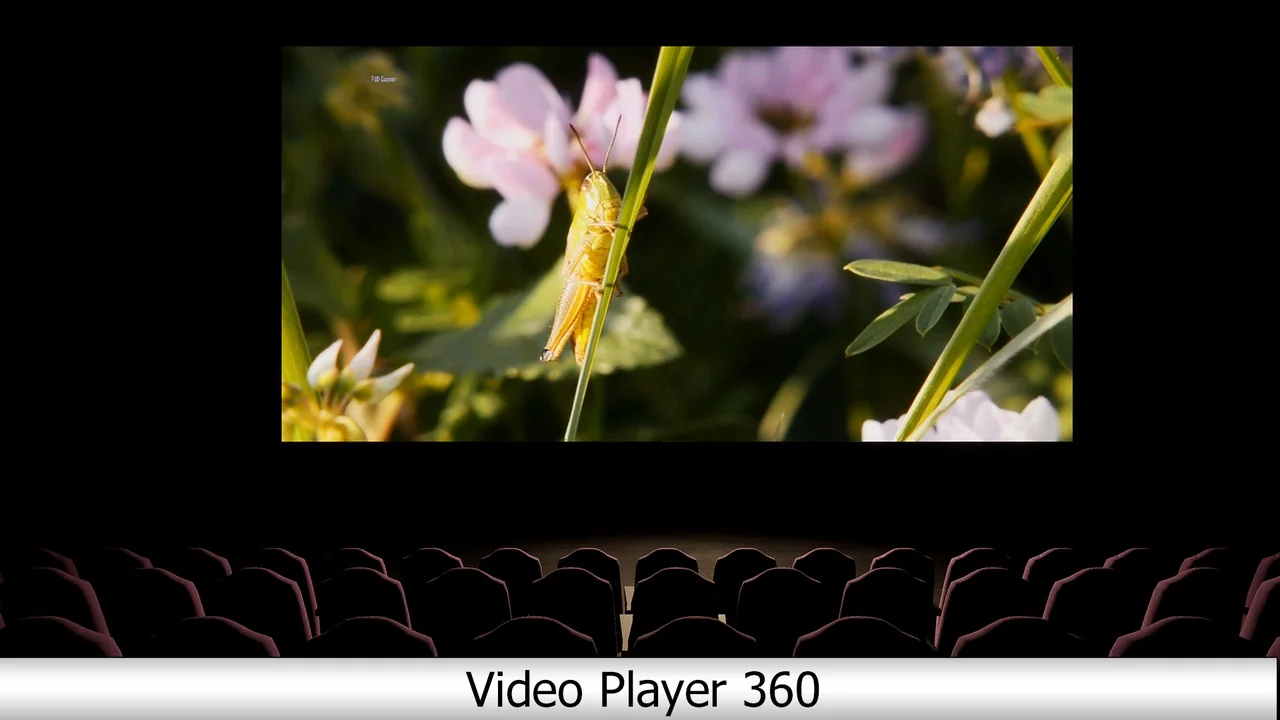
 Engine Tools
 Engine Tools
 Engine Tools