Professional Spline Editing in Unreal Engine
rdSplineTools (rd Tools Pro) is an advanced editor plugin designed to significantly accelerate the editing of splines within Unreal Engine levels. By integrating directly into the editor, it allows developers to manage complex spline meshes without switching to alternative creation methods. This toolset is particularly beneficial for studios, as the license provides unlimited seats within a single company.
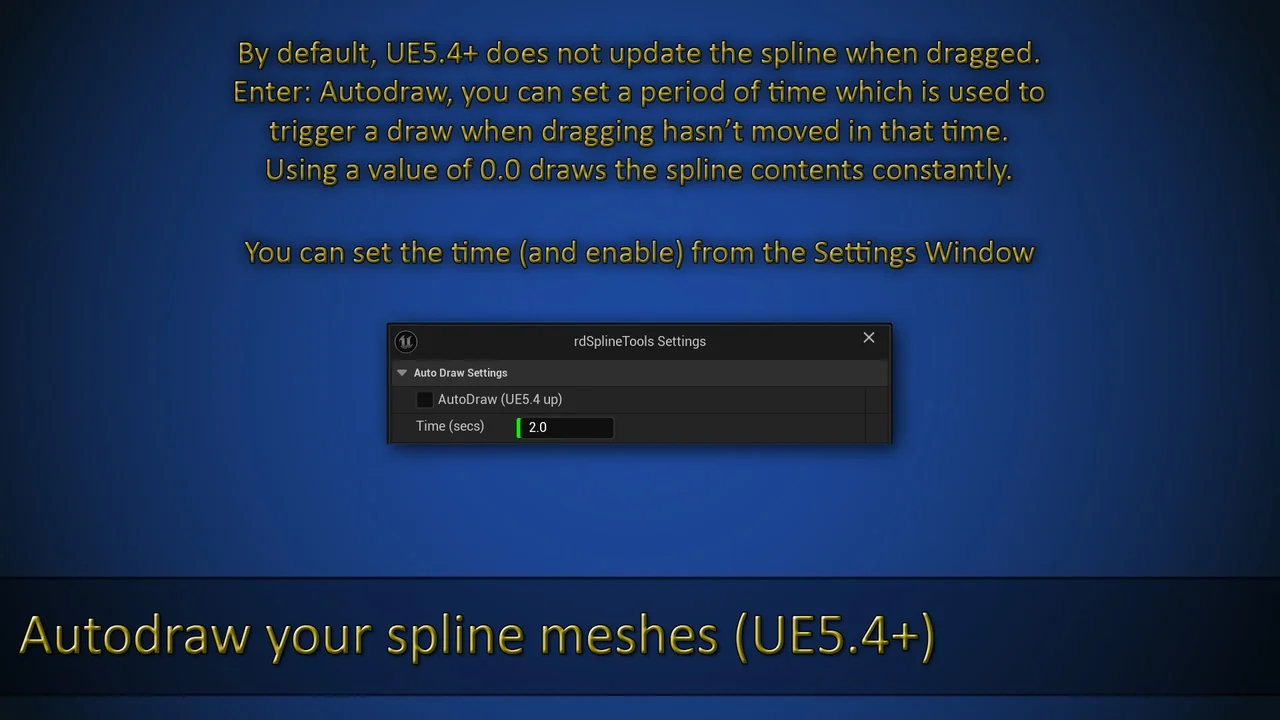
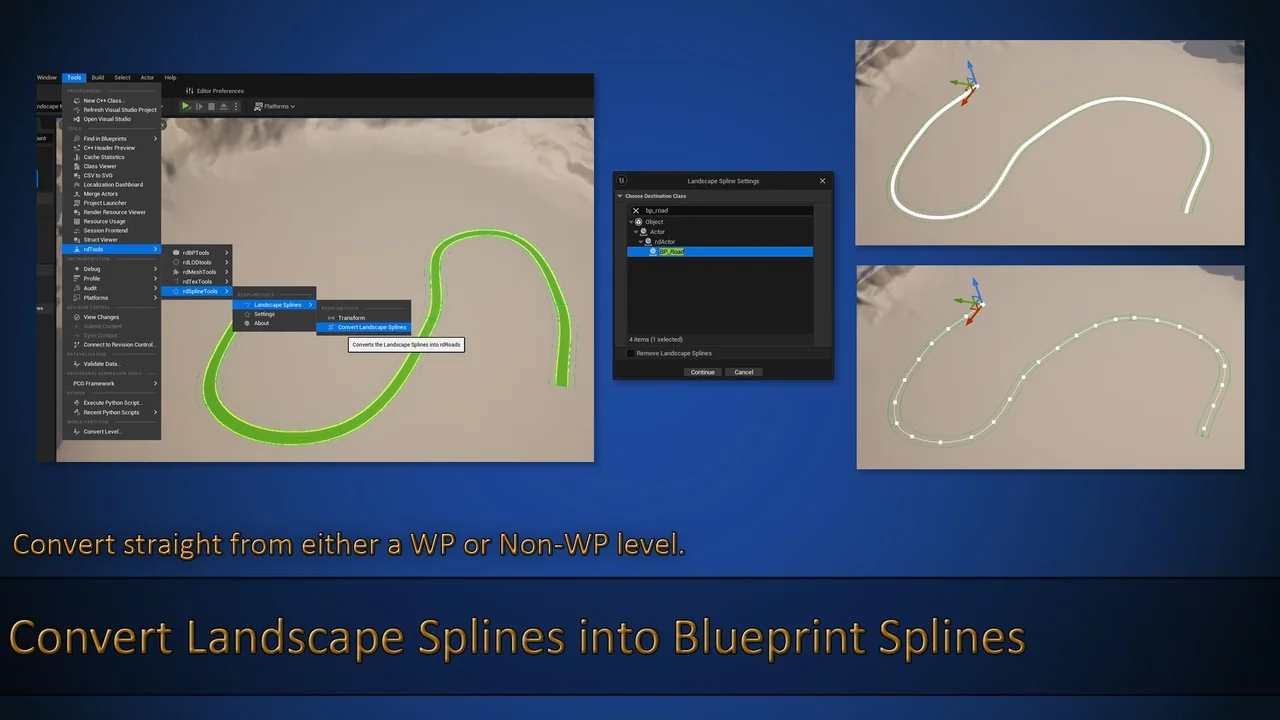
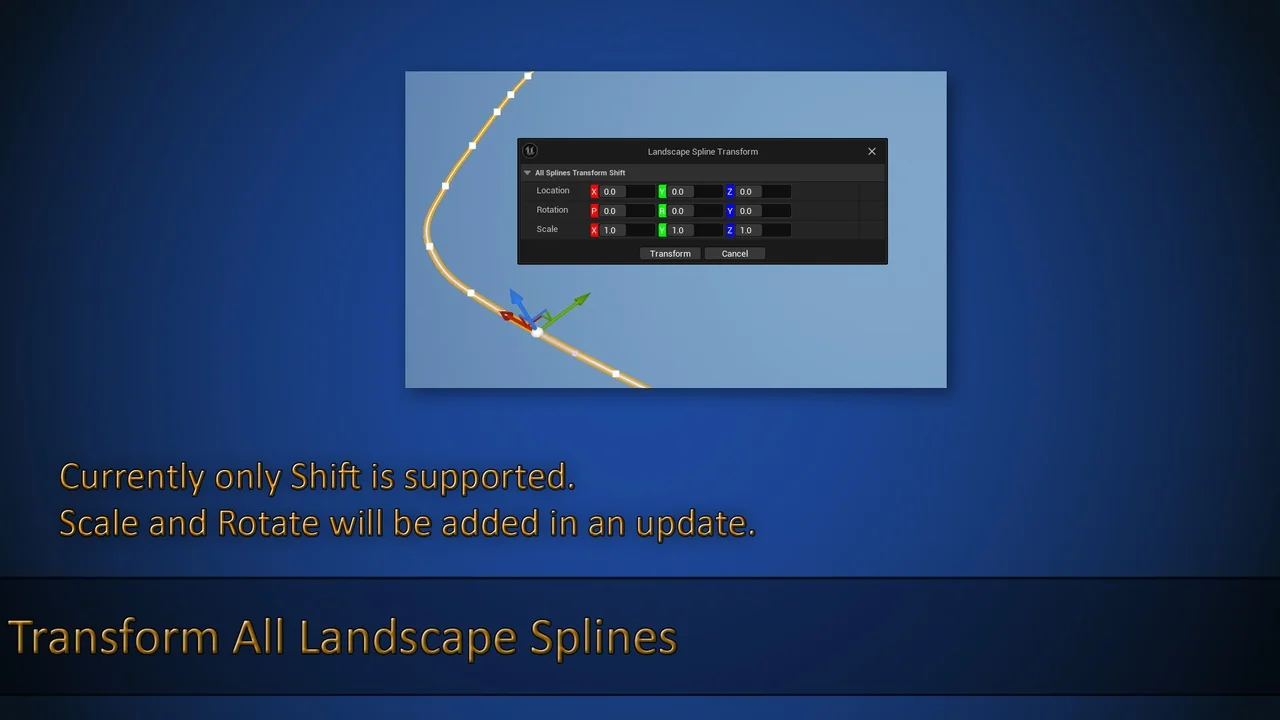
The plugin introduces several version-specific enhancements for modern workflows. For instance, users on UE5.1 and above can utilize tools for importing landscape splines directly into blueprint splines. Additionally, those using UE5.4 or later gain access to an auto-draw feature that generates spline contents either continuously or after a brief pause during the dragging process.
Advanced Spline Management and Connectivity
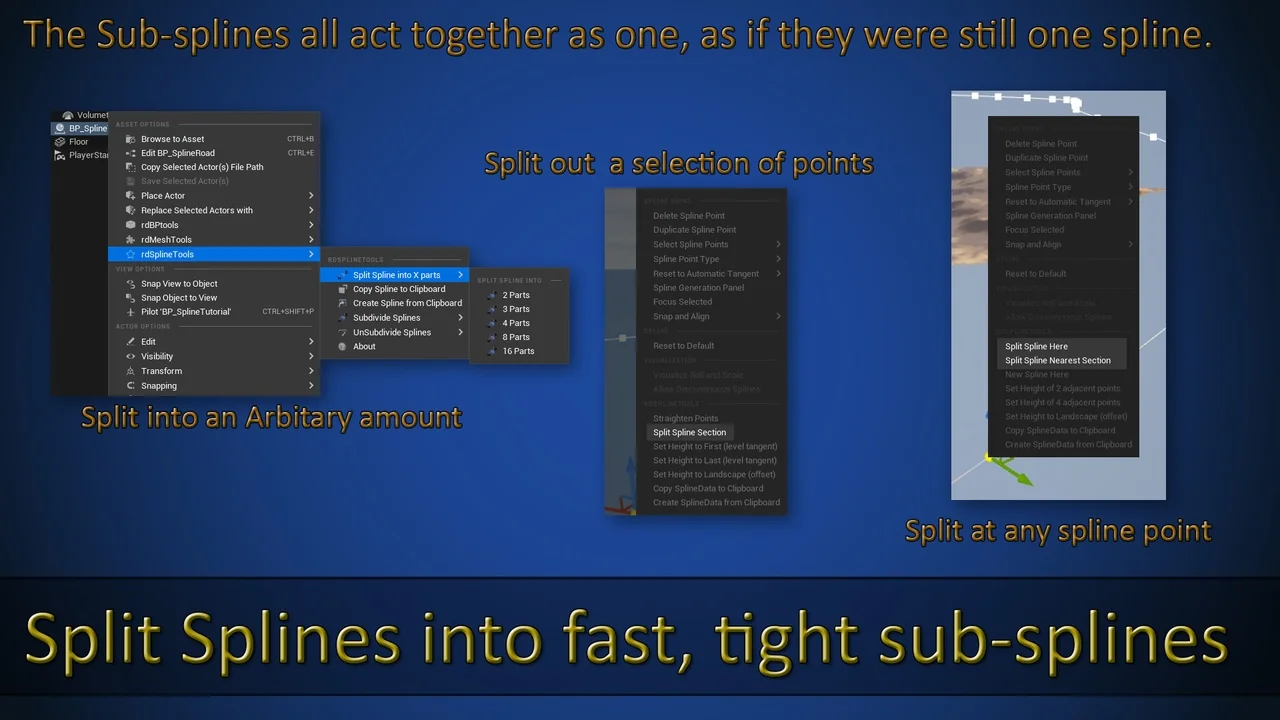
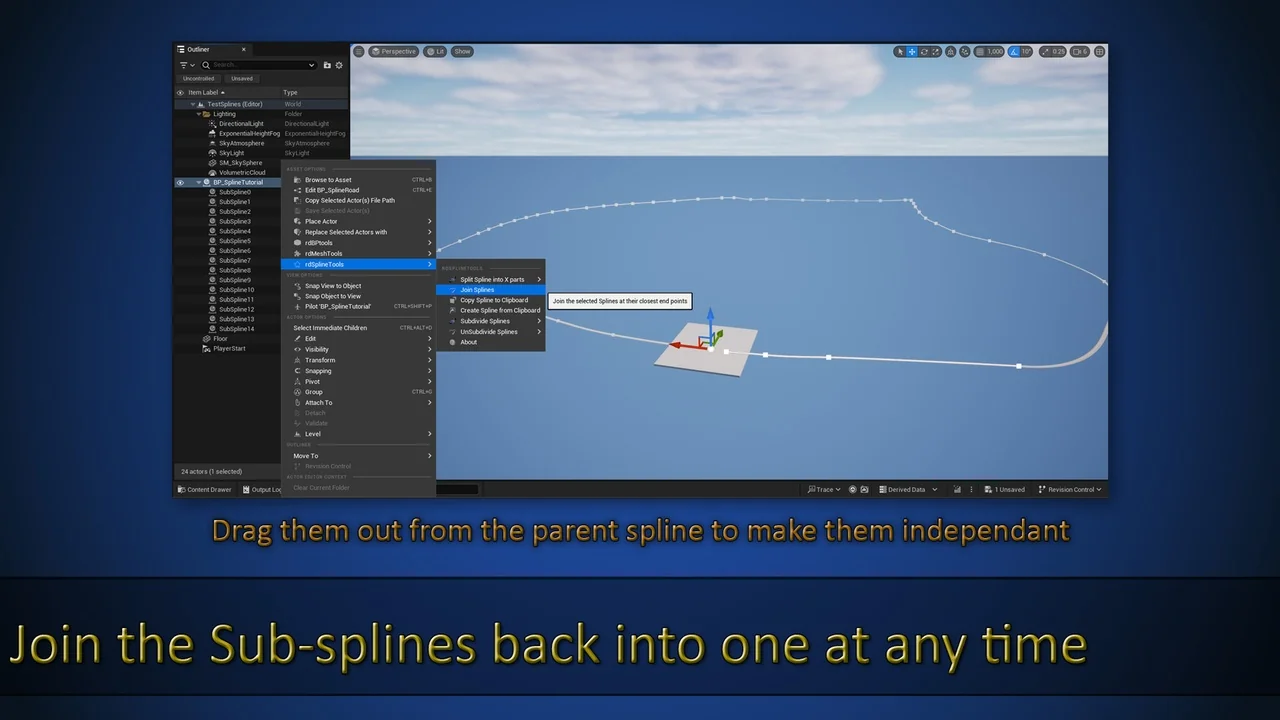
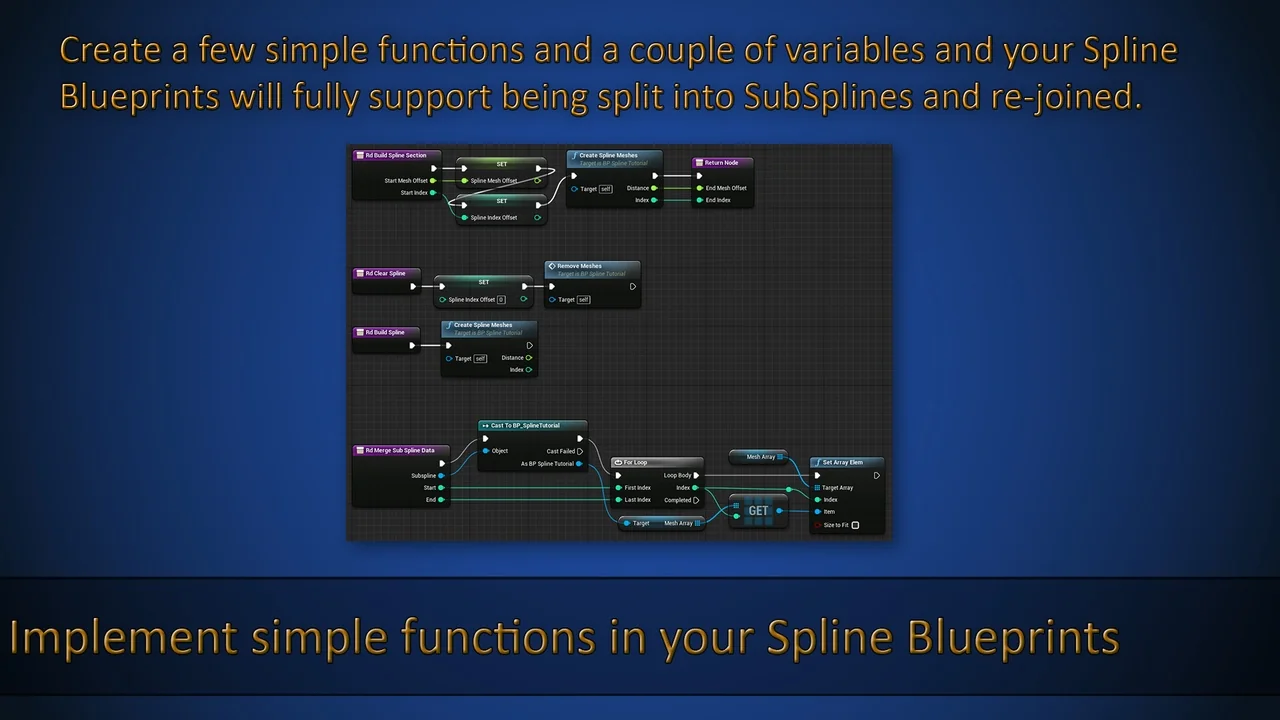
Managing complex paths is simplified through the ability to split splines into multiple sub-splines. Editing a sub-spline generally has no impact on other segments. However, if their endpoints match, the connected points will move accordingly to maintain alignment. Furthermore, developers can easily attach new splines to a main path, which is ideal for creating sub-roads at intersections.
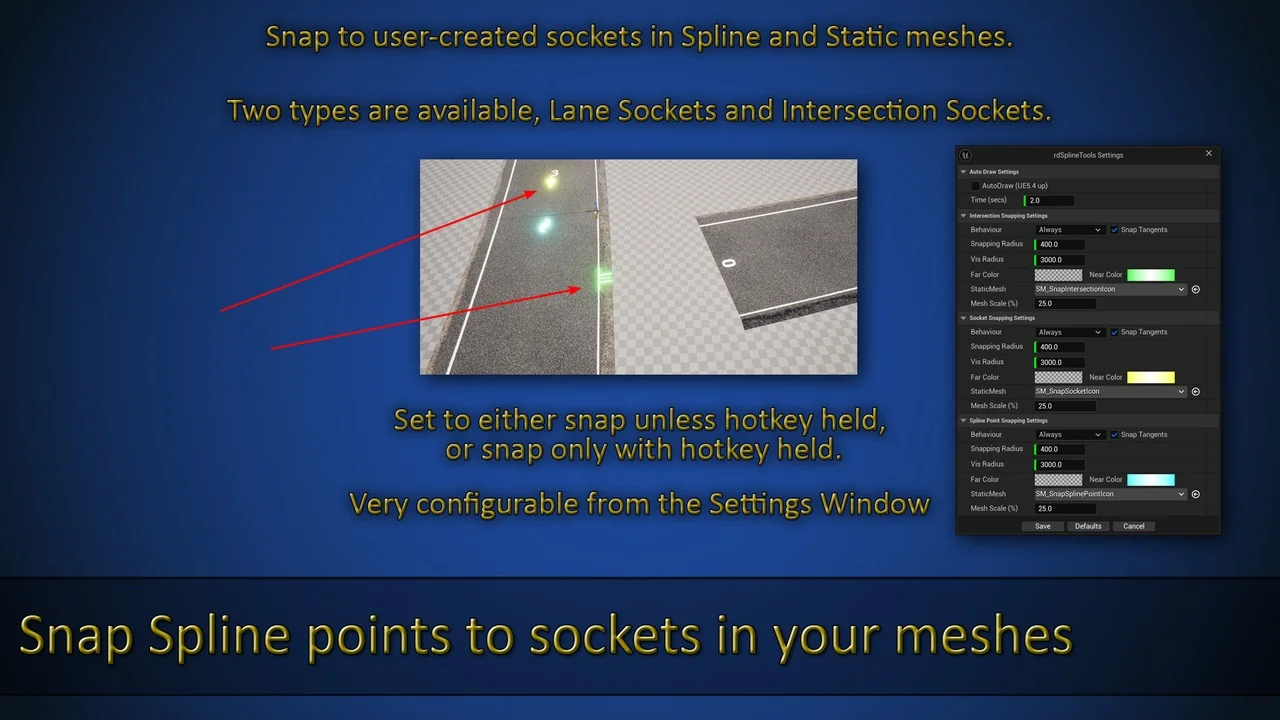
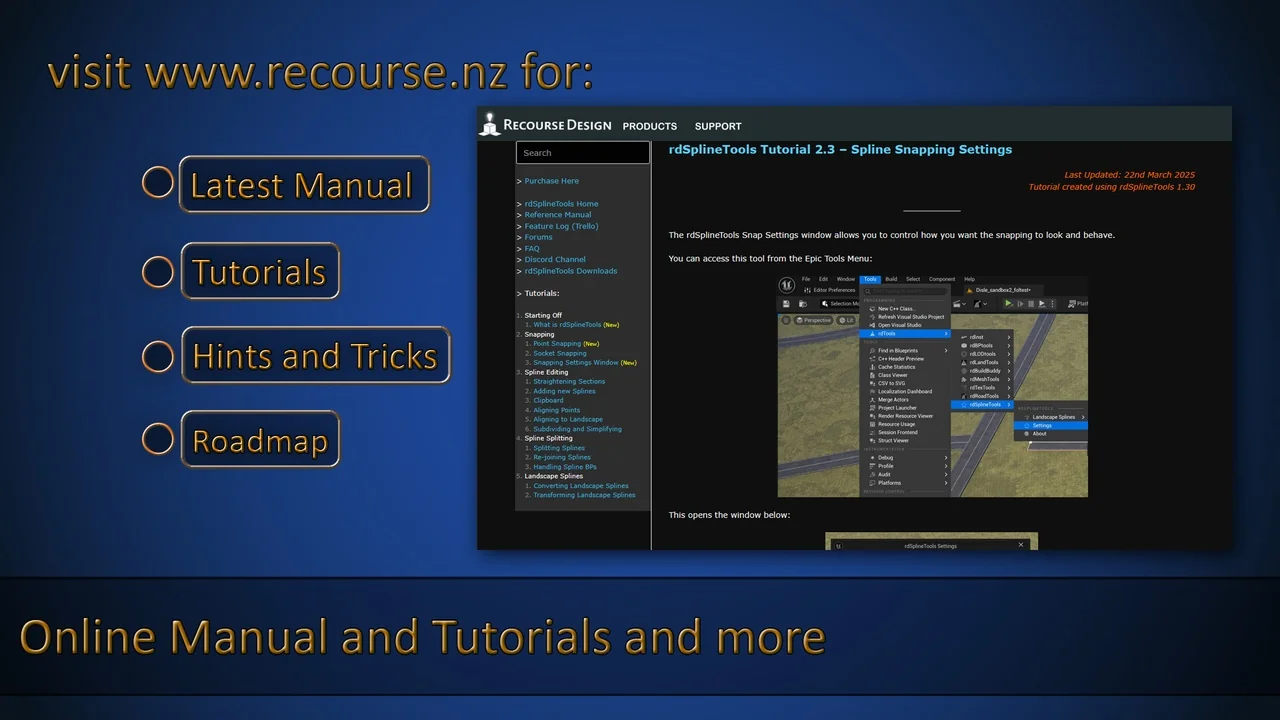
Precision is a core focus of rdSplineTools (rd Tools Pro). The plugin features built-in SplinePoint and Socket snapping to ensure perfect joins. When you drag a spline point, it automatically snaps to the nearest point on any spline in the level or to sockets on static meshes. Moreover, the developer included highly visible icons at snapping points to make 100% accurate connections easy to achieve, even from a distance.
Point Manipulation and Data Security
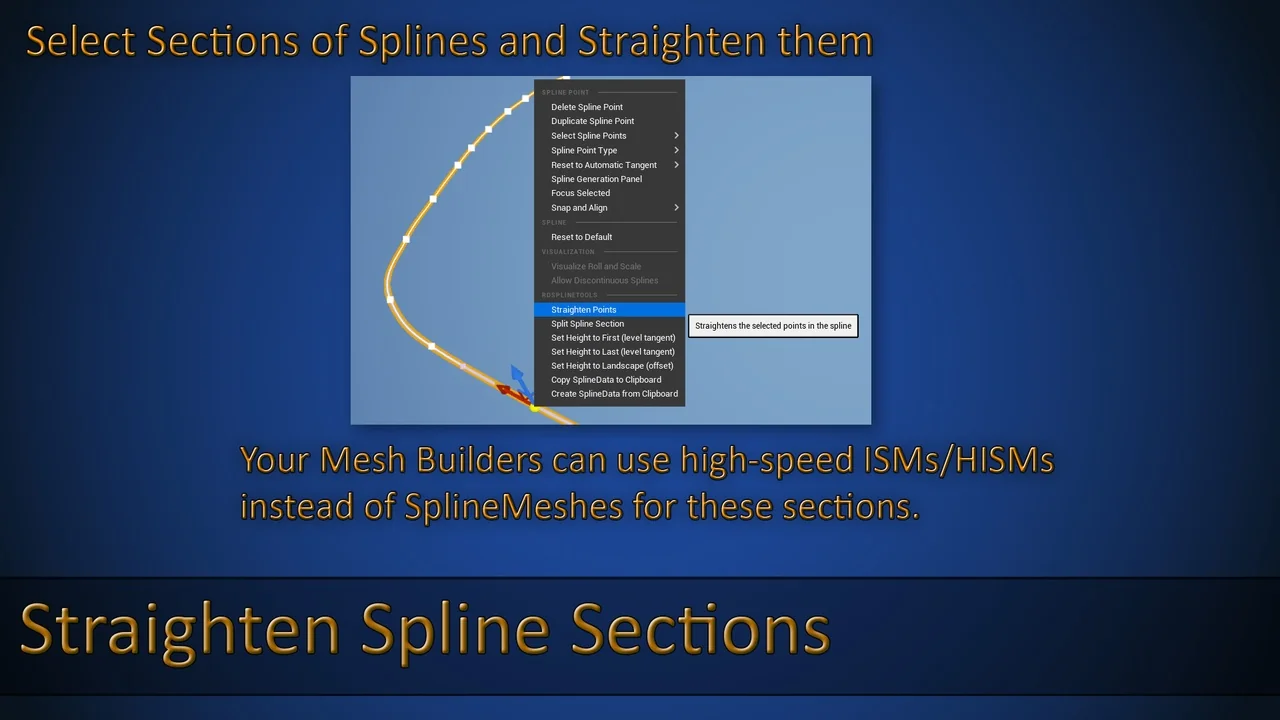
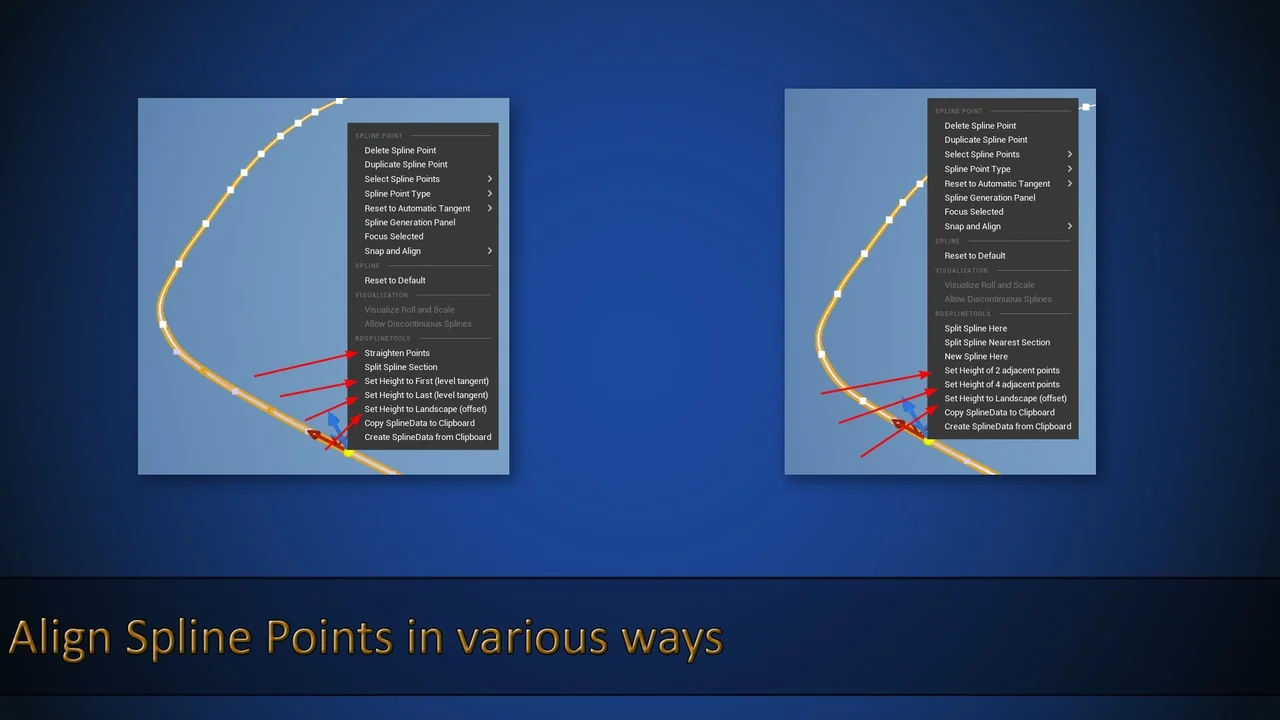
This toolset provides a variety of utilities for fine-tuning spline points. You can align points directly to the ground or align surrounding points to the Z-axis of a selected point. Consequently, creating level paths becomes much faster. Other essential tools include:
- Subdividing and simplifying existing spline points.
- Converting landscape splines to blueprint splines (experimental).
- Aligning point data for consistent heights.
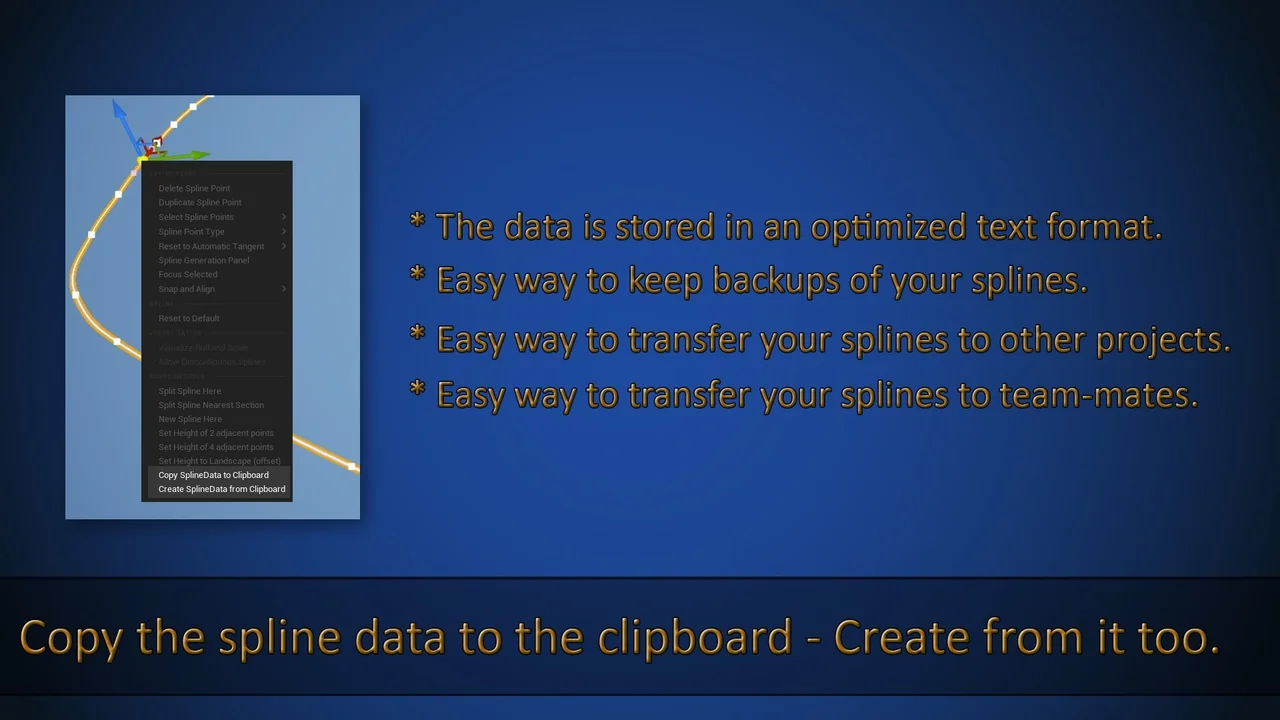
To prevent data loss, rdSplineTools (rd Tools Pro) includes a clipboard utility. This allows you to copy all spline point data and paste it into a text or source file as a backup. Therefore, if you ever need to revert your changes, you can simply copy the data back to the spline. This ensures that your complex level layouts remain secure throughout the development cycle.
Conclusion
In conclusion, rdSplineTools (rd Tools Pro) offers a comprehensive suite of features for any Unreal Engine developer working with splines. By combining intelligent snapping, easy sub-spline management, and robust backup options, it streamlines the level design process. Whether you are creating intricate road networks or simple paths, this plugin provides the professional tools necessary for efficient production.
Screenshots & Gallery