Efficient Multi-View Management
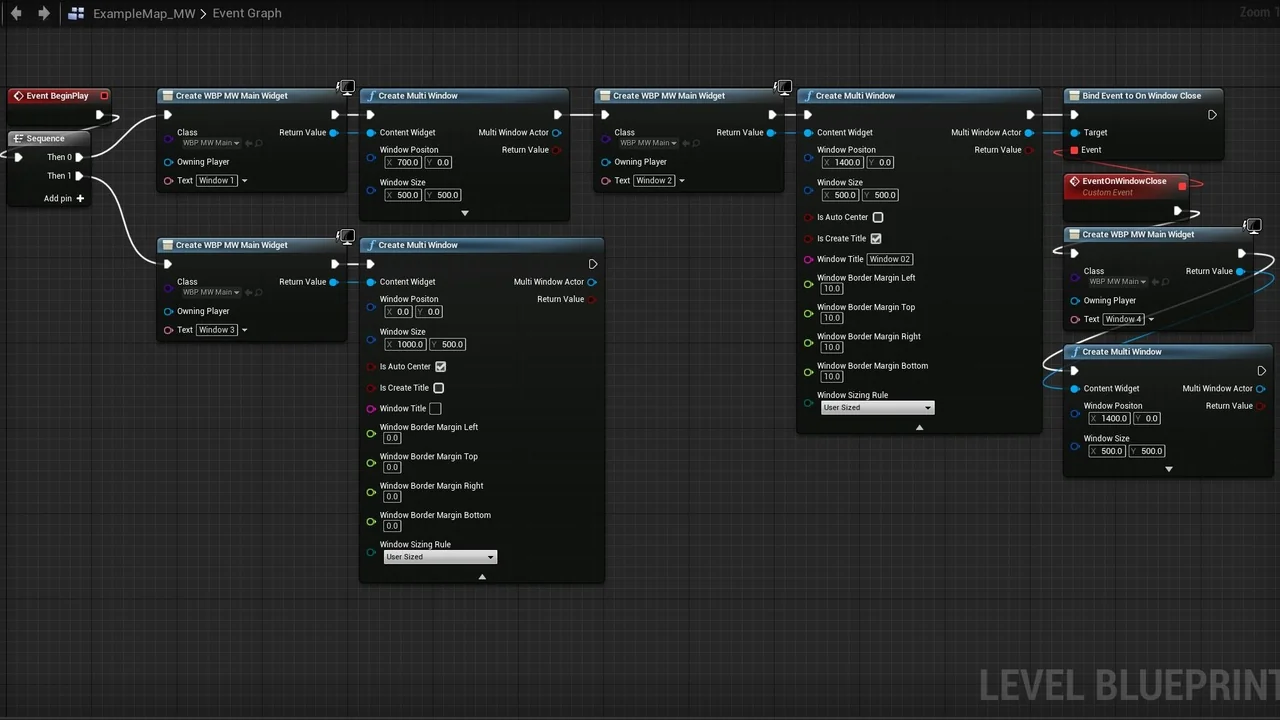
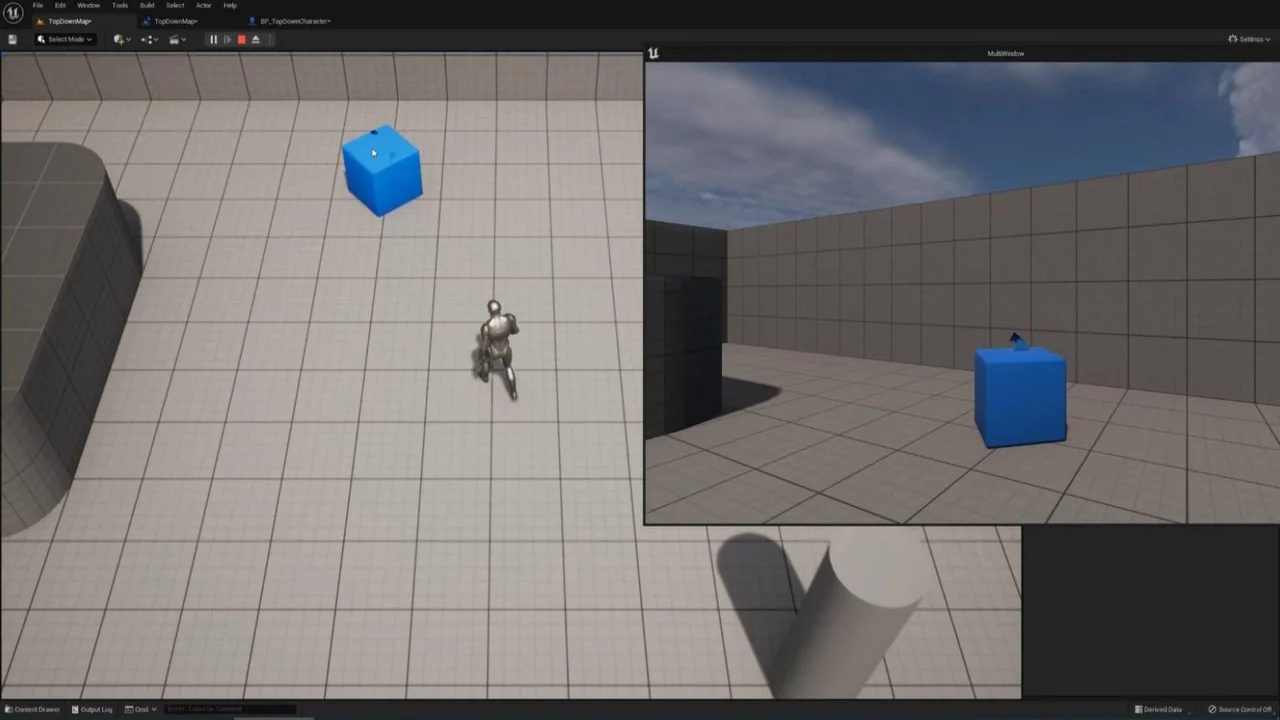
The Multi window plugin provides a streamlined solution for displaying multiple views across different windows simultaneously in Unreal Engine. This tool is specifically designed to be easy to use through its comprehensive support for blueprint nodes. Therefore, developers can integrate complex window management without writing extensive code. It simplifies the process of creating secondary displays for any project.
Getting Started and Setup
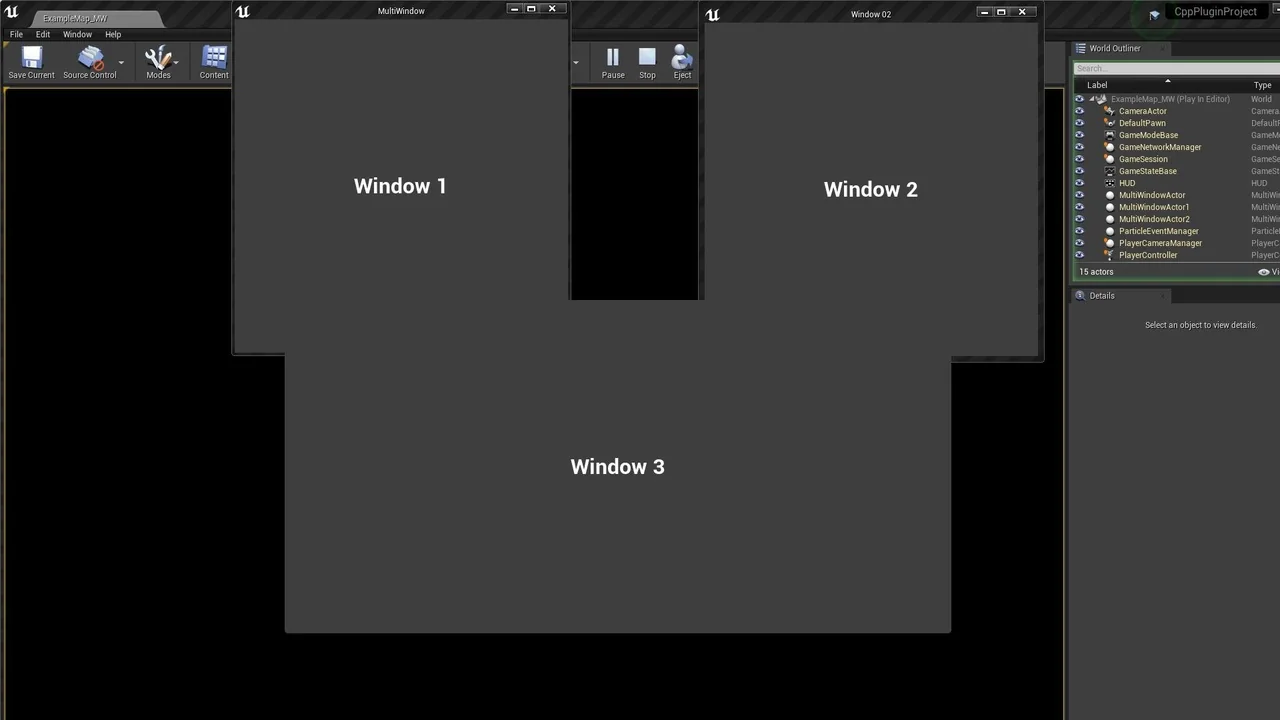
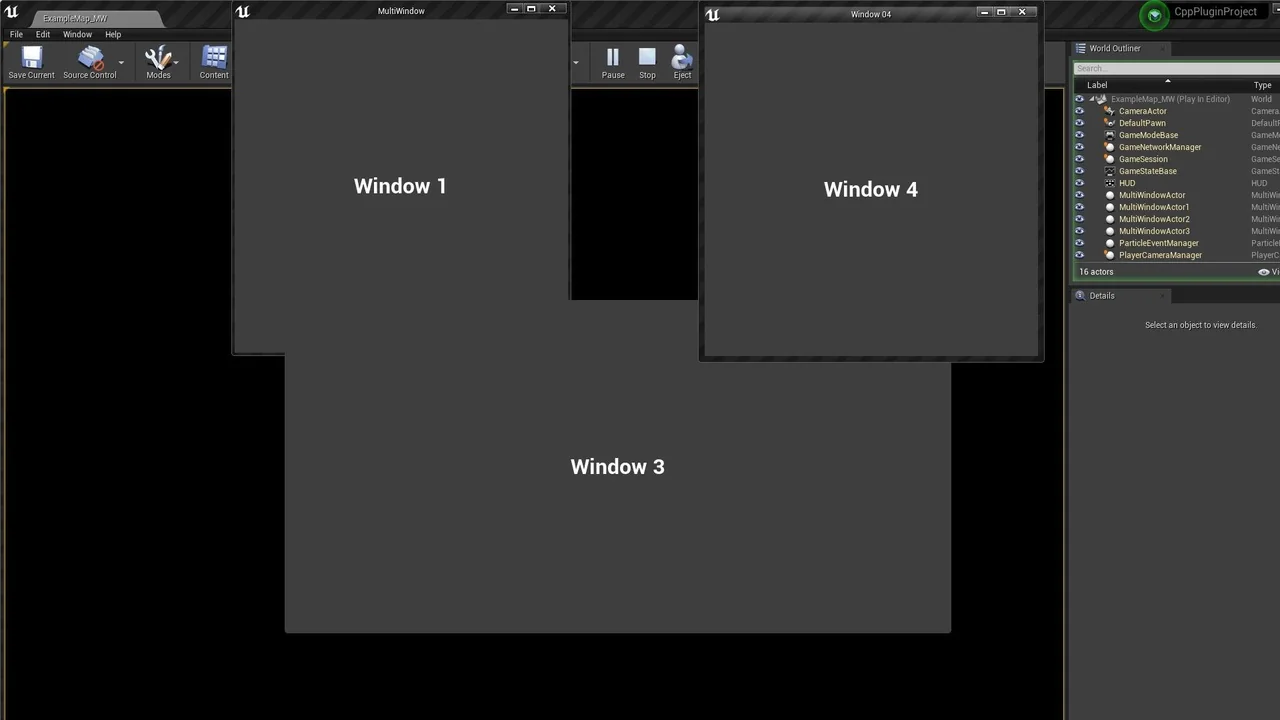
To access the plugin’s features, users can open the Content Browser and enable the “Show Plugin Content” option within the settings menu. Once enabled, a dedicated directory contains sample levels and related assets. Consequently, this allows for a quick understanding of how the system functions in a live environment. The developer has ensured that the sample assets provide a clear starting point for new users.
Advanced Rendering Options
The Multi window plugin features specialized camera-based window creation APIs. For instance, the CreateMultiWindowByCamera_Capture node uses SceneCapture to render views into textures at a lower performance cost. However, if you require higher fidelity, the CreateMultiWindowByCamera_Advanced node utilizes an advanced rendering path. This second option supports richer post-processing and quality controls, although it comes with a higher computational cost.
Persistent and Cross-Level Support
One of the most significant features is the persistent, cross-level support. By utilizing the CreateMultiWindowBySubsystem family of nodes, windows can survive level transitions. Thus, developers can maintain a consistent user interface even when the game world changes. This is particularly useful for applications that require constant monitoring of specific data or views across different environments.
Comprehensive Window Control
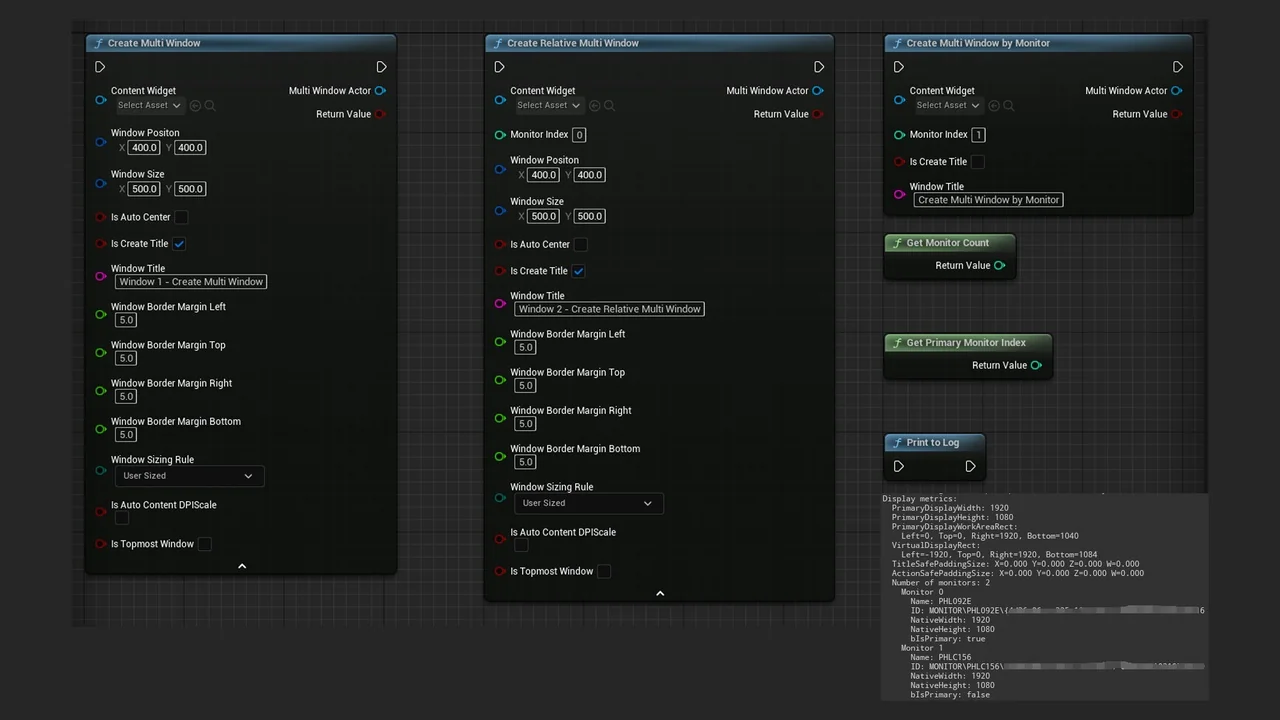
Managing these windows is straightforward thanks to various utility functions. The plugin includes the ability to set window modes, move windows, and track movement via the OnWindowMoved callback. Moreover, the ForceFocusToGameViewport parameter ensures that keyboard events continue to function normally on the main viewport even when other windows are active. Additionally, the system supports DPI scaling to ensure content looks sharp on various displays.
Multi-Monitor and Platform Support
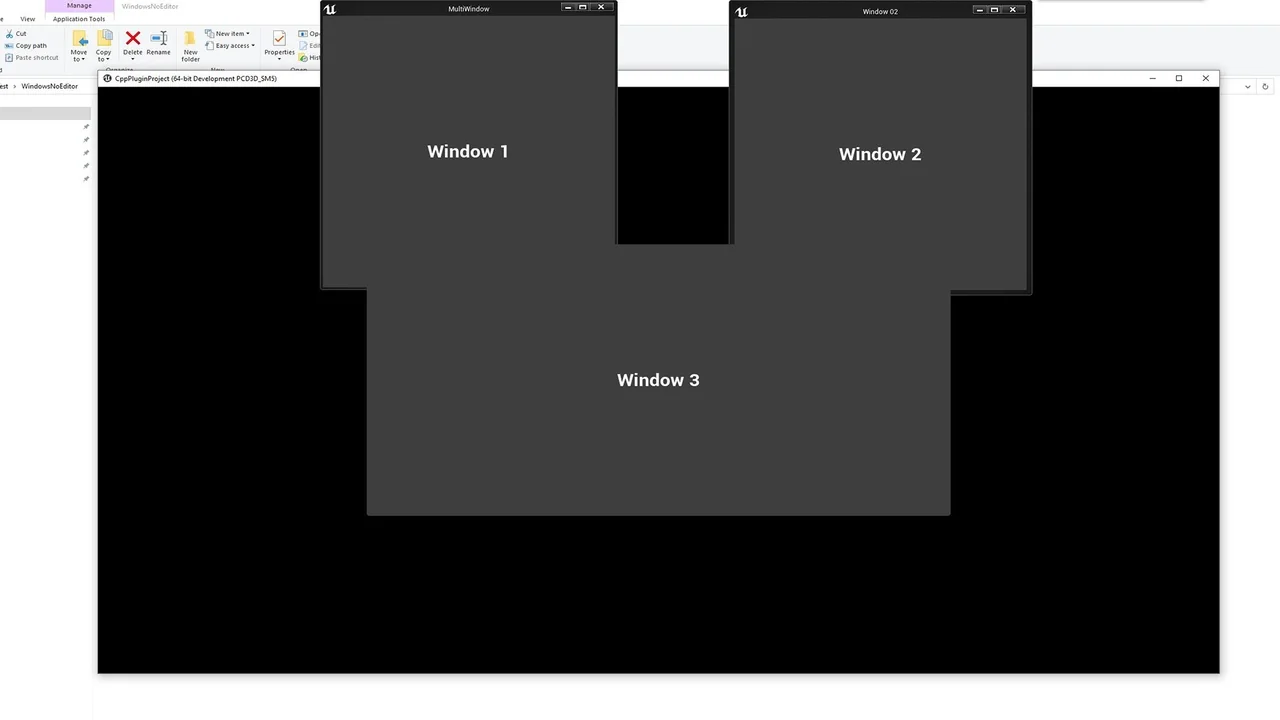
For multi-monitor setups, the Multi window plugin offers specialized functions. Users can determine the monitor count and identify the primary monitor index easily. The CreateMultiWindowByMonitor function allows for direct window placement on specific screens in full-screen mode. Furthermore, the plugin supports multiple platforms including Windows, Linux, and MacOS, and is compatible with engine versions ranging from 4.26 up to 5.7.
Conclusion
The Multi window plugin is a robust framework for any project requiring sophisticated multi-view displays. By combining ease of use with advanced rendering paths and cross-level persistence, it offers great flexibility. Ultimately, it provides the necessary tools to handle complex windowing requirements within the Unreal Engine ecosystem.
Screenshots & Gallery