"7066dd76da796369"{"id":"13834","slug":"darker-nodes","title":"Darker Nodes","category":"Engine Tools","engine":"4.26 - 5.8","assetVersion":"Asset Version:2.6 - 3.6","engineVersion":"Engine version: 4.26 - 5.8","tag":"Engine Tools","accent":"blue","visual":"city","summary":"Enhance your development environment with Darker Nodes, a comprehensive theme for the Unreal Editor. This tool optimizes interface brightness and simplifies complex layouts to improve your daily workflow.","platform":"Unreal Engine","publishedAt":"2026-03-11T10:16:04.000Z","updatedAt":"2026-08-27T11:17:12.825Z","sourceNotes":[],"fileContents":[],"compatibility":["Unreal Engine","Asset Version:2.6 - 3.6","Engine version: 4.26 - 5.8"],"featuredImage":{"alt":"Darker Nodes","src":"https://3dcghub.com/wp-content/uploads/2026/03/18fa5af4-6fba-42db-9e00-28fe14d01c2b.webp"},"hasDownloadLink":true,"downloads":2,"terms":[{"taxonomy":"category","slug":"engine-tools-tools-and-plugins","name":"Engine Tools"},{"taxonomy":"post_tag","slug":"blueprint","name":"Blueprint"},{"taxonomy":"post_tag","slug":"darker-nodes","name":"Darker Nodes"},{"taxonomy":"post_tag","slug":"plugins","name":"Plugins"},{"taxonomy":"post_tag","slug":"tools","name":"Tools"},{"taxonomy":"post_tag","slug":"ui","name":"UI"},{"taxonomy":"post_tag","slug":"unreal-engine-5","name":"Unreal Engine 5"}],"galleryImages":[{"src":"https://3dcghub.com/wp-content/uploads/2026/03/45e09980dac5_00bbf6b0-9602-4c2d-a0a4-c15dce880b19.webp","alt":"Darker Nodes"},{"src":"https://3dcghub.com/wp-content/uploads/2026/03/60e5b73a33ea_c1930505-756a-4953-8356-9262de3bb8ad.webp","alt":"Darker Nodes"},{"src":"https://3dcghub.com/wp-content/uploads/2026/03/a2906d0e7dfc_755e0d97-6f07-4e2c-8776-8595d79420be.webp","alt":"Darker Nodes"},{"src":"https://3dcghub.com/wp-content/uploads/2026/03/d20228801c57_29e0f6df-29f8-4c58-b1a4-ce82d21773a2.webp","alt":"Darker Nodes"},{"src":"https://3dcghub.com/wp-content/uploads/2026/03/1dd4966fbcfc_3011e1d6-9151-49c9-8059-e649dc7496e8.webp","alt":"Darker Nodes"},{"src":"https://3dcghub.com/wp-content/uploads/2026/03/350aae063b91_cd2cf605-b1b1-4193-aa4d-b06ee7154408.webp","alt":"Darker Nodes"}],"accessPanel":{"kind":"resource","title":"Download this resource","eyebrow":"Free Download","message":"Log in or create a free account to start your download.","fileName":"Darker Nodes.7z","safetyNote":"Resources are manually reviewed before listing to improve quality and reduce obvious risks.","actionLabel":"Download Free","resourceType":"Resource archive"},"contentHtml":"\u003ch2\u003eEnhance Your Workspace with Darker Nodes\u003c/h2\u003e\n\u003cp\u003eDarker Nodes is a modern theme for the Unreal Editor that aims to improve the overall feeling of the software. Developing in a complex environment can often be taxing on the eyes and mind. Therefore, this theme focuses on reducing the mental load of complex interfaces by refining the visual layout. By changing the brightness of the entire editor, it provides a more comfortable and cohesive experience for creators.\u003c/p\u003e\n\n\u003cp\u003eThe developer designed this tool to modernize the standard look of the engine. It addresses the aesthetic and functional needs of users who spend long hours within the editor. Moreover, the theme provides a more streamlined appearance that helps users stay focused on their creative tasks. Consequently, the workspace feels more professional and less cluttered.\u003c/p\u003e\n\n\u003ch2\u003eExtensive Customization Options\u003c/h2\u003e\n\u003cp\u003eOne of the primary benefits of this resource is the deep level of customization it offers. The theme introduces custom colors, buttons, and text fields across the entire interface. Users are not limited to a single look because the creator included a lot of preset combinations. These presets allow for rapid adjustments to the editor's visual style. Furthermore, the package features more than 50 custom icons to replace standard engine assets.\u003c/p\u003e\n\n\u003cp\u003eThe ability to modify text fields and button styles everywhere ensures a consistent user experience. This consistency is vital for maintaining a smooth workflow. Additionally, the custom icons provide a fresh visual language for common tools within the engine. As a result, the editor becomes more intuitive and visually appealing for the user.\u003c/p\u003e\n\n\u003ch2\u003eVersion Compatibility and Features\u003c/h2\u003e\n\u003cp\u003eIt is important to understand how this theme functions across different versions of the engine. The features are slightly different in the UE5 version compared to the UE4 version. This variation exists due to the significant changes in the engine's internal design. However, the developer continues to provide essential updates for modern workflows.\u003c/p\u003e\n\n\u003cp\u003eFor users working in UE5, the theme currently focuses on several core areas:\u003c/p\u003e\n\u003cul\u003e\n \u003cli\u003eComprehensive color theming for the entire interface.\u003c/li\u003e\n \u003cli\u003eSpecific improvements to Blueprint design and layout.\u003c/li\u003e\n \u003cli\u003eUpdates to fonts for better readability.\u003c/li\u003e\n\u003c/ul\u003e\n\n\u003ch2\u003eImportant Considerations\u003c/h2\u003e\n\u003cp\u003eWhile Darker Nodes significantly alters the look of the editor, it has specific functional boundaries. For instance, this plugin focuses on the visual theme and interface elements. It does not include straight blueprint wires, as those are part of a separate plugin by the same creator. Therefore, users seeking that specific visual change should look for the developer's other offerings.\u003c/p\u003e\n\n\u003cp\u003eFor teams considering it, Darker Nodes provides a sophisticated solution for Unreal Engine users looking to customize their environment. It effectively reduces visual fatigue by managing editor brightness and simplifying complex UI elements. With its vast array of custom icons and presets, it stands as a robust choice for interface modernization. This theme ensures that your development process is as visually clear and efficient as possible.\u003c/p\u003e\n\n\u003ch2\u003eContinue Browsing Similar Packs\u003c/h2\u003e\n\u003cul\u003e\n\u003cli\u003e\u003ca href=\"https://3dcghub.com/extile-plus-ultimate-non-tiling-material-toolkit-for-unreal-engine-environments/\" title=\"EXTILE PLUS -Ultimate Non-Tiling Material Toolkit for Unreal Engine Environments\"\u003eEXTILE PLUS -Ultimate Non-Tiling Material Toolkit for Unreal Engine Environments\u003c/a\u003e\u003c/li\u003e\n\u003cli\u003e\u003ca href=\"https://3dcghub.com/ultimate-template-unrealengine-2d-dialogue-inventory-system-save/\" title=\"ULTIMATE Template UnrealEngine || 2D + Dialogue + Inventory system + Save | |\"\u003eULTIMATE Template UnrealEngine || 2D + Dialogue + Inventory system + Save | |\u003c/a\u003e\u003c/li\u003e\n\u003cli\u003e\u003ca href=\"https://3dcghub.com/blueprint-generator-ai-kibibyte-labs-engine-assistant/\" title=\"Blueprint Generator Ai – Kibibyte Labs (Engine Assistant)\"\u003eBlueprint Generator Ai – Kibibyte Labs (Engine Assistant)\u003c/a\u003e\u003c/li\u003e\n\u003cli\u003e\u003ca href=\"https://3dcghub.com/sci-fi-environment-engine-room/\" title=\"Sci-fi Environment Engine Room\"\u003eSci-fi Environment Engine Room\u003c/a\u003e\u003c/li\u003e\n\u003cli\u003e\u003ca href=\"https://3dcghub.com/combo-graph/\" title=\"Combo Graph\"\u003eCombo Graph\u003c/a\u003e\u003c/li\u003e\n\u003c/ul\u003e","contentTextLength":3442,"navigation":{"current":1103,"total":4016,"previous":{"id":"13977","slug":"electronic-nodes","title":"Electronic Nodes","category":"Engine Tools","platform":"Unreal Engine","updatedAt":"2026-08-27T11:23:28.007Z"},"next":{"id":"13862","slug":"dynamic-ai-system","title":"Dynamic AI System","category":"Engine Tools","platform":"Unreal Engine","updatedAt":"2026-08-27T11:07:36.100Z"}},"relatedResources":[{"id":"13785","slug":"chunk-downloader-nodes","title":"Chunk Downloader Nodes","category":"Engine Tools","engine":"5.6","assetVersion":"Engine version: 5.6","engineVersion":"Asset Version:1.0","tag":"Engine Tools","accent":"blue","visual":"animation","summary":"Streamline your content delivery with Chunk Downloader Nodes, a professional Blueprint wrapper for Epic's official plugin. This tool enables efficient content streaming and PAK file management without C++ requirements.","platform":"Unreal Engine","publishedAt":"2026-03-11T10:02:01.000Z","updatedAt":"2026-04-19T15:46:22.000Z","sourceNotes":[],"fileContents":[],"compatibility":["Unreal Engine","Engine version: 5.6","Asset Version: 1.0"],"featuredImage":{"alt":"Chunk Downloader Nodes","src":"https://3dcghub.com/wp-content/uploads/2026/03/efb2c9d0-ead4-4949-8fda-f55747fa16fe-1.webp"},"hasDownloadLink":true,"downloads":0},{"id":"14243","slug":"multi-window","title":"Multi window","category":"Engine Tools","engine":"4.25 - 5.7","assetVersion":"Asset Version: 1.0","engineVersion":"Engine version: 4.25 - 5.7","tag":"Engine Tools","accent":"blue","visual":"character","summary":"The Multi window plugin enables developers to display multiple views simultaneously across different windows using simple Blueprint nodes. With support for advanced rendering and persistent cross-level windows, it is a versatile tool for complex UI and disp...","platform":"Unreal Engine","publishedAt":"2026-03-11T17:07:21.000Z","updatedAt":"2026-08-06T12:55:43.741Z","sourceNotes":[],"fileContents":[],"compatibility":["Unreal Engine","Asset Version: 1.0","Engine version: 4.25 - 5.7"],"featuredImage":{"alt":"Multi window","src":"https://3dcghub.com/wp-content/uploads/2026/03/2e68fe3f-2dca-47bc-80cc-c4bc96fea474.webp"},"hasDownloadLink":true,"downloads":0},{"id":"13760","slug":"blueprint-generator-ai-kibibyte-labs-engine-assistant","title":"AI Engine Assistant - Kibibyte Labs (Blueprint Generator \u0026 More!)","category":"Engine Tools","engine":"0.1.4","assetVersion":"Engine version: 5.2 - 5.7","engineVersion":"Asset Version: 0.1.4","tag":"Engine Tools","accent":"blue","visual":"character","summary":"Blueprint Generator Ai - Kibibyte Labs (Engine Assistant) is a powerful tool designed to transform natural language into functional Unreal Engine Blueprints. It offers a suite of modules for generating logic, explaining complex nodes, and optimizing the dev...","platform":"Unreal Engine","publishedAt":"2026-03-11T09:58:02.000Z","updatedAt":"2026-07-09T21:24:04.089Z","sourceNotes":[],"fileContents":[],"compatibility":["Unreal Engine","Engine version: 5.2 - 5.7","Asset Version: 0.1.4"],"featuredImage":{"alt":"Blueprint Generator Ai - Kibibyte Labs (Engine Assistant)","src":"https://3dcghub.com/wp-content/uploads/2026/03/ff365004-07a8-4633-90ac-7c9a038cc81d.webp"},"hasDownloadLink":true,"downloads":2}]}
Engine Tools
Darker Nodes
Enhance your development environment with Darker Nodes, a comprehensive theme for the Unreal Editor. This tool optimizes interface brightness and simplifies complex layouts to improve your daily workflow.
Category:Unreal Engine,Engine ToolsPlatform: Unreal EngineAsset Version: 2.6 - 3.6Engine version: 4.26 - 5.8Published: Mar 11, 2026Updated: Aug 27, 2026
Engine Tools
Resource overview
Enhance Your Workspace with Darker Nodes
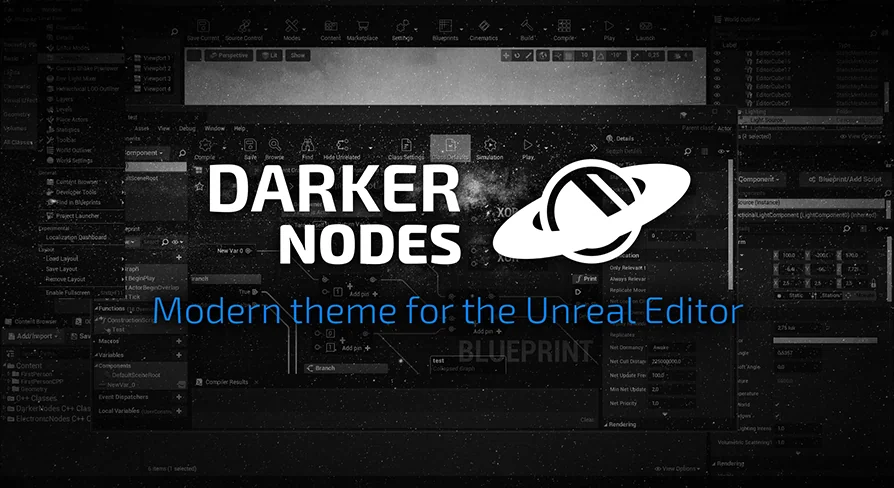
Darker Nodes is a modern theme for the Unreal Editor that aims to improve the overall feeling of the software. Developing in a complex environment can often be taxing on the eyes and mind. Therefore, this theme focuses on reducing the mental load of complex interfaces by refining the visual layout. By changing the brightness of the entire editor, it provides a more comfortable and cohesive experience for creators.
The developer designed this tool to modernize the standard look of the engine. It addresses the aesthetic and functional needs of users who spend long hours within the editor. Moreover, the theme provides a more streamlined appearance that helps users stay focused on their creative tasks. Consequently, the workspace feels more professional and less cluttered.
Extensive Customization Options
One of the primary benefits of this resource is the deep level of customization it offers. The theme introduces custom colors, buttons, and text fields across the entire interface. Users are not limited to a single look because the creator included a lot of preset combinations. These presets allow for rapid adjustments to the editor's visual style. Furthermore, the package features more than 50 custom icons to replace standard engine assets.
The ability to modify text fields and button styles everywhere ensures a consistent user experience. This consistency is vital for maintaining a smooth workflow. Additionally, the custom icons provide a fresh visual language for common tools within the engine. As a result, the editor becomes more intuitive and visually appealing for the user.
Version Compatibility and Features
It is important to understand how this theme functions across different versions of the engine. The features are slightly different in the UE5 version compared to the UE4 version. This variation exists due to the significant changes in the engine's internal design. However, the developer continues to provide essential updates for modern workflows.
For users working in UE5, the theme currently focuses on several core areas:
Comprehensive color theming for the entire interface.
Specific improvements to Blueprint design and layout.
Updates to fonts for better readability.
Important Considerations
While Darker Nodes significantly alters the look of the editor, it has specific functional boundaries. For instance, this plugin focuses on the visual theme and interface elements. It does not include straight blueprint wires, as those are part of a separate plugin by the same creator. Therefore, users seeking that specific visual change should look for the developer's other offerings.
For teams considering it, Darker Nodes provides a sophisticated solution for Unreal Engine users looking to customize their environment. It effectively reduces visual fatigue by managing editor brightness and simplifying complex UI elements. With its vast array of custom icons and presets, it stands as a robust choice for interface modernization. This theme ensures that your development process is as visually clear and efficient as possible.
 Engine Tools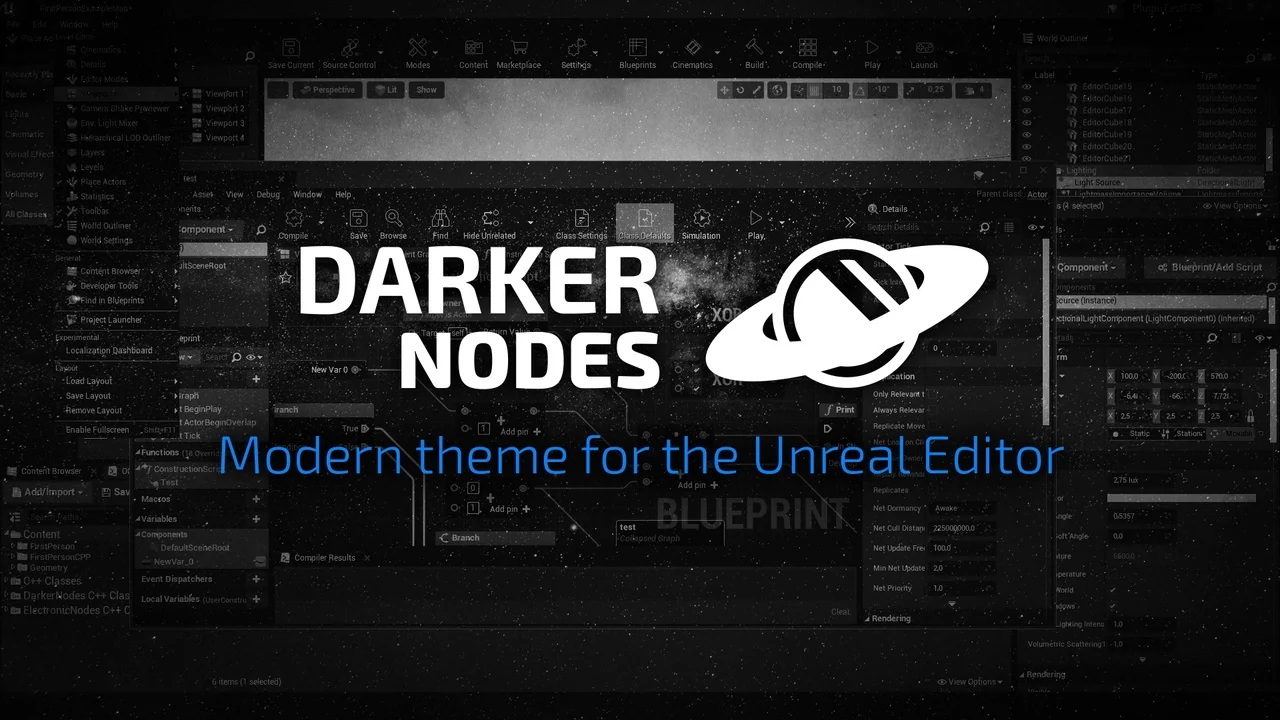
 Engine Tools
 Engine Tools
 Engine Tools