Comprehensive Timeline Features for Components
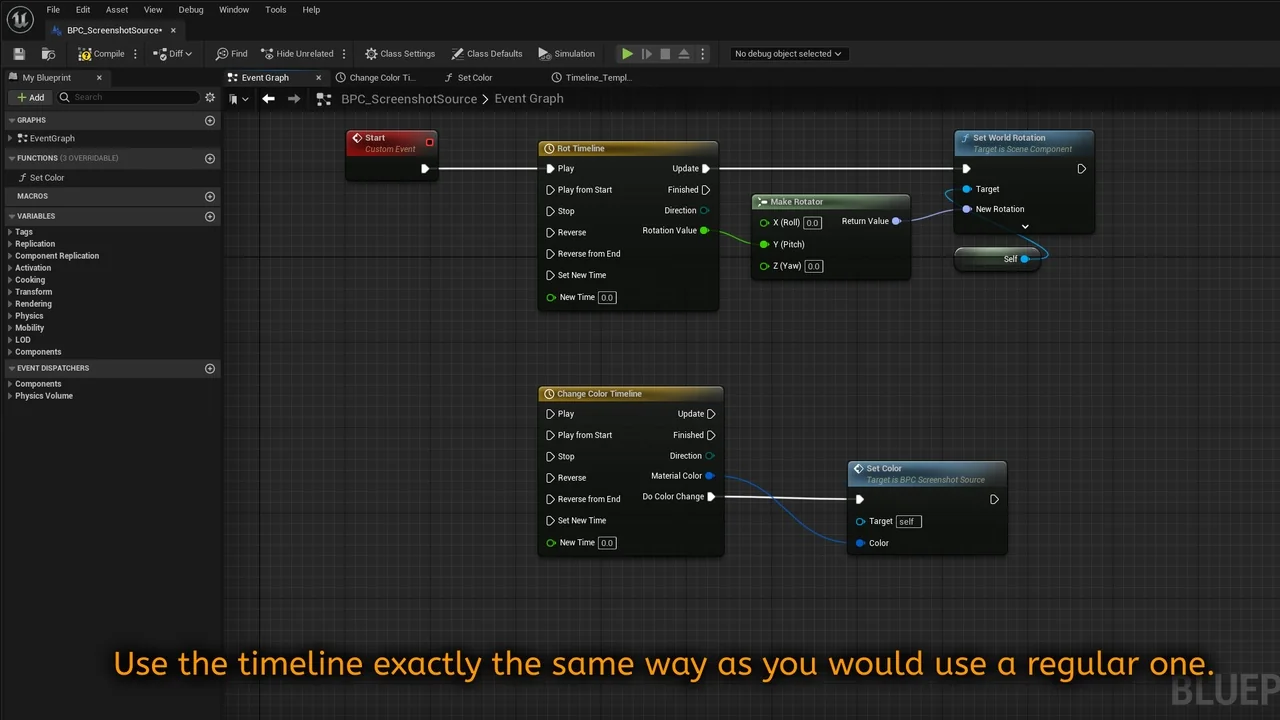
Component Timeline is a specialized plugin designed to bring the full power of the Timeline node into component blueprints. Traditionally, these features were primarily accessible within actor blueprints. However, this tool bridges that gap by providing 100% of the functionality developers expect from the standard actor blueprint system.
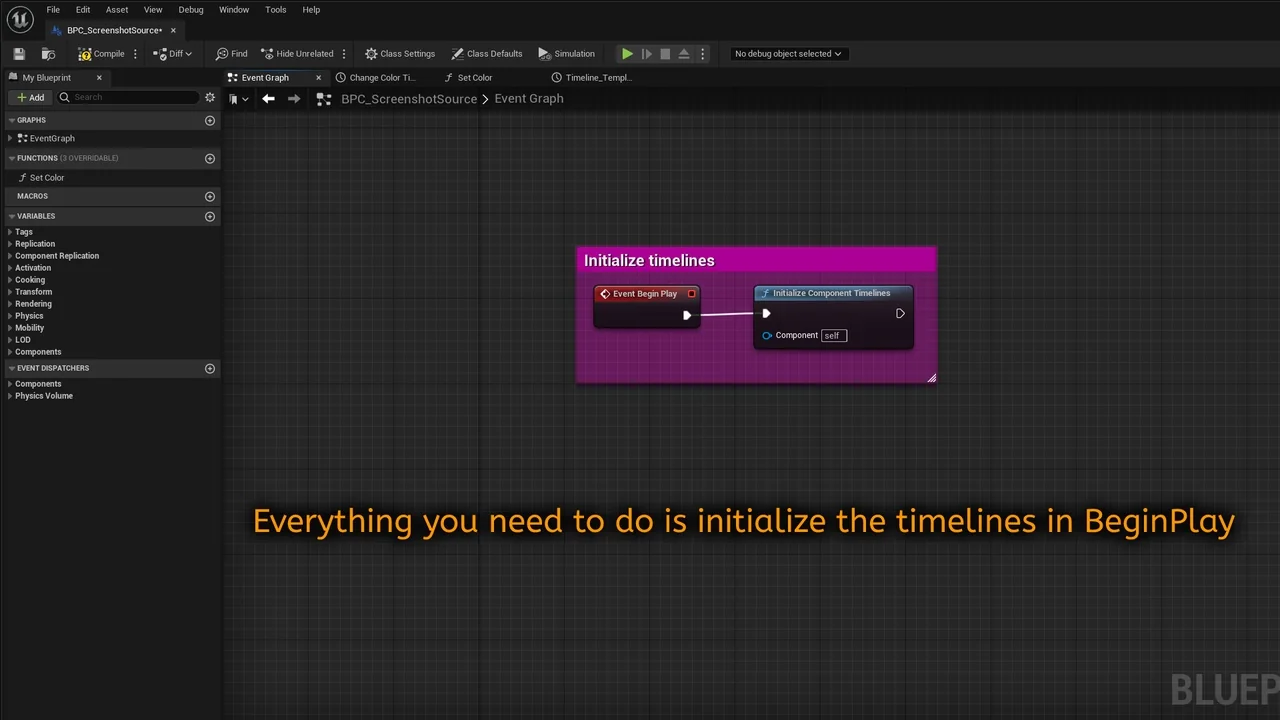
The creator has focused on making the plugin as intuitive as possible. Consequently, it is easy to set up and use within any project. By placing timeline nodes directly in component blueprints, developers can maintain a cleaner and more organized workflow. This convenience is a significant advantage for those building complex, modular systems.
Key Functionalities and Tools
The Component Timeline offers a robust set of features that mirror the native actor experience. These tools are essential for creating dynamic movements and time-based logic. Therefore, users do not have to sacrifice any control when moving their logic into components.
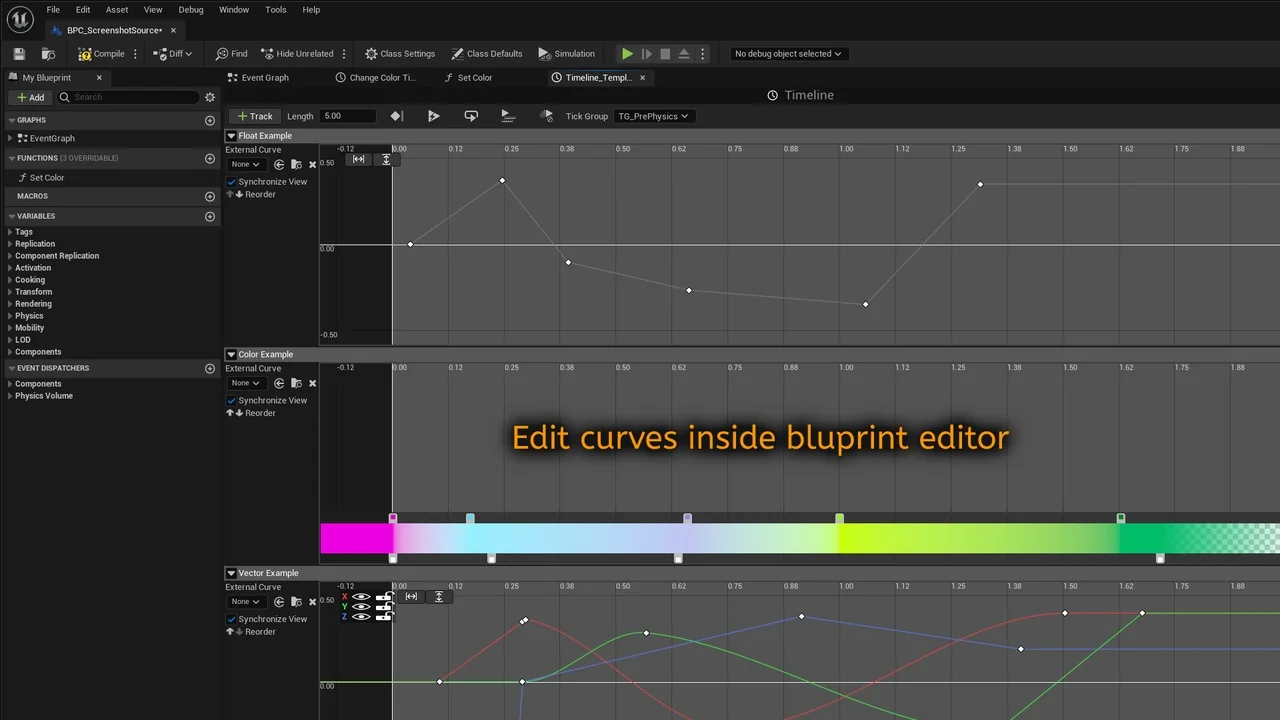
- Curve Editing: Users can edit curves directly to define precise values over time.
- Event Tracks: The plugin supports event tracks to trigger specific actions at precise moments.
- Looping Options: Integrated looping settings allow for continuous animations or repeating logic.
Because these features are identical to the original actor nodes, the learning curve is minimal. Most developers will find the interface familiar and immediately productive. Moreover, the ease of integration makes it a versatile choice for various development needs.
Streamlined Development and Convenience
One of the primary benefits of the Component Timeline is the added convenience it brings to the blueprint editor. By allowing timeline nodes to reside within components, it promotes better encapsulation of logic. This means that individual components can handle their own time-based transitions independently.
Furthermore, this independence simplifies the process of reusing components across different actors. Since the timeline logic is contained within the component itself, you can move it between different parts of your project with ease. This portability makes the plugin an essential tool for any developer looking to optimize their architectural design.
Advanced Integration and Experimental Support
The developer has also looked toward the future of blueprint flexibility. While the core focus is on component blueprints, there is experimental support for other blueprint types as well. Users interested in these advanced applications should consult the provided documentation for technical details.
In conclusion, the Component Timeline plugin is a powerful utility for anyone working within the blueprint system. It provides a familiar set of tools in a more flexible environment. Whether you are managing simple loops or complex event-driven animations, this plugin ensures your workflow remains efficient and organized.
Screenshots & Gallery