"1f00f67f9253451b"{"id":"1001264","slug":"blueprint-cheat-manager-pro","title":"Blueprint Cheat Manager Pro","category":"Engine Tools","engine":"5.0 - 5.5","assetVersion":"Asset Version: 1.0 - 1.0.3","engineVersion":"Engine Version: 5.0 - 5.5","tag":"Engine Tools","accent":"blue","visual":"mech","summary":"Blueprint Cheat Manager Pro replaces C++ requirements with direct Blueprint console commands in Unreal Engine 4.25 through 4.27 for faster testing.","platform":"Unreal Engine","publishedAt":"2026-09-30T05:42:15.265Z","updatedAt":"2026-09-30T05:42:15.265Z","sourceNotes":[],"fileContents":[],"compatibility":["Unreal Engine","Asset Version: 1.0 - 1.0.3","Engine Version: 5.0 - 5.5"],"featuredImage":{"alt":"Blueprint Cheat Manager Pro","src":"/wp-content/uploads/published/2026/09/e652aae19521-9278f853-a3a3-4859-8fcf-b3df15837fdb-4de192570c.webp"},"hasDownloadLink":true,"downloads":0,"terms":[{"taxonomy":"category","slug":"engine-tools-tools-and-plugins","name":"Engine Tools"}],"galleryImages":[{"src":"/wp-content/uploads/published/2026/09/51a8c84043f3-3b78cb99-6309-404a-88e0-d1cba49fc045-b7a92a4921.webp","alt":"Blueprint Cheat Manager Pro"}],"accessPanel":{"kind":"resource","title":"Download this resource","eyebrow":"Free Download","message":"Log in or create a free account to start your download.","fileName":"Blueprint Cheat Manager Pro.7z","safetyNote":"Resources are manually reviewed before listing to improve quality and reduce obvious risks.","actionLabel":"Download Free","resourceType":"Resource archive"},"contentHtml":"\u003cp\u003eRuntime testing inside Unreal Engine routinely relies on rapid command execution through the in-game command line. Triggering isolated gameplay states, manipulating player parameters, or bypassing progression gates typically runs through a dedicated cheat manager. Blueprint Cheat Manager Pro targets this layer of production, routing the creation and execution of cheat commands away from native code and directly into the visual scripting environment.\u003c/p\u003e \u003ch2\u003eBypassing C++ Code for Console Command Integration\u003c/h2\u003e\n\u003cp\u003eHistorically, building a structured cheat architecture in Unreal Engine required native C++ proficiency. The default engine pipeline expects developers to declare functions within a custom cheat manager class, mark them with native execution specifiers, and compile the project binaries before those commands register in the developer console. For teams with gameplay scripters, level designers, and technical artists who work exclusively in Blueprints, that C++ barrier creates recurring friction. Every minor testing utility, sandbox toggle, or debugging command had to pass through a C++ programmer or wait on native compilation cycles.\u003c/p\u003e \u003cp\u003eBlueprint Cheat Manager Pro removes that dependency entirely. By providing the tools to implement cheat functions directly inside Blueprints, the plugin opens console command creation to the entire design team. Team members can author, adjust, and iterate on testing functions without modifying source code, generating C++ header files, or triggering full project recompiles. Development efficiency increases when designers can build the exact verification tools they need at the moment gameplay mechanics are assembled.\u003c/p\u003e \u003ch2\u003eBlueprint-Driven Cheat Functions in Daily Testing\u003c/h2\u003e\n\u003cp\u003eDirect Blueprint integration changes how testing routines are maintained across active gameplay passes. When cheat functionality is confined to native code, teams frequently resort to messy workarounds like binding temporary test actions to arbitrary keyboard keys or nesting debugging routines inside unrelated actor blueprints. These temporary solutions clutter input maps, complicate version control merges, and risk slipping into release builds unnoticed.\u003c/p\u003e \u003cp\u003eCentralizing test triggers within a dedicated cheat manager keeps the project clean and organized. Because the plugin allows functions to be added directly as Blueprints, developers retain full access to standard visual scripting graphs, event dispatches, variable reads, and actor references. If a mechanic needs a command that resets dynamic quest flags, spawns specific equipment configurations, or simulates network latency states, the scripter creates the logic visually and surfaces it to the console interface immediately. This structure keeps debugging routines isolated within proper cheat pathways rather than scattered across character blueprints or level logic.\u003c/p\u003e \u003ch2\u003eConsole and Commander Workflows for Fast Iteration\u003c/h2\u003e\n\u003cp\u003eInteracting with runtime cheat functions through the command line offers an unobtrusive way to inspect gameplay behavior. The developer console acts as a clean, text-driven interface, allowing precise execution of commands on demand without requiring custom UI overlays or on-screen debugging buttons that obscure visual assets and interface elements.\u003c/p\u003e \u003cp\u003eUsing console commands and commander conventions streamlines the rhythm of iterative playtesting. A developer evaluating combat balancing or level scripting can open the console, type the custom command defined in Blueprints, and instantly trigger the underlying logic. Because the cheat integration connects directly to the engine's command architecture, parameters and logic branches pass cleanly into runtime execution. This gives a testing workflow that feels native to the engine while remaining completely accessible to creators who do not write C++.\u003c/p\u003e \u003ch2\u003eEngine Compatibility Across Unreal Engine 4.25 Through 4.27\u003c/h2\u003e\n\u003cp\u003eBlueprint Cheat Manager Pro supports Unreal Engine versions 4.25, 4.26, and 4.27. Many commercial and independent productions remain grounded in late-generation Unreal Engine 4 builds due to platform targets, custom branch modifications, or mid-production stability needs. For teams operating within these engine branches, the plugin provides a dedicated testing framework that integrates cleanly into existing codebases.\u003c/p\u003e \u003ch3\u003eNavigating Marketplace Code Plugin Version Limits\u003c/h3\u003e\n\u003cp\u003eA notable technical reality for code plugins on the Unreal Marketplace involves strict distribution guidelines. The Code Plugin category enforces policies that limit active upload availability to the latest three engine versions. For tools supporting older engine branches such as 4.25 through 4.27, these upload rules influence how files and engine builds are maintained and delivered.\u003c/p\u003e \u003cp\u003eThe plugin includes dedicated documentation to help developers navigate installation, setup, and Blueprint configuration within their specific engine environments. Following the documented workflow ensures that the plugin initializes properly alongside the game's existing player controllers, game modes, and visual scripting assets.\u003c/p\u003e \u003ch2\u003eEvaluating Blueprint Cheat Manager Pro for Production Teams\u003c/h2\u003e\n\u003cp\u003eProjects that rely heavily on Blueprints often suffer from bottlenecks whenever low-level engine features demand C++ mediation. Blueprint Cheat Manager Pro solves that specific imbalance for runtime commands. By converting what was once an exclusively native programming task into an accessible Blueprint workflow, the plugin enables designers to build robust testing environments independently, making Unreal Engine 4.25 through 4.27 projects significantly faster to debug and refine.\u003c/p\u003e\n\n\u003ch2\u003eContinue Browsing Similar Packs\u003c/h2\u003e\n\u003cul\u003e\n\u003cli\u003e\u003ca href=\"https://3dcghub.com/selection-manager/\" title=\"Selection Manager\"\u003eSelection Manager\u003c/a\u003e\u003c/li\u003e\n\u003cli\u003e\u003ca href=\"https://3dcghub.com/hyper-time-manager-system-v4/\" title=\"Hyper Time Manager System v4\"\u003eHyper Time Manager System v4\u003c/a\u003e\u003c/li\u003e\n\u003cli\u003e\u003ca href=\"https://3dcghub.com/hypergrid/\" title=\"HyperGrid\"\u003eHyperGrid\u003c/a\u003e\u003c/li\u003e\n\u003cli\u003e\u003ca href=\"https://3dcghub.com/blueprint-exporter/\" title=\"Blueprint Exporter\"\u003eBlueprint Exporter\u003c/a\u003e\u003c/li\u003e\n\u003cli\u003e\u003ca href=\"https://3dcghub.com/blueprint-mesh-extractor/\" title=\"Blueprint Mesh Extractor\"\u003eBlueprint Mesh Extractor\u003c/a\u003e\u003c/li\u003e\n\u003c/ul\u003e","contentTextLength":5741,"navigation":{"current":18,"total":3222,"previous":{"id":"1001265","slug":"collision-settings-debugger","title":"Collision Settings Debugger","category":"Engine Tools","platform":"Unreal Engine","updatedAt":"2026-09-30T05:43:51.525Z"},"next":{"id":"1001263","slug":"audio-analysis-tools-beat-detection","title":"Audio Analysis Tools (Beat Detection)","category":"Engine Tools","platform":"Unreal Engine","updatedAt":"2026-09-30T05:40:53.094Z"}},"relatedResources":[{"id":"1000675","slug":"selection-manager","title":"Selection Manager","category":"Engine Tools","engine":"5.7","assetVersion":"Asset Version: 1.1","engineVersion":"Engine Version: 5.7","tag":"Engine Tools","accent":"blue","visual":"mech","summary":"Selection Manager is a Blueprint-first Unreal Engine plugin for mouse and rectangle selection, supporting Actors, Pawns, and orthographic cameras for RTS games.","platform":"Unreal Engine","publishedAt":"2026-07-22T14:11:11.358Z","updatedAt":"2026-07-22T14:11:11.358Z","sourceNotes":[],"fileContents":[],"compatibility":["Unreal Engine","Asset Version: 1.1","Engine Version: 5.7"],"featuredImage":{"alt":"Selection Manager","src":"/wp-content/uploads/published/2026/07/2343b1e964af-69b90a72-c2d0-4548-9711-95e2278e8d94-1934e0aecb.webp"},"hasDownloadLink":true,"downloads":0},{"id":"1001035","slug":"hyper-time-manager-system-v4","title":"Hyper Time Manager System v4","category":"Gameplay Features","engine":"5.7+","assetVersion":"Asset Version: v4","engineVersion":"Engine Version: 5.7+","tag":"Gameplay Features","accent":"blue","visual":"mech","summary":"Hyper Time Manager System v4 centralizes in-game time in the GameState, syncing NPC schedules, day-night cycles, and world events with Blueprint, multiplayer-re","platform":"Unreal Engine","publishedAt":"2026-08-25T11:24:46.098Z","updatedAt":"2026-08-25T11:24:46.098Z","sourceNotes":[],"fileContents":[],"compatibility":["Unreal Engine","Asset Version: v4","Engine Version: 5.7+"],"featuredImage":{"alt":"Hyper Time Manager System v4","src":"/wp-content/uploads/published/2026/08/0c6d2b9b85f3-d2a03156-4b13-4068-b29a-47eca06cd2d2-7cea1ff9c1.webp"},"hasDownloadLink":true,"downloads":2},{"id":"14068","slug":"hypergrid","title":"HyperGrid","category":"Engine Tools","engine":"5.5","assetVersion":"Engine version: 5.5","engineVersion":"Asset Version:1.0","tag":"Engine Tools","accent":"blue","visual":"character","summary":"Upgrade your Unreal Engine workspace with HyperGrid, a custom blueprint grid system designed for precision and efficiency. Replace dull backgrounds with customizable dot matrices and high-contrast lines for better node alignment.","platform":"Unreal Engine","publishedAt":"2026-03-11T15:35:22.000Z","updatedAt":"2026-04-19T15:45:54.000Z","sourceNotes":[],"fileContents":[],"compatibility":["Unreal Engine","Engine version: 5.5","Asset Version: 1.0"],"featuredImage":{"alt":"HyperGrid","src":"https://3dcghub.com/wp-content/uploads/2026/03/aceb7ac9-a260-49f9-b99d-a08e8085d8e2.webp"},"hasDownloadLink":true,"downloads":0}]}
Engine Tools
Blueprint Cheat Manager Pro
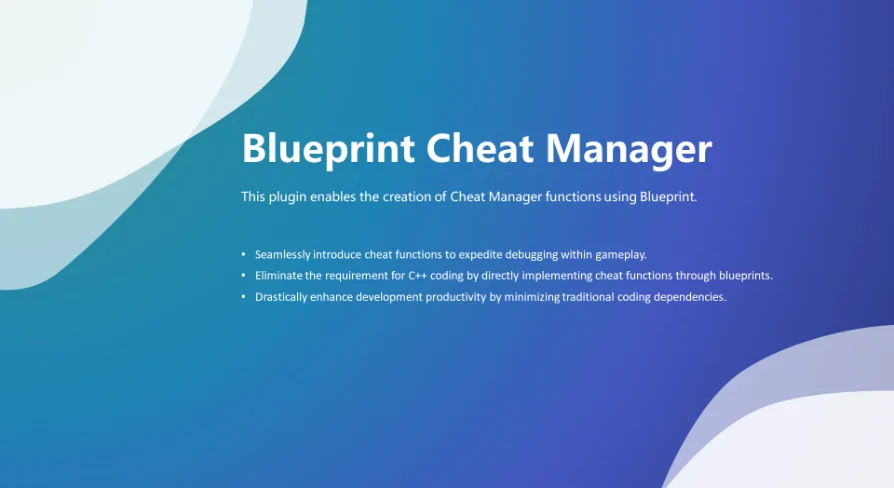
Blueprint Cheat Manager Pro replaces C++ requirements with direct Blueprint console commands in Unreal Engine 4.25 through 4.27 for faster testing.
Runtime testing inside Unreal Engine routinely relies on rapid command execution through the in-game command line. Triggering isolated gameplay states, manipulating player parameters, or bypassing progression gates typically runs through a dedicated cheat manager. Blueprint Cheat Manager Pro targets this layer of production, routing the creation and execution of cheat commands away from native code and directly into the visual scripting environment.
Bypassing C++ Code for Console Command Integration
Historically, building a structured cheat architecture in Unreal Engine required native C++ proficiency. The default engine pipeline expects developers to declare functions within a custom cheat manager class, mark them with native execution specifiers, and compile the project binaries before those commands register in the developer console. For teams with gameplay scripters, level designers, and technical artists who work exclusively in Blueprints, that C++ barrier creates recurring friction. Every minor testing utility, sandbox toggle, or debugging command had to pass through a C++ programmer or wait on native compilation cycles.
Blueprint Cheat Manager Pro removes that dependency entirely. By providing the tools to implement cheat functions directly inside Blueprints, the plugin opens console command creation to the entire design team. Team members can author, adjust, and iterate on testing functions without modifying source code, generating C++ header files, or triggering full project recompiles. Development efficiency increases when designers can build the exact verification tools they need at the moment gameplay mechanics are assembled.
Blueprint-Driven Cheat Functions in Daily Testing
Direct Blueprint integration changes how testing routines are maintained across active gameplay passes. When cheat functionality is confined to native code, teams frequently resort to messy workarounds like binding temporary test actions to arbitrary keyboard keys or nesting debugging routines inside unrelated actor blueprints. These temporary solutions clutter input maps, complicate version control merges, and risk slipping into release builds unnoticed.
Centralizing test triggers within a dedicated cheat manager keeps the project clean and organized. Because the plugin allows functions to be added directly as Blueprints, developers retain full access to standard visual scripting graphs, event dispatches, variable reads, and actor references. If a mechanic needs a command that resets dynamic quest flags, spawns specific equipment configurations, or simulates network latency states, the scripter creates the logic visually and surfaces it to the console interface immediately. This structure keeps debugging routines isolated within proper cheat pathways rather than scattered across character blueprints or level logic.
Console and Commander Workflows for Fast Iteration
Interacting with runtime cheat functions through the command line offers an unobtrusive way to inspect gameplay behavior. The developer console acts as a clean, text-driven interface, allowing precise execution of commands on demand without requiring custom UI overlays or on-screen debugging buttons that obscure visual assets and interface elements.
Using console commands and commander conventions streamlines the rhythm of iterative playtesting. A developer evaluating combat balancing or level scripting can open the console, type the custom command defined in Blueprints, and instantly trigger the underlying logic. Because the cheat integration connects directly to the engine's command architecture, parameters and logic branches pass cleanly into runtime execution. This gives a testing workflow that feels native to the engine while remaining completely accessible to creators who do not write C++.
Engine Compatibility Across Unreal Engine 4.25 Through 4.27
Blueprint Cheat Manager Pro supports Unreal Engine versions 4.25, 4.26, and 4.27. Many commercial and independent productions remain grounded in late-generation Unreal Engine 4 builds due to platform targets, custom branch modifications, or mid-production stability needs. For teams operating within these engine branches, the plugin provides a dedicated testing framework that integrates cleanly into existing codebases.
Navigating Marketplace Code Plugin Version Limits
A notable technical reality for code plugins on the Unreal Marketplace involves strict distribution guidelines. The Code Plugin category enforces policies that limit active upload availability to the latest three engine versions. For tools supporting older engine branches such as 4.25 through 4.27, these upload rules influence how files and engine builds are maintained and delivered.
The plugin includes dedicated documentation to help developers navigate installation, setup, and Blueprint configuration within their specific engine environments. Following the documented workflow ensures that the plugin initializes properly alongside the game's existing player controllers, game modes, and visual scripting assets.
Evaluating Blueprint Cheat Manager Pro for Production Teams
Projects that rely heavily on Blueprints often suffer from bottlenecks whenever low-level engine features demand C++ mediation. Blueprint Cheat Manager Pro solves that specific imbalance for runtime commands. By converting what was once an exclusively native programming task into an accessible Blueprint workflow, the plugin enables designers to build robust testing environments independently, making Unreal Engine 4.25 through 4.27 projects significantly faster to debug and refine.
 Engine Tools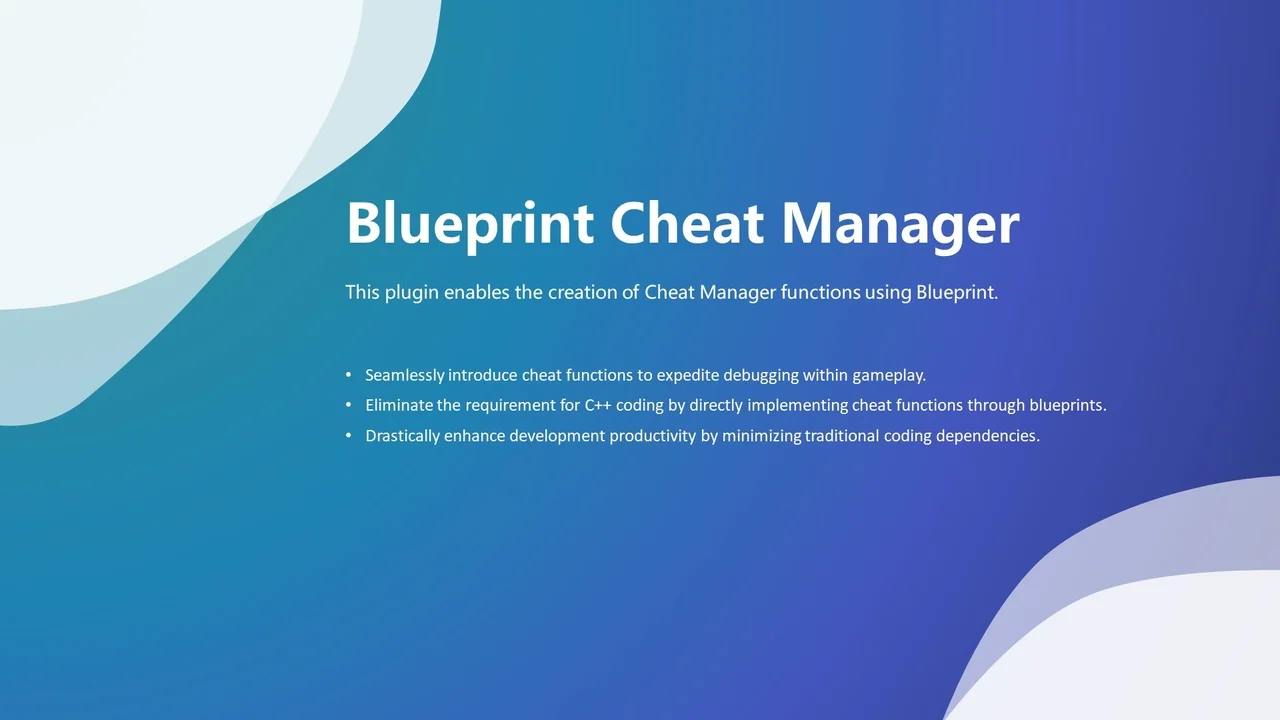
 Engine Tools
 Gameplay Features
 Engine Tools