Efficient Level Prototyping in Unreal Engine
The Blockout Tools Plugin is an essential resource for developers looking to streamline their greyboxing process. Designed for both Unreal Engine 4 and 5, this lightweight toolset allows creators to quickly prototype level layouts. By providing a suite of primitive elements with intuitive controls, the developer has simplified the initial stages of environment design.
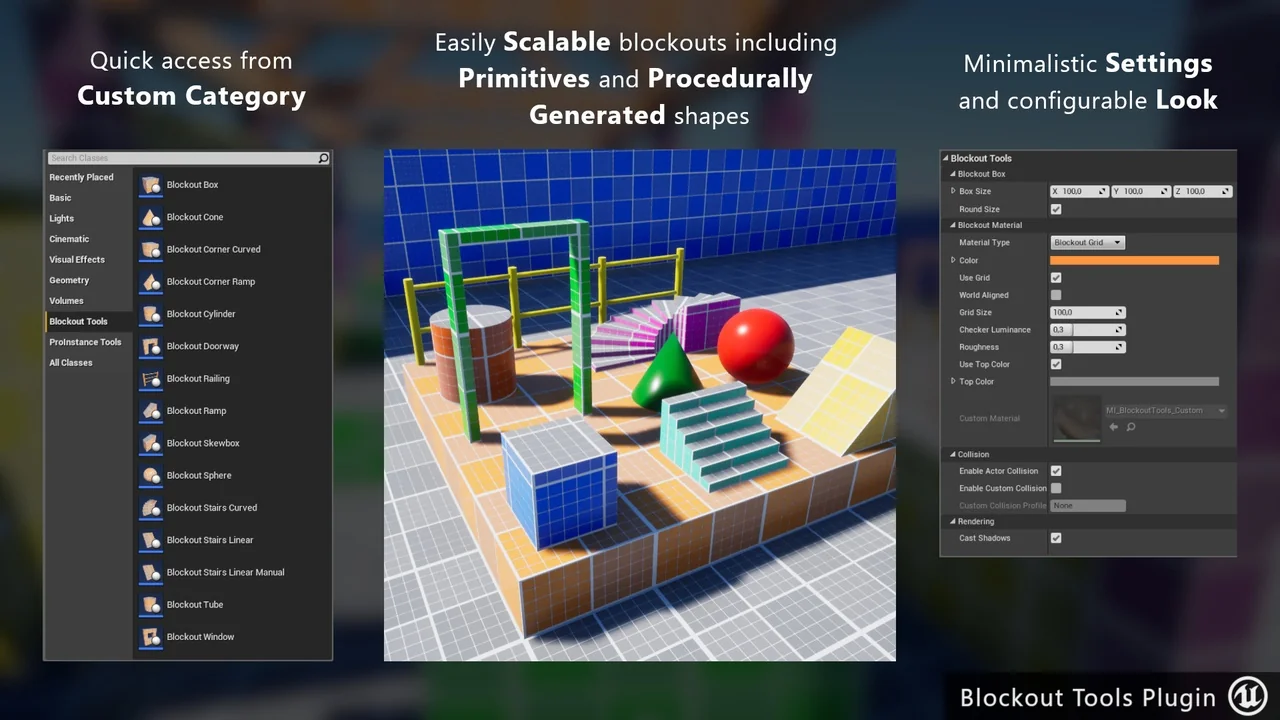
Efficiency is critical during the early phases of game development. Therefore, the Blockout Tools Plugin offers super quick access to assets through a custom category in the Place Mode menu. This organization ensures that designers can find the necessary shapes without navigating through complex folders.
Flexible Scaling and Transform Controls
Adjusting the size of your greybox elements is straightforward with this toolset. You can easily scale elements using the Vector 3D Widget directly in the viewport. Alternatively, you can input precise values within the Details panel to achieve specific dimensions.
Because the settings are self-explanatory, even beginners can start prototyping immediately. Users can also configure the default blockout color and grid size within the Project Settings. This level of customization ensures that the tool fits perfectly into any specific project aesthetic or scale requirements.
Advanced Triplanar Grid Materials
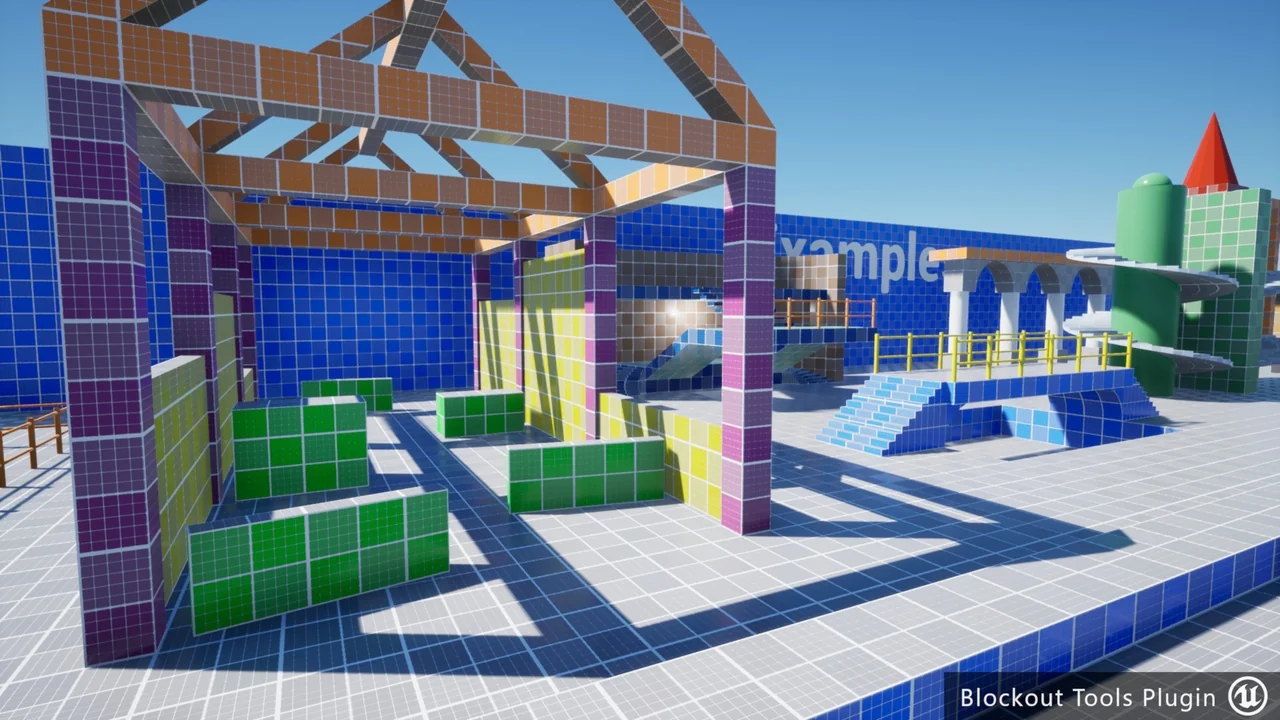
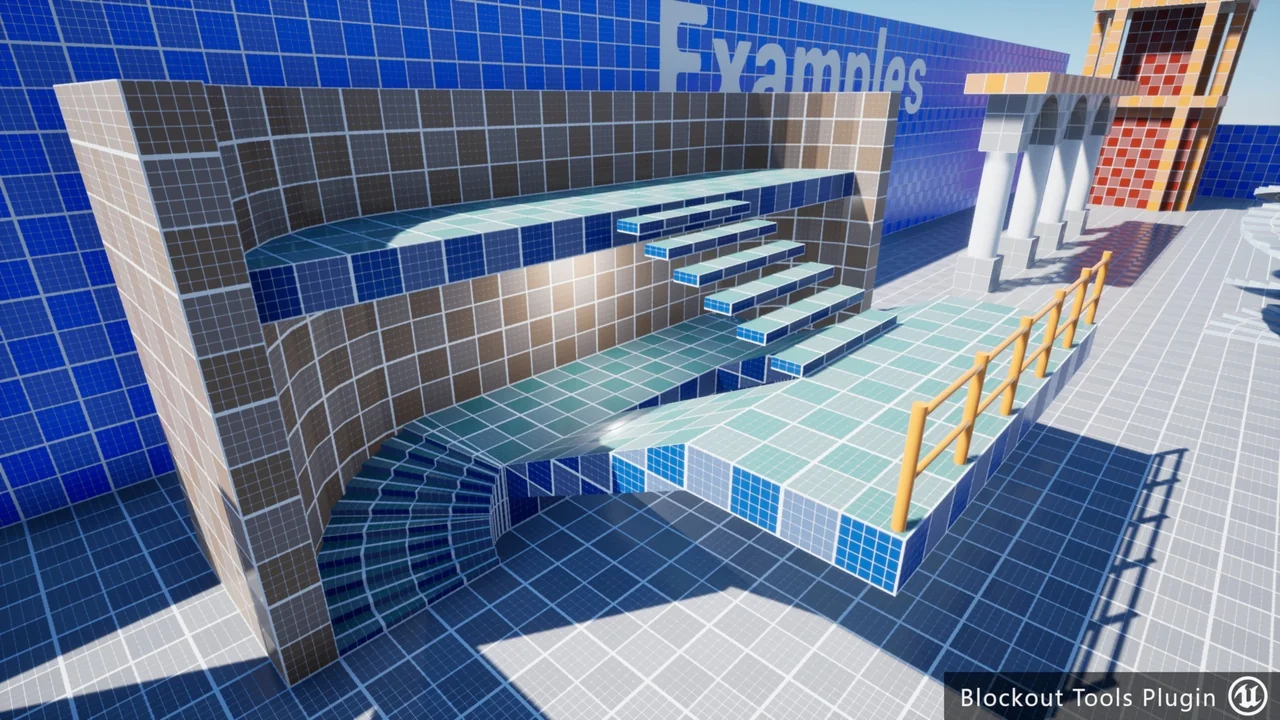
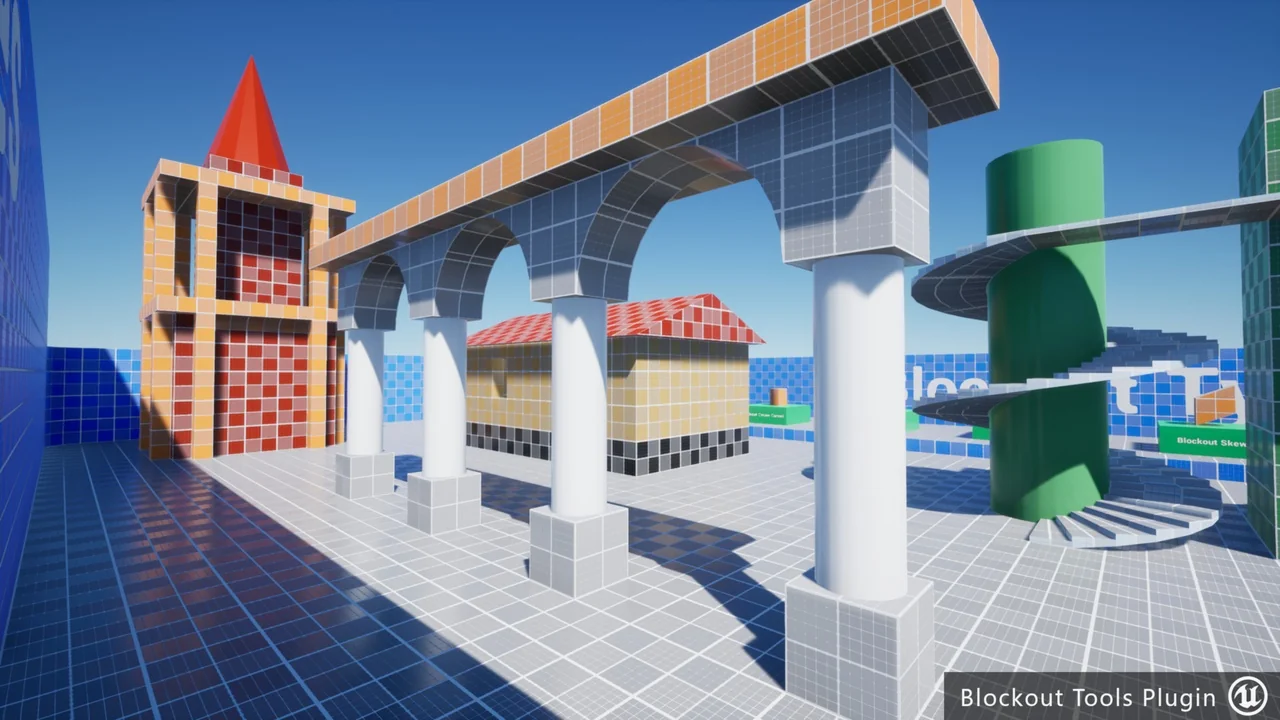
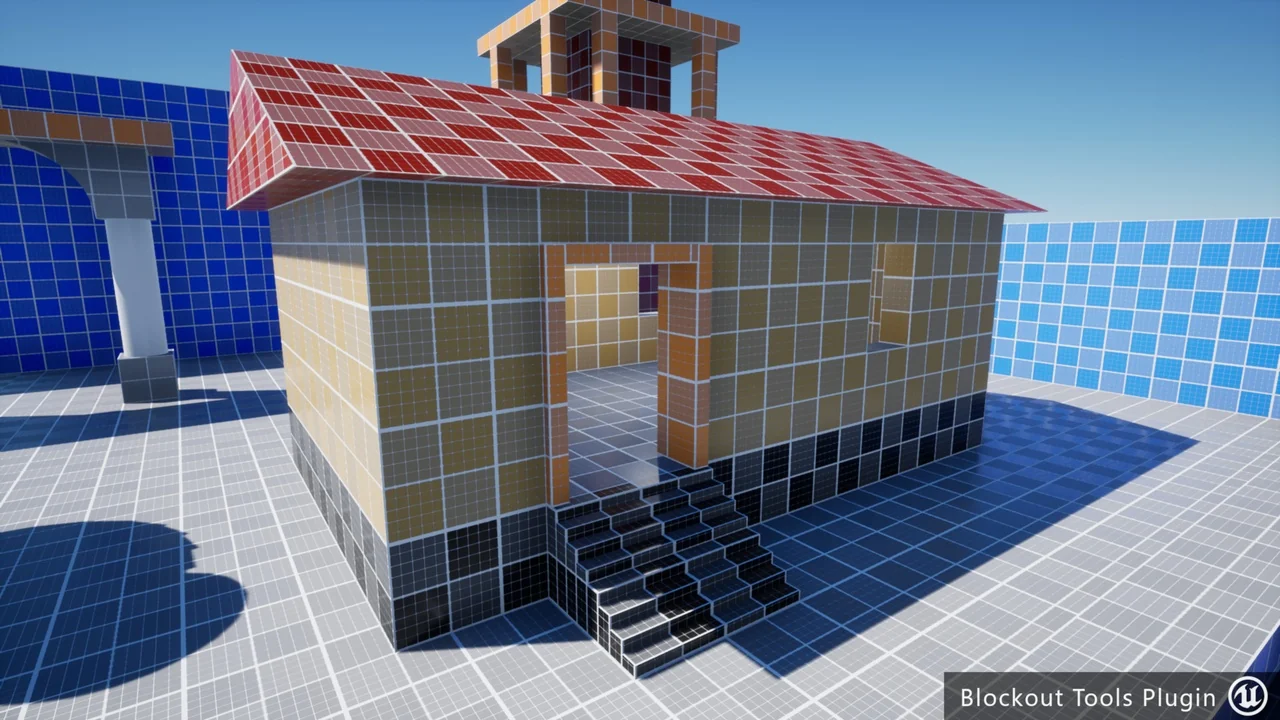
Visual clarity is vital when testing level flow and player movement. Consequently, the Blockout Tools Plugin includes a custom triplanar grid material. This material helps designers maintain a sense of scale and proportion during the greyboxing phase.
The plugin provides two primary material types to suit different needs:
- Local-aligned triplanar grid: This version supports object rotation, ensuring the grid remains consistent even when shapes are turned.
- World-aligned triplanar grid: This provides a stable reference point across the entire environment.
Additionally, the system supports custom materials. This flexibility allows developers to apply their own textures if the default grid does not meet their specific needs. However, the included materials are designed to ease the level design workflow significantly.
Lightweight and User-Friendly Design
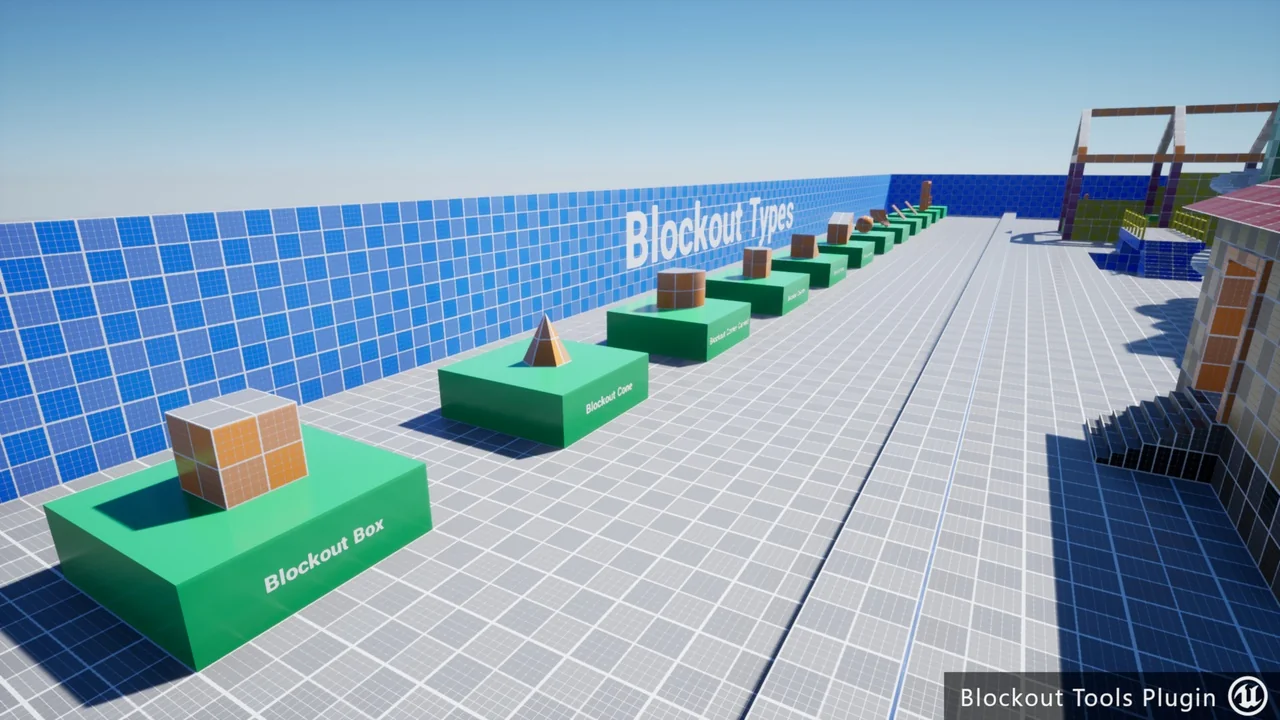
Despite its powerful features, the Blockout Tools Plugin remains a lightweight addition to any project. It consists of 15 distinct blockout elements that serve as the foundation for any level structure. Furthermore, each element features custom editor icons, which makes the workspace more visual and organized.
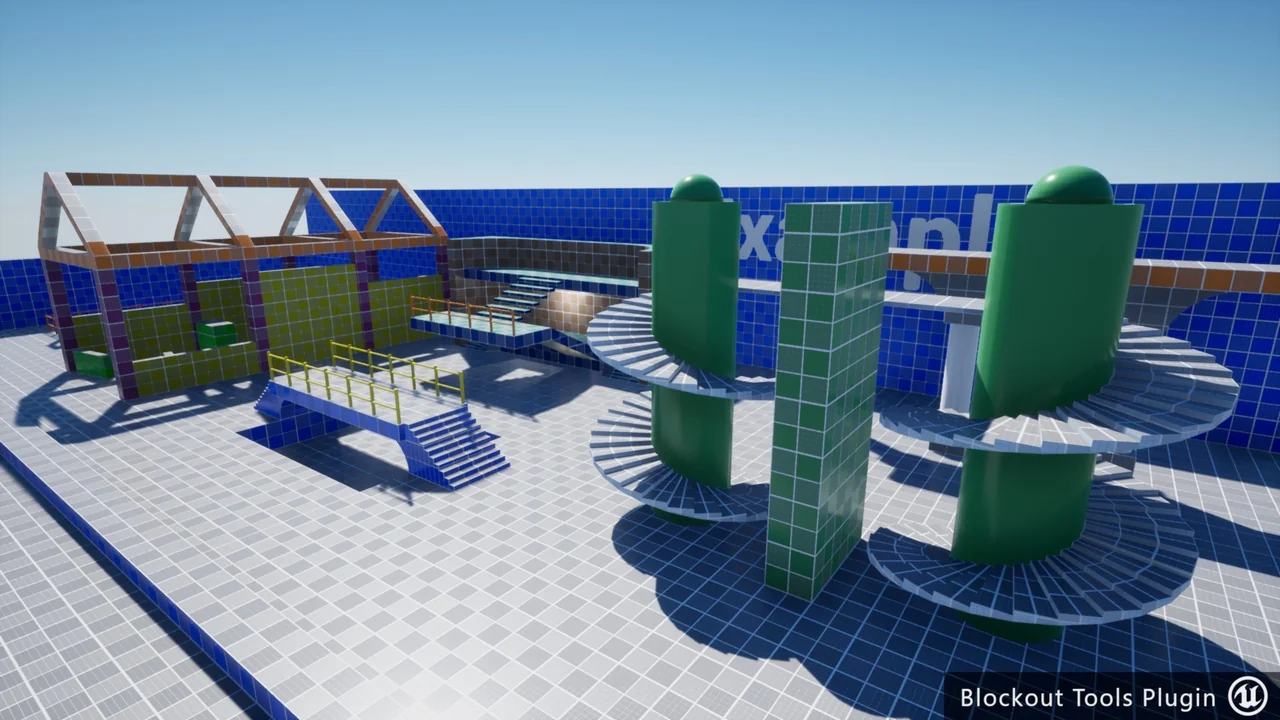
It is important to remember that this is specifically a level design tool rather than a full modeling suite. For example, the plugin does not support boolean operations. Its primary purpose is the rapid assembly of levels using the provided primitives. To help users get started, the developer has included an example map located in the plugin’s content folder.
Conclusion
The Blockout Tools Plugin is a practical solution for Unreal Engine developers who value speed and organization. By utilizing its primitive elements and triplanar materials, you can transition from concept to a playable greybox in record time. Whether you are working on a small prototype or a large-scale environment, these tools provide the necessary foundation for successful level design.
Screenshots & Gallery