Shader samples for HDRP, URP, and the Built-in Renderer
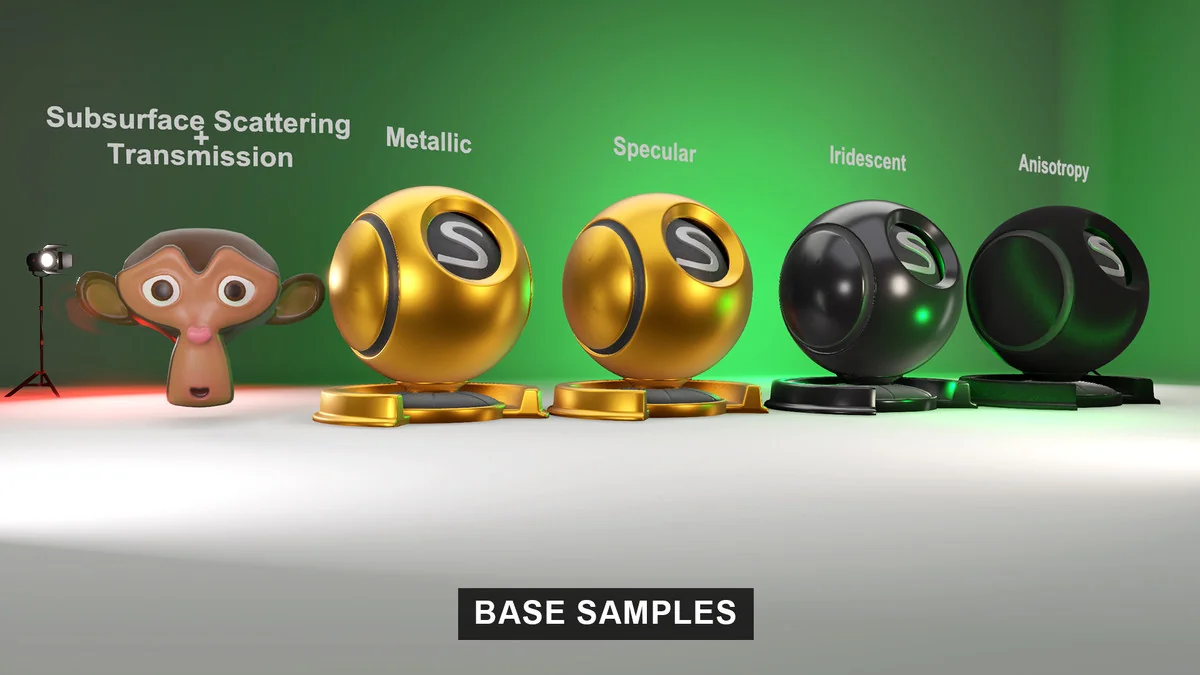
Amplify Shader Pack gathers more than 180 curated shaders made with Amplify Shader Editor. The collection covers HDRP, URP, and the Built-in Renderer, so it fits naturally into Unity projects that need shader examples across more than one rendering path. It is available to Amplify Shader Editor owners, and the shaders themselves are ready to use without requiring the editor unless changes or updates are needed.
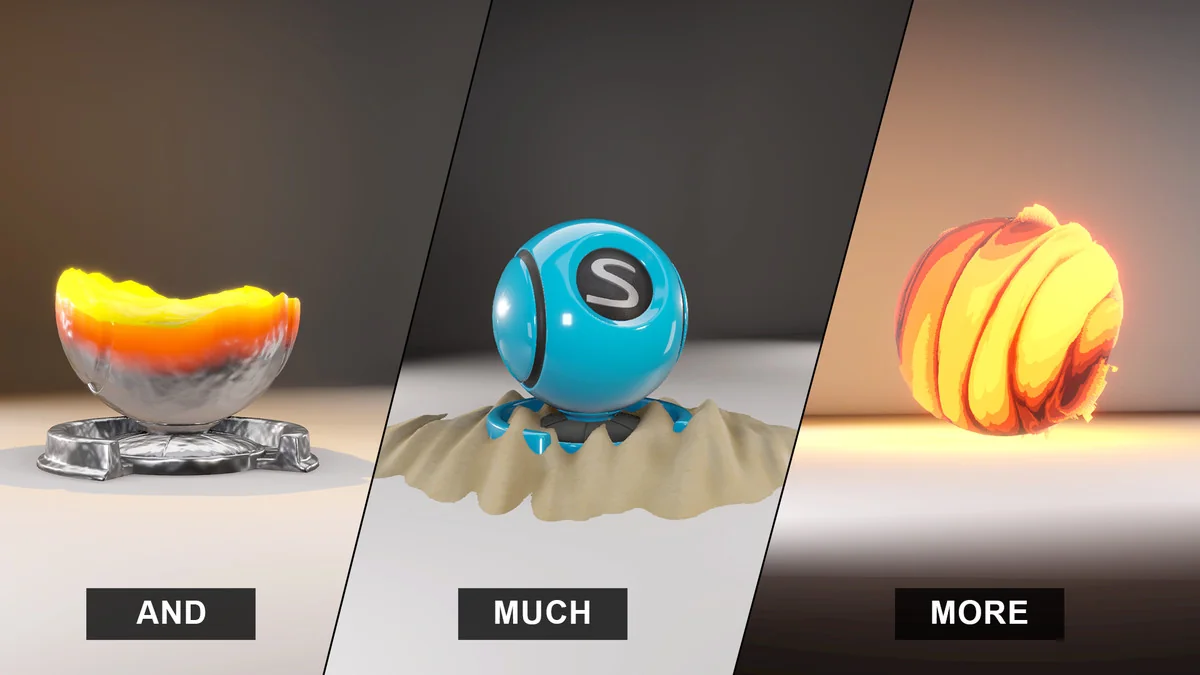
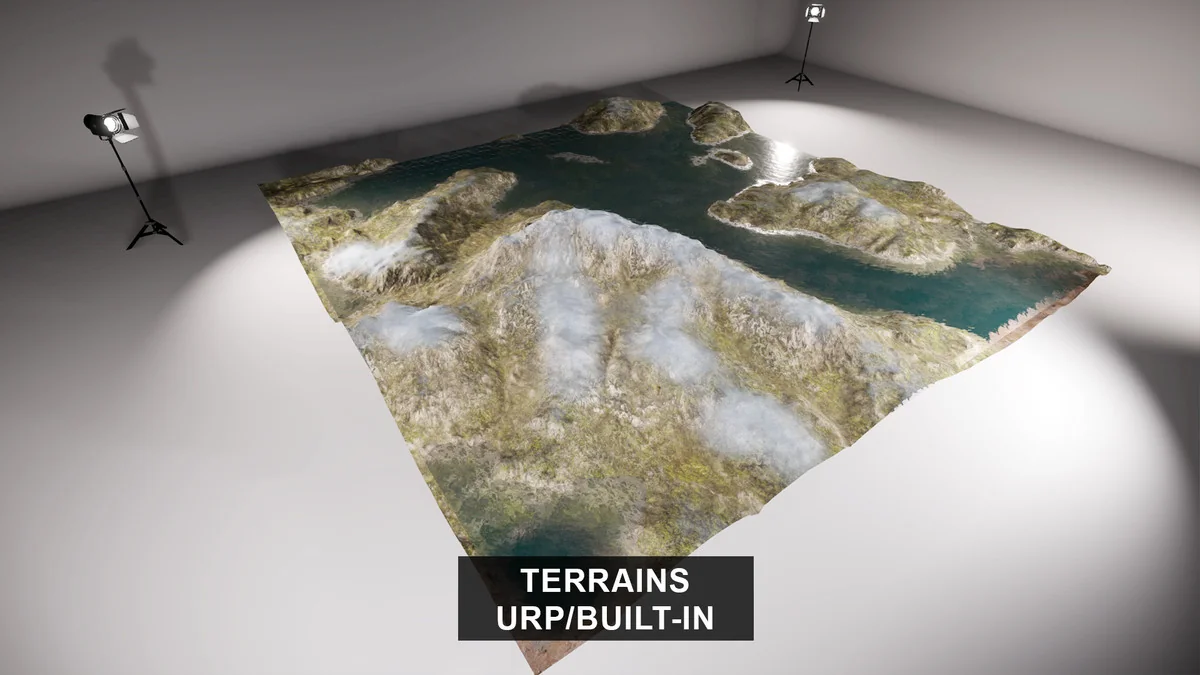
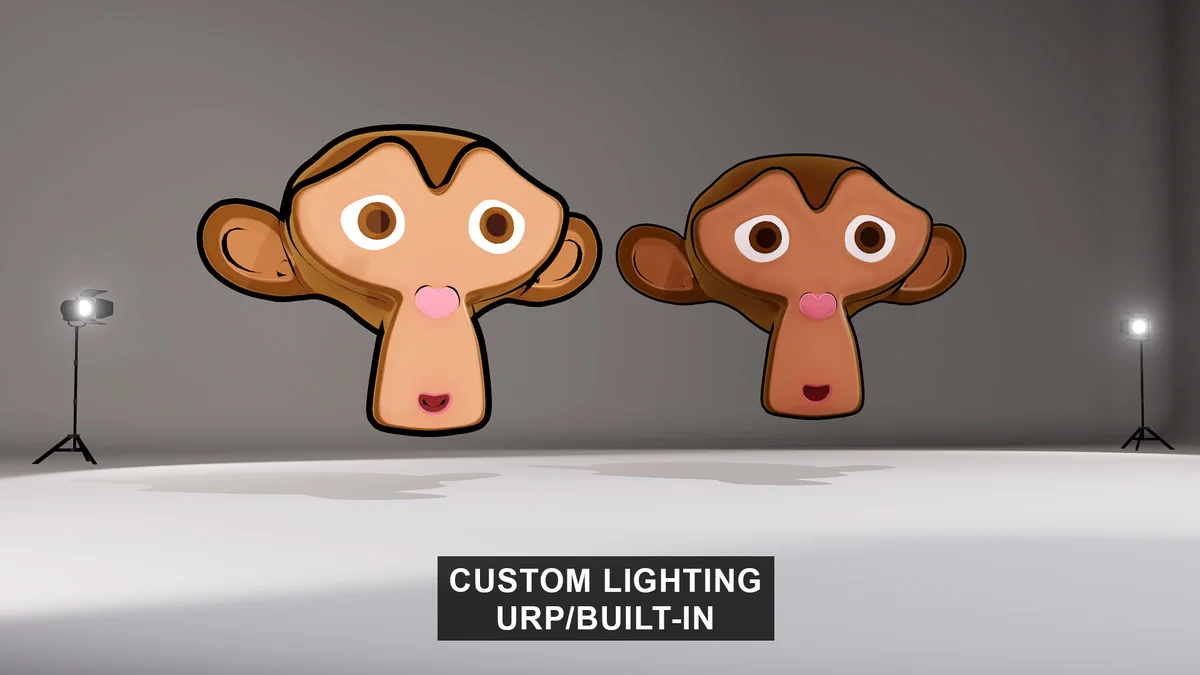
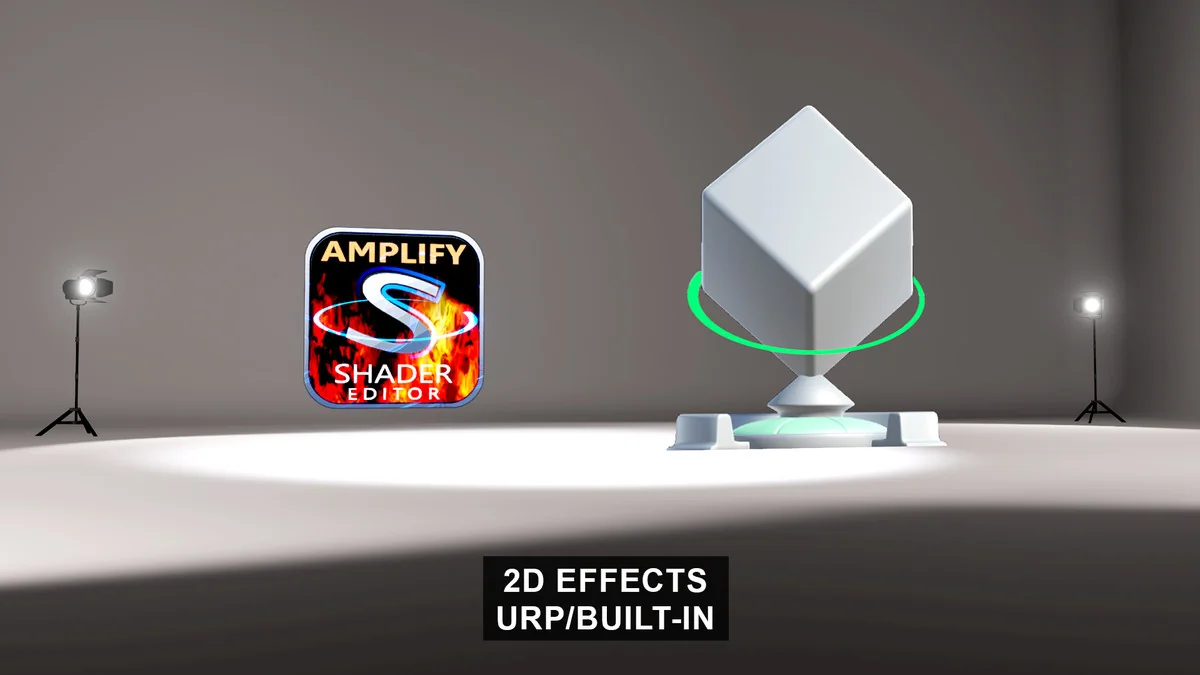
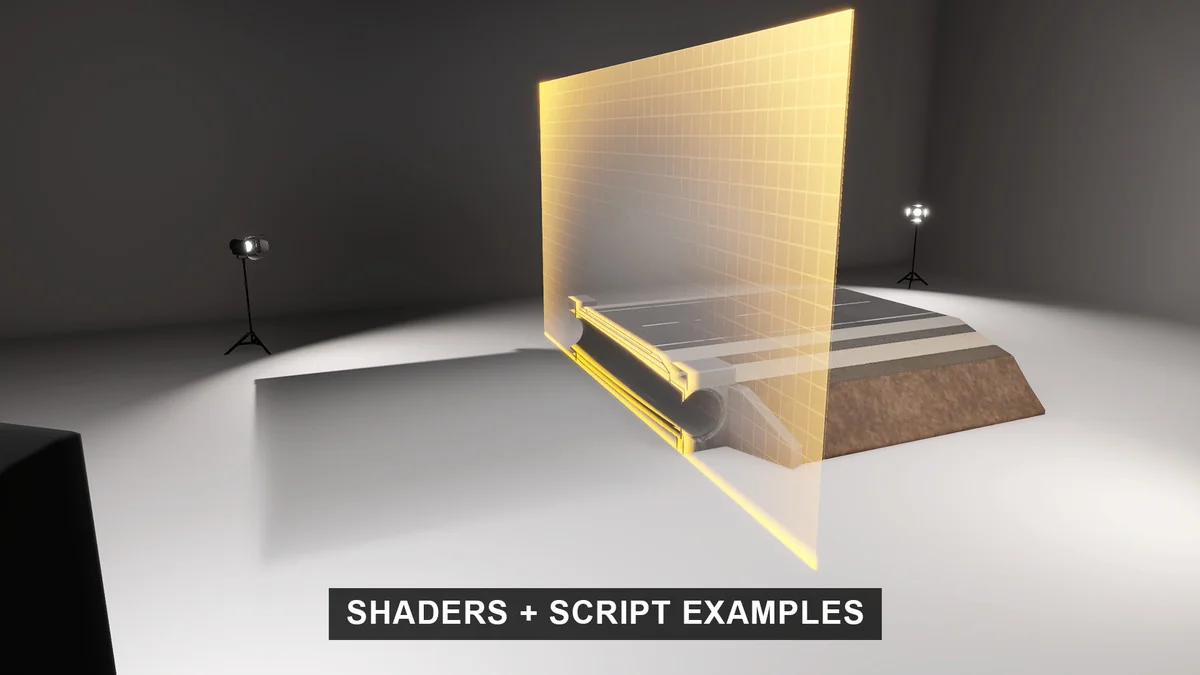
The mix is broader than a simple shader sampler. It includes basic shader types, varied VFX such as dissolves and deformations, terrain examples, and custom-purpose shaders with supporting scripts. That gives the pack a practical role in production work, where a team may need something that already demonstrates a working effect rather than starting from a blank graph.
Samples that already map to production tasks
The collection is built around shader problems that show up in real projects. A dissolve effect may be needed for a transition or gameplay moment. A deformation shader may support a particular visual effect. Terrain examples can serve projects that need material behavior tailored to outdoor surfaces. Custom shaders with supporting scripts add another layer, since some effects are not only visual but also tied to scene logic.
Because the samples are fully editable, the pack works as a foundation rather than a finished endpoint. Properties can be changed, effects can be adjusted, and shaders can be converted between renderers. That makes the set useful as a starting point for development as well as a reference for understanding how a specific effect is assembled.
Recent sample updates
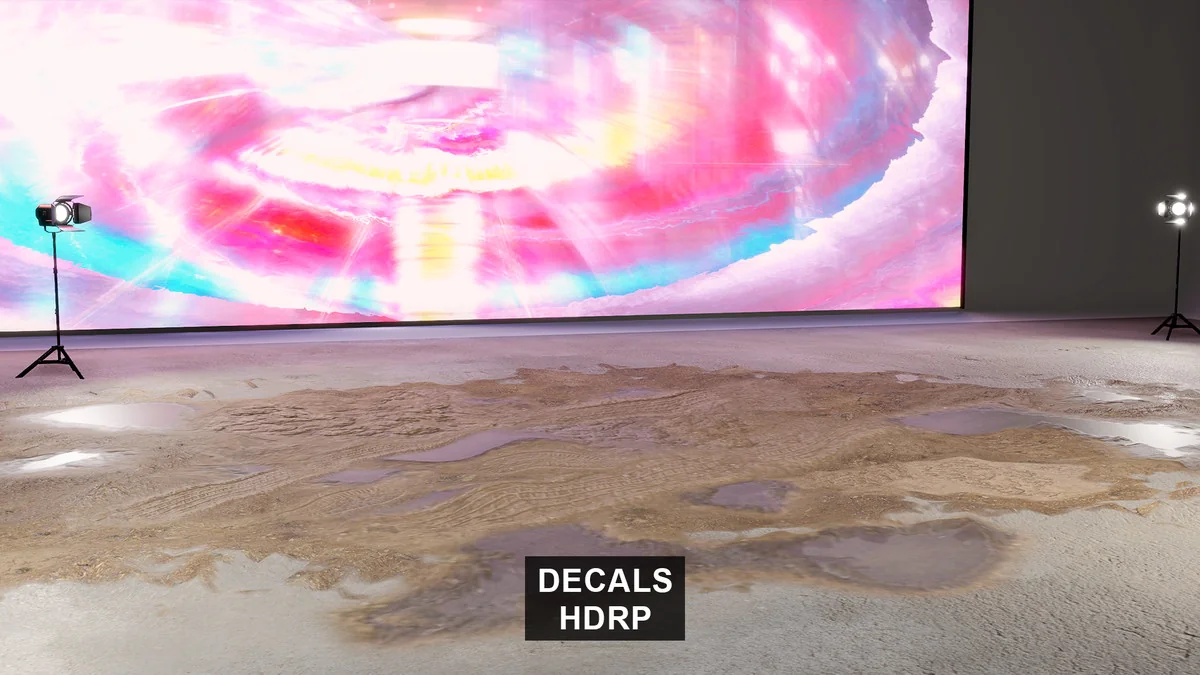
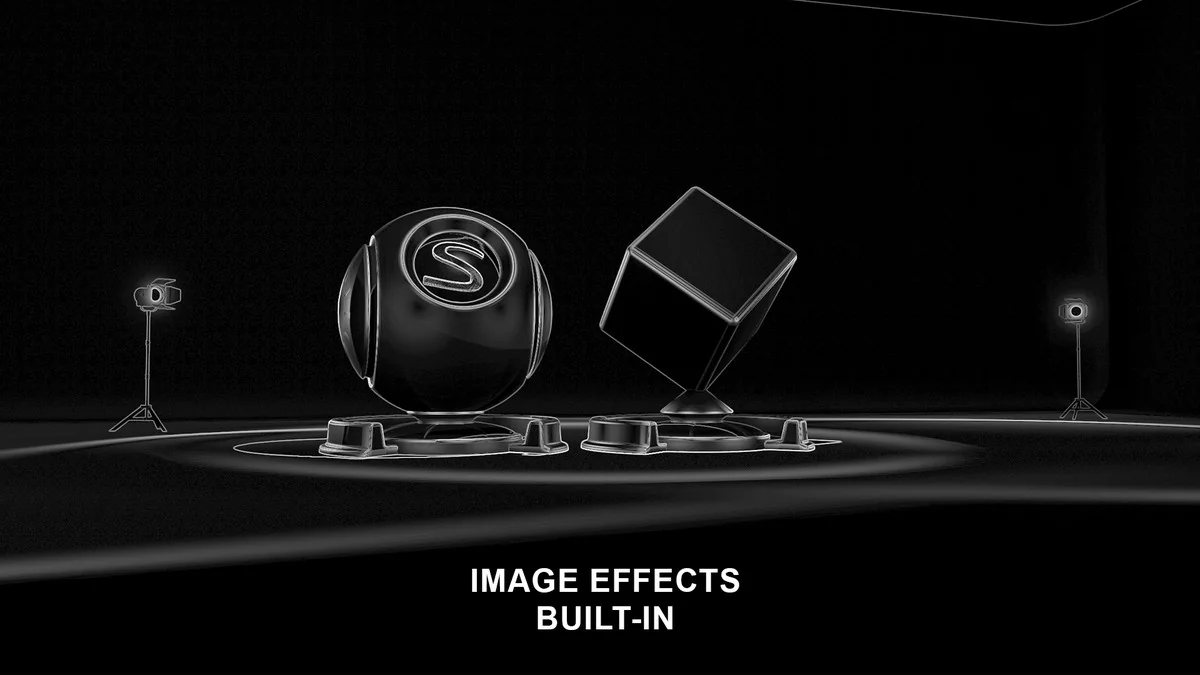
The pack has been updated for ASE editor v1.9.9.7. The latest additions and revisions include a new Decal Parallax sample, an updated Community Physical Based Rendering sample, an updated Material Sample, updated LatLong Functions, a new Wireframe Sample, and a new Cull Triangles Sample.
Those updates widen the range of shader behavior on display without changing the core purpose of the package. The collection still centers on usable shader samples, but it now spans more cases that matter during material work, surface rendering, and visual experimentation. The presence of both updated samples and new samples also shows that the pack is meant to stay aligned with ongoing editor changes.
Unity version support and editor behavior
The shaders were created with Unity 2019.4. Built-in shaders work with any Unity version, while the HDRP and URP shaders were created for versions 10 to 16. Minimum support was raised to Unity 2019.4 LTS, URP 10x, and HDRP 10x.
Amplify Shader Editor is not required to use the shaders, but it is required to edit or update them. That matters when a project moves across SRP versions. HDRP and URP shaders opened in an unsupported SRP version without updating may render incorrectly or appear pink or magenta. Opening the shader in Amplify Shader Editor and saving it updates the shader automatically to a supported SRP version.
Where the pack fits in a Unity workflow
In a production workflow, this kind of collection sits between reference material and final implementation. A developer can take one of the samples, adjust properties, add new effects, or adapt it toward another renderer. Since the shaders are already organized as working examples, they save time when a project needs a visual starting point that can still be shaped to match the rest of the scene.
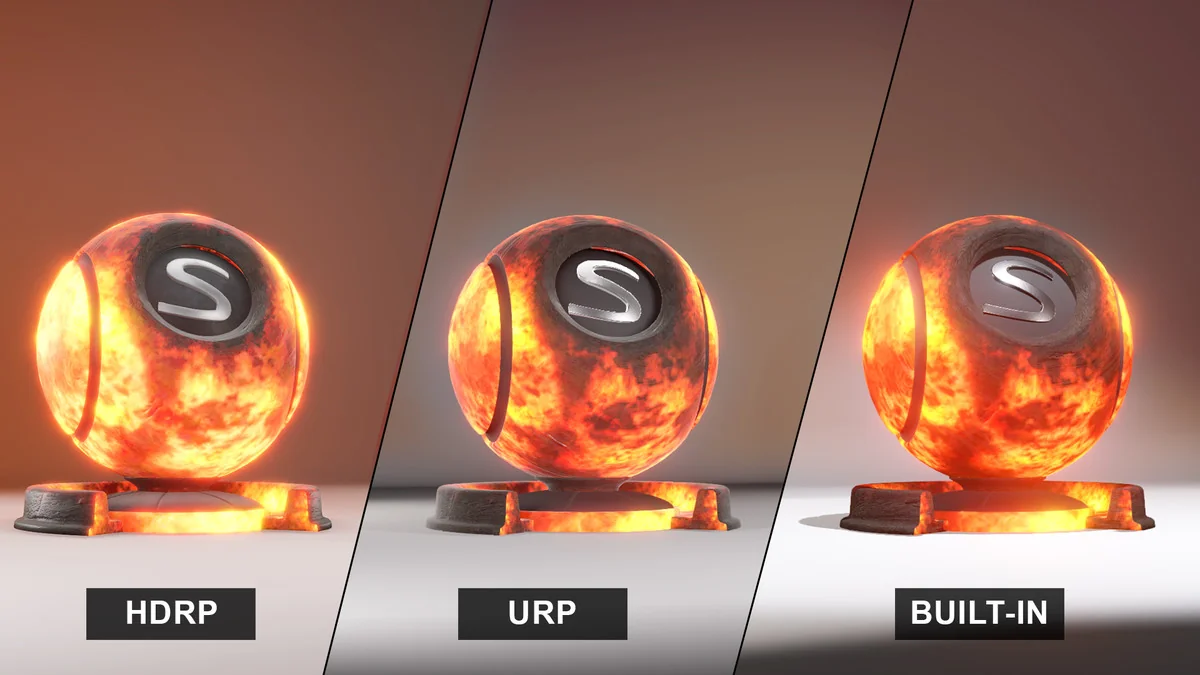
The pack is also useful when the same project needs to be viewed across render pipelines. HDRP, URP, and Built-in Renderer support means the collection can serve projects built on different Unity rendering setups. That makes it easier to compare shader behavior, inspect render-specific differences, and build from samples that already reflect the target pipeline.
Amplify Shader Pack is set up for shader prototyping, renderer-specific adaptation, and ongoing updates through Amplify Shader Editor. It is a grounded library of editable examples that can support both learning and production work without separating those two needs.
Visual Breakdown
Protected download
Access this resource
All resources are 100% manually reviewed to eliminate all risks.