High-Performance Web Integration
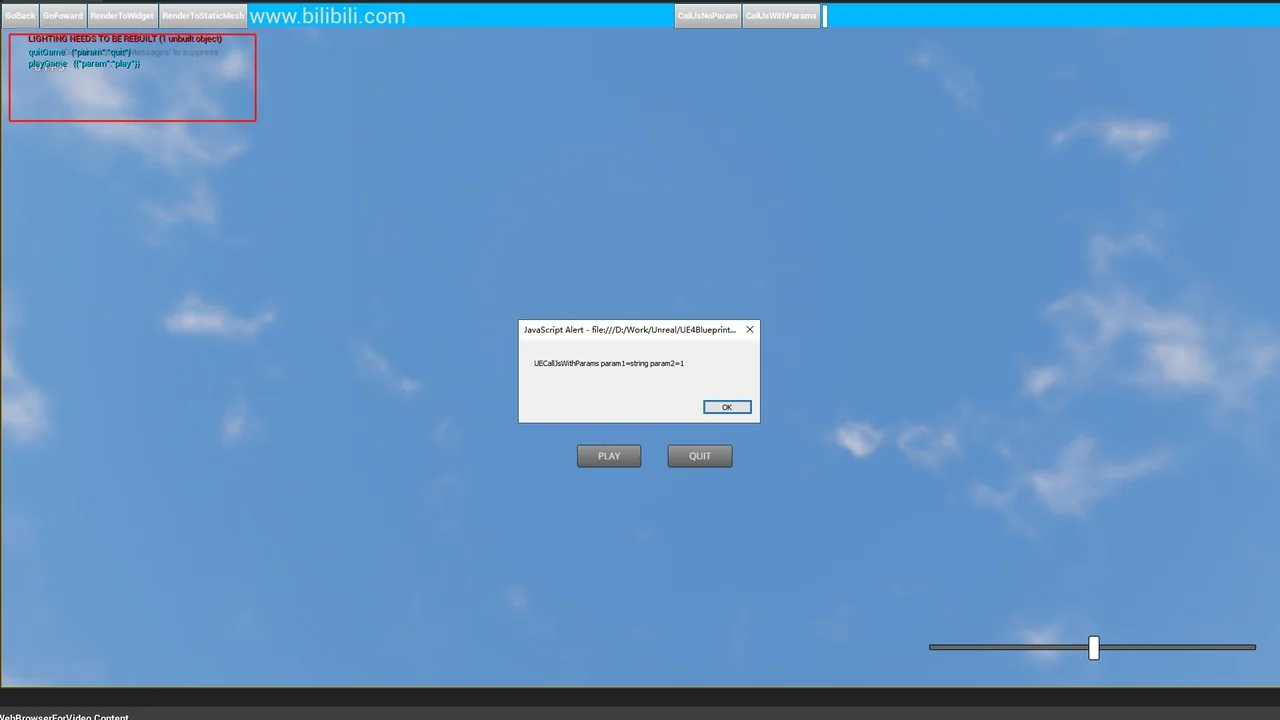
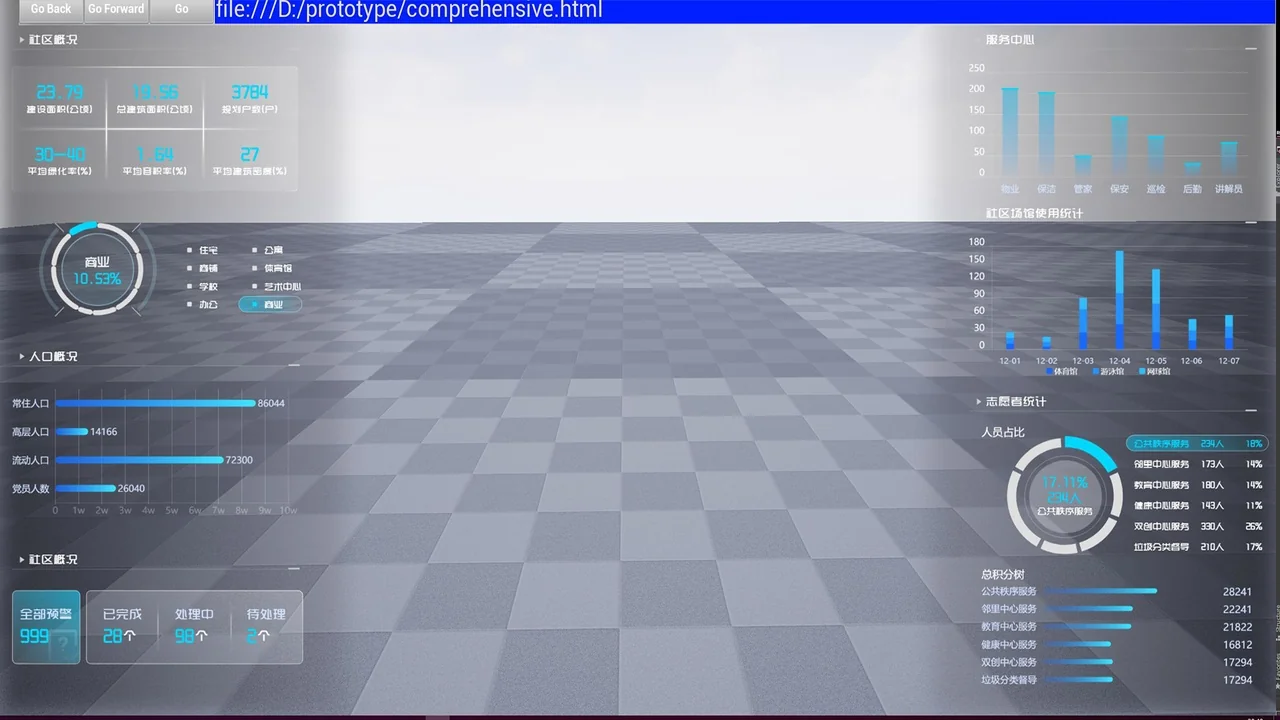
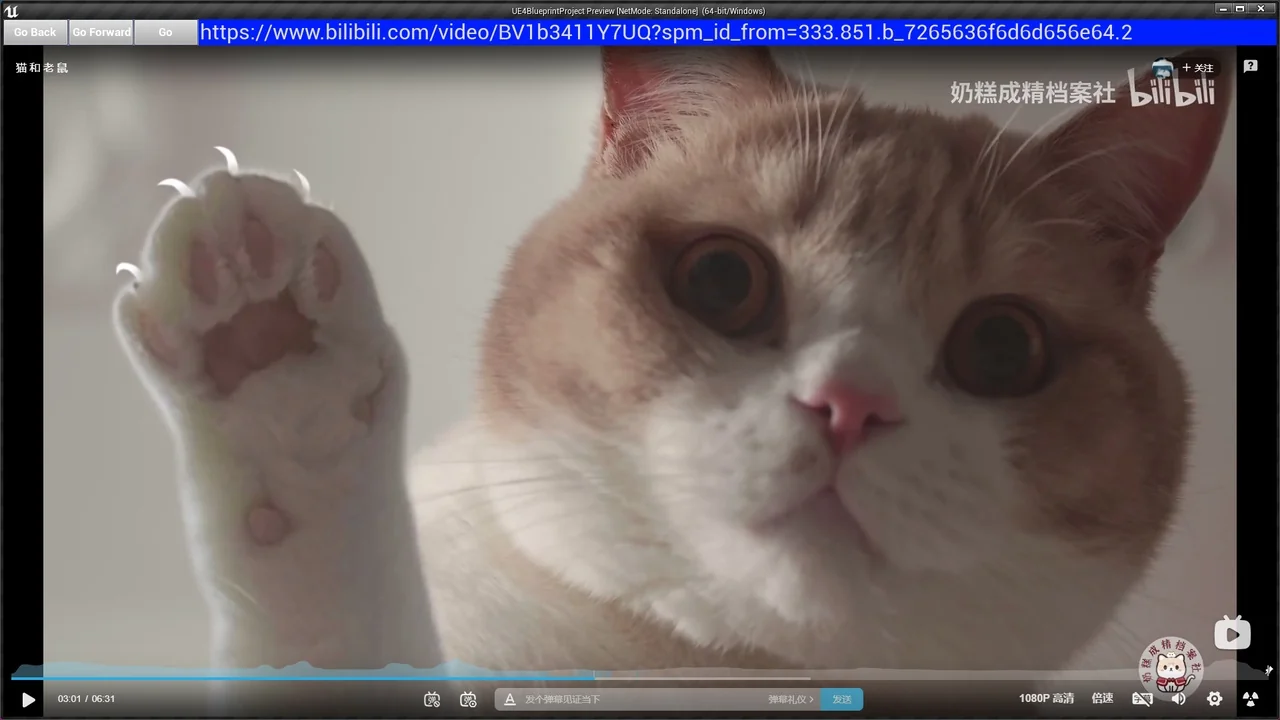
Web Browser For Video is a specialized plugin designed to enhance how web content is displayed within a 3D environment. This tool allows developers to open multiple browser windows simultaneously. Furthermore, it offers a significantly higher frame rate compared to many other browser solutions available for development. This makes it an ideal choice for projects where visual fluidity is a priority.
Optimized for Static Meshes
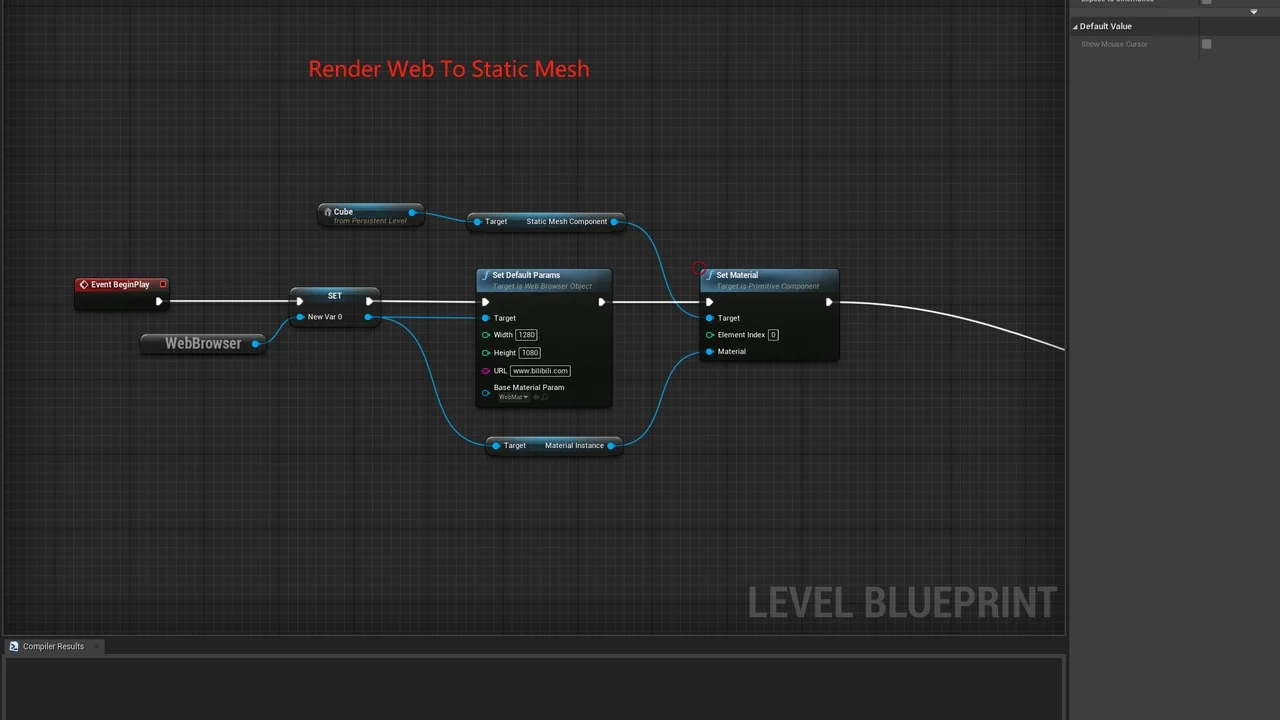
The developer designed this tool specifically for rendering web pages onto static meshes. Consequently, it is highly optimized for this specific use case. However, it is not recommended for rendering web pages to widgets. If your project requires widget-based rendering or specific keyboard and mouse interactions, the creator suggests utilizing a different specialized plugin designed for those functions. Web Browser For Video remains focused on delivering the best performance for 3D object surfaces.
Technical Specifications and Updates
The plugin has undergone several important updates to ensure stability and modern performance. For instance, the Cef Kernel was updated to version 97 to maintain compatibility with modern web standards. Additionally, a recent update addressed a specific issue where the plugin would crash during resolution changes. These improvements ensure a more reliable experience when using Web Browser For Video in dynamic production environments.
Integration and Compatibility Requirements
To ensure the best performance and avoid software conflicts, users should follow specific configuration steps. First, it is necessary to disable Bridge and other web browser plugins, such as the standard webbrowserwidget. Therefore, a clean environment is essential for the plugin to function correctly.
Regarding Cesium compatibility, the process follows a specific workflow:
- Remove any other existing Cesium plugins from the project.
- Download the required compatibility file.
- Unzip the file directly into your project’s Plugins directory.
User Interaction and Input
Interaction within the browser requires a specific method to ensure input is captured correctly. To input text, users must first press the Tab key. Moreover, this functionality is specifically designed to be used while in PIE (Play In Editor) mode. For users in specific regions, the developer also supports the issuance of official invoices for the software.
Conclusion
Web Browser For Video offers a high-performance solution for developers needing to display web content on 3D objects. By focusing on static mesh rendering, it provides a smoother visual experience with higher frame rates. However, users must follow the specific setup instructions regarding plugin conflicts and input methods to achieve optimal results in their projects.
Screenshots & Gallery