A wave surface that behaves like part of the scene
WaveMaker 2 turns a procedurally created rectangular mesh into a live surface that simulates waves in real time. It is not a visual effect layered on top with shaders. The motion is calculated in 3D on the CPU, which makes the surface behave like a real mesh inside the scene rather than a separate trick hidden in the rendering pass.
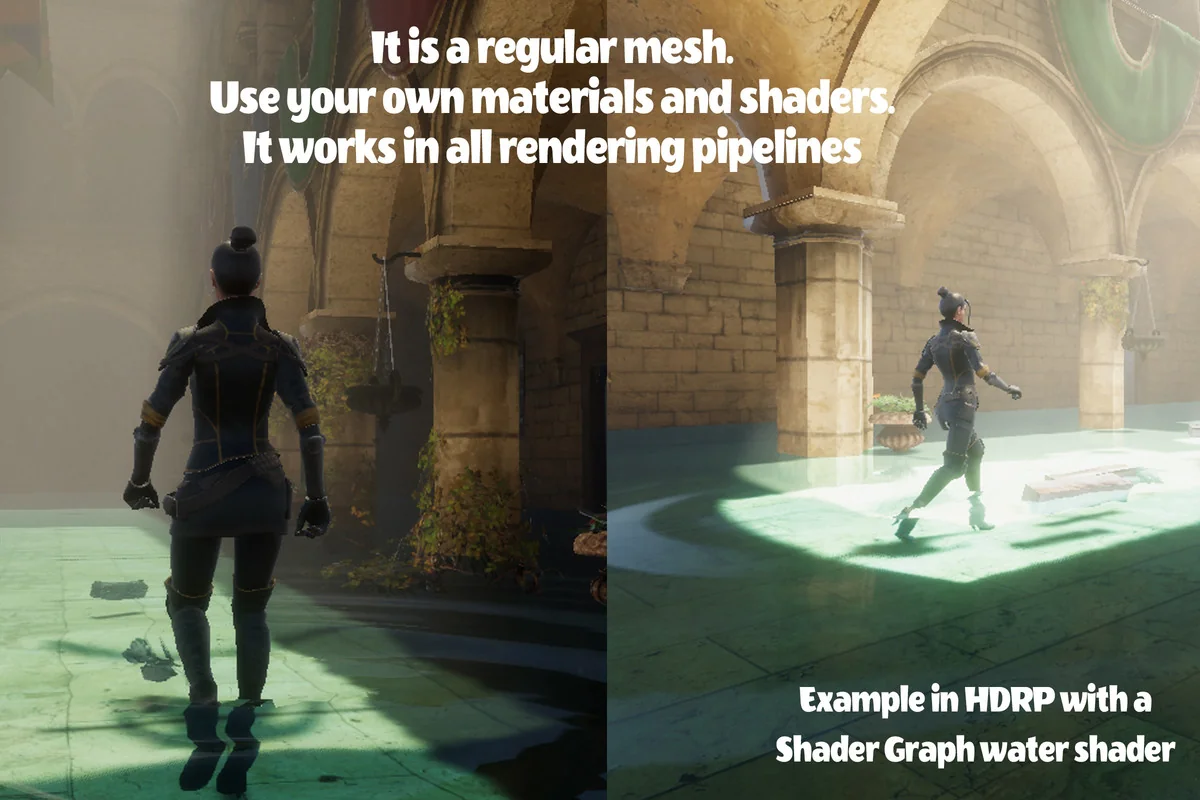
That matters in production because the surface is meant to fit into an ordinary Unity workflow. If a material already works on a normal mesh, it can be used here as well. The mesh can be shaded, hidden in parts with transparency, or altered with existing shader setups without needing a special material made only for this system.
Interaction runs in both directions
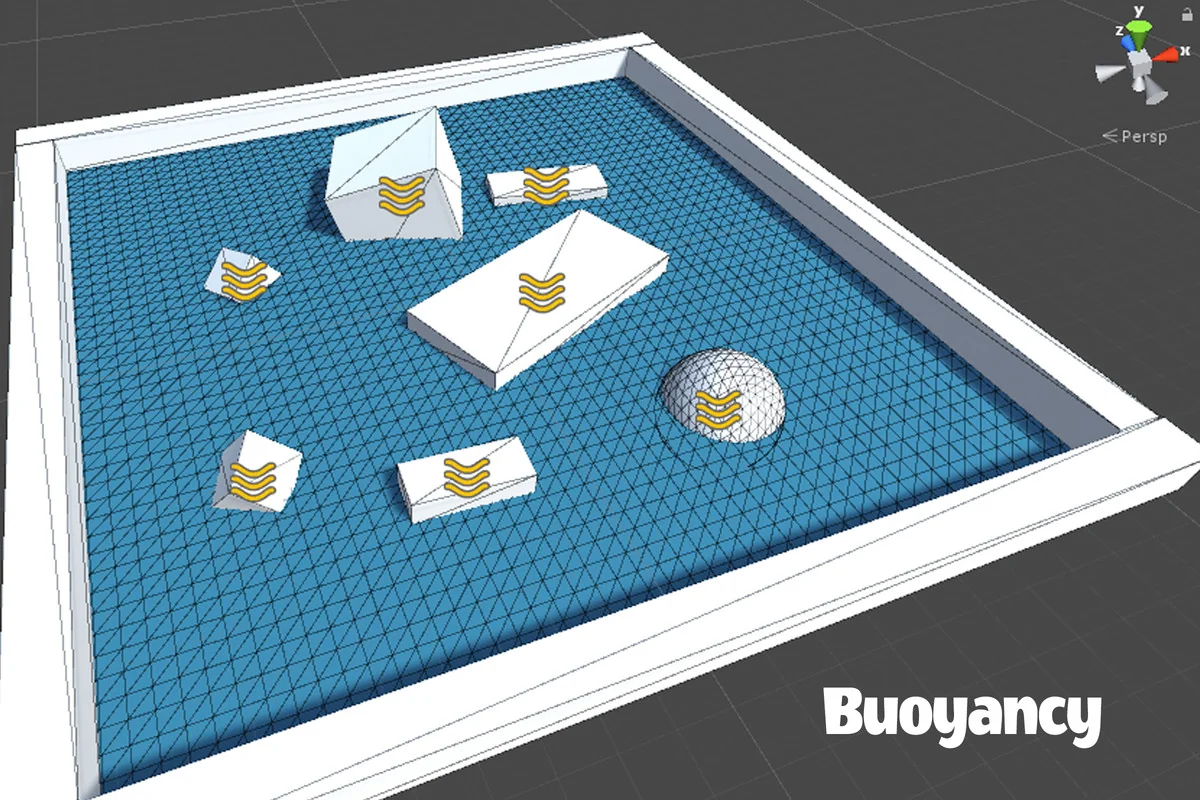
The strongest part of WaveMaker 2 is the two-way coupling between the water surface and scene objects. Rigidbodies can affect the fluid, and the fluid can affect rigidbodies at the same time. Volume occupancy is calculated, which means objects do more than simply trigger ripples; they also generate waves while moving through the surface.
That opens a different kind of interaction from buoyancy systems that only push objects around. Here, the simulation tracks how much of the liquid volume is occupied, then uses that information to create waves and floating forces together. The system also supports complex rigidbodies with overlapped setups, so it is not limited to simple shapes moving through a flat surface.
There are two interaction modes. A simple mode uses relative velocity and works for any shape or orientation of the surface. An advanced mode uses liquid volume occupancy for more advanced behavior on horizontal surfaces, including buoyancy and drifting. The surface can also generate waves in response to selected colliders.
Shapes, surface control, and how the liquid is presented
The surface is not locked to a single layout. It can be used to create small, medium, or long areas such as pools, portals, ponds, and simple river shapes. The mesh can be placed at an arbitrary position and rotation, with adjustable length and width, so it can fit into a scene without forcing the environment to change around it.
Wave behavior can be controlled through wave speed, damping, and smoothing parameters. Substepping is included to help avoid instabilities. Areas can also be fixed manually or automatically so the waves ignore them and hit those zones instead. Static objects or borders can be handled by painting the parts of the surface that should stay fixed.
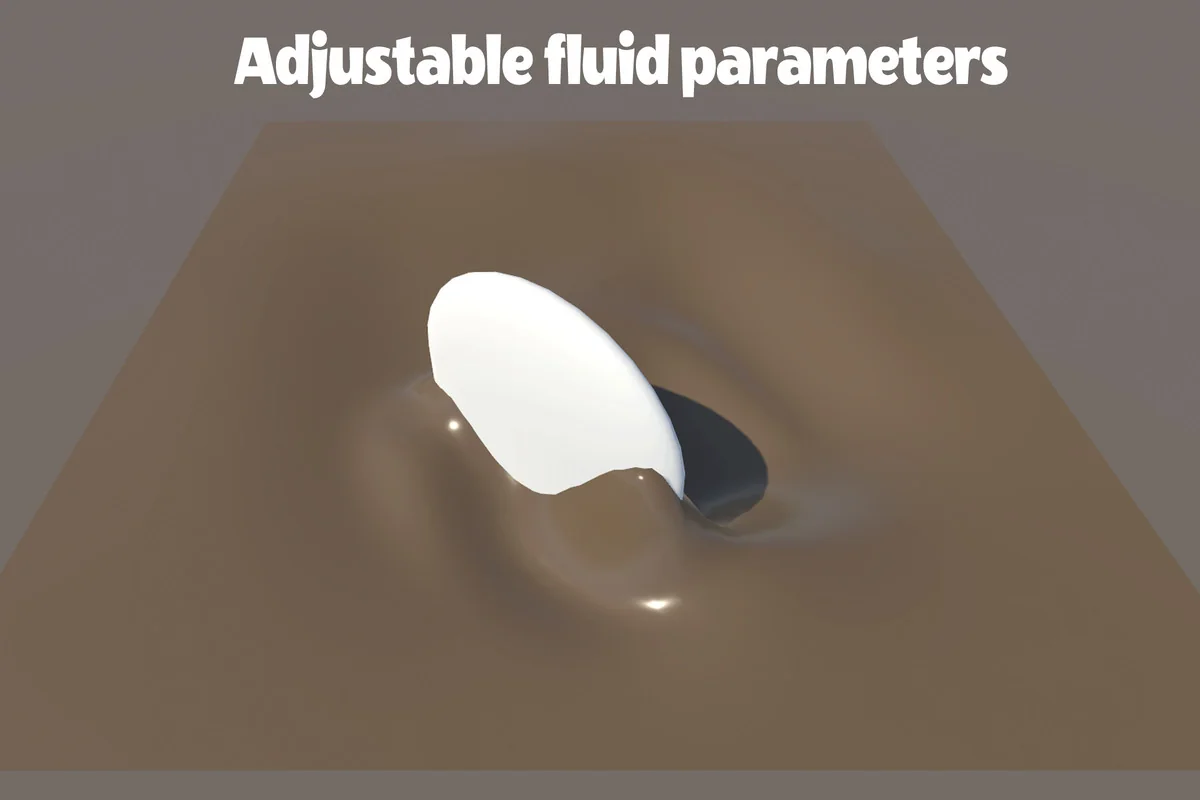
The fluid is not limited to looking like water. It can also be shaped to resemble mud, cream, and denser liquids at the resolution you want. Because it works like a normal mesh, the surface can be adapted with materials and shaders already in a project rather than being trapped in one preset look.
What the simulation exposes to the rest of the project
WaveMaker 2 includes an API for interactors and the surface, which can be used to gather simulation data for custom purposes. That makes the system useful not only for the visible wave motion itself, but also for gameplay logic that needs access to the state of the surface.
The mesh properties are updated in real time so the surface can work with lighting. The scene hierarchy is agnostic as well, so the asset is not tied to a specific placement structure in the editor. These details make it easier to drop the system into a project where the scene already has its own organization.
Because the simulation is CPU-based, it is positioned differently from shader-only solutions. Devices with GPU support limitations are still covered, while the surface remains compatible with the same rendering pipelines used by the material. That keeps the asset closer to a standard mesh workflow than a specialized visual effect setup.
Supported range and production fit
The package supports Unity 2020.3.48 through 2023.2.16 and works with all rendering pipelines. That range gives it a defined place in projects that need a wave surface integrated into an existing Unity setup rather than a standalone demo scene.
In practice, the asset fits projects that need interactive water-like behavior on a rectangular mesh with direct control over shape, motion, and response. It is suited to scenes where rigidbodies must float, drift, or disturb the surface while the surface itself continues to drive visible motion and simulation data.
For teams evaluating where it belongs in a workflow, the practical answer is simple: WaveMaker 2 is a mesh-based real-time wave system for Unity projects that want scene interaction, CPU simulation, and normal-material compatibility in one surface.
Project Screenshots
Protected download
Access this resource
All resources are 100% manually reviewed to eliminate all risks.