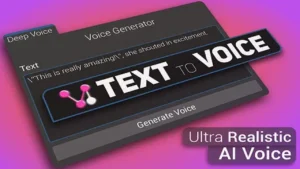
Local Large Audio Model Integration
VoiceGPT functions as a Large Audio Model (LAM) designed specifically for the Unity environment. It utilizes a series of networks and libraries to facilitate life-like voice generation through deep learning. Unlike many generative AI tools that rely on cloud-based processing, this asset operates entirely offline on local hardware. This architectural choice ensures that the audio generation process remains contained within the developer’s local system, catering to workflows that require high levels of privacy or those working in environments with restricted internet access. The tool is built to function strictly within the editor, providing a dedicated pipeline for generating assets before they are finalized for a project.
Rapid Voice Cloning and Generation
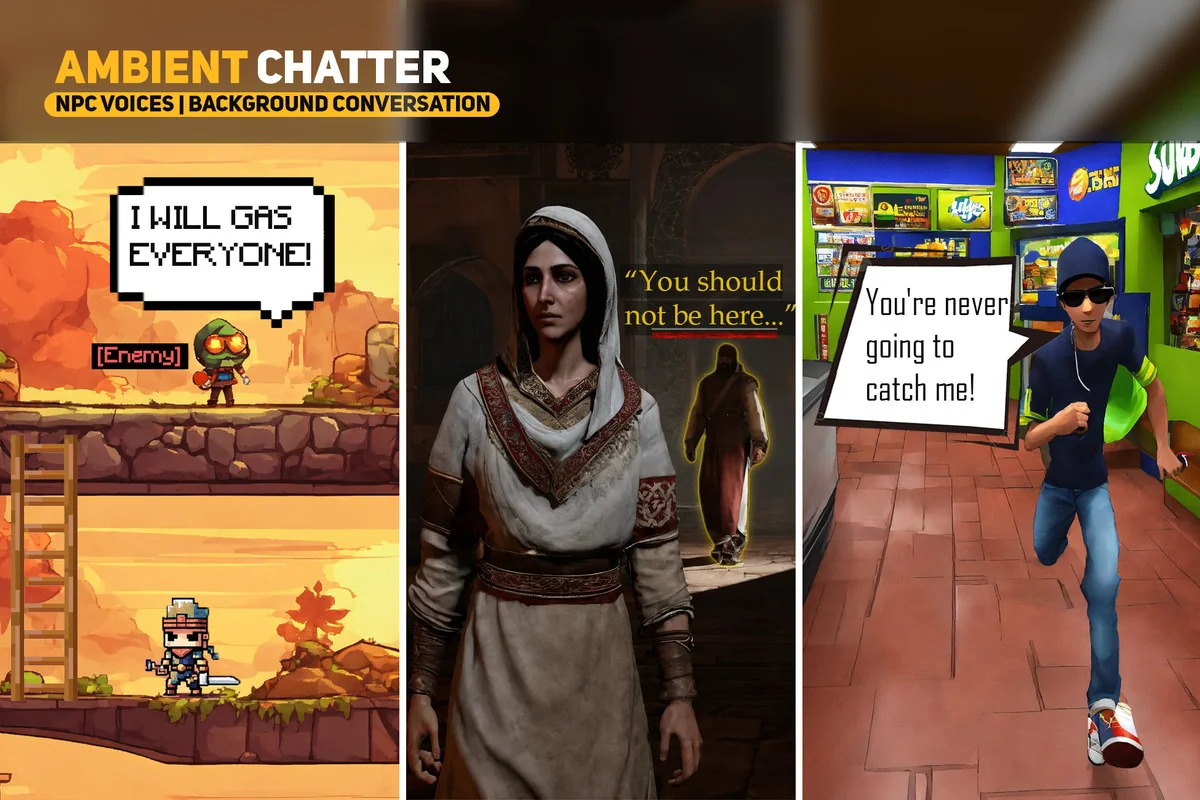
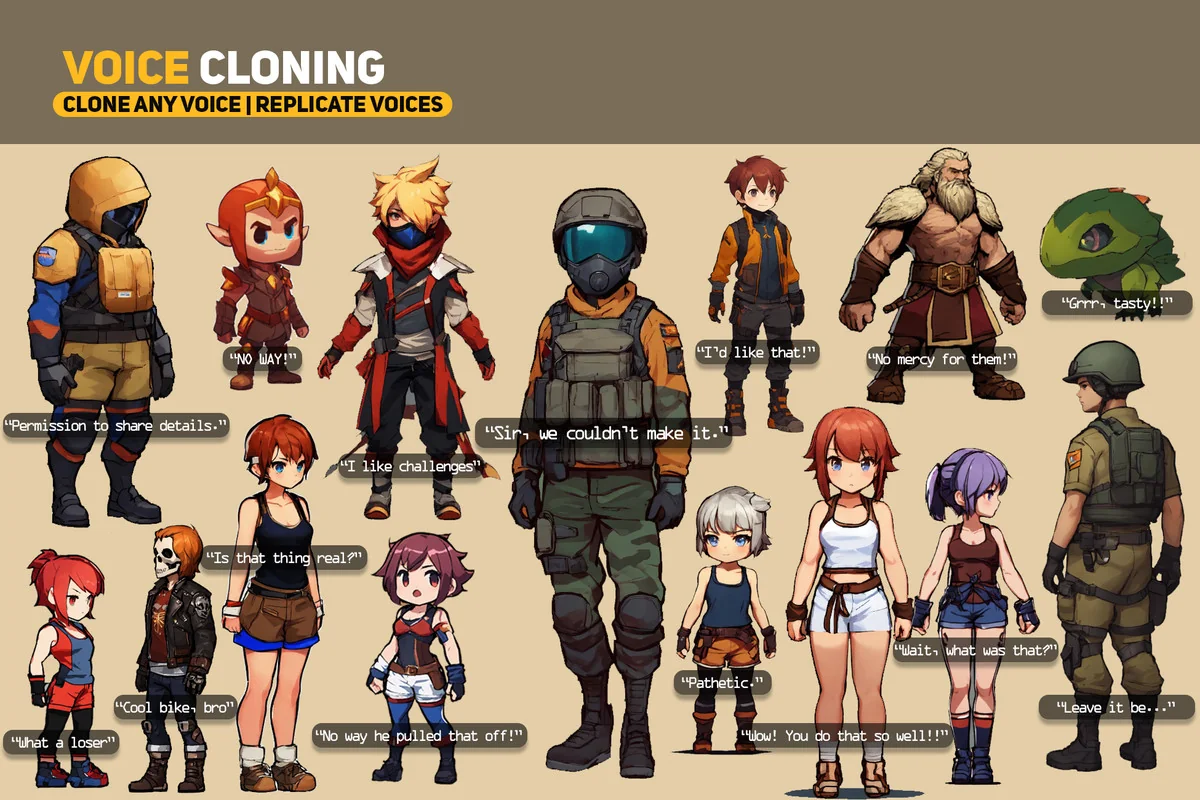
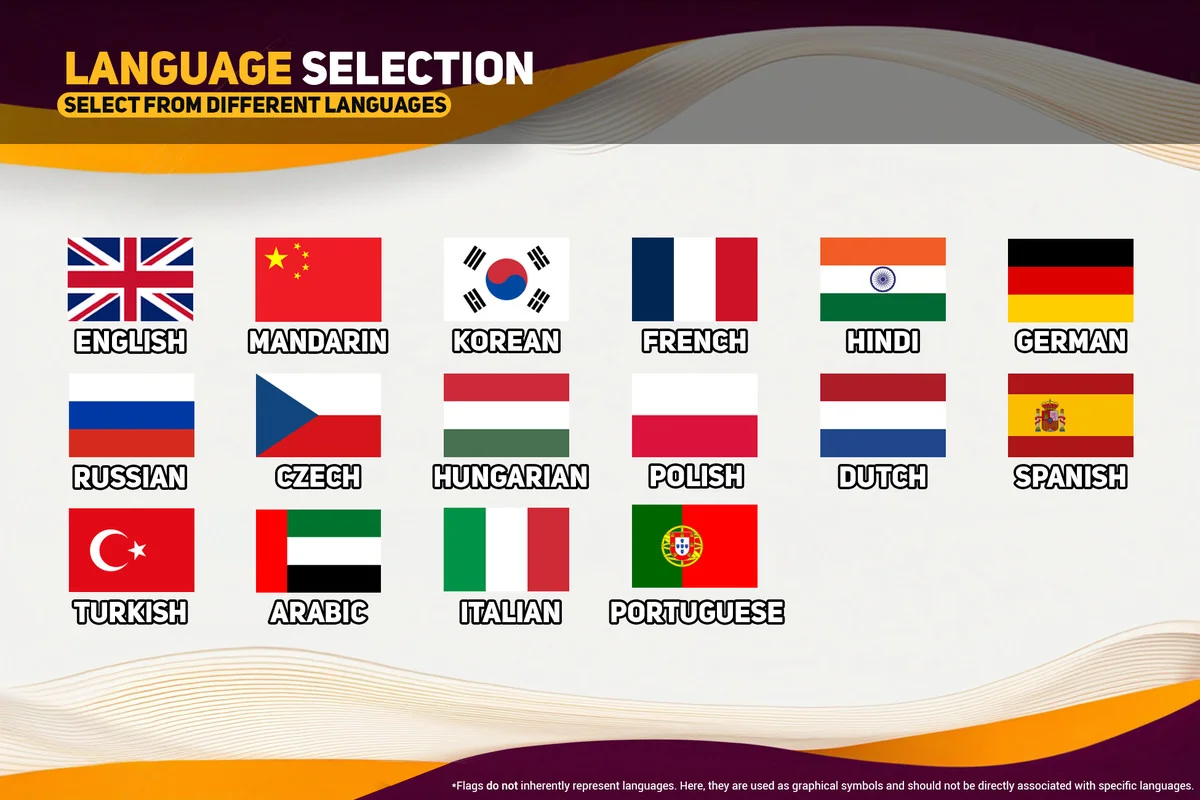
The core functionality of the system revolves around its ability to recreate specific vocal characteristics with minimal input. The voice cloning feature is designed for speed, requiring only a 3-6 second audio clip to replicate a specific voice. This capability is supported through both local and server-based models, offering flexibility in how the cloning is processed. For broader applications, the text-to-voice converter allows developers to input text and generate spoken audio instantly. Users can choose from a library of 60 distinct voice options or use their own cloned voices to narrate project content. As of version 0.1.6, the model is specialized for English, supporting various accents within that language.
Emotional Modulation and Parameter Controls
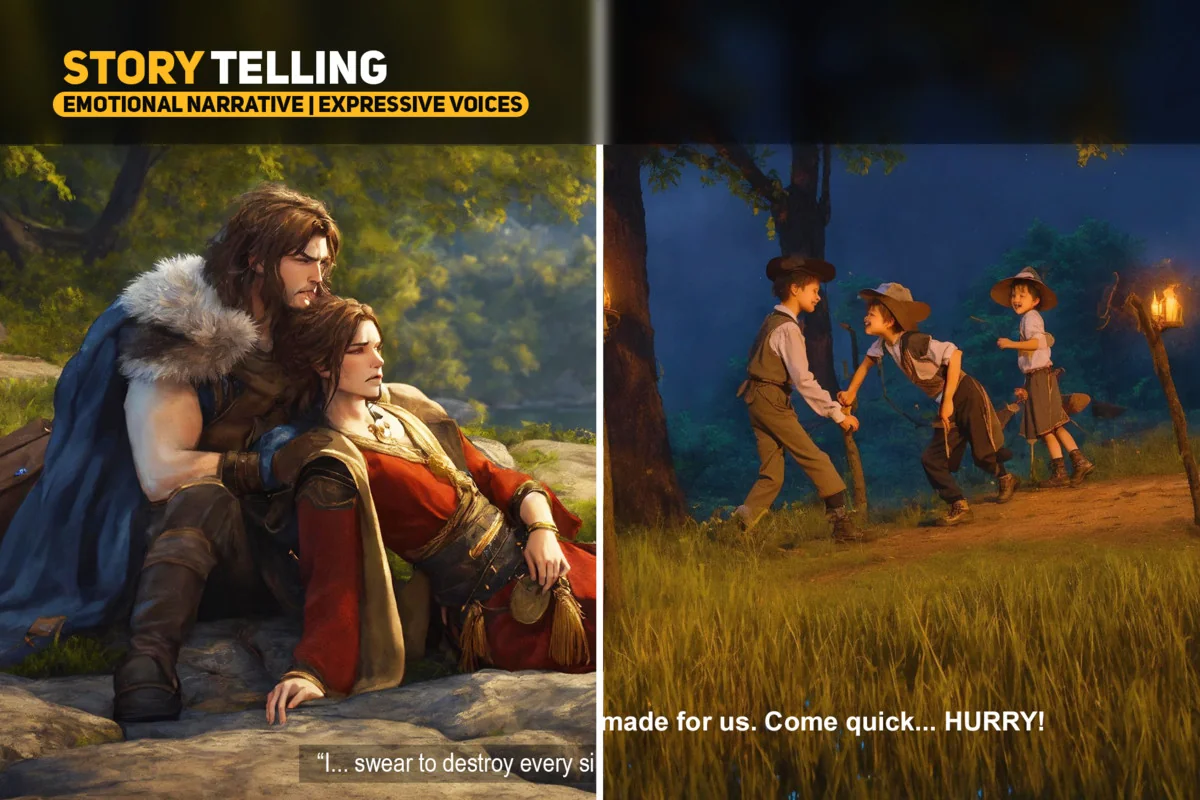
To move beyond flat, synthetic speech, the offline version of the tool provides specific modulation controls. Developers can manipulate emotional values and diffusion parameters to alter the tone and delivery of the generated speech. By adjusting these settings, it is possible to fine-tune how closely the output matches the original source voice or to shift the performance to better fit a specific narrative need. This level of granular control over the AI model’s output allows for the customization of speech patterns, ensuring the generated audio aligns with the intended mood of a scene.
Integrated Audio Post-Production Suite
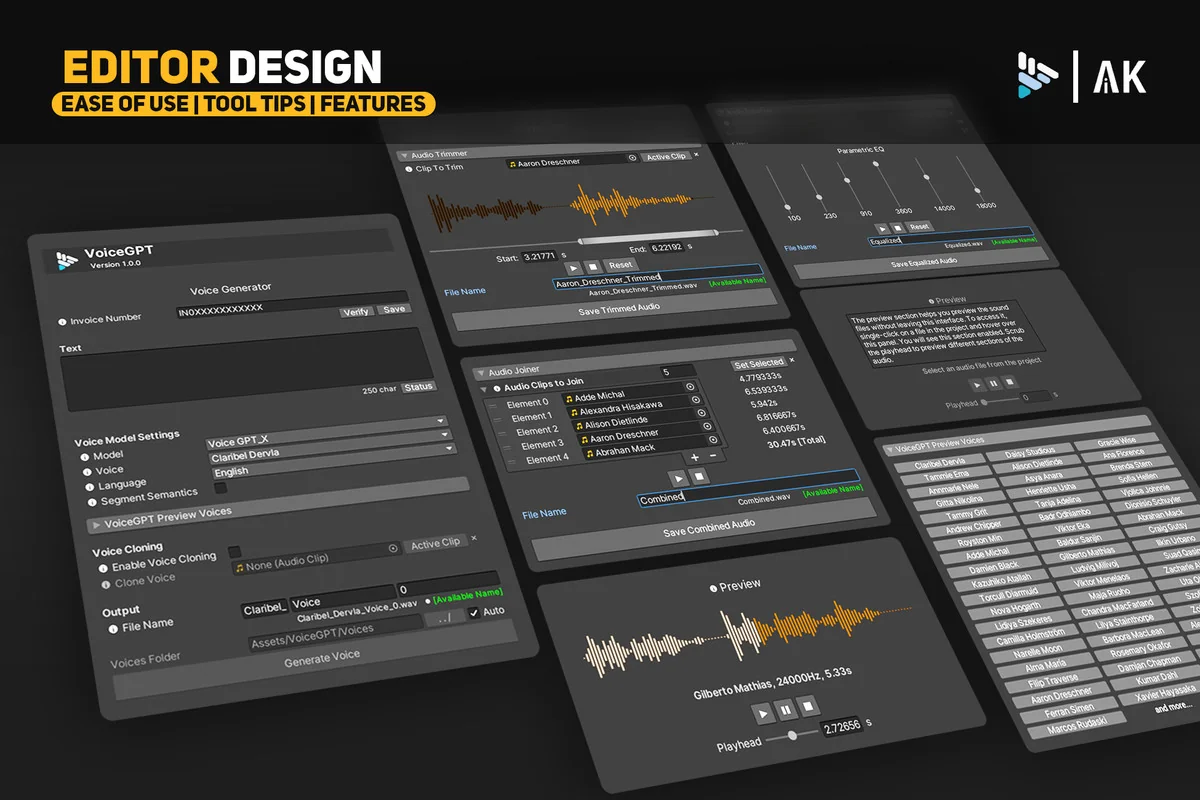
Beyond simple generation, the package includes a suite of tools for refining audio clips without requiring external software. The editor script presents these options in a single, organized panel. A built-in preview waveform display allows for immediate playback within the editor. This interface includes a play head that can be scrubbed to any point in the clip, accompanied by timestamps and a graphic representation of the waveform for visual clarity.
For more technical adjustments, the asset features a user-friendly GUI for trimming audio. This is particularly useful for removing silence or unwanted segments from the beginning or end of a generated clip. Additionally, multiple clips can be combined into a single file through an intuitive interface that allows users to select, rearrange, and merge audio segments seamlessly. Mastering is further supported by a 6-band equalizer. This tool provides sliders for gain, pitch, and frequency bands, enabling developers to equalize tracks and balance the audio profile directly within the workspace.
Optimizing the Editor Workspace
The design philosophy behind the tool emphasizes efficiency by keeping all audio tasks within the Unity Editor. By consolidating generation, cloning, trimming, and equalization into one workspace, the developer reduces the need to switch between different external services or software packages. This centralized approach simplifies asset management and streamlines the content creation pipeline, as all generated audio assets are immediately available within the project structure. The interface is designed to keep all controls neatly organized in one panel, ensuring that the process of mastering and combining audio tracks remains accessible during the development cycle.
Asset Gallery
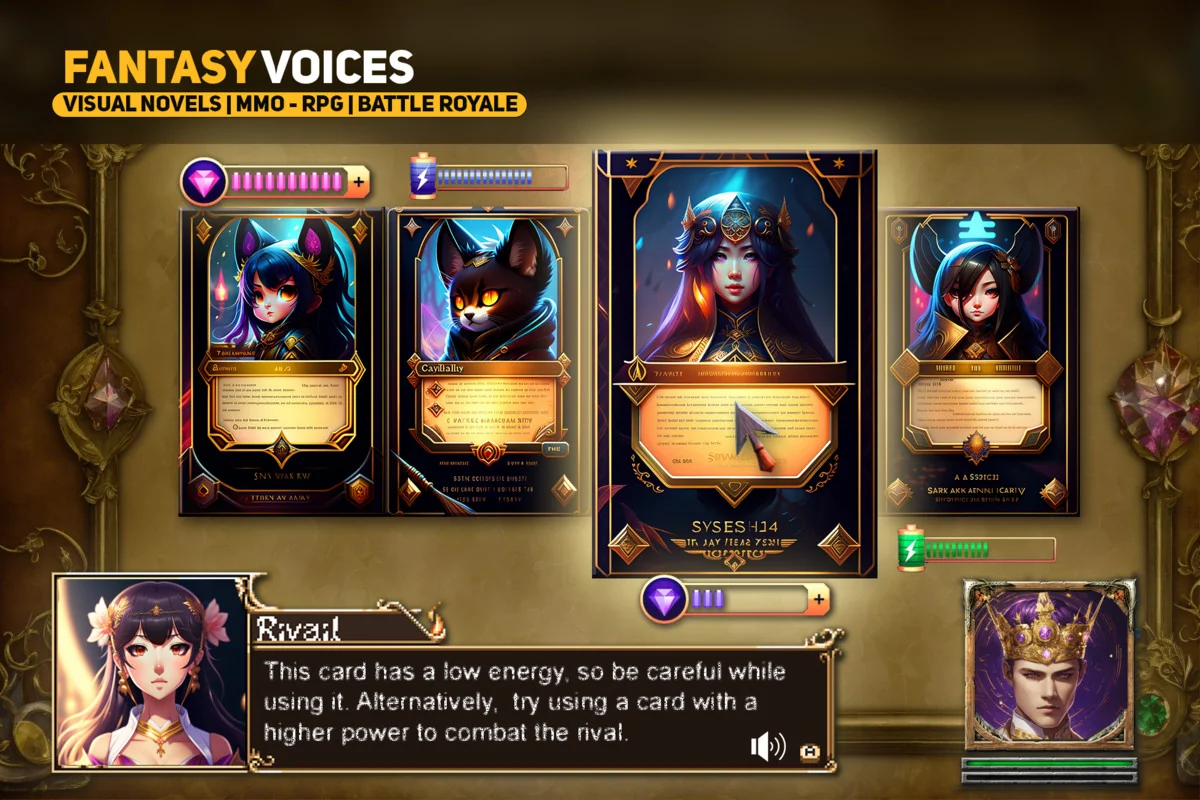
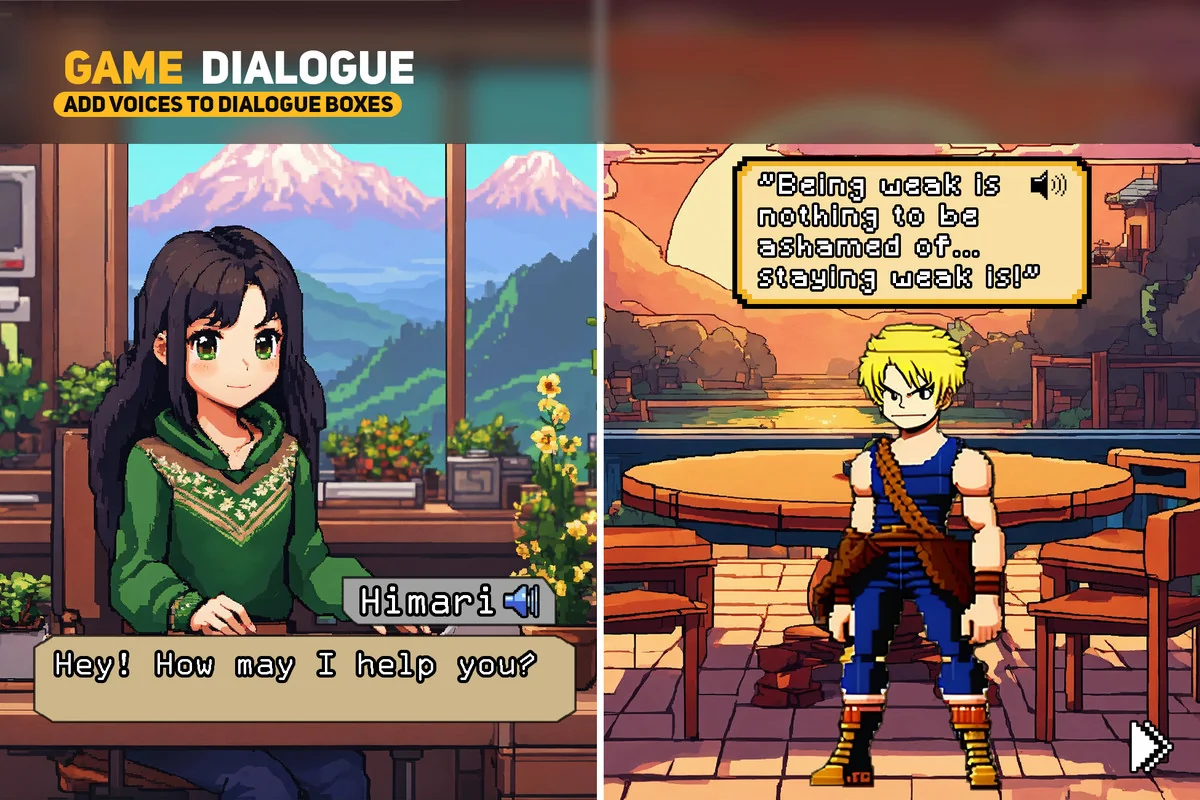
Protected download
Access this resource
All resources are 100% manually reviewed to eliminate all risks.