Versatile Mesh Projection and Customization
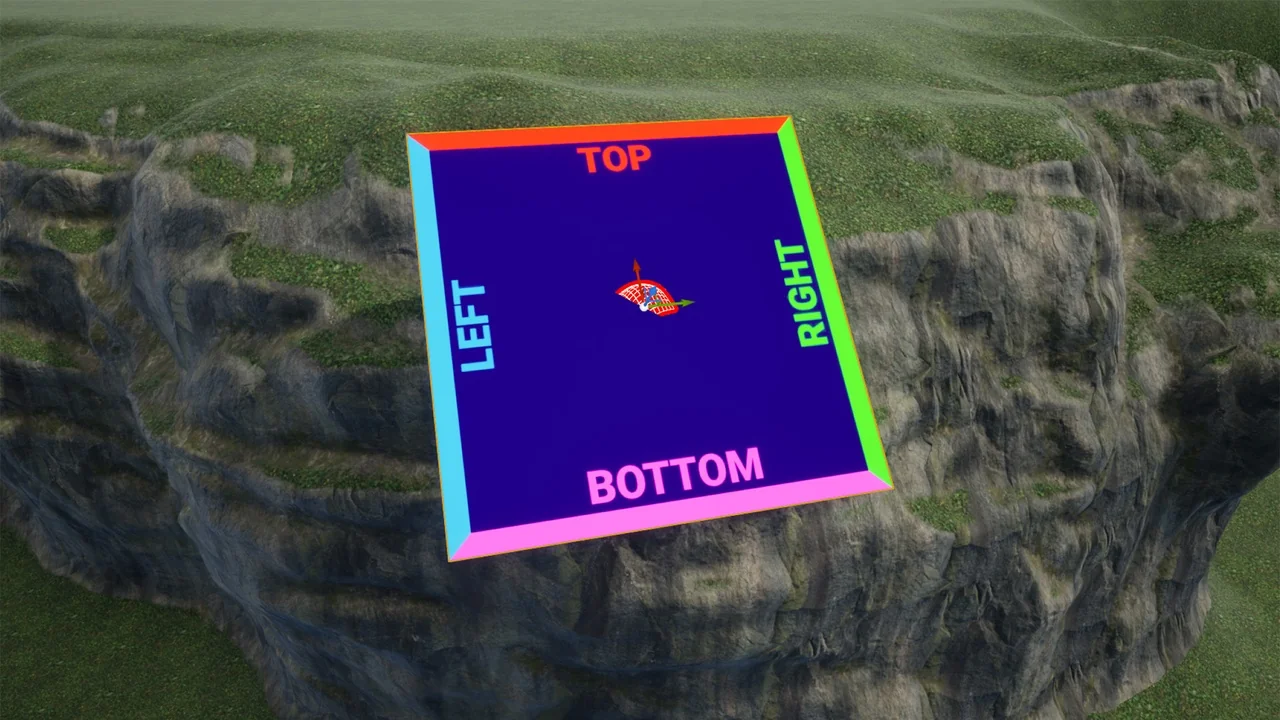
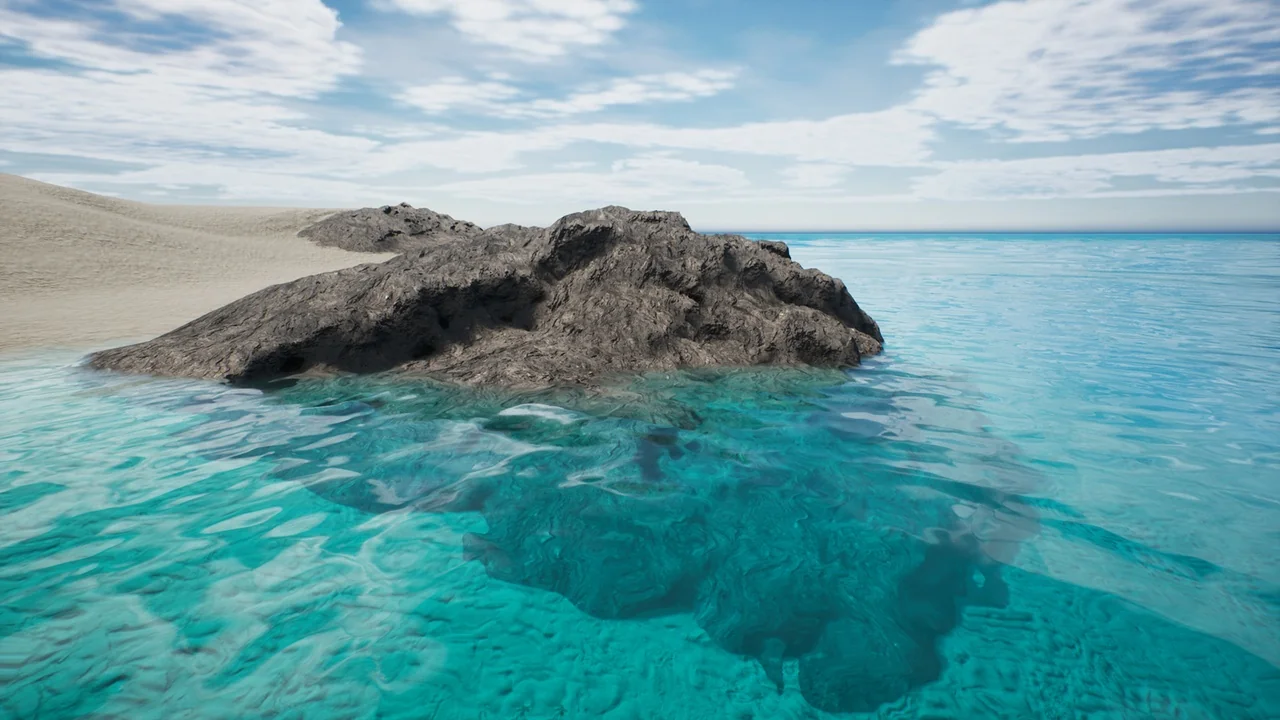
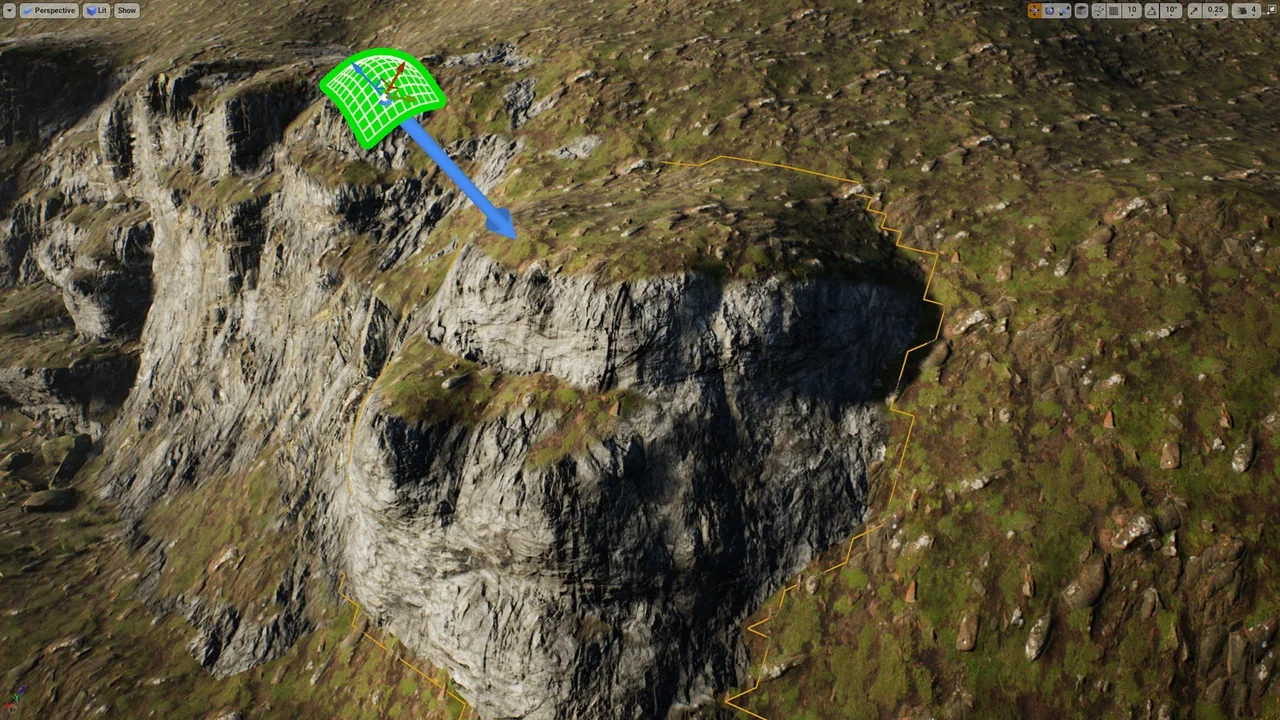
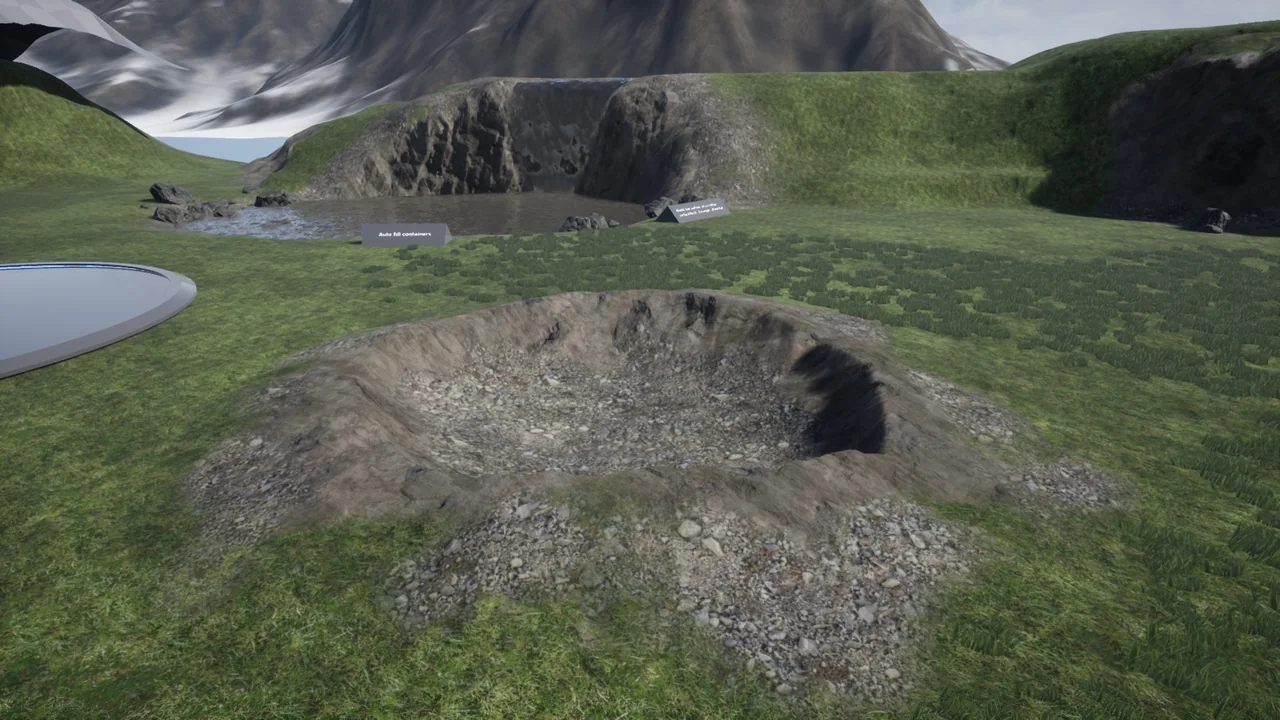
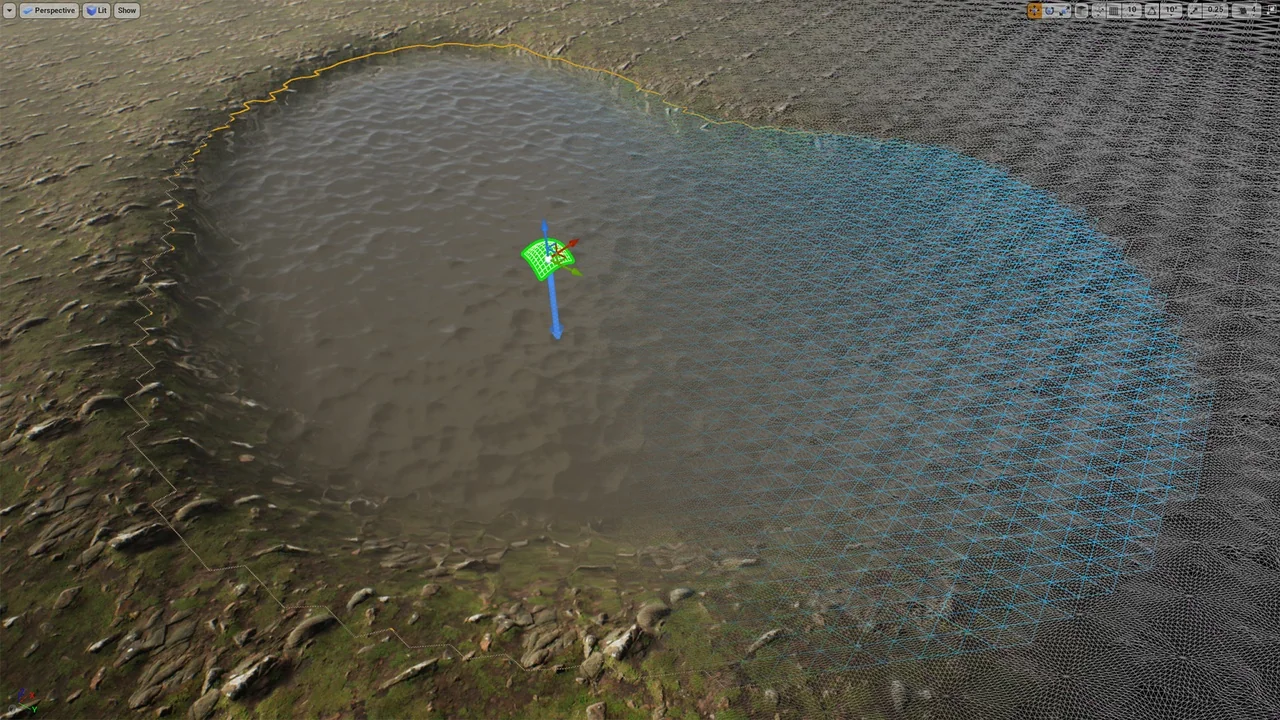
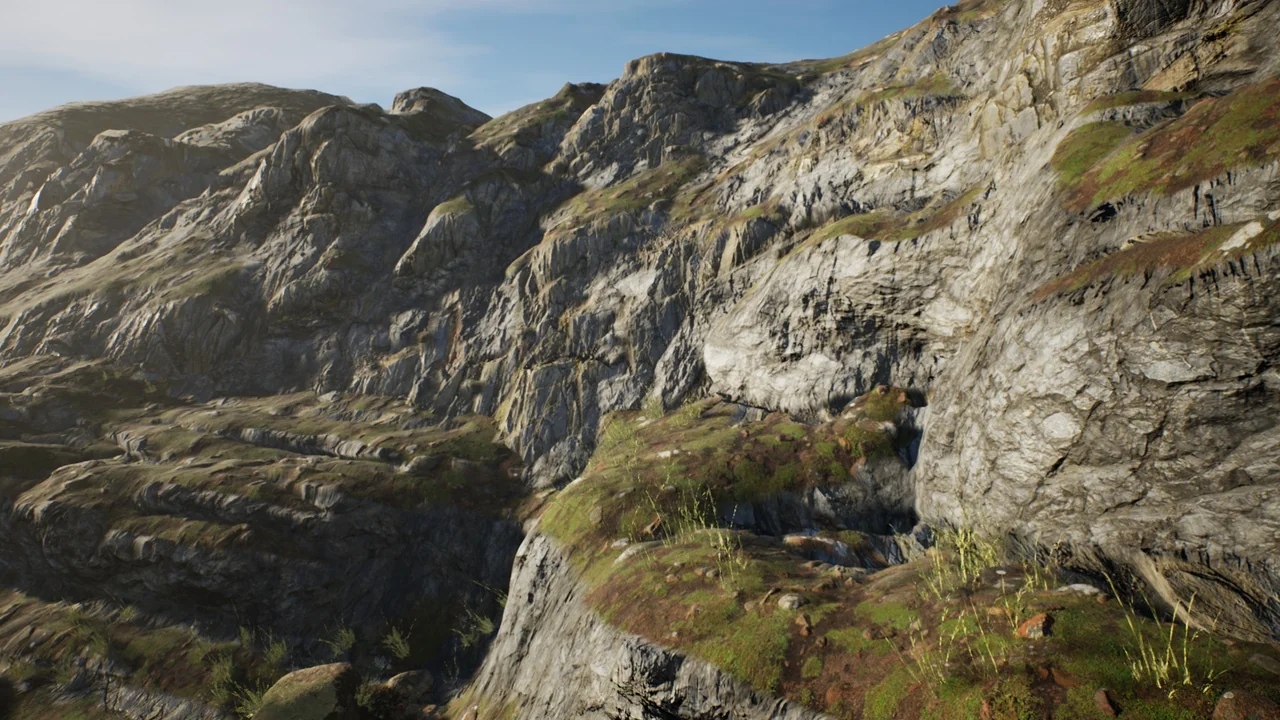
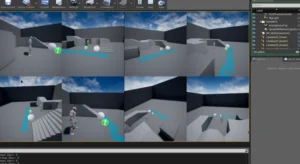
USurfaceMesh (Grid Projection Sculpting) is a grid-based multipurpose tool designed to streamline the creation of terrain-blended assets. This plugin enables users to generate custom-fit static meshes that can be placed anywhere within a scene. By projecting a mesh onto the surface of another mesh or landscape, creators can ensure a perfect fit for rocks and cliffs. Consequently, this workflow reduces the time spent manually aligning environmental assets.
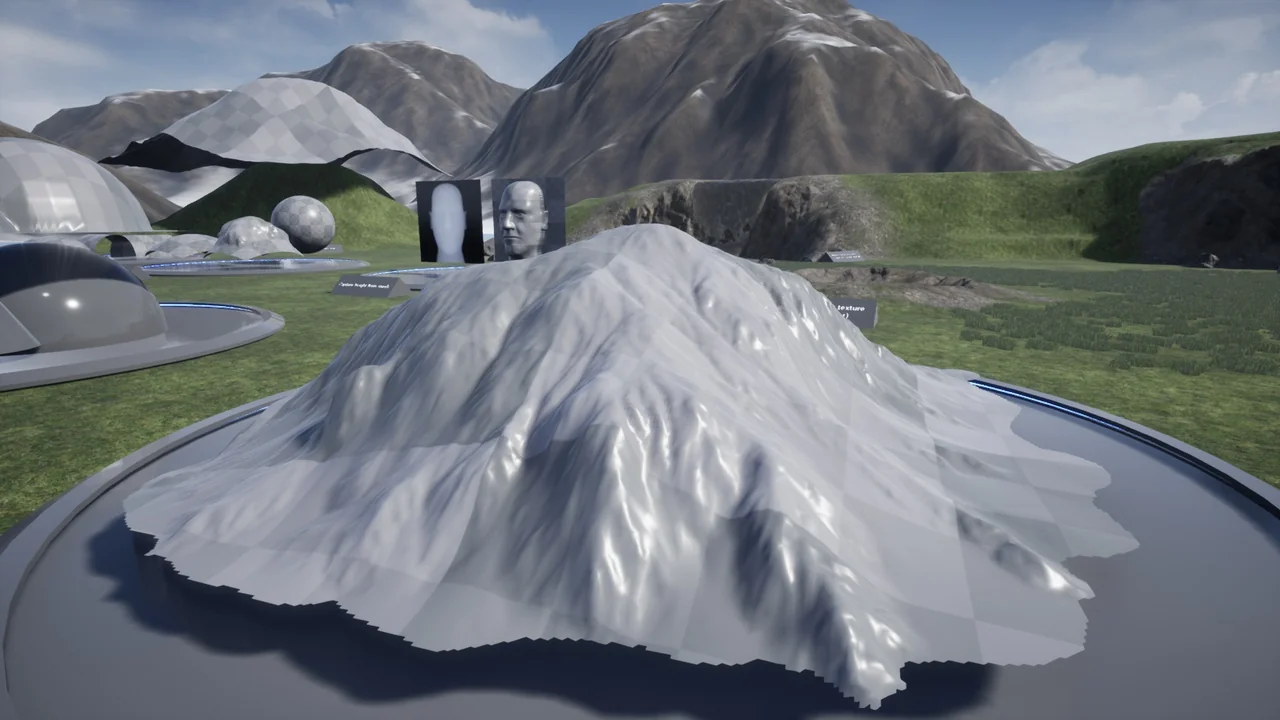
The plugin offers extensive customization options through height textures. Users can project the mesh and then apply various height noises and detail textures to create unique variations. Moreover, the tool allows for stamping a mesh to a surface and recreating it if further changes are required. This flexibility makes it an essential asset for detailed environmental design within the Unreal Editor.
Advanced Surface Data Capture
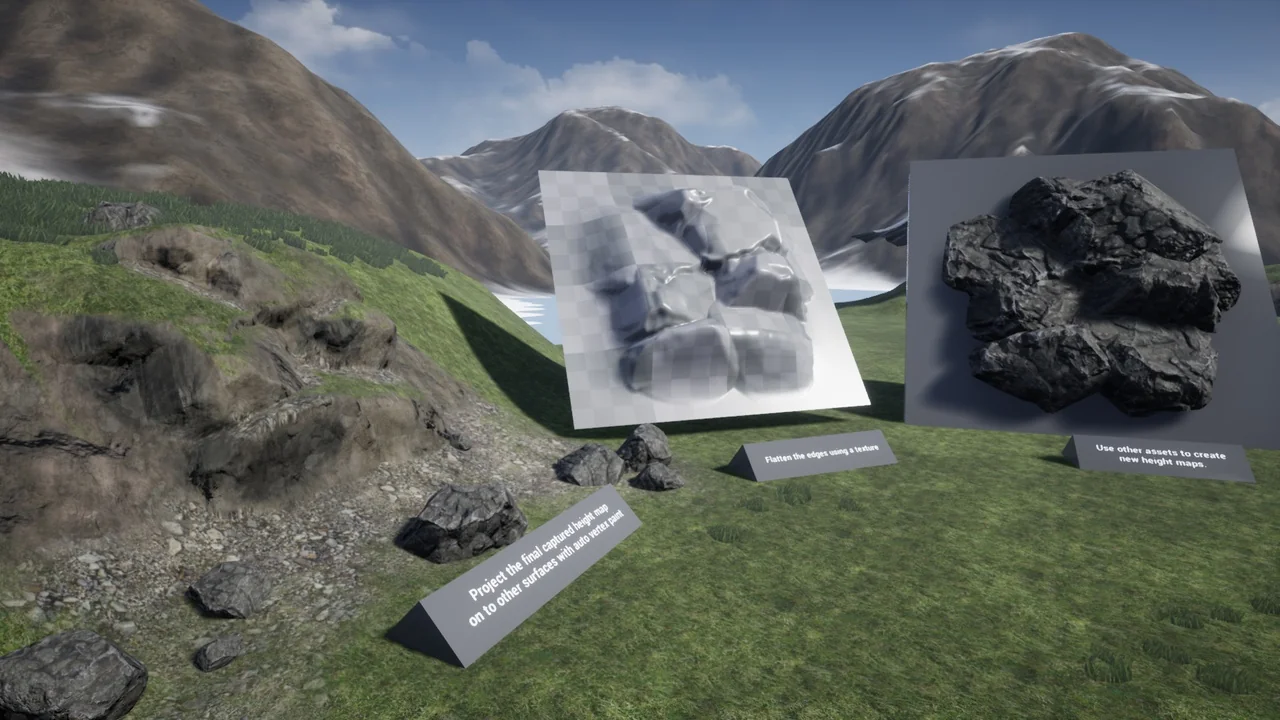
One of the standout features of USurfaceMesh (Grid Projection Sculpting) is the ability to capture the height of the surface below. This data is rendered out as render target textures, which can be utilized repeatedly throughout the plugin to produce multiple variations. Additionally, users can mask and flatten the mesh using specific settings and textures provided by the developer. While preview images may feature third-party assets, any material can be applied to the static meshes built with this tool.
Specialized Editing and Painting Tools
The creator has introduced several specialized tools within the suite to enhance the modeling process. For instance, the USurfaceMeshEdit tool includes mesh editing features, such as removing polygons that are hidden from view. This optimization can be used on any static mesh to improve performance. Furthermore, the USurfaceMeshPaint tool allows for painting vertex colors or rendering data to a texture using surface information. This specific tool is versatile enough to be used on any static mesh in your project.
Version 1.3 and Workflow Enhancements
Recent updates have expanded the capabilities of USurfaceMesh (Grid Projection Sculpting) significantly. Version 1.3 introduced the ability to warp meshes along a spline and improved world-aligned texture sampling. The “Apply to Landscape” feature now uses surface data to paint landscape layers directly. Therefore, the displaced meshes match world-aligned texture nodes within Unreal Engine materials more accurately than before.
Powerful Simulation and Displacement Options
Earlier versions of the plugin also added advanced simulation features like water and thermal erosion. Creators can generate FlowMaps or use curves to define edges and heights. Additionally, the plugin supports vector displacement textures, vertical warping, and selectable removal of mesh parts. Because this is an editor-only plugin, all mesh creation and modification happen directly within the Unreal Editor environment. This ensures a streamlined pipeline for developers focusing on high-quality terrain and rock formations.
Conclusion
USurfaceMesh (Grid Projection Sculpting) provides a robust set of tools for developers looking to create integrated environmental assets. From height capture to advanced erosion simulations, the plugin offers professional-grade features for mesh manipulation. By utilizing these grid-based projection tools, creators can achieve highly detailed and optimized results for any 3D environment.
Screenshots & Gallery