"efaa631e936fd3ee"{"id":"1002246","slug":"ultimate-gamedev-bundle","title":"Ultimate GameDev Bundle","category":"Engine Tools","engine":"5.5","assetVersion":"Asset Version: 1.1","engineVersion":"Engine Version: 5.5","tag":"Engine Tools","accent":"blue","visual":"mech","summary":"Explore the Ultimate GameDev Bundle for Unreal Engine, featuring Blueprints for health, dynamic scoring, logic acceleration, and cinematic UI controls.","platform":"Unreal Engine","publishedAt":"2026-10-29T16:05:10.720Z","updatedAt":"2026-10-29T16:05:10.720Z","sourceNotes":[],"fileContents":[],"compatibility":["Unreal Engine","Asset Version: 1.1","Engine Version: 5.5"],"featuredImage":{"alt":"Ultimate GameDev Bundle","src":"/wp-content/uploads/published/2026/10/90500c9db515-f3918c6d-e637-4e2c-88a3-6efa23fdec0a-3ce150a110.webp"},"hasDownloadLink":true,"downloads":0,"terms":[{"taxonomy":"category","slug":"engine-tools-tools-and-plugins","name":"Engine Tools"}],"galleryImages":[{"src":"/wp-content/uploads/published/2026/10/71b203e1fa1d-ed872592-2db3-4f1a-9da7-5404354c12d9-a636701ff1.webp","alt":"Ultimate GameDev Bundle"},{"src":"/wp-content/uploads/published/2026/10/d86c8e9279e0-1a5ad91b-08ca-4d3f-b29b-b182ce377c9b-50e159882d.webp","alt":"Ultimate GameDev Bundle"}],"accessPanel":{"kind":"resource","title":"Download this resource","eyebrow":"Free Download","message":"Log in or create a free account to start your download.","fileName":"Ultimate GameDev Bundle.7z","safetyNote":"Resources are manually reviewed before listing to improve quality and reduce obvious risks.","actionLabel":"Download Free","resourceType":"Resource archive"},"contentHtml":"\u003cp\u003eIntegrating essential gameplay mechanics into a fresh Unreal Engine project often demands rebuilding identical foundational systems repeatedly. Setting up logic for actor hit points, score tallies, user interface toggles, and everyday math utilities can stall initial prototyping before core creative mechanics take shape. The Ultimate GameDev Bundle gathers four focused Unreal Engine plugins into a single workflow suite, addressing repetitive technical setup through specialized Blueprints.\u003c/p\u003e \u003ch2\u003ePrototyping Workflows with Kickstart Blueprint Library\u003c/h2\u003e\n\u003cp\u003eDeveloping gameplay logic often involves stringing together multi-node Blueprint networks to manage repetitive interactions or routine calculations. The Kickstart Blueprint Library supplies a versatile collection of pre-built Blueprints planned to bypass that initial assembly phase, accelerating overall development without requiring custom code from scratch.\u003c/p\u003e \u003cp\u003eBecause the collection targets both beginners and advanced creators, the underlying node networks simplify complex logic into readily accessible building blocks. Novices can inspect established Blueprint graphs to understand clean communication structures, while experienced developers can deploy the library across early prototypes to establish rapid mechanics validation. Accelerating standard tasks allows teams to spend less time structuring generic logic pipelines and more time refining genre-specific interactions.\u003c/p\u003e \u003ch2\u003eDamage Handling and States in Reusable Health System\u003c/h2\u003e\n\u003cp\u003eVirtually every interactive game project requires a predictable method for managing survivability, vulnerability, and actor death. The Reusable Health System provides a modular framework configured to handle diverse gameplay scenarios across different project types, ensuring health parameters remain decoupled and straightforward to tune.\u003c/p\u003e \u003cp\u003eCentral to this component is built-in support for varied health states, damage types, and healing mechanics. Rather than hard-coding static reductions to a basic integer pool, developers can customize how incoming events process through different damage types and how actors respond dynamically. Built-in logic covers:\u003c/p\u003e\n\u003cul\u003e\n\u003cli\u003eModular tracking of evolving health states across actors\u003c/li\u003e\n\u003cli\u003eExecution of damage types tailored to specific combat conditions\u003c/li\u003e\n\u003cli\u003eDynamic healing mechanisms that adjust current vitals\u003c/li\u003e\n\u003cli\u003eAutomated health regeneration for passive recovery setups\u003c/li\u003e\n\u003c/ul\u003e\n\u003cp\u003eBecause the structure is fully customizable, it conforms cleanly to varied project styles, whether a project requires high-lethality action where damage types directly trigger critical states or open-world pacing requiring gradual health regeneration between engagements.\u003c/p\u003e \u003ch2\u003eTracking Player Performance via Smart Score System\u003c/h2\u003e\n\u003cp\u003eEvaluating player progress demands flexible logic that can adapt when gameplay conditions shift. The Smart Score System functions as a dynamic performance tracker that developers can integrate and customize across any game genre, eliminating the friction of designing custom tally counters from the ground up.\u003c/p\u003e \u003cp\u003eThe module supports multiple scoring rules and display routines, making it directly suited for competitive titles and high-score chasing modes. Whether tracking point pickups, time bonuses, or performance modifiers, the system adapts to diverse gameplay loops. Because the internal data structures are built to accommodate multiple criteria, designers can configure distinct point values, apply rule variations, and broadcast values to user interfaces without rewriting the core evaluation pipeline.\u003c/p\u003e \u003ch2\u003eClean Presentation and Debugging Using Hide All UI\u003c/h2\u003e\n\u003cp\u003eEvaluating gameplay visually often encounters screen clutter from widgets, health bars, objective markers, and performance diagnostics. Hide All UI simplifies this evaluation environment by providing a dedicated utility that toggles all interface elements on and off through a single command.\u003c/p\u003e \u003cp\u003eThis single-action toggle proves practical across distinct phases of the production cycle. For quality assurance and testing, clearing the display enables developers to inspect visual bugs, collision issues, or clipping artifacts without interactive overlays obscuring the view. For marketing and content capture, switching off the interface instantly prepares the viewport for cinematic footage, trailer staging, or clear gameplay recording without altering widget hierarchies or breaking widget parent classes.\u003c/p\u003e \u003ch2\u003eOnboarding Pipelines and Support Resources\u003c/h2\u003e\n\u003cp\u003eAdopting modular tools into active project repositories requires clear documentation so systems can be verified rapidly. The bundle supports implementation through several onboarding aids designed to lower setup overhead:\u003c/p\u003e\n\u003cul\u003e\n\u003cli\u003eAn intro feature video explaining the primary components in visual detail\u003c/li\u003e\n\u003cli\u003eA quick start guide outlining step-by-step installation and node deployment\u003c/li\u003e\n\u003cli\u003eDedicated Discord support to troubleshoot specific integration inquiries\u003c/li\u003e\n\u003c/ul\u003e\n\u003cp\u003eThese reference materials ensure developers can quickly place the Kickstart Blueprint Library into new prototypes, wire the Reusable Health System to character classes, link the Smart Score System to win conditions, and utilize Hide All UI during screen capture sessions without extensive trial and error.\u003c/p\u003e\n\n\u003ch2\u003eRelated Resources Worth Checking\u003c/h2\u003e\n\u003cul\u003e\n\u003cli\u003e\u003ca href=\"https://3dcghub.com/ultimate-lighting-and-camera-tool-ulct/\" title=\"Ultimate Lighting and Camera Tool ( ULCT )\"\u003eUltimate Lighting and Camera Tool ( ULCT )\u003c/a\u003e\u003c/li\u003e\n\u003cli\u003e\u003ca href=\"https://3dcghub.com/ultimate-difficulty-scaling-uds/\" title=\"Ultimate Difficulty Scaling (UDS)\"\u003eUltimate Difficulty Scaling (UDS)\u003c/a\u003e\u003c/li\u003e\n\u003cli\u003e\u003ca href=\"https://3dcghub.com/ultimate-level-art-tool-ulat-tools-plugin-plugins/\" title=\"Ultimate Level Art Tool - ULAT ( Tools / Plugin / Plugins )\"\u003eUltimate Level Art Tool - ULAT ( Tools / Plugin / Plugins )\u003c/a\u003e\u003c/li\u003e\n\u003cli\u003e\u003ca href=\"https://3dcghub.com/footsteps-sound-effects-ultimate-collection-bundle/\" title=\"Footsteps Sound Effects - Ultimate Collection Bundle\"\u003eFootsteps Sound Effects - Ultimate Collection Bundle\u003c/a\u003e\u003c/li\u003e\n\u003cli\u003e\u003ca href=\"https://3dcghub.com/ultimate-engine-copilot-formerly-ultimate-blueprint-generator/\" title=\"Ultimate Engine CoPilot (formerly Ultimate Blueprint Generator)\"\u003eUltimate Engine CoPilot (formerly Ultimate Blueprint Generator)\u003c/a\u003e\u003c/li\u003e\n\u003c/ul\u003e","contentTextLength":5448,"navigation":{"current":39,"total":4209,"previous":{"id":"1002247","slug":"ultimate-greyboxing-kit","title":"Ultimate Greyboxing Kit","category":"Procedural Systems","platform":"Unreal Engine","updatedAt":"2026-10-29T16:05:37.804Z"},"next":{"id":"1002245","slug":"two-sword-animset","title":"Two Sword AnimSet","category":"Combat","platform":"Unreal Engine","updatedAt":"2026-10-29T16:04:20.439Z"}},"relatedResources":[{"id":"1001370","slug":"ultimate-lighting-and-camera-tool-ulct","title":"Ultimate Lighting and Camera Tool ( ULCT )","category":"Engine Tools","engine":"5.5","assetVersion":"Asset Version: 1.2","engineVersion":"Engine Version: 5.5","tag":"Engine Tools","accent":"blue","visual":"mech","summary":"Explore the Ultimate Lighting and Camera Tool for Unreal Engine, featuring fast light spawning, IES profiles, lightmap management, and camera controls.","platform":"Unreal Engine","publishedAt":"2026-10-04T10:38:22.592Z","updatedAt":"2026-10-04T10:38:22.592Z","sourceNotes":[],"fileContents":[],"compatibility":["Unreal Engine","Asset Version: 1.2","Engine Version: 5.5"],"featuredImage":{"alt":"Ultimate Lighting and Camera Tool ( ULCT )","src":"/wp-content/uploads/published/2026/10/51d1307f17f1-9eeee845-4199-41b6-a2cf-09b76328ed34-ca87139e07.webp"},"hasDownloadLink":true,"downloads":0},{"id":"1000759","slug":"ultimate-difficulty-scaling-uds","title":"Ultimate Difficulty Scaling (UDS)","category":"Engine Tools","engine":"5.5 - 5.8","assetVersion":"Asset Version: 2.0.5","engineVersion":"Engine Version: 5.5 - 5.8","tag":"Engine Tools","accent":"blue","visual":"mech","summary":"An Unreal Engine plugin providing a central dockable editor to manage difficulty variables across Blueprints, with AI-powered tuning and deep struct support.","platform":"Unreal Engine","publishedAt":"2026-07-27T20:56:52.428Z","updatedAt":"2026-07-27T20:56:52.428Z","sourceNotes":[],"fileContents":[],"compatibility":["Unreal Engine","Asset Version: 2.0.5","Engine Version: 5.5 - 5.8"],"featuredImage":{"alt":"Ultimate Difficulty Scaling (UDS)","src":"/wp-content/uploads/published/2026/07/727d2de77de5-06a6af98-ba76-42c9-8c88-bc543f120909-7c88dc222b.webp"},"hasDownloadLink":true,"downloads":0},{"id":"14738","slug":"ultimate-level-art-tool-ulat-tools-plugin-plugins","title":"Ultimate Level Art Tool - ULAT ( Tools / Plugin / Plugins )","category":"Engine Tools","engine":"5.0 - 5.7","assetVersion":"Engine version: 5.0 - 5.7","engineVersion":"Asset Version:1.3 - 1.3.1","tag":"Engine Tools","accent":"blue","visual":"character","summary":"Optimize your environment design workflow with the Ultimate Level Art Tool. This Unreal Engine plugin offers modular building features, one-click automation, and advanced mesh management.","platform":"Unreal Engine","publishedAt":"2026-03-11T19:16:44.000Z","updatedAt":"2026-05-31T13:00:16.112Z","sourceNotes":[],"fileContents":[],"compatibility":["Unreal Engine","Engine version: 5.0 - 5.7","Asset Version: 1.3 - 1.3.1"],"featuredImage":{"alt":"Ultimate Level Art Tool - ULAT ( Tools / Plugin / Plugins )","src":"https://3dcghub.com/wp-content/uploads/2026/03/06dfb4ec-9574-4b27-8363-21090a467eb4.webp"},"hasDownloadLink":true,"downloads":1}]}
Engine Tools
Ultimate GameDev Bundle
Explore the Ultimate GameDev Bundle for Unreal Engine, featuring Blueprints for health, dynamic scoring, logic acceleration, and cinematic UI controls.
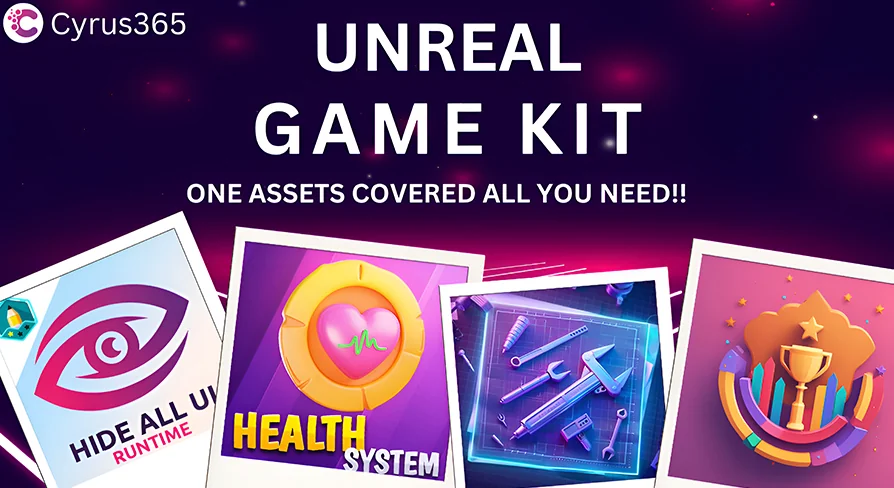
Integrating essential gameplay mechanics into a fresh Unreal Engine project often demands rebuilding identical foundational systems repeatedly. Setting up logic for actor hit points, score tallies, user interface toggles, and everyday math utilities can stall initial prototyping before core creative mechanics take shape. The Ultimate GameDev Bundle gathers four focused Unreal Engine plugins into a single workflow suite, addressing repetitive technical setup through specialized Blueprints.
Prototyping Workflows with Kickstart Blueprint Library
Developing gameplay logic often involves stringing together multi-node Blueprint networks to manage repetitive interactions or routine calculations. The Kickstart Blueprint Library supplies a versatile collection of pre-built Blueprints planned to bypass that initial assembly phase, accelerating overall development without requiring custom code from scratch.
Because the collection targets both beginners and advanced creators, the underlying node networks simplify complex logic into readily accessible building blocks. Novices can inspect established Blueprint graphs to understand clean communication structures, while experienced developers can deploy the library across early prototypes to establish rapid mechanics validation. Accelerating standard tasks allows teams to spend less time structuring generic logic pipelines and more time refining genre-specific interactions.
Damage Handling and States in Reusable Health System
Virtually every interactive game project requires a predictable method for managing survivability, vulnerability, and actor death. The Reusable Health System provides a modular framework configured to handle diverse gameplay scenarios across different project types, ensuring health parameters remain decoupled and straightforward to tune.
Central to this component is built-in support for varied health states, damage types, and healing mechanics. Rather than hard-coding static reductions to a basic integer pool, developers can customize how incoming events process through different damage types and how actors respond dynamically. Built-in logic covers:
Modular tracking of evolving health states across actors
Execution of damage types tailored to specific combat conditions
Dynamic healing mechanisms that adjust current vitals
Automated health regeneration for passive recovery setups
Because the structure is fully customizable, it conforms cleanly to varied project styles, whether a project requires high-lethality action where damage types directly trigger critical states or open-world pacing requiring gradual health regeneration between engagements.
Tracking Player Performance via Smart Score System
Evaluating player progress demands flexible logic that can adapt when gameplay conditions shift. The Smart Score System functions as a dynamic performance tracker that developers can integrate and customize across any game genre, eliminating the friction of designing custom tally counters from the ground up.
The module supports multiple scoring rules and display routines, making it directly suited for competitive titles and high-score chasing modes. Whether tracking point pickups, time bonuses, or performance modifiers, the system adapts to diverse gameplay loops. Because the internal data structures are built to accommodate multiple criteria, designers can configure distinct point values, apply rule variations, and broadcast values to user interfaces without rewriting the core evaluation pipeline.
Clean Presentation and Debugging Using Hide All UI
Evaluating gameplay visually often encounters screen clutter from widgets, health bars, objective markers, and performance diagnostics. Hide All UI simplifies this evaluation environment by providing a dedicated utility that toggles all interface elements on and off through a single command.
This single-action toggle proves practical across distinct phases of the production cycle. For quality assurance and testing, clearing the display enables developers to inspect visual bugs, collision issues, or clipping artifacts without interactive overlays obscuring the view. For marketing and content capture, switching off the interface instantly prepares the viewport for cinematic footage, trailer staging, or clear gameplay recording without altering widget hierarchies or breaking widget parent classes.
Onboarding Pipelines and Support Resources
Adopting modular tools into active project repositories requires clear documentation so systems can be verified rapidly. The bundle supports implementation through several onboarding aids designed to lower setup overhead:
An intro feature video explaining the primary components in visual detail
A quick start guide outlining step-by-step installation and node deployment
Dedicated Discord support to troubleshoot specific integration inquiries
These reference materials ensure developers can quickly place the Kickstart Blueprint Library into new prototypes, wire the Reusable Health System to character classes, link the Smart Score System to win conditions, and utilize Hide All UI during screen capture sessions without extensive trial and error.
 Engine Tools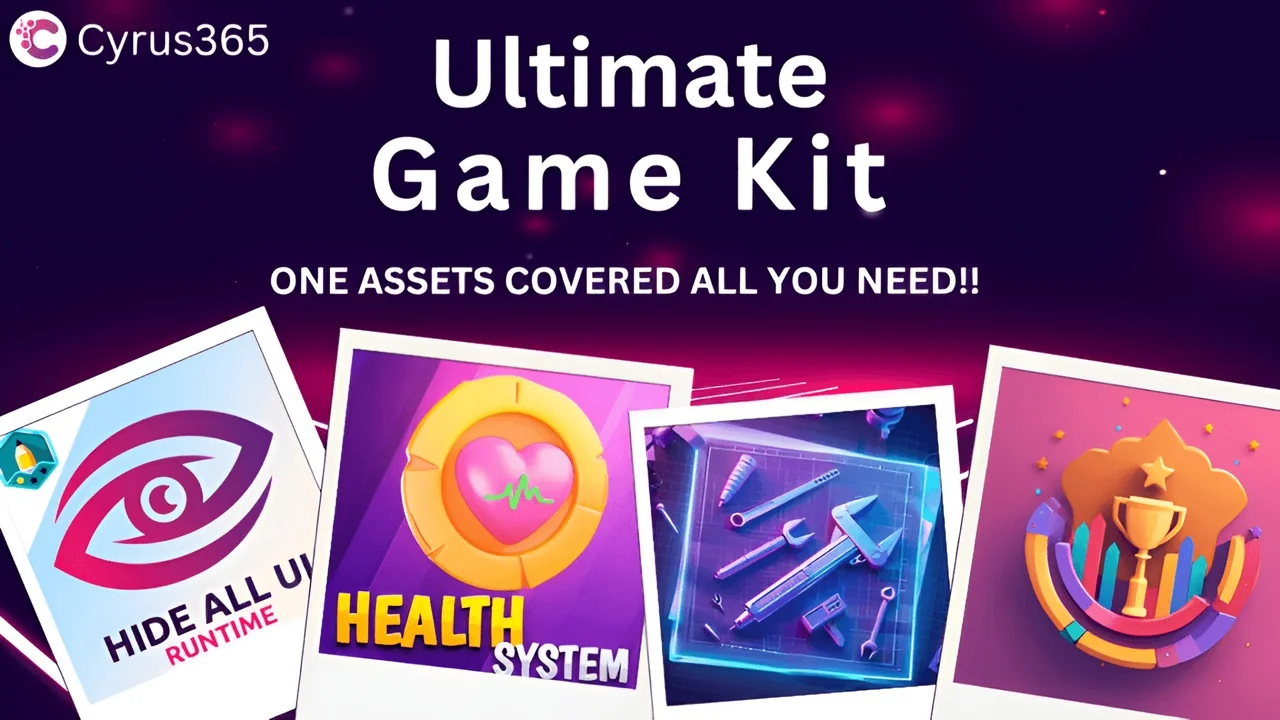
 Engine Tools
 Engine Tools
 Engine Tools