Efficient External Asset Management
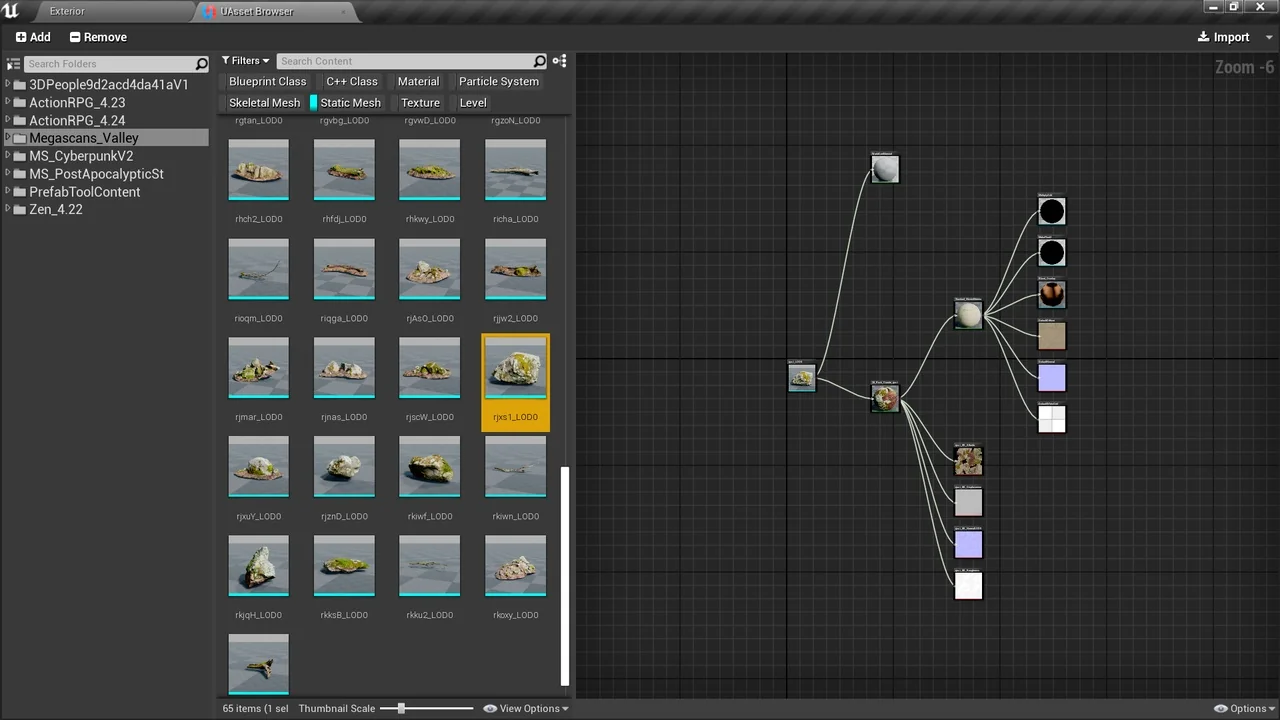
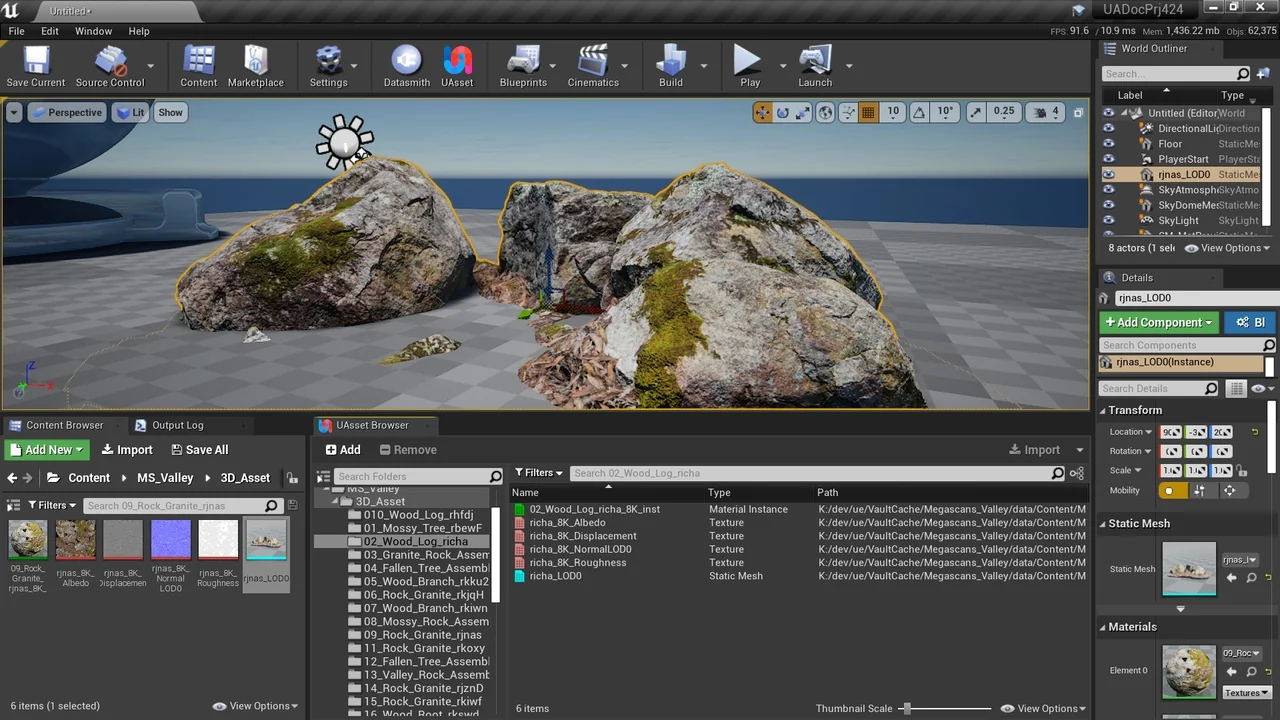
The UAsset Browser is a specialized tool designed to simplify how developers interact with external content. It functions as a comprehensive uasset file importer that bridges the gap between your active workspace and external project folders. Furthermore, it allows you to browse marketplace vault cache content directly from within your current project. This integration ensures that you can find and utilize resources without the need to switch between multiple application windows.
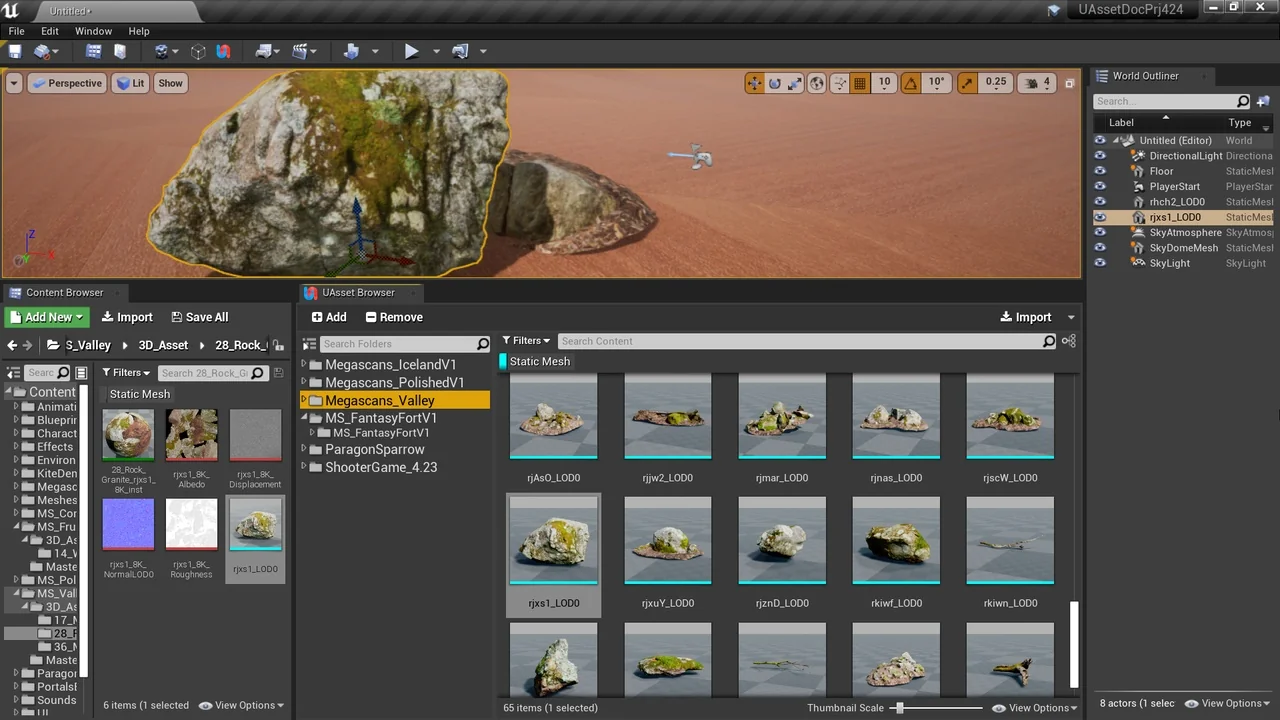
The interface is designed to look and feel familiar to users of the standard Content Browser. However, the UAsset Browser focuses specifically on external content libraries. You can preview uasset thumbnails, search through files, and filter assets based on detailed metadata. This makes it much easier to locate specific resources in large external directories or plugin folders.
Dependency Tracking and Migration
Managing file relationships is critical when moving assets between projects. The UAsset Browser automates this process by gathering all necessary dependencies during the import phase. Consequently, it identifies both hard and soft references to ensure that no files are missing after the transfer. This approach is a significant improvement over manual copying, which often results in broken links or missing textures.
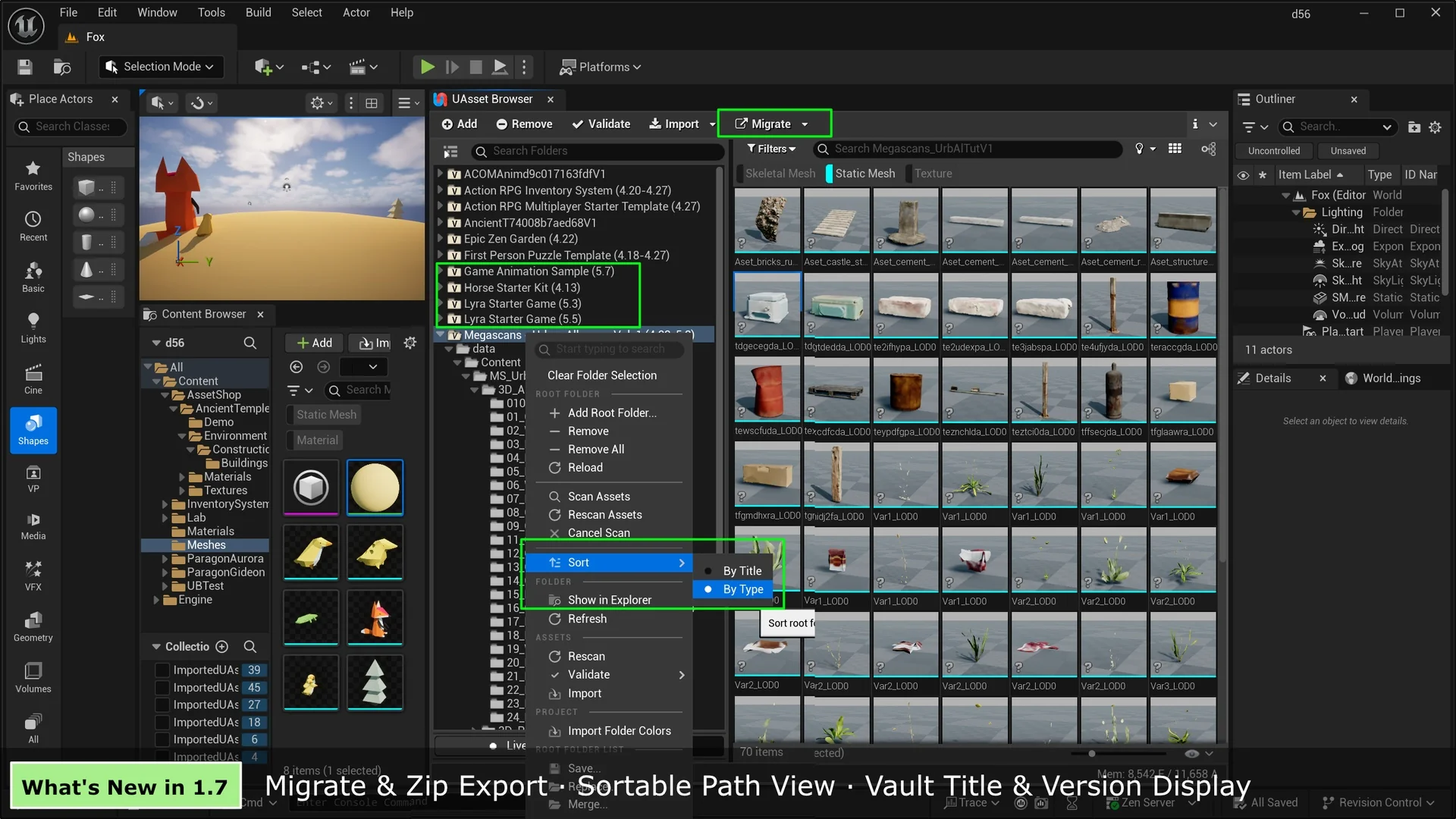
Moreover, this tool offers a superior alternative to the traditional Migrate Asset workflow. Instead of opening external projects to push assets to your current one, you can pull assets in while staying focused on your work. The developer has included a visual dependency graph to help users inspect recursive relationships before committing to an import. Therefore, you gain full transparency into how assets are connected.
Advanced Workflow Features
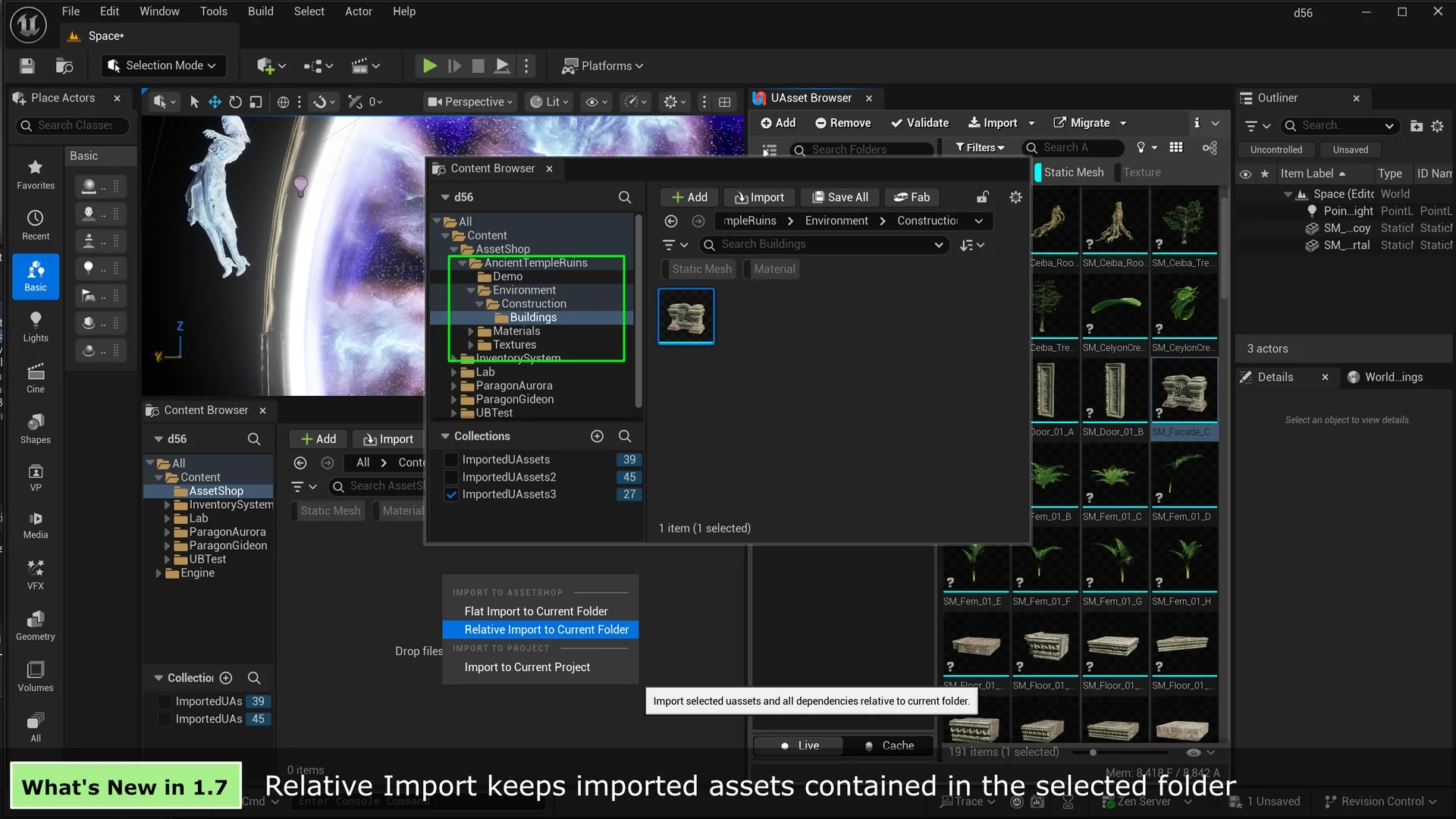
Performance and flexibility are central to the UAsset Browser experience. The tool supports various import methods, including drag-and-drop and a “Flat Import” option that consolidates files into a single folder. Additionally, version 1.2 introduced a Blueprint Function Library, which allows for scripted imports to automate repetitive tasks. For those who need speed, the “Direct Copy” mode can skip dependency checks entirely.
The introduction of Cache Mode in version 1.3 provides a local database for instant, offline browsing. This feature ensures that you can navigate your asset library without waiting for slow disk scans. Furthermore, async operations for asset gathering and validation prevent the user interface from freezing during heavy tasks. These optimizations make the UAsset Browser a reliable choice for managing high-volume asset libraries.
Recent Updates and Enhancements
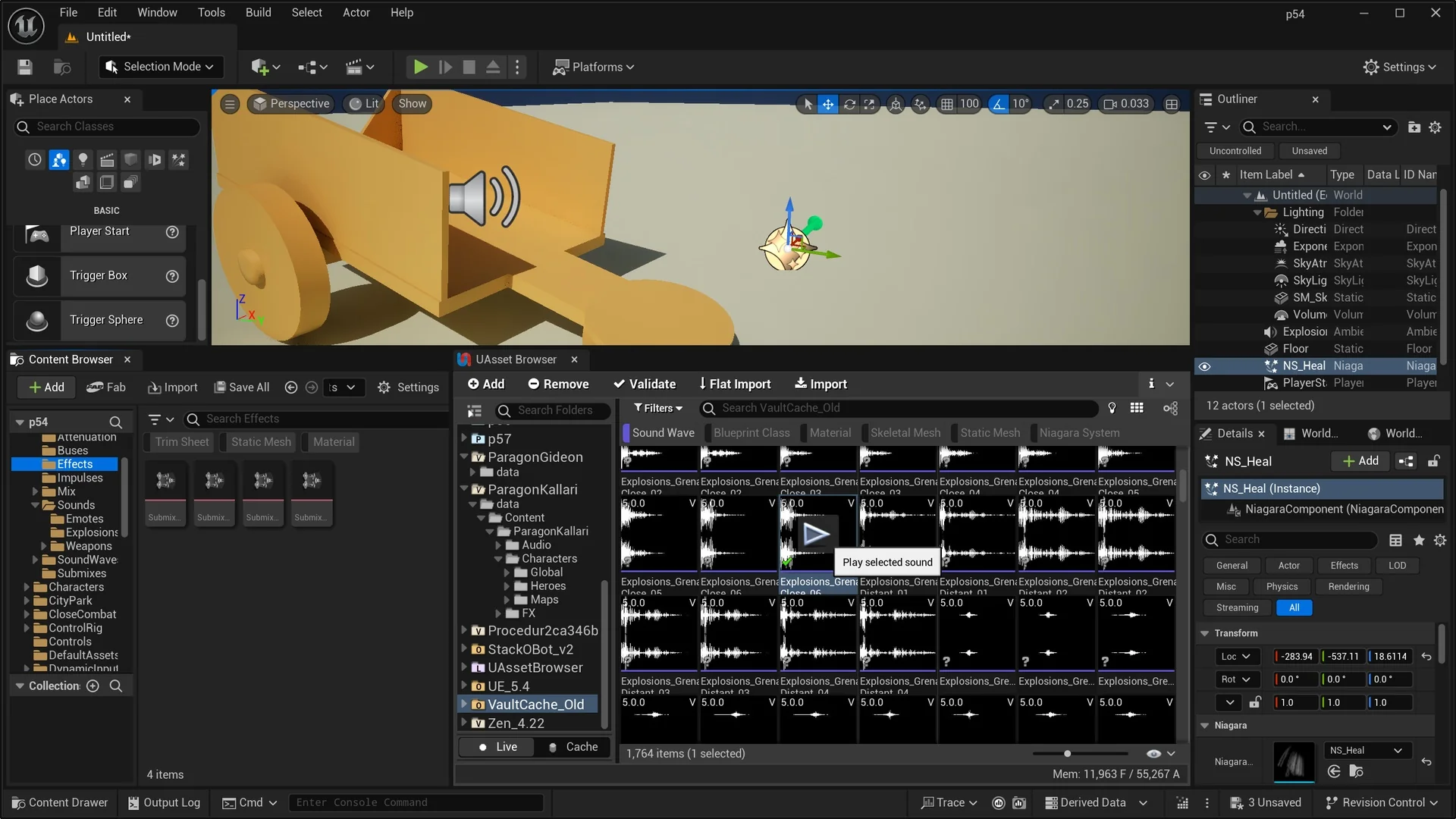
The creator has consistently improved the tool with several meaningful updates. Version 1.5 introduced an audio preview feature, allowing users to play SoundWave assets directly without importing them first. Visual organization has also been enhanced with color-coded root folders that distinguish between project, vault, and plugin content. Moreover, status bar indicators now provide clear feedback during background scanning and revalidation processes.
It is important to note that while the tool is highly versatile, it does not support cooked uasset files from packaged games. It is specifically built for development-ready assets within project environments. By centralizing the import process and providing deep visibility into file metadata, the UAsset Browser significantly reduces the friction of cross-project asset management.
Conclusion
In summary, the UAsset Browser is an essential utility for anyone working with extensive external libraries or multiple project files. It combines powerful dependency tracking with a user-friendly interface to streamline the import process. By utilizing features like Cache Mode and async scanning, developers can maintain a fast and organized workflow. Ultimately, this tool saves time and prevents the common errors associated with manual file migration.
Screenshots & Gallery