Dynamic Scene and Camera Transitions
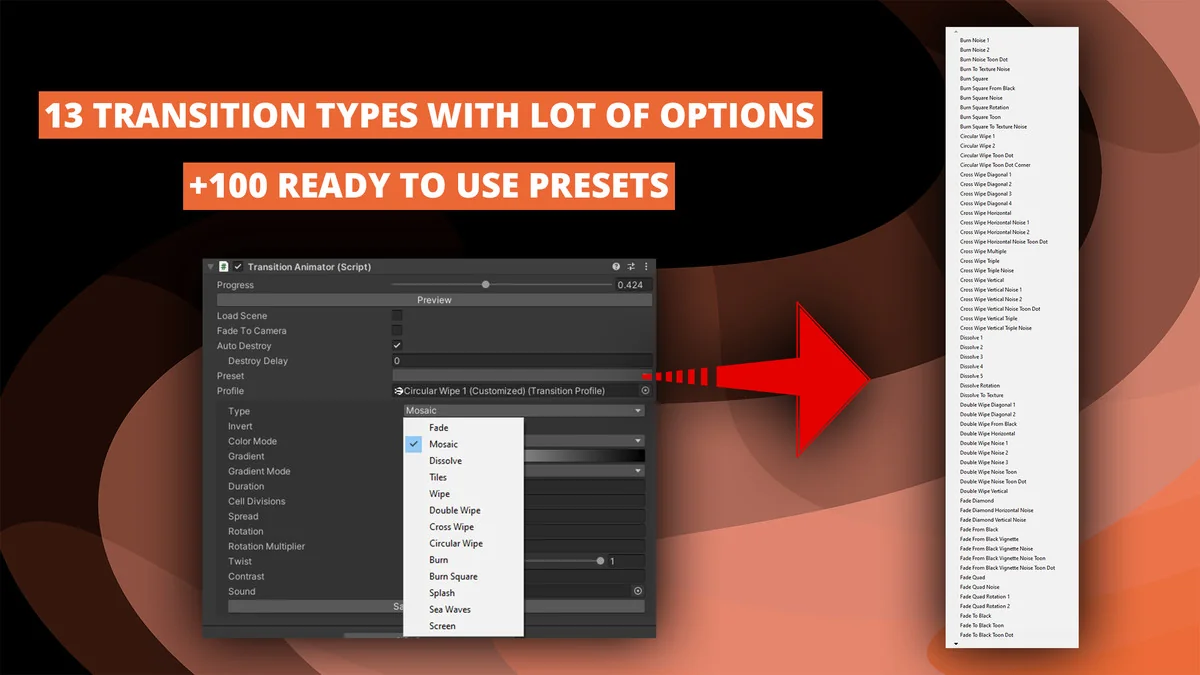
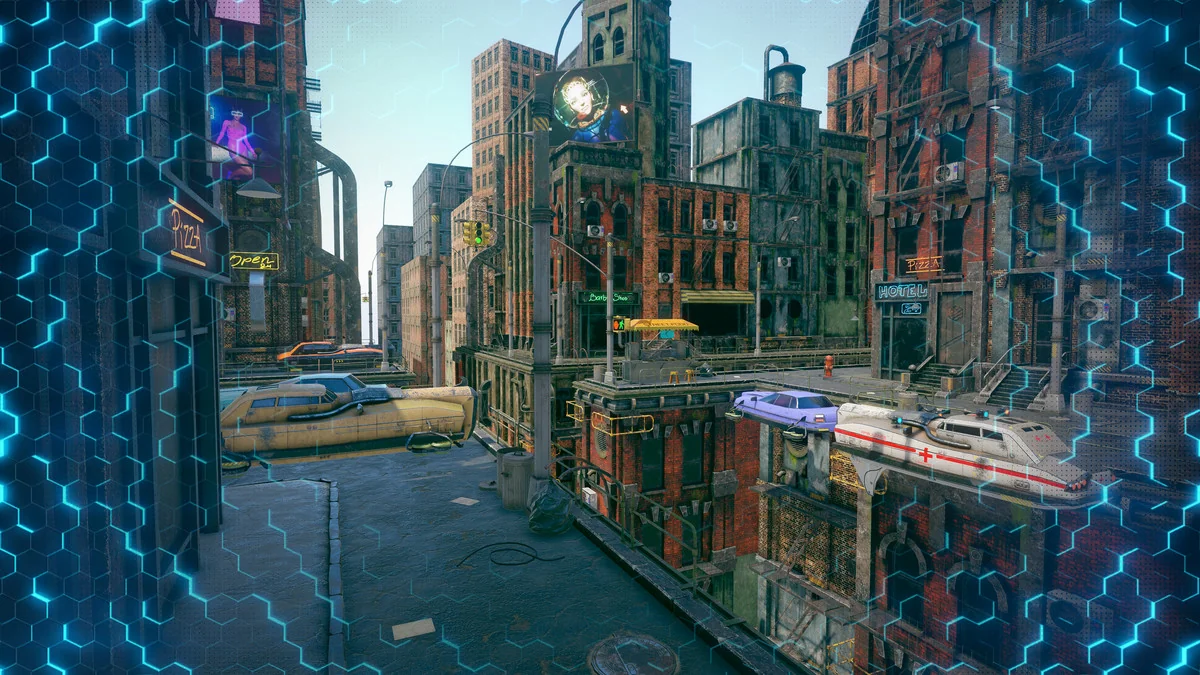
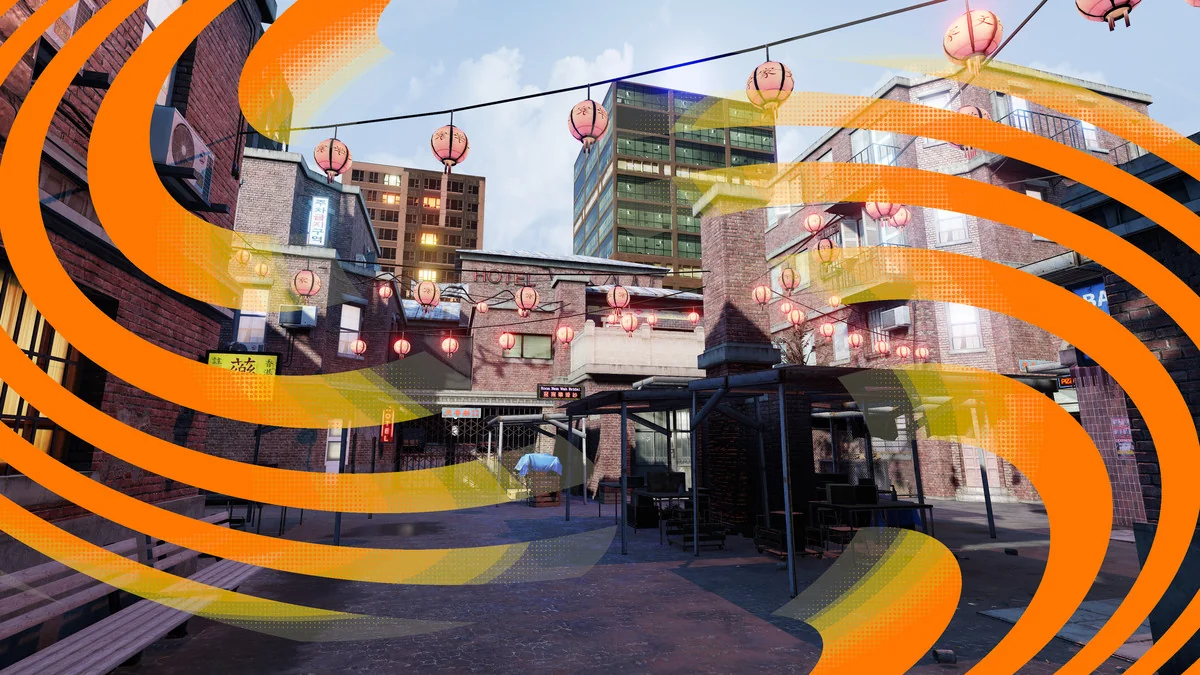
Transitions Plus offers a procedural approach to managing visual shifts between scenes and cameras within Unity projects. Rather than relying on static overlays, the system utilizes shader-based effects to create smooth, customizable transitions. The developer has included 25 distinct effect styles that serve as the foundation for various visual directions, ranging from simple fades to complex distortions. To speed up the implementation process, the package comes with over 100 drag-and-drop presets that are ready for immediate use, though these can be modified to fit specific project aesthetics.
Shader-Driven Customization Options
Because the transitions are procedural and shader-based, they offer a high degree of control through the integrated inspector. Artists can manipulate a wide array of parameters to define the look and feel of a transition. Customization options include colors, gradients, and textures, as well as more complex behaviors like distortions, rotations, and banding. For projects utilizing a specific art style, a toon effect can be applied to the transitions. Developers can also adjust the duration of the effect to control the pacing of scene changes.
The system is profile-based, allowing users to save their specific configurations as presets. This makes it easier to maintain visual consistency across multiple scenes or to reuse complex distortion setups in different parts of a project. Recent updates have expanded these controls by adding “Progress From” and “Progress To” options, which allow for remapping the animation range of a transition for finer timing adjustments.
Editor Workflow and Real-Time Previewing
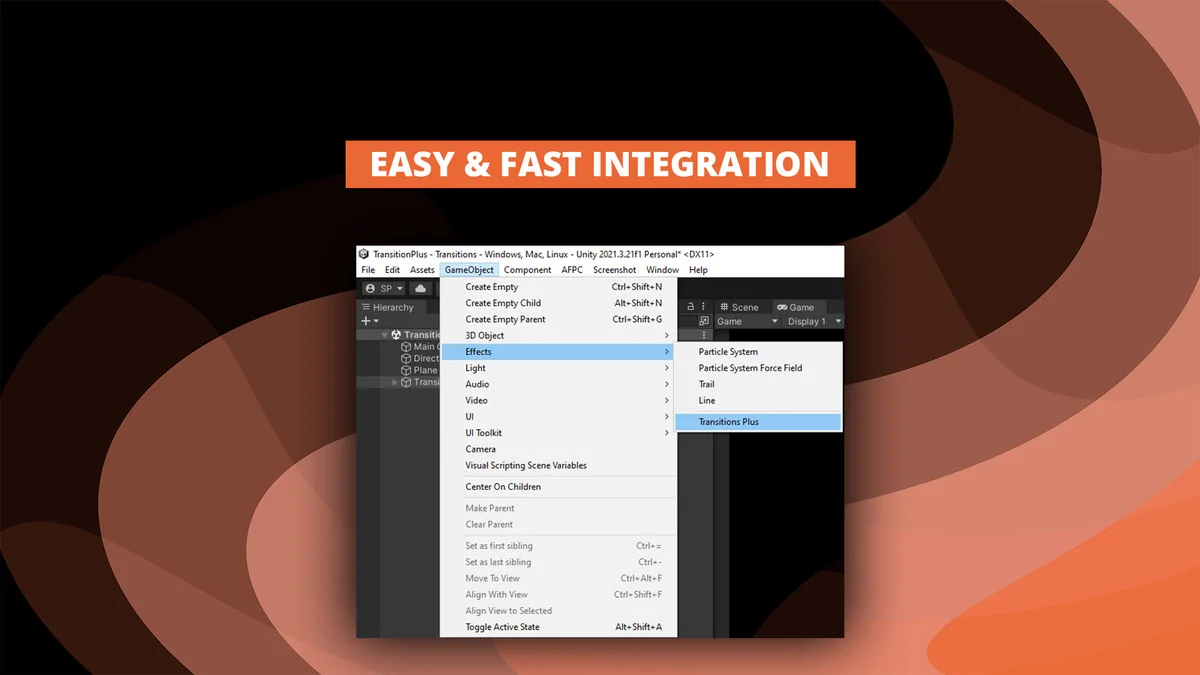
Integration into the Unity workflow is handled through the hierarchy, where the effect manager can be added by selecting Effects and then Transitions Plus. This adds a Transition Animator component to the scene, which can be managed directly through the inspector. One of the primary workflow features is the in-editor preview capability. This allows developers to see how an effect will look and behave without having to enter Play mode, significantly reducing the time spent on iterative adjustments.
The system also supports an option to show transitions in Edit Mode, which helps in visualizing the final frame of a transition while still designing the scene. These effects are not limited to full-screen overlays; they can also be rendered within the UI, providing flexibility for how transitions are presented to the player.
Pipeline Compatibility and Performance Support
Transitions Plus is designed to work across the various rendering configurations available in modern Unity versions. It is compatible with Unity 2022.3 and Unity 6, including support for the Render Graph. It functions across the Built-in, Universal Render Pipeline (URP), and High Definition Render Pipeline (HDRP). This cross-pipeline support ensures that visual effects remain consistent even if a project’s rendering path changes during development.
From a platform perspective, the asset has been tested for use on mobile devices, Mac, Windows, and WebGL. It also includes VR support, specifically tested on the Quest 2 hardware. The file size is kept relatively small at 8.8 MB, making it a lightweight addition to the project hierarchy despite the variety of presets included.
Practical Implementation Scenarios
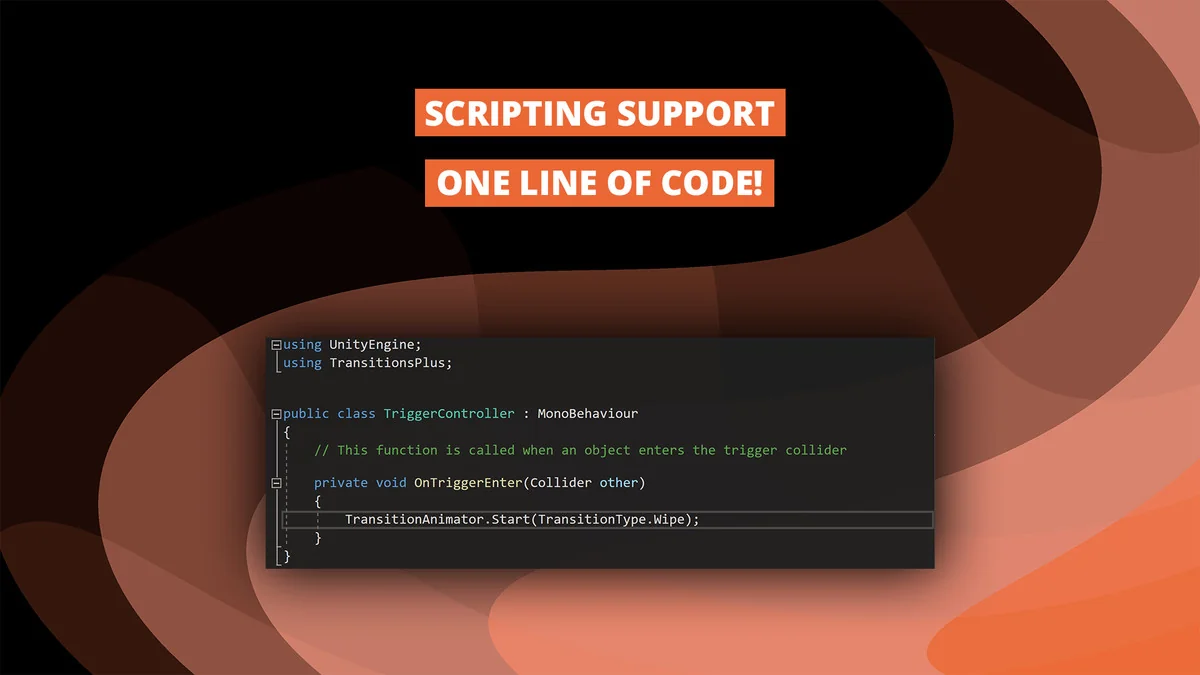
The asset includes three demo scenes that illustrate different ways to trigger and manage transitions. One scenario demonstrates how to run transitions on demand using a single line of code, which is useful for developers who prefer scripting their scene flow. Another demo focuses on camera-to-camera transitions, showing how the effects can be used to shift the player’s perspective within a single environment. The third demo covers the transition from a loading screen into a new scene, providing a template for handling the standard flow of a game’s level progression.
By utilizing the scripting support, transitions can be integrated into existing gameplay systems with minimal overhead. Whether it is a quick wipe for a camera swap or a slow, textured distortion for a scene change, the procedural nature of the shaders allows these effects to scale across different resolutions and aspect ratios automatically.
Visual Breakdown
Protected download
Access this resource
All resources are 100% manually reviewed to eliminate all risks.