Flight scenes that need aircraft behavior, not just a model
Jet runways, propeller aircraft, gliders, and cockpit-driven flight scenes all need more than a mesh and a movement script. Silantro Flight Simulator Toolkit is a Unity toolkit for setting up, modelling, and simulating fixed-wing aircraft with the systems needed to make those scenes behave like aircraft instead of props.
It can be used for subsonic or supersonic jets, propeller-powered aeroplanes, and unpowered or powered gliders. The package also supports Android and iOS devices, which makes it relevant for projects that need the same flight logic across desktop and mobile targets.
Aerodynamics built around aircraft forces and airfoils
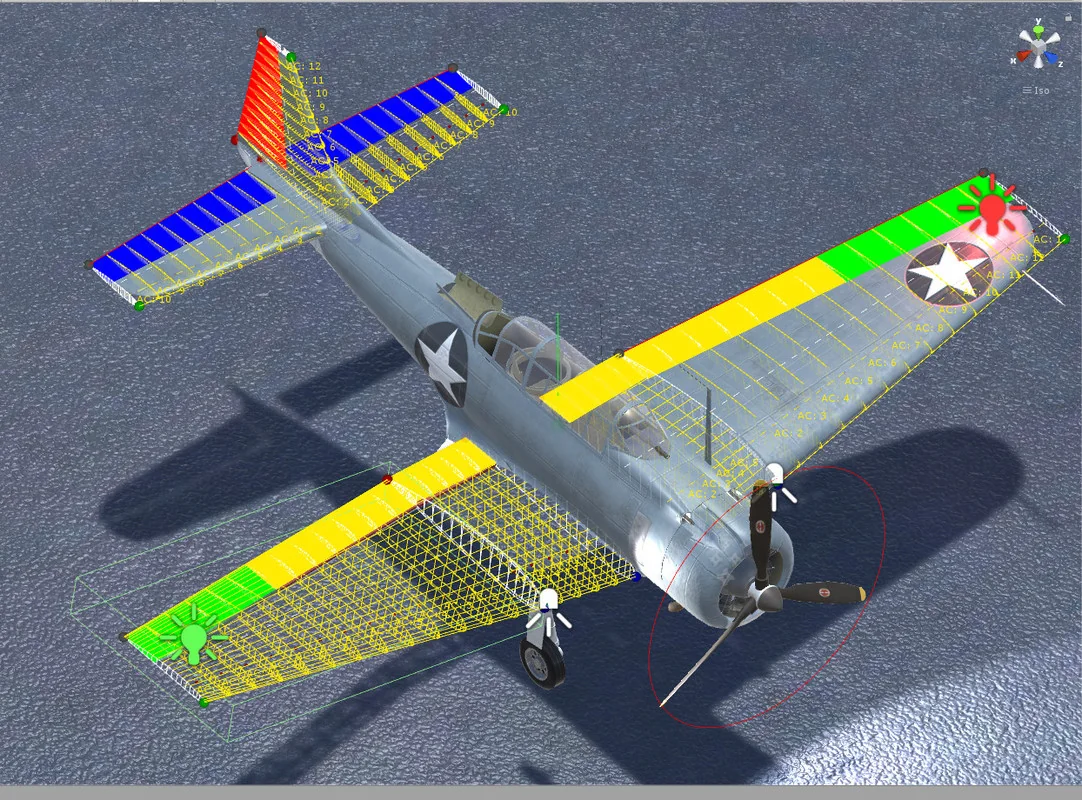
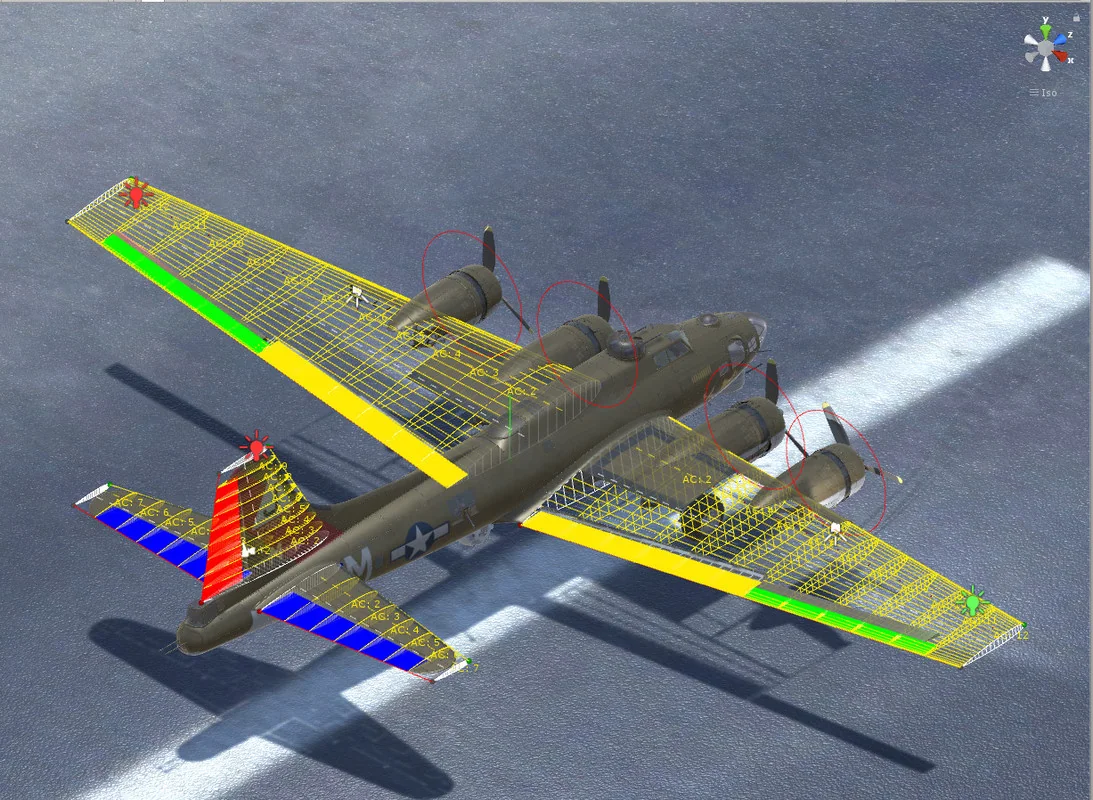
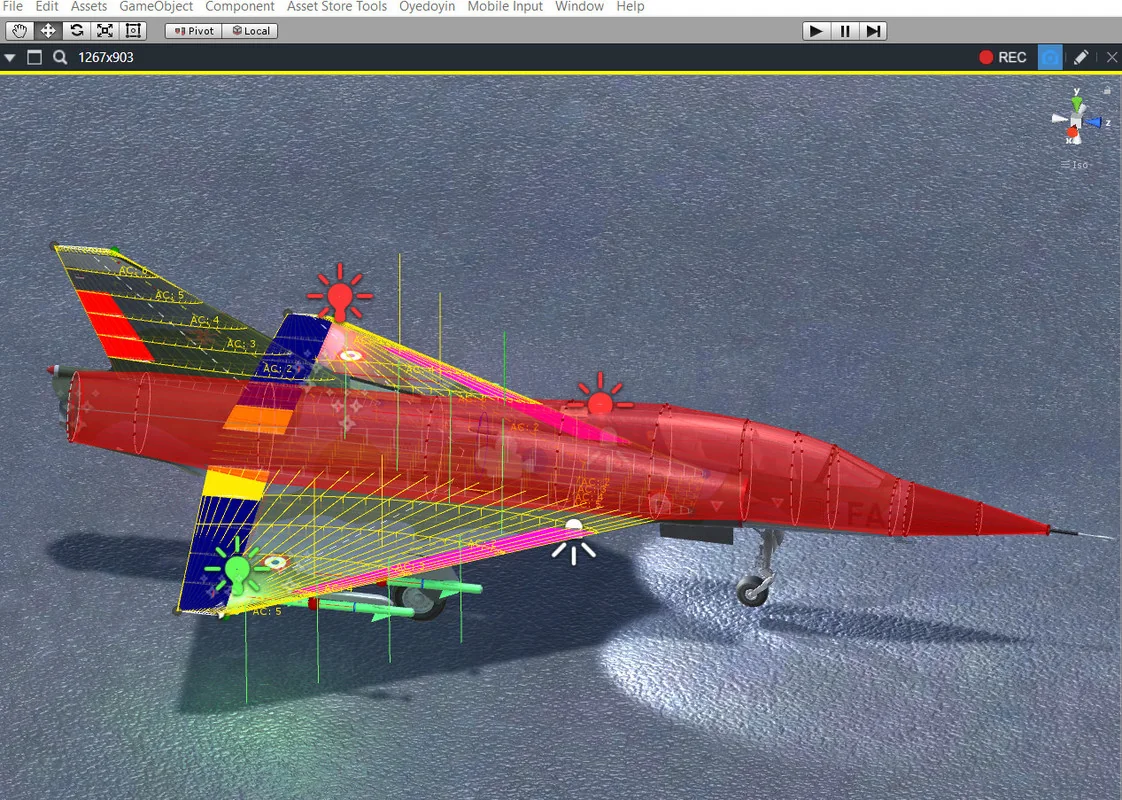
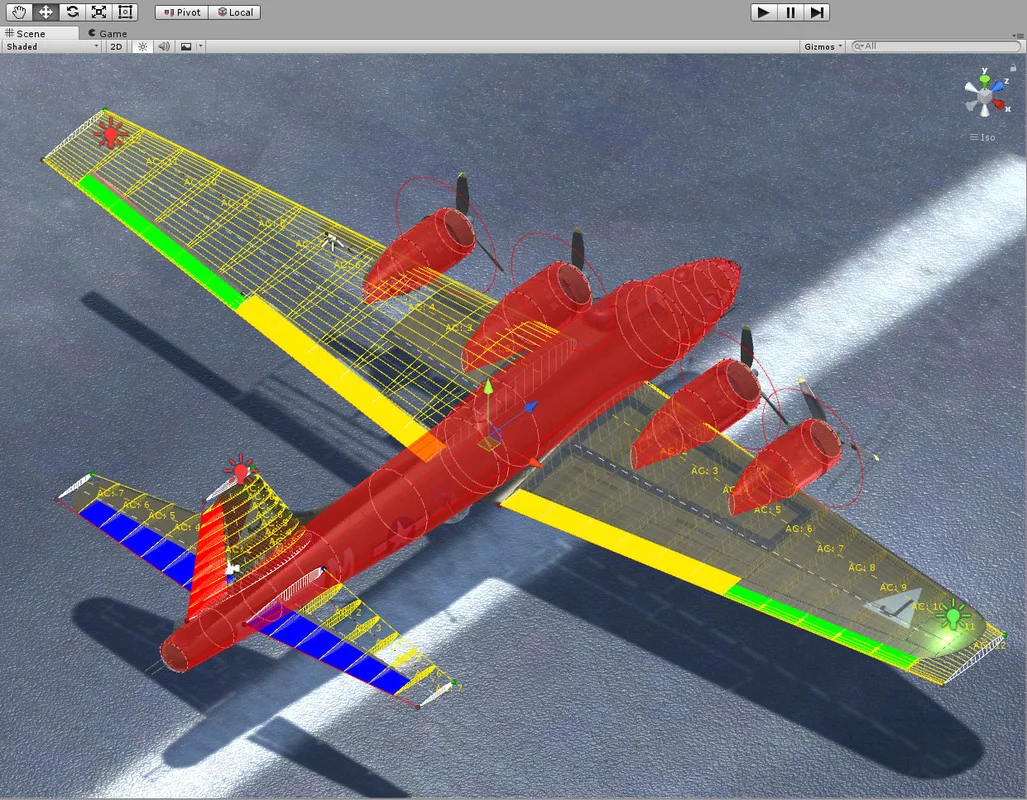
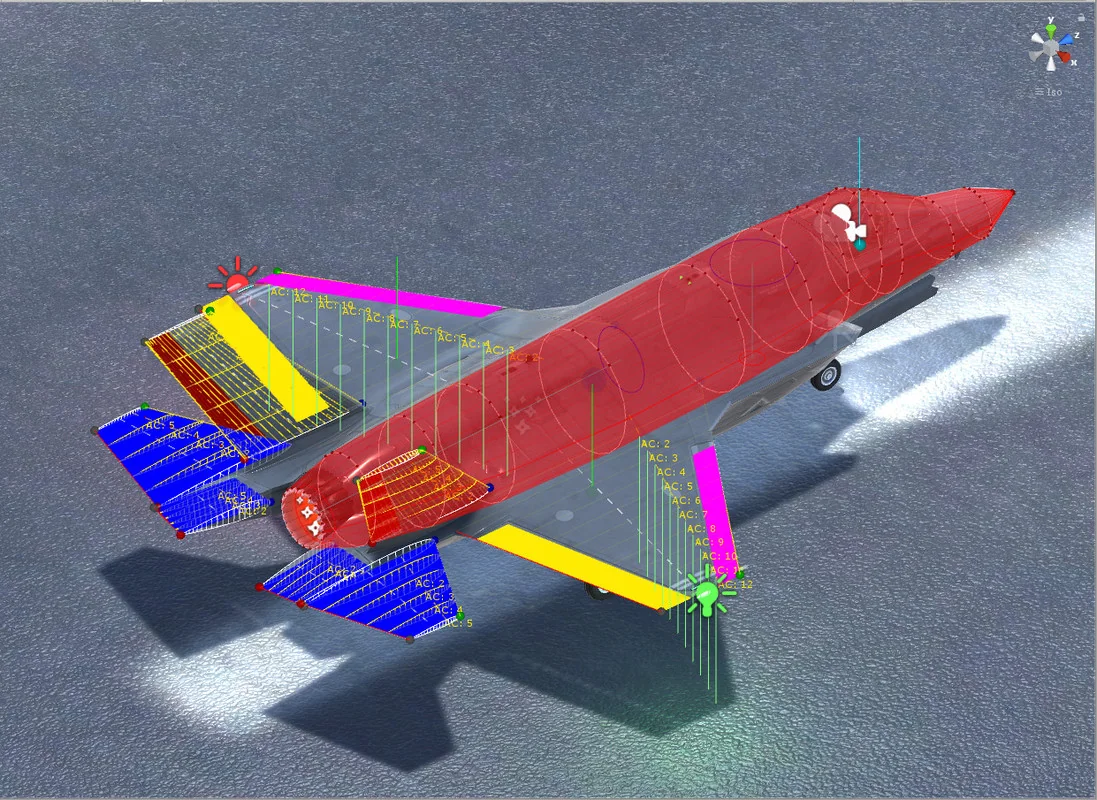
The core of the toolkit is its detailed aerodynamic system. All forces on the aircraft are calculated based on standard aerodynamic principles and formulas, so the aircraft behavior is not limited to a simple scripted approximation. Airfoil data can be imported directly from javafoil in either txt or afl file format, which gives the aerofoil setup a practical connection to existing airfoil data.
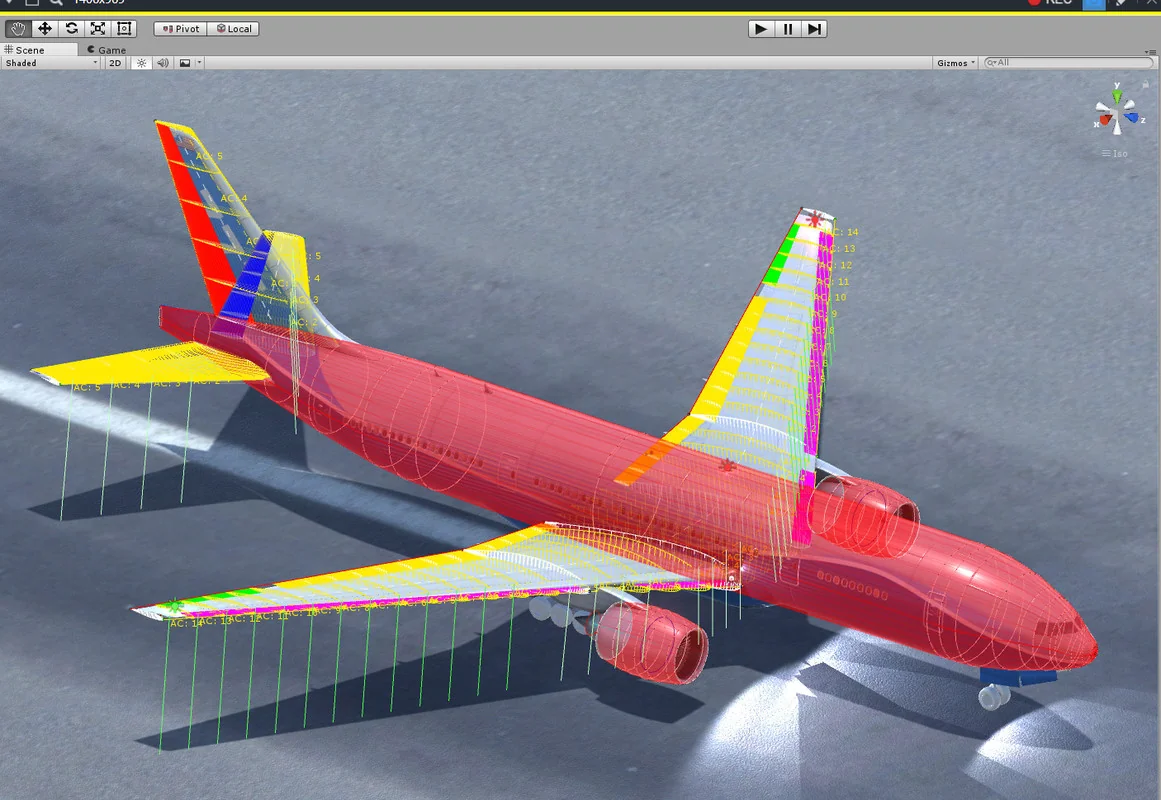
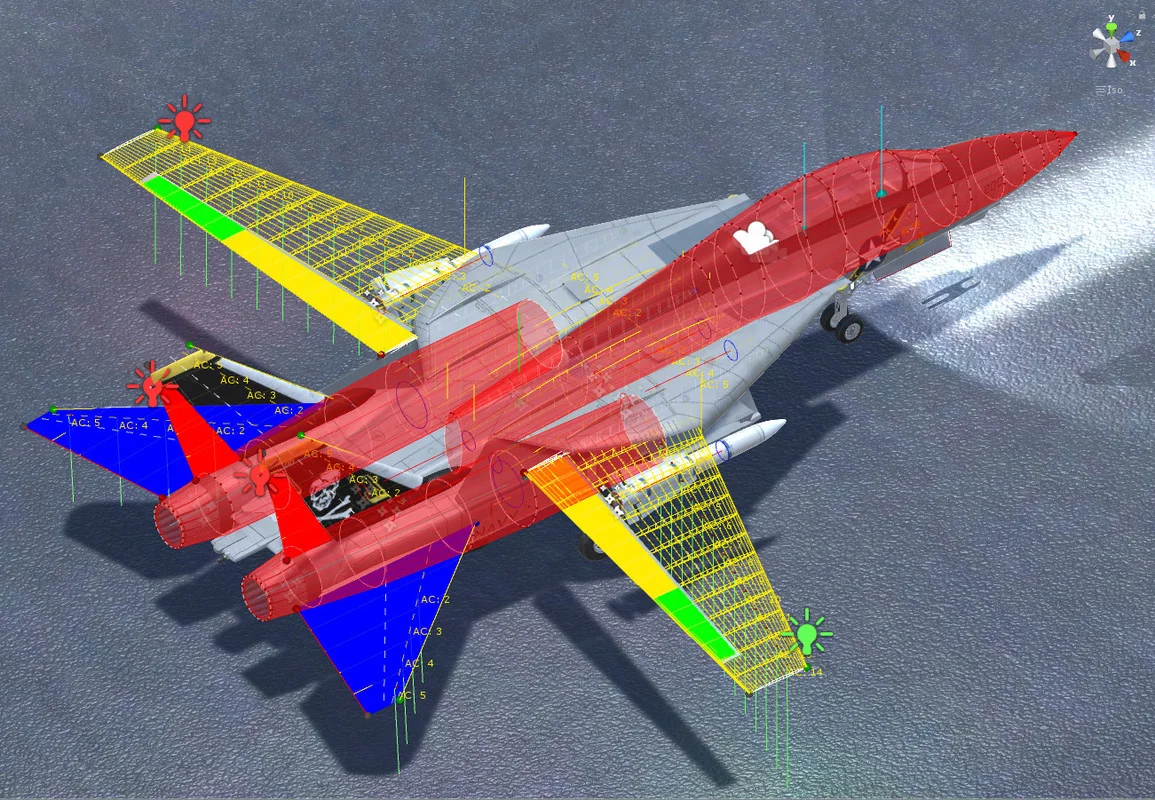
Control surface handling is broad enough to cover common aircraft behaviors. The aerofoil system includes implementations for ailerons, rudders, elevators, spoilers, flaps, slats, and elevons. That matters when a project needs different lift, drag, and control responses across separate aircraft parts instead of a single generic wing setup.
An update also added advanced modelling with full subdivision configuration for each aerofoil, including a Spitfire wing example. That makes the wing setup more granular where the aircraft shape or control behavior needs finer adjustment.
Engines, cockpit systems, and input paths
Silantro Flight Simulator Toolkit does not stop at aerodynamics. It includes realistic engines with full thermodynamic analysis, covering turboprop, piston, turboshaft, electric, turbojet, liftfan, and turbofan engine types. Thrust vectoring and a variable exhaust nozzle are also available for the engines, which gives the propulsion side more room for aircraft-specific behavior.
Input is handled through a central system with support for standard Unity input, Unity’s new Input System, custom VR controls, and mobile controls. Full VR support is included as well, along with control testing. For hardware input, the toolkit supports Logitech, Thrustmaster, and other joysticks compatible with Unity.
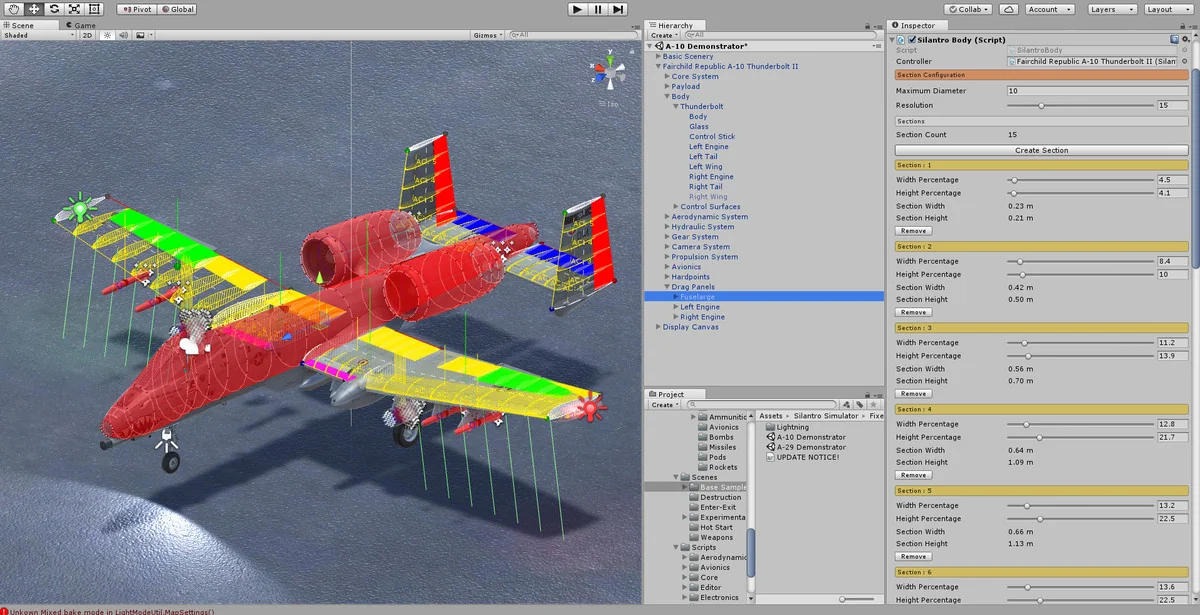
Cockpit setup is covered through a full array of instruments, including joysticks, yokes, analogue dials, and digital displays. Custom editors for all scripts and components are included to make the setup process easier to manage inside Unity.
Systems that let the aircraft feel complete
- Realistic engine models with thermodynamic analysis
- Aircraft control surfaces for a wide range of wing and tail behaviors
- VR, mobile, standard Unity input, and new Input System support
- Joystick support for common flight hardware
- Cockpit instruments for piloted aircraft scenes
- Weapon options including miniguns, unguided drop bombs, unguided rockets, and active or semi-active homing missiles with proportional navigation
Sample scenes that show different ways the toolkit can be staged
The included scenes show how the system can be configured for different flight setups and control styles. There are seven scenes demonstrating different configurations and behavior:
- Augmented (Stability Augmentation) Controls
- Manual Controls
- Mobile Controls
- Enter-Exit Mode
- Performance Flighter with CAS Controls
- Hot Start
- Weapons Loadout
That range makes the package useful when a project needs more than one kind of aircraft interaction. A flight game, simulator prototype, or training-style scene can use different control and loadout states without changing the underlying aircraft framework each time.
Where it fits in a Unity workflow
In production, this toolkit fits best where the aircraft itself is a major part of the scene. It gives a project a ready place to start when the work involves fixed-wing flight, cockpit control, input mapping, engine response, and weapon integration. The full C# source code also means the systems can be inspected and adapted inside the project rather than treated as a black box.
The package comes as a unitypackage, with an original Unity version of 2019.3.0, a latest version of 3.5.15, and a latest release date of Dec 04, 2022. It was first published on Sep 11, 2018. The file size is 117.0 MB and the asset count is 514.
For projects that need fixed-wing aircraft with detailed flight behavior, cockpit instruments, and multiple control paths, Silantro Flight Simulator Toolkit is positioned as a practical starting point rather than a thin placeholder. It is most useful when the aircraft needs to be simulated, not merely animated.
Preview Images
Protected download
Access this resource
All resources are 100% manually reviewed to eliminate all risks.