Versatile Path and Border Generation
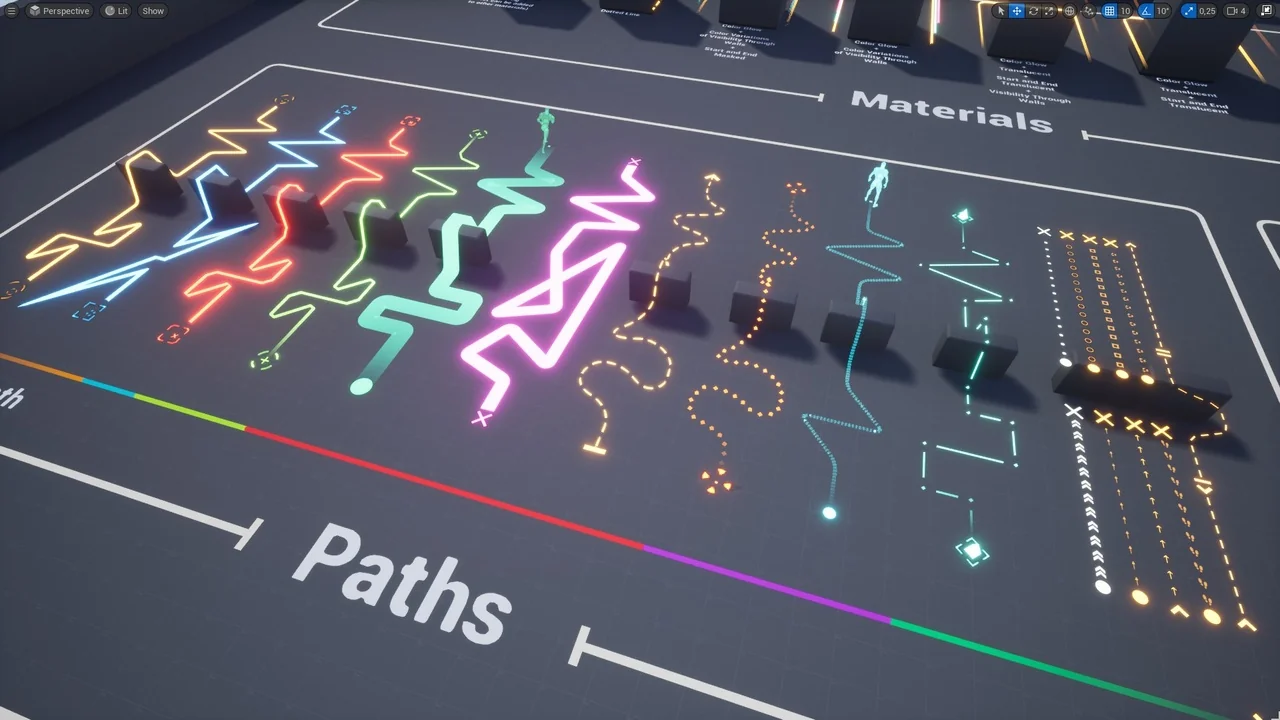
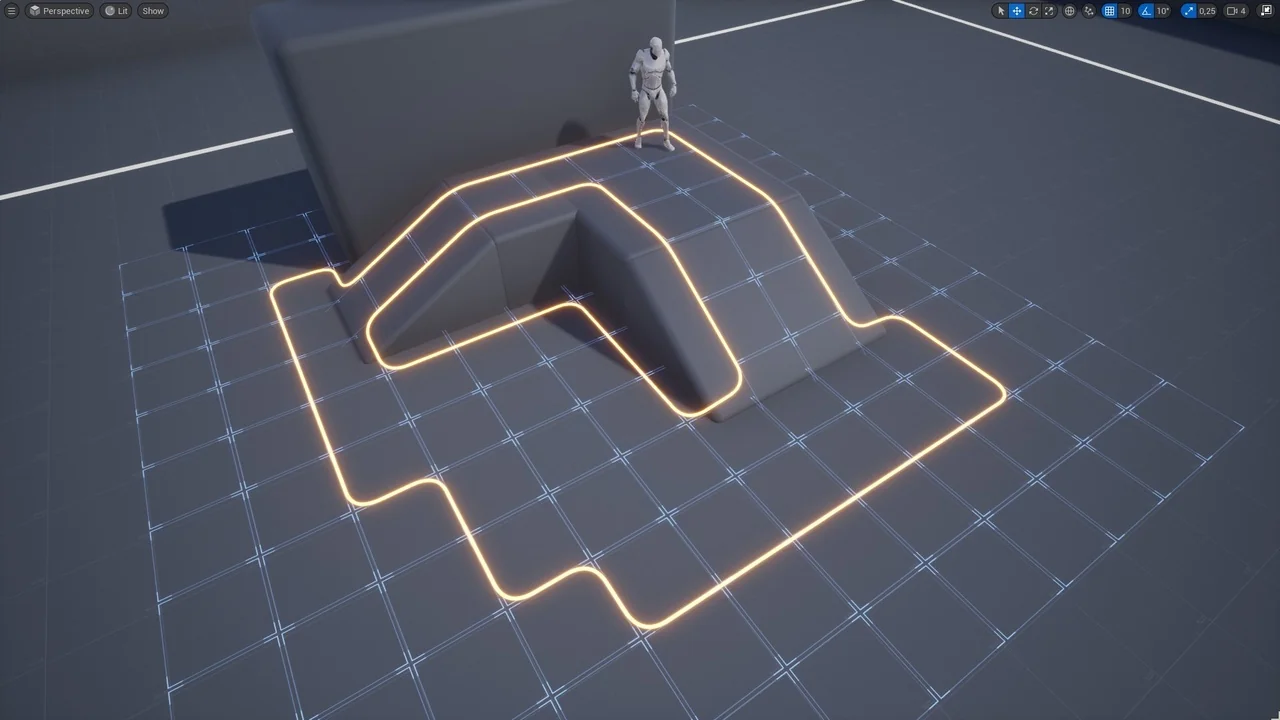
The Path Tracer Toolkit offers a robust solution for developers looking to implement paths and borders within their projects. This Blueprint-based toolkit allows for manual creation using splines or automated generation via point arrays. Consequently, it serves as a versatile asset for both editor-side design and runtime logic. Users can easily draw paths through specific points by calling a single function. Moreover, the tool supports both manual editing in the editor and dynamic generation during gameplay. This flexibility ensures that the toolkit fits various project requirements, from RTS navigation to RPG markers.
Extensive Customization and Visual Effects
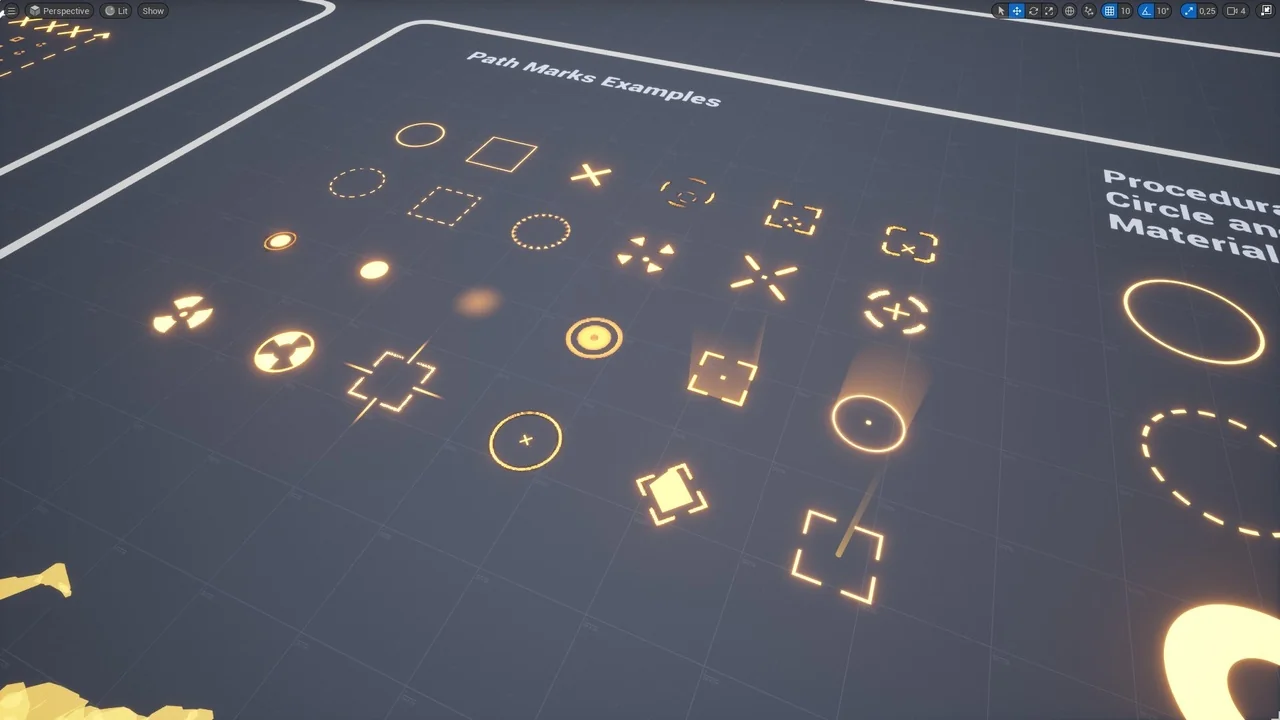
The Path Tracer Toolkit provides extensive customization options to match your game’s specific aesthetic. You can adjust settings like color, translucency, scaling, and looping. Additionally, the tool features automatic corner rounding with multiple styles and customizable markers for the beginning and end of paths. Developers can also implement dashed line effects or ground offsets to improve visual clarity. One standout feature is the ability to manage visibility for parts of paths obstructed by objects. Therefore, players can always track their progress even through complex environmental geometry.
Rapid Prototyping and Performance Tools
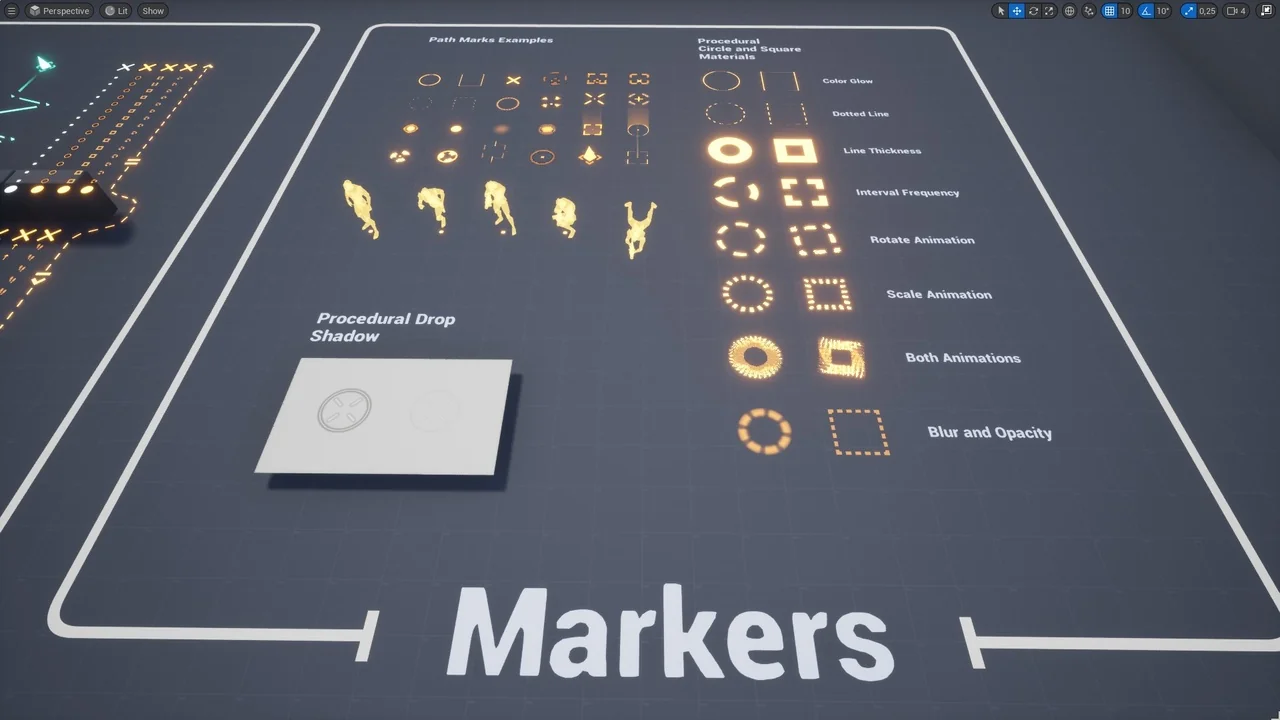
Furthermore, the toolkit includes procedural circle and square materials for rapid prototyping directly in-engine. Specifically, these materials allow for quick iterations without the constant need for external graphics editors. To optimize performance, the creator included a texture baker within the package. This tool lets you bake textures to increase efficiency once your procedural materials are finalized. In addition, procedural drop shadow effects are available for marker textures to improve readability against various backgrounds.
Practical Examples and Game Logic
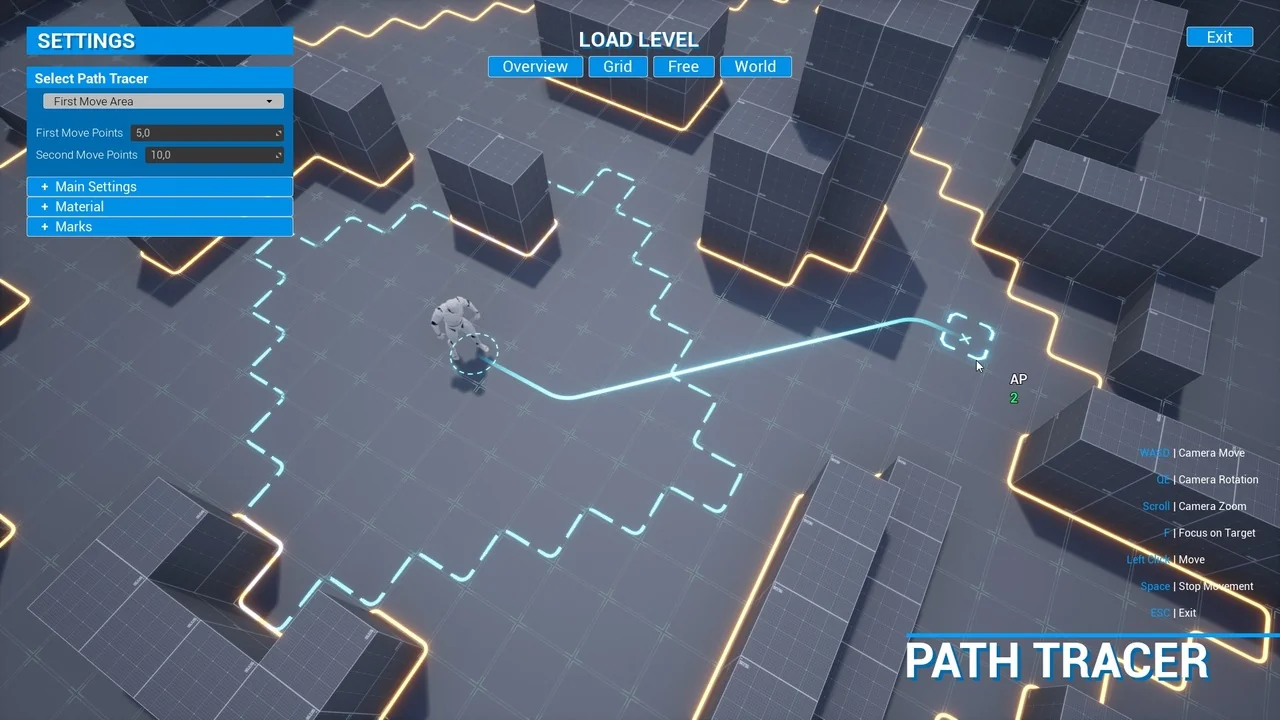
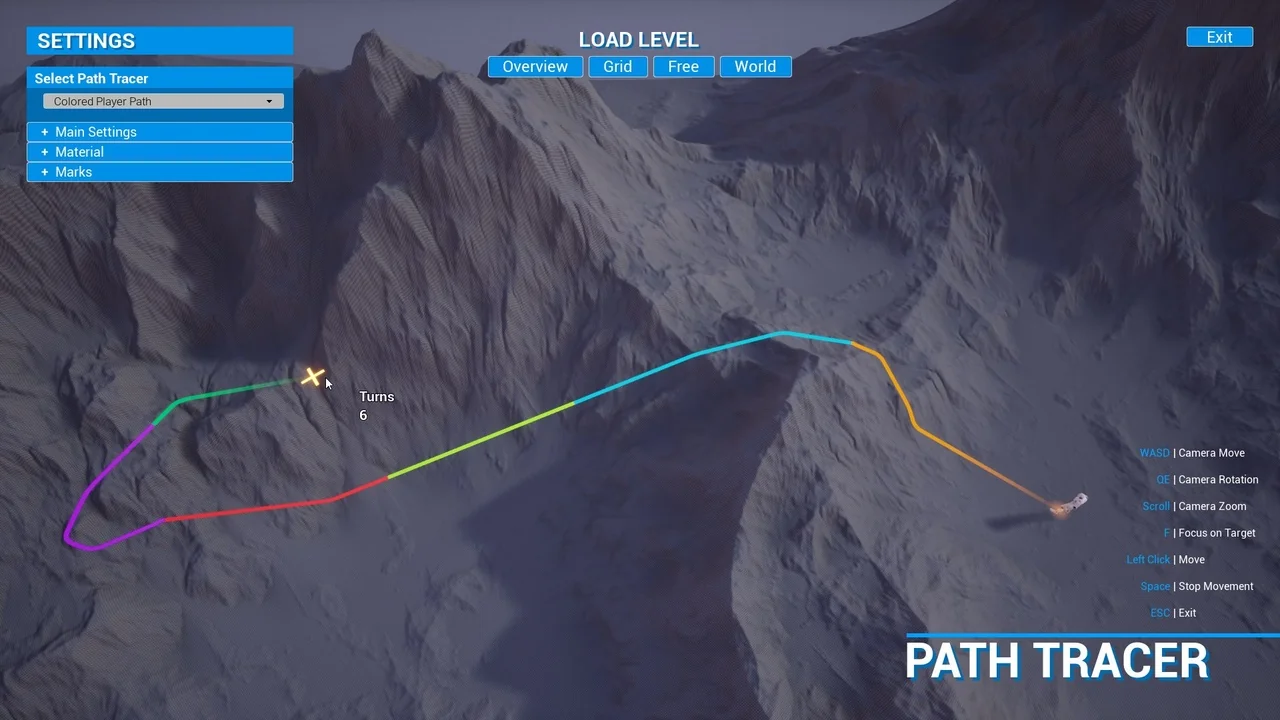
The package comes with three demo levels that showcase logic built entirely in Blueprints. These examples include a basic turn-based game setup featuring a grid actor and a movement area actor. Additionally, a global map example demonstrates colored paths where you can specify section counts and lengths. An info widget is also provided to display text near the cursor for better user interaction. Finally, the ability to use your own meshes and materials ensures the toolkit integrates seamlessly into any art style.
Conclusion
The Path Tracer Toolkit is a comprehensive resource for any developer needing dynamic pathing solutions. By combining ease of use with deep customization, it simplifies the process of creating complex visual indicators. Whether you are building a turn-based strategy game or a simple navigation system, this toolkit provides the necessary tools to succeed.
Screenshots & Gallery