From 3D model to drivable vehicle
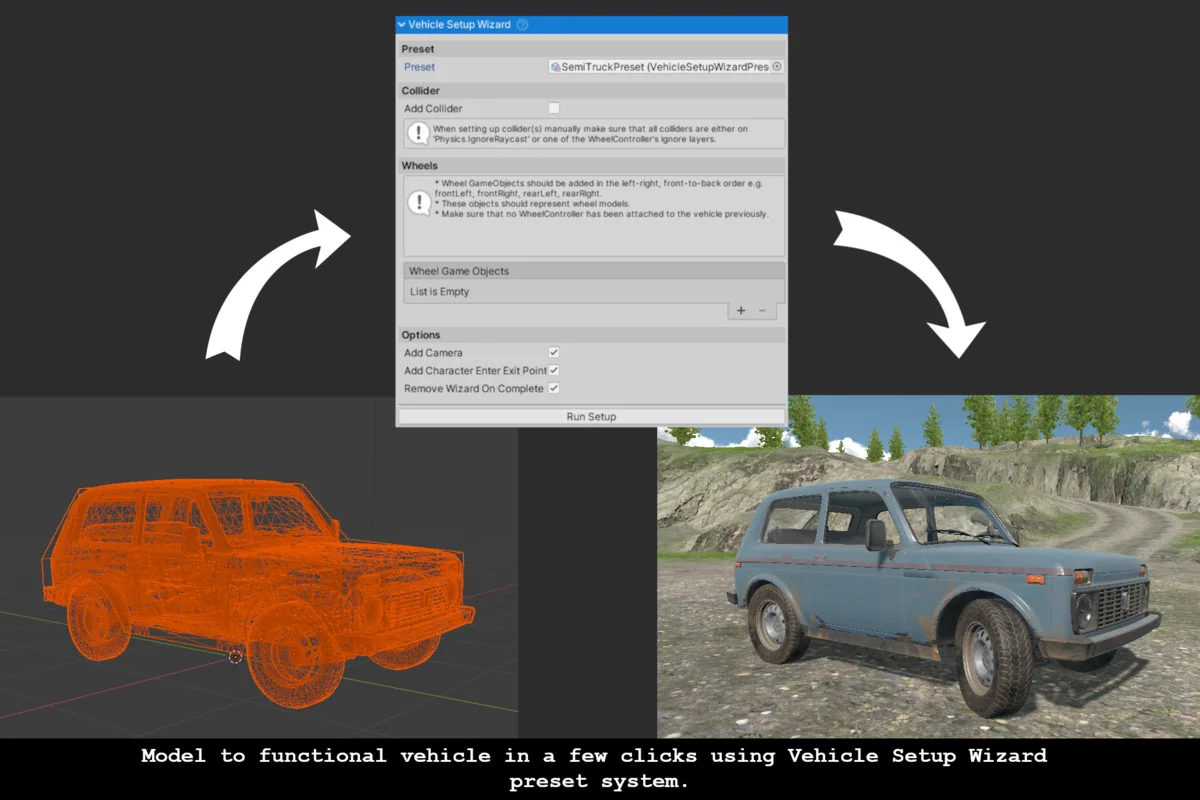
Turning a vehicle model into something that actually behaves well in Unity usually means setting up the powertrain, suspension, wheels, input, and all the small pieces that make the result feel believable. NWH Vehicle Physics 2 addresses that workflow directly with the VehicleSetupWizard, which can turn a 3D model into a fully functional drivable vehicle in under 30 seconds.
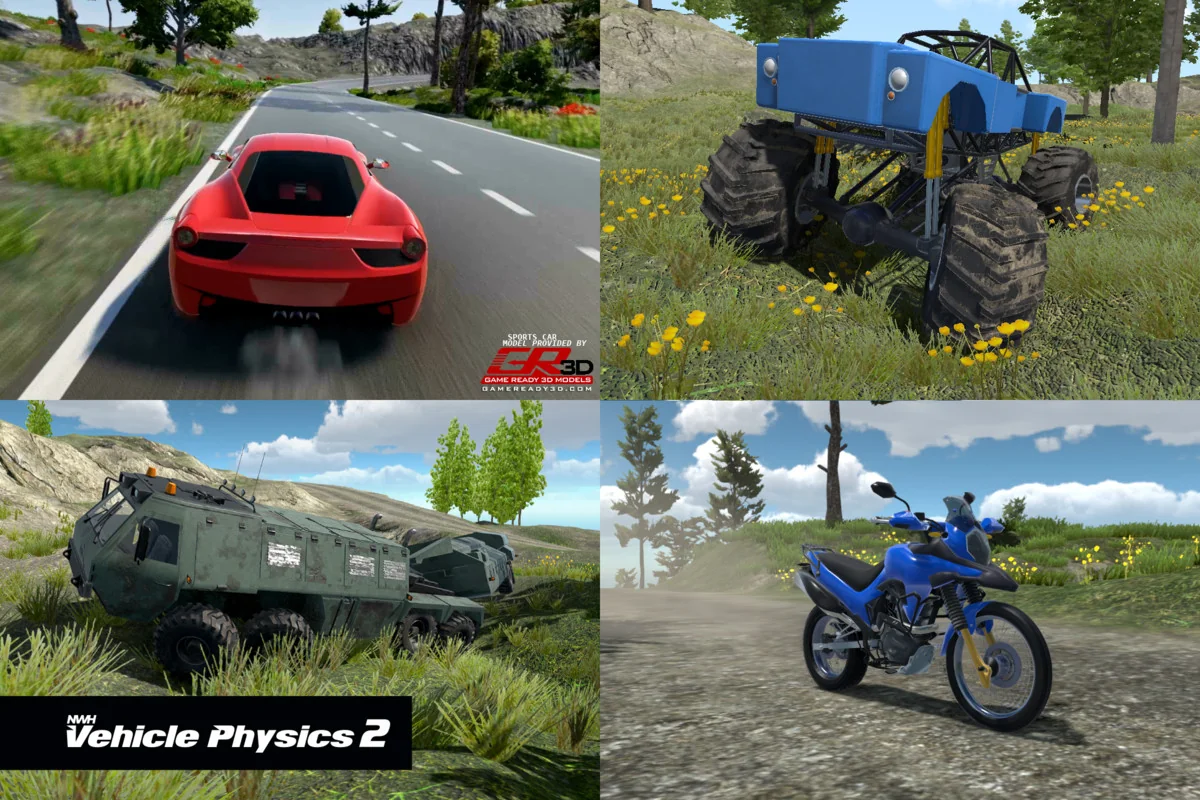
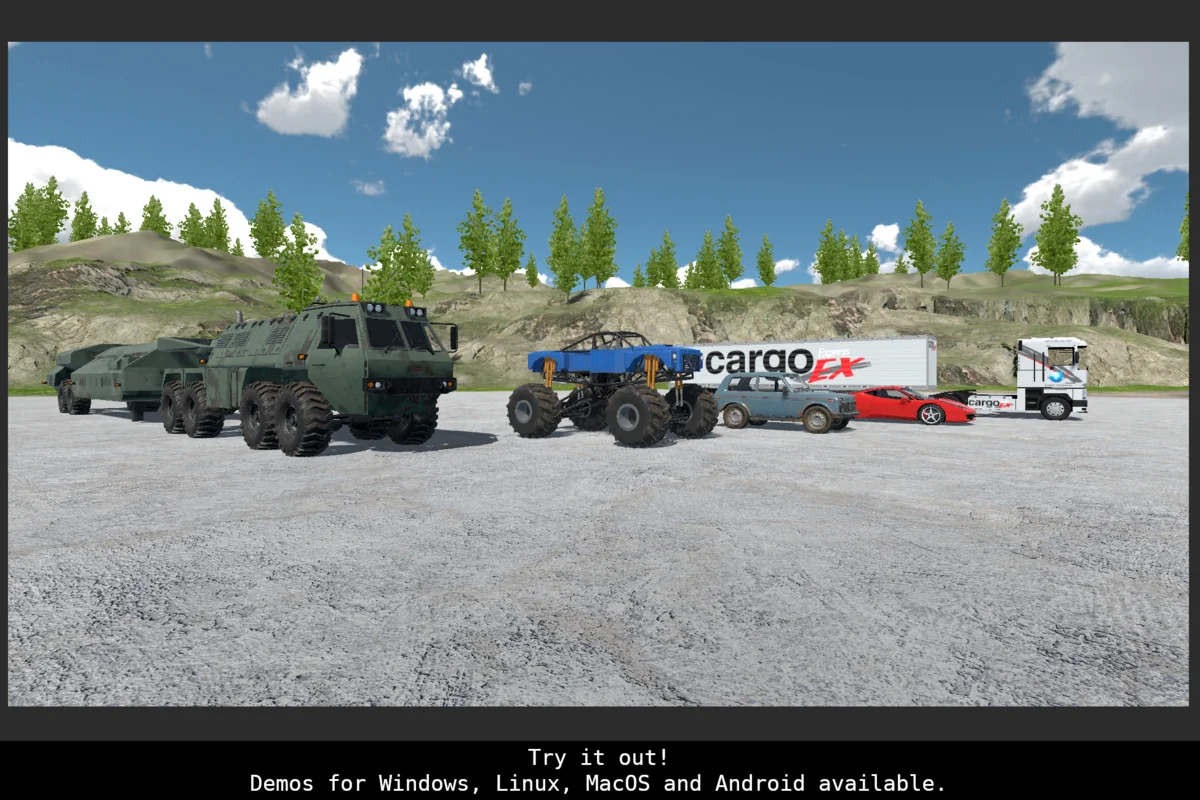
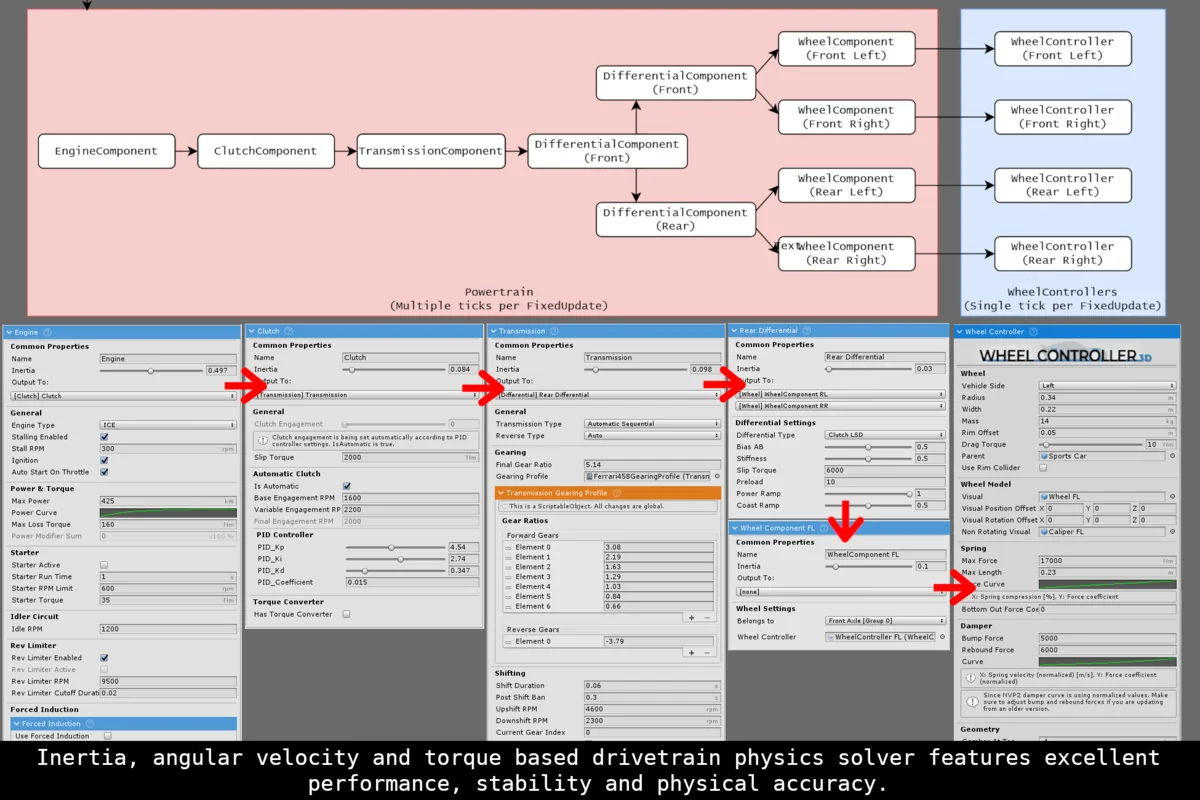
The package focuses on realistic vehicle behavior rather than a thin movement controller. Its powertrain and wheel/suspension simulation are described as physically accurate, and the asset is presented as a modular, highly optimized vehicle physics solution for a wide range of wheeled vehicles. It is compatible with Unity 6 and sits inside NWH Physics World, a collection of inter-compatible vehicle simulation assets.
Modular parts you can enable, disable, and replace
The vehicle setup is not locked into one fixed structure. NWH Vehicle Physics 2 uses a modular architecture, so parts of a vehicle can be enabled or disabled as needed. That can happen manually or through the built-in LOD system, which makes the vehicle structure easier to scale without rebuilding the whole setup every time a scene needs a different level of detail.
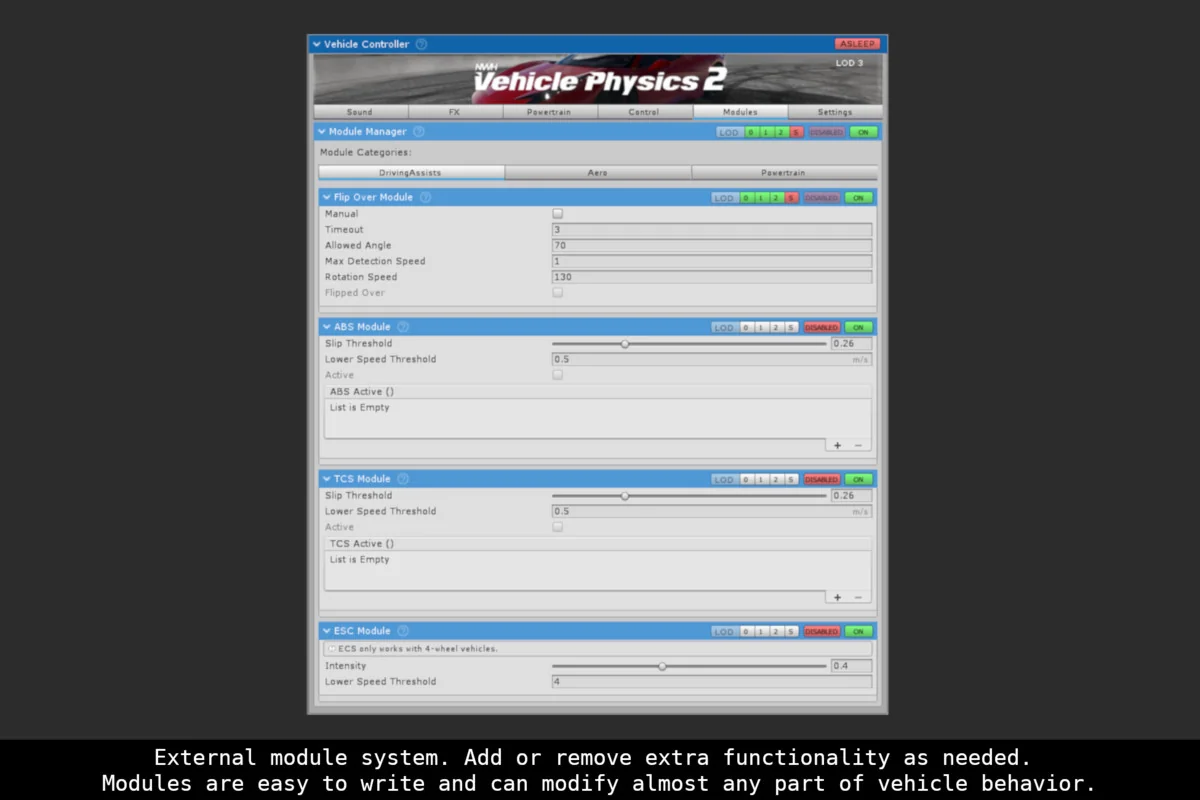
An external module system extends that idea further. Modules can be added or removed as needed, and they are described as easy to write while being able to modify almost any part of the vehicleâs behavior. That makes the package more than a single-purpose controller: it is a framework where vehicle behavior can be adjusted in pieces instead of forcing every project into the same template.
Runtime control for tuning and iteration
The asset also allows vehicle behavior to be adjusted at runtime. Suspension, friction, gearing, powertrain, and other values can be modified in real time, giving direct control over how a vehicle responds while the game is running. That kind of control is useful when a project needs tuning during development or when the vehicle itself has to change behavior in play.
Because the package combines runtime adjustment with modular vehicle structure, it suits projects that need to experiment with handling without rebuilding the entire vehicle setup. The workflow stays centered on editable parts rather than a single fixed drive model, which keeps the vehicle system open to changes as a scene or prototype evolves.
Input, surfaces, and switching between vehicles
Different control schemes are supported through an interface-based input system. It works with Input Manager, Input System, Rewired, steering wheels, and mobile controls, so the same vehicle framework can accept several input styles without forcing a single control path.
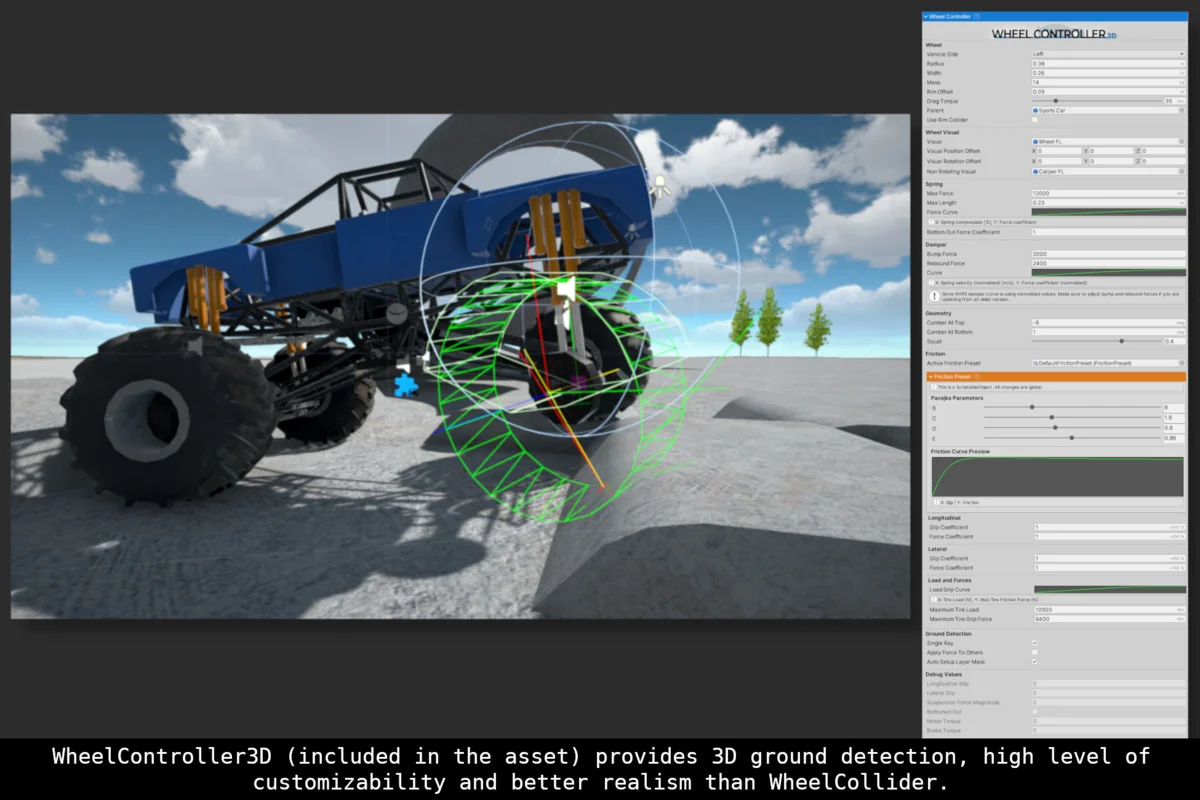
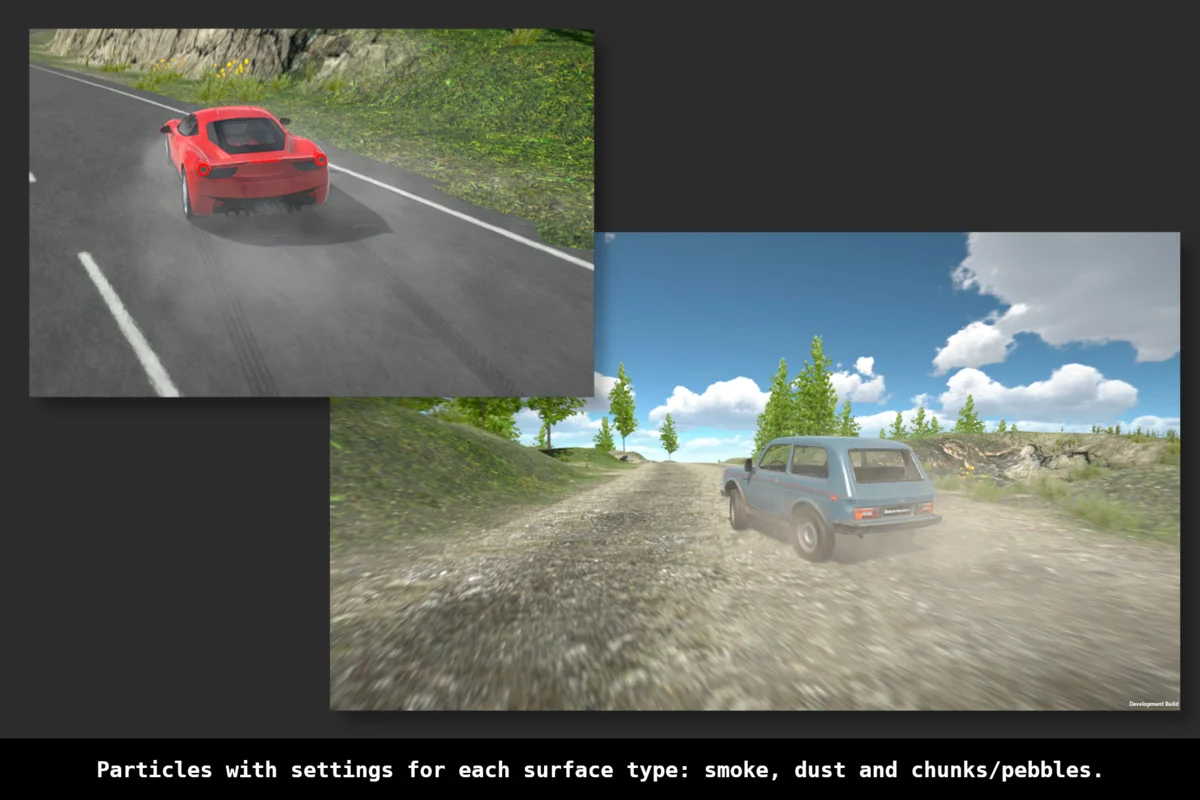
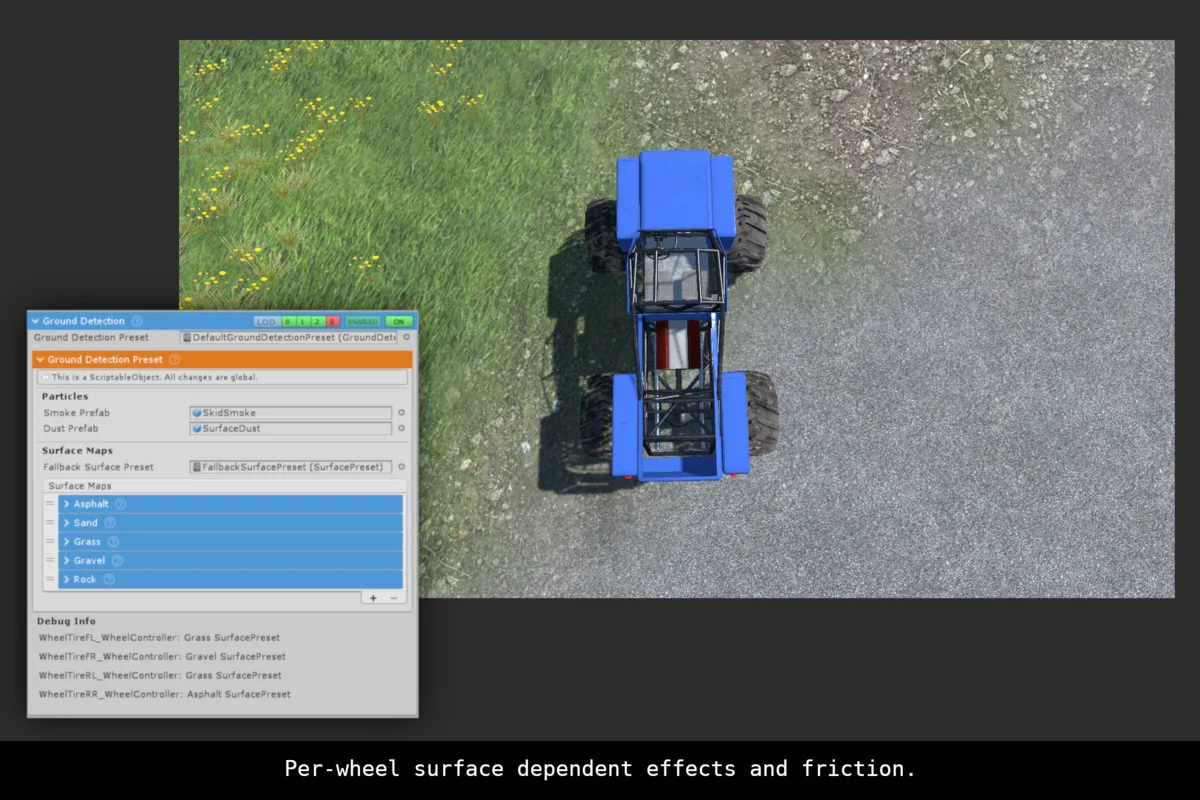
Surface handling is handled per wheel, with different friction curves, sounds, and effects for each surface. Wheel Controller 3D is included as the default for enhanced 3D ground detection, with more realistic handling, better adjustability, and a strong alternative to Unityâs WheelCollider. The package also includes VehicleChanger with first-person enter and exit functionality, which allows switching between cars, boats, and aircraft within NWH Physics World.
That combination makes the system useful in scenes where one vehicle is not enough. A project can move between vehicle types while keeping the same broader simulation framework, and the per-wheel surface detection gives each surface a distinct feel instead of flattening everything into a single friction response.
Tooling, multiplayer, and what ships with it
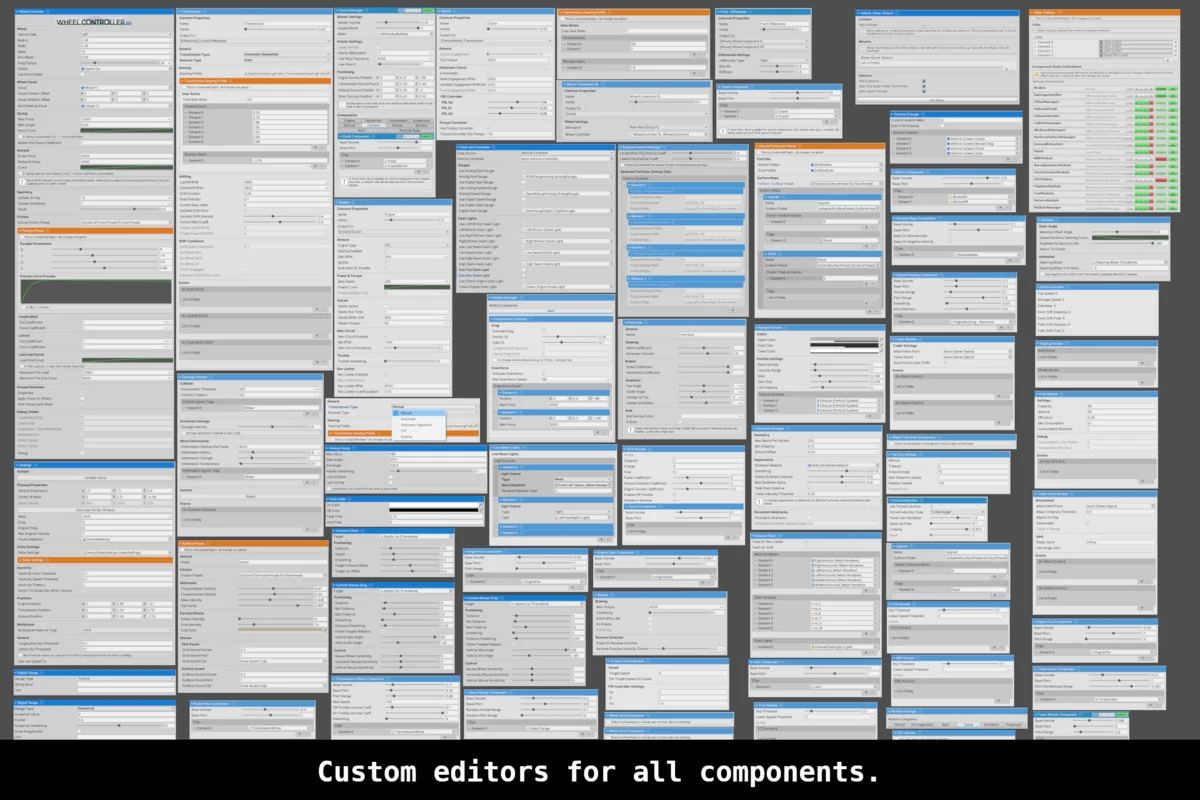
Custom editors are included for all scripts, and the package uses NUI, an editor GUI framework, to keep the visual experience consistent across the asset. That reduces the friction of navigating a large vehicle system, especially when a project depends on multiple modules and several interacting scripts.
Multiplayer support is also part of the package, with support for Photon Unity Networking 2 and Mirror. Alongside that, the code is described as highly optimized for smooth performance across desktop and mobile devices. Full C# source code is included, and everything seen in the demos is included in the package as well.
In production, that puts NWH Vehicle Physics 2 in a useful spot for teams that need a vehicle simulation base they can tune, extend, and move across different device targets. It fits projects that want a realistic starting point for wheeled vehicles, a modular path for expansion, and a system that can keep working when the scene calls for different vehicle types or multiplayer behavior.
Preview Images
Protected download
Access this resource
All resources are 100% manually reviewed to eliminate all risks.