Introduction to MultiScreen
MultiScreen is a specialized plugin designed to enhance how developers manage visual outputs in games and applications. By integrating this tool, creators can efficiently handle multiple perspectives within a single interface. Specifically, the plugin focuses on converting camera data into interactive elements that are easy to manipulate and display.
Dynamic Camera and Actor Integration
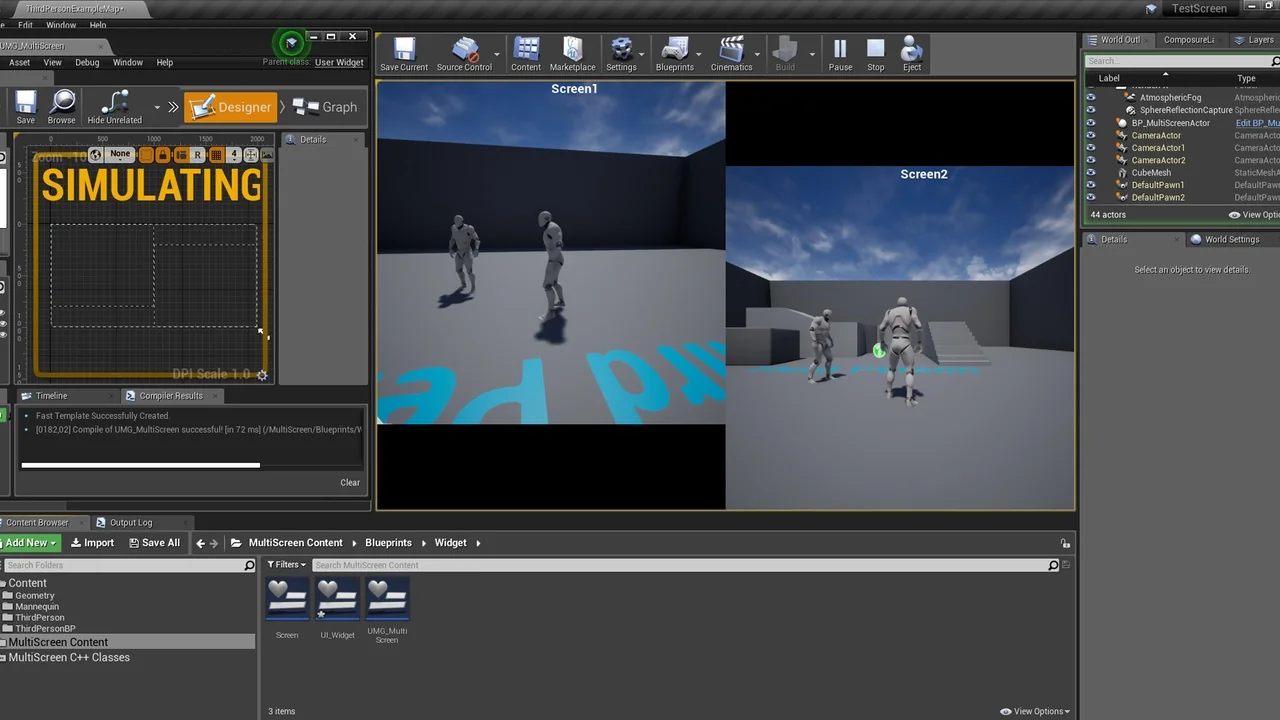
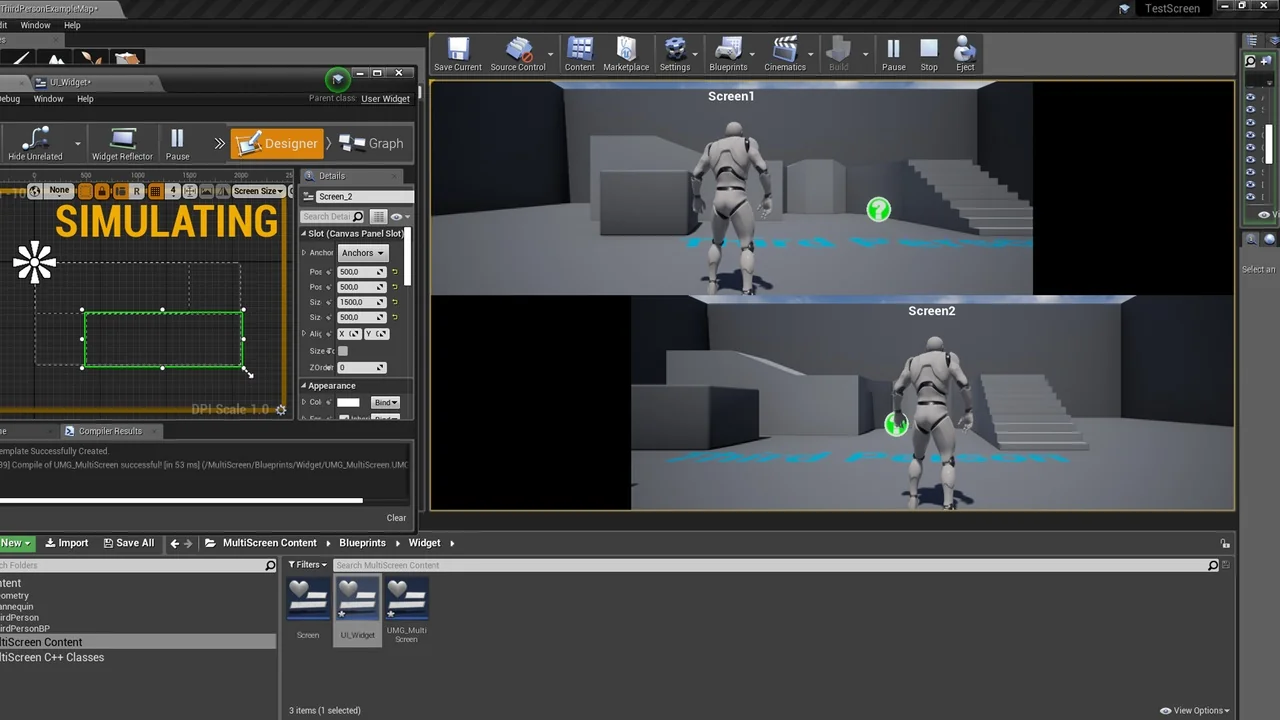
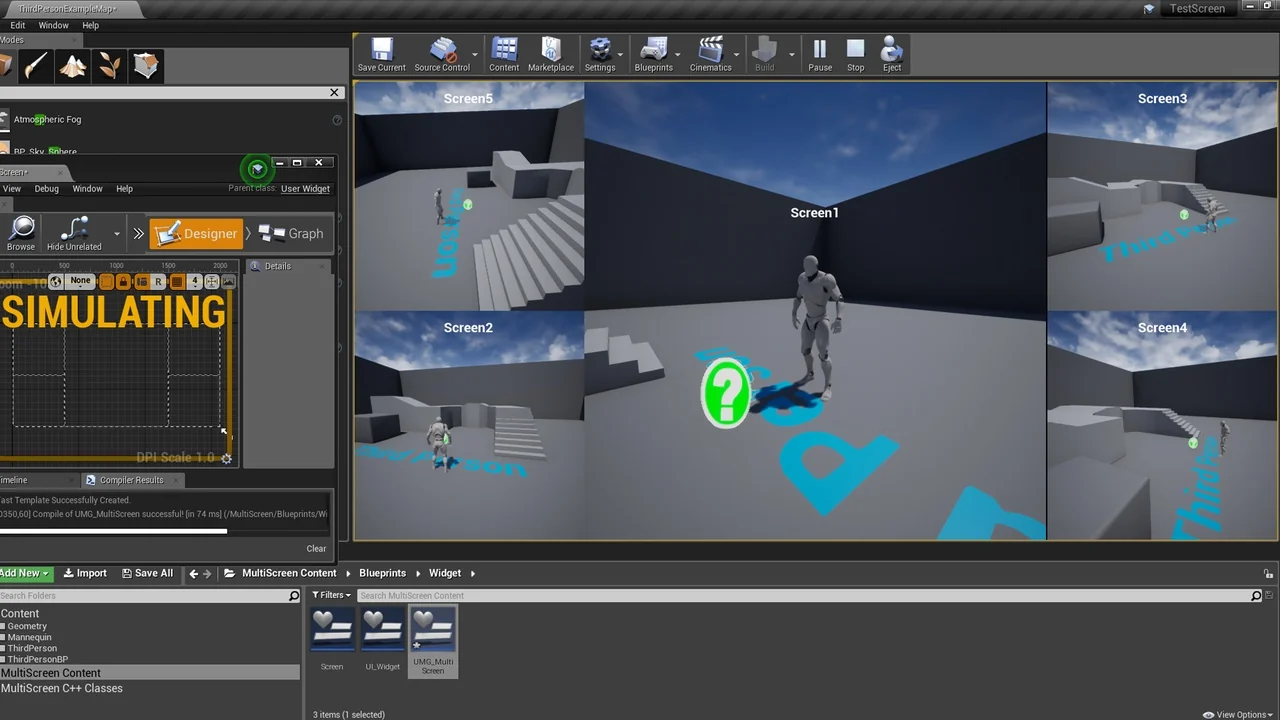
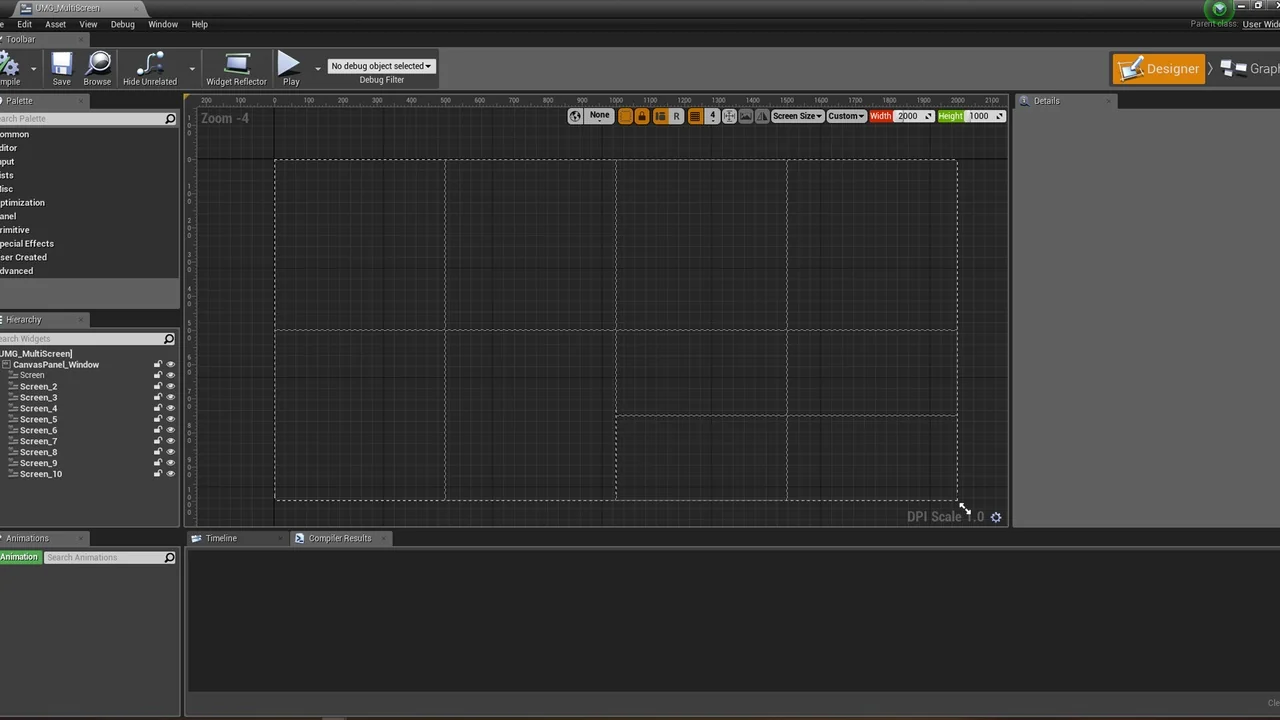
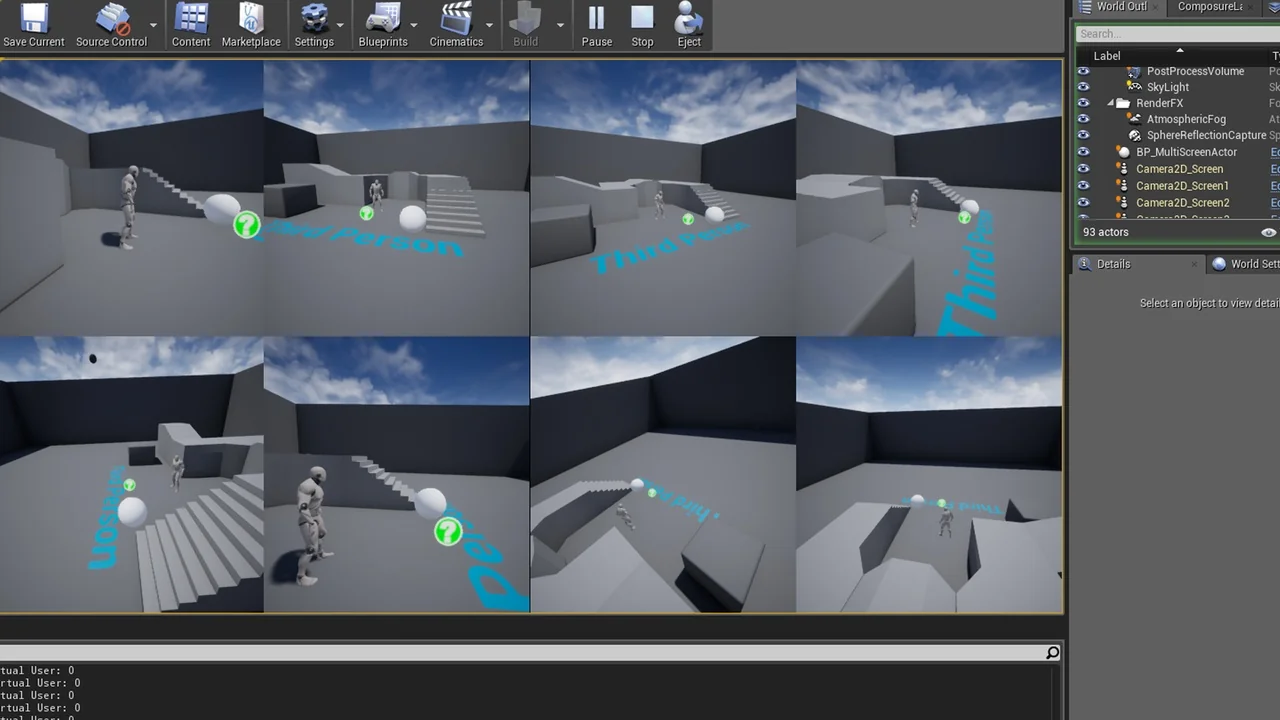
One of the primary functions of MultiScreen is its ability to convert up to eight cameras into customizable widget displays. Additionally, the plugin can process actor outputs, allowing for a wide range of visual sources to be utilized. These conversions occur during runtime, which means the displays are active and responsive while the application is running. Consequently, developers can create complex user interfaces that require live feeds from different points in the world.
Customizable Display Options
Flexibility is a core component of this tool. Users can adjust the position and size of each screen according to their specific layout requirements. Therefore, the visual interface can be tailored to match the aesthetic or functional needs of any project. Whether you need a small security monitor or a large secondary view, the plugin provides the necessary controls to achieve the desired look.
Runtime Performance and Workflow
Because the plugin functions during runtime, it offers immediate feedback for developers and users alike. This allows for dynamic changes to the UI without needing to restart the application. This efficiency is vital for projects that require real-time monitoring or complex multi-view setups. Moreover, the ability to adjust screen parameters on the fly ensures that the user experience remains seamless and interactive.
Development and Support Status
It is important to note that the developer released this product some time ago. While it is no longer receiving new feature updates, the creator is actively updating it to maintain compatibility with current engine versions. However, for those seeking the latest advancements in this technology, the developer recommends looking into the MultiViewProjectionTools plugin. This ensures that users have access to the most modern solutions for their development needs.
Conclusion
MultiScreen remains a practical choice for projects requiring multiple camera views and actor-based displays. By providing customizable widgets and runtime flexibility, it simplifies the process of creating complex visual layouts. Even as an older tool, its ongoing compatibility updates ensure it remains a functional asset for modern development workflows. Developers can rely on its core features to deliver dynamic multi-screen experiences.
Screenshots & Gallery