HDRP setup comes first
LUMINA GI HDRP starts with a clear implementation path: Unity 2021.3 or above, the HDRP renderer, and a Windows desktop workflow. The setup is described as easy, which matters because the system is not just adding a visual effect in isolation. It is handling true indirect lighting through a fully real-time voxel solution, so the scene needs to be in the right render pipeline before that lighting can be used.
The system traces back to the open source SEGI project from the Standard Pipeline, but here it is placed in an HDRP context. That keeps the focus on real-time global illumination rather than baked lighting or screen-space approximation. The result is meant to slot into a scene where indirect light is needed without giving up the live update behavior of a real-time workflow.
One editor note is especially practical. To see the effect correctly when entering Play Mode, the scene view must be hidden or the game view maximized. That detail is small, but it tells you how the system wants to be checked inside the editor: with the game view taking priority so the GI result is visible without interference from the rest of the editor layout.
What the voxel GI changes in motion
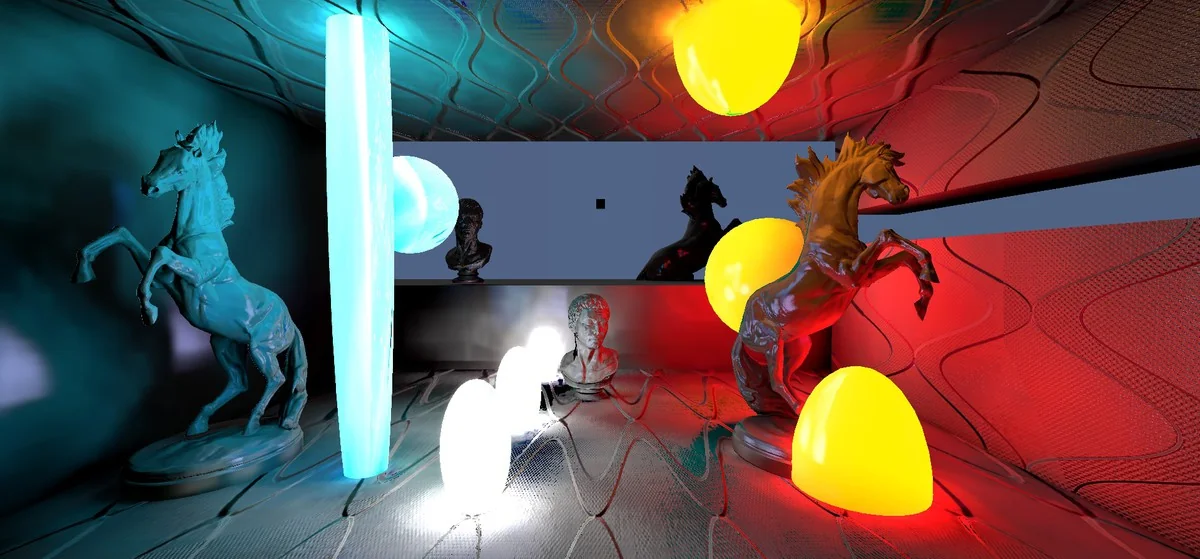
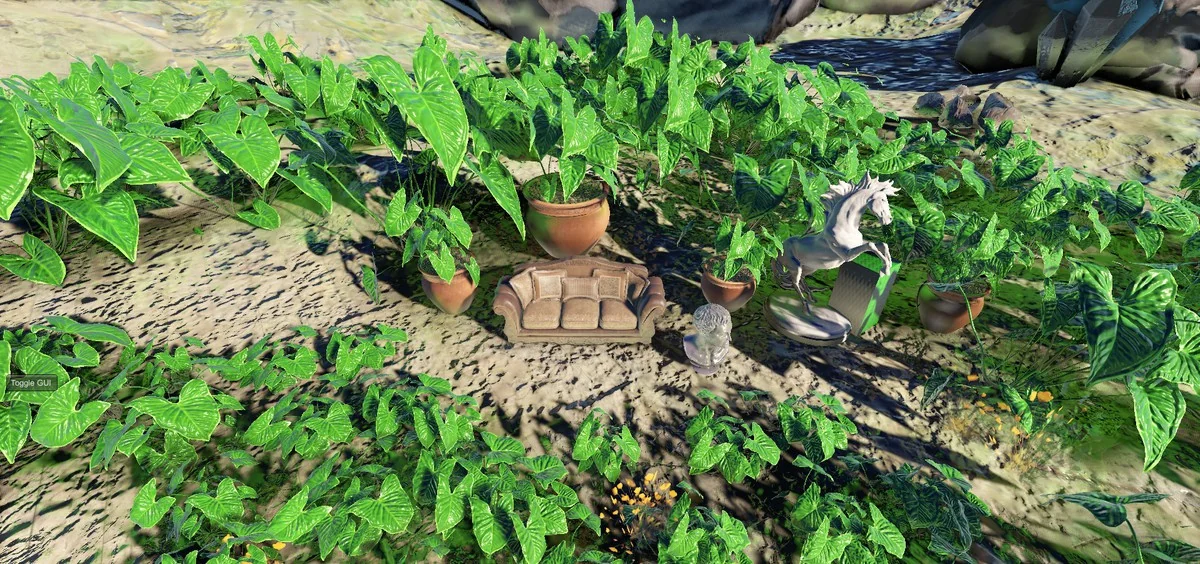
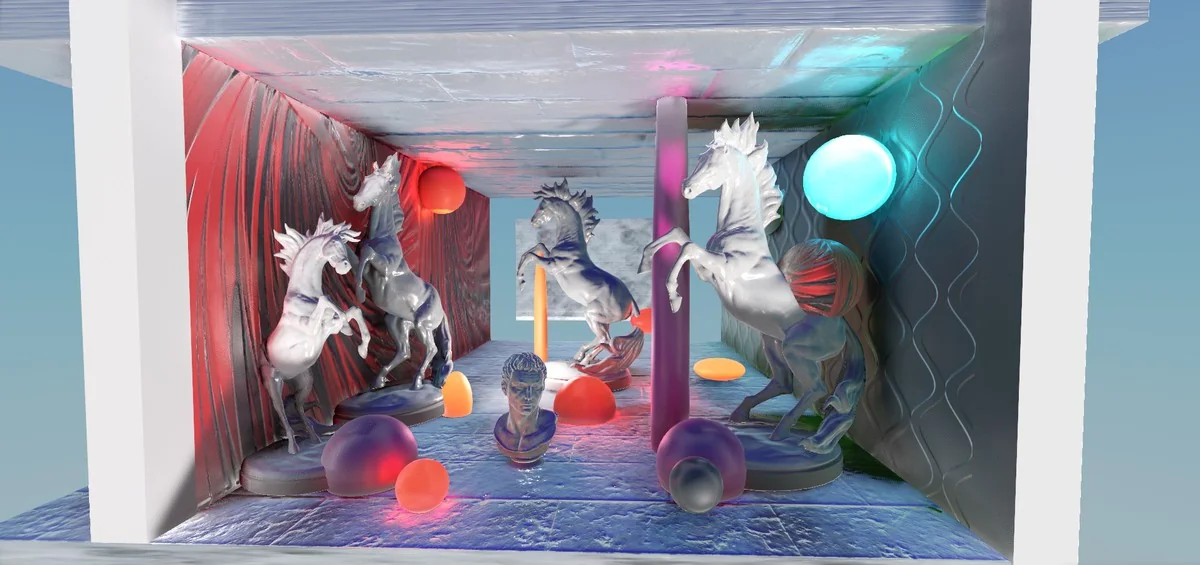
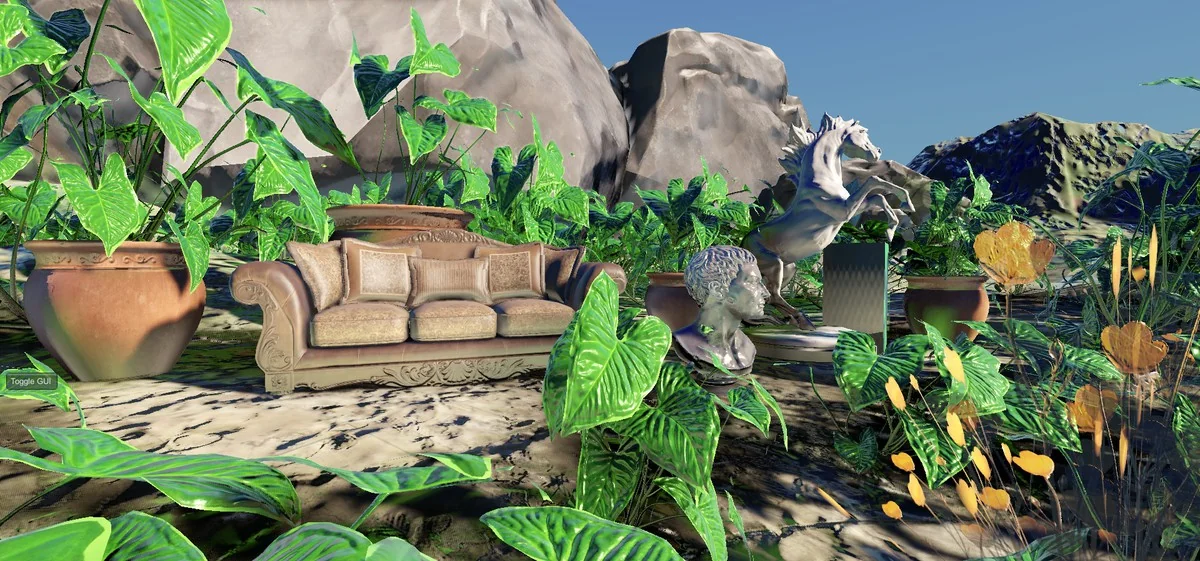
The core selling point is stability. LUMINA GI HDRP is presented as a voxel-based real-time global illumination system that can remain locally 100% stable. That is the direct contrast to screen-space solutions, which can flicker or lose GI when the camera moves, rotates, or turns away from the light-receiving objects. In a scene that depends on consistent indirect light, that kind of behavior changes how reliable the lighting looks from frame to frame.
Because the lighting is fully real time, the scene can respond immediately instead of waiting on a bake. That makes the workflow useful wherever indirect light needs to stay active as the view changes. The important part here is not a broad feature list, but the specific promise of stable voxel GI while the camera is in motion.
The description also makes the lighting inputs clear. The system uses sun and mesh-shaped light sources. That gives the setup a straightforward structure: a sun source for broad lighting and mesh-shaped sources for scene-specific emitters. The emphasis stays on real-time interaction with the level itself, rather than on post effects that depend on what the camera currently sees.
Lighting inputs and scene behavior
Indirect light is the central task here. LUMINA GI HDRP is meant to apply true indirect lighting to a scene, so the effect is not framed as a simple brightness adjustment or a generic glow pass. The voxel approach is there to keep the indirect response present across the scene as the camera moves through it.
The note about screen-space instability is useful when thinking about creative use. Screen-space GI can disappear when the camera stops looking at the right surfaces. This voxel system is presented as the alternative to that problem, keeping the lighting present locally even when the view changes. That makes it easier to rely on the indirect result during normal gameplay movement rather than treating it as something that only looks correct from one angle.
Since the system is fully real time, it fits a workflow where lighting changes need to be visible immediately in the editor and in Play Mode. The setup advice around the scene view and game view supports that same approach. It is a system that expects active testing while the scene is running, not just static inspection of a baked result.
Render modes, compatibility, and beta status
The compatibility notes are specific and should shape how the system is approached. LUMINA GI HDRP requires Unity 2021.3 and above with HDRP, and only LTS versions are supported. Unity 2022 has not been tested. The first version is also not compatible with Unity 6.3 because backend processes have changed and 6.3 includes a number of new bugs. A Unity 6.3 beta version is available with a new HDRP native voxelizer system.
DX11 and DX12 notes
There are two render-path notes to keep in view. Because of the extra HDRP load and a Unity swapchain bug in DX11, DX12 is suggested so the system can function across GPUs. At the same time, the latest version also includes a DX11 mode as the default, with DX12 available as an optional mode. The wording makes it clear that the render path is still being handled with care and that the available mode can depend on the version being used.
Target platforms and performance limits
The target is Windows desktop development, ideally on stronger machines. The effect can be heavy, especially if the included optimization factors are not used. The system does not support VR, Mobile, Mac, WebGL, or consoles, and the note ties that limitation to the use of Geometry Shaders. That narrows the practical use case to HDRP projects on Windows where the render budget can handle the effect.
The beta status matters too. This is the first beta version of LUMINA GI HDRP, and it is expected to stay in beta for some time until all features are realized and tested more extensively. That places it in an active development phase rather than a finished release state, which is important when planning it for production use. For a project that needs real-time voxel GI in HDRP, the current workflow is clear, but the stability and platform limits still define how far it can be taken right now.
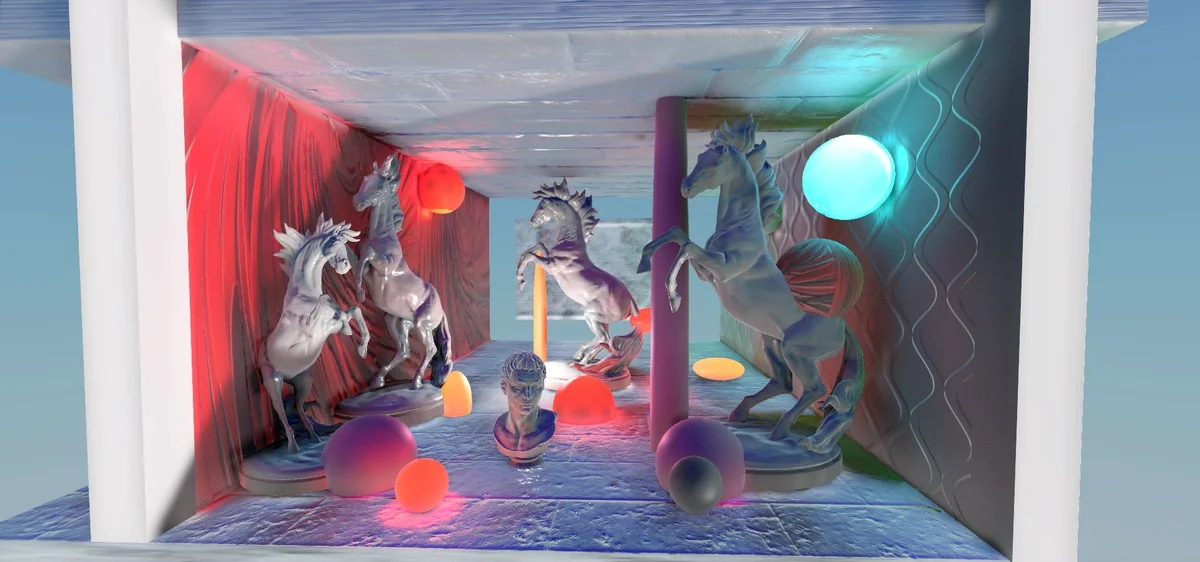
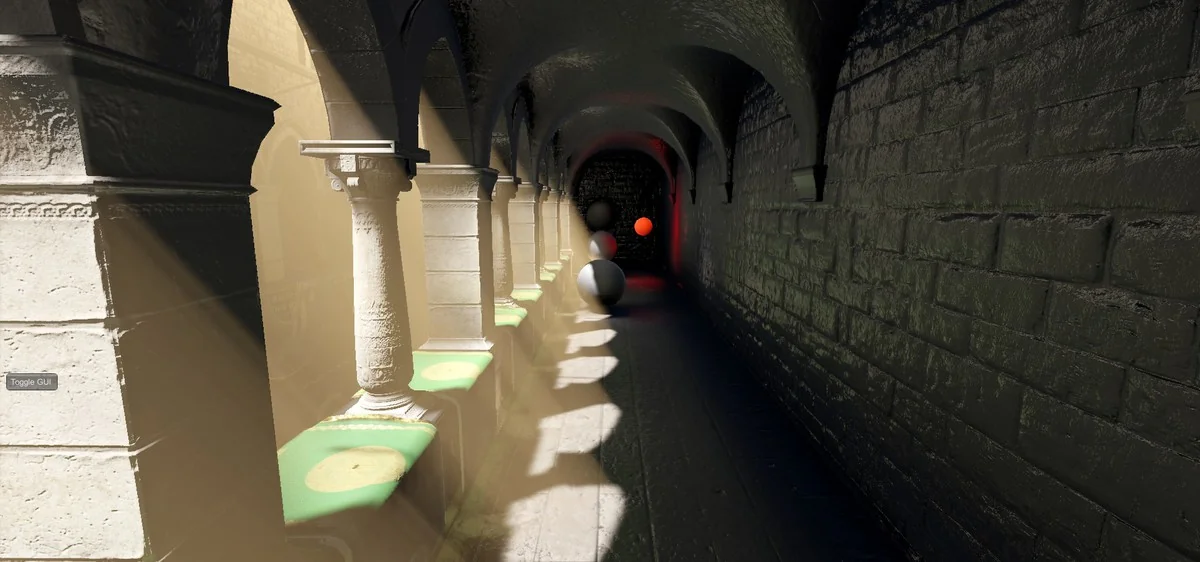
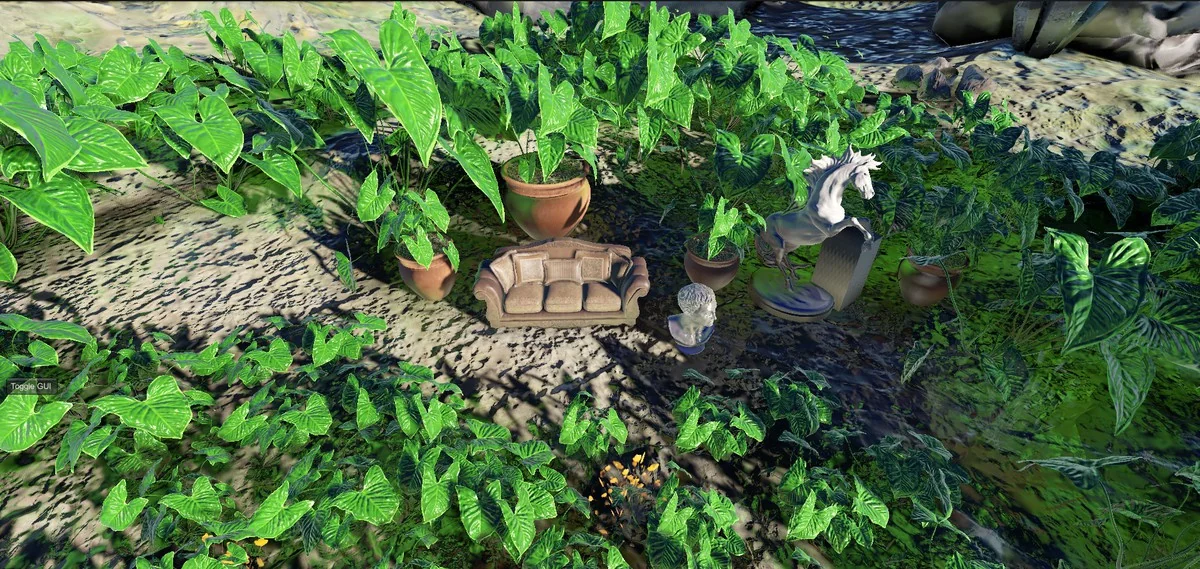
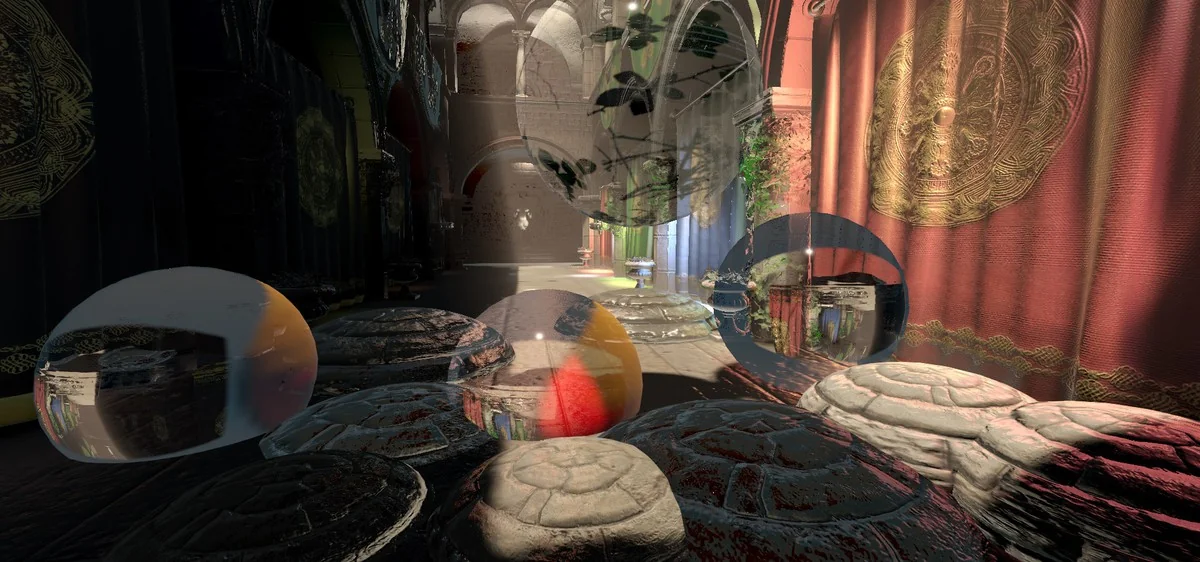
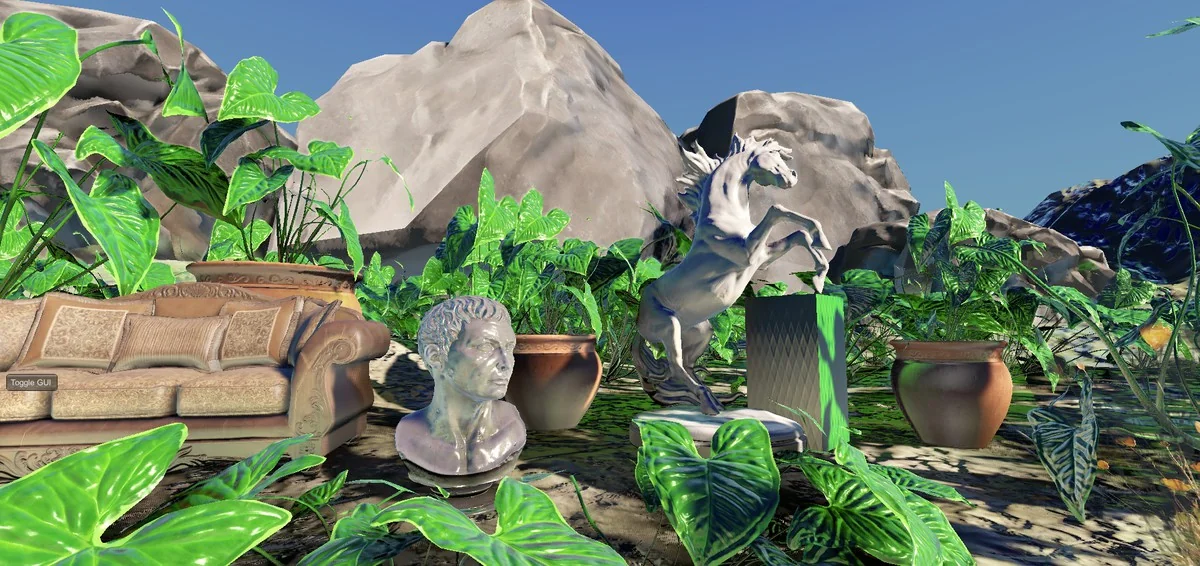
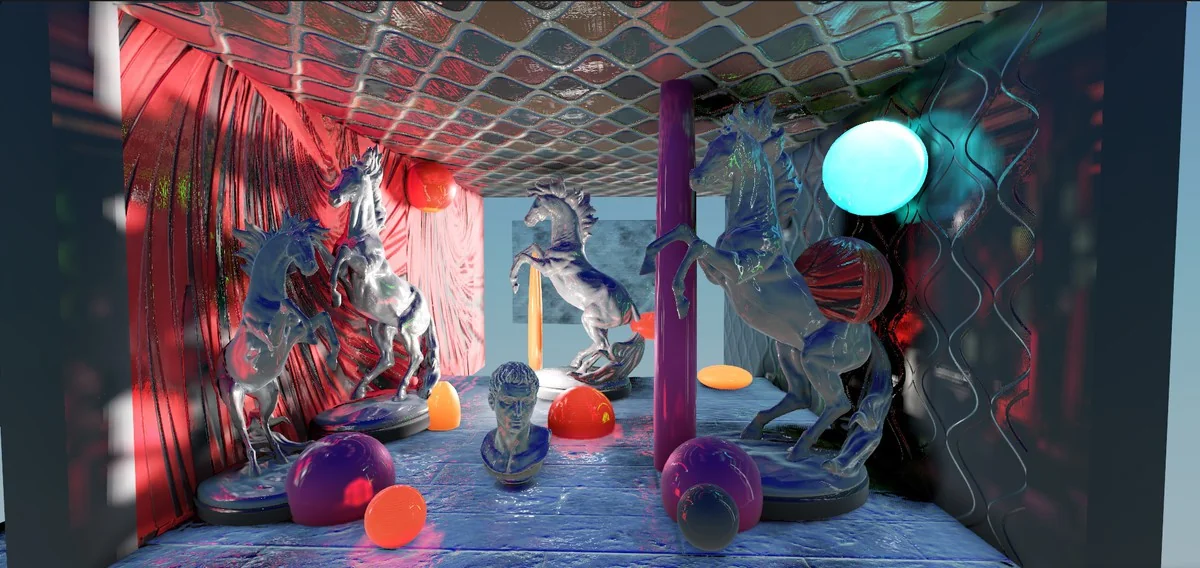
Project Screenshots
Protected download
Access this resource
All resources are 100% manually reviewed to eliminate all risks.