Water scenes that span oceans, rivers, lakes, and pools
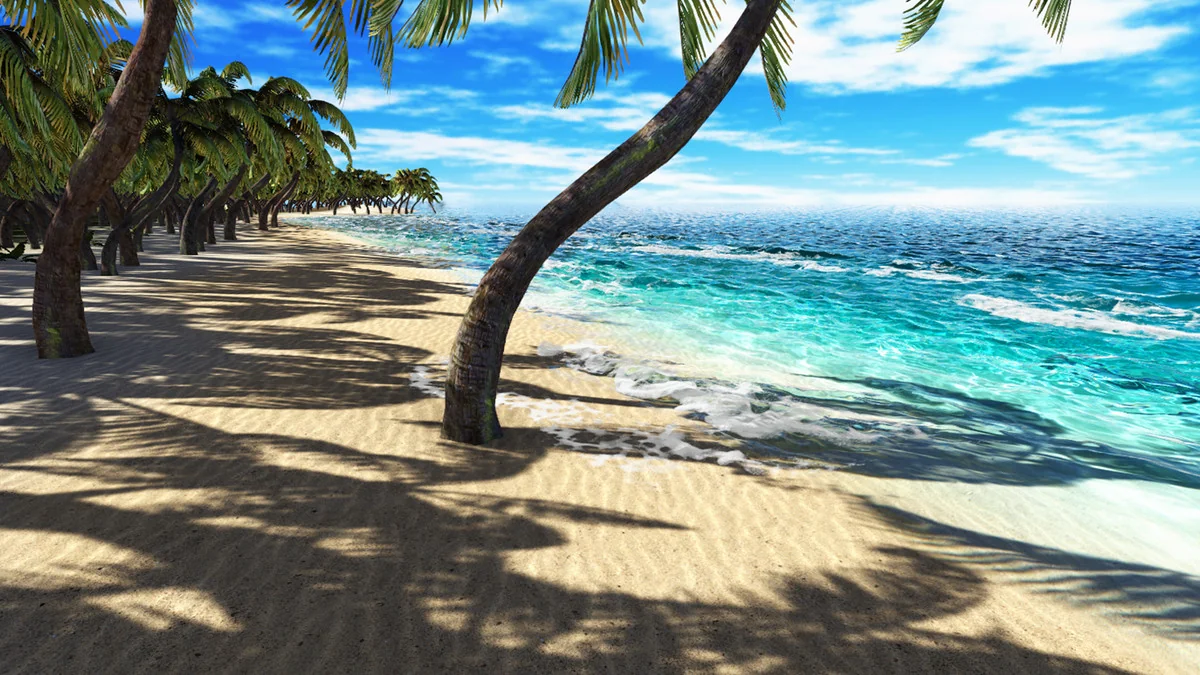
KWS Water System (HDRP Rendering) is a module-based component for building water surfaces in HDRP projects. It is set up for PC and console platforms and covers a wide range of scene types: oceans, seas, rivers, lakes, pools, and custom water shapes. That makes it useful when one project needs more than a single body of water, since the same system can be applied to large open surfaces, tighter contained areas, and spline-driven river layouts.
The implementation leans on several mesh approaches, including an infinite mesh for ocean use, a finite box for pools, spline rivers, and custom mesh support. Rivers can also use a river system based on splines, while static objects in rivers can be handled with fluids simulation and foam rendering. The result is a water workflow that can move between broad environments and more controlled scene setups without changing the underlying approach.
HDRP setup and compatibility boundaries
This version is only compatible with HDRP 12+ rendering. It is not compatible with Standard built-in, URP, mobile, or WebGL. That boundary is important because the rendering stack is tied to HDRP rather than being a general-purpose water solution across every Unity pipeline.
There is also a setup note for updating: before updating, the water shaders/scripts folder should be removed. All demo scenes and resources from the video are included, so the package comes with the material needed to inspect how the system is assembled and how the included setups are organized.
How the surface rendering is built
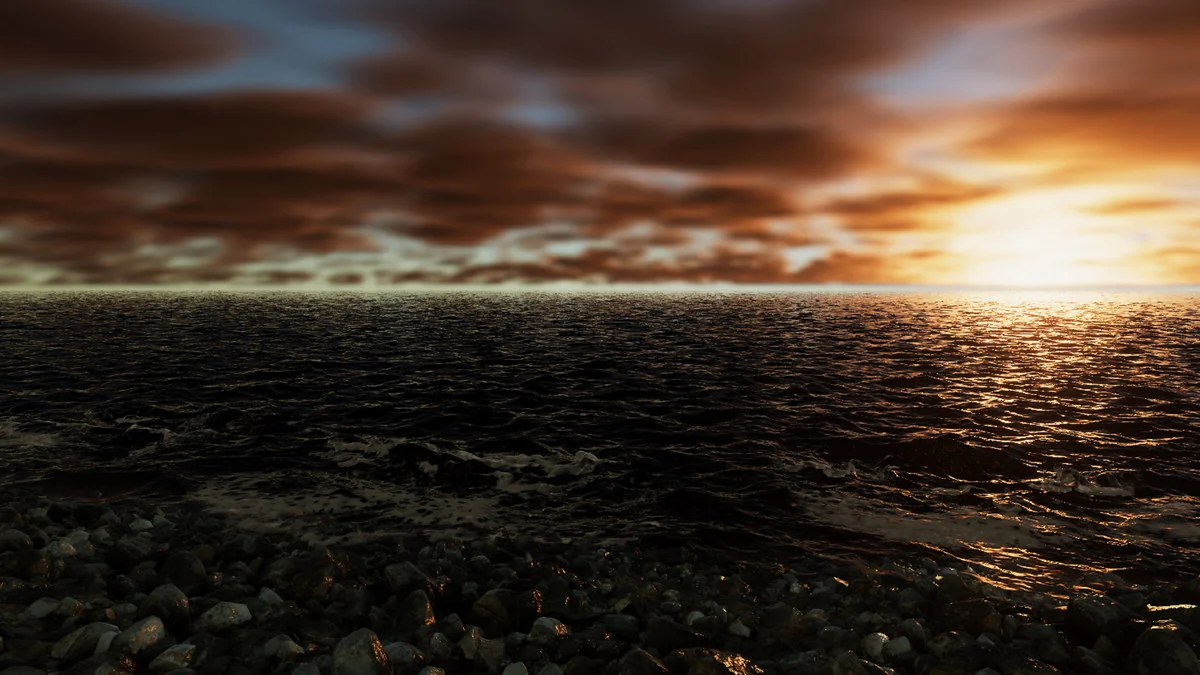
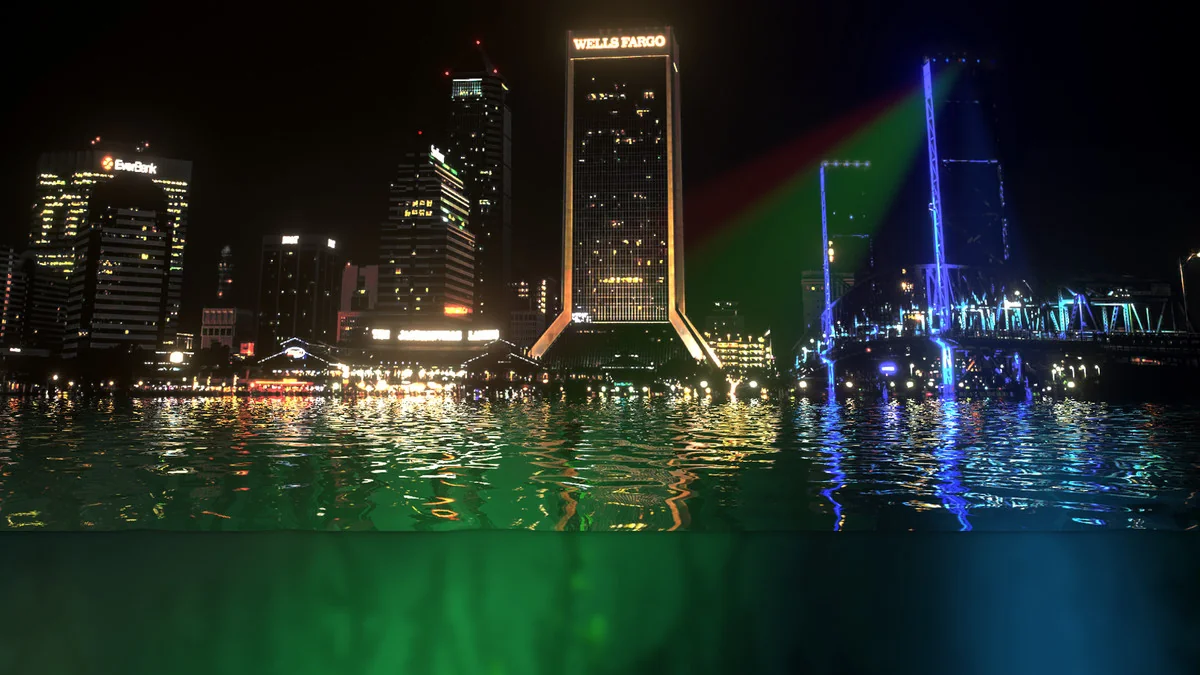
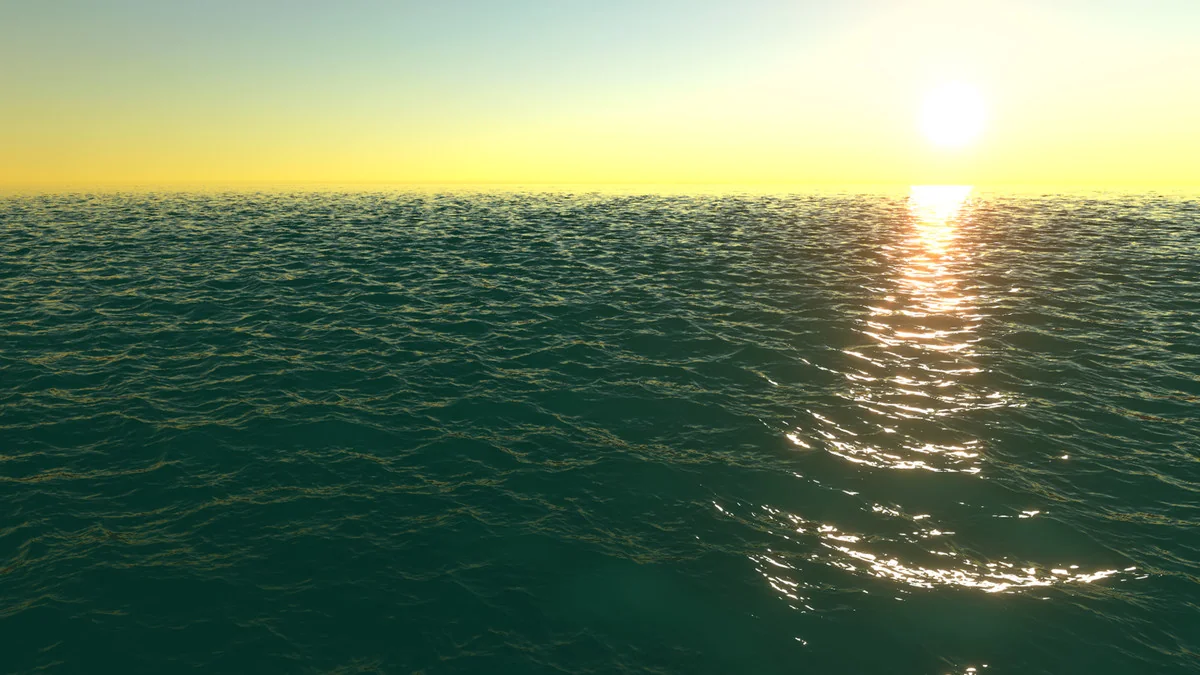
The water rendering uses a physically based lighting model together with FFT wave simulation. Real-world parameters such as wind speed, turbidity, and transparency drive the look of the surface, which is why the water is intended to remain visually consistent in different lighting situations. The same rendering model is meant to hold up during day or night, in sunlight or shadow, and even in enclosed spaces like caves.
Wave motion is handled with GPU waves simulation and multiple cascades, which helps avoid tiling on larger bodies of water. Lighting is treated with physical approximation and includes volumetric lights and shadows, absorption, sub-surface scattering, caustics, sunshafts, PBR shading, and sun reflection. Reflection handling uses a reflection stack made up of fast screen-space projected reflections, camera planar reflections, and skybox reflection. Refraction is also approximated in screen space with dispersion using the water IOR, and caustics are tied to the waves with dispersion as well.
That combination pushes the system toward a rendering style that tries to stay grounded in physical behavior rather than relying on a single flat water look. For projects where the surface needs to react to lighting changes and still read correctly across different environments, those pieces define the core of the workflow.
Underwater views, shoreline foam, and surface interaction
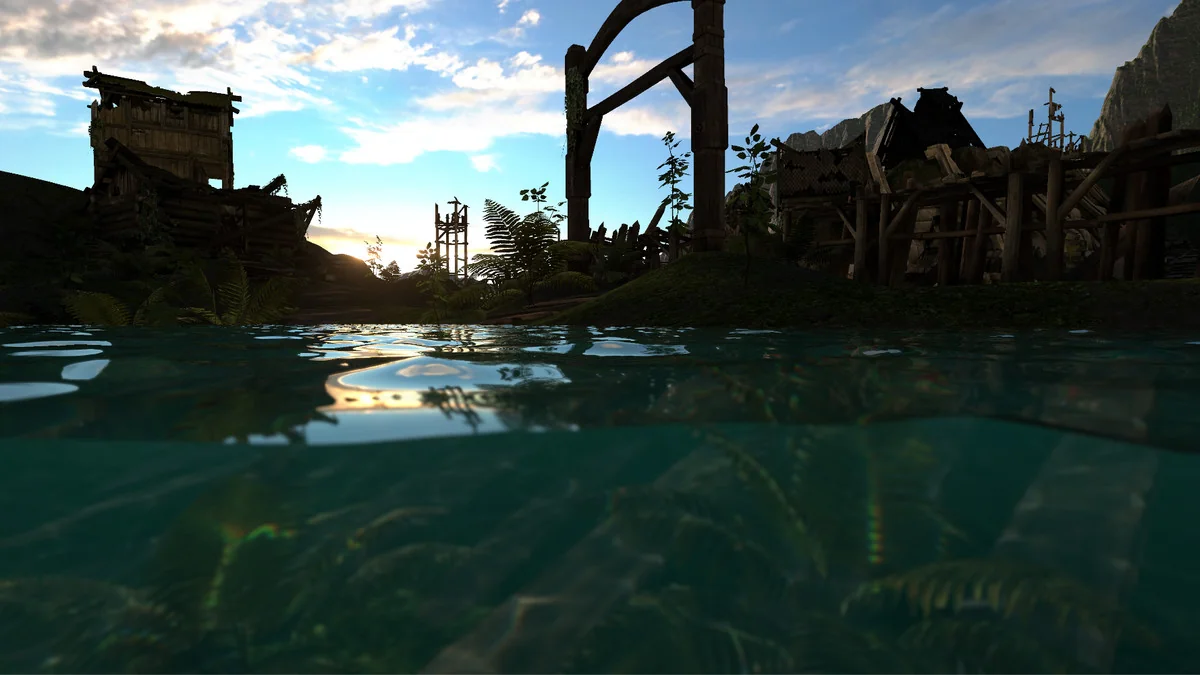
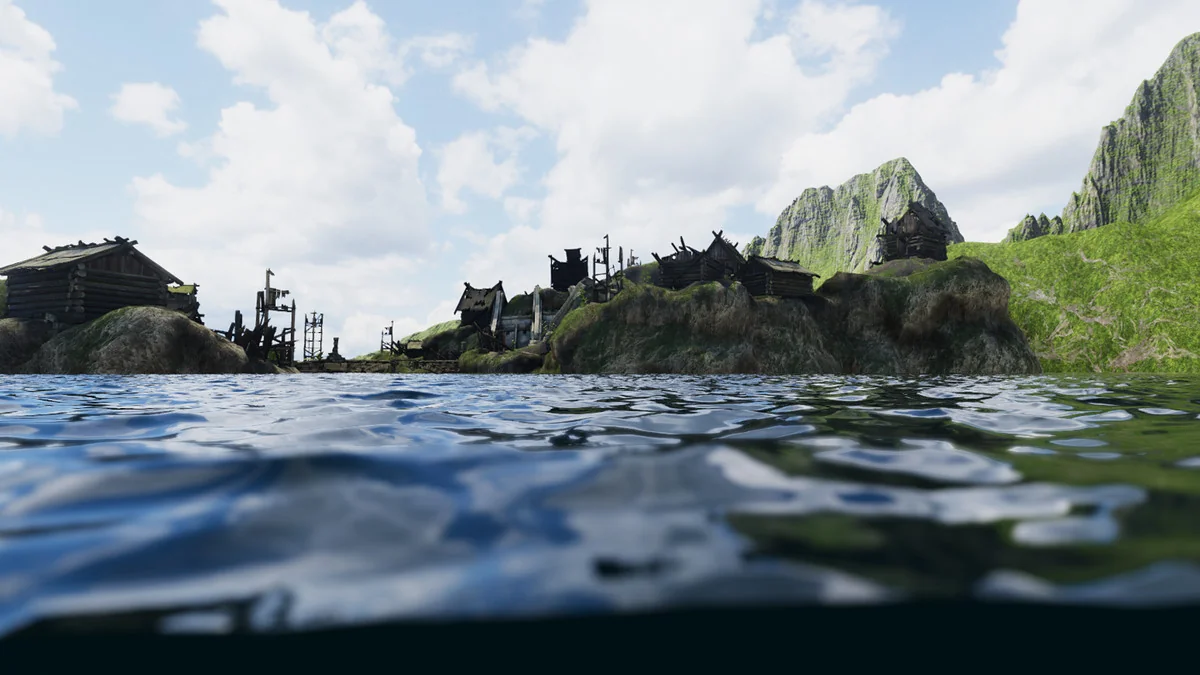
The underwater side of the system is built as more than a simple camera transition. It supports partial submersion, underwater sunshafts and volumetric lighting with caustics, a half-line tension effect, and an underwater physical approximation that includes Snell’s window and internal SSR reflection with volumetric lighting. Underwater bubbles and lit-particles are included too, with a feature that tiles these particles infinitely across space using only a few thousand particles.
An aquarium mode is part of the setup, which makes it possible to frame enclosed water scenes rather than only open-world surfaces. The package also includes a decal system using ShaderGraph, with duckweed and blood effects, plus trails that use ShaderGraph and the particle system, including a foam trail effect. Those pieces give the water surface and nearby effects a direct way to respond to movement and scene events.
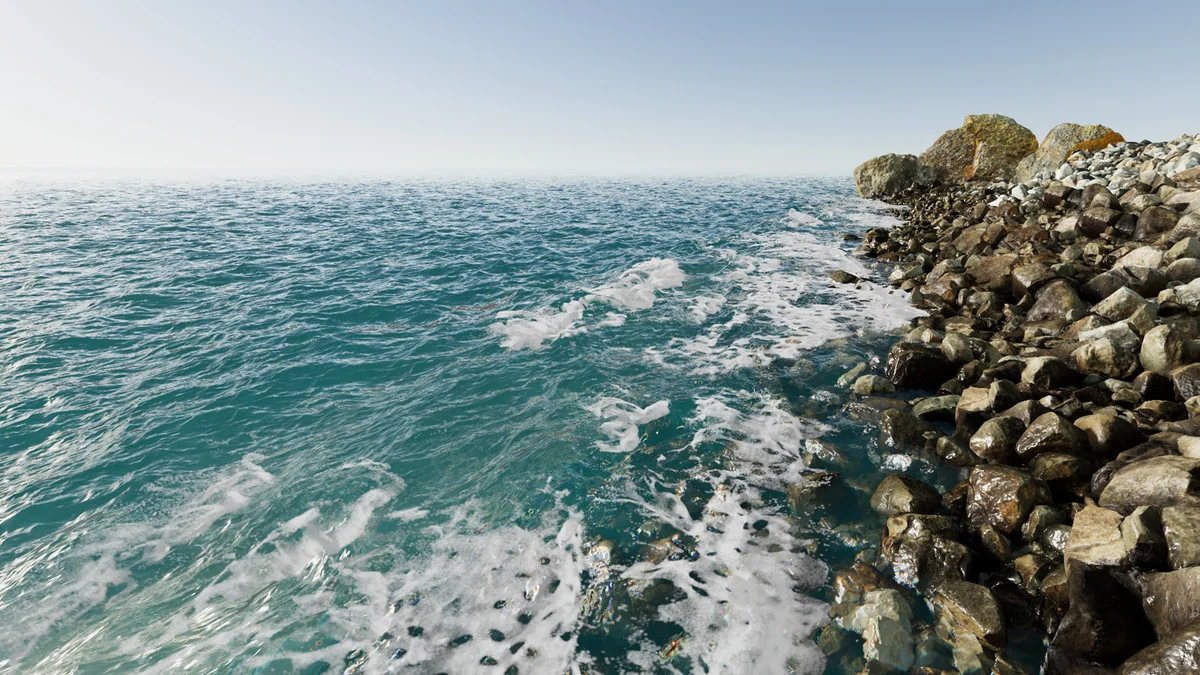
Foam work appears in several layers. There is intersection and open ocean foam, shoreline foam waves rendered with pre-baked particles simulation, and flow rendering through flowmaps with an integrated flowmap painter. Dynamic ripples can be created using primitives or a mesh renderer, and a rain effect is included for additional surface disturbance. Buoyancy is available as well, along with an API, so water interaction is not limited to visuals alone.
What this setup is ready for
The strongest fit is a project that needs HDRP water across multiple scene types without changing rendering logic every time the water body changes. Large outdoor water, rivers shaped by splines, pools with a finite boundary, underwater areas, and interaction-heavy scenes all sit within the same system. The included resource set also makes it easier to inspect the supported setups before building a scene around them.
For HDRP 12+ projects targeting PC or console, the system is aimed at developers who need a single water workflow for open surfaces, enclosed spaces, underwater passes, and interaction details such as foam, ripples, buoyancy, and rain.
Asset Gallery
Protected download
Access this resource
All resources are 100% manually reviewed to eliminate all risks.