Dropping the fireworks into a scene
KTK Fireworks Effects Volume1 puts the setup work in a clear place: it is a Unity particle collection focused on fireworks. The package is presented as sample effects data for mobile devices, so the overall direction stays narrow and practical instead of branching into a broad general-purpose VFX set. That makes it easier to think about the pack as a ready-made fireworks layer for a scene rather than a mixed library of unrelated effects.
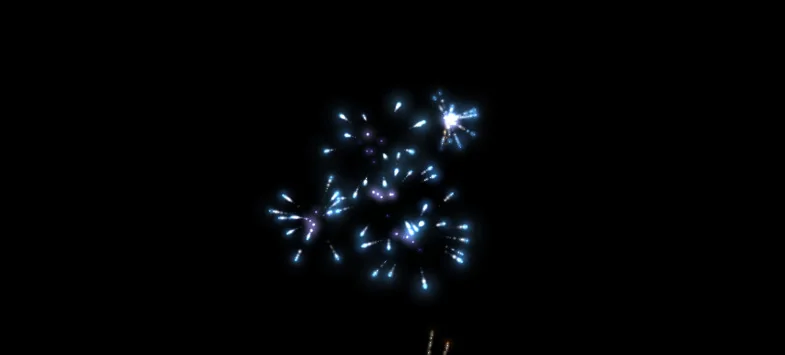
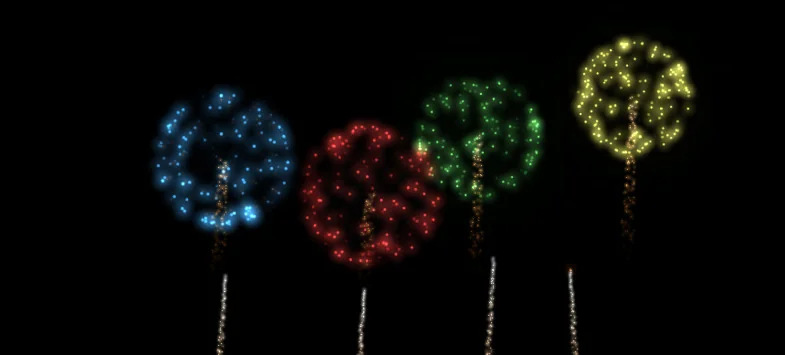
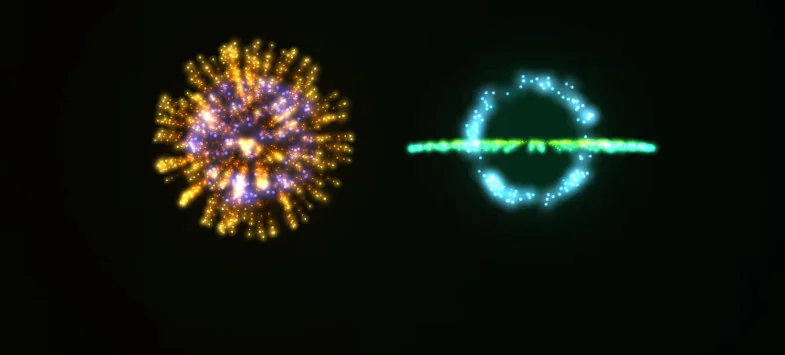
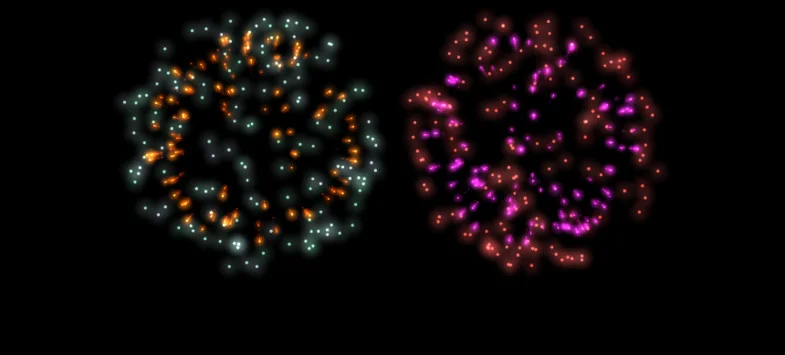
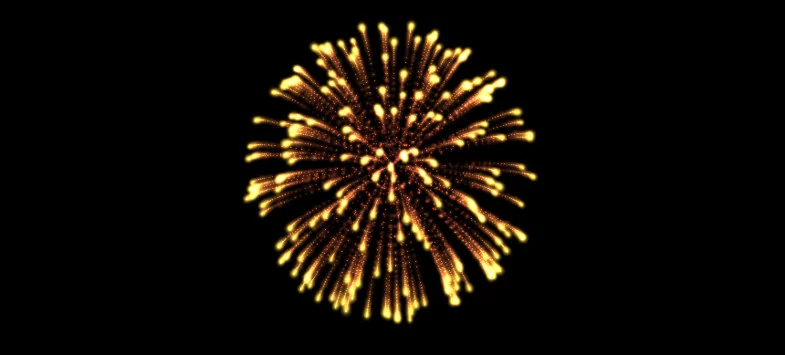
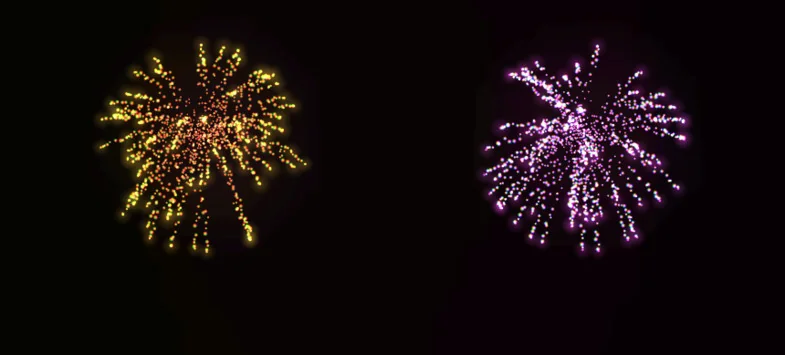
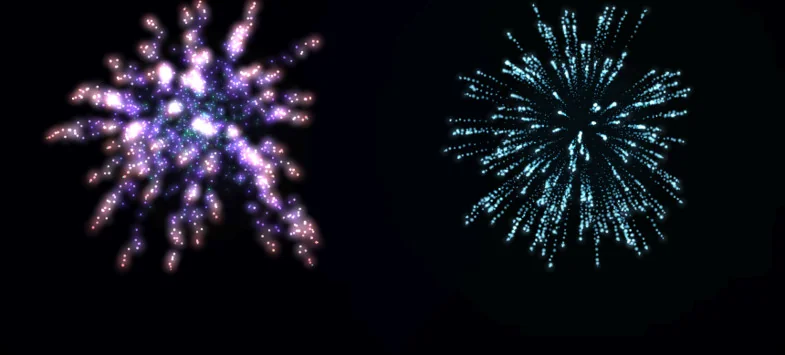
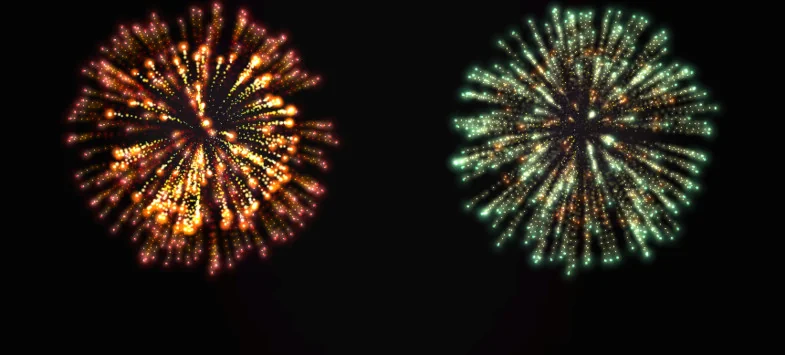
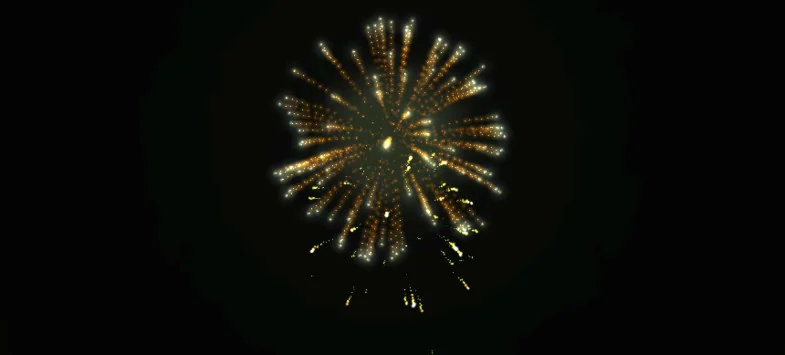
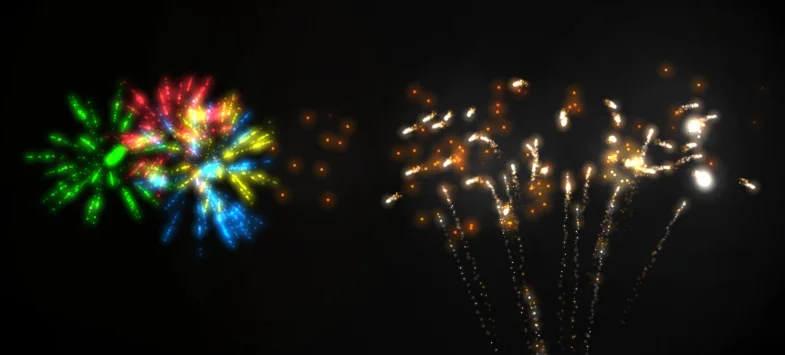
The effect list is split into three groups: 28 FireWorks effects, 28 loop effect, and 28 OneShot. That structure gives artists or developers a simple way to separate a burst that happens once from motion that needs to keep playing. The result is a collection that can support short celebration moments, repeating background displays, or a single triggered event without changing the basic workflow around the pack.
Reading the three effect groups
The three effect categories carry different kinds of timing. OneShot entries fit moments that should land and stop cleanly. Loop effects hold a continuing presence, which is useful when a scene needs fireworks activity to remain visible for longer than a single burst. The FireWorks group sits alongside them as the main fireworks material in the pack, giving the collection a direct focus on the visual shape of the explosion itself.
Because the pack keeps those roles separate, it is easier to stage fireworks in layers. A one-shot cue can mark a specific event, while a loop can keep the background active during a longer sequence. A FireWorks entry can then serve as the primary burst when a scene needs the main visual hit. That kind of separation is useful when the same location has to support more than one timing pattern, since the individual effect groups already point toward different uses.
- FireWorks effects for the main burst moment
- Loop effect for repeating motion
- OneShot for single, short-lived cues
The package does not blur those categories together. Instead, it leaves the timing choices visible in the effect names themselves, which keeps the set easy to read during production. For fireworks-heavy scenes, that can make it simpler to switch between a one-time celebration, an ongoing festival feel, and a brief visual accent without rebuilding the effect structure from scratch.
Sound and the version changes
The update history adds two specific changes that shape how the effects can be used. Version 1.1 adds sound. Version 2.0.0 adds 18 kinds of fireworks and also corresponds to the sound of fireworks. Those changes point toward a package that does more than show visual bursts; it also brings audio into the same presentation path.
That matters most when a fireworks scene needs timing to feel complete. A firework that lands with matching sound reads as a finished beat rather than a purely visual accent. The extra 18 kinds of fireworks added in version 2.0.0 also widen the set of available looks while keeping the same overall structure of FireWorks, loop, and OneShot entries. The package grows in variety without changing its basic organization.
The release notes make the progression easy to follow. Earlier work adds sound, and later work expands the fireworks variety while keeping sound in step with the visuals. For a project that already knows how it wants fireworks to appear, that kind of update path keeps the collection focused on presentation rather than on changing the core idea of the asset.
Package and compatibility details
The package is delivered as a unitypackage and sits in the Particles category, under vfx/particles. It contains 81 assets and has a file size of 5.4 MB. The latest version is 2.0.0, with the latest release date listed as Jun 07, 2018. It was first published on Dec 15, 2014.
Compatibility is centered on Unity 2017.1.1, which is also the original Unity version tied to the package. Supported Unity versions include 2017.1.1 and 2017.3.1. That keeps the scope specific, which is useful for teams working inside those Unity builds and wanting fireworks content that matches the rest of the projectâs version range.
A WebGL demo scene is available as well. For a fireworks pack, that is a useful reference point because it offers a place to see the effects moving before they are placed into a project. When the visuals rely on burst timing and repeated motion, seeing them in motion helps confirm whether a one-shot cue, a loop, or a FireWorks entry fits the intended scene moment.
Support and upkeep
Publisher support is available. The release history also shows that the package has been updated over time, moving from its first publication to later versions that add sound and more fireworks. That gives the asset a clear maintenance trail rather than a single fixed release.
For Unity projects that work with the listed supported versions, KTK Fireworks Effects Volume1 offers a compact fireworks set with explicit timing roles, sound changes, and an expanded firework selection in version 2.0.0. It fits best when a scene needs a short burst, a repeating celebration, or a single-shot cue that can be kept visually distinct inside the same particle workflow.
Visual Breakdown
Protected download
Access this resource
All resources are 100% manually reviewed to eliminate all risks.