Applying the galaxy look to meshes and skies
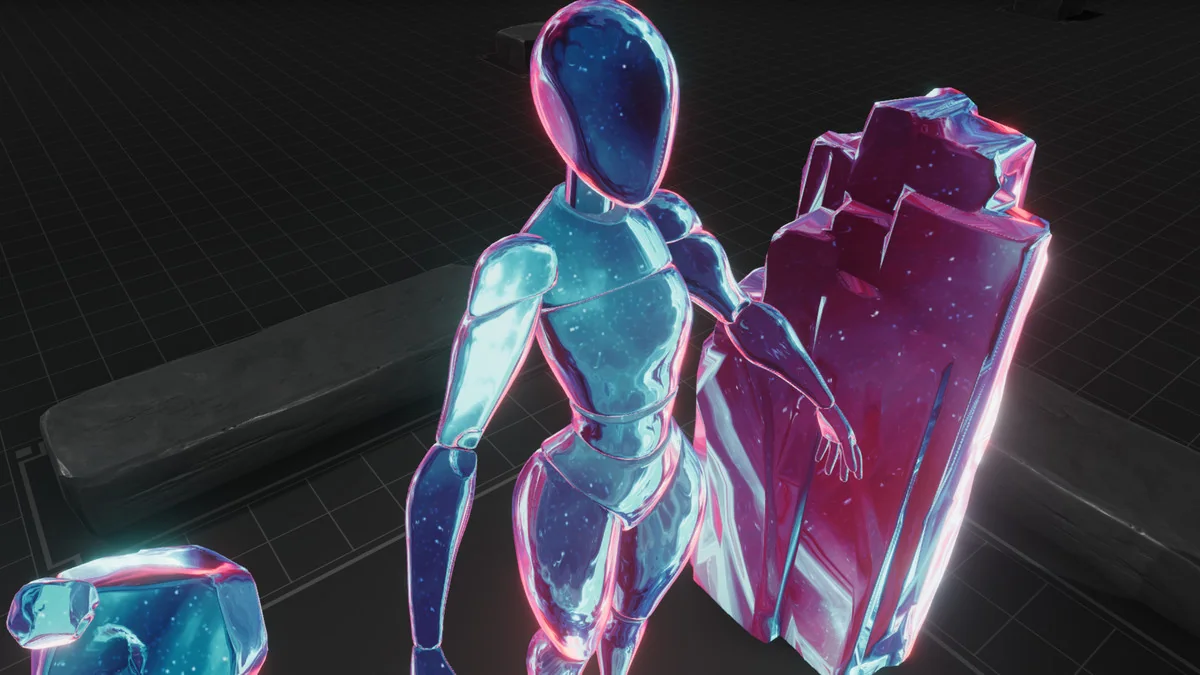
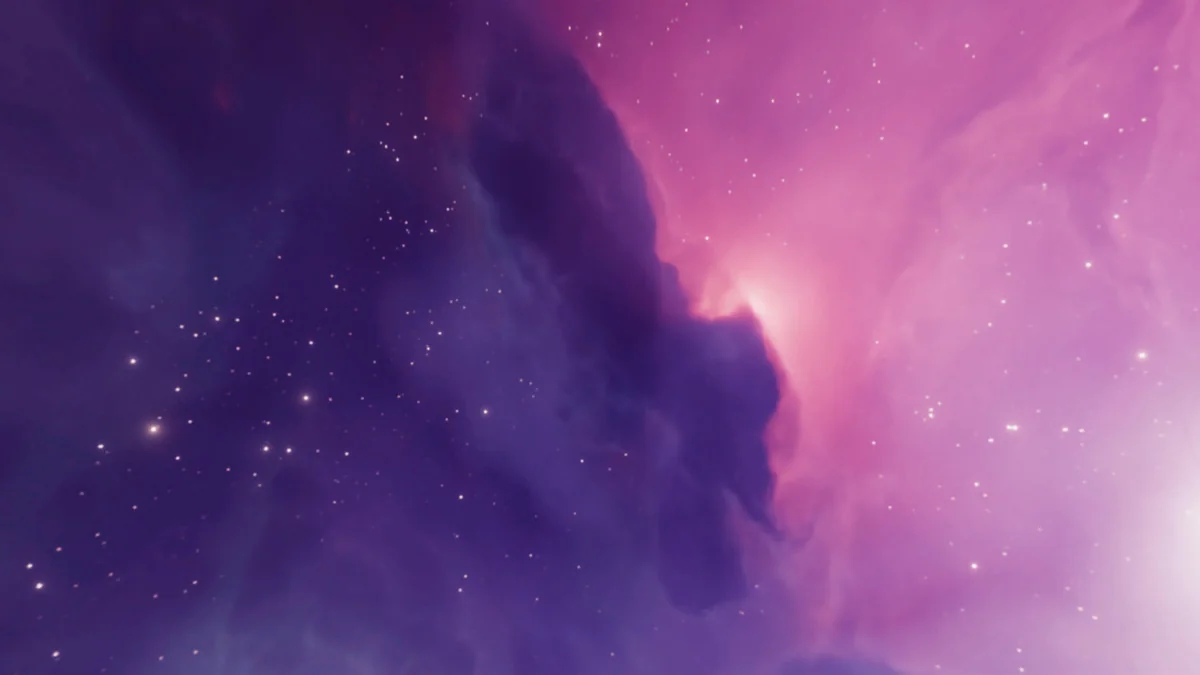
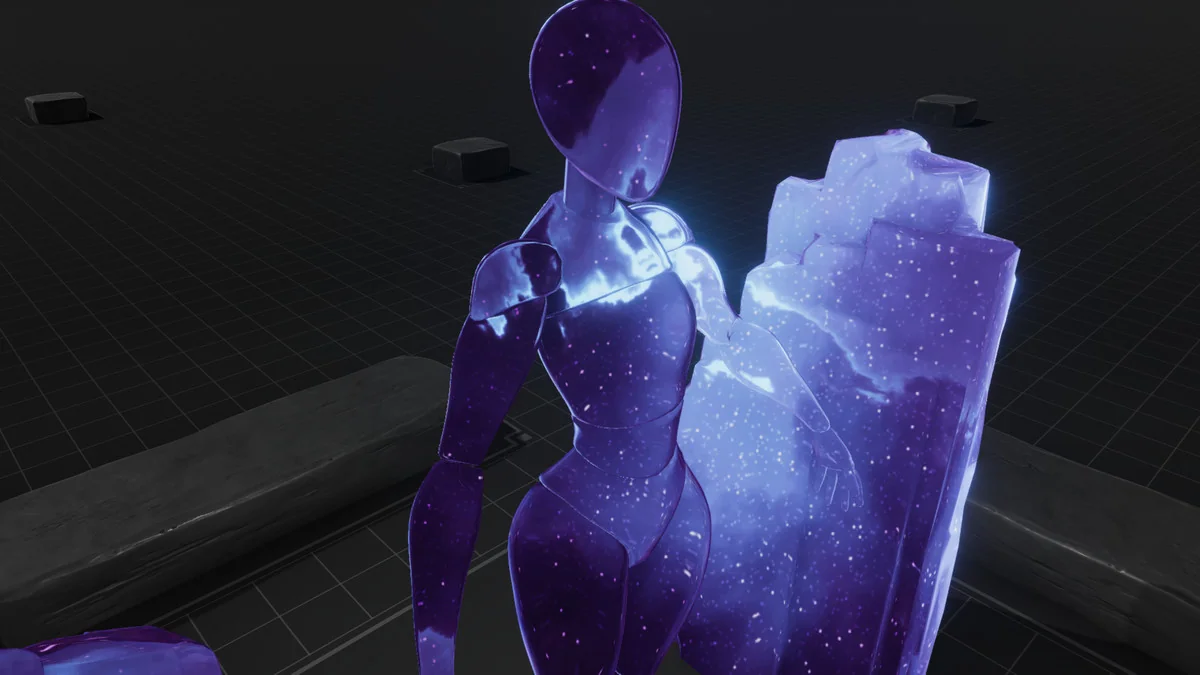
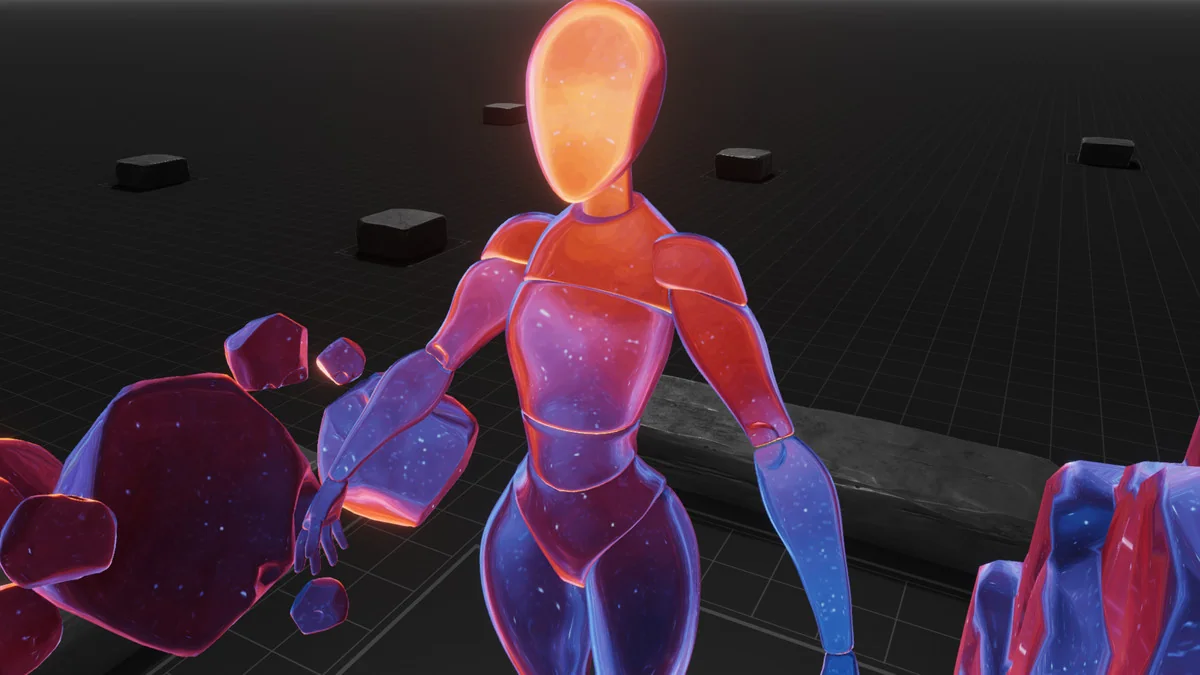
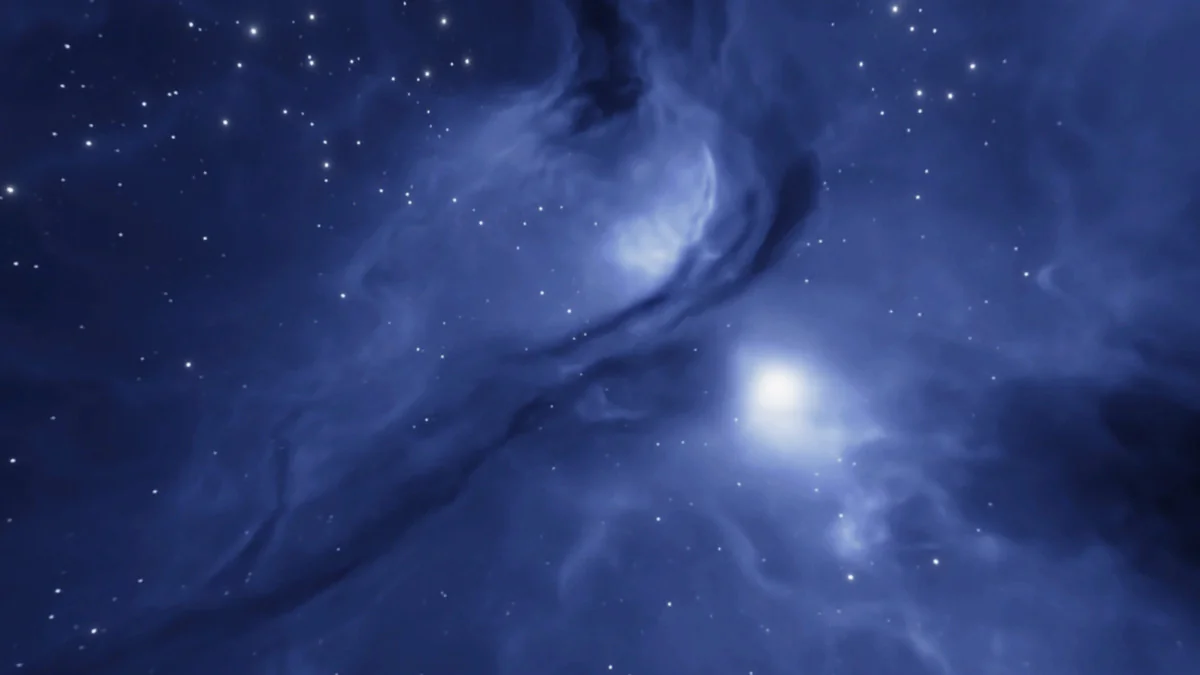
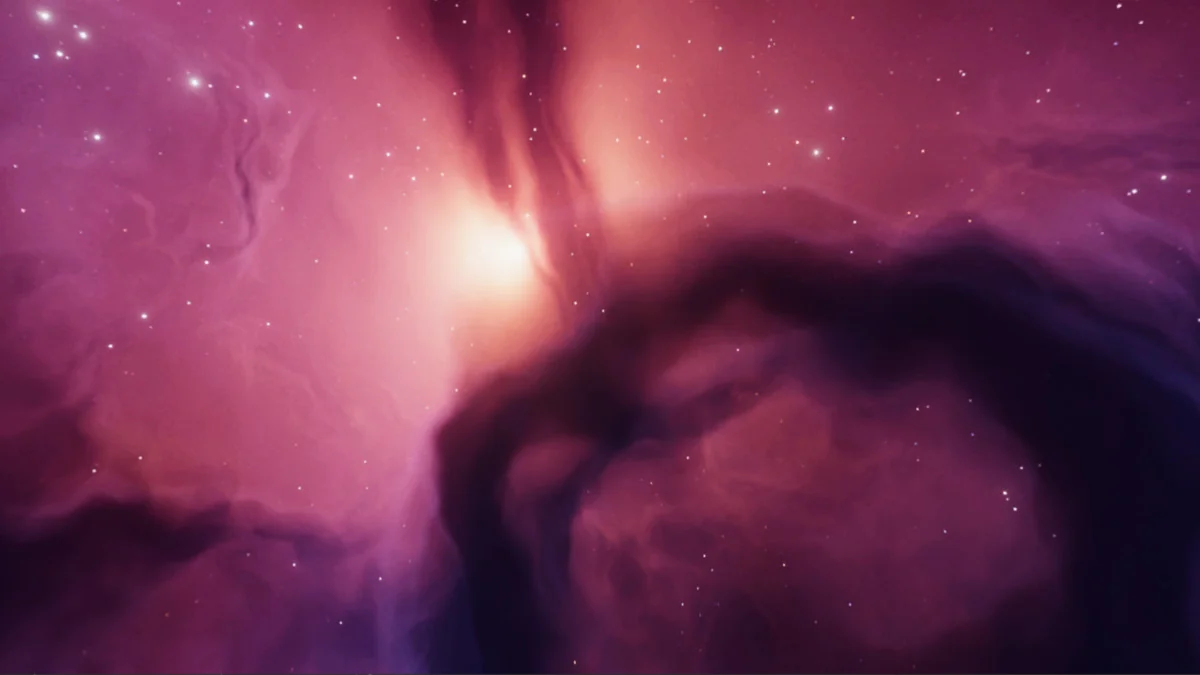
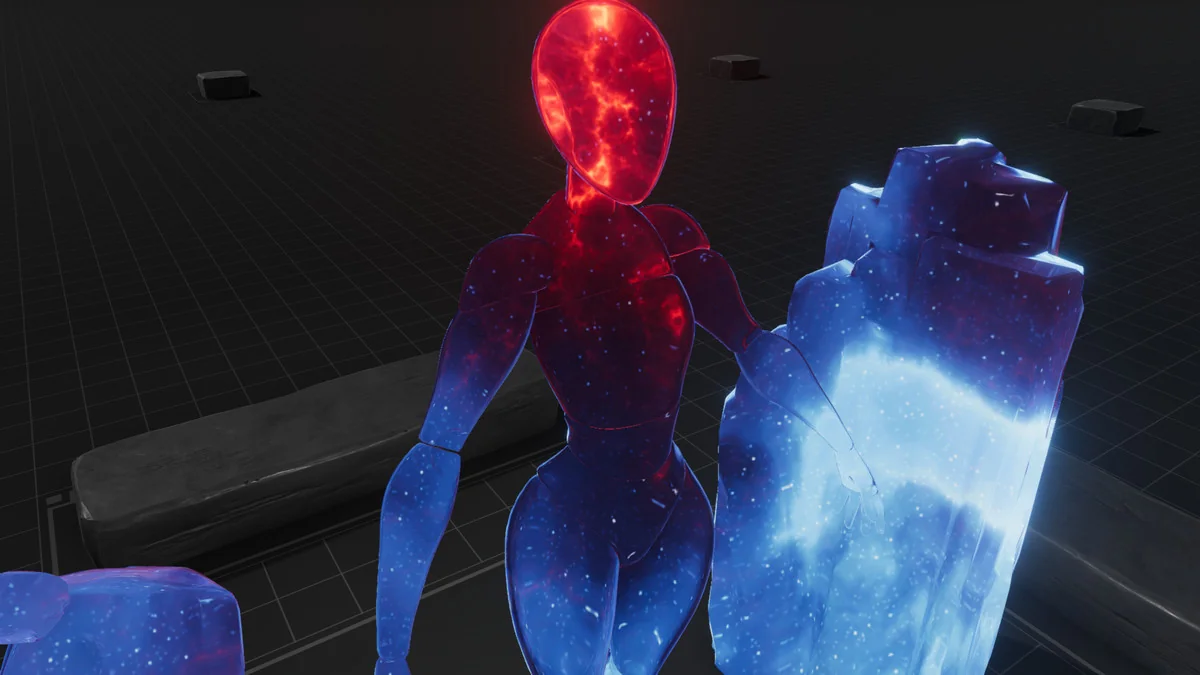
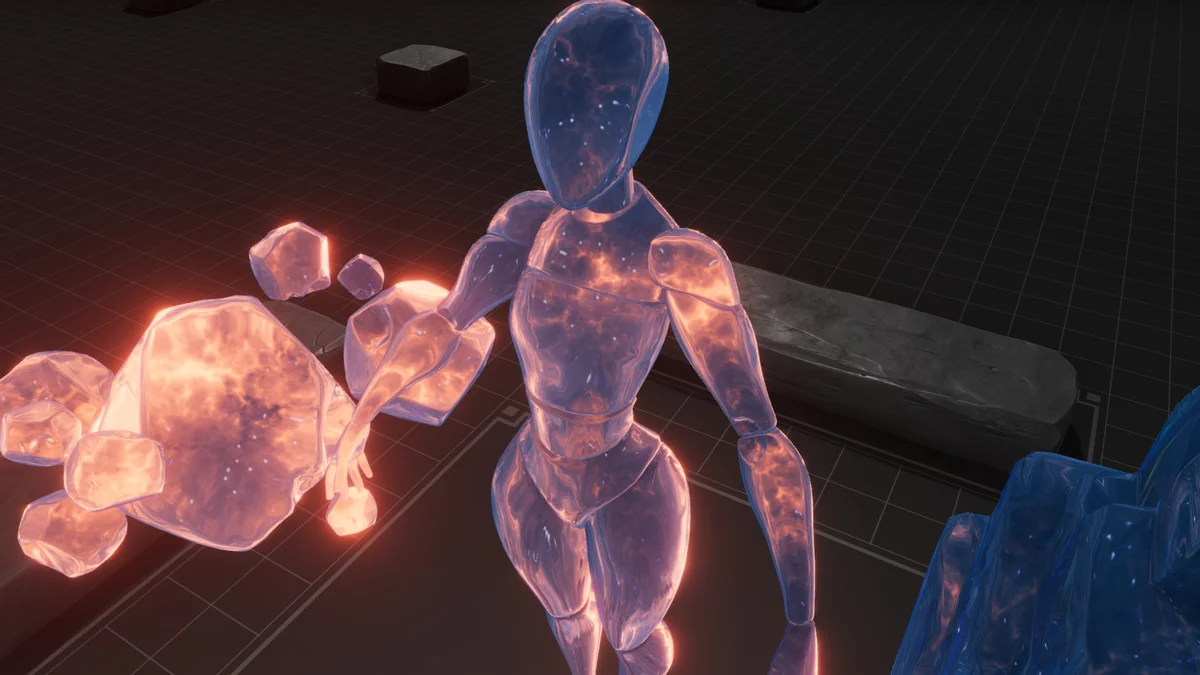
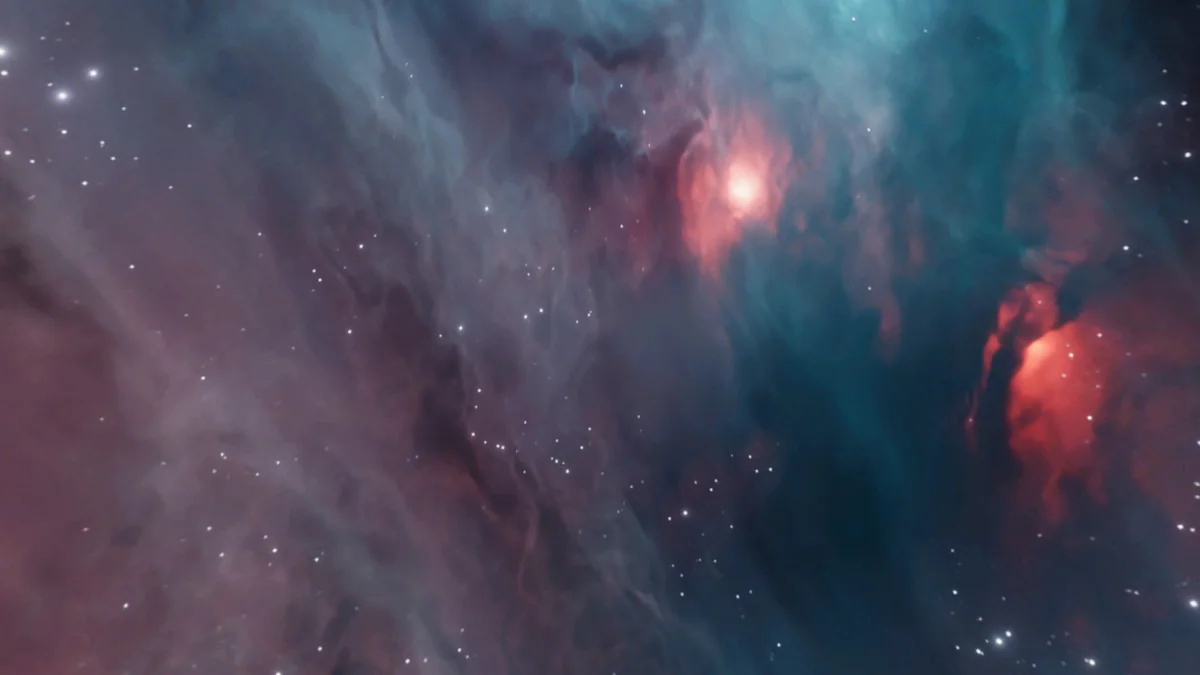
Galaxy Materials (Skybox Update) starts with a straightforward workflow: the galaxy materials can be used on any surface, and the included cubemap textures can also act as skyboxes. That gives the pack two clear uses in the same scene. A surface can carry a space or nebula treatment on a mesh, while the cubemaps can push the background into the same visual language.
The materials are described as extremely flexible, including use on surfaces even without a normal map. That makes the pack practical for objects that need a strong visual finish without relying on extra surface detail. The focus stays on the shader look itself, which is especially useful when the goal is to place a galaxy effect directly into a scene rather than build it from layered surface maps.
At the center of the package is a set of space and nebula materials that can be used on any mesh. The setup is broad enough to support environment pieces, props, and other scene surfaces while keeping the same galaxy styling available for skybox work.
Controls that change the result
The material controls are where the pack opens up. Rim, distortions, gradient texture, and the scroll speed of background nebulas can all be adjusted, and there are multiple textures and gradients included to help shape the effect. Those parameters make it possible to move the look away from a fixed preset and into something more tuned to the needs of a scene.
Because the shaders are fully editable, the material behavior is not locked to one appearance. The result can be pushed toward stronger contrast, softer nebula movement, or a different color balance depending on how the parameters are set. The pack is presented as very flexible and customizable, so the visual direction comes from the shader controls rather than from a single baked-in style.
This is also where the texture support matters. Noise and gradient textures are included specifically to support customization, which gives the shader more room to vary the galaxy surface and the background transitions. When the effect is placed on a mesh or in a skybox, those texture inputs help keep the material from feeling flat or repetitive.
What comes with the pack
The included content is clearly focused on the galaxy and skybox workflow. The main set contains 16 Galaxy Materials, 19 Cubemap textures, and 44 Noise and Gradient textures. The skybox textures are set at 4096 x 2048, which gives the skybox side of the package a defined resolution target.
- 16 Galaxy Materials
- 19 Cubemap textures
- 44 Noise and Gradient textures
- Fully editable shaders
- Skybox texture resolution: 4096 x 2048
An example character is not included, so the package stays centered on materials, shaders, and textures rather than a complete character scene setup. That keeps the focus on visual building blocks that can be dropped into a project and shaped around the existing art direction.
Documentation is available online, which helps keep the setup path tied to the package rather than requiring extra guesswork. The asset also includes a clear content scope: materials for surfaces, cubemaps for skies, and supporting textures for customization.
Pipeline support, cameras, and update notes
Pipeline coverage includes HDRP, URP, and the Standard (Built-in) pipeline. For Standard, Amplify Shader Editor is used. For URP and HDRP, Shader Graph is used. The asset also works with Orthographic and Perspective cameras, and it is marked as working on PC and Mobiles, with URP tested on mobile.
The version history adds a few useful production notes. The latest version is 2.1, released on Nov 25, 2023. Version 2.1 added the FOX Fix parameter for Orthographic Camera setup. Version 2.0 added 27 baked nebula skybox textures, 43 new materials, and a new Skybox shader variant.
The original Unity version is 2020.3.40, and the render pipeline compatibility lists Built-in, HDRP, and URP for 2020.3.40f1. That combination keeps the package anchored to a specific Unity baseline while still covering the main modern render paths used for space and VFX-heavy scenes.
For projects that need galaxy surfaces, nebula backgrounds, or skybox textures that can be adjusted instead of treated as fixed art, the pack stays focused and usable. It gives artists and developers editable shader controls, mesh-friendly materials, and skybox-ready cubemaps in a setup that covers both cameras and multiple render pipelines.
Preview Images
Protected download
Access this resource
All resources are 100% manually reviewed to eliminate all risks.