Login / Register
Current Article:

Extended Progress Bar

Categories Widgets & Controls

Extended Progress Bar

Dynamic UI with the Extended Progress Bar

The Extended Progress Bar is a versatile plugin designed for developers who need a reliable way to display game stats. Whether you are tracking health, mana, or stamina, this tool provides a streamlined solution. Furthermore, it allows you to adapt every visual element to fit your specific project needs.

User-Friendly Integration

Getting started with the Extended Progress Bar is remarkably simple and beginner-friendly. First, you just drag and drop the widget into your UMG layout. After that, you can customize the appearance through various settings. Consequently, it works just like the vanilla progress bar by using standard SetPercent() and GetPercent() Blueprint functions.

Deep Customization Options

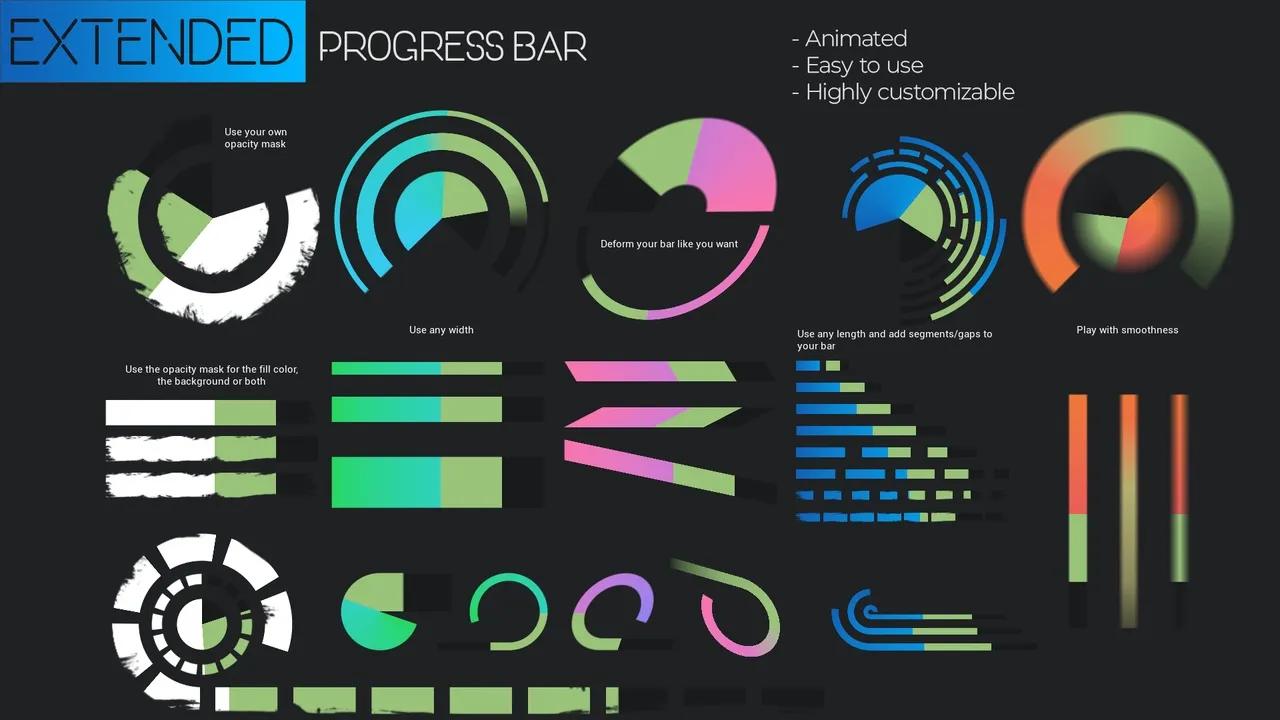
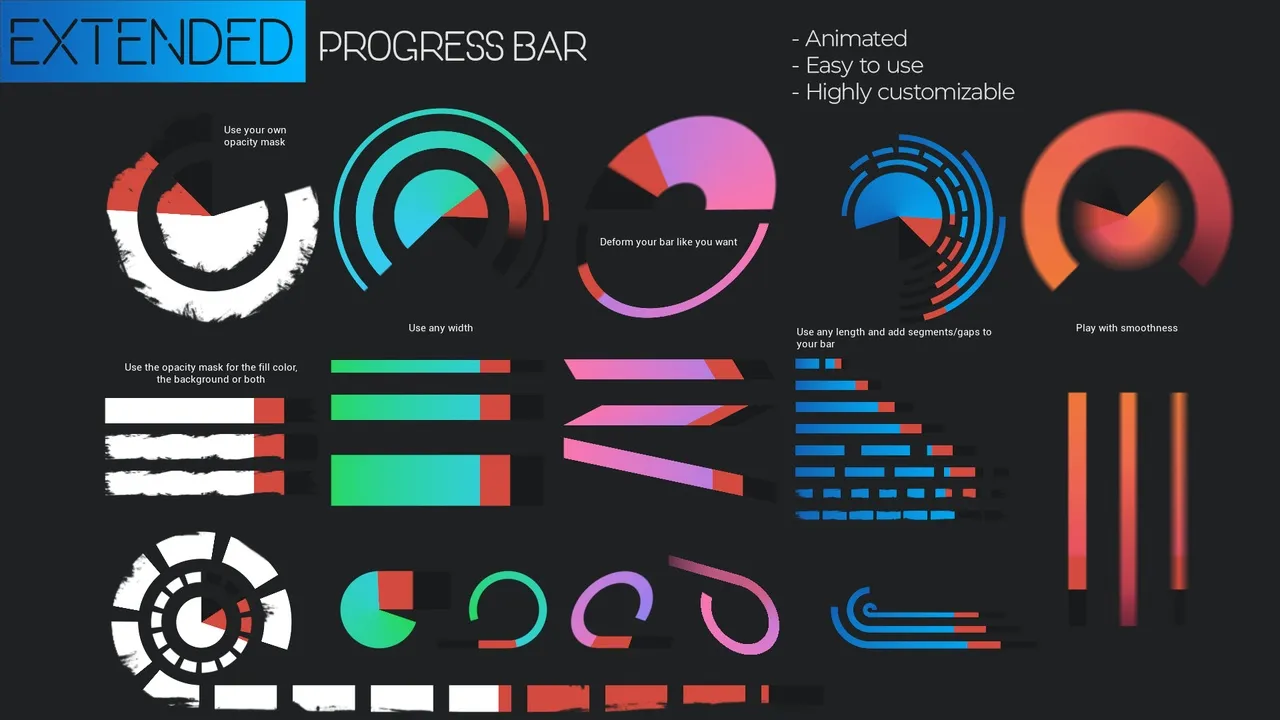
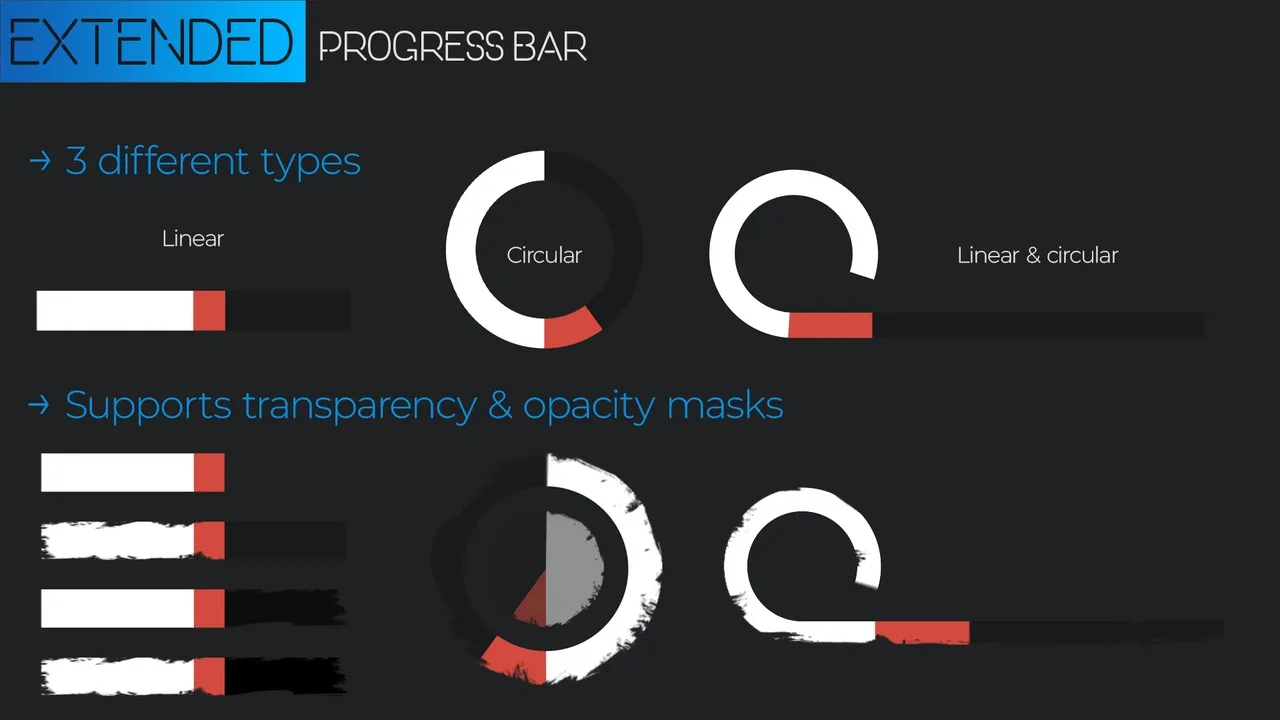
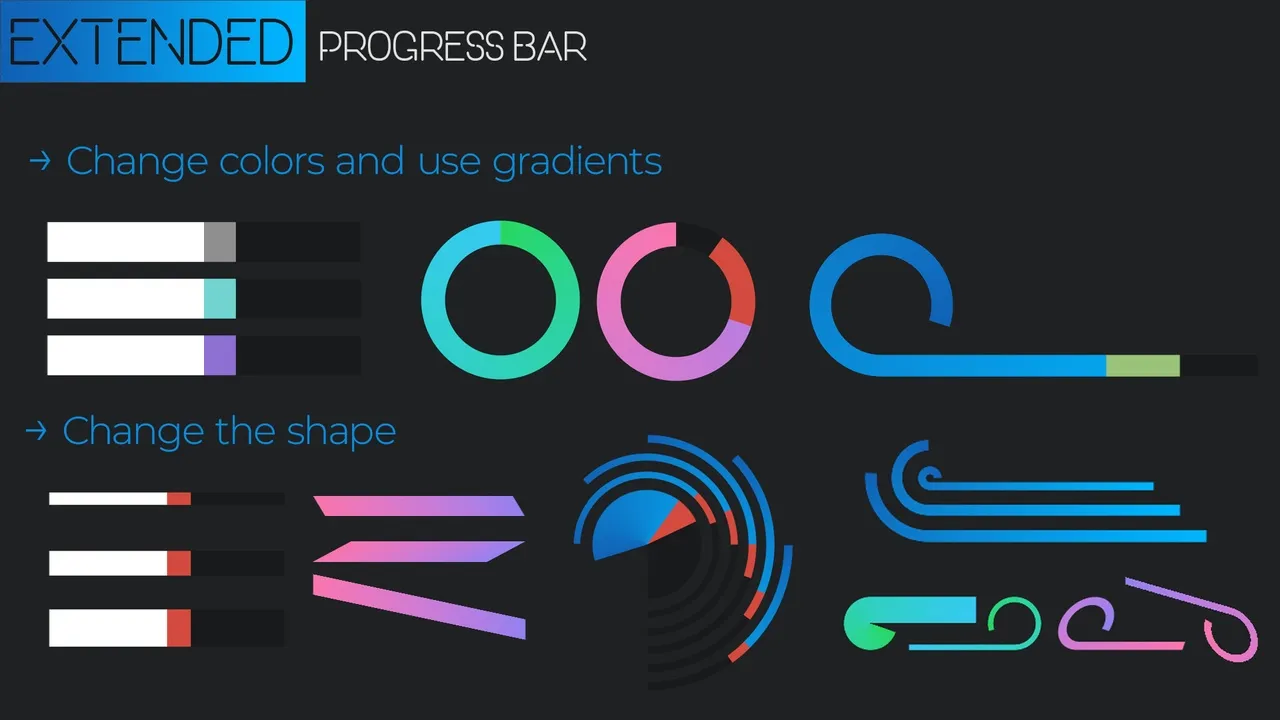
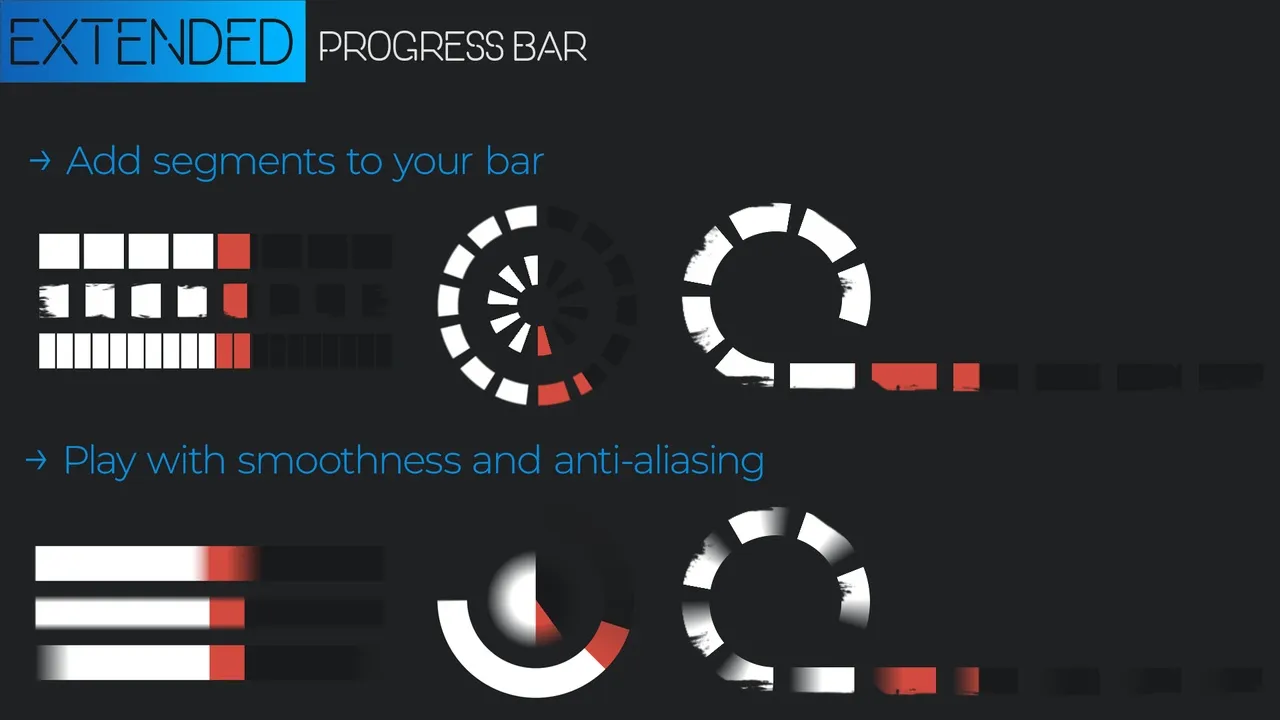
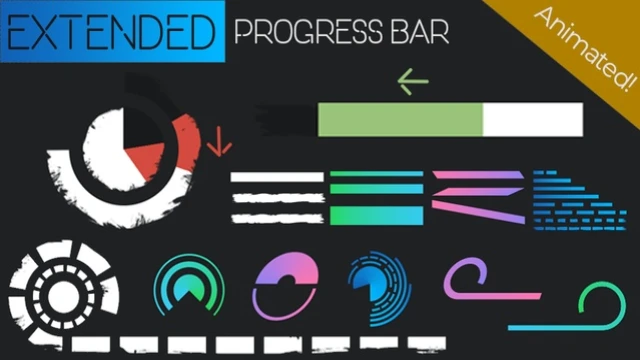
Customization is a core strength of this plugin. For instance, you can choose between linear and circular shapes, or even combine both. Additionally, the developer has included parameters for width and length to help you adjust the overall dimensions. You can also add segments to divide the bar into multiple distinct parts.

Advanced Visual Features

Visual quality is enhanced through several advanced features. The tool supports transparency and opacity masks for complex UI designs. Moreover, you can fully customize colors and apply gradients for a more professional look. To ensure a polished finish, the plugin includes smoothness and anti-aliasing parameters.

Responsive Animations

One of the most helpful features is the automatic animation system. When a value changes, such as when a character takes damage, the bar animates smoothly. However, you still maintain full control over how it reacts to these value updates. This ensures that the feedback for healing or damage feels responsive to the player.

Learning and Support

To help you understand the workflow, the plugin includes an example level. This level showcases a variety of different progress bars in action. Therefore, you can easily reference these examples if you need inspiration or technical guidance. This tool was previously known as the “Circular Animated Bar” before receiving a significant feature update.

Conclusion

In conclusion, the Extended Progress Bar provides an efficient way to handle dynamic UI elements. With its blend of ease of use and deep customization, it is a valuable resource for any game developer. It simplifies the creation of animated, segmented, and shaped bars while maintaining high visual standards.

Screenshots & Gallery


Extended Progress Bar Prev Delayed Healthbar System
Extended Progress Bar Next HQUI: Progress Bars

Leave a Reply