Quick setup across supported render pipelines
Enviro 3 – Terrain Shader keeps the setup path short and direct. It is very easy and quick to set up, and it supports all render pipelines, with Unity 6 support included. The shader is also tied to Unity 2021.3.45 as its original Unity version, and it works across Built-in, HDRP, and URP.
That broad pipeline support makes it relevant for projects that need the same terrain treatment in different rendering setups. Instead of limiting the shader to a single pipeline, it stays usable in environments where the terrain material has to follow the rest of the project’s rendering stack.
Layering and blending on terrain surfaces
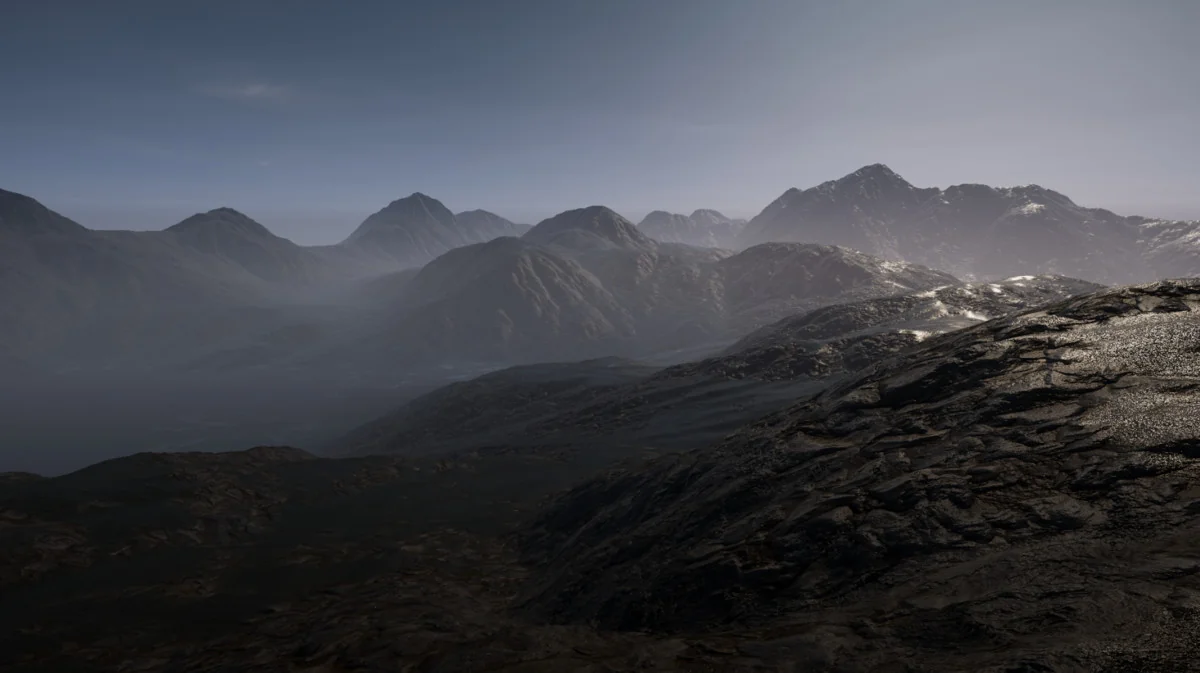
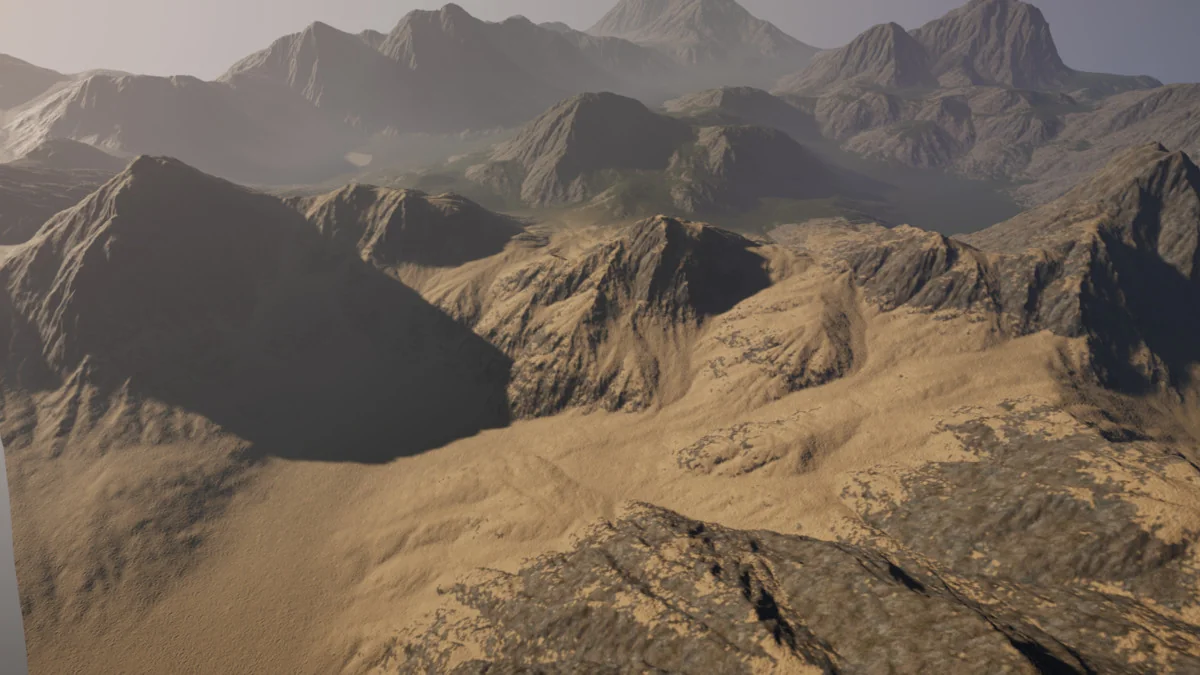
The shader supports up to 12 layers, with that number noted as something that may increase in the future. Layer transitions can be handled through linear blending or height-based blending, so the terrain is not restricted to one style of mix between materials. That gives the surface more control where different ground materials need to sit together without hard, obvious breaks.
A simple-to-use texture channel packer is also included. Combined with layer control, that points to a workflow centered on organizing terrain textures efficiently before they are used in the shader. Terrain hole support is part of the same surface toolset, making it possible to keep holes visible where a terrain system needs them.
Rain, snow, puddles, and wetness on the surface
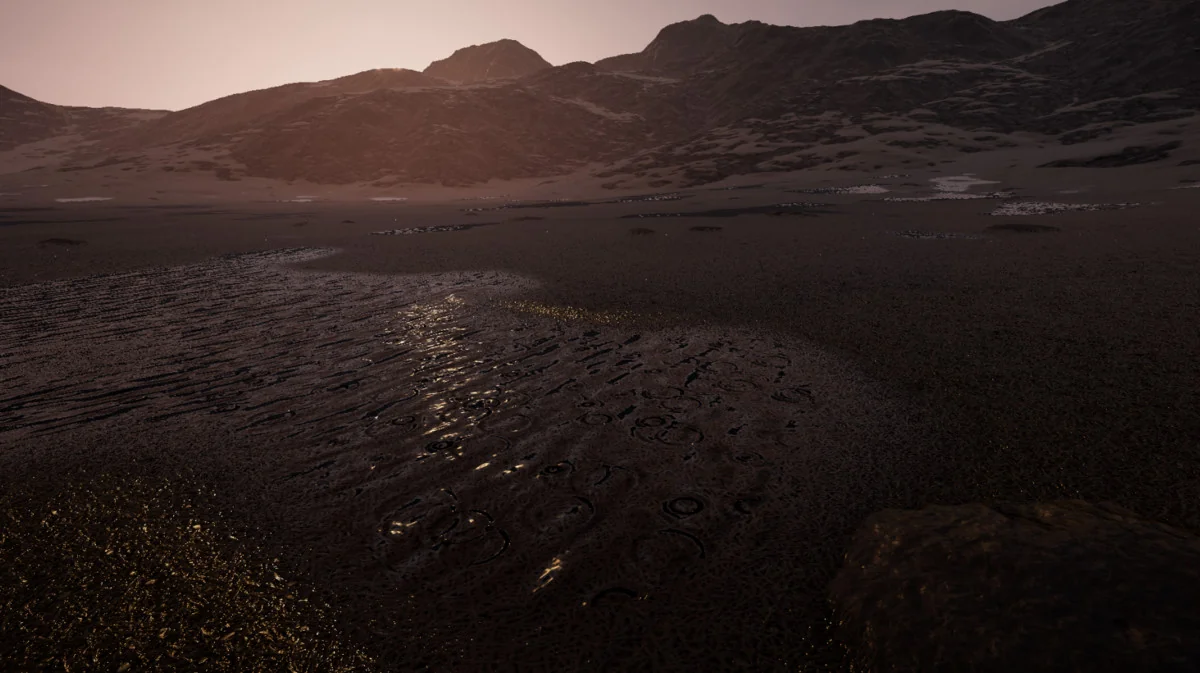
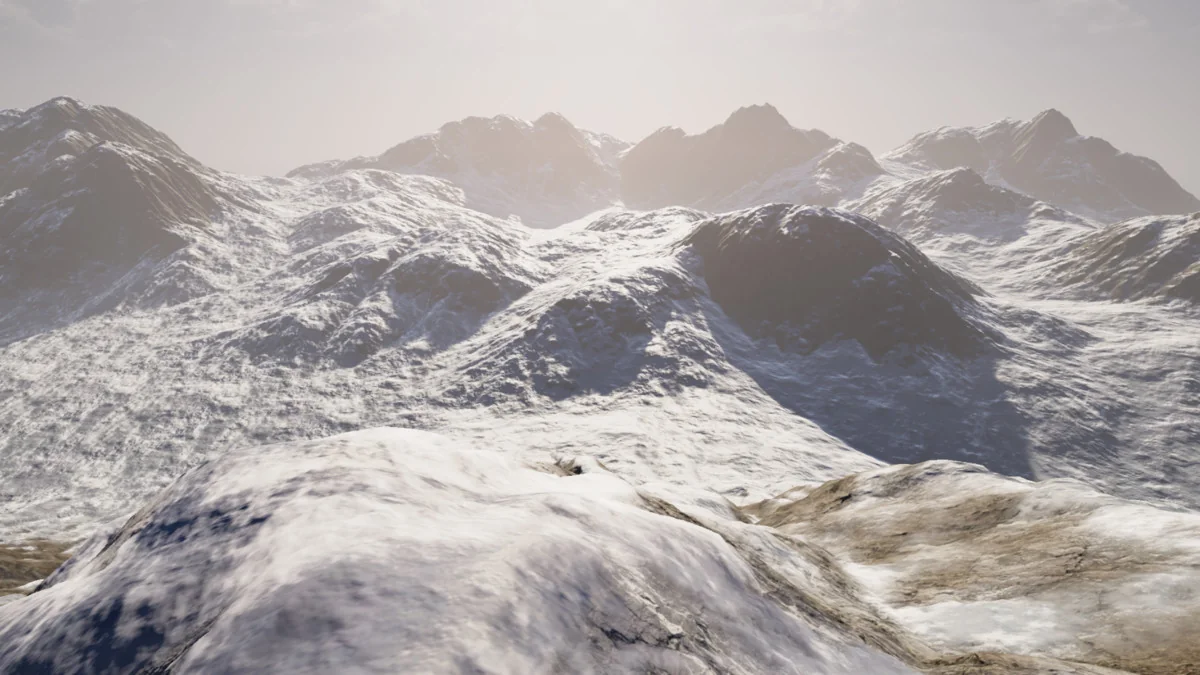
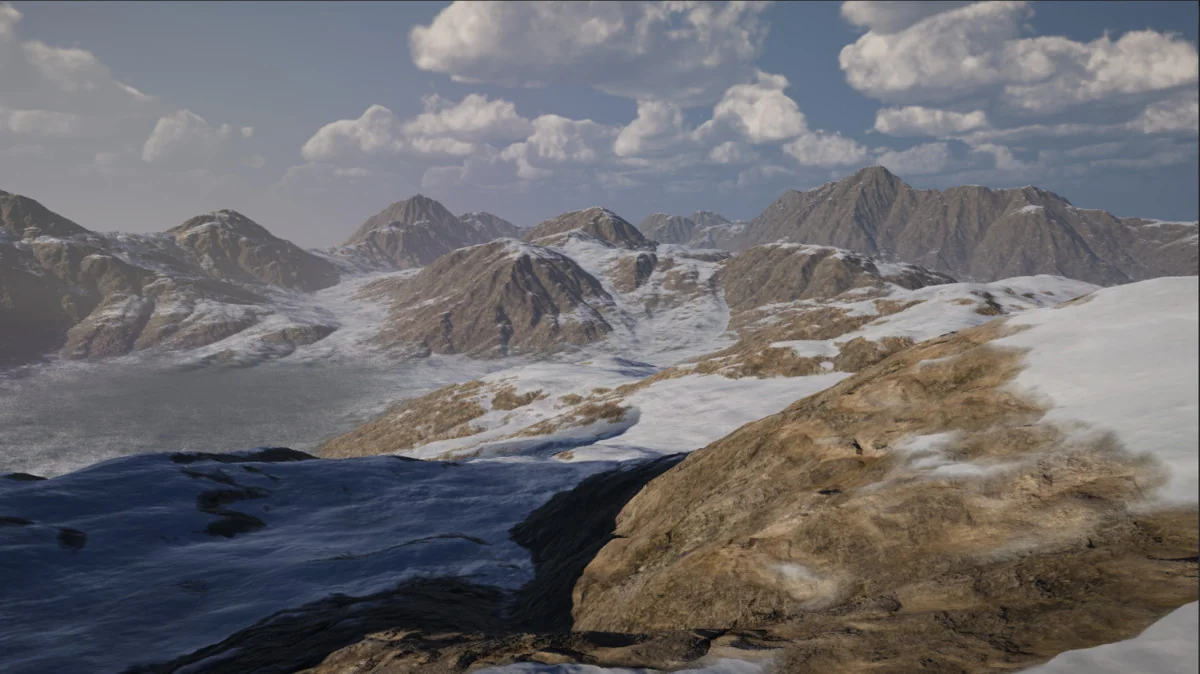
The core emphasis is weather response. Dynamic snow is included, and it comes with a lighting effect described as “subsurface scattering” like lighting. Dynamic puddles are supported too, with waves and rain ripples. Wetness is handled separately through rain flow and splotches, so the terrain can show more than a single flat wet overlay.
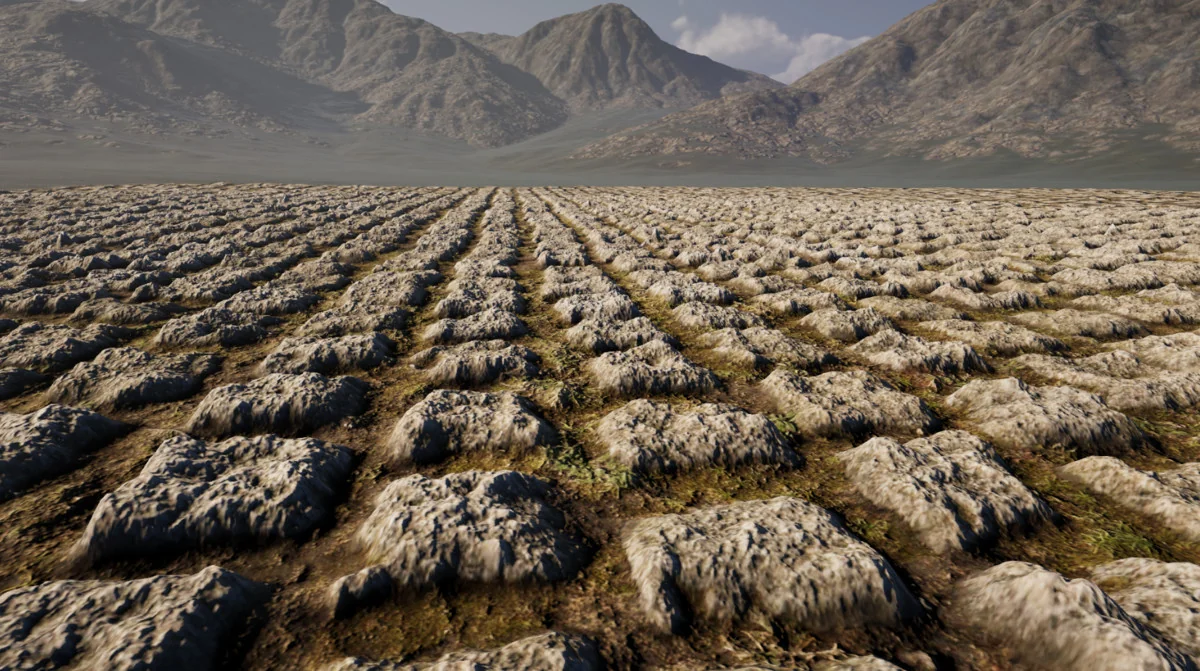
These features make the shader especially relevant for outdoor scenes where weather needs to appear on the terrain itself rather than sitting only in the sky or post-processing. Snow accumulation, rain impact, and wet ground effects can all be part of the same terrain material setup. The shader also includes an optional anti-tiling stochastic sampling option, which is aimed at reducing obvious repeating texture patterns on large surfaces.
Tessellation, instancing, and integration points
Optional tessellation support is included, and the shader is fully integrated with Enviro 3 – Sky and Weather as well as Enviro 3 – UBER shader out of the box. That makes it a closer fit for projects already using the Enviro 3 ecosystem, especially when weather and terrain need to respond to the same visual system.
There are also a few limits to keep in mind. The shader is not designed for mobile projects, and it requires texture array support. Another restriction is that tessellation and instanced rendering cannot be active at the same time. Those details matter for production planning, since the shader expects a desktop-oriented rendering setup rather than a mobile-targeted one.
Version 1.2.1 and recent fixes
The current version is 1.2.1. Its release notes point to several fixes that are directly tied to shader behavior and rendering stability. Builds no longer strip out certain shader variants and features, and the non-tessellation version fixes instanced per-pixel normals. Lighting issues in the latest URP and HDRP versions were also addressed.
Version 1.2.0 added per-layer snow, wetness, and puddle intensity sliders. It also fixed first shader load times in Built-in, deferred rendering in URP 17.2+, puddle noise tiling in HDRP 17+, and a smaller issue in the sample scene. Taken together, those changes show a shader that is still being adjusted for current pipeline behavior rather than remaining static.
Where it fits best
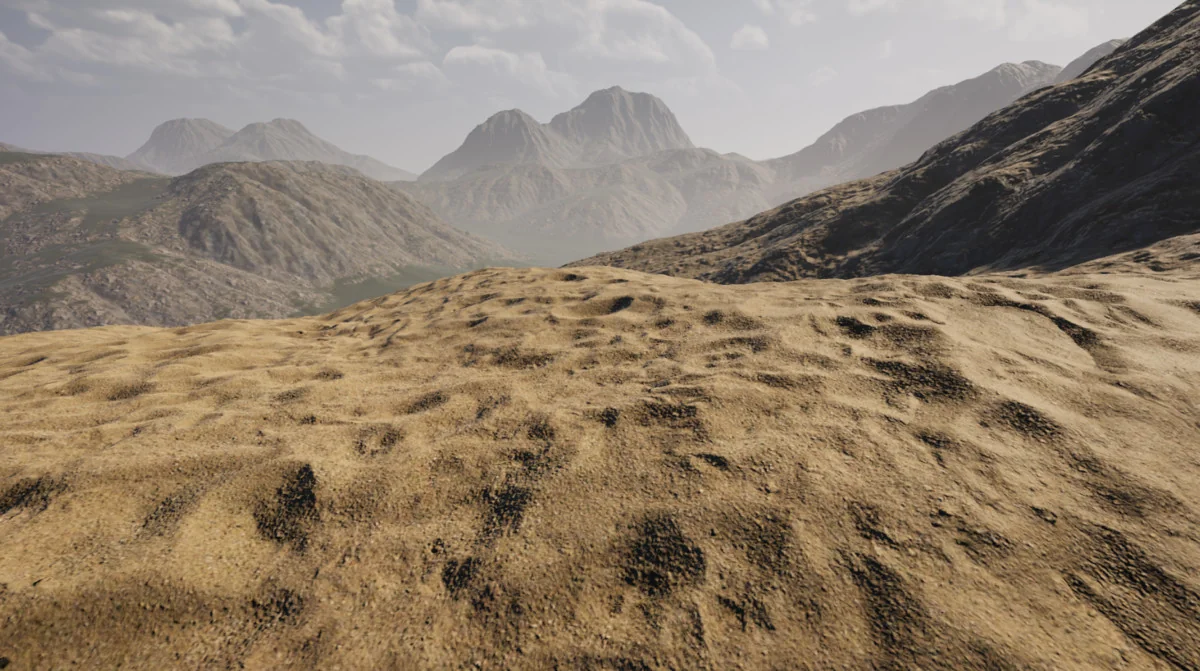
This shader is a practical match for terrain-heavy projects that need more than a basic ground material. Scenes with rain, snow, puddles, wet streaks, and layered landscape materials have the clearest fit. It also makes sense in projects that already use Enviro 3 for sky and weather, since the terrain shader plugs into that setup directly.
For teams working on outdoor environments in Built-in, HDRP, or URP, the main appeal is the combination of pipeline support, weather response, and terrain-specific controls. If the project needs dynamic surface changes on terrain and can work within the stated rendering limits, this shader stays focused on that job without adding unrelated complexity.
Asset Gallery
Protected download
Access this resource
All resources are 100% manually reviewed to eliminate all risks.