Direct Text-to-Speech Generation in the Unity Editor
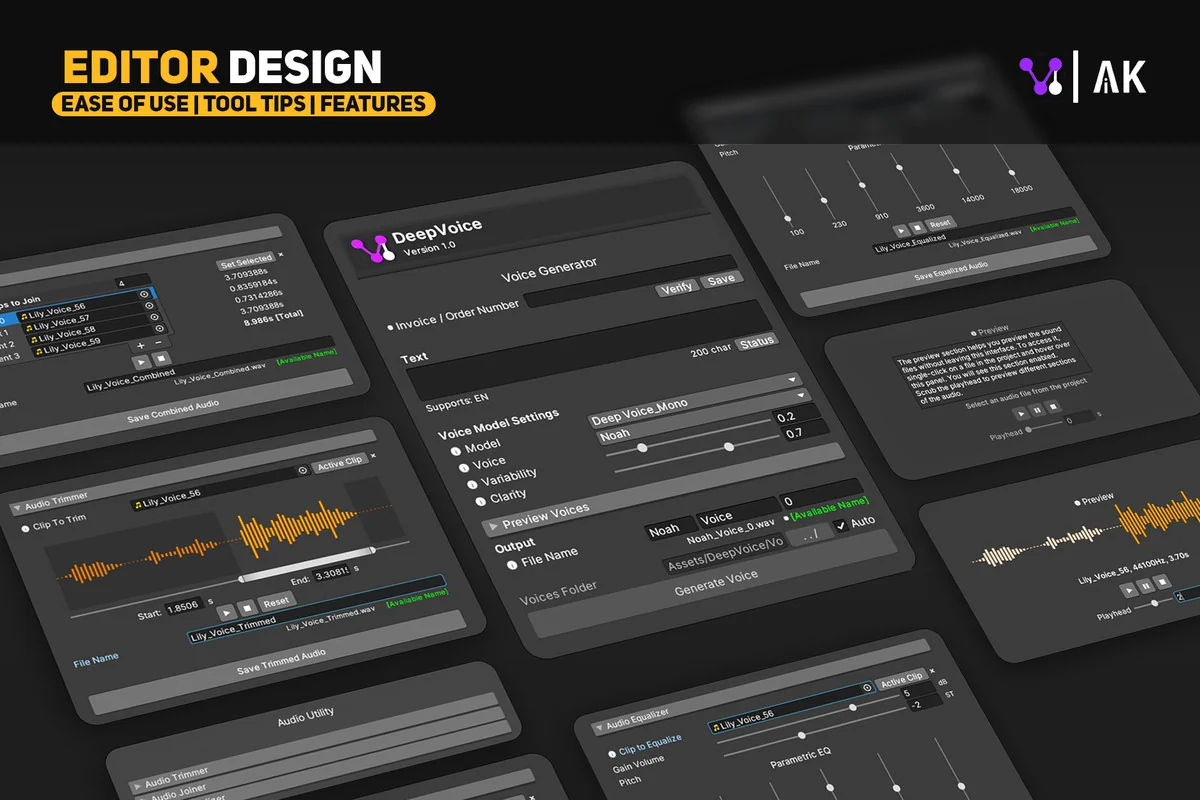
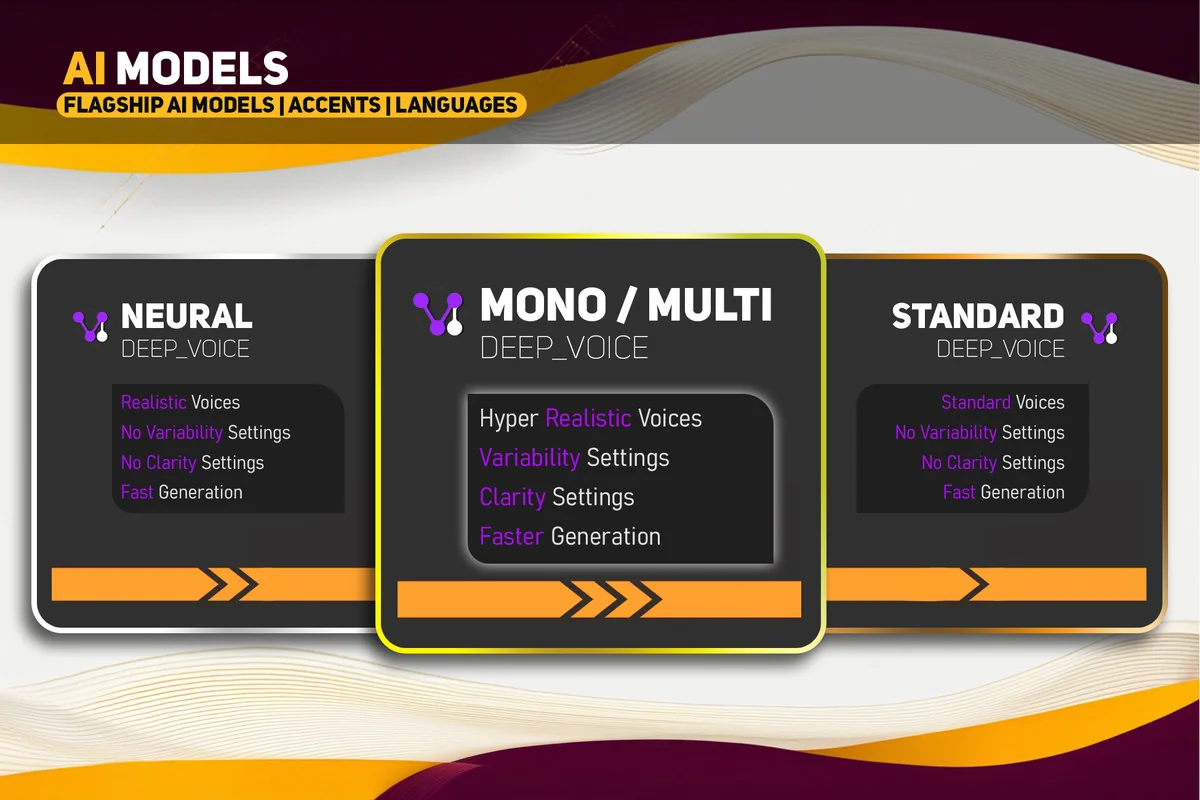
DeepVoice is a collection of Text-to-Speech (TTS) models designed specifically for the Unity environment. Using deep learning, the tool generates life-like voice performances directly from text inputs. It is built to function within the Unity Editor in both Edit Mode and Play Mode, allowing developers to generate and test audio assets without leaving their project environment. The system operates via a beginner-friendly GUI, removing the necessity for custom coding to generate or implement narration.
One of the primary advantages of this asset is the removal of typical setup barriers. It functions without the need for external sign-ups, API keys, or recurring subscription fees. This streamlined access allows for one-click inferences on the voice models, making it a practical choice for rapid prototyping or final production tasks such as dubbing, dialogue creation, and narration takes.
Managing Voice Production and Character Quotas
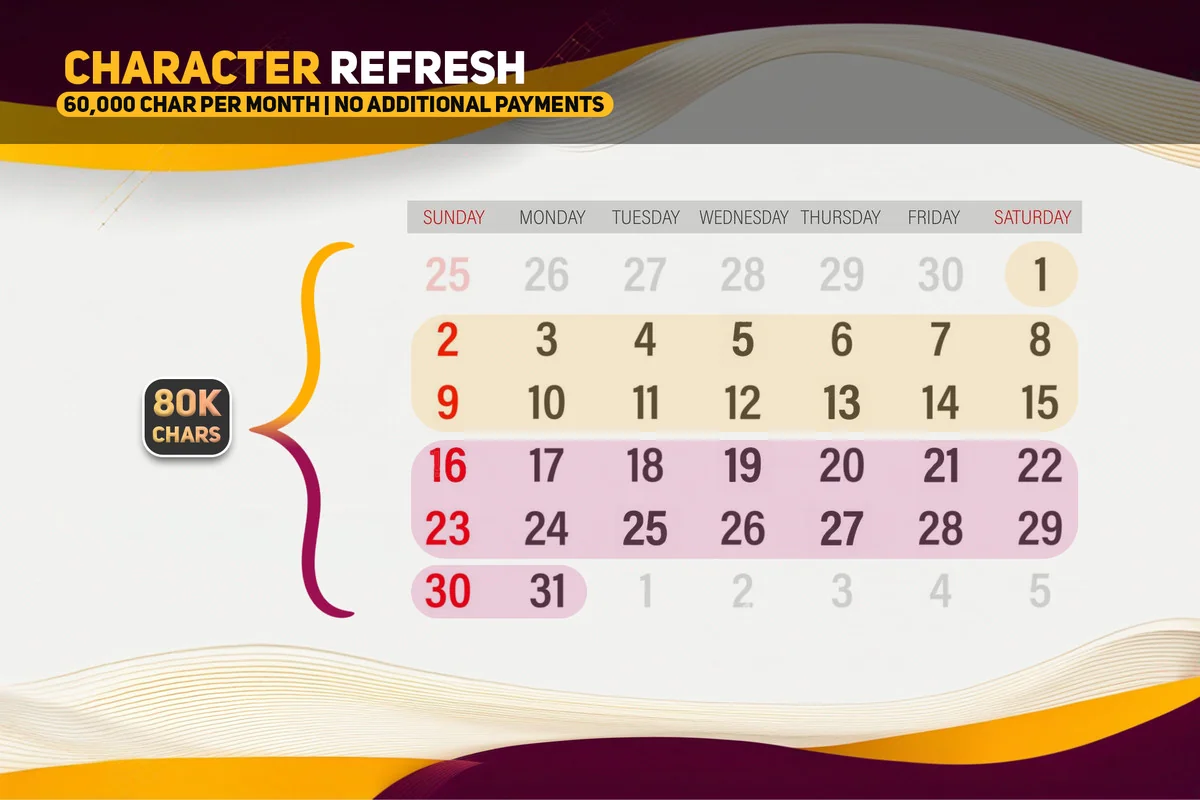
The asset operates on a monthly character quota system that resets on the 1st of every month. The current allotment allows for 80,000 characters per month, which the developer equates to approximately 24 pages of 12-point text. This capacity is intended for significant amounts of voice-over and narration. Recent updates have also improved processing speeds, allowing the tool to handle up to 2.5 times more characters at a single time during the generation process.
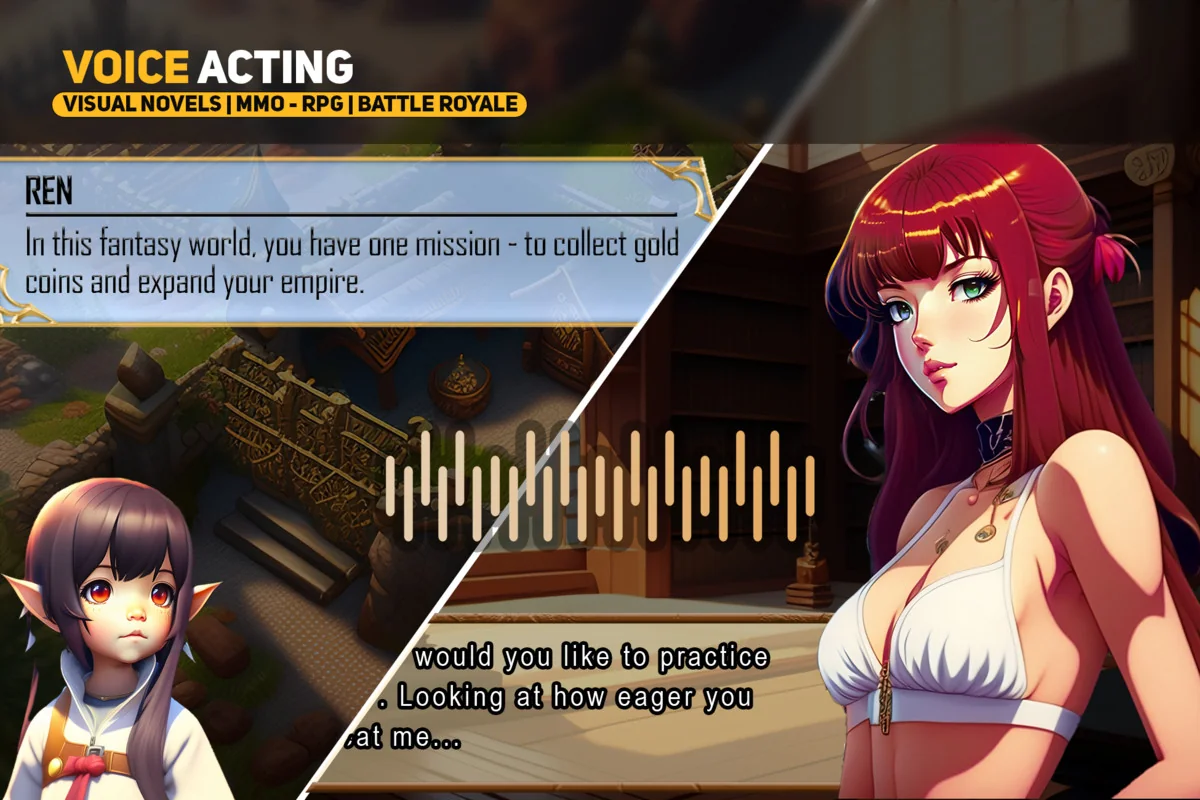
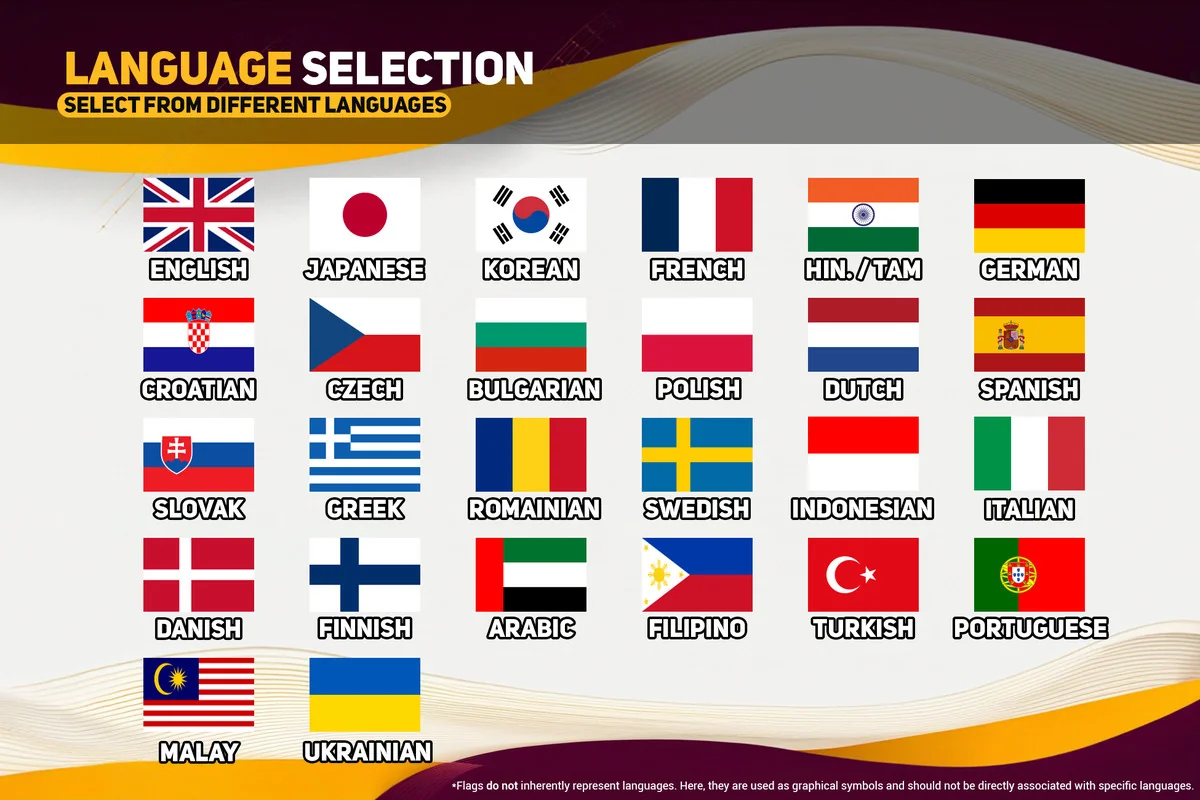
For projects requiring diverse linguistic support, the Multi model utilizes ElevenLabs as a backend service. This enables support for a wide range of languages, including Japanese, Spanish, German, Korean, French, Hindi, Italian, Portuguese, Polish, Arabic, Indonesian, Dutch, Turkish, and Filipino. With over 95 voices to choose from, developers can select specific vocal profiles that best suit their characters or narrative needs.
Integrated Audio Post-Processing Tools
Beyond simple text-to-voice conversion, the asset includes built-in tools for refining the generated audio. Users can trim, combine, and equalize audio files within the same interface. These tools are particularly useful for managing dialogue tags; for example, a developer can generate a line like “‘I have had enough!’ he shouted angrily,” and then use the audio trimmer to remove the descriptive tag while retaining the emotional delivery of the spoken line.
The system is also capable of handling natural speech patterns, such as pauses. By formatting the text with specific punctuation or dashes, the AI can simulate the hesitation or pacing found in natural conversation, such as “But well… I’m not entirely convinced.” This level of control assists in creating more immersive and less robotic vocal performances for NPCs and narrators.
Workflow Compatibility and Pipeline Support
DeepVoice is designed to be versatile across different project types and visual setups. It supports all major Unity render pipelines, including the Standard pipeline, HDRP (High Definition Render Pipeline), URP (Universal Render Pipeline), and SRP (Scriptable Render Pipeline). This ensures that the audio generation tools remain consistent regardless of the visual fidelity or platform targets of the project.
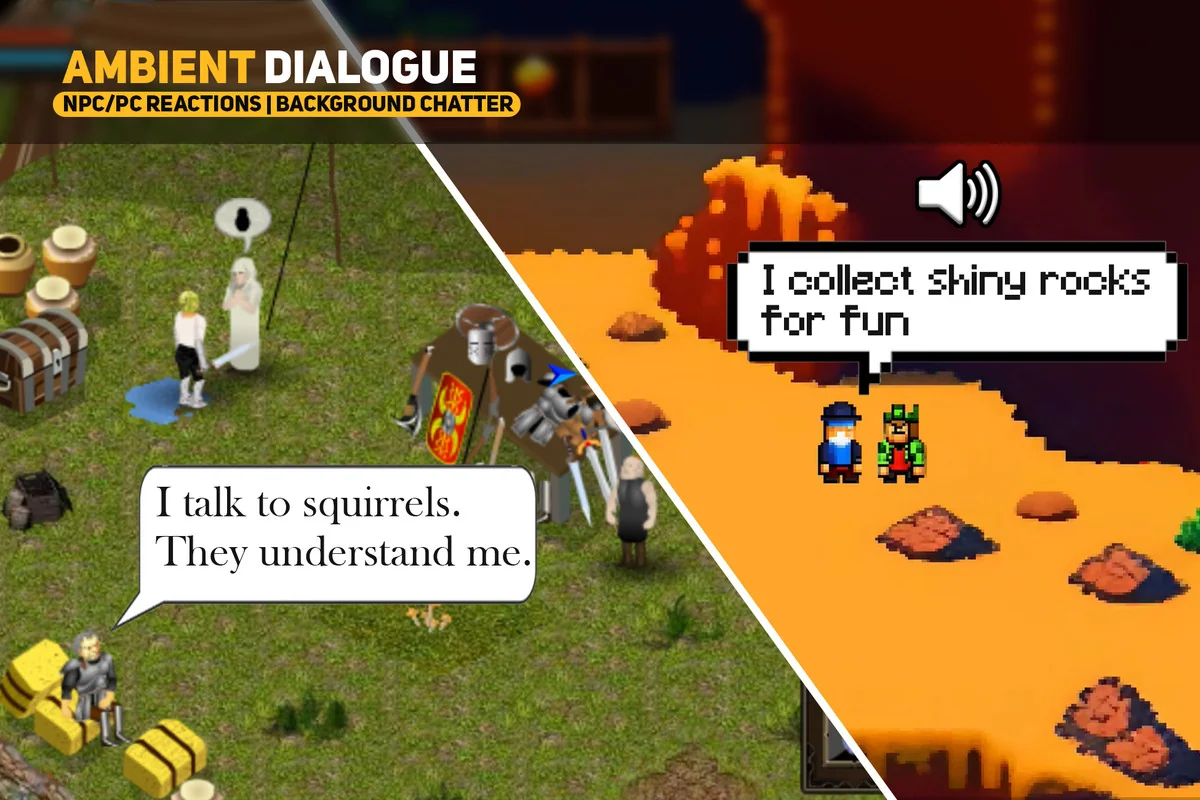
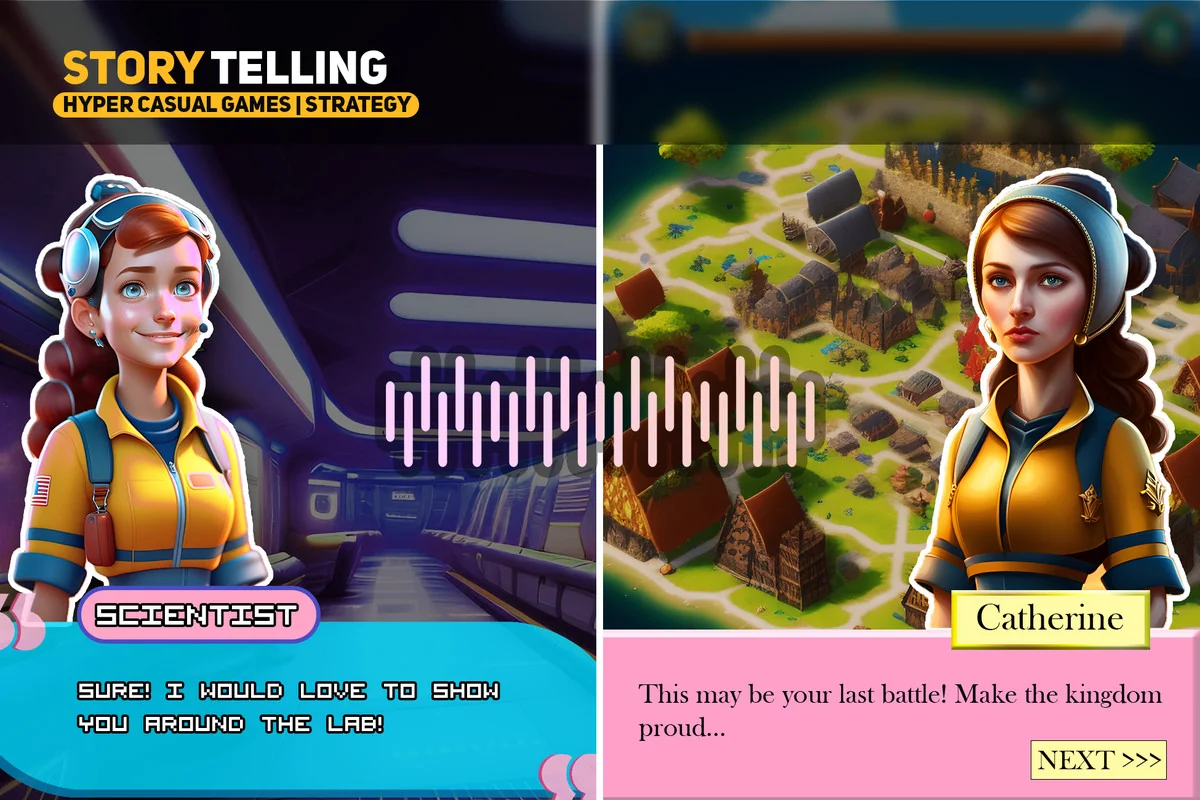
The asset serves as a production-ready solution for creating complex audio sequences. Whether the requirement is for a single line of dialogue or extensive dubbing for localized content, the tool integrates directly into the existing Unity workflow. The combination of deep learning models and integrated post-processing provides a centralized hub for managing a project’s vocal assets without relying on external web-based interfaces or manual file imports.
For those looking to implement this into a live project, the tool provides a straightforward path from text input to a production-ready audio file, supported by ongoing research and functional updates from the developer.
Project Screenshots
Protected download
Access this resource
All resources are 100% manually reviewed to eliminate all risks.


