Efficient Asset Integration with Daz To Unreal
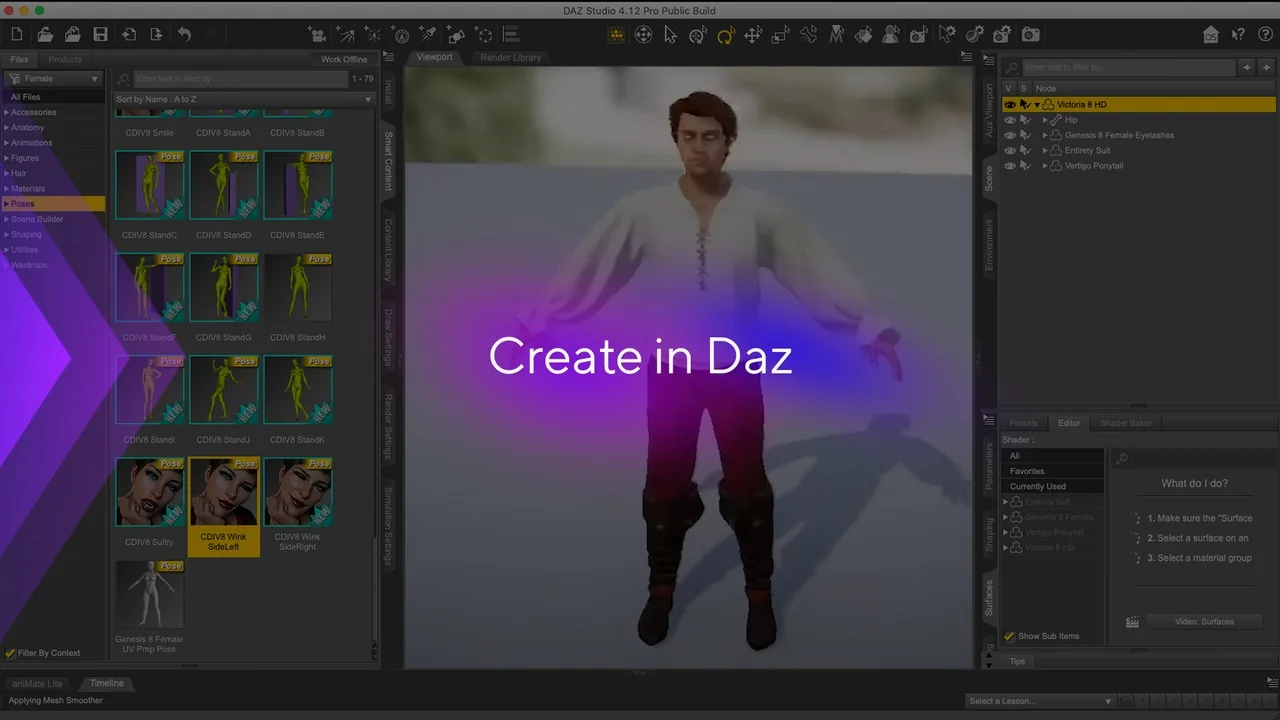
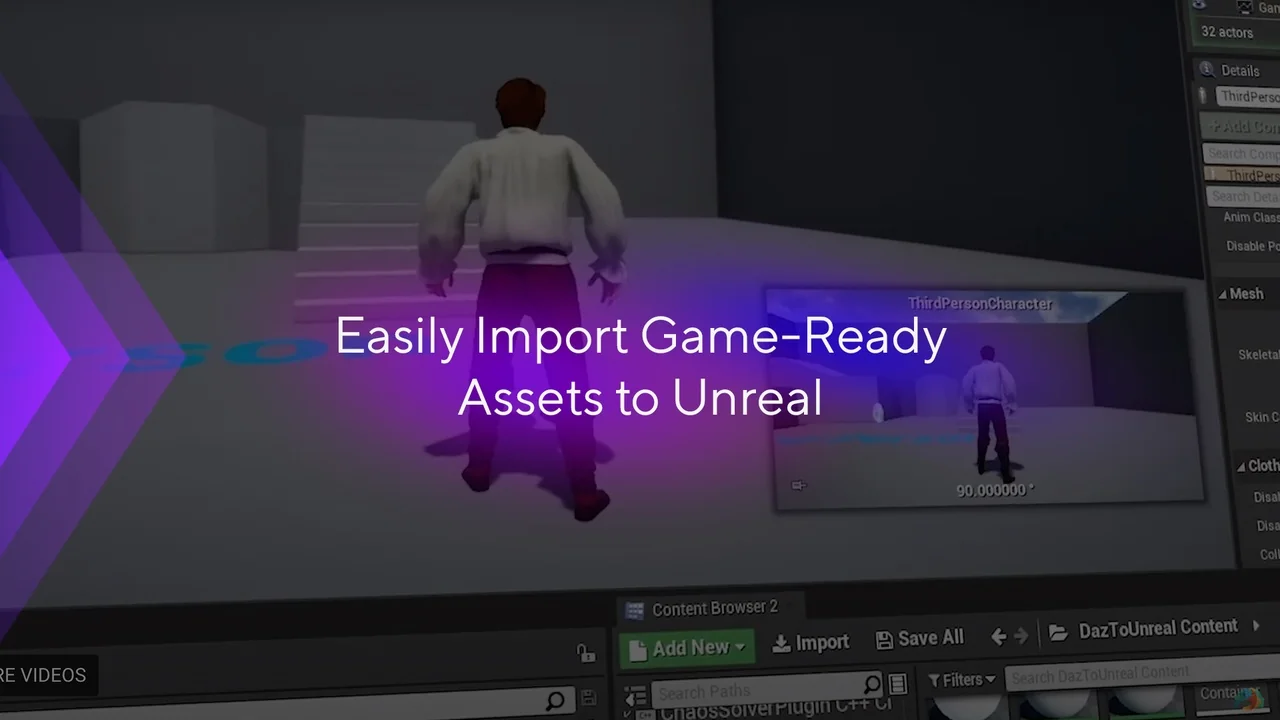
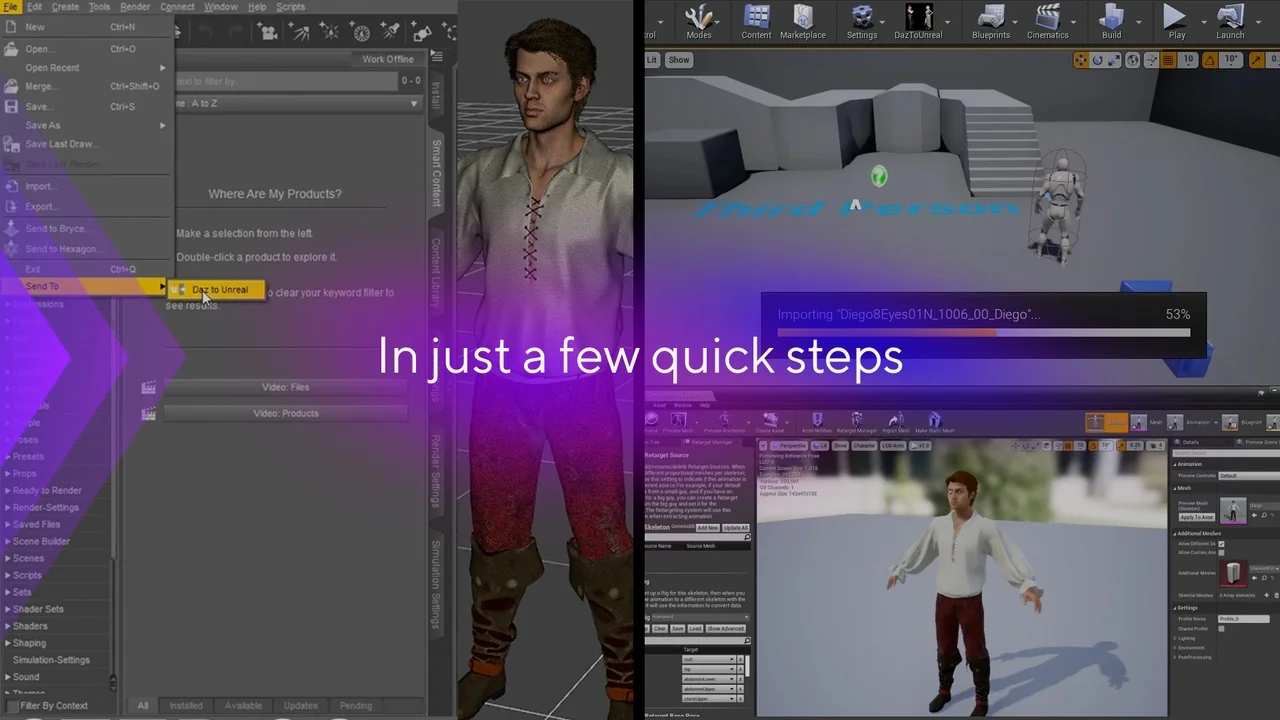
Daz To Unreal is a specialized pair of plugins designed to facilitate the movement of assets between Daz Studio and the Unreal Engine. This system consists of two distinct components: one for the Daz Studio environment and another for the Unreal Engine interface. By bridging these two platforms, creators can efficiently move their digital assets into a real-time environment.
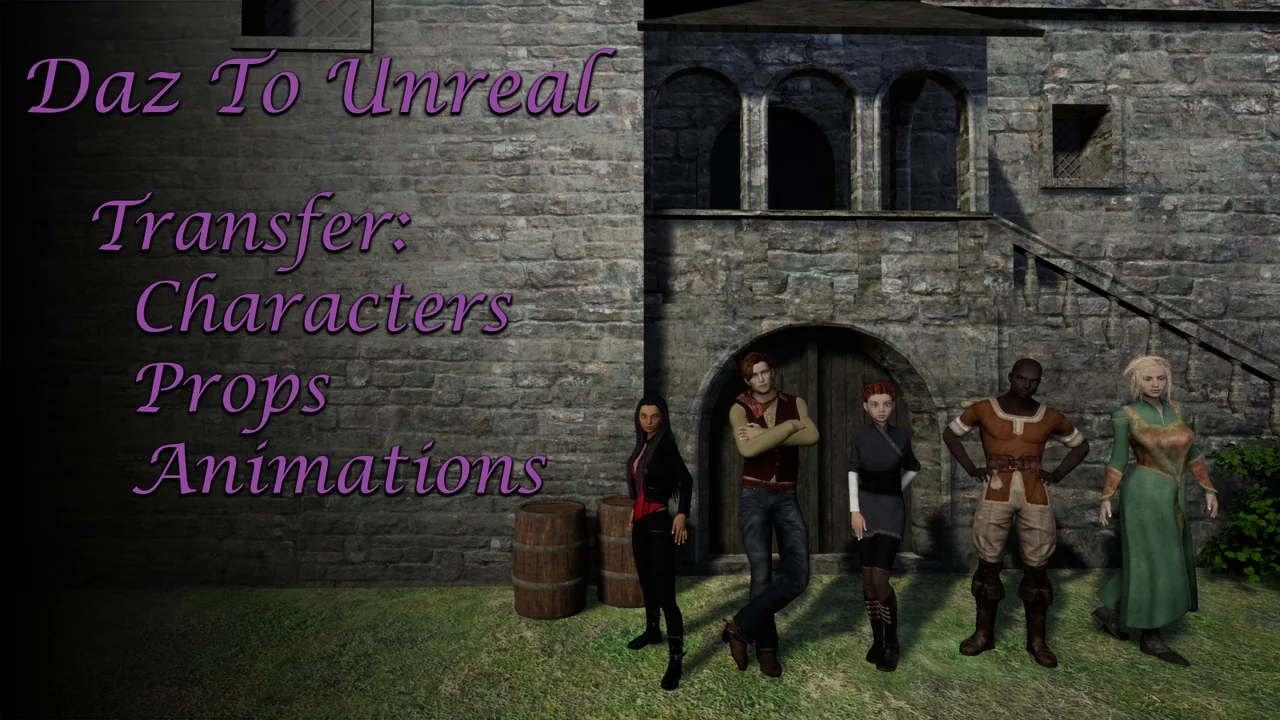
The primary function of this system is to transfer characters, props, and animations. Consequently, it streamlines the pipeline for developers who rely on Daz Studio for asset creation. This bridge ensures that complex data moves accurately between software packages. Therefore, it serves as a vital tool for those building interactive experiences.
Supported Character Generations
Character support within the plugin is highly focused. Specifically, the system primarily supports Genesis 3 and Genesis 8 characters. Because of this focus, users working with these figure generations will find the integration particularly effective for their projects. However, users should ensure their assets are compatible with these specific generations before beginning the transfer process.
Automated Organization and Material Management
When assets arrive in the Unreal Engine, the plugin organizes them automatically. Each character or prop receives its own dedicated folder within the Content Browser. Furthermore, these folders include specific subfolders for Textures and Material Instances. This structured approach helps maintain a clean project hierarchy.
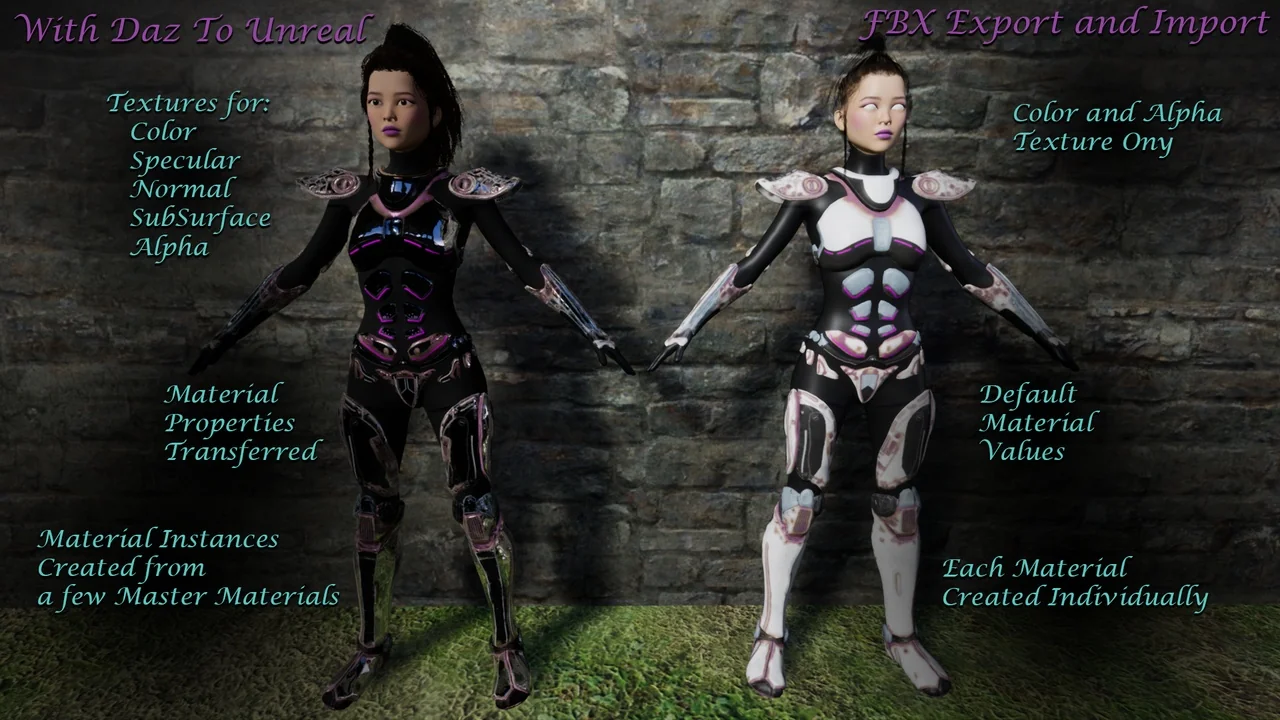
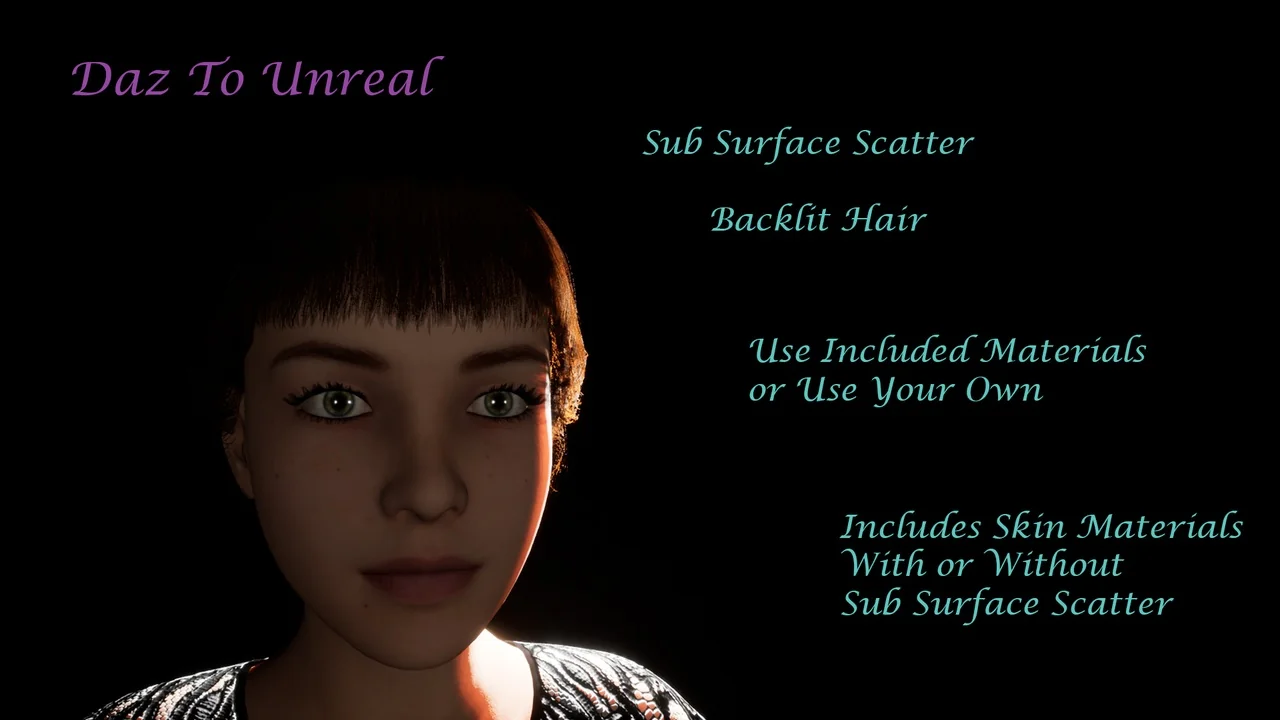
Material management is another key benefit of the Daz To Unreal workflow. Material Instances are generated for every Surface defined in Daz Studio. While these instances are based on a set of included Materials, users can override them in the settings to use custom shaders. Moreover, a shared Material Function connects most parameters. This allows for simple, project-wide adjustments to all materials simultaneously.
Licensing and Asset Usage
It is important to note the licensing requirements for using these tools. While the plugin itself is provided by the developer, it does not include licenses for Daz Assets. Users must purchase the appropriate licenses and interactive licenses to use the assets in their projects. Consequently, verifying your license status is a necessary step before distribution.
Conclusion
In summary, the Daz To Unreal bridge is an essential tool for developers looking to integrate Daz Studio content into their Unreal Engine projects. By automating the transfer and organization of Genesis 3 and 8 assets, it saves significant time. Ultimately, this workflow enhancement allows creators to focus more on game design and less on manual asset importing.
Screenshots & Gallery