Shield-style effects for cyberpunk scenes and holographic interfaces
Cyber Effects – Shield fits projects that need a visible energy barrier, a cyberpunk accent, or a holographic surface with a more technical feel. The visual direction is tied to inspiration from Transistor and Remember Me, then carried further during work on Pixel Ripped 1989. That gives the effect a clear relationship to stylized sci-fi imagery rather than a neutral or generic shield look.
The asset sits in the same visual space as electric, refraction-driven, holographic, and cyberpunk shader work. That makes it useful when a scene needs something that reads as an interactive barrier, a futuristic UI element, or a layered VFX object instead of a static model. The focus is not on broad decoration, but on a specific shield presentation that can be tuned in Unity.
The interactive demo shows the effect in motion
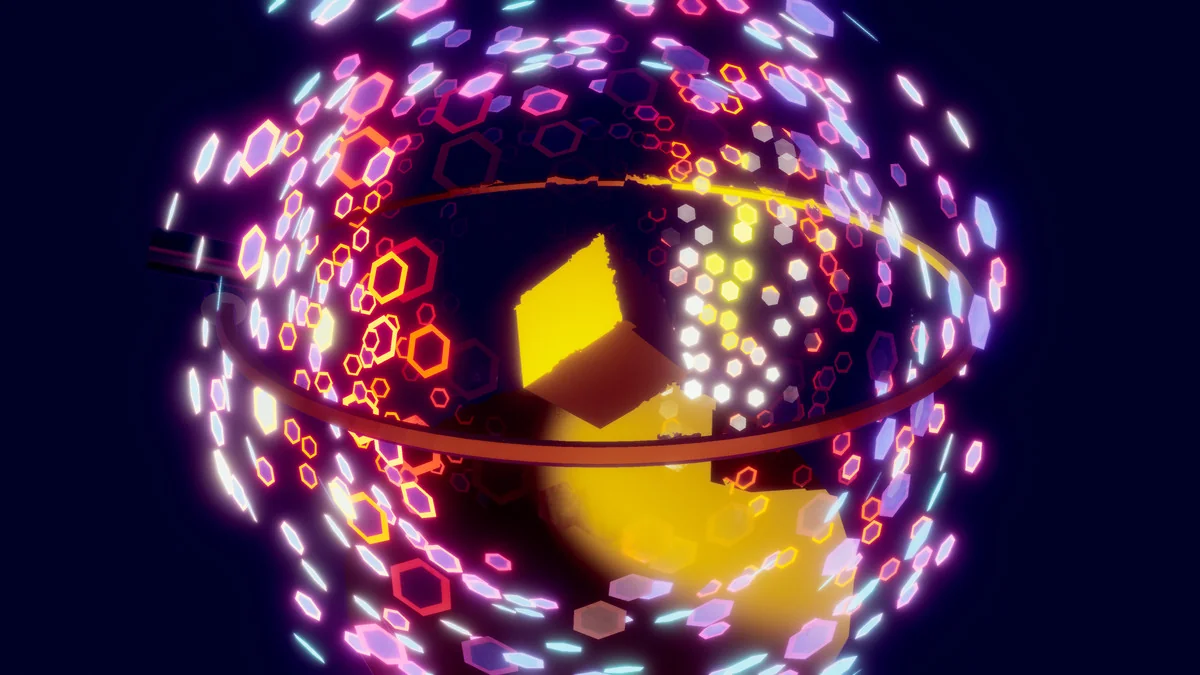
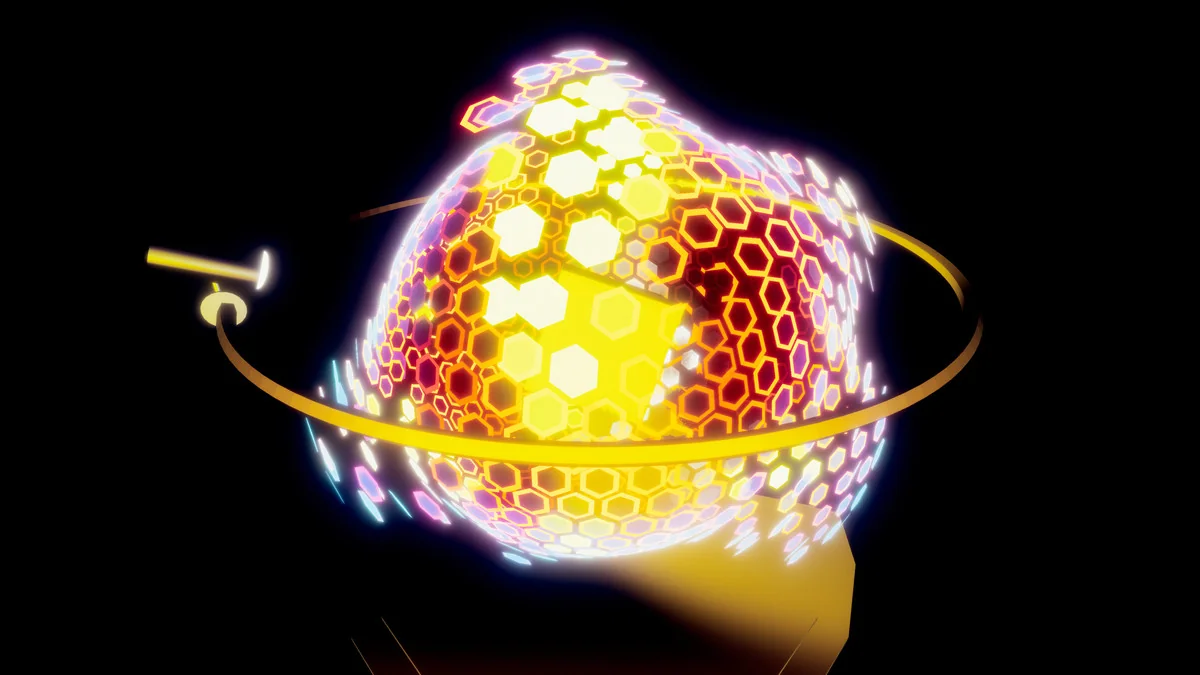
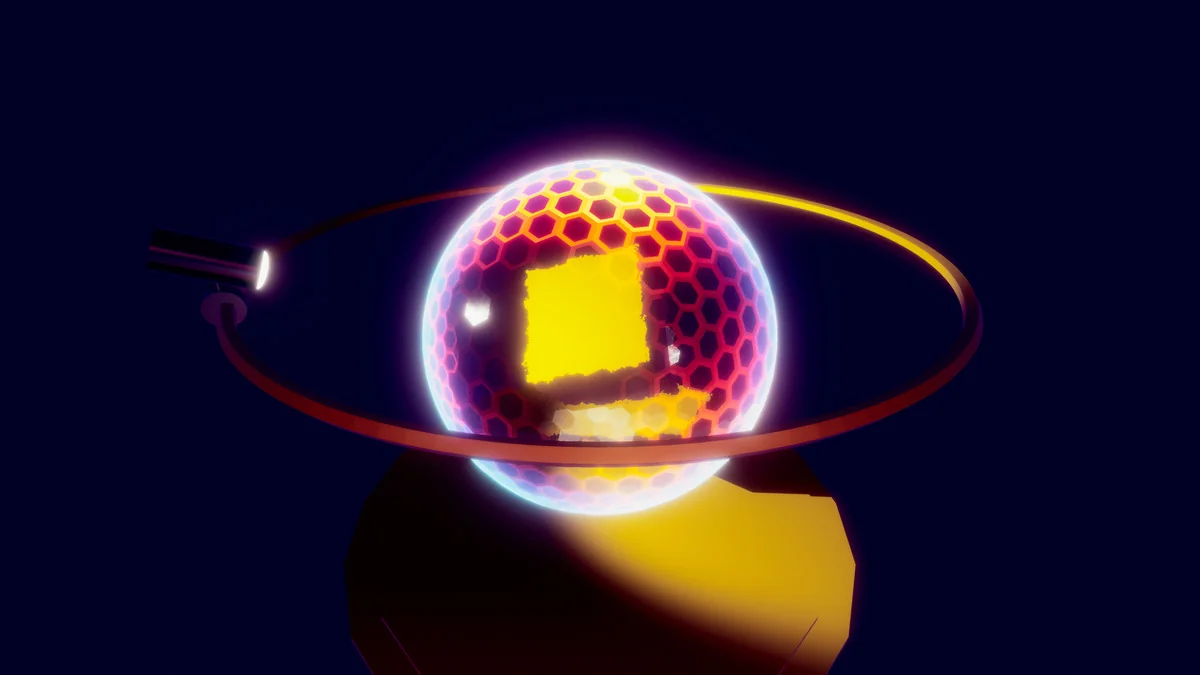
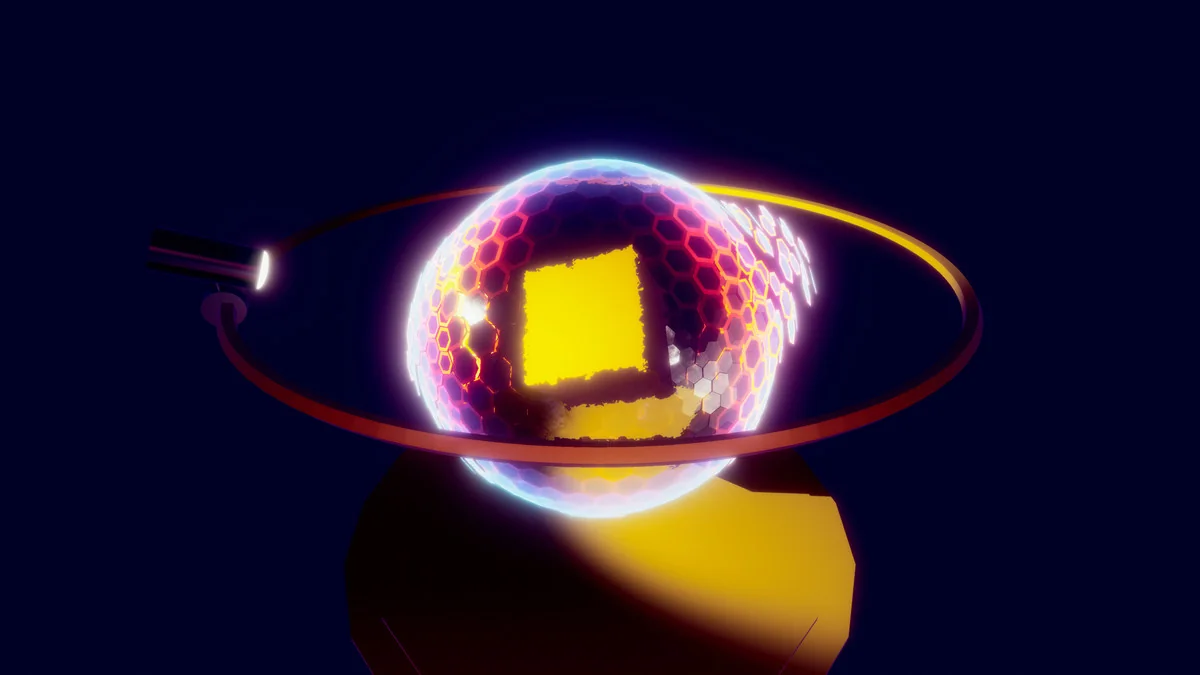
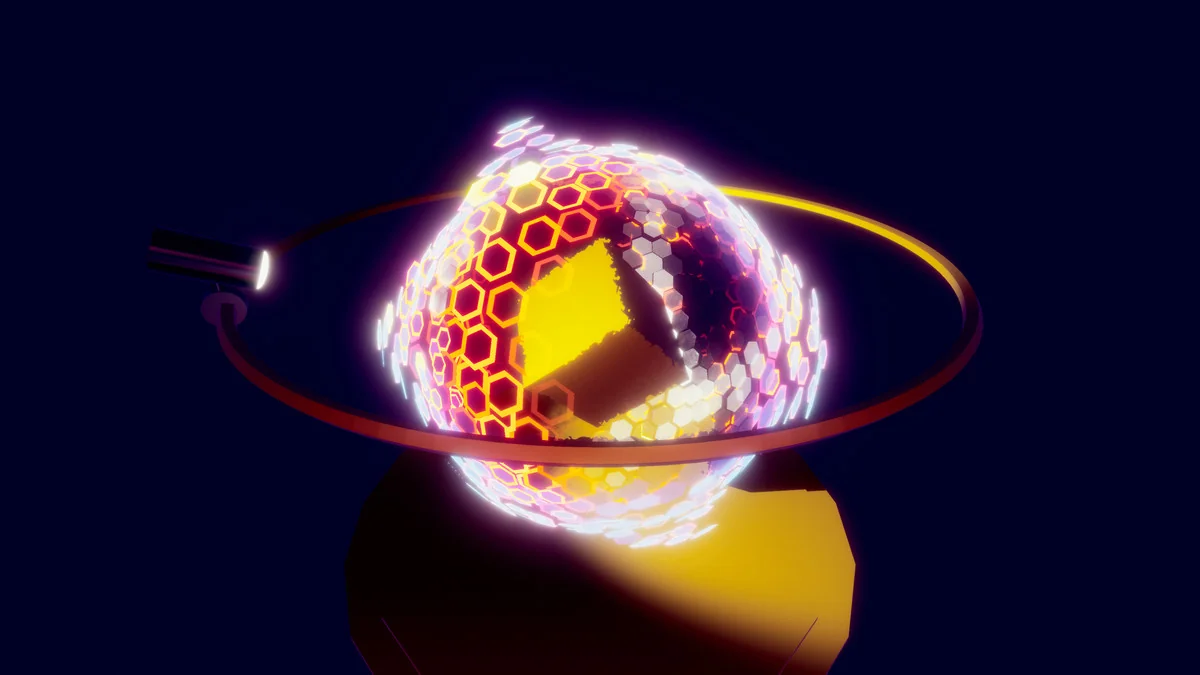
The included interactive demo is centered on a comb-shaped grid sphere. Its cells are animated through a vertex shader for Unity, giving the effect a clear structure that can be examined while it moves. Because the motion is part of the demo itself, the setup is useful as a reference point for how the shield behaves before it is adapted into a scene.
This kind of demo matters when the goal is to understand the effect as a working asset rather than a finished screenshot. Instead of leaving the shield as a static visual, the demo presents it in motion so the relationship between shape, animation, and shader behavior is easier to inspect inside the editor.
- Comb-shaped grid sphere presentation
- Cell animation driven by a vertex shader
- Interactive preview inside Unity
Inspector-accessible animation controls keep the setup practical
Many of the animation parameters are accessible through the Inspector window. That makes the asset easier to work with during implementation, since the effect can be adjusted directly in the editor rather than requiring a separate workflow just to test changes. For shader work, that kind of access is useful when the goal is to shape the shield to match a sceneâs timing or style.
Because the parameters are exposed in the Inspector, the shield can be iterated on in a more immediate way. A developer can use the demo to observe the movement, then refine the visible result from the editor controls. The workflow is straightforward: open the effect, adjust the available animation settings, and evaluate how the shield reads in the scene.
That practical setup makes the asset suitable for moments where the shield has to do more than sit in the background. It can be tested as a centerpiece effect, a combat barrier, or a holographic object that needs to respond visually without becoming overly complex to handle inside Unity.
Package details, version, and Unity compatibility
The package is a unitypackage with 104 assets and a file size of 5.1 MB. Its latest version is 1.1, with the latest release date and first publication date both listed as Jun 17, 2020. The original Unity version is 2019.3.14.
Render pipeline compatibility is listed for 2019.3.14f1: Built-in. That makes the supported setup easy to identify when placing the asset into a project that already follows that Unity version and pipeline. The technical boundaries are clear, which helps when the shield effect needs to be evaluated in a specific editor environment.
The category is Shaders, with a category path of vfx/shaders. That matches the assetâs role as a visual effect rather than a mesh-based prop, and it also aligns with the cyberpunk and holographic style that runs through the effectâs presentation.
Where this shield effect is most useful
Cyber Effects – Shield works best when a project needs a controllable shield shader that can be inspected and adjusted directly in Unity. The comb-shaped grid sphere, the vertex-shader animation, and the Inspector-accessible parameters all support that kind of hands-on setup. The effect has a defined visual identity, but it still leaves room for tuning through the editor.
Developers working on cyberpunk scenes, holographic overlays, electric barrier moments, or stylized sci-fi effects will get the most direct use out of it. It also suits anyone who wants to study a shield presentation that is already organized as an interactive demo and exposed through editable animation controls. For teams working in the listed Unity version and Built-in pipeline, it offers a clear place to start when a shield effect needs to be implemented and iterated inside the editor.
Visual Breakdown
Protected download
Access this resource
All resources are 100% manually reviewed to eliminate all risks.