Efficient Combat Design with Combo Graph
Combo Graph is an Unreal Engine plugin based on the Gameplay Ability System (GAS) that empowers developers to focus on combat design. By using a custom graph and node-based editor, the creator provides a fast and flexible experience for building melee systems. The main goal of this tool is to significantly reduce iteration times during the prototyping phase.
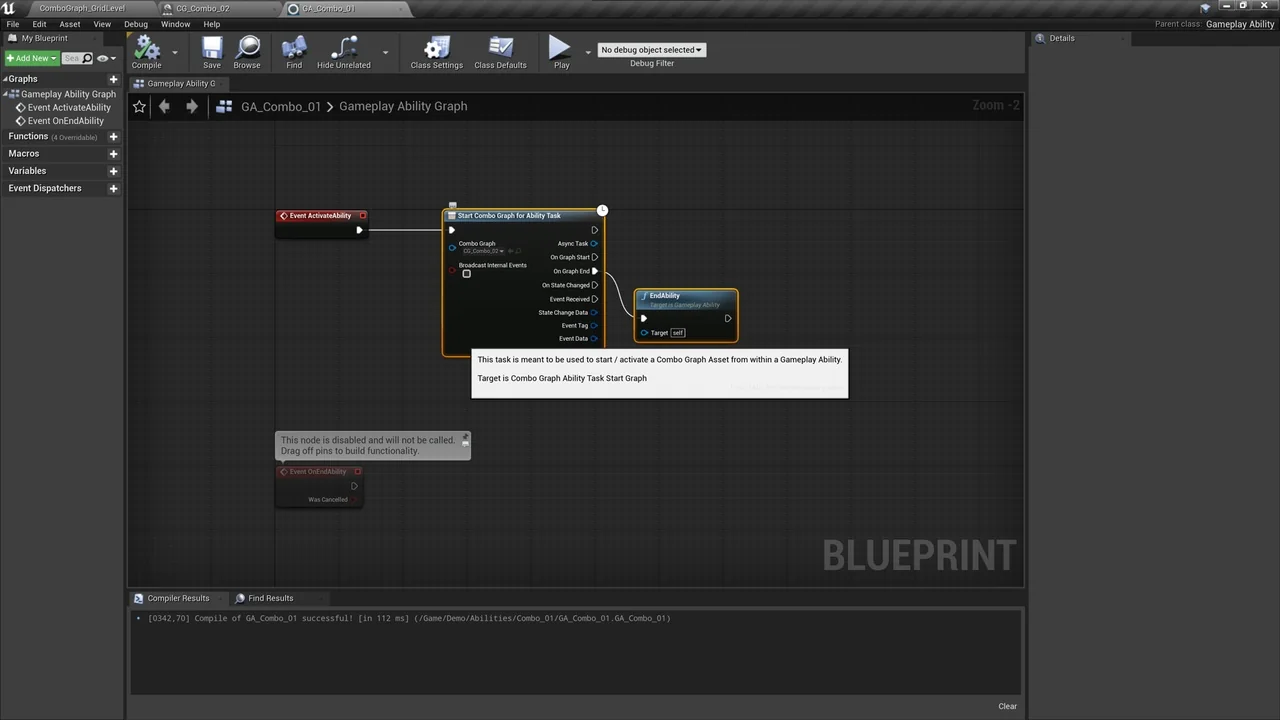
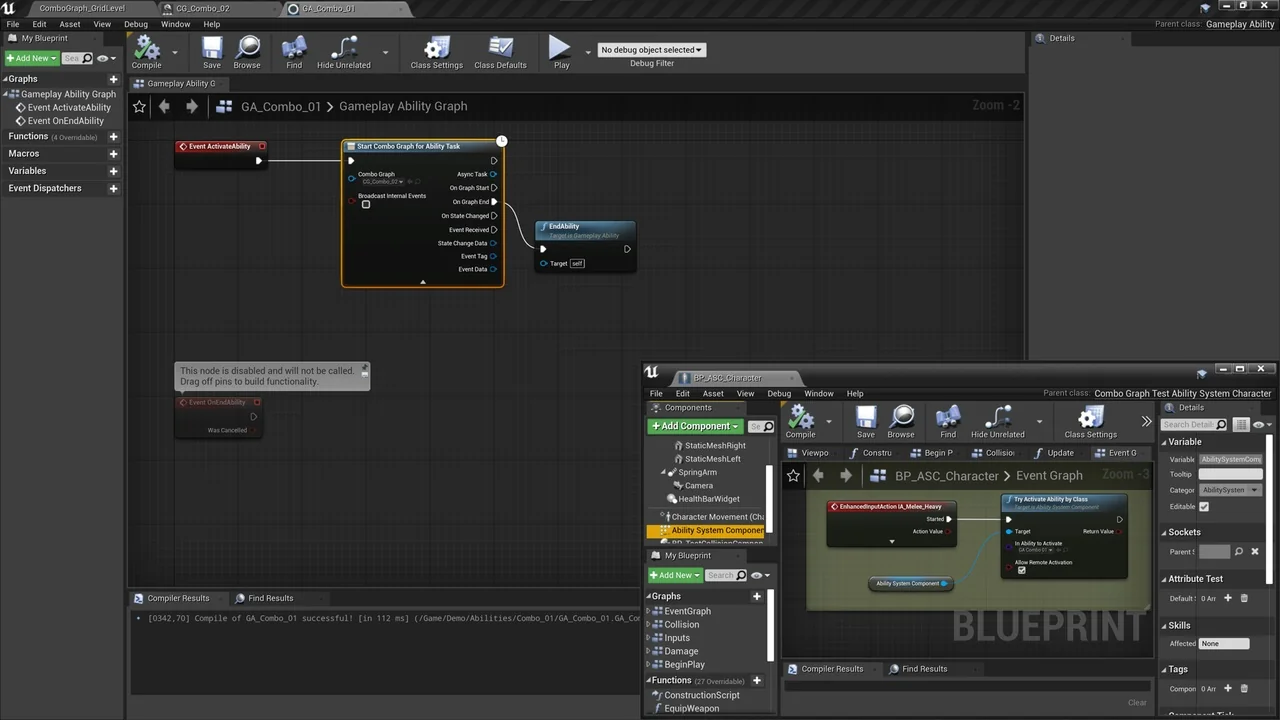
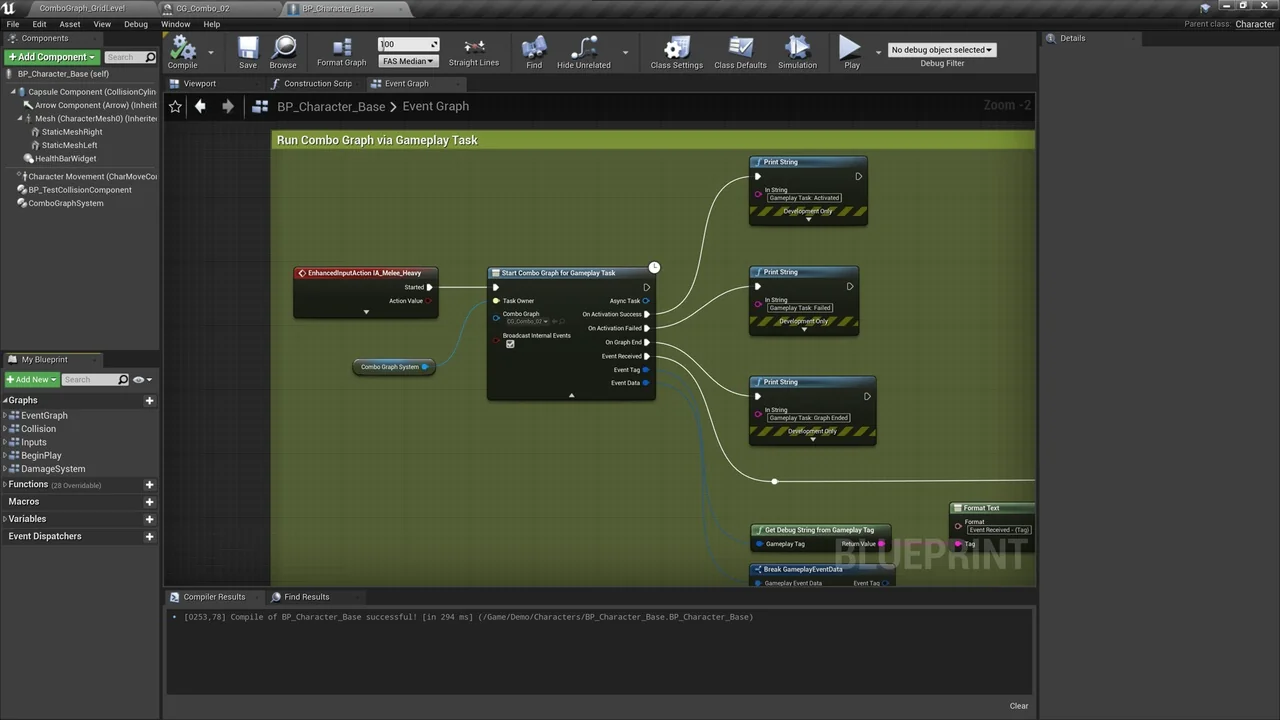
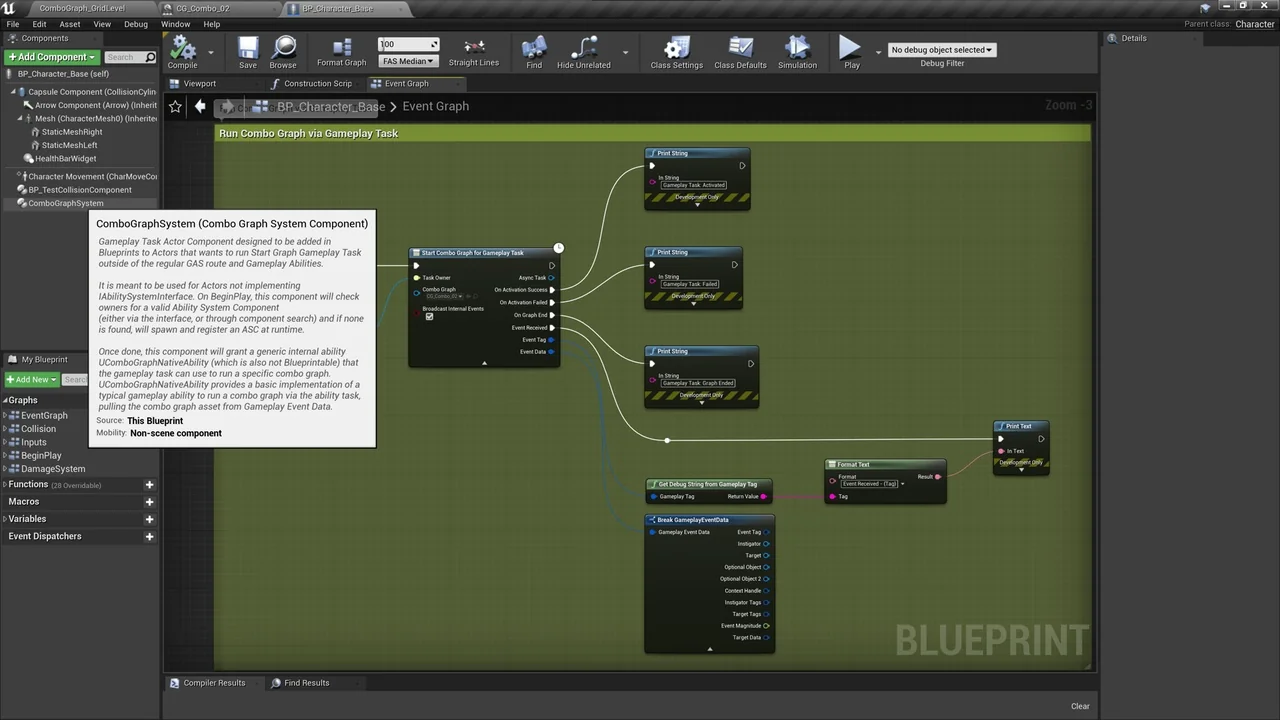
This resource is built to be approachable for all developers. Although it uses GAS and Enhanced Input at its core, you do not need deep GAS knowledge to integrate it. Consequently, you can run assets via Ability Tasks or Gameplay Tasks within Character Blueprints and Behavior Trees.
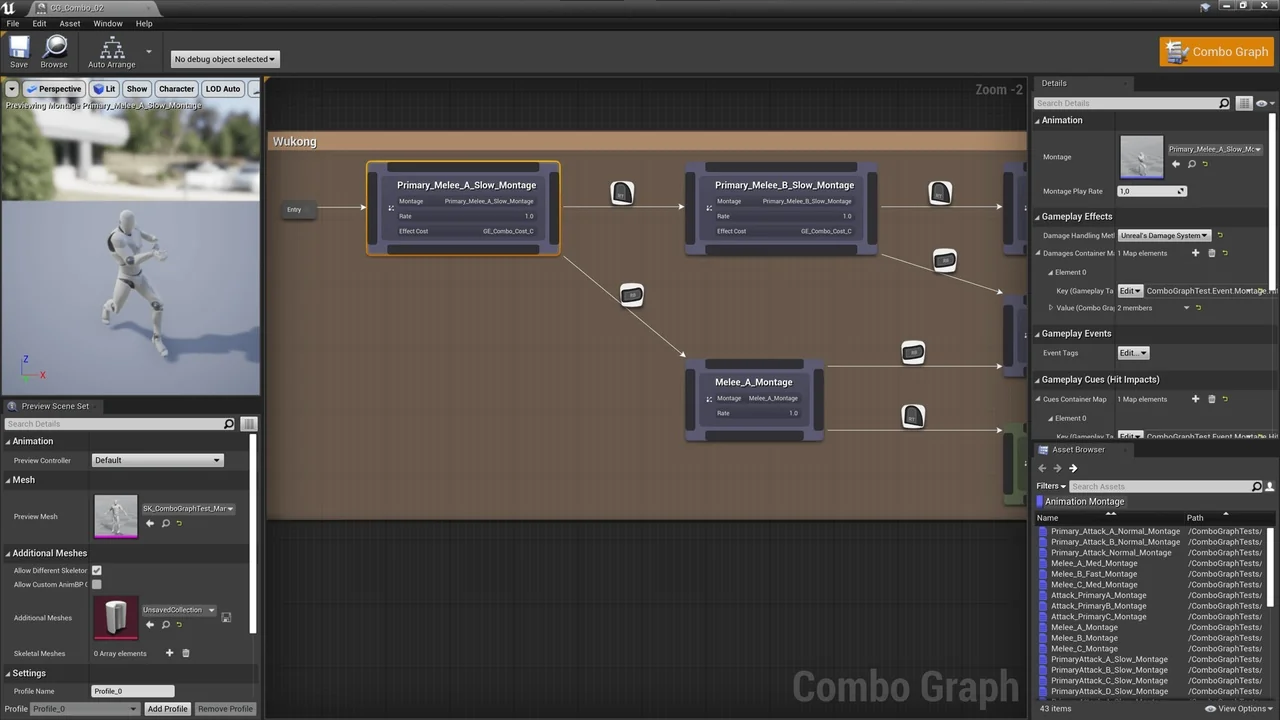
A Specialized Node-Based Editor
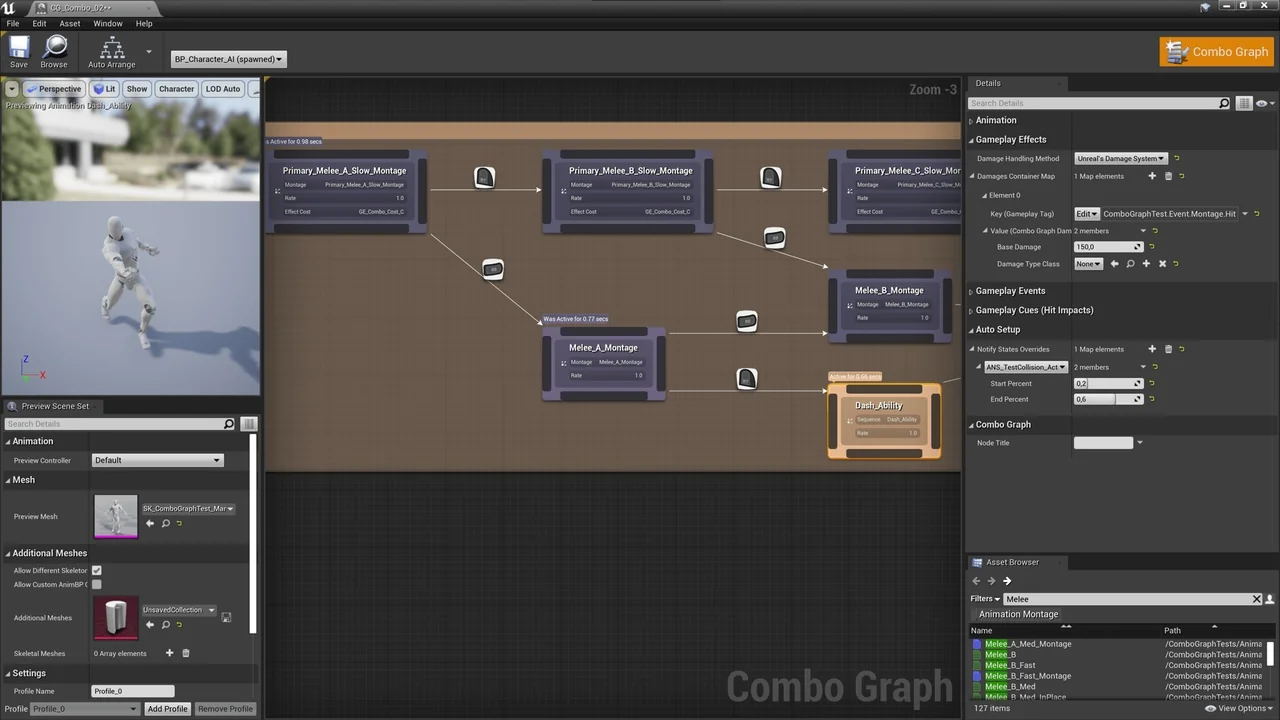
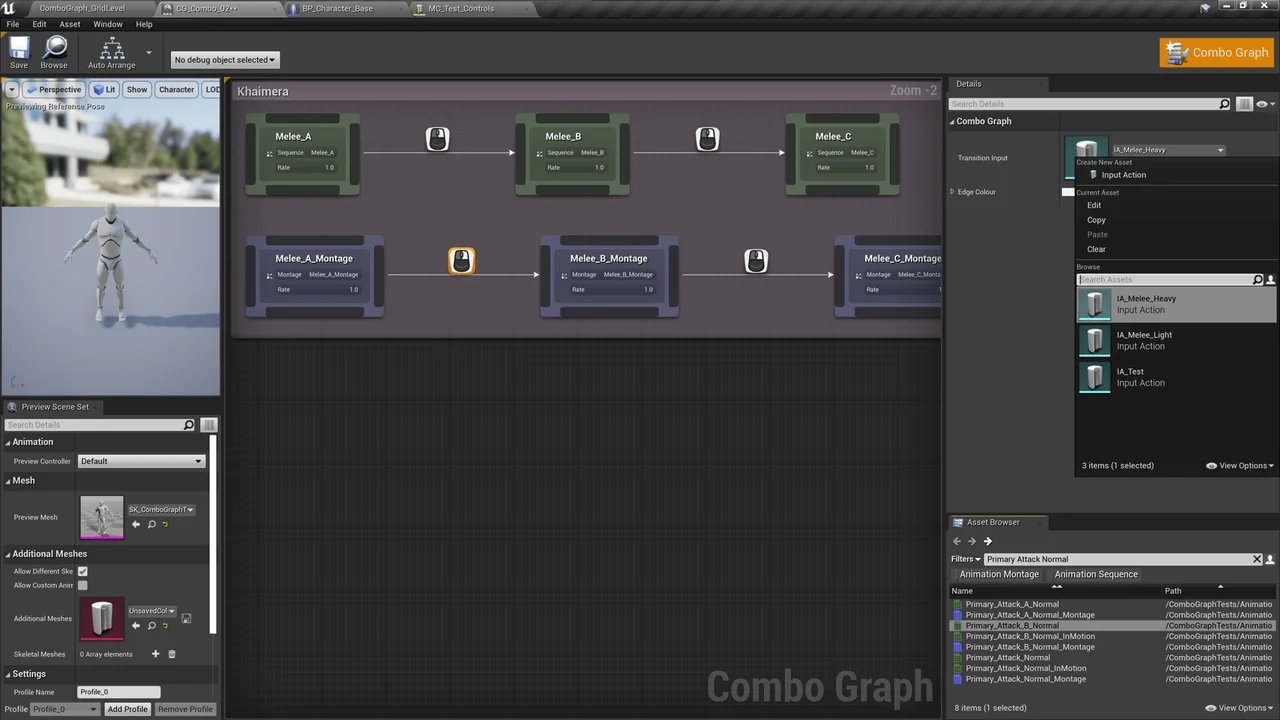
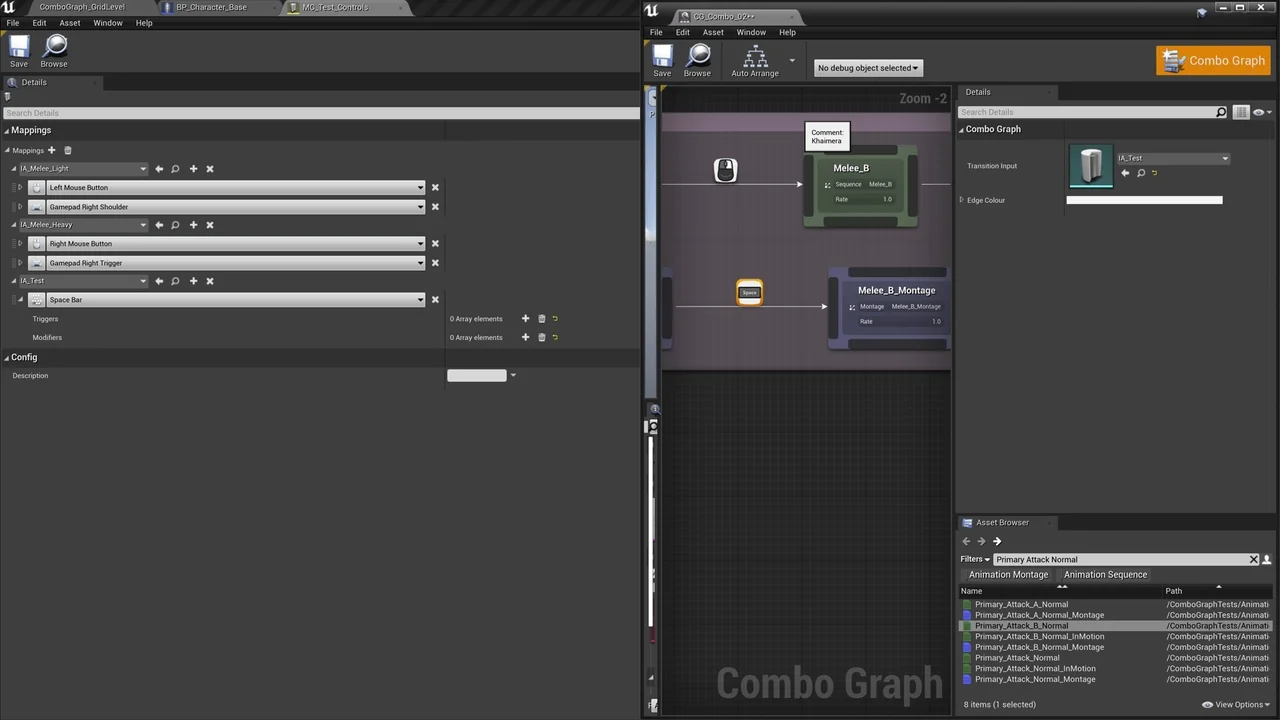
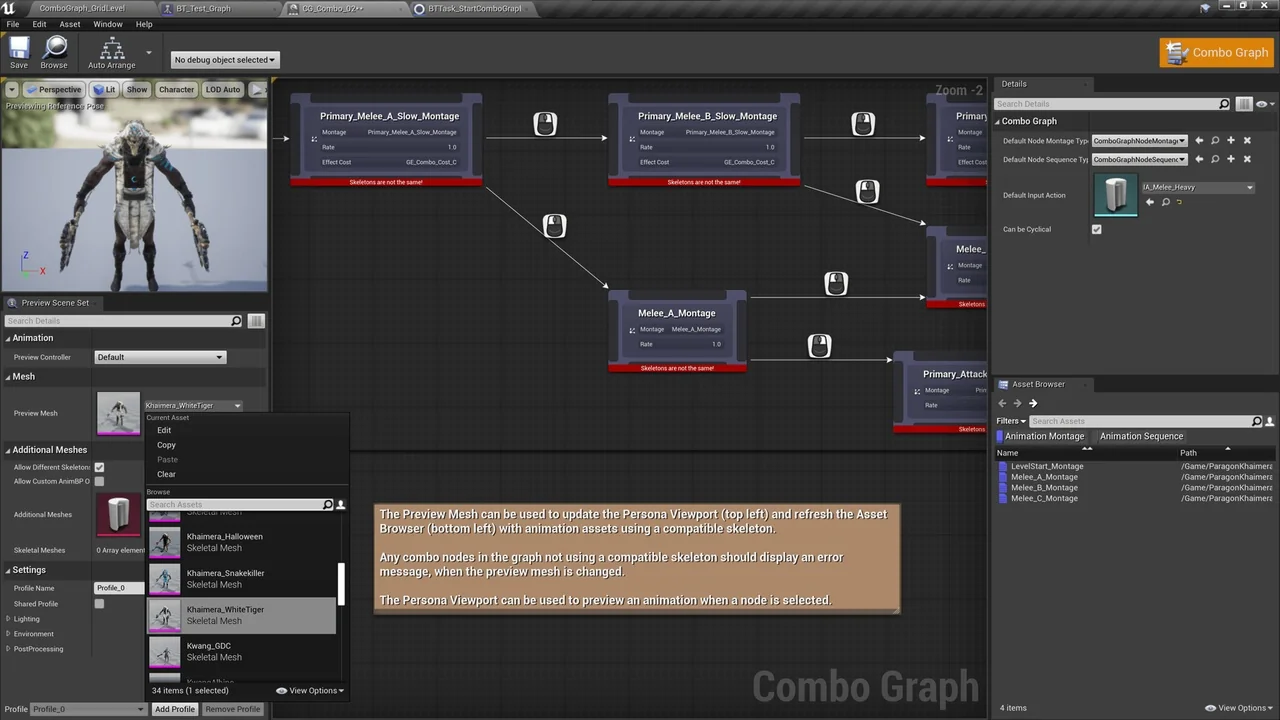
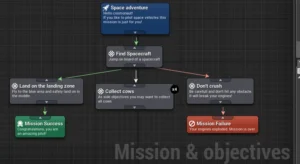
The plugin features a dedicated editor where you can create and manage assets directly in the Content Browser. Similar to Behavior Trees, this node-based interface allows you to build complex combo strings effortlessly. You can add various nodes to define transitions using specific Input Actions.
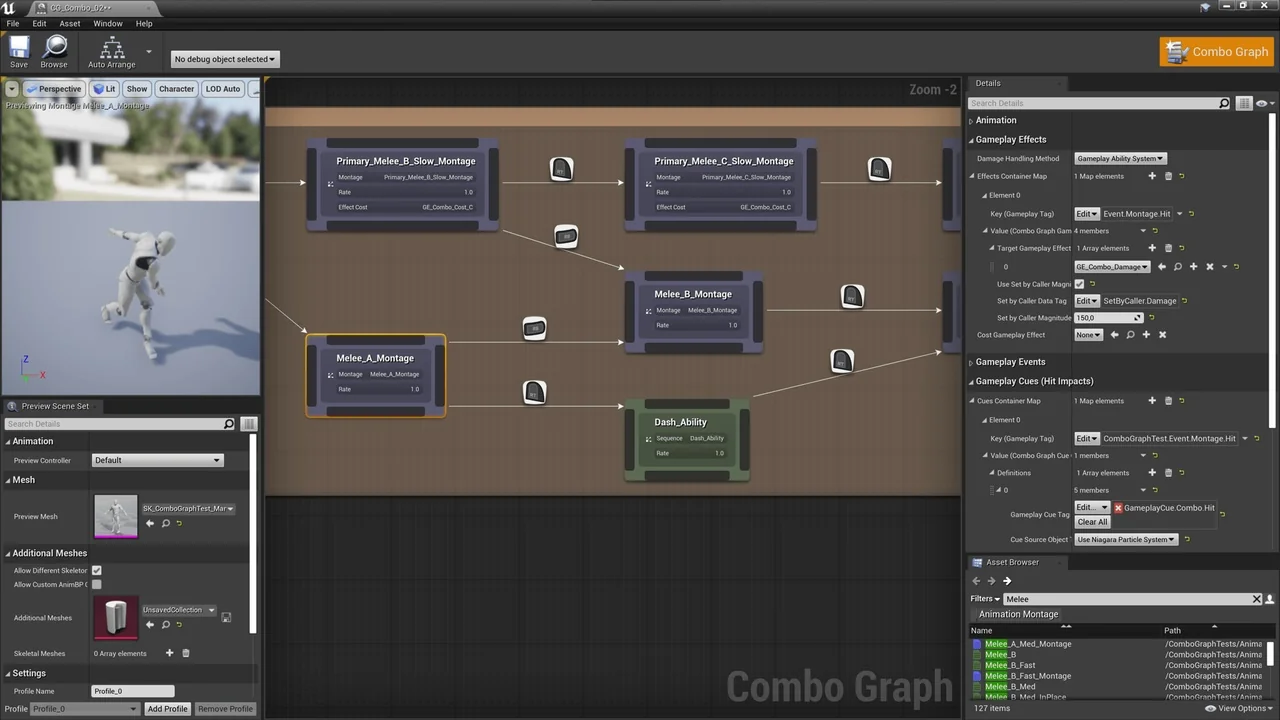
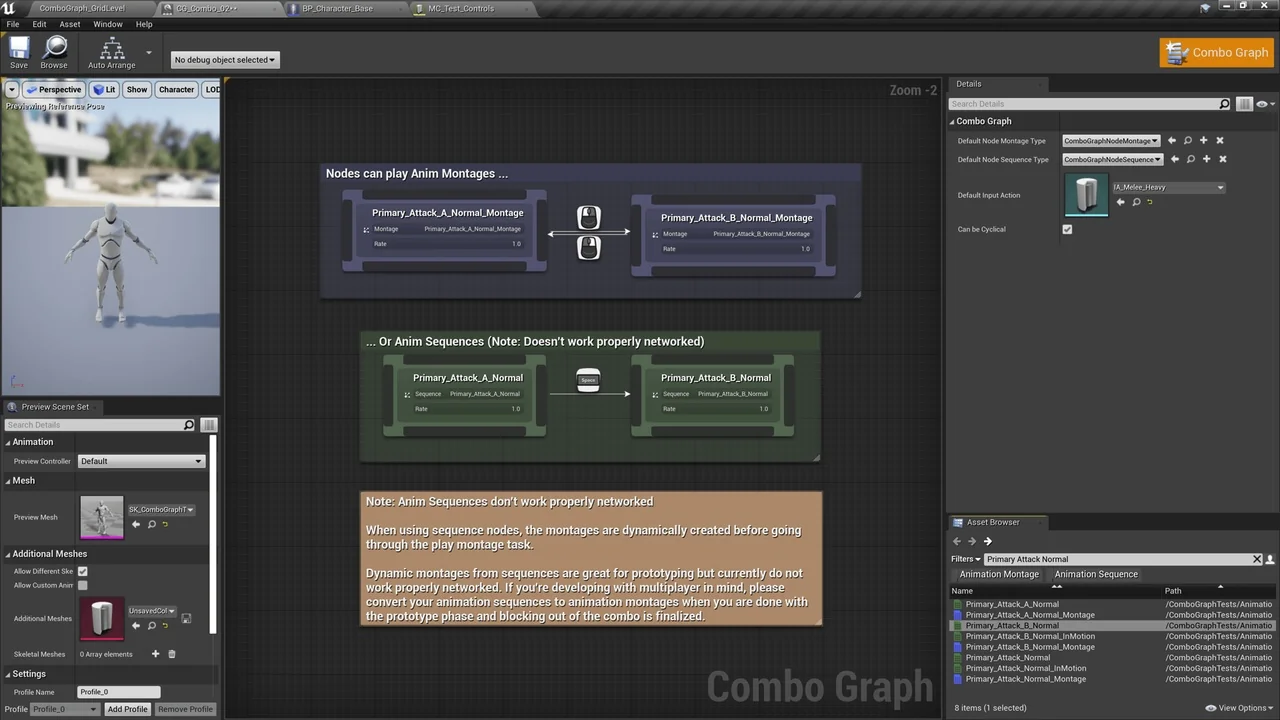
The developer provides two primary node types: Montage-based and Sequence-based. Furthermore, you can create custom nodes through Blueprints to implement unique logic. Each node allows for the configuration of Gameplay Effects, damage delivery, and Gameplay Cues for visual and sound effects.
Multiplayer Support and Replication
Replication was a core focus during the development of Combo Graph. Because it is built on GAS, the plugin offers local prediction and replication out of the box when using Animation Montages. This ensures a smooth experience for multiplayer melee combat.
However, there is a technical distinction regarding animation types. While the plugin supports Animation Sequences for rapid prototyping, these do not replicate as reliably as Animation Montages. Therefore, the developer recommends converting sequences to montages before finalizing a networked project.
Advanced Workflow Features
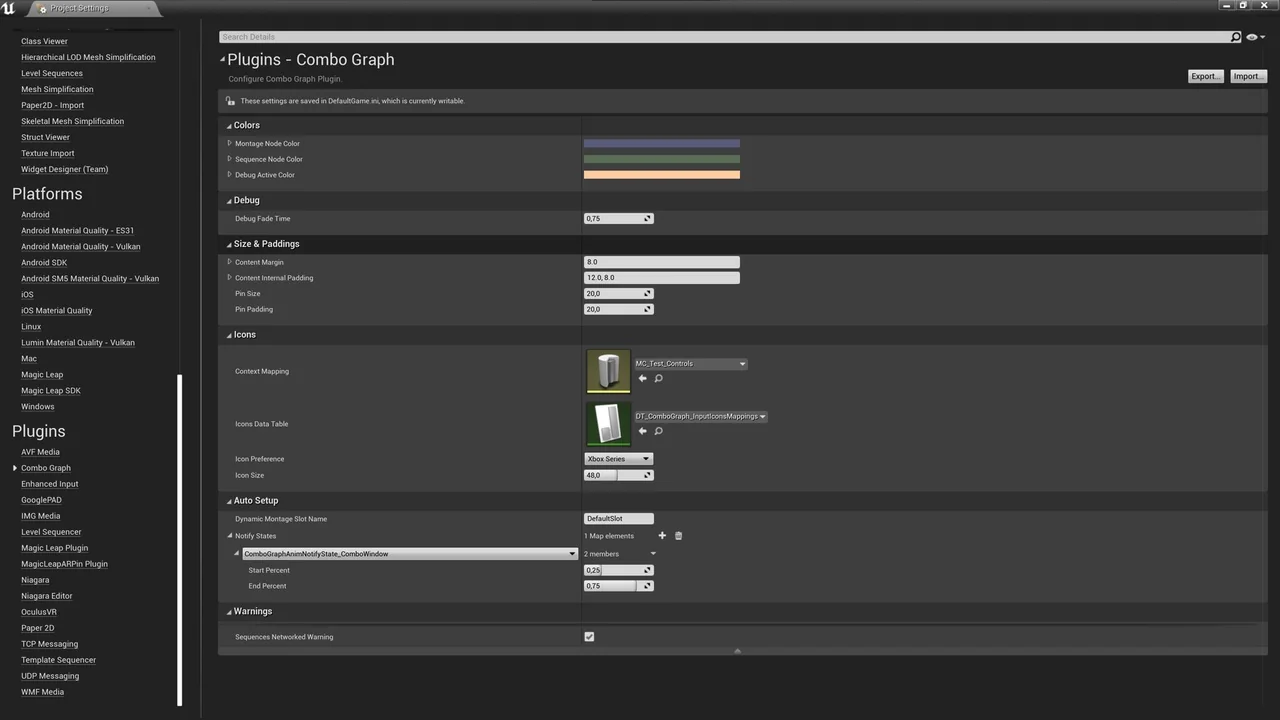
Setting up combat often requires numerous Animation Notify States (ANS). To solve this, the plugin includes an “Auto Setup” feature. This tool automatically configures Notify States like collision windows without requiring you to edit every individual animation asset.
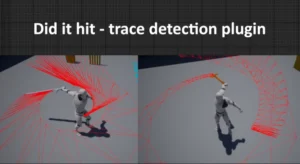
Additionally, the plugin includes a built-in collision component for basic hit detection using traces. While it is not a replacement for complex combat frameworks, it provides an easy way to handle hits. It also integrates seamlessly with third-party systems by sending gameplay events and target data payloads.
AI Integration and Compatibility
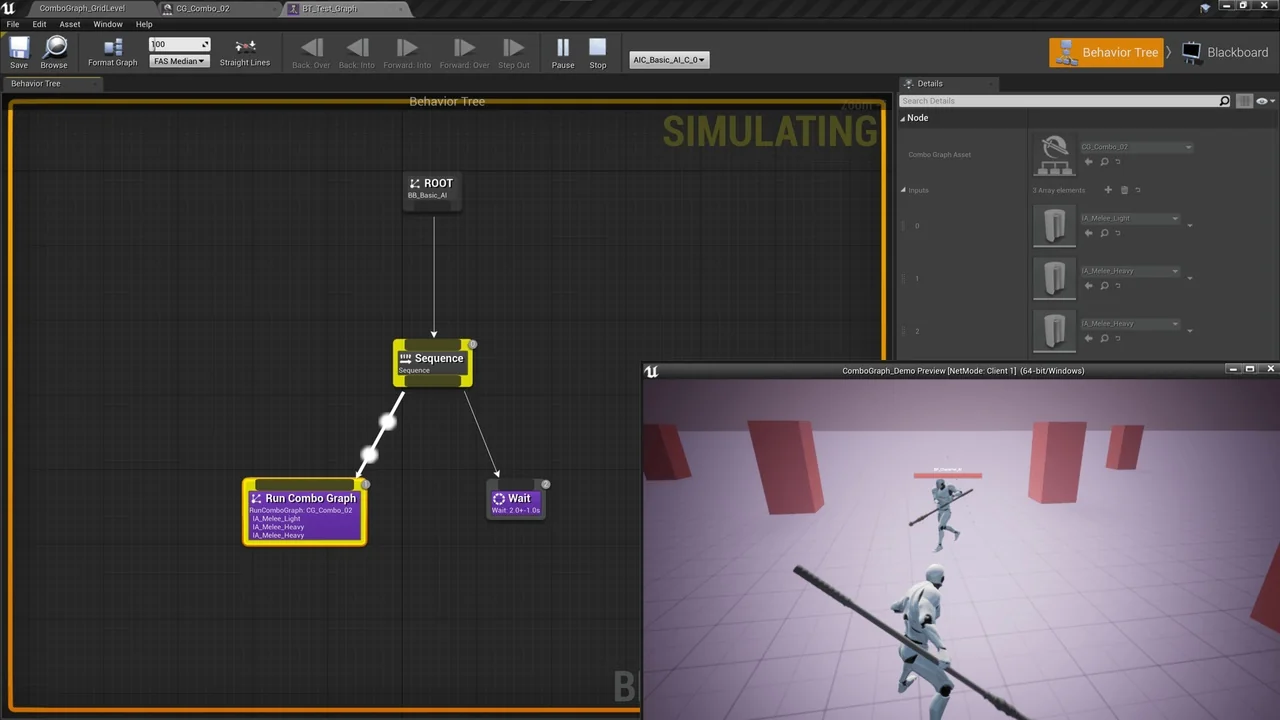
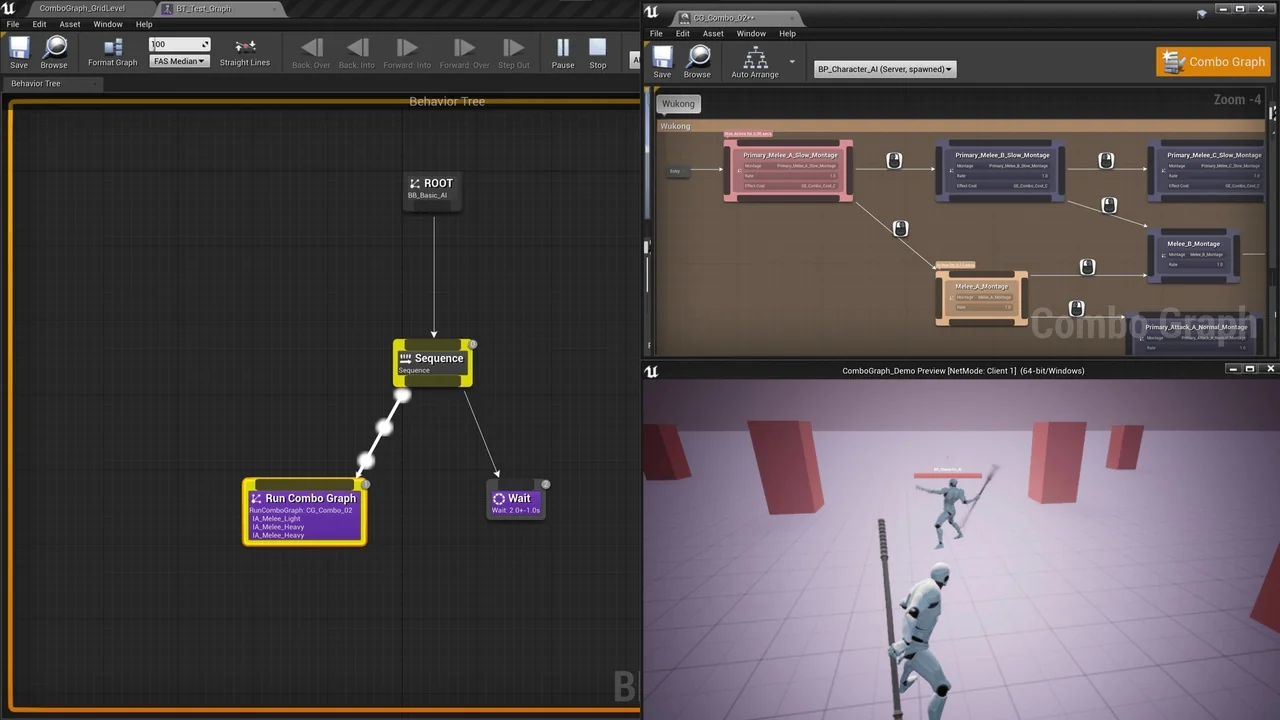
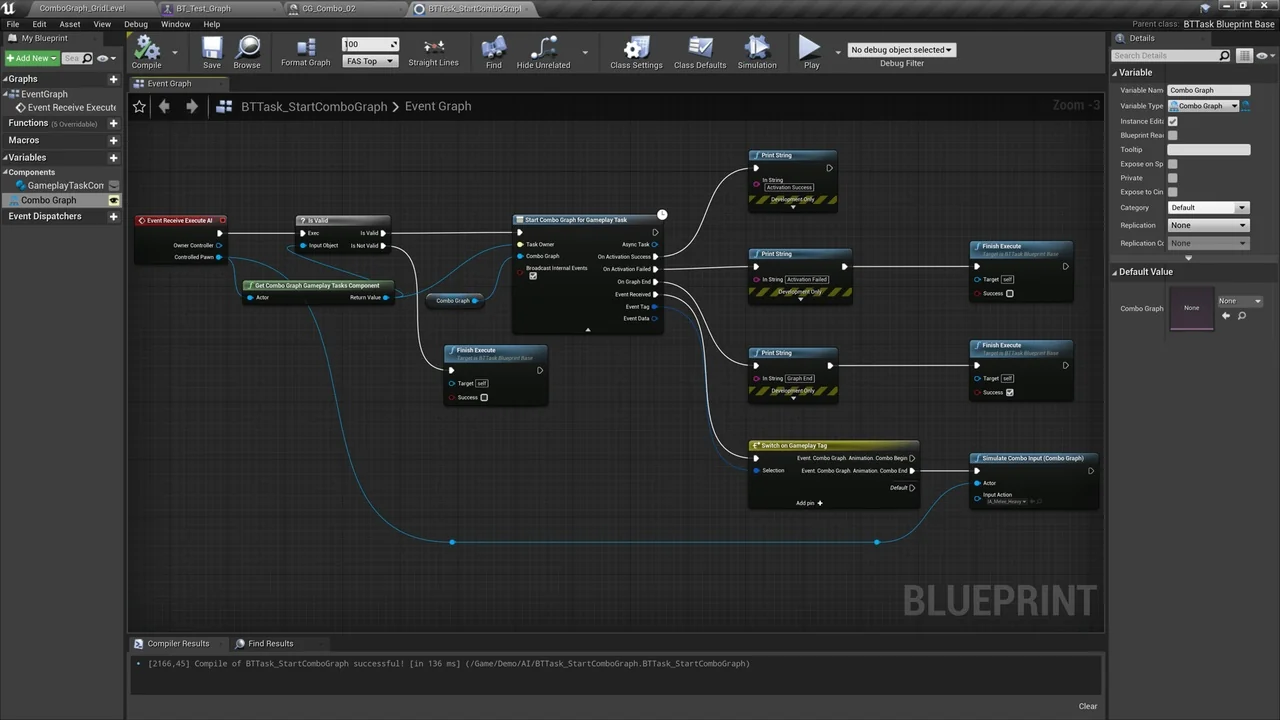
Combo Graph is fully compatible with AI workflows through its included Behavior Tree Task. This C++ implementation allows developers to trigger complex combos from within an AI’s logic. Moreover, the system includes helpers to simulate inputs for non-player characters.
In conclusion, Combo Graph provides the underlying framework needed to build a robust melee system. It is designed for Windows and supports Unreal Engine versions 4.26, 4.27, and 5.0 Early Access. By focusing on a node-based workflow, it simplifies the transition from a simple prototype to a finished combat system.
Screenshots & Gallery