Path Follow
Path Follow provides developers with complete control over actor movement along spline paths in Unreal Engine 4. This versatile tool supports event triggers, runtime speed adjustments, and seamless VR and mobile integration.
Path Follow provides developers with complete control over actor movement along spline paths in Unreal Engine 4. This versatile tool supports event triggers, runtime speed adjustments, and seamless VR and mobile integration.
Enhance your project with a fully customizable Map System – WorldMap & Minimap. This tool offers essential navigation features like pathfinding, indoor navigation, and fog of war for any game genre.

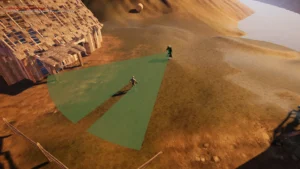
Enhance your game’s visibility mechanics with Line Of Sight. Dynamic mesh., a high-performance C++ component designed for object detection and pseudo-lighting effects in both 2D and 3D environments.

The Instance Damage System provides a powerful solution for managing and destroying instanced static meshes in large environments. It features advanced networking, object pooling, and seamless World Partition support.

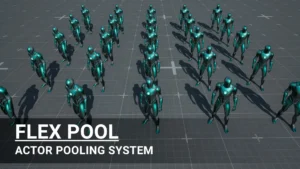
Flex Pool is a robust actor pooling system designed to enhance game performance by reusing actors during runtime. It reduces CPU overhead and memory allocations for smoother, more scalable gameplay.

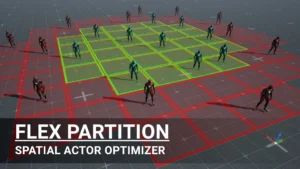
Flex Partition – Optimization System offers a sophisticated way to manage runtime and procedural actors using spatial hash grids. It prevents frame spikes through rate-limited streaming while maintaining actor states during activation cycles.

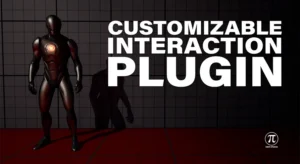
The Customizable Interaction Plugin is a high-performance C++ tool designed for easy implementation. It features various interaction modes, detection settings, and full network replication.

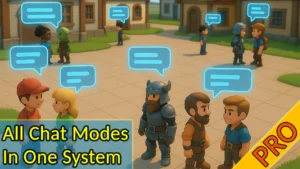
Enhance your multiplayer project with Fire Chat PRO. This system offers unlimited channels, private messaging, and adjustable proximity chat for Unreal Engine developers.

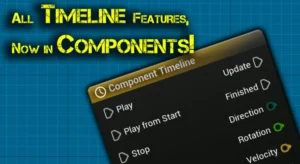
The Component Timeline plugin brings full actor timeline functionality directly into component blueprints. This tool simplifies development with easy-to-use curve editing and event tracks.

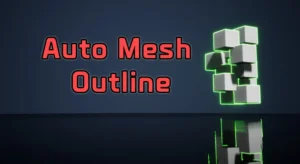
Streamline your 3D workflow with Auto Mesh Outline, a tool designed to apply consistent visual outlines via component tags. It features runtime update capabilities and full network support for multi-part character meshes.