Efficient Book Placement with the Book Generator
The Book Generator is a specialized blueprint tool designed to simplify the process of populating 3D environments with realistic book arrangements. Originally developed for the Gothic Interior Megapack, this standalone version offers a highly efficient workflow for level designers and environment artists. By using this tool, creators can significantly speed up their level creation process while maintaining high visual quality across their scenes. Consequently, it reduces the manual labor required to fill shelves and bookcases.
Versatile Placement Modes
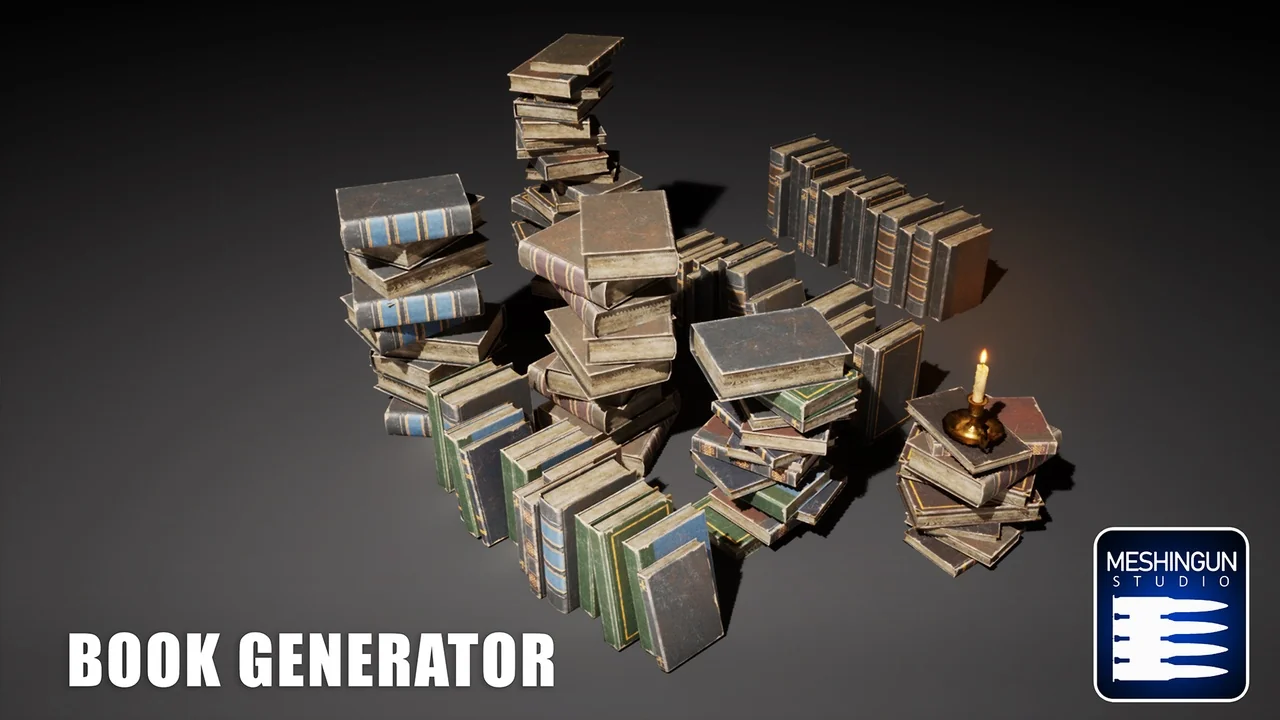
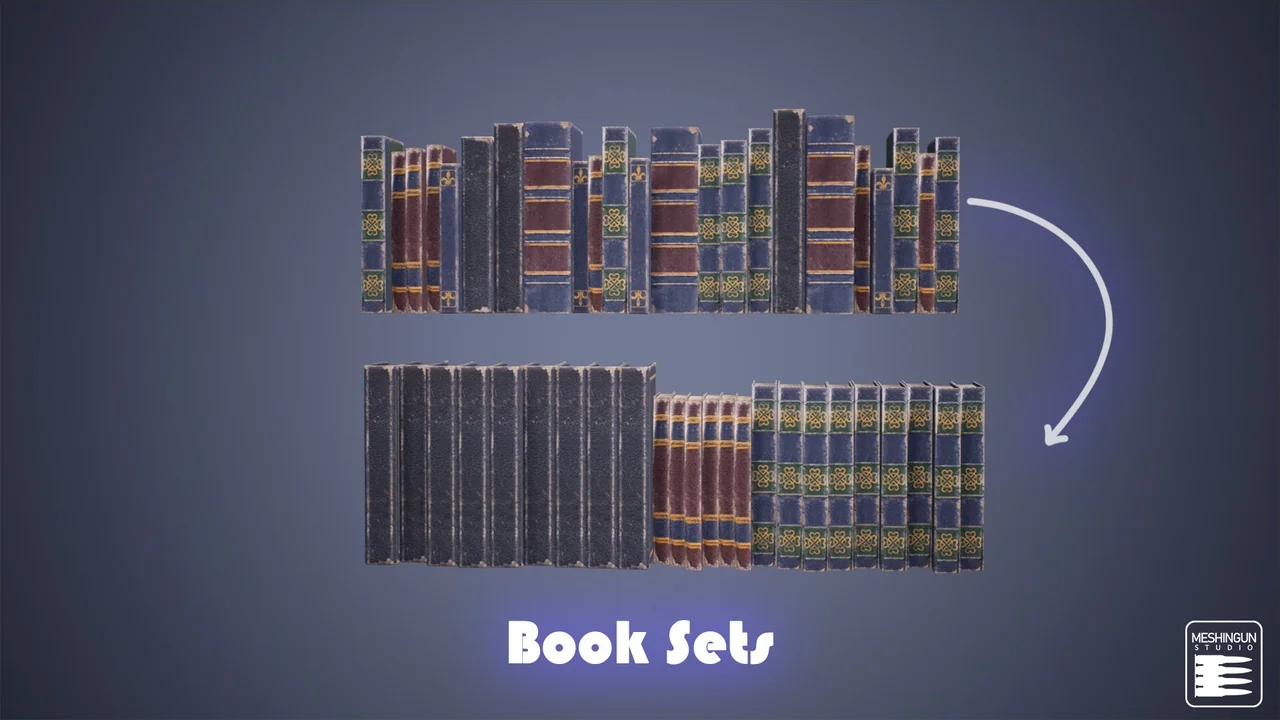
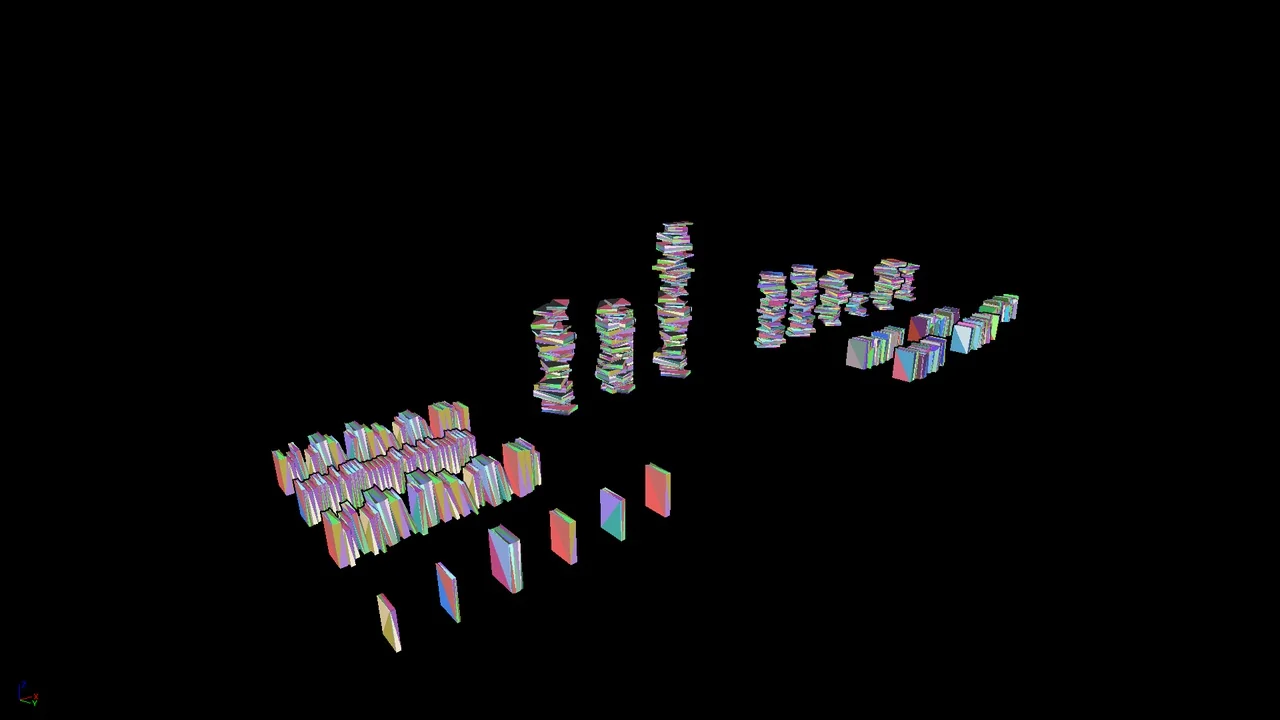
This tool provides two distinct placement types to suit different environmental needs. Users can choose between aligned or piled up arrangements depending on the specific context of their level. For instance, the aligned mode is ideal for creating organized library shelves or formal bookcases. Conversely, the piled up mode works perfectly for simulating cluttered, lived-in spaces or messy workstations. Therefore, these modes provide the versatility needed to build diverse interior settings quickly.
Advanced Customization Options
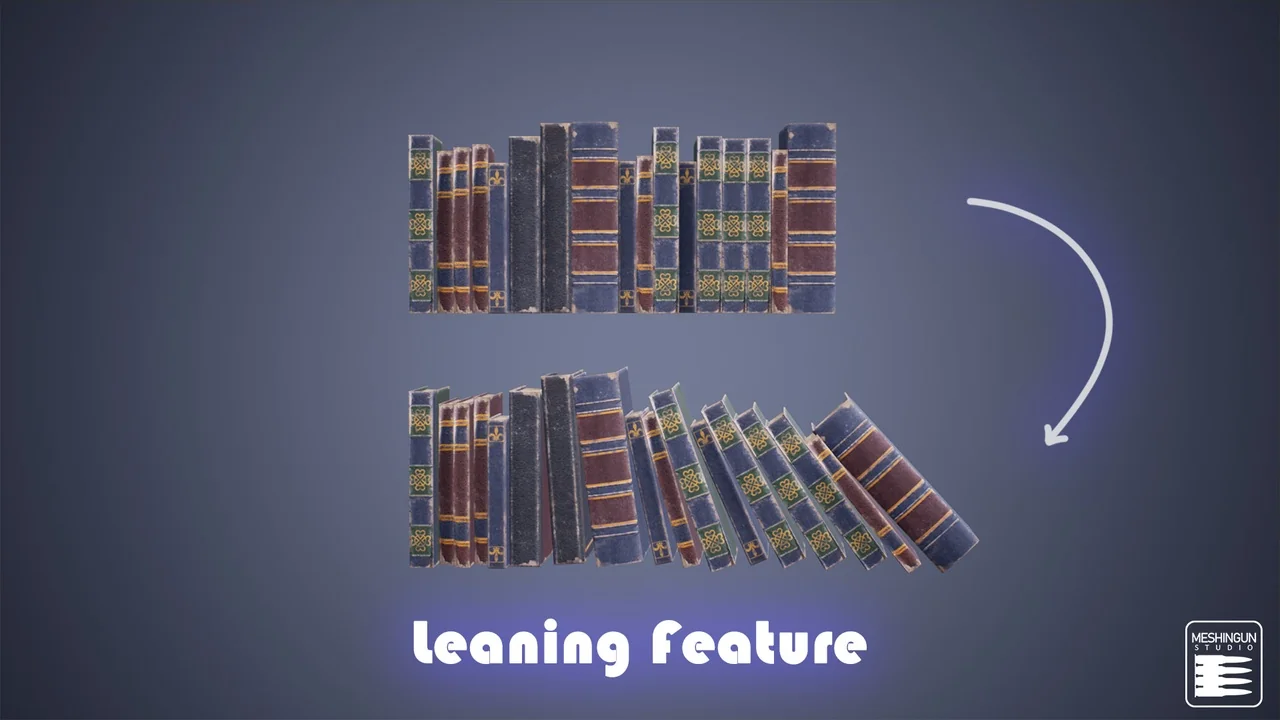
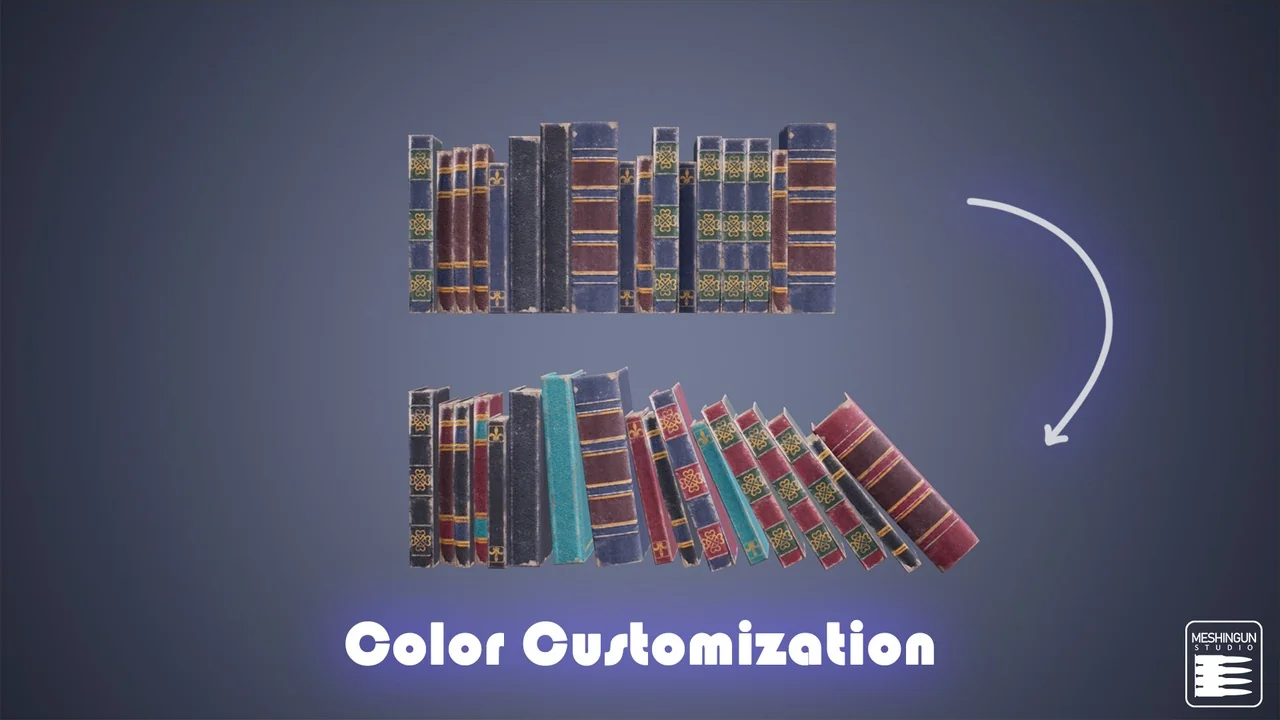
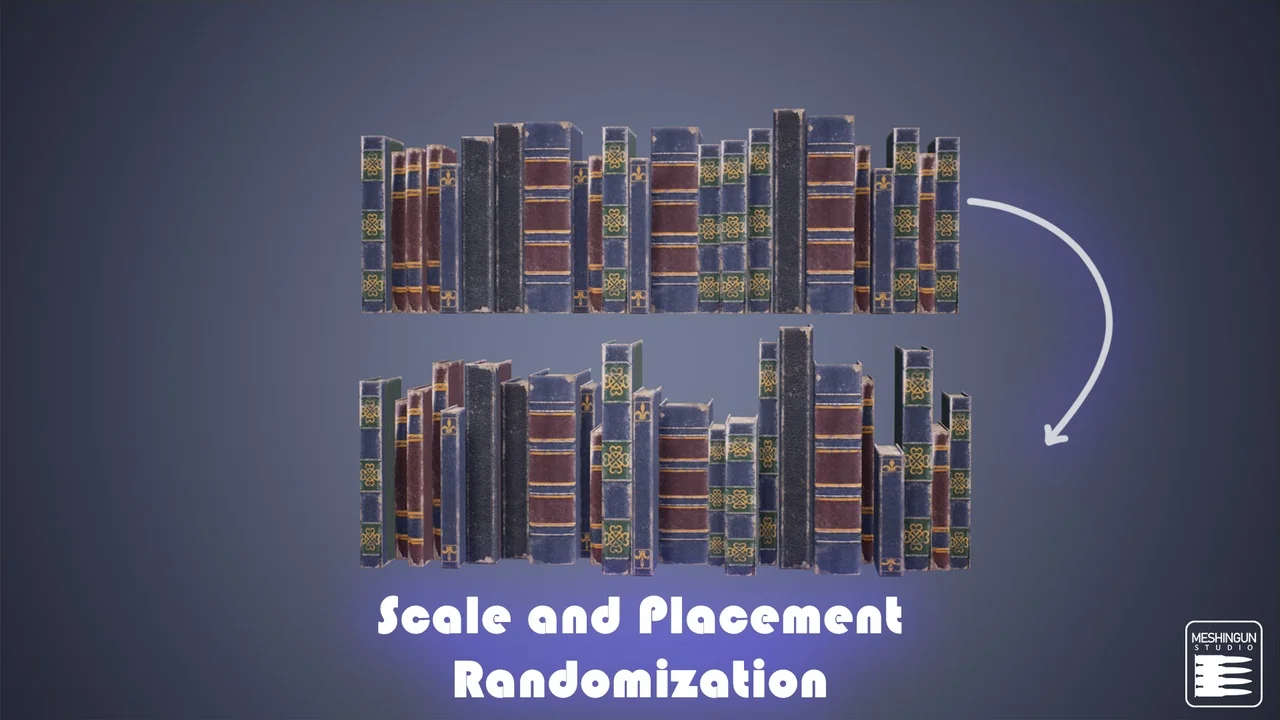
One of the core benefits of the Book Generator is its high level of customizability. The developer has ensured that users can easily modify various parameters to achieve a specific aesthetic. You can adjust the colors, position, and rotation of the generated books with minimal effort. Furthermore, the blueprint allows for precise control over alignment and scale. This flexibility ensures that every book arrangement feels unique, preventing repetitive patterns in large-scale environments.
Scalability and Extensibility
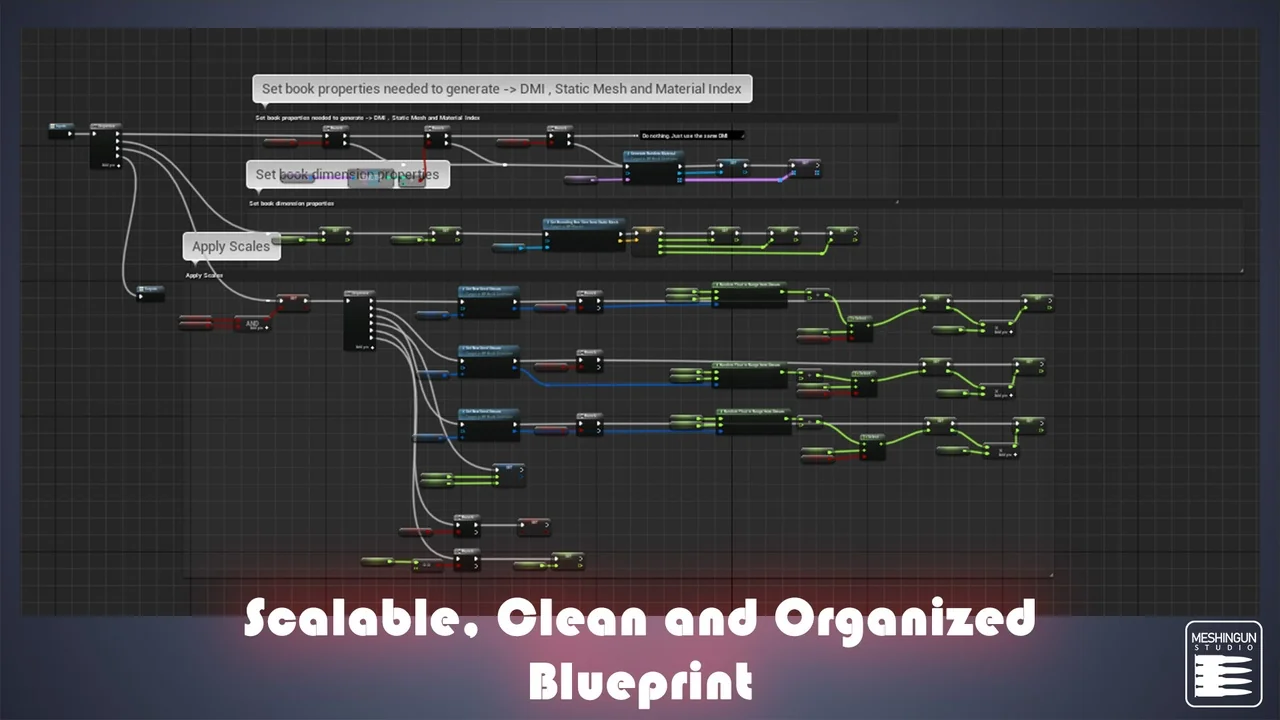
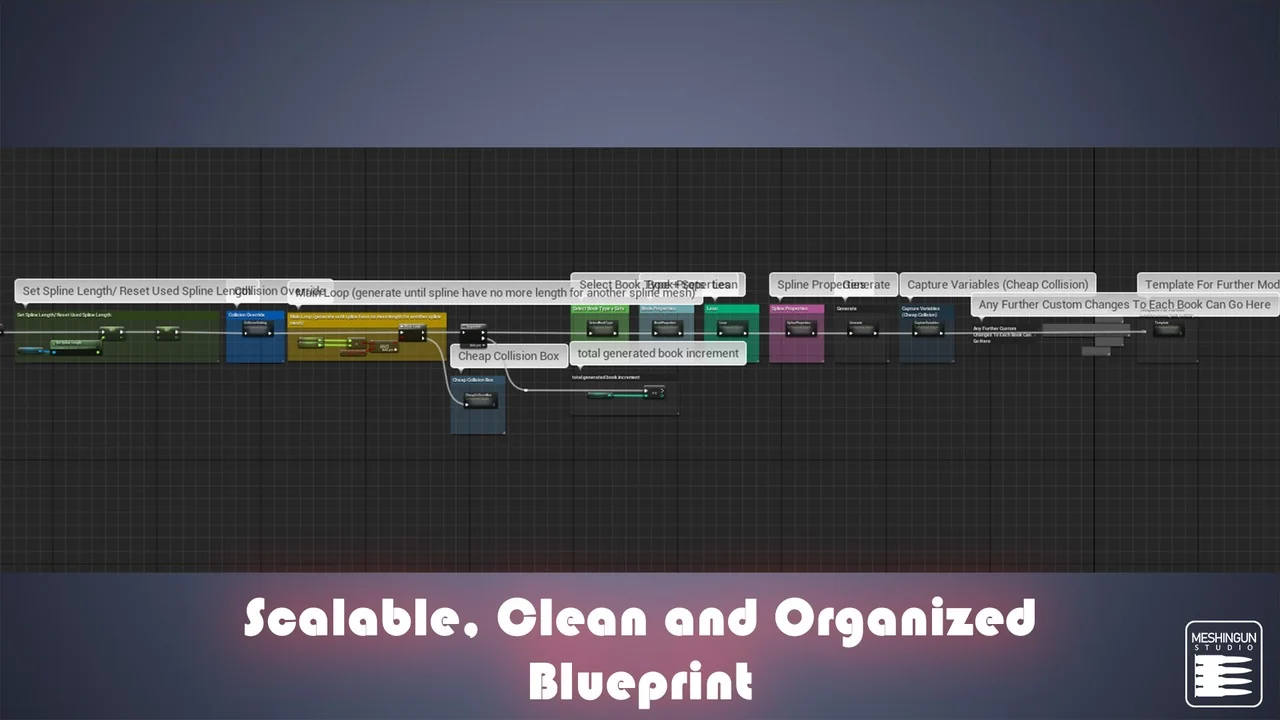
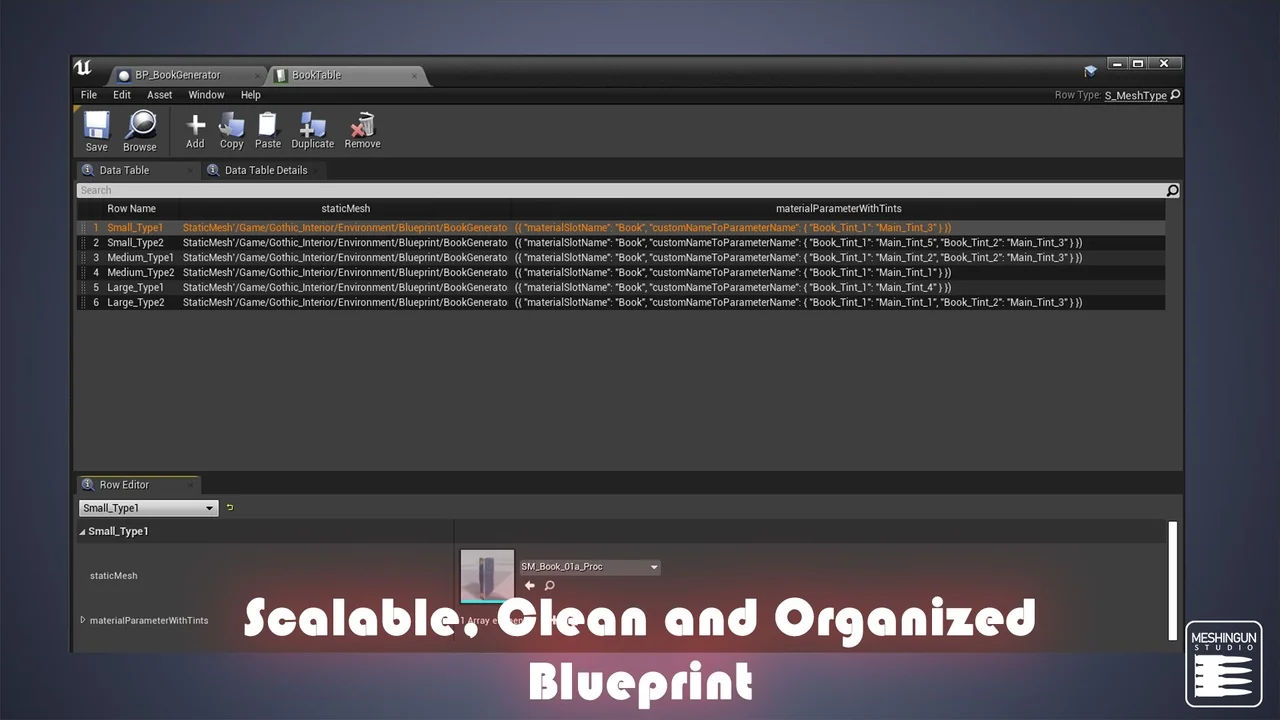
The tool is built to be highly scalable to meet different project requirements. Therefore, you can easily integrate your own book static meshes into the system. This feature allows the tool to adapt to various art styles or specific project themes beyond its original design. Additionally, the creator has designed the blueprint so that users can add new functionality or extra features and use them immediately. This makes it a robust choice for developers who need a tool that grows with their project needs.
Technical Integration and Updates
The developer continues to refine the Book Generator to maintain compatibility and performance. For example, a bug was recently fixed in version 5.4.2 to ensure a smoother user experience. For those working with Unreal Engine 5.3, there is a specific technical requirement to enable Nanite for spline meshes. To implement this, you must add the line “r.Nanite.AllowSplineMeshes=1” under the renderer settings in your project’s configuration folder. This step is essential for leveraging modern rendering features within the tool.
Conclusion
In conclusion, the Book Generator offers an efficient and flexible solution for level designers looking to add intricate detail to their interiors. With its versatile placement modes, deep customization options, and scalability, it serves as a valuable asset for any library, study, or messy room project. By utilizing this blueprint, you can save significant time on manual placement and focus on the broader creative aspects of your world-building.
Screenshots & Gallery