"c14ff6bd758dadb1"{"id":"1001079","slug":"big-zombie-animation-pack","title":"Big Zombie Animation Pack","category":"Combat","engine":"5.6+","assetVersion":"","engineVersion":"Engine Version: 5.6+","tag":"Combat","accent":"blue","visual":"animation","summary":"Cascadeur-made zombie animation pack for horror melee combat. Compatible with Wild Monster Anim Pack, covering ghouls, orcs, ghosts, and other big creatures.","platform":"Unreal Engine","publishedAt":"2026-09-04T16:00:53.995Z","updatedAt":"2026-09-04T16:00:53.995Z","sourceNotes":[],"fileContents":[],"compatibility":["Unreal Engine","Engine Version: 5.6+"],"featuredImage":{"alt":"Big Zombie Animation Pack","src":"/wp-content/uploads/published/2026/09/30719fbea6ee-5a75e907-3748-4683-99c2-b205287a4242-97f038ce54.webp"},"hasDownloadLink":true,"downloads":8,"terms":[{"taxonomy":"category","slug":"combat","name":"Combat"}],"galleryImages":[{"src":"/wp-content/uploads/published/2026/09/e66451120d30-c09ae8fb-3c39-490f-96e0-c2d49001e259-5d897da423.webp","alt":"Big Zombie Animation Pack"},{"src":"/wp-content/uploads/published/2026/09/67597e8b0df3-a4a2bff3-dad1-4055-acf6-a6179f932a58-48b57e2606.webp","alt":"Big Zombie Animation Pack"},{"src":"/wp-content/uploads/published/2026/09/cc18f817cc03-93122ada-e4f1-4d1f-aee9-77c6dc181b63-a7748d6234.webp","alt":"Big Zombie Animation Pack"},{"src":"/wp-content/uploads/published/2026/09/d0bbf3af1708-53dd23aa-9bd9-405e-9a4f-db7d0a53c848-82fbb40f5c.webp","alt":"Big Zombie Animation Pack"},{"src":"/wp-content/uploads/published/2026/09/5f6baf099759-68e2ccc2-abc4-4cda-b8aa-f34af76f6f3a-518f1f5c51.webp","alt":"Big Zombie Animation Pack"},{"src":"/wp-content/uploads/published/2026/09/3512a7f2af57-4513cb36-63a4-49e9-8a16-863c08bfb6d5-91ab81ccf4.webp","alt":"Big Zombie Animation Pack"}],"accessPanel":{"kind":"resource","title":"Download this resource","eyebrow":"Free Download","message":"Log in or create a free account to start your download.","fileName":"Content.7z","safetyNote":"Resources are manually reviewed before listing to improve quality and reduce obvious risks.","actionLabel":"Download Free","resourceType":"Resource archive"},"contentHtml":"\u003cp\u003eThe impression a giant enemy leaves on a player sits in its animation. A zombie that shuffles without weight, then snaps into an attack at the wrong speed, can break the tension the scene is trying to build. The Big Zombie Animation Pack is built to handle these large horror-oriented creature moments. Its motion was authored in Cascadeur, and the pack comes with a showcase video and Discord support to help anyone get a direct look and ask follow-up questions.\u003c/p\u003e\u003ch2\u003eZombie, Ghoul, Ghost and Orc in One Monster Set\u003c/h2\u003e\u003cp\u003eThe pack's tags make its scope clear: Zombie, Fantasy, Ghost, Orc, Fear, Combat, Creature, Ghoul, Melee, Dark, Horror. That collection covers a distinct subsection of creature design: undead and supernatural fighters in the fantasy-horror zone. Zombie and Ghoul evoke decaying humanoids; Ghost pulls the pack toward spectral enemies; Orc adds a heavier, tougher physical frame. Those archetypes share more than a visual mood. They imply big, hostile bodies with a melee focus.\u003c/p\u003e\u003cp\u003eCombat and Melee appear alongside Fear and Horror to underline the goal. The intended scenes are not wander-filled locations. They are prowling spaces where a large creature appears in a dark atmosphere and goes close-range against the player. Dark and Fantasy give the pack a cohesive setting, and Creature closes the gap by leaving room for anything outside a standard bipedal silhouette. For a team building a horror level, the tag list acts as a shorthand: these animations will make enemies feel monstrous rather than human.\u003c/p\u003e\u003ch2\u003eMade With Cascadeur and Presented Through Video\u003c/h2\u003e\u003cp\u003eThis animation pack was made with Cascadeur. That detail shows up directly as part of the pack's background. Cascadeur has become a widely used tool in creature and combat animation, so the pack's author is not hiding the workflow behind a vague summary. Instead, they indicate the tool and let the motion speak through a dedicated showcase video.\u003c/p\u003e\u003cp\u003eThe showcase video is the fastest way to see what the Big Zombie Animation Pack brings. Watching a large zombie or orc move across the screen tells you more than a list of clip names does, especially when the mood depends on timing and weight. For questions left unanswered, Discord support is available. This is the route to get clarification on rig setup, skeletal naming, or how the pack pairs with a custom character project.\u003c/p\u003e\u003ch2\u003eCompatible With the Wild Monster Anim Pack\u003c/h2\u003e\u003cp\u003eOne of the most concrete pieces of context around the Big Zombie Animation Pack is its compatibility with the Wild Monster Anim Pack. This tells animators that the two animation sets have been designed to sit beside each other in a project. If the Wild Monster Anim Pack already powers a set of creatures in your game, adding this zombie-focused animation pack means the technical foundation should already line up.\u003c/p\u003e\u003cp\u003eThe connection matters when you plan a production roster. Rather than seeking zombie animations from one source and orc animations from another, you can build an enemy team using two packs that acknowledge each other. The exact list of skeleton requirements is not part of the public description, but the compatibility note points to a common ecosystem. In practice, that saves time during retargeting and reduces the risk of mismatched bone naming.\u003c/p\u003e\u003ch2\u003eA Large Enemy Animation Pack for Dark Combat Scenes\u003c/h2\u003e\u003cp\u003eBig is the first word in the asset name, and that is not a small detail. This animation pack is oriented toward enemies that occupy a large portion of the frame and probably dominate a room. A melee encounter with such a monster needs clear attack tells, a sense of mass, and movement that can pressure the player without being too fast.\u003c/p\u003e\u003cp\u003eThe combination of the Cascadeur authoring workflow, the broad creature tag set, and the Wild Monster Anim Pack compatibility gives the resource a coherent production story. The showcase video exists to confirm the actual look. After watching it, the next logical step is the Discord channel for technical specifics. That workflow is practical in a field where downloading a pack is only the start. The real task is making that monster feel like it belongs in your scene's gravity.\u003c/p\u003e\n\n\u003ch2\u003eMore From The Same Workflow\u003c/h2\u003e\n\u003cul\u003e\n\u003cli\u003e\u003ca href=\"https://3dcghub.com/dogs-big-pack/\" title=\"Dogs Big pack\"\u003eDogs Big pack\u003c/a\u003e\u003c/li\u003e\n\u003cli\u003e\u003ca href=\"https://3dcghub.com/zombie-army-soldier/\" title=\"Zombie - Army Soldier\"\u003eZombie - Army Soldier\u003c/a\u003e\u003c/li\u003e\n\u003cli\u003e\u003ca href=\"https://3dcghub.com/essential-magic-staff-animation-pack/\" title=\"Essential Magic Staff Animation Pack\"\u003eEssential Magic Staff Animation Pack\u003c/a\u003e\u003c/li\u003e\n\u003cli\u003e\u003ca href=\"https://3dcghub.com/big-zombie/\" title=\"Big Zombie\"\u003eBig Zombie\u003c/a\u003e\u003c/li\u003e\n\u003cli\u003e\u003ca href=\"https://3dcghub.com/boss-animations-pack/\" title=\"Boss Animations Pack\"\u003eBoss Animations Pack\u003c/a\u003e\u003c/li\u003e\n\u003c/ul\u003e","contentTextLength":4258,"navigation":{"current":750,"total":3719,"previous":{"id":"1001080","slug":"blowing-landscape-sands-effect-v1-1","title":"Blowing Landscape Sands Effect v1.1","category":"Procedural Systems","platform":"Unreal Engine","updatedAt":"2026-09-04T16:03:46.298Z"},"next":{"id":"1001078","slug":"assault-rifle-animations","title":"Assault Rifle Animations","category":"Combat","platform":"Unreal Engine","updatedAt":"2026-09-04T15:56:17.751Z"}},"relatedResources":[{"id":"1001291","slug":"combat-magic-animations","title":"Combat Magic Animations","category":"Combat","engine":"5.6+","assetVersion":"","engineVersion":"Engine Version: 5.6+","tag":"Combat","accent":"blue","visual":"animation","summary":"Explore Combat Magic Animations: motion-capture spellcasting, levitation, and fireball attacks rigged for Epicskeleton, Mannequin, and MetaHuman.","platform":"Unreal Engine","publishedAt":"2026-10-01T14:40:33.091Z","updatedAt":"2026-10-01T14:40:33.091Z","sourceNotes":[],"fileContents":[],"compatibility":["Unreal Engine","Engine Version: 5.6+"],"featuredImage":{"alt":"Combat Magic Animations","src":"/wp-content/uploads/published/2026/10/d3f290c18e81-3ba0f522-78ae-4551-a66a-5ab112513774-baffa4f516.webp"},"hasDownloadLink":true,"downloads":3},{"id":"1000599","slug":"essential-magic-staff-animation-pack","title":"Essential Magic Staff Animation Pack","category":"Combat","engine":"5.5+","assetVersion":"","engineVersion":"Engine Version: 5.5+","tag":"Combat","accent":"blue","visual":"animation","summary":"A magic staff combat animation pack with a playable character blueprint, Battle Mage stance, crouch, dash, levitating moves, and Enhanced Input for action RPGs.","platform":"Unreal Engine","publishedAt":"2026-07-18T14:03:25.510Z","updatedAt":"2026-07-18T14:03:25.510Z","sourceNotes":[],"fileContents":[],"compatibility":["Unreal Engine","Engine Version: 5.5+"],"featuredImage":{"alt":"Essential Magic Staff Animation Pack","src":"/wp-content/uploads/published/2026/07/28b6d90db916-861d0996-e5f9-41d1-a6d5-85fc2bfa5aea-05ac8e7fe4.webp"},"hasDownloadLink":true,"downloads":2},{"id":"1001175","slug":"zombie-movement-and-modular-interaction-animations","title":"Zombie Movement and Modular Interaction Animations","category":"Locomotion / Gaits","engine":"5.0+","assetVersion":"","engineVersion":"Engine Version: 5.0+","tag":"Locomotion / Gaits","accent":"blue","visual":"animation","summary":"Explore Zombie Movement and Modular Interaction Animations, featuring 34 motion clips with wounded locomotion, paired grab sequences, and crawl attacks.","platform":"Unreal Engine","publishedAt":"2026-09-17T03:47:54.048Z","updatedAt":"2026-09-17T03:47:54.048Z","sourceNotes":[],"fileContents":[],"compatibility":["Unreal Engine","Engine Version: 5.0+"],"featuredImage":{"alt":"Zombie Movement and Modular Interaction Animations","src":"/wp-content/uploads/published/2026/09/13eb6b01a562-5c1e2ffa-4ec9-4fab-ae0a-72c010372724-88412b8dd5.webp"},"hasDownloadLink":true,"downloads":3}]}
Combat
Big Zombie Animation Pack
Cascadeur-made zombie animation pack for horror melee combat. Compatible with Wild Monster Anim Pack, covering ghouls, orcs, ghosts, and other big creatures.
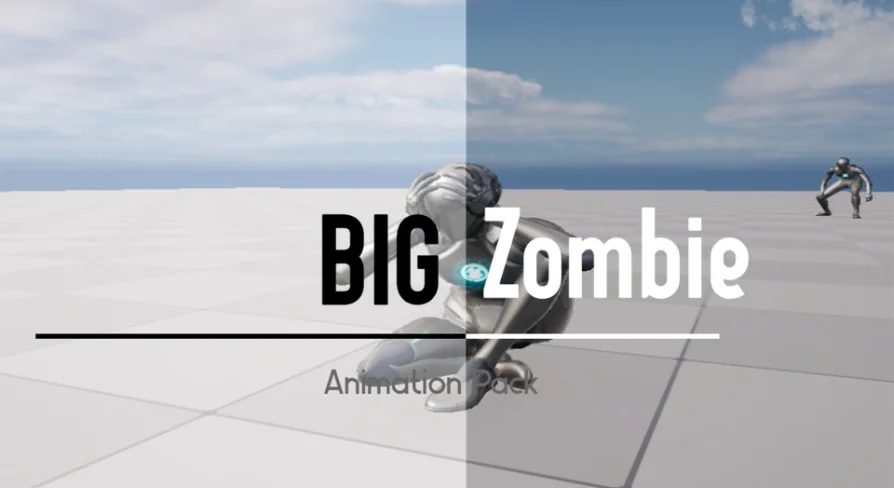
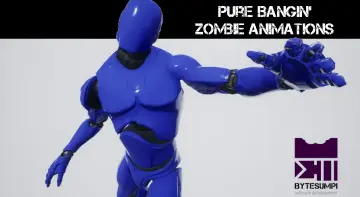
The impression a giant enemy leaves on a player sits in its animation. A zombie that shuffles without weight, then snaps into an attack at the wrong speed, can break the tension the scene is trying to build. The Big Zombie Animation Pack is built to handle these large horror-oriented creature moments. Its motion was authored in Cascadeur, and the pack comes with a showcase video and Discord support to help anyone get a direct look and ask follow-up questions.
Zombie, Ghoul, Ghost and Orc in One Monster Set
The pack's tags make its scope clear: Zombie, Fantasy, Ghost, Orc, Fear, Combat, Creature, Ghoul, Melee, Dark, Horror. That collection covers a distinct subsection of creature design: undead and supernatural fighters in the fantasy-horror zone. Zombie and Ghoul evoke decaying humanoids; Ghost pulls the pack toward spectral enemies; Orc adds a heavier, tougher physical frame. Those archetypes share more than a visual mood. They imply big, hostile bodies with a melee focus.
Combat and Melee appear alongside Fear and Horror to underline the goal. The intended scenes are not wander-filled locations. They are prowling spaces where a large creature appears in a dark atmosphere and goes close-range against the player. Dark and Fantasy give the pack a cohesive setting, and Creature closes the gap by leaving room for anything outside a standard bipedal silhouette. For a team building a horror level, the tag list acts as a shorthand: these animations will make enemies feel monstrous rather than human.
Made With Cascadeur and Presented Through Video
This animation pack was made with Cascadeur. That detail shows up directly as part of the pack's background. Cascadeur has become a widely used tool in creature and combat animation, so the pack's author is not hiding the workflow behind a vague summary. Instead, they indicate the tool and let the motion speak through a dedicated showcase video.
The showcase video is the fastest way to see what the Big Zombie Animation Pack brings. Watching a large zombie or orc move across the screen tells you more than a list of clip names does, especially when the mood depends on timing and weight. For questions left unanswered, Discord support is available. This is the route to get clarification on rig setup, skeletal naming, or how the pack pairs with a custom character project.
Compatible With the Wild Monster Anim Pack
One of the most concrete pieces of context around the Big Zombie Animation Pack is its compatibility with the Wild Monster Anim Pack. This tells animators that the two animation sets have been designed to sit beside each other in a project. If the Wild Monster Anim Pack already powers a set of creatures in your game, adding this zombie-focused animation pack means the technical foundation should already line up.
The connection matters when you plan a production roster. Rather than seeking zombie animations from one source and orc animations from another, you can build an enemy team using two packs that acknowledge each other. The exact list of skeleton requirements is not part of the public description, but the compatibility note points to a common ecosystem. In practice, that saves time during retargeting and reduces the risk of mismatched bone naming.
A Large Enemy Animation Pack for Dark Combat Scenes
Big is the first word in the asset name, and that is not a small detail. This animation pack is oriented toward enemies that occupy a large portion of the frame and probably dominate a room. A melee encounter with such a monster needs clear attack tells, a sense of mass, and movement that can pressure the player without being too fast.
The combination of the Cascadeur authoring workflow, the broad creature tag set, and the Wild Monster Anim Pack compatibility gives the resource a coherent production story. The showcase video exists to confirm the actual look. After watching it, the next logical step is the Discord channel for technical specifics. That workflow is practical in a field where downloading a pack is only the start. The real task is making that monster feel like it belongs in your scene's gravity.
 Combat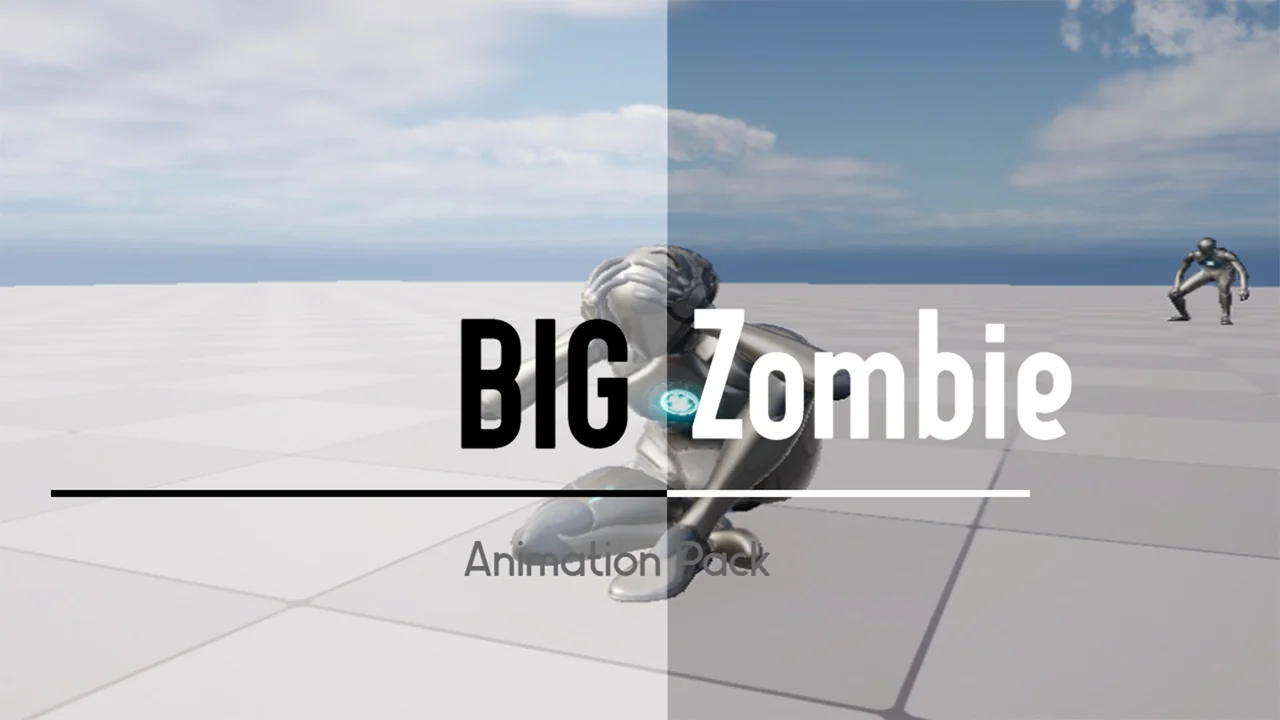
 Combat
 Combat
 Locomotion / Gaits