High-Performance GPU Ray-Tracing
Bakery is a production-ready lightmapping tool designed for Unity, functioning as a dedicated alternative to the standard Enlighten and Progressive lightmappers. By utilizing the GPU for ray-tracing, it significantly accelerates the baking process. While the tool can take advantage of specialized RTX hardware to improve performance, it is compatible with any modern Nvidia GPU from the 6xx series or newer. The system is built for 64-bit Windows environments (version 7 or higher) and does not support AMD cards or macOS for the baking process. Once baked, the resulting lightmaps are compatible across all platforms.
The developer has verified compatibility across a wide range of Unity versions, from 5.6 to 6000.2.5f, including support for the Universal Render Pipeline (URP) and High Definition Render Pipeline (HDRP). For projects using versions earlier than 2019.4, users can download the package in a 2019.4 environment and manually copy the assets into their earlier project to bypass store restrictions.
Physically Correct Lighting and AI Denoising
One of the core strengths of the system is its focus on accuracy. All lighting results are compared against the Mitsuba offline renderer to ensure physically correct baked lighting. To maintain clean results without excessive bake times, it incorporates the Nvidia AI Denoiser. This deep-learning-powered feature removes noise from the lightmaps, which is particularly useful when dealing with complex global illumination or soft shadows.
The tool addresses several common technical issues found in automated lightmapping, such as light leaks and visible UV seams. It supports global illumination with custom shaders and can handle sky lighting via HDRI or flat color. For more specialized lighting needs, the system supports IES lights and emissive textured meshes, alongside standard directional, point, and spot light sources.
Directional Baking and Shadowmask Support
Bakery provides a high degree of control over how light data is stored. It can produce complete lightmaps, indirect-only lightmaps, or a mix of both on a per-light basis. For developers requiring advanced surface detail, it offers four directional baking modes to handle bump and specular data:
- Dominant direction: Compatible with the majority of standard shaders.
- Radiosity Normal Mapping.
- Per-pixel spherical harmonics.
- Direct baking of normal maps into the diffuse data.
In addition to standard lightmaps, the package supports shadowmasks, light probes, and the baking of 3D textures. It includes an automatic atlas packing system to streamline the organization of lightmap textures.
Integration and Scene Management
The system is designed to fit into complex production workflows, supporting Mesh Renderers, Skinned Meshes, and Terrains. It fully supports Level of Detail (LOD) groups and baked prefabs. Recent updates have introduced an option to prevent specific lightmapped prefabs from being baked themselves while still allowing them to contribute lighting and shadows to the rest of the scene. Technical refinements in the latest version include faster L2 light probe de-ringing and a hotfix for compatibility with Nvidia driver versions 590 and newer.
For artists who require immediate feedback, a real-time ray-traced preview can be installed as an additional component. This allows for rapid iteration before committing to a full bake. The effectiveness of this workflow is demonstrated by its use in several high-profile titles, including Call of Duty Mobile, Totally Accurate Battle Simulator, and Dead and Buried II.
Technical Requirements and Practical Application
The package consists of approximately 780 assets and requires a 485.4 MB footprint. When setting up a scene, the system recognizes material properties including albedo, emissive, and opacity. This ensures that transparency and light emission are factored accurately into the global illumination solve. Because it operates outside the standard Unity lightmapping window, users should refer to the developer’s documentation and FAQ forum for specific configuration steps regarding complex geometry and custom shaders.
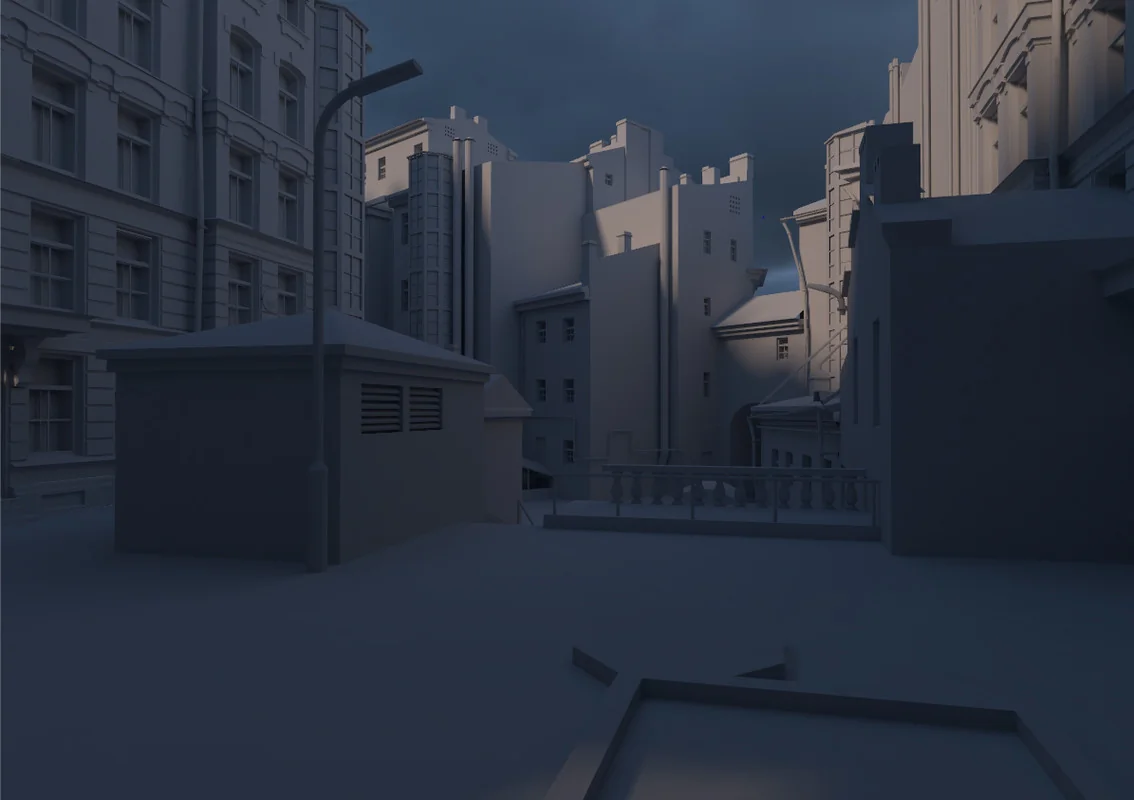
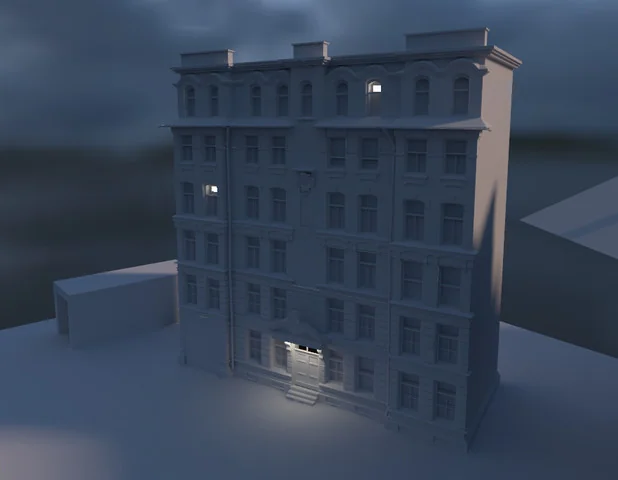
Project Screenshots
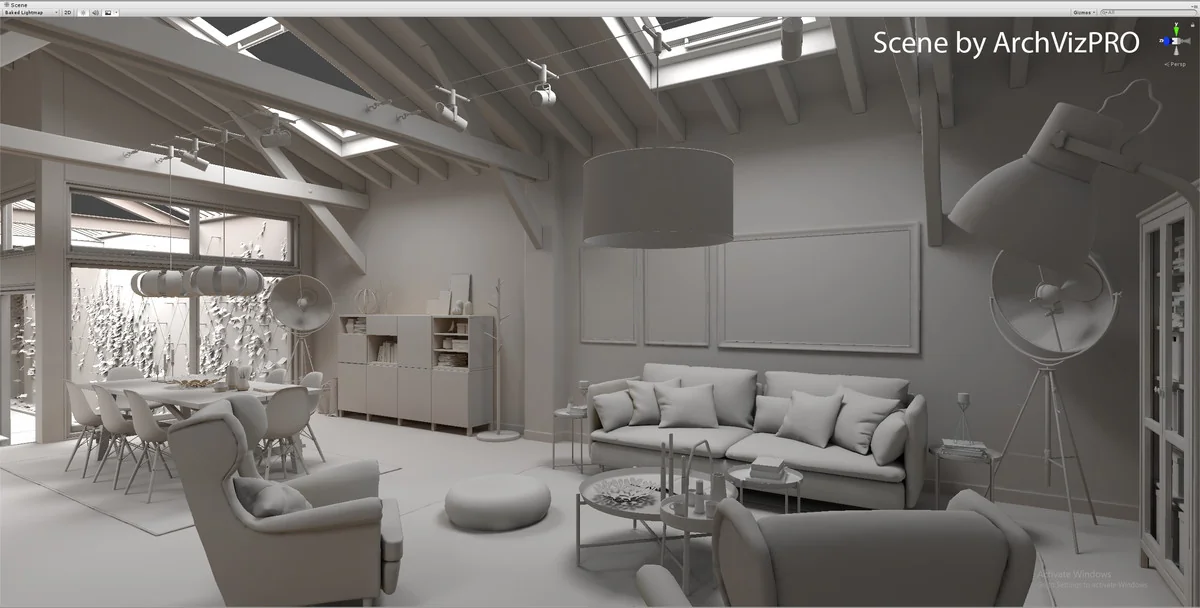
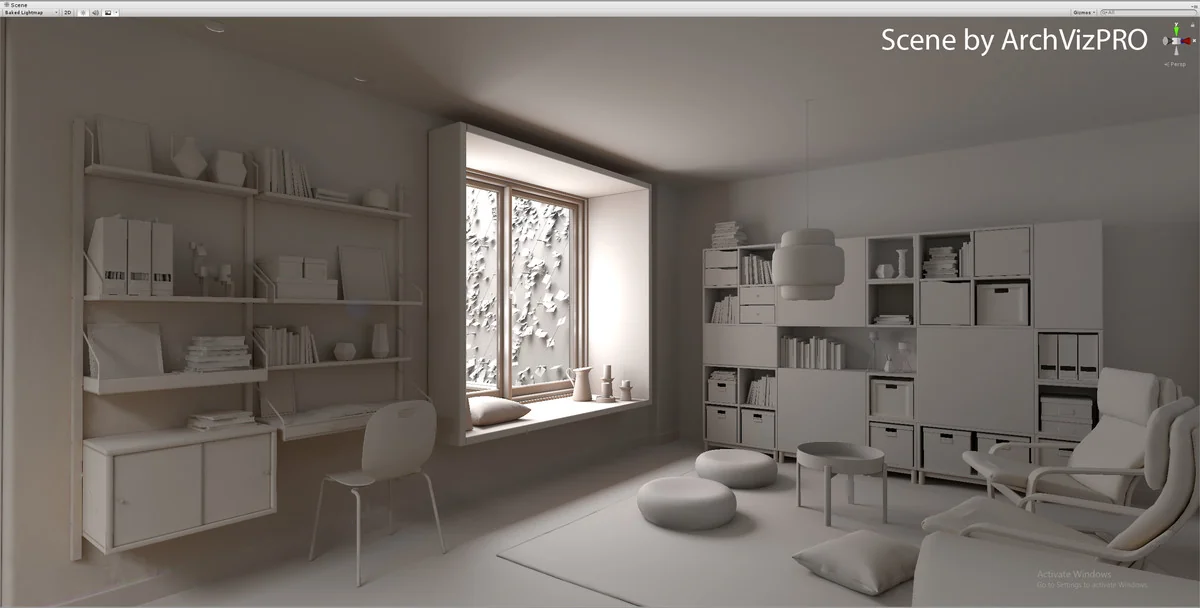
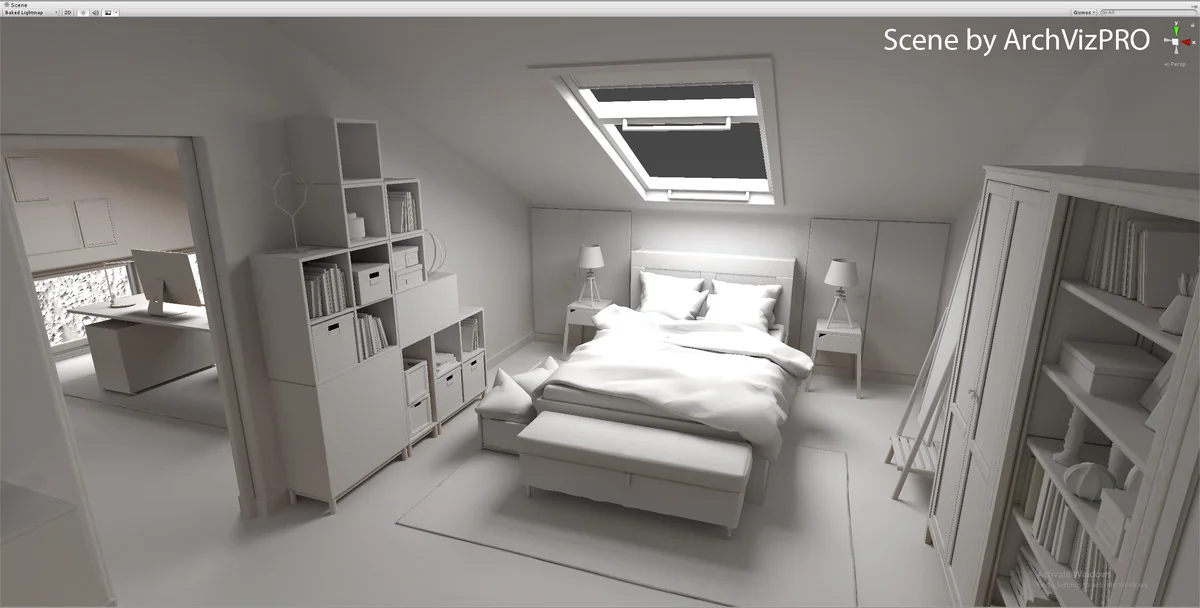
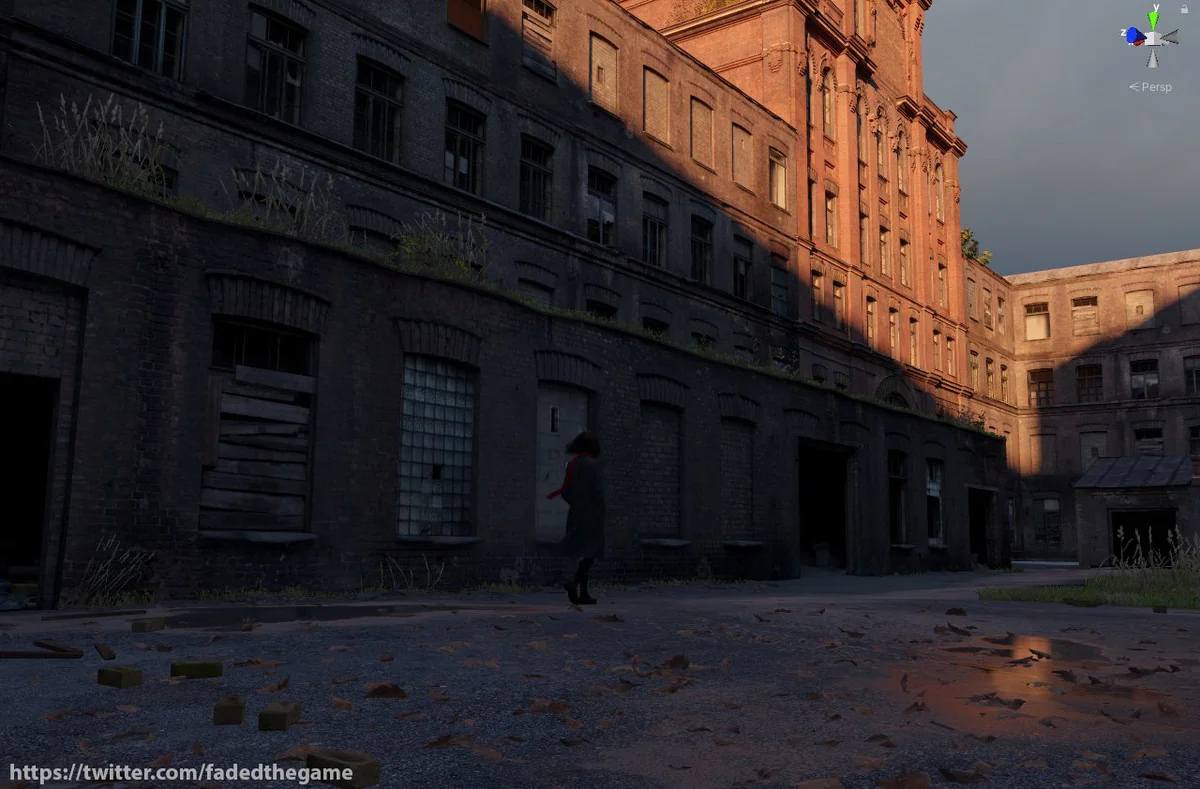
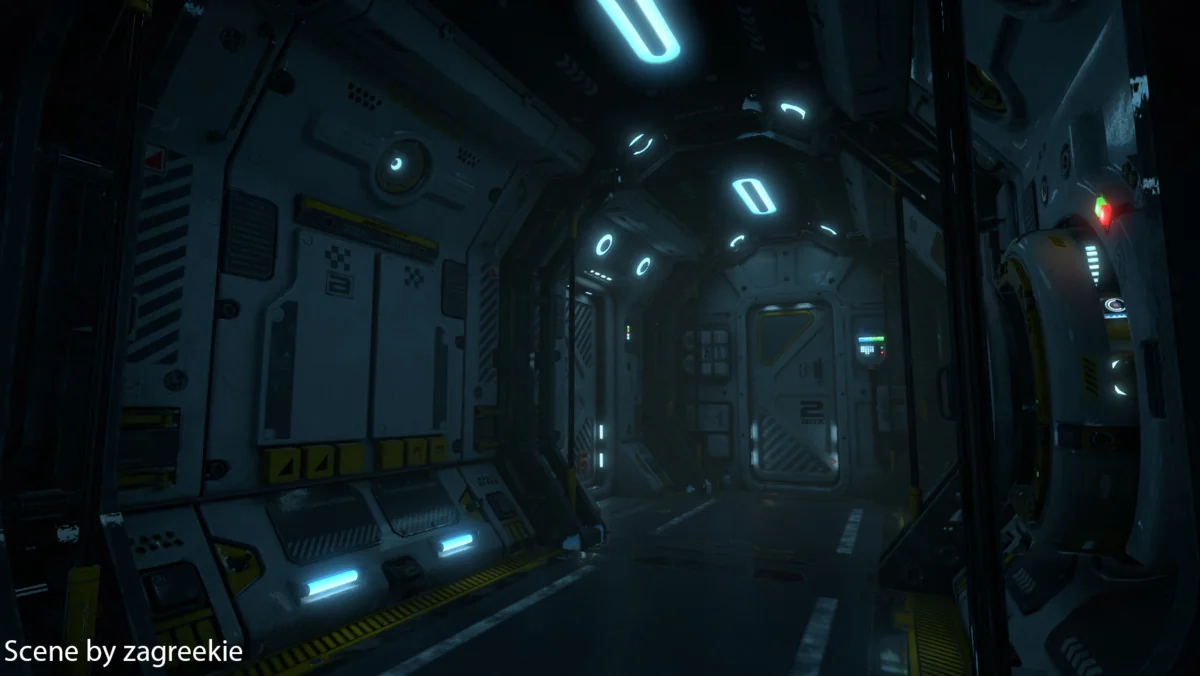
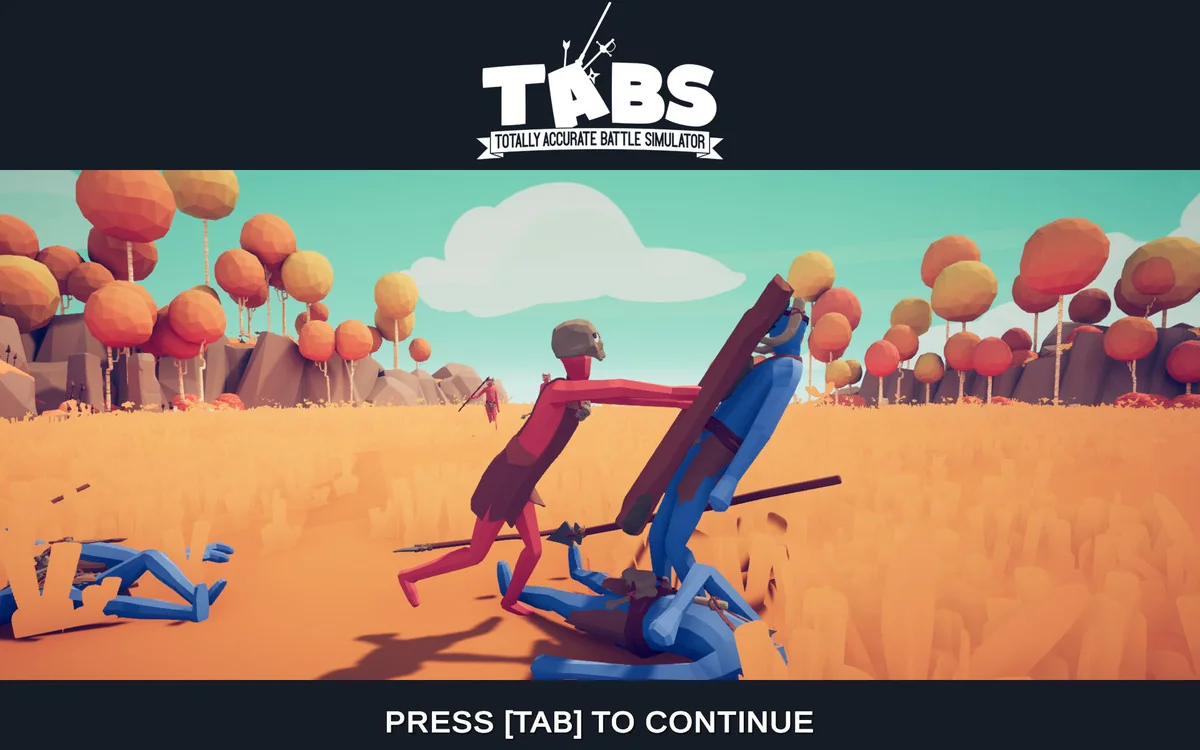
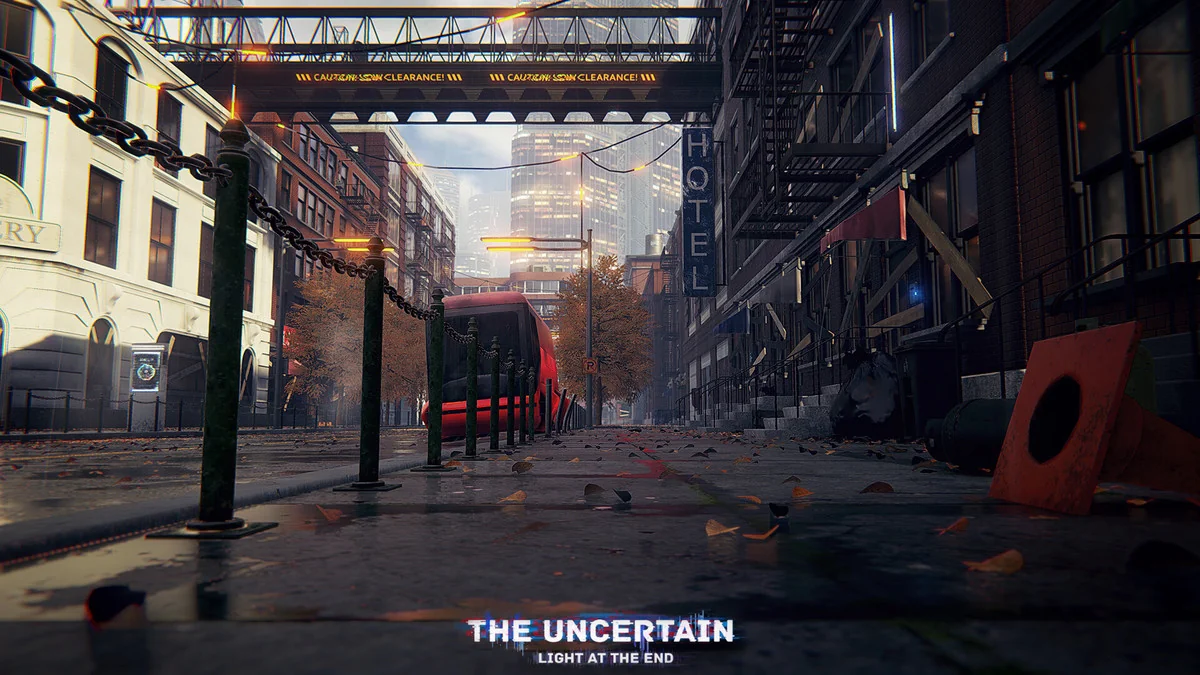
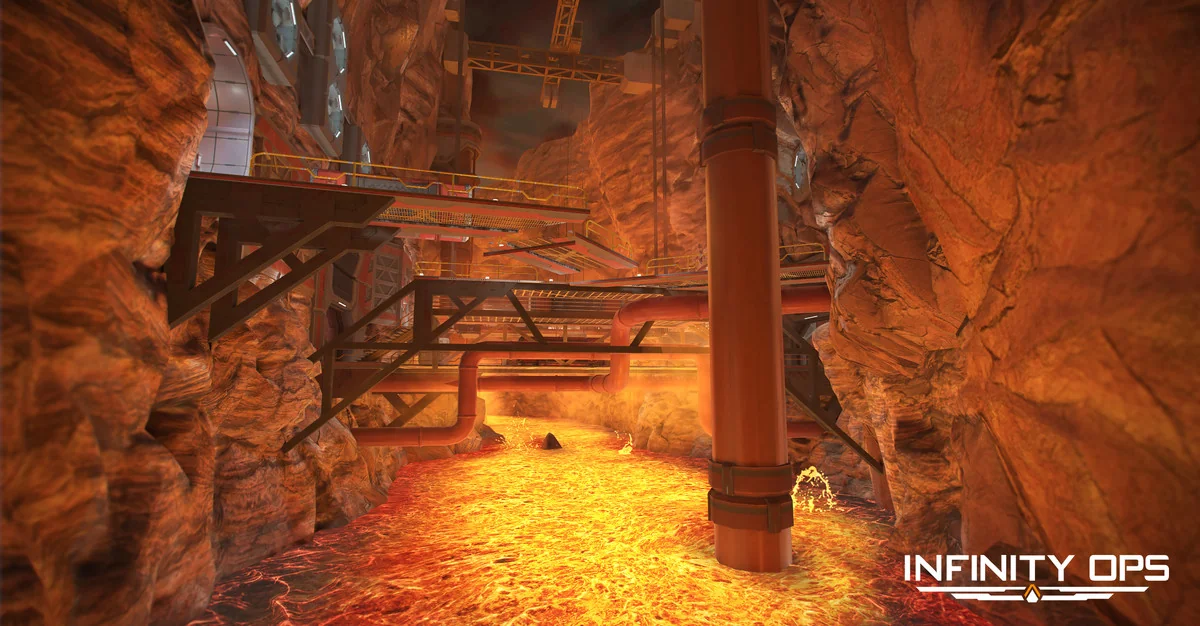
Protected download
Access this resource
All resources are 100% manually reviewed to eliminate all risks.