Dynamic Layout and Terrain Interaction
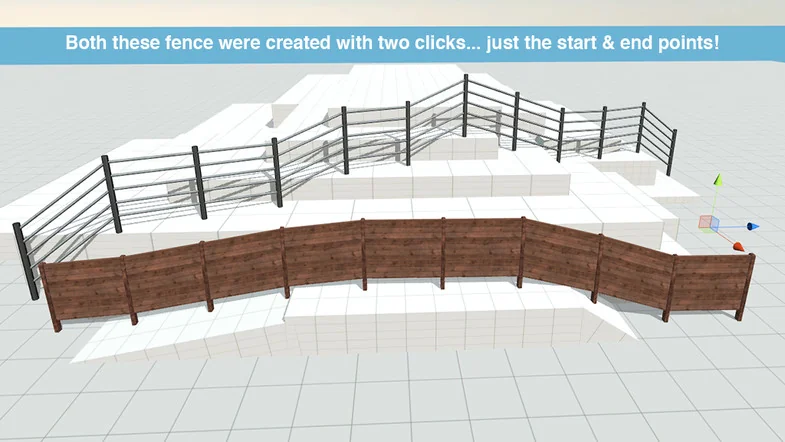
The core functionality of Auto Fence & Wall Builder centers on a shift-click interaction model that allows for the immediate placement of structures within a Unity scene. When a developer clicks on the ground, the tool generates the fence or wall geometry in real-time. This system is designed to be responsive to the underlying environment; if the terrain or ground geometry is modified after the fence has been placed, the tool automatically updates the structure to follow the new slope or contour. This eliminates the need for manual repositioning of individual posts or panels when environmental layout changes occur.
Beyond simple placement, the tool offers specific controls for how the geometry interacts with the path it follows. Developers can manage interpolation and rounding of the layout, providing flexibility between sharp, rigid wall angles and smooth, curving fence lines. The height and complexity of the construction are also adjustable through the tool’s interface, ensuring that the generated assets meet the specific verticality requirements of a level design.
Prefab Management and Custom Asset Integration
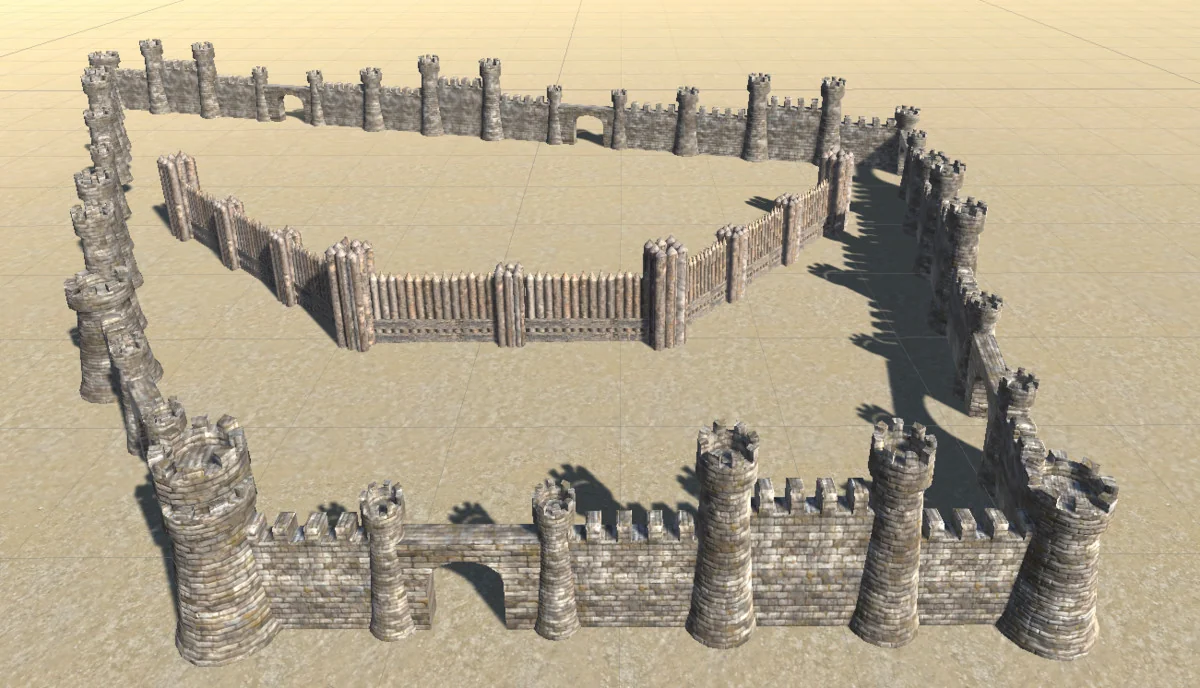
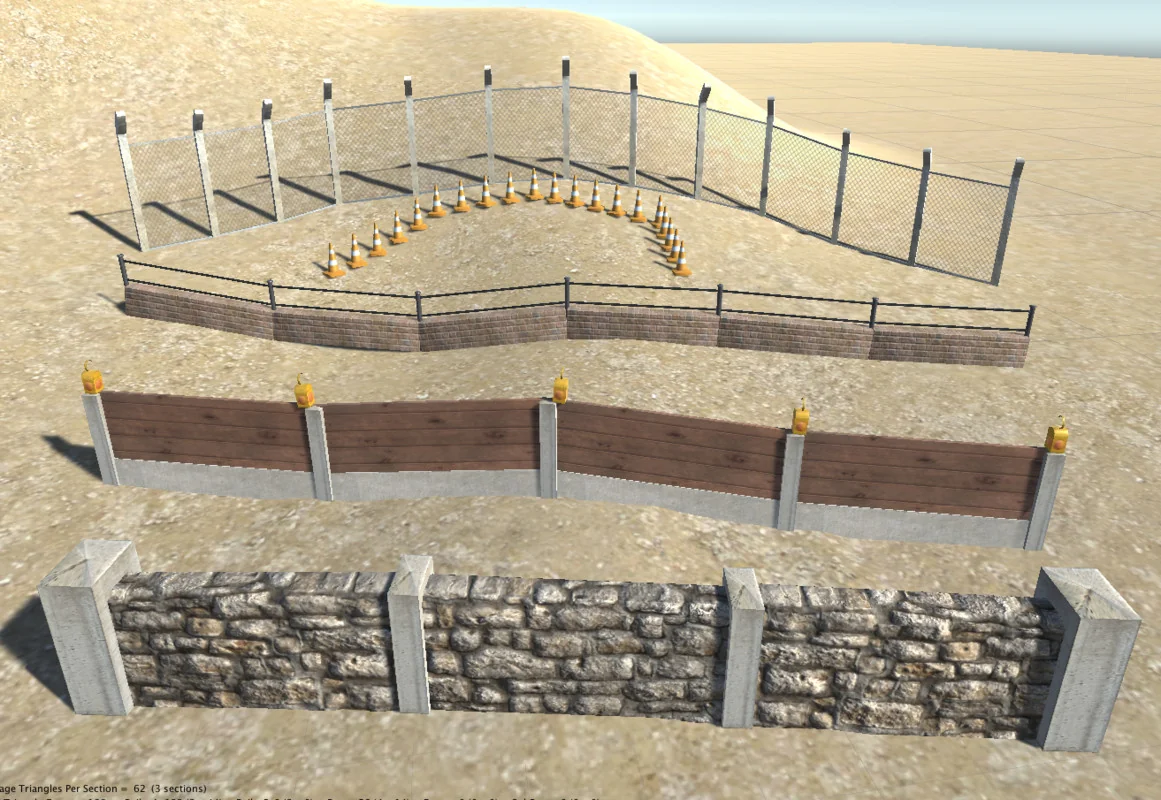
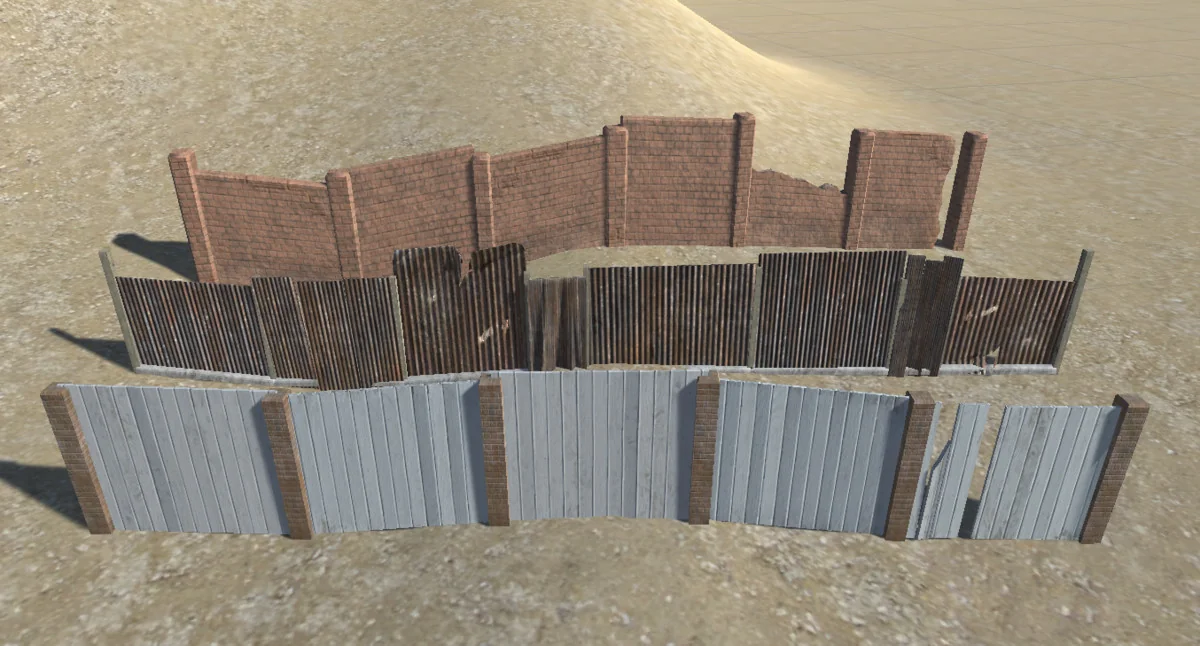
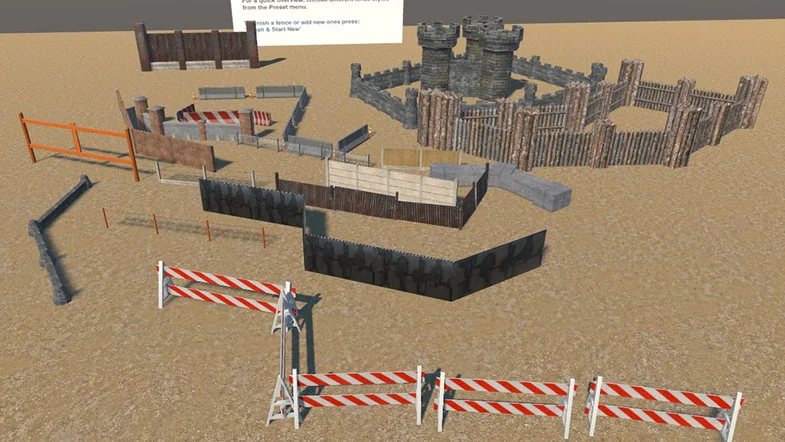
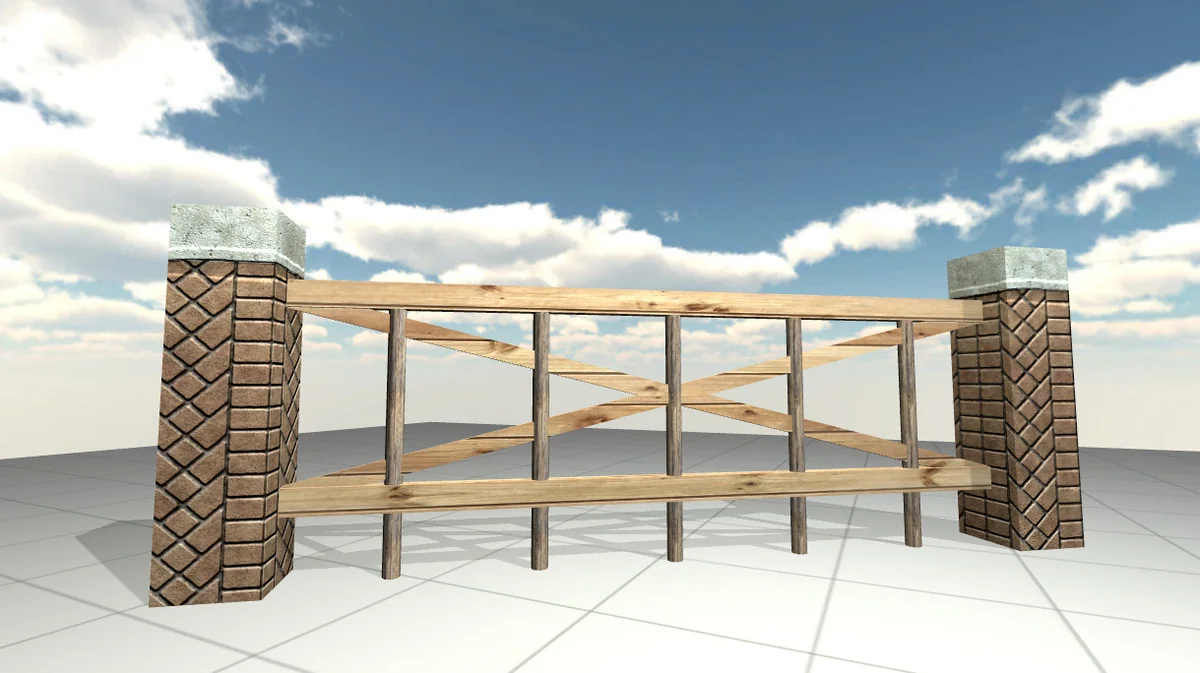
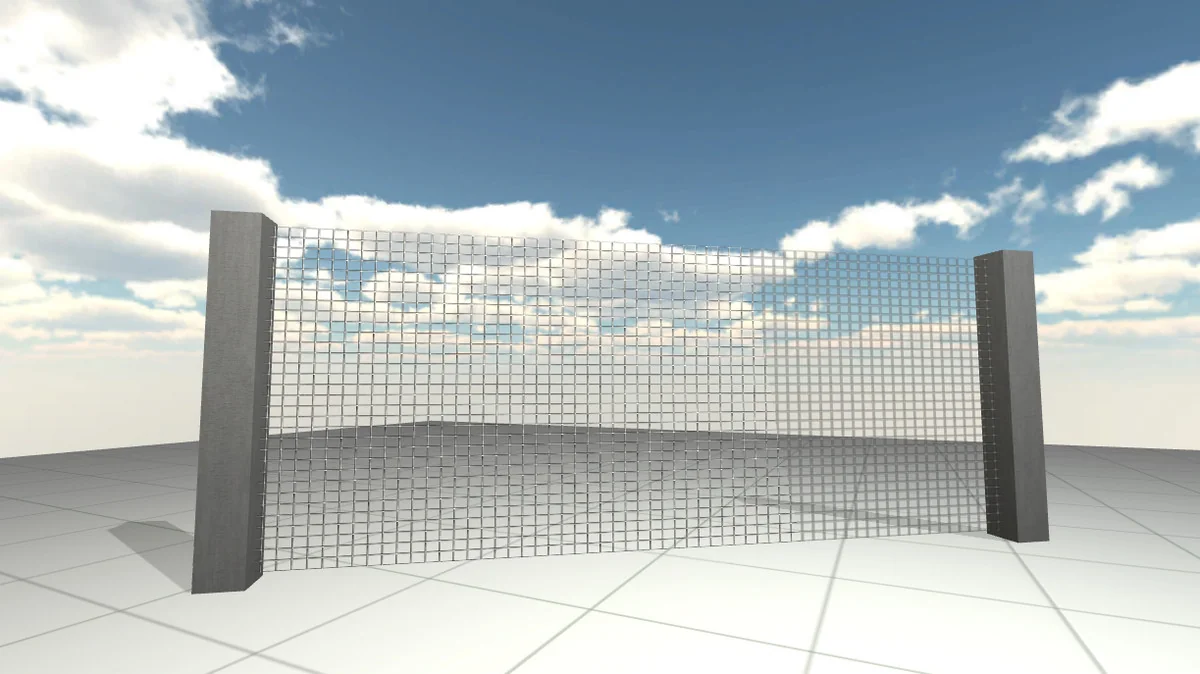
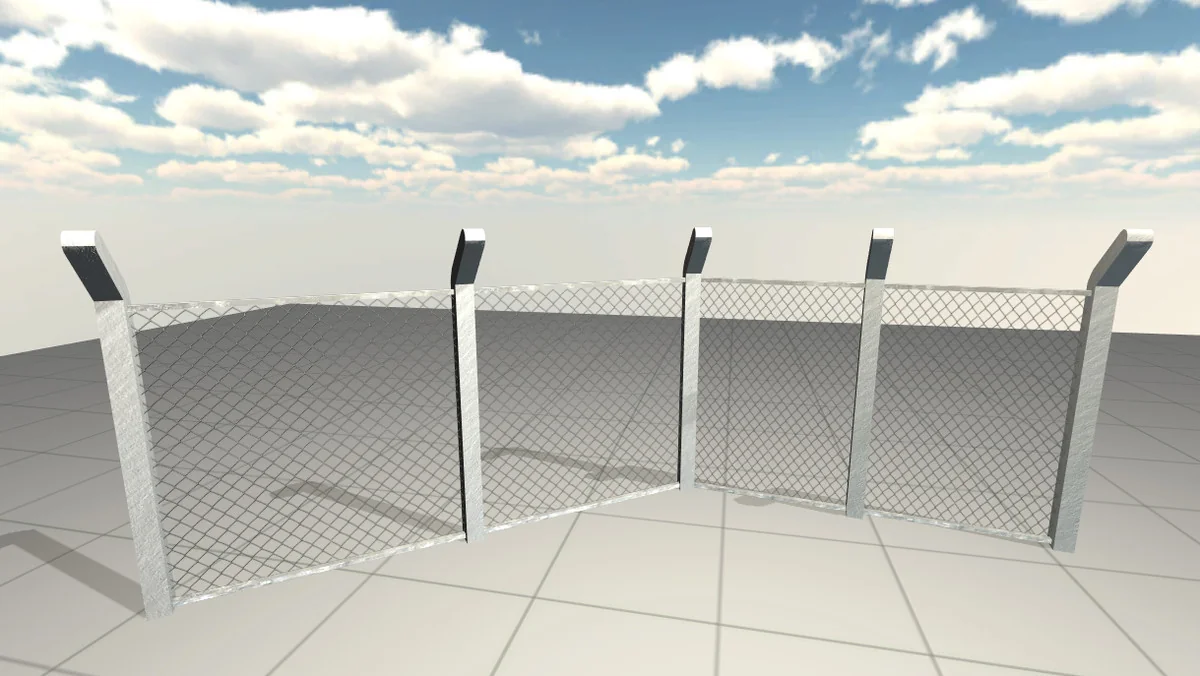
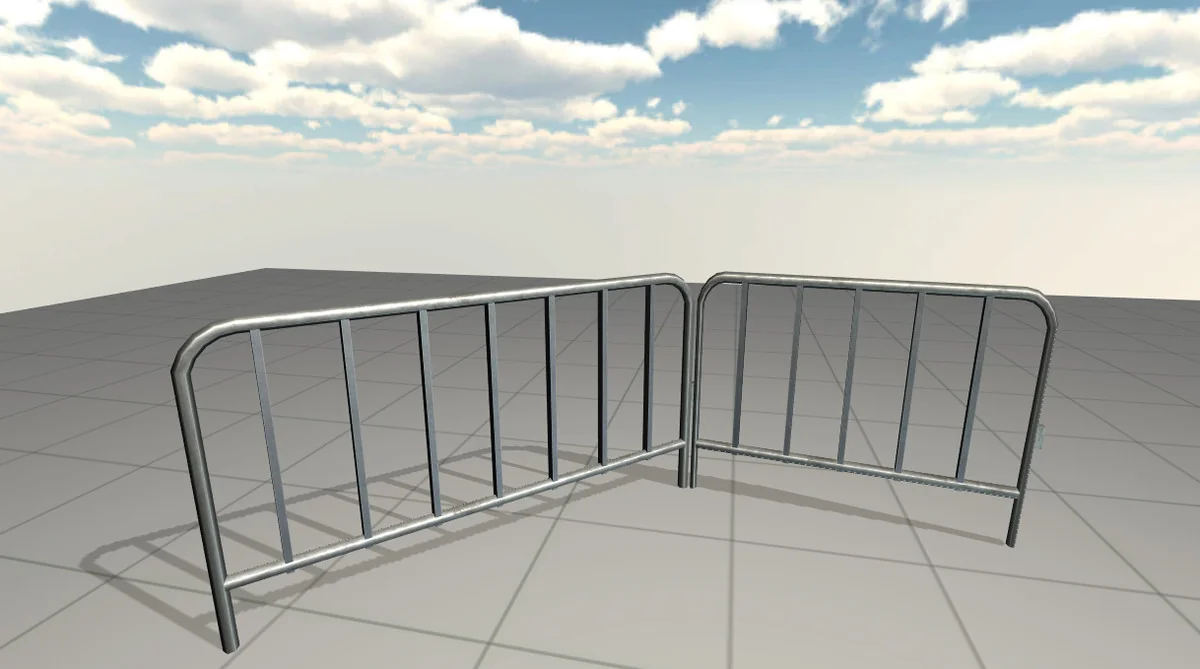
Version 4.0 of the tool introduced a rewritten preset manager designed to handle the hundreds of included prefabs and parts. To streamline the selection process, all presets and component parts are organized into categorized submenus. This allows for quicker previewing of styles, ranging from simple kit parts to complex, pre-built wall designs. Developers can use these included assets as-is or use them as a foundation for randomized designs.
For projects requiring unique visual identities, the tool supports the integration of custom Game Objects. Any 3D model can be incorporated into the system via a simple drag-and-drop action. This extends to objects already present in the active scene, which can be designated as fence components. Once a custom object is integrated, it benefits from the same automated layout and terrain-following logic as the built-in library. The tool allows developers to finalize a construction and start a new one with minimal clicks, maintaining the layout of the fence even if the underlying style is swapped for a different prefab at a later stage.
Visual Variety and Geometric Continuity
One of the challenges in modular environment design is avoiding repetitive patterns in long constructions. Auto Fence & Wall Builder addresses this through both procedural and manual variation controls. Developers can implement procedural randomization across the component parts of a fence or wall. Alternatively, specific sections can be modified manually by clicking on a segment directly within the Scene View to substitute it with an alternative prefab. This level of granular control ensures that long stretches of fencing can maintain visual interest without requiring manual placement of every unique section.
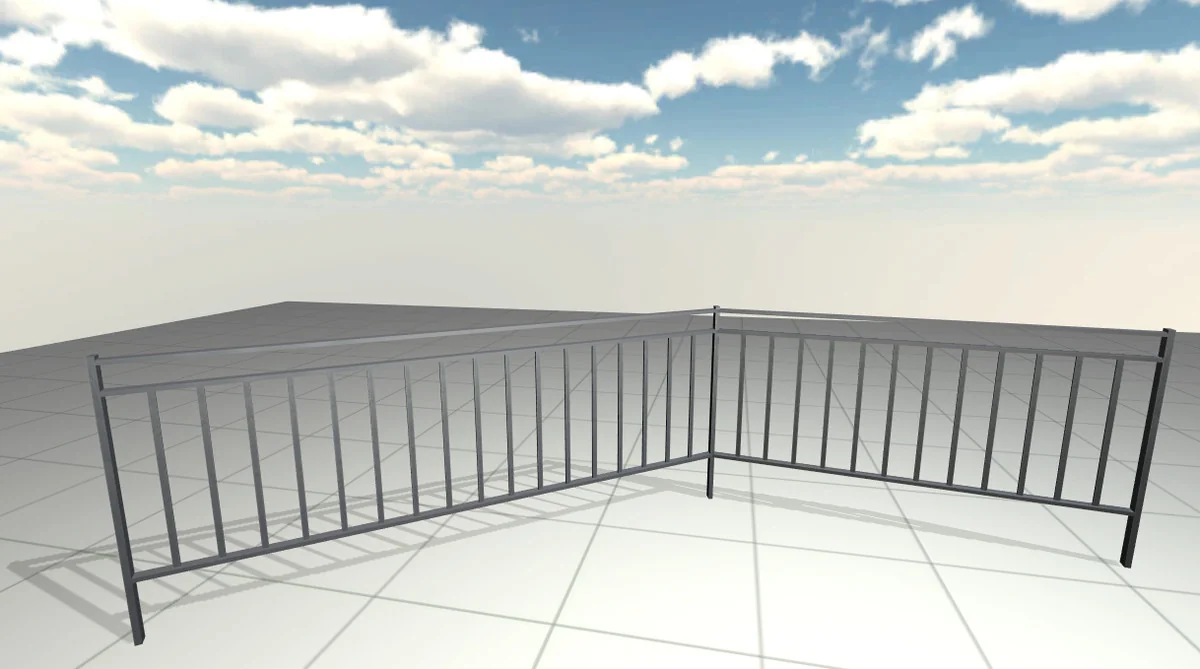
Structural continuity is further enhanced by the inclusion of mitered joints. These joints allow for seamless connections at corners and intersections, preventing the gaps or overlaps often found in simpler modular systems. This focus on geometric precision ensures that the walls appear as cohesive structures rather than a series of disconnected instances, regardless of the complexity of the layout or the number of turns in the path.
Performance Monitoring and Optimization Controls
To assist with performance management during the design phase, the tool provides a persistent on-screen triangle count. This display breaks down the polygon density for every individual component part as well as the cumulative total for the entire wall or fence structure. Most of the included prefabs are designed with performance in mind, generally falling within a range of 40 to 100 triangles per part.
For large-scale scenes where performance overhead is a concern, the tool includes specific optimization features. Developers can utilize “thinning-out” controls, which reduce the complexity or frequency of models based on distance or the angle of the path. This allows for more efficient rendering of distant or straight sections of a wall where high-density geometry may not be necessary. These tools provide a balance between visual fidelity and the technical constraints of a game level.
Implementation Scope and Compatibility
While Auto Fence & Wall Builder is a robust solution for architectural and boundary elements, it is specifically optimized for fences and walls. It is not intended to function as a general-purpose spline tool for attaching arbitrary components such as physics objects, particles, or custom scripts along a path. Its focus remains strictly on the geometric construction of modular barriers and their adaptation to the scene’s topography.
From a technical standpoint, the package includes the full source code, allowing for deeper inspection of the tool’s logic if required. Users should note specific compatibility limitations: this version is not compatible with GSPro users who are restricted to Unity 2018.2. However, for supported environments, the tool functions as a standalone utility requiring zero initial setup; the construction process can begin as soon as the asset is imported into the project.
Preview Images
Protected download
Access this resource
All resources are 100% manually reviewed to eliminate all risks.