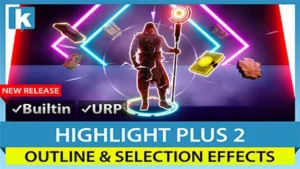
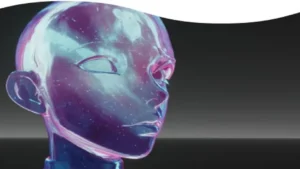
Outlines that respond to depth, normals, and scene distance
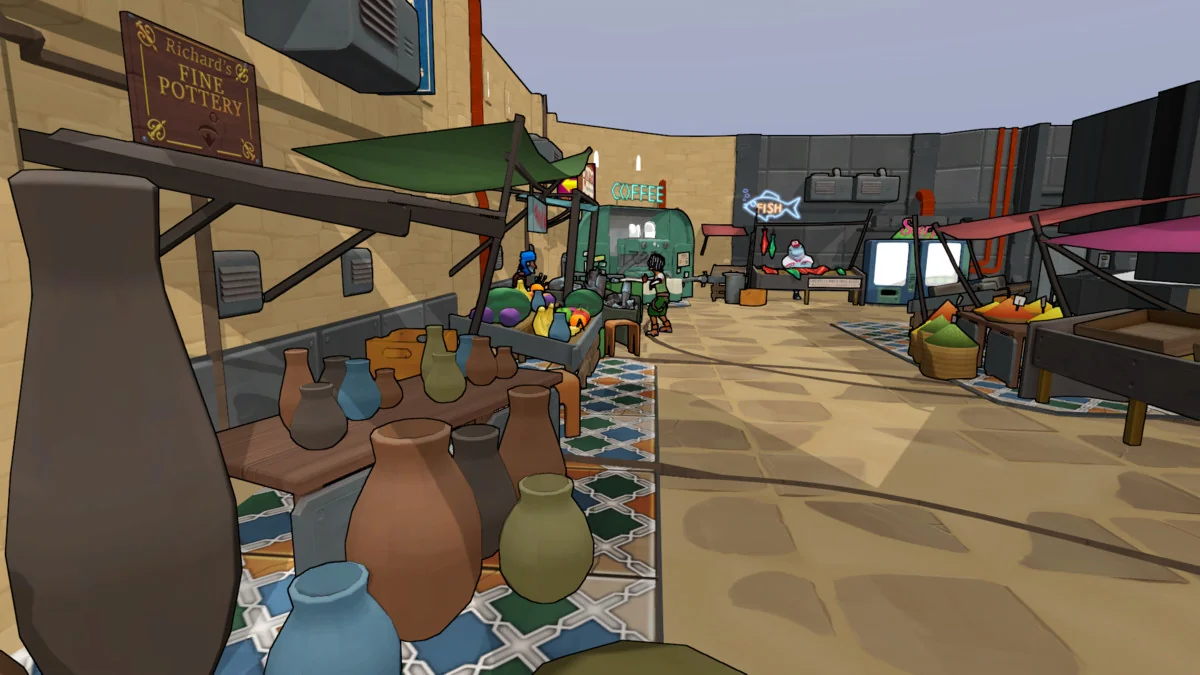
Advanced Edge Detection adds clear edge-detected outlines to a scene, with the aim of making the result readable instead of harsh or noisy. The package works with normals and depth buffer edge detection, so outlines can follow the structure of geometry rather than acting like a flat overlay.
Two specific controls help it handle common problem areas. Acute Angles Fix addresses issues that usually show up around steep angles in depth edge detection. Depth Fade keeps outlines readable even as objects sit farther from the camera. Those two pieces make the effect feel more consistent across a scene instead of breaking down when geometry gets more complex or when the camera moves back.
The result is not limited to a single outline style. The package is set up to let edges appear as a visual layer that can stay clear while still reacting to the shapes underneath.
Styling options beyond a plain line pass
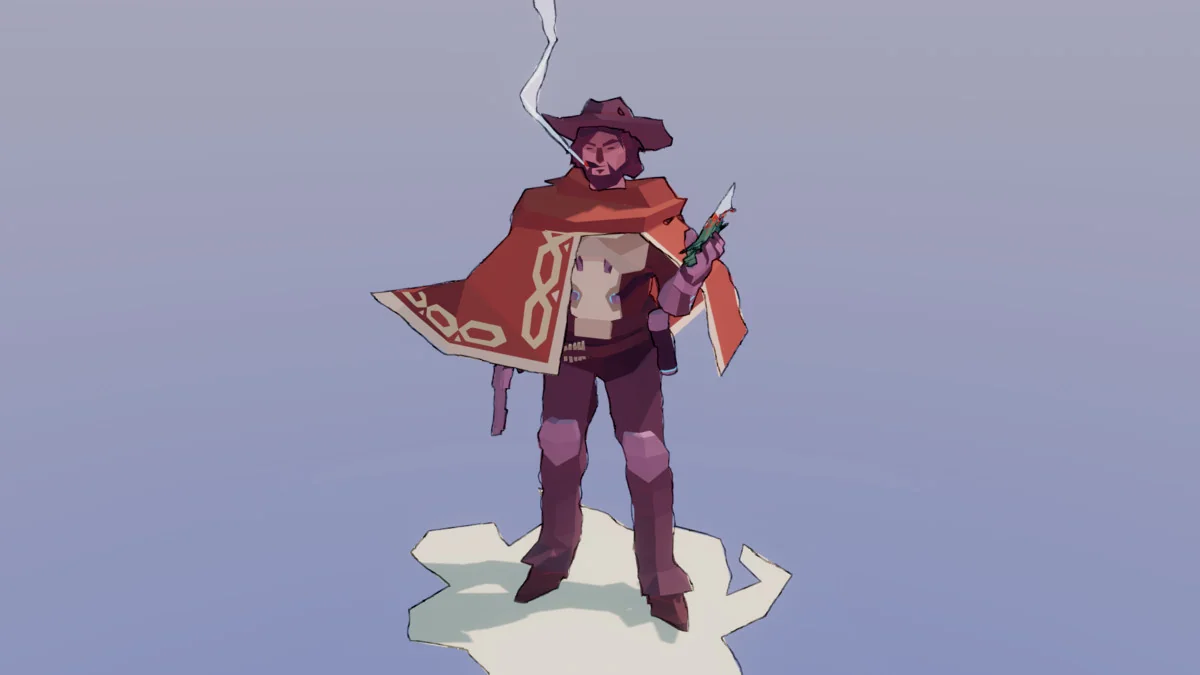
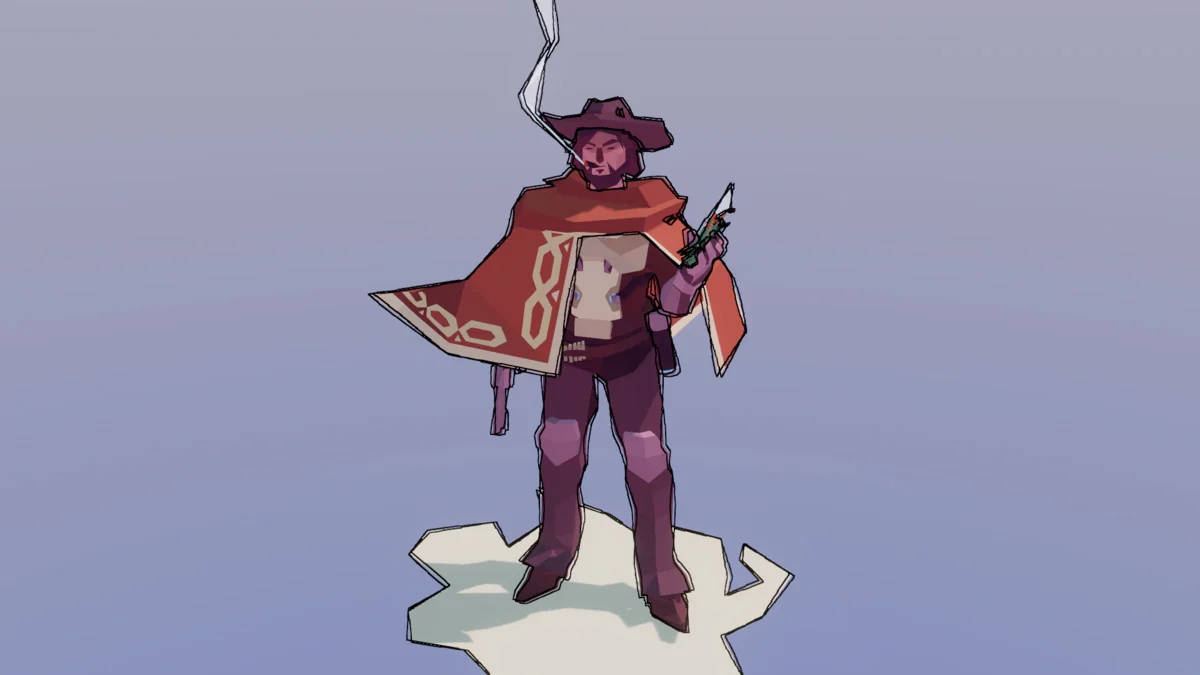
The package includes sketch and hand-drawn effects for a more stylized presentation. Grain and UV offset effects are part of that set, giving the outlines a rougher appearance when a scene needs something less mechanical than a clean contour line.
Custom Masking adds another practical layer. Instead of outlining everything by default, specific objects can be selected to receive outlines while others are left alone. That makes the effect easier to use in scenes where only certain elements should stand out.
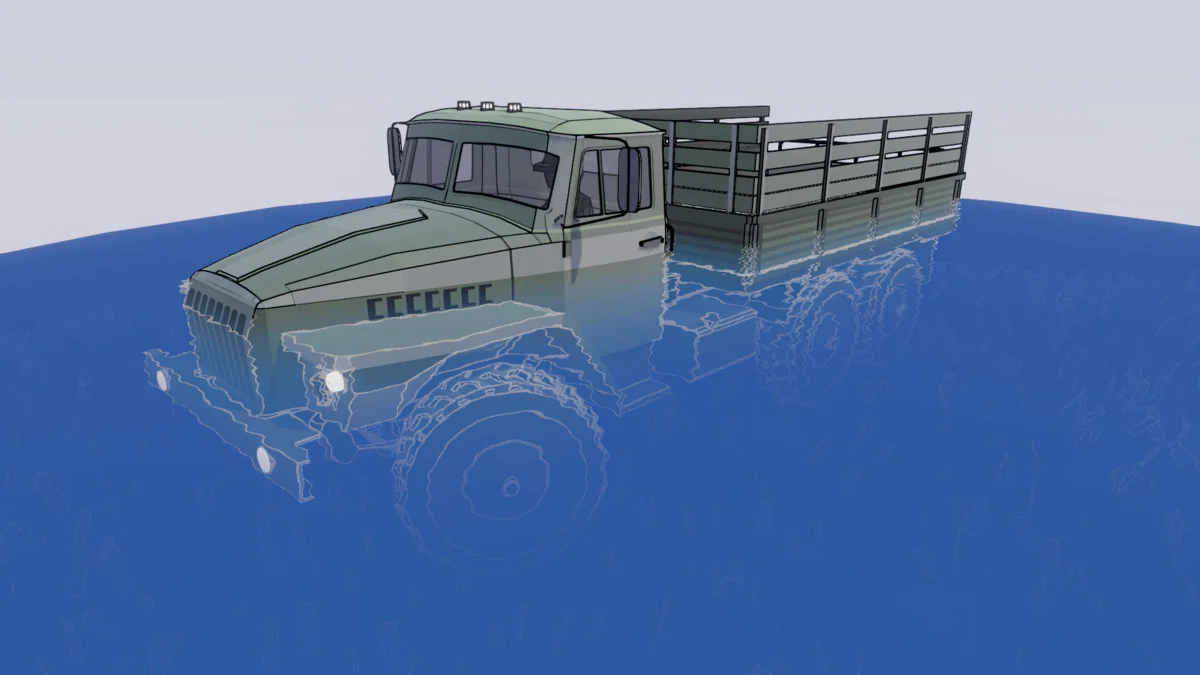
Edge Read is aimed at transparent shaders. It lets edge detection data be used inside transparent shader behavior, which opens the door to custom responses such as water effects. That makes the package more than a visual pass for opaque objects; it can also feed information into shader logic where transparency matters.
- Normals and depth buffer edge detection
- Acute Angles Fix for steep-angle cases
- Depth Fade for distant outlines
- Sketch, grain, and UV offset effects
- Custom Masking for per-object control
- Edge Read for transparent shader behavior
URP-only data detection for more detailed control
Custom Data Edge Detection is available only for URP. It uses object IDs, vertex colors, and custom textures to detect edges, with the goal of reducing common artifacts and producing more detailed edge detection. That makes the URP path the most specific option in the package when a project needs more than normals and depth alone.
This feature is also the most selective part of the workflow. Because it can read object IDs, vertex colors, and custom textures, it gives the developer more ways to separate shapes and guide where edges appear. The package notes that this capability is limited to URP, so it is not part of the Built-in path.
For projects that rely on stylized outlines and want finer control over which surfaces are recognized, this is the section of the package that does the most specialized work.
Where it fits, and what to keep in mind before using it
Advanced Edge Detection supports URP and Built-in versions, but it works only in Unity 6.0+. Built-in requires Shader Graph for the demo scenes to work. The package also does not support VR or webGL, so those targets are outside its scope.
The package comes as a unitypackage, with 70 assets and a file size of 13.9 MB. The original Unity version is 6000.0.56, and the latest version is 3.0. The latest release date is Feb 07, 2026. Release notes for 3.0 mention that Unity 2022 is deprecated, that shader keyword build issues were addressed by changing from shader feature to multi-compile, and that URP 6.0+ works out of the box without.unitypackage importing required.
Not every asset or demo scene shown in the showcase is included in the package. Some of the showcased visuals are used only for the video or screenshots, while the package itself stays focused on the edge detection system and its controls.
For teams working in Unity 6.0+ and looking for outlines that can be tuned, masked, and extended into transparent shader behavior, this package is strongest when the scene needs visible edges without locking into a single look.
Project Screenshots
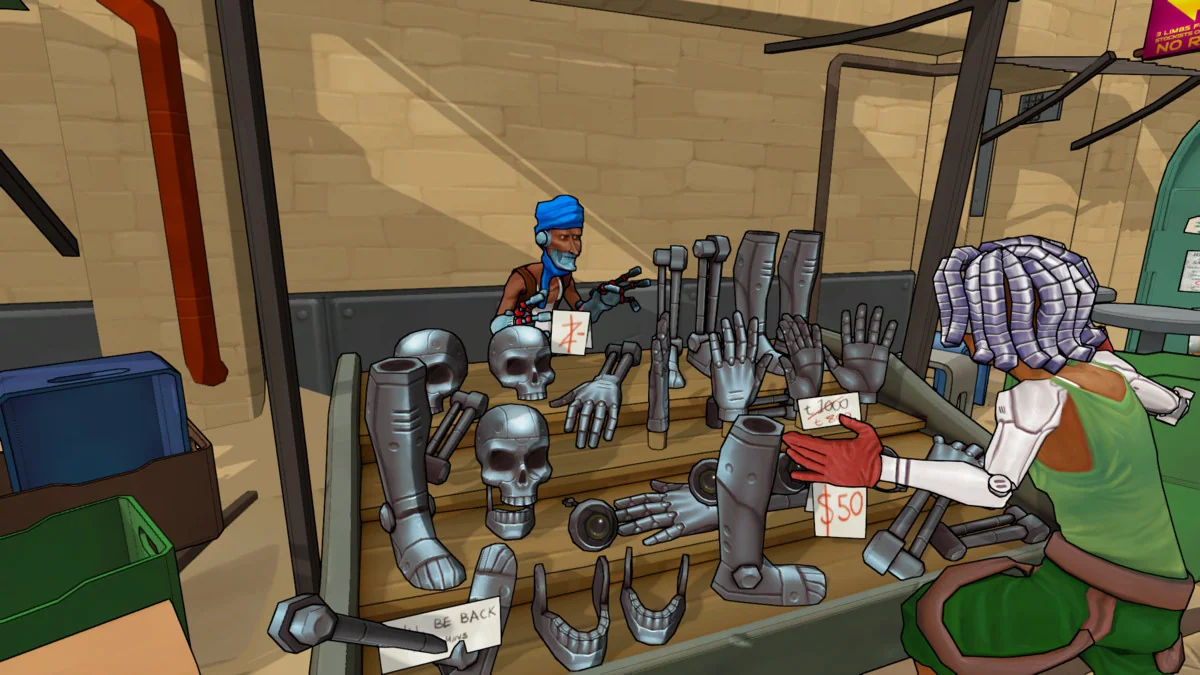
Protected download
Access this resource
All resources are 100% manually reviewed to eliminate all risks.