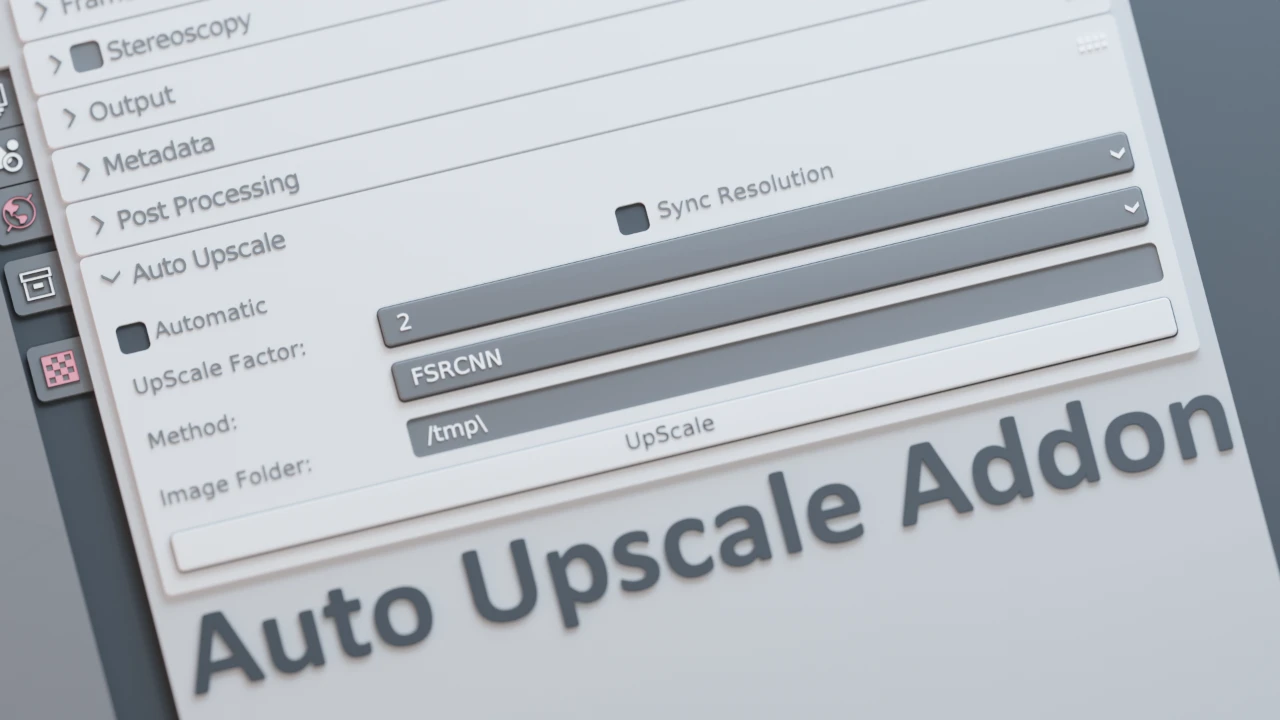
Are you tired of waiting hours for high-resolution renders to finish? In the fast-paced world of 3D art, time is your most valuable asset. The Auto Upscale Add-on for Blender is the ultimate solution designed to dramatically speed up your workflow without compromising on quality.
By allowing you to render at lower resolutions and intelligently upscaling the results, this tool lets you iterate faster, experiment more freely, and deliver stunning visuals in a fraction of the time. Whether you are finalizing a portfolio piece or rushing to meet a game development deadline, Auto Upscale bridges the gap between speed and fidelity.
Key Features & Benefits
Transform your rendering pipeline with a suite of features designed for modern 3D artists:
- Drastically Reduce Render Times:
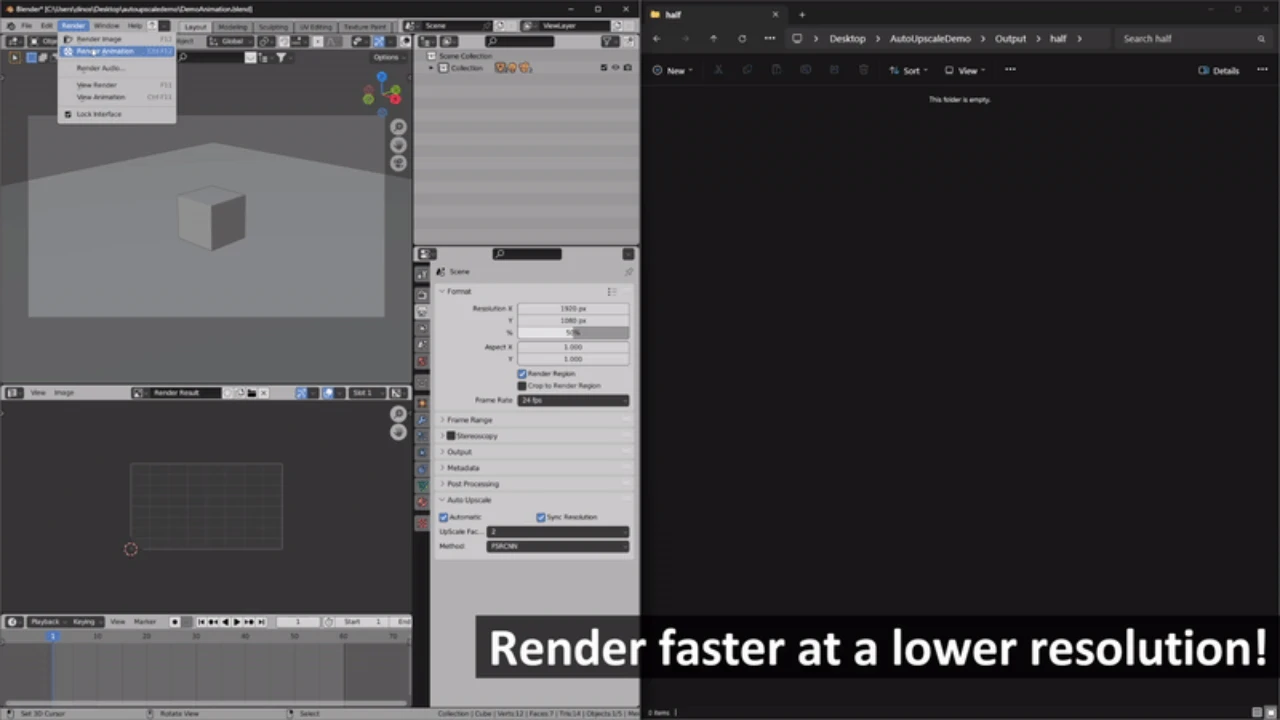
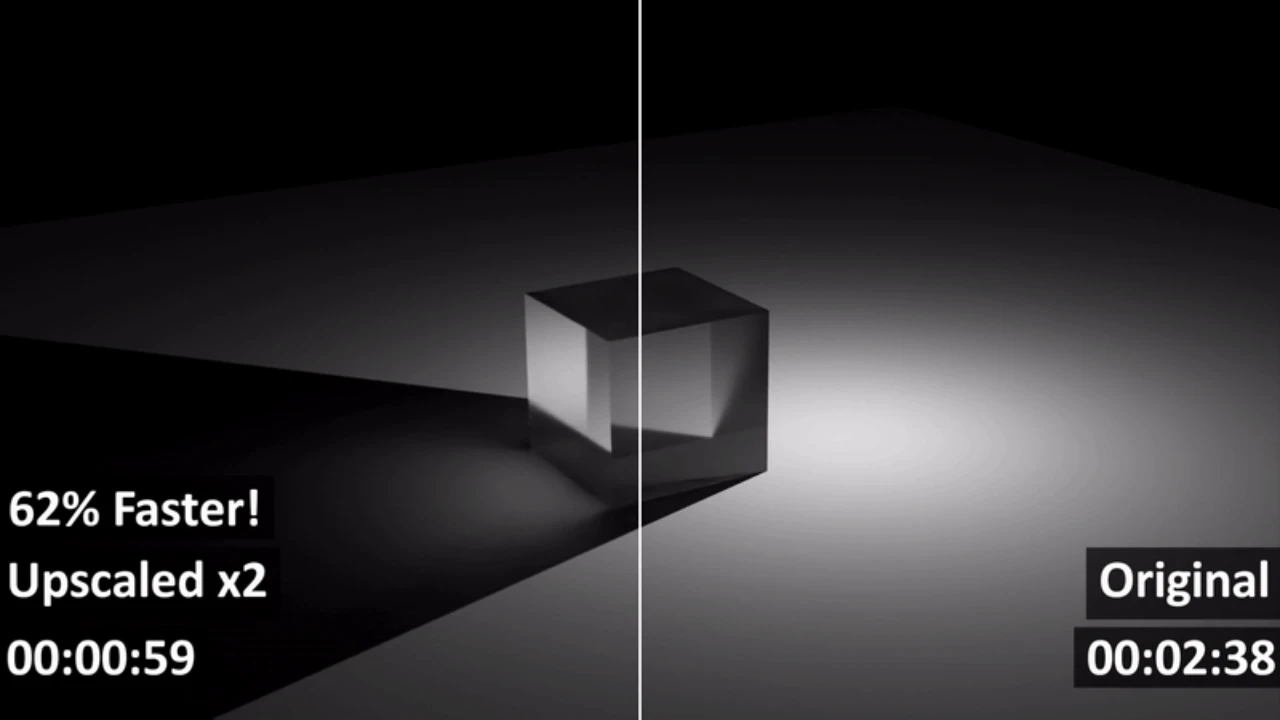
Stop staring at progress bars. Render your scenes at a fraction of the target resolution to save hours of computation time, then use our advanced upscaling to achieve the final high-quality output instantly. - Flexible Scaling Options (2x to 8x):
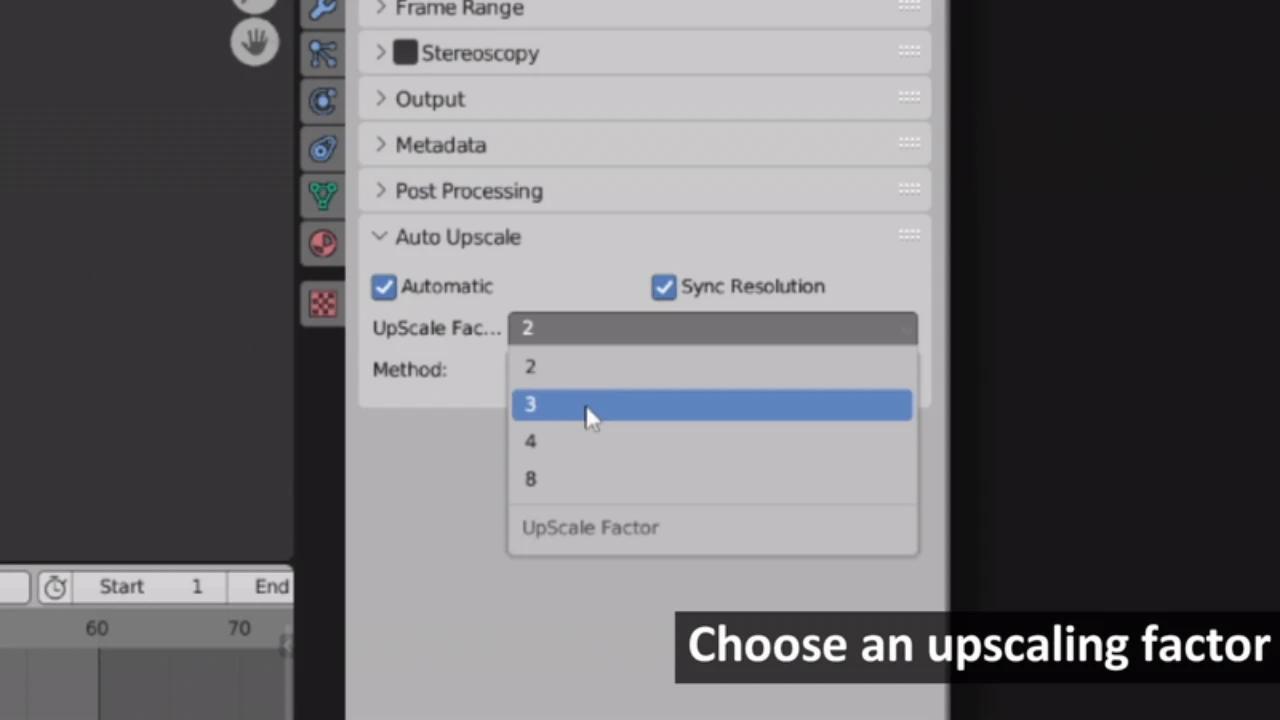
Every project is different. Whether you need a quick 2x boost for a social media post or a massive 8x upscale for print-ready architectural visualization, you have complete control over the output size. - Dual Operation Modes:
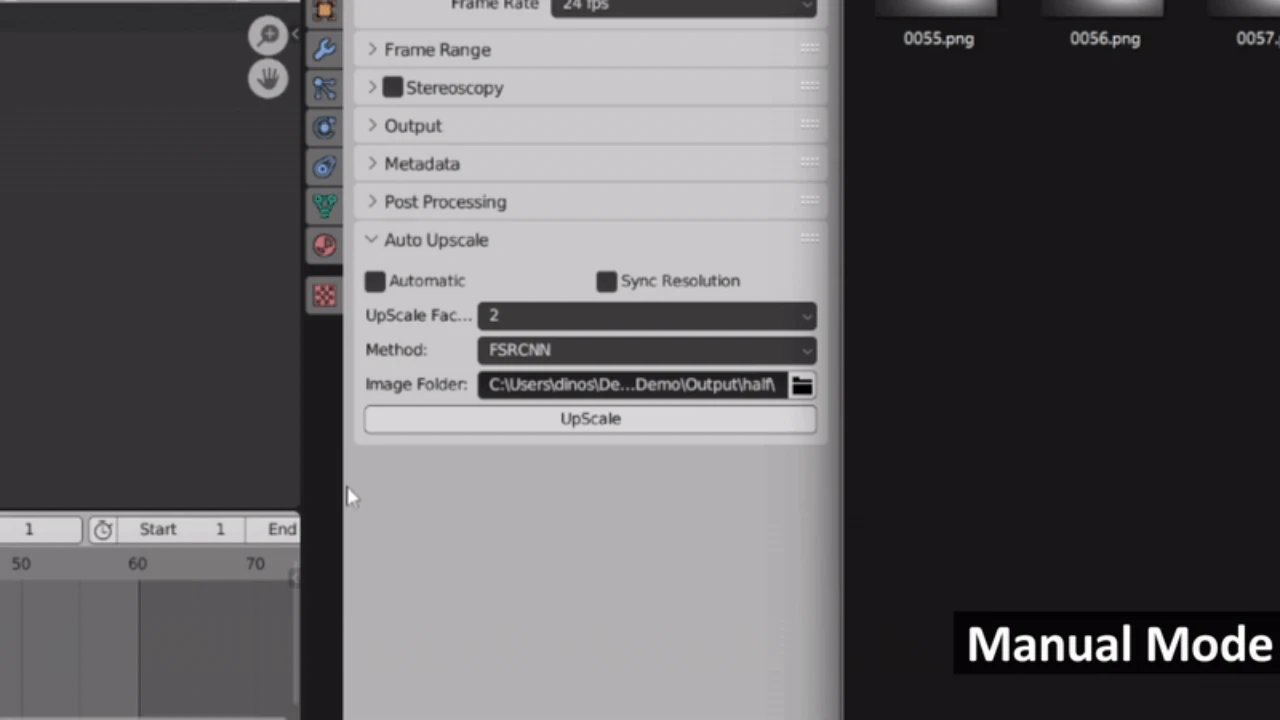
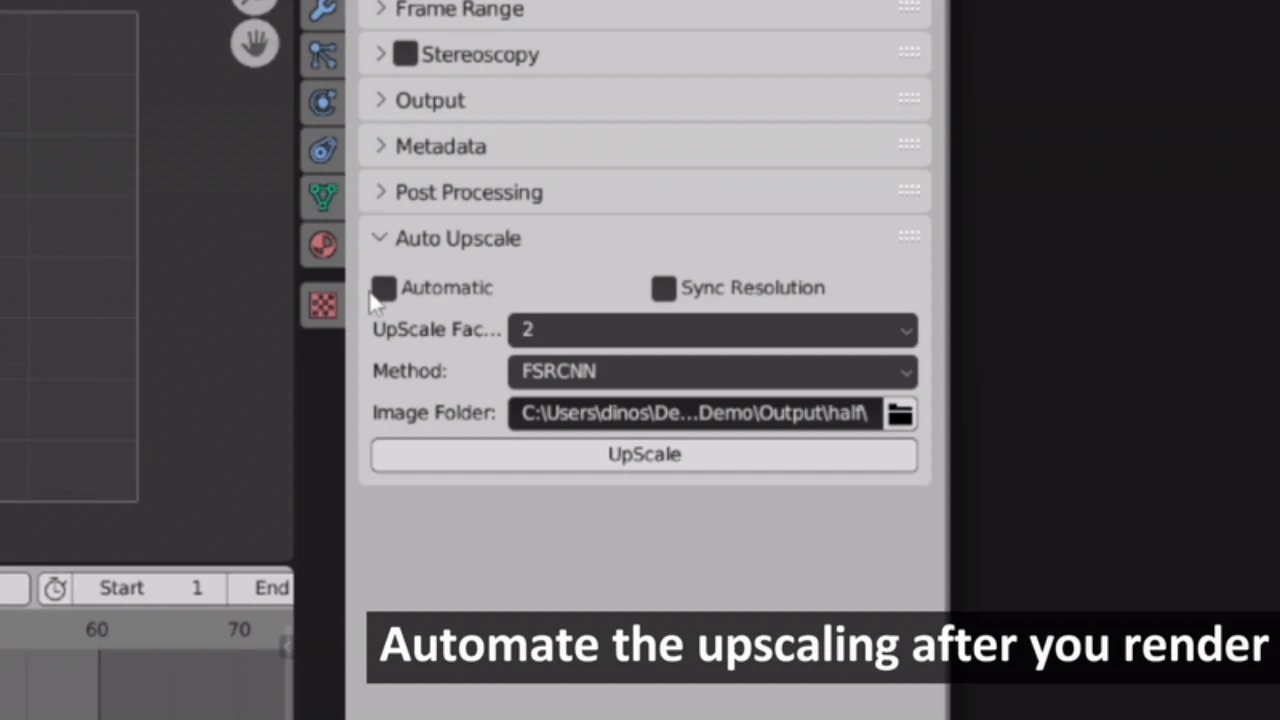
- Automatic Mode: Enjoy a hands-free experience where the add-on handles the heavy lifting seamlessly in the background.
- Manual Mode: Take full command to fine-tune the output specifically for complex scenes or unique artistic requirements.
- Smart Performance Optimization:
Tailor the engine to your current needs. Choose Speed Priority for rapid prototyping and daily iterations, or Quality Priority when you need pixel-perfect precision for final delivery. - Seamless Resolution Sync:
Forget about manual calculations and aspect ratio errors. The add-on automatically synchronizes your render settings with your selected upscale factor, ensuring consistent and accurate output every time.
Why Choose Auto Upscale?
First and foremost, this add-on is about efficiency. By decoupling render time from output resolution, you gain the freedom to make changes to lighting, textures, and composition without the fear of a long re-render penalty.
In addition, the visual quality remains top-tier. The upscaling algorithms are tuned to preserve details, ensuring that your “upscaled” image looks as crisp and professional as a native high-resolution render. It is the perfect companion for artists who want to maximize their visual appeal while minimizing hardware strain.
Conclusion
The Auto Upscale Add-on is more than just a tool; it is a productivity multiplier for Blender users. Don’t let hardware limitations or tight deadlines restrict your artistic vision. Elevate your renders, speed up your iterations, and experience a smoother workflow today.
We are dedicated to your success. We actively listen to our user community to refine and expand our features. Download the Auto Upscale Add-on now and start rendering smarter, not harder!
Click here to view the full details of the resource.:URL
Related Articles:
Lazy Shapekeys [Shape Keys Folder & Utility]
Click the button below to download.
Download:

![Lazy Shapekeys [Shape Keys Folder & Utility]](https://3dcghub.com/wp-content/uploads/2025/11/c2ce39237c0551cd180db085554320c2-1-300x169.webp)