Comprehensive Geographic Data Management
World Map Globe Edition 2 is designed as an interactive 3D world map prefab that developers can integrate into Unity scenes with minimal setup. At its core, the tool procedurally draws the frontiers of 240 countries and 4,112 provinces and states. It also includes the locations of 7,144 of the world’s most populated cities. Because this data is stored locally within the asset, the map functions entirely offline without requiring an active internet connection to render borders or place urban centers.
The underlying database provides more than just visual markers. It includes continent, country, city, and province names, as well as metadata such as metropolitan population counts and international coding standards like FIPS 10-4 and ISO A2, A3, and N3 codes. This data structure allows for complex relationships where countries can contain multiple distinct regions and provinces, all accessible through the included API.
Visual Fidelity and Planetary Shaders
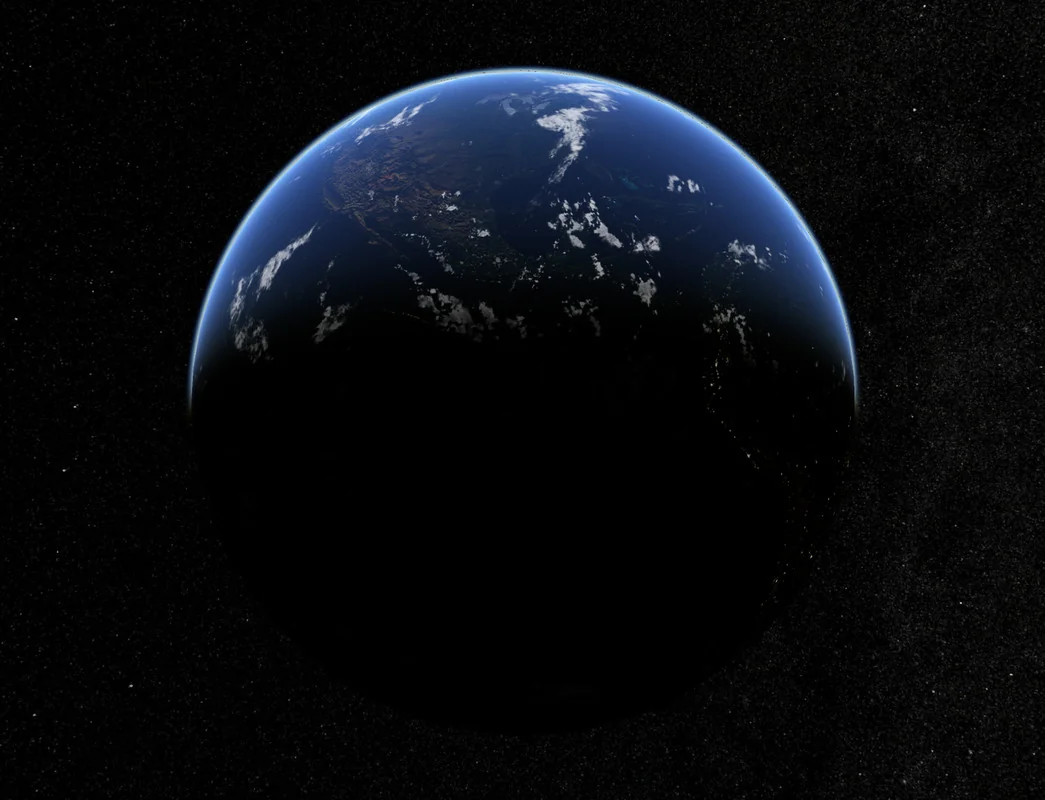
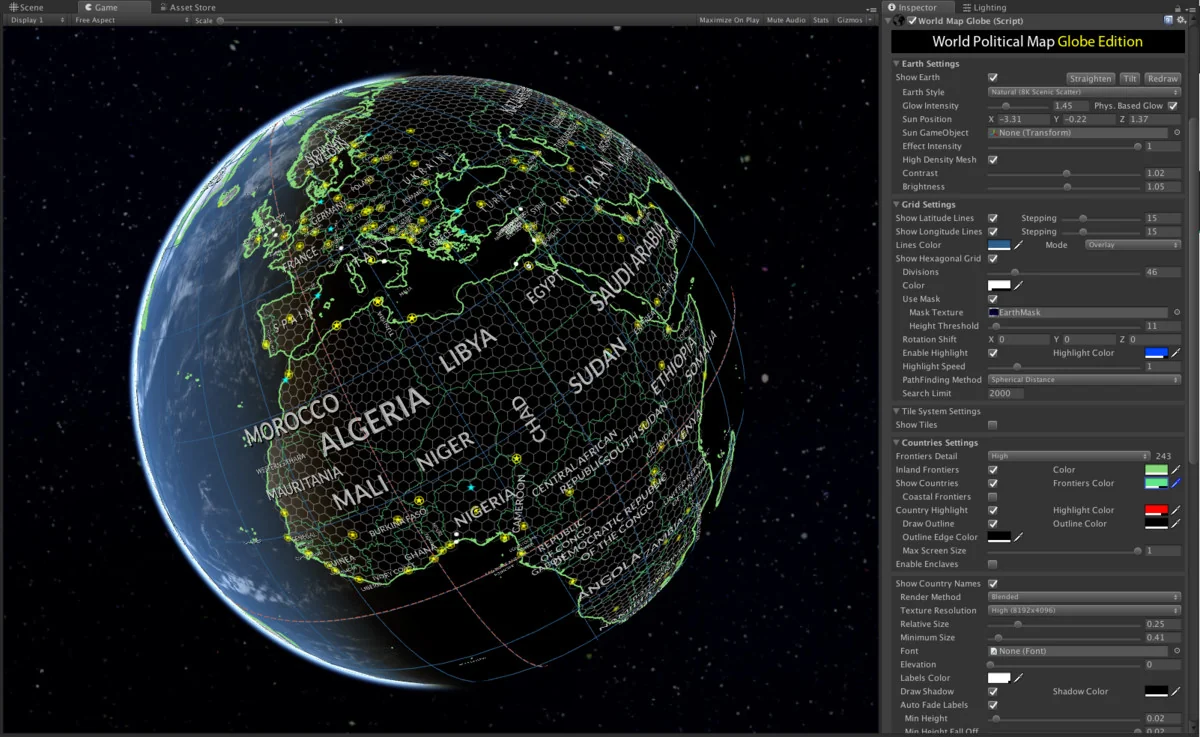
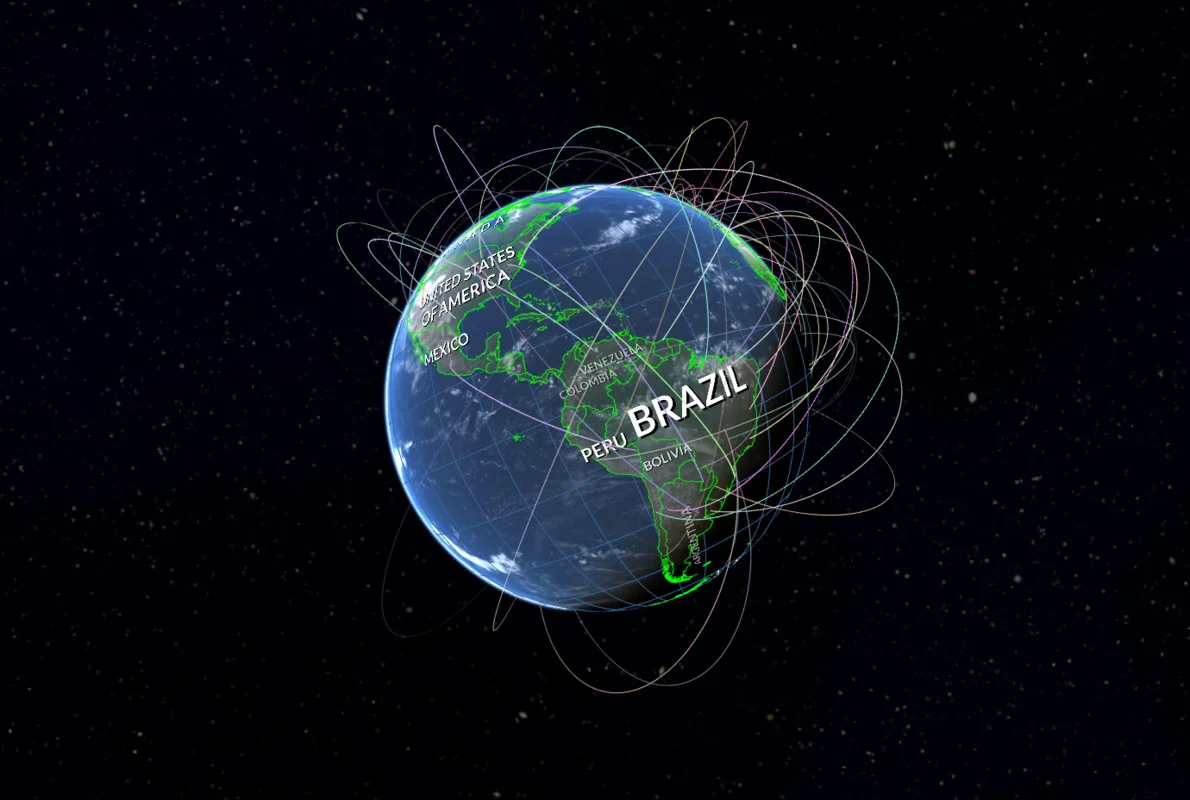
The asset offers 19 distinct Earth styles, utilizing custom planetary shaders to handle visual effects like relief, atmosphere, clouds, and city lights. These shaders are built to be compatible with mobile hardware while maintaining high-resolution options for desktop projects, with textures ranging from 2K to 16K. The system also includes a real Milky Way skybox and a moon model to complete the celestial environment.
For developers needing specific visual outputs, the “Bake Earth texture” command allows for the production of custom textures where specific areas have been colorized directly into the map. Visual synchronization features further enhance the realism by automatically aligning the map with real-time daylight cycles, ensuring the day/night transition matches the actual time.
Interaction, Grids, and Pathfinding
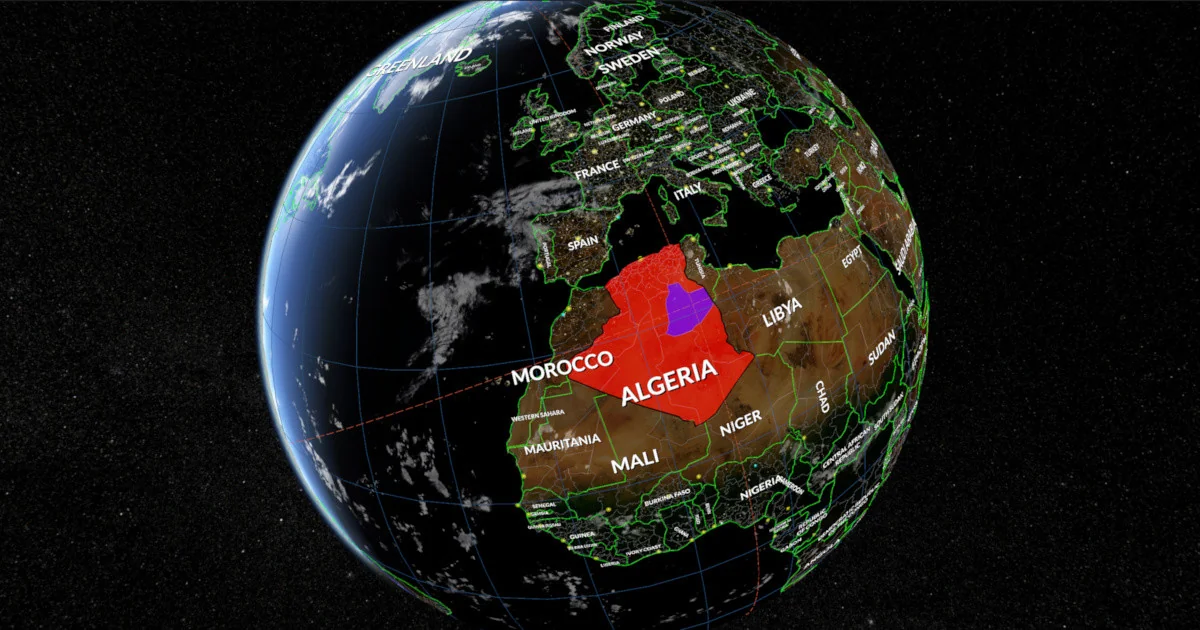
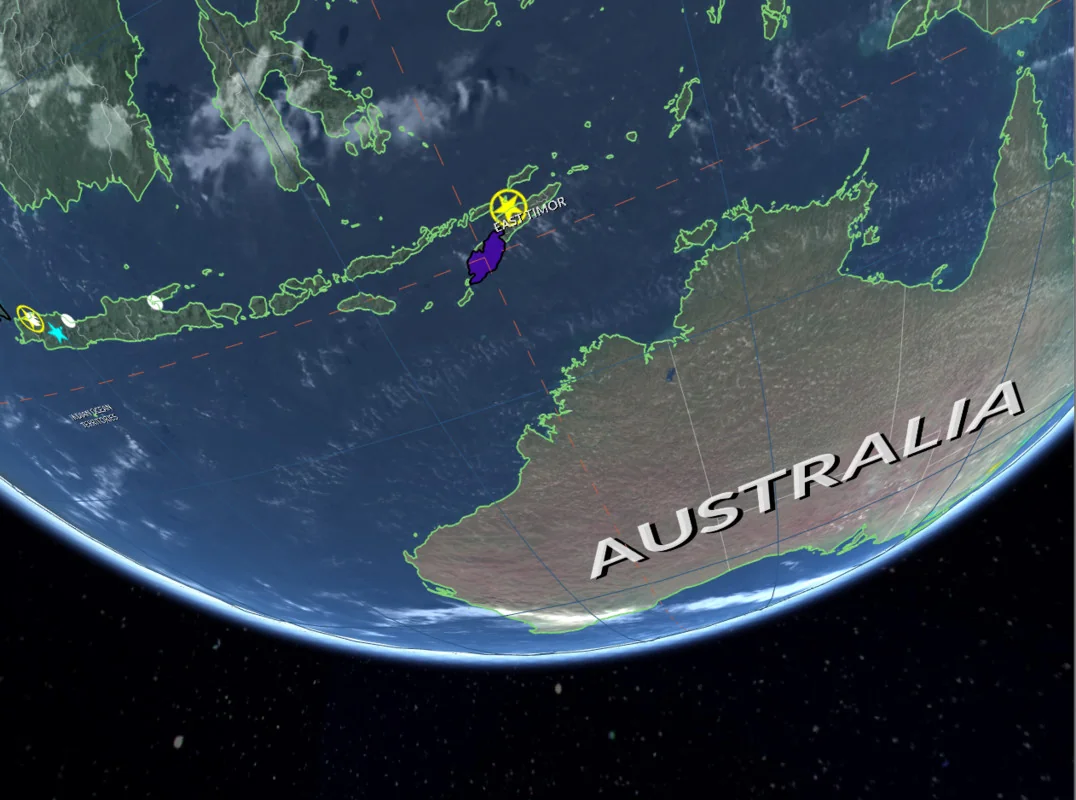
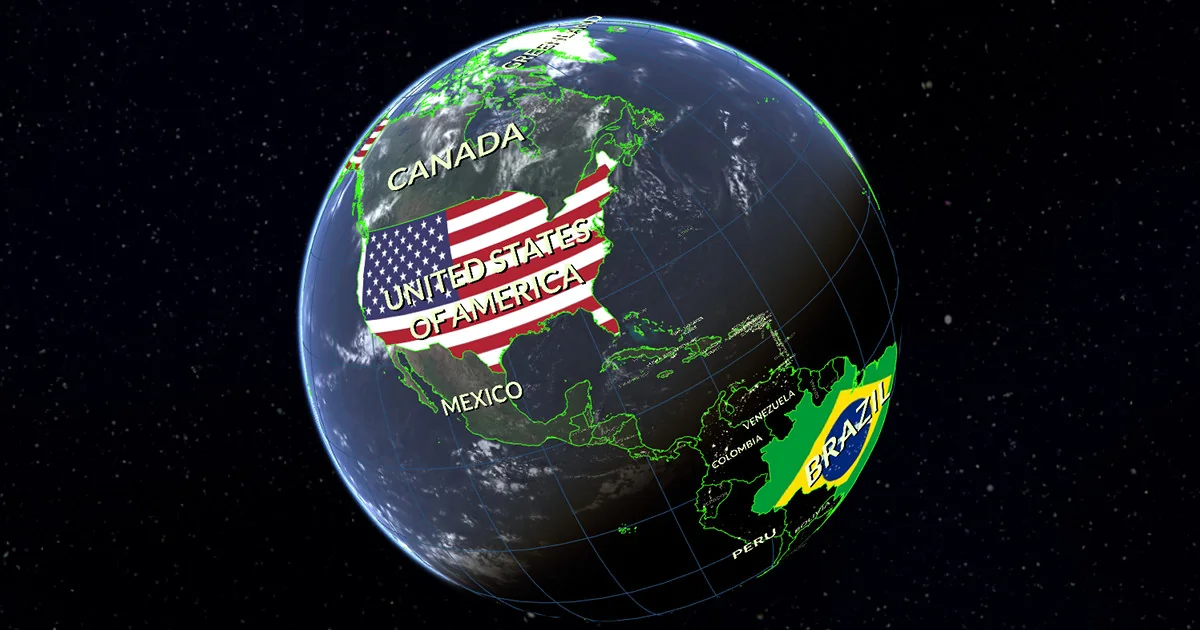
Interactivity is integrated into the map’s regions and administrative boundaries. As a user moves the cursor over the globe, countries, provinces, and states highlight automatically. Beyond simple selection, developers can colorize or texture individual countries and continents or apply specific textures on a per-country basis. For tactical or data-heavy applications, the asset features a fully interactive Hexagonal Grid. This grid supports pathfinding, allowing developers to select, colorize, and texture individual hex cells for strategy-based mechanics.
Navigation and annotation are handled through markers and PINs. These can be represented as 2D sprites or 3D objects that respond to user input. The tool also supports the drawing and animation of circles and lines across the globe’s surface, which is particularly useful for visualizing aerial trajectories or movement between two points. Additionally, “Mount Points” allow for the creation of custom strategic locations within the Editor, making it easier to navigate or position objects at specific coordinates.
Tile Systems and External Integration
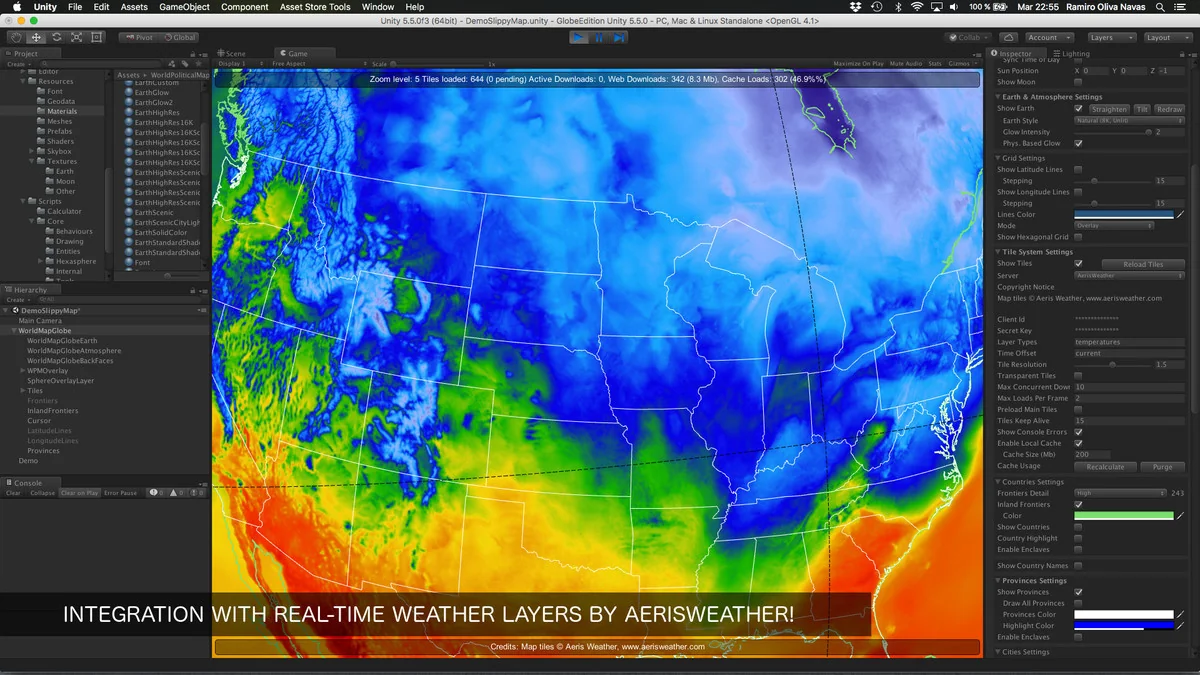
While the asset is capable of full offline operation, it includes a single-click integration system for various Online Map Tile Systems. This supports services such as OpenStreetMap, MapBox, Google Maps, Stadia Maps, and Xweather, among others. The progressive rendering system ensures that visual quality remains high as the user zooms in on specific regions. To bridge the gap between online and offline needs, a tile downloader assistant is included to facilitate offline tile support.
The system also incorporates GPS support, which can automatically track the position of a device on the map. For labeling, the asset uses TextMesh Pro and features automatic alignment and placement options to ensure country labels remain legible and correctly positioned regardless of the camera’s orientation.
Specialized View Modes and VR Support
World Map Globe Edition 2 is built with VR development in mind, offering two distinct camera modes. A unique “Inverted view” mode is included specifically for immersive VR experiences, allowing the user to be positioned at the center of the world looking outward. This provides an alternative perspective to the traditional external orbital view. Whether used for desktop applications, mobile tools, or virtual reality projects, the asset provides a flexible framework for geographic visualization without the need for external data dependencies.
Project Screenshots
Protected download
Access this resource
All resources are 100% manually reviewed to eliminate all risks.