Overview of the Universal Camera System
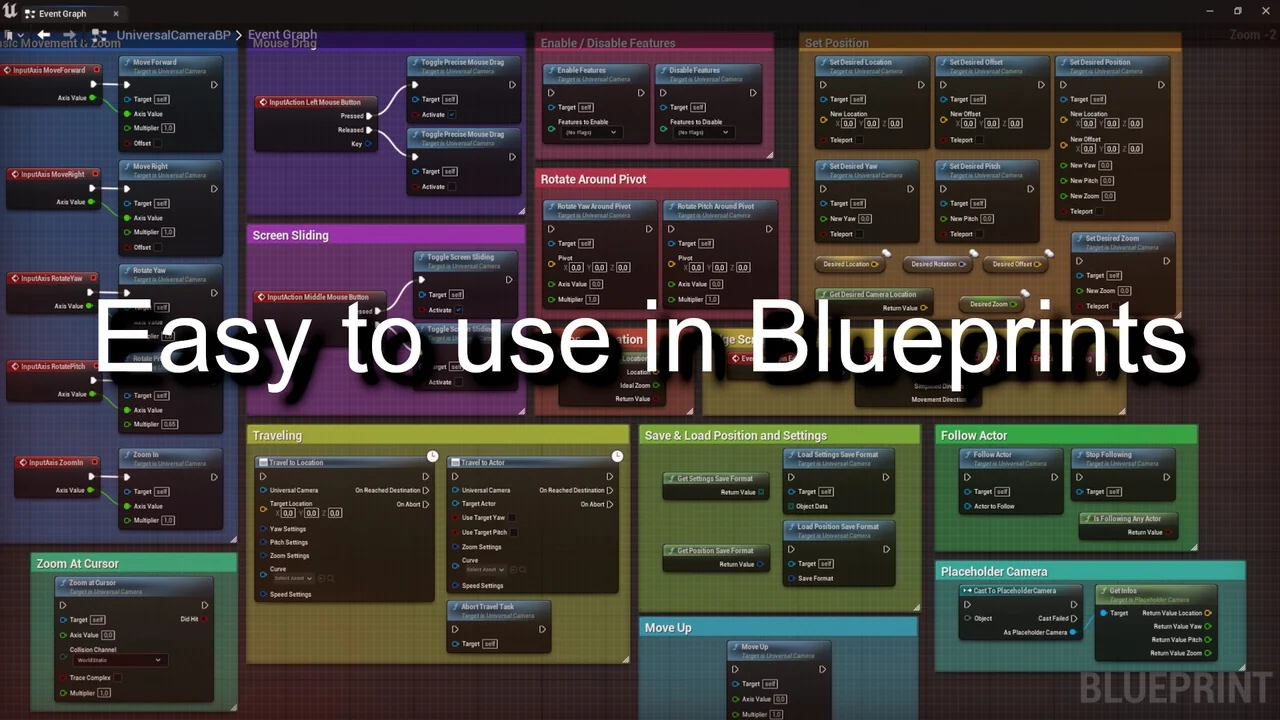
The Universal Camera is a flexible camera solution designed for use in a wide variety of games and architectural visualization projects. Consequently, it serves as a versatile tool for developers who need a reliable and dynamic viewing system. This Blueprint-based asset is built to handle different gameplay styles, including RTS and MOBA environments. Moreover, the developer has designed it to be highly customizable through simple default settings.
Comprehensive Navigation and Control Options
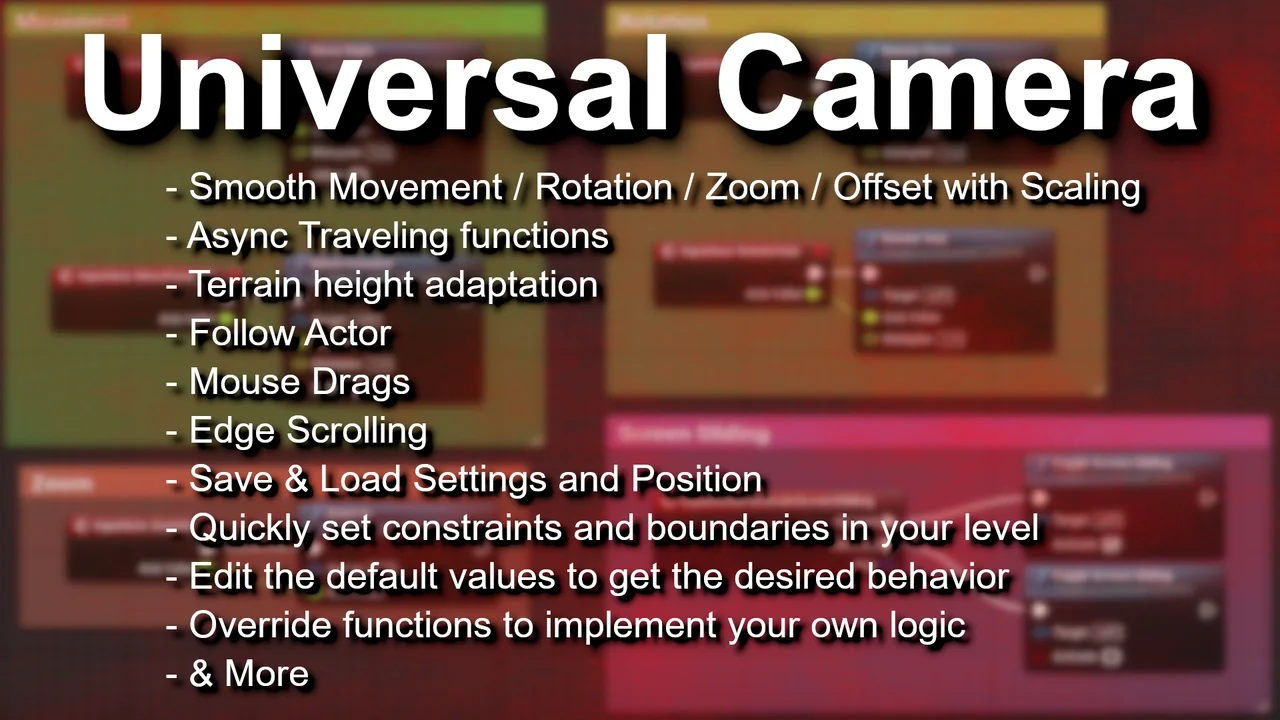
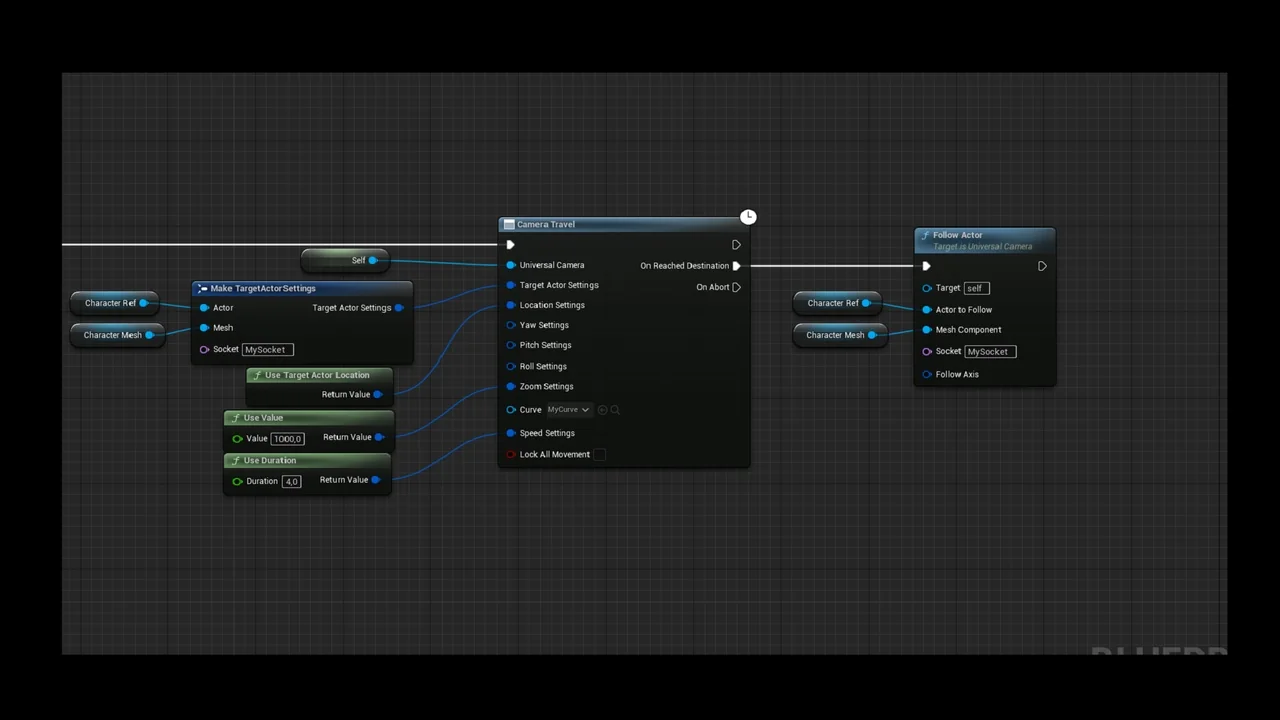
Navigation is a core strength of this system. Users can move around, rotate, and utilize edge scrolling for intuitive map traversal. Additionally, the tool supports screen sliding and mouse dragging to give players or viewers precise control over their perspective. For more specific gameplay needs, the camera can follow an actor automatically. Therefore, it is well-suited for character-driven projects or complex simulations.
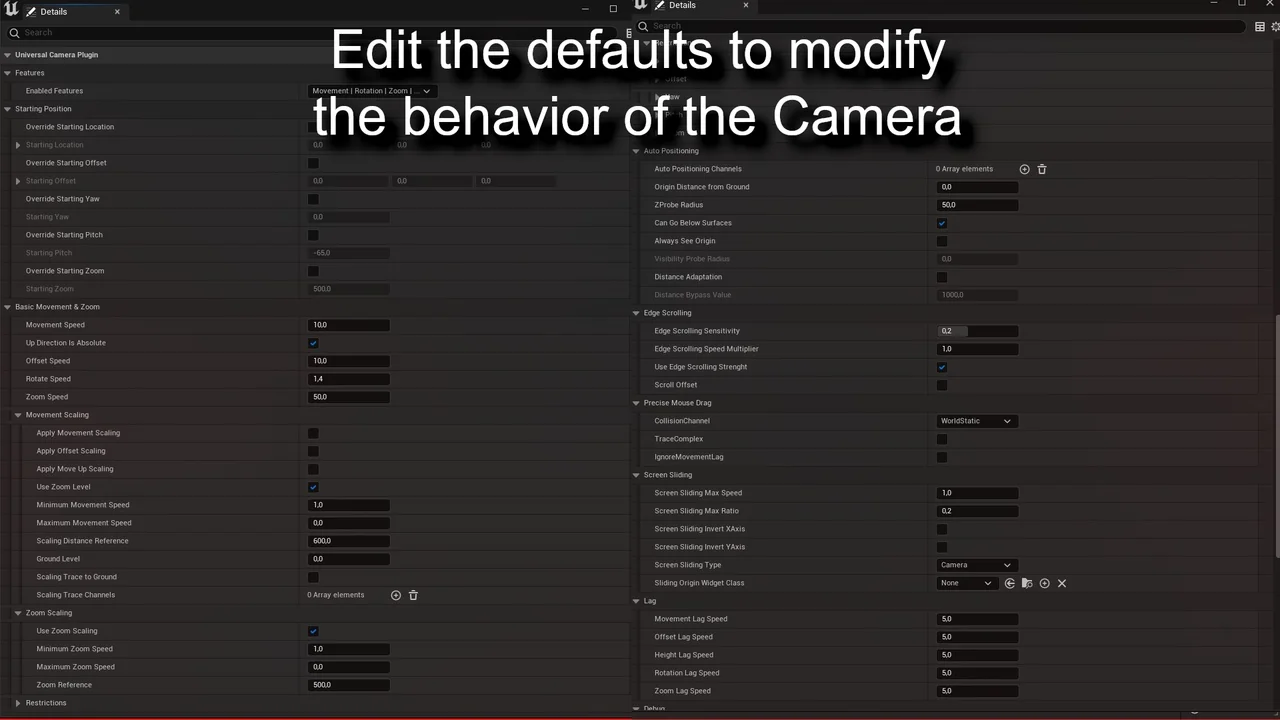
The system also includes support for async traveling tasks. This allows for more sophisticated movement patterns without interrupting the user experience. Furthermore, every one of these tools can be tweaked within the camera defaults. This flexibility ensures that the camera behavior aligns perfectly with the specific requirements of your project.
Advanced Movement and Terrain Adaptation
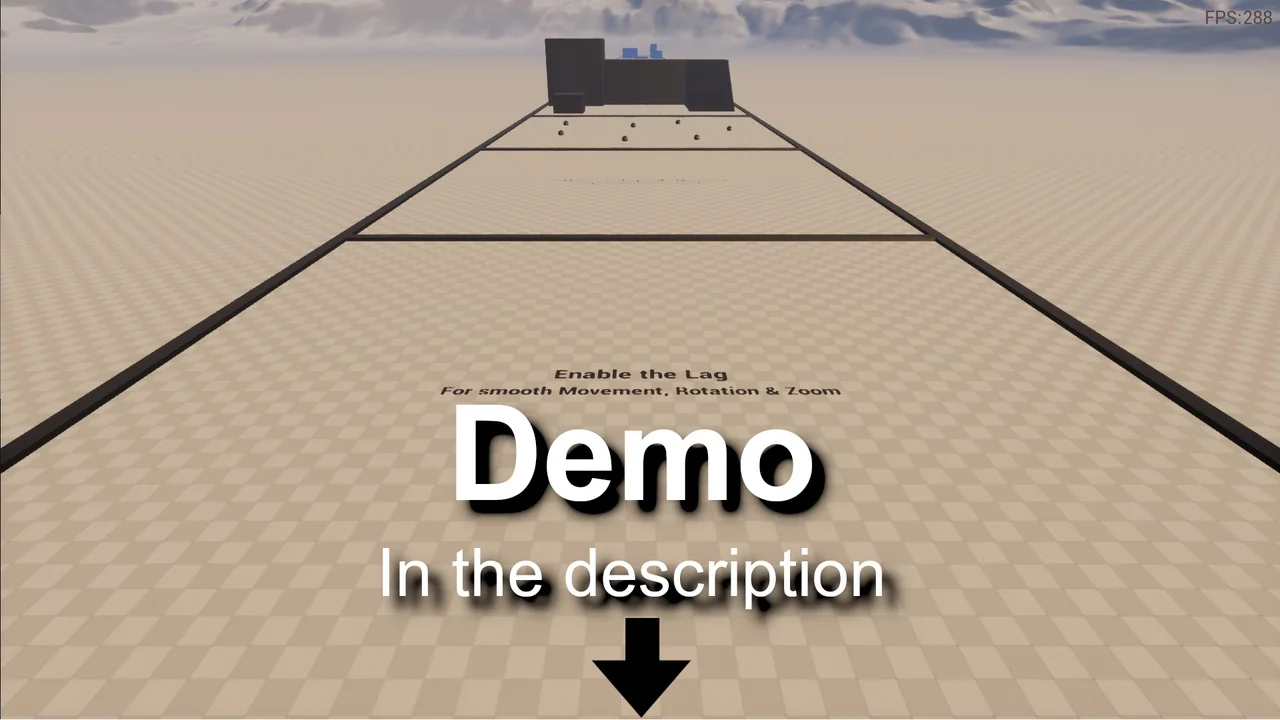
To enhance the visual quality of movement, the Universal Camera includes an optional camera lag feature. Enabling this setting results in smooth movements and rotations, preventing jarring transitions during fast-paced action. Moreover, the system features auto-positioning capabilities. This allows the camera to adapt its height automatically based on the terrain height. Consequently, the view remains consistent even when traversing uneven landscapes or complex architectural models.
Setting up constraints within a level is also straightforward. You can quickly set the boundaries in your level to prevent the camera from wandering outside of the intended play area. This feature is particularly useful for maintaining focus on specific zones or preventing players from seeing beyond the map edges.
Flexible Implementation and Future Growth
The Universal Camera is designed to be a dynamic component that fits into various workflows. Whether you are building a strategy game or a professional architectural walkthrough, the setup is intended to be efficient. The creator has indicated an interest in releasing multiple additional tools to further support the camera’s functionality. Therefore, the system is expected to evolve based on user feedback and suggestions.
Conclusion
In summary, the Universal Camera offers a robust set of features for any developer needing a professional-grade viewing system. By combining smooth movement, terrain adaptation, and multiple control schemes, it provides a comprehensive solution for modern projects. Its adaptability across different genres makes it a valuable asset for both game development and visualization tasks.
Screenshots & Gallery