Getting the project into Unity
UNI VFX starts with a specific workflow: Unity 2021.3 or newer, Visual Effect Graph, Shader Graph, and URP. Those packages need to be installed through Package Manager before the pack is imported, and the editor should be restarted after the install. That keeps the pipeline aligned before any of the effects are brought into a scene.
The pack uses highly performant GPU particle systems in Visual Effect Graph, with advanced shaders made in Shader Graph. It is organized for use in Unity URP and includes special effects for shields, dissolve, and characters, along with a larger set of effects for missiles, explosions, and artifacts.
How the effects are triggered
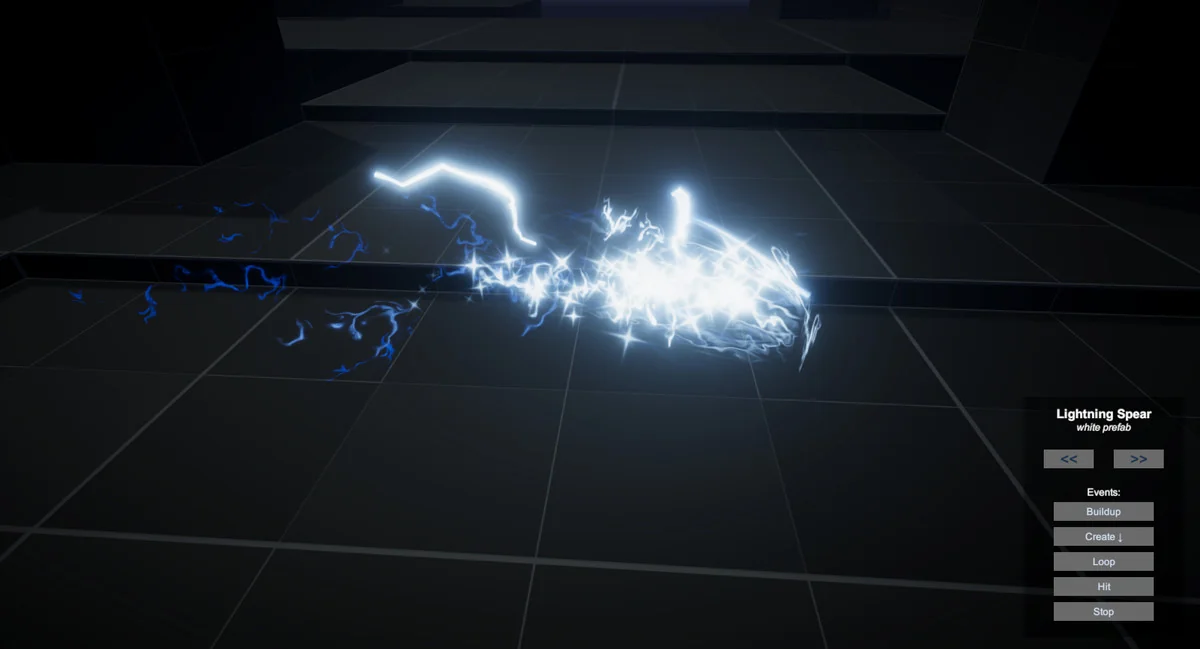
The central workflow is based on VFX Events. One GameObject stores multiple effects, and those effects can be triggered through C# or Visual Scripting. That makes the pack useful when a single object needs to carry a full effect sequence instead of a one-off burst.
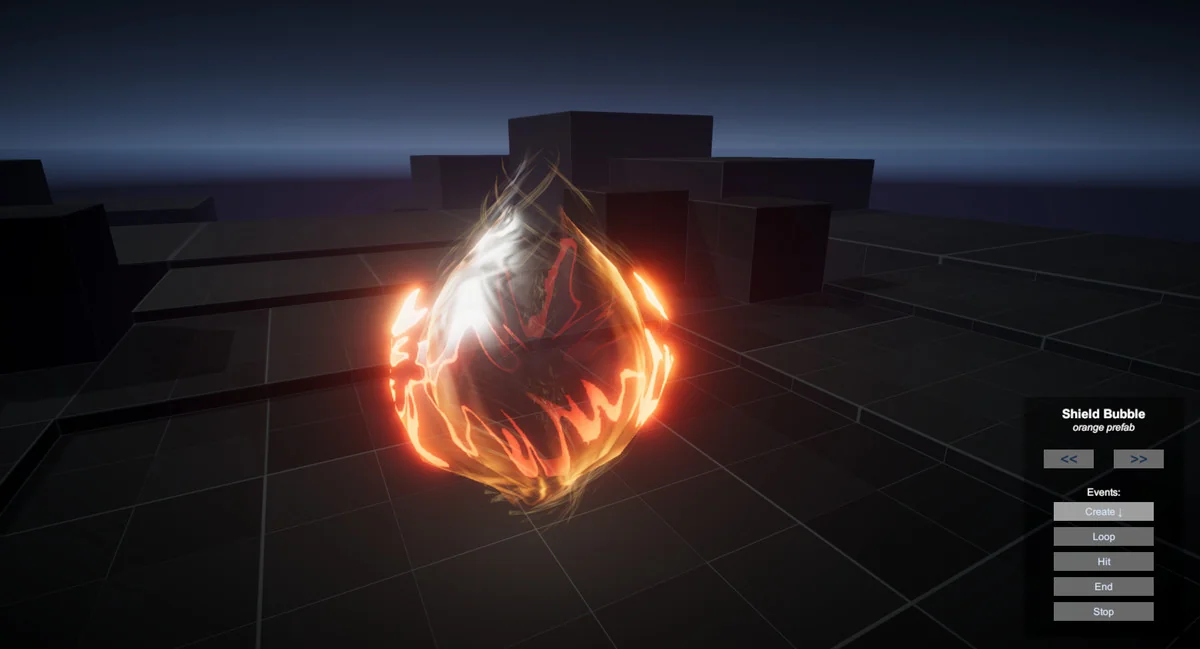
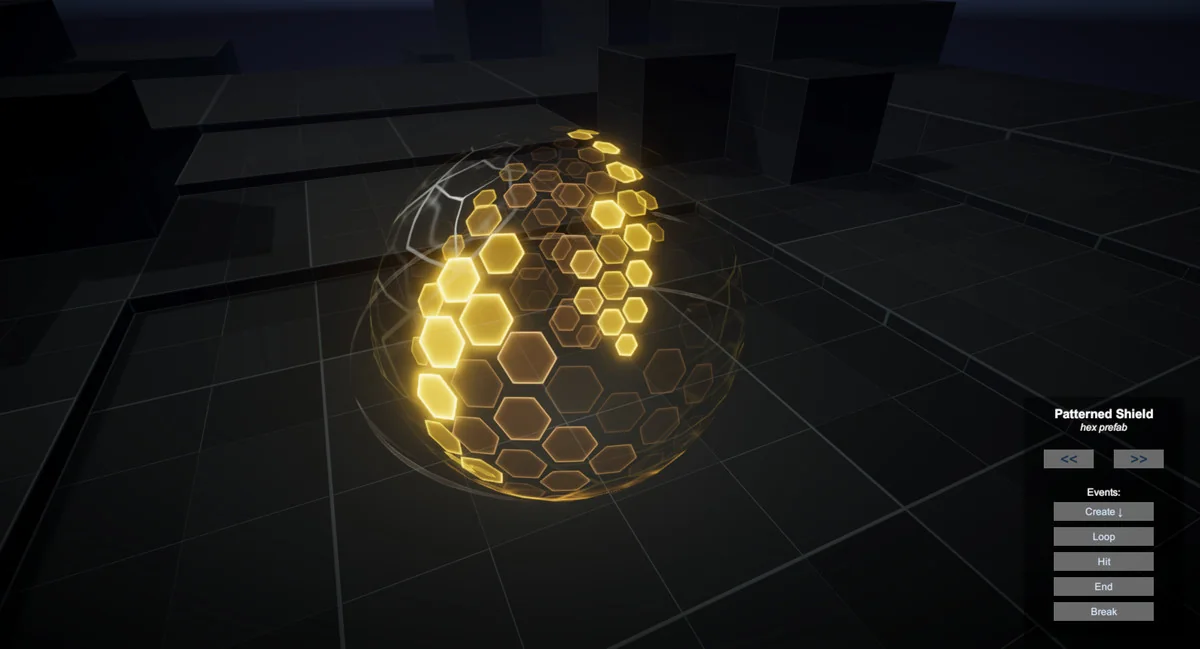
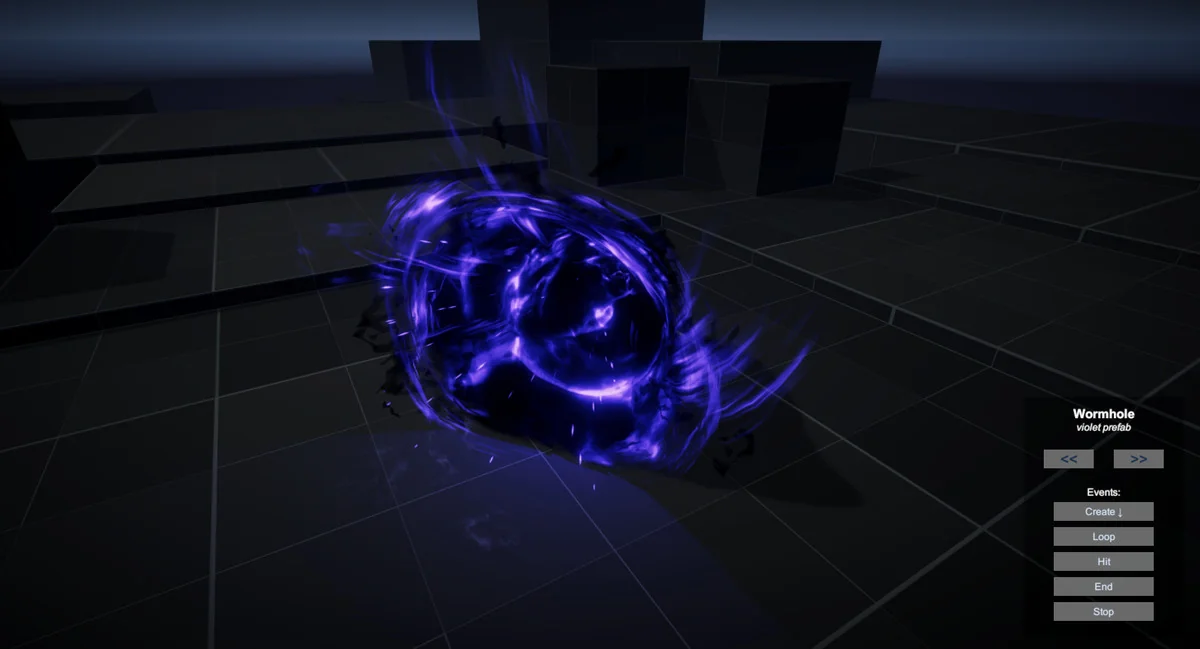
A clear example is the Barrier effect. It uses a chain of events: create, loop, hit, end, and stop. The create event begins the sequence, loop keeps it running, hit plays the damage response, and end finishes the effect before stopping the loop. The same event-driven structure can be used to keep other gameplay moments organized in a similar way.
The pack includes a total of 145 VFX Events, not counting stop events. It also includes 96 prefabs, 114 textures, and 48 meshes optimized for VFX. Those assets are split across five packs: Essentials, Shields & Defense, Dissolve & Teleport, Missiles & Explosions, and Characters & Artifacts.
What can be changed in the Inspector
The effects are set up so important properties stay exposed in the Inspector. That means color, spawn rate, pattern texture, and similar settings can be adjusted directly without entering the Visual Effect Graph Editor. For artists working on scene iteration, that keeps the effect visible and editable from the same place where it is being tested.
Several rendering choices are called out as part of the setup. HDR colors are used, and when they are combined with Bloom in post processing, the glow amount can be controlled more precisely. Where it makes sense, world-space is used so moving objects or characters leave trails and particles behind. Optimized meshes are included to reduce overdraw.
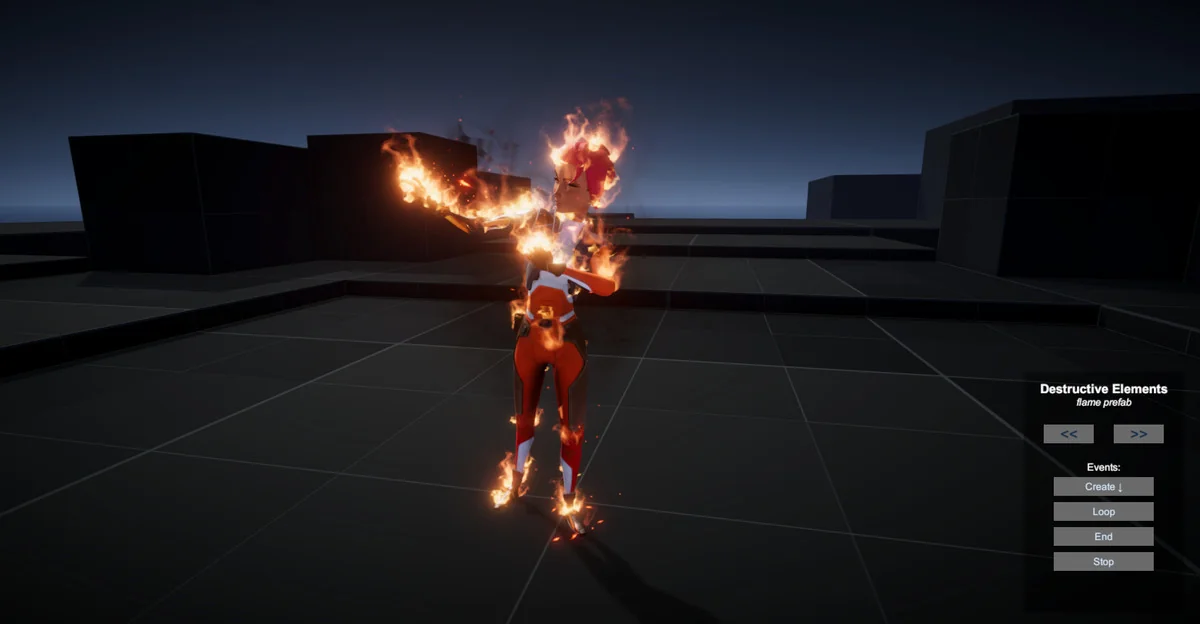
Most of the VFX use a custom uber effect shader made in Shader Graph. Shields and Dissolve/Materialize also use custom shaders, so those effects have their own shader treatment rather than relying on a single shared look. Character particles can spawn directly on an animated skinned mesh using a newer Visual Effect Graph feature, and connecting the mesh is done in the Inspector.
Where the pack fits in scenes and gameplay
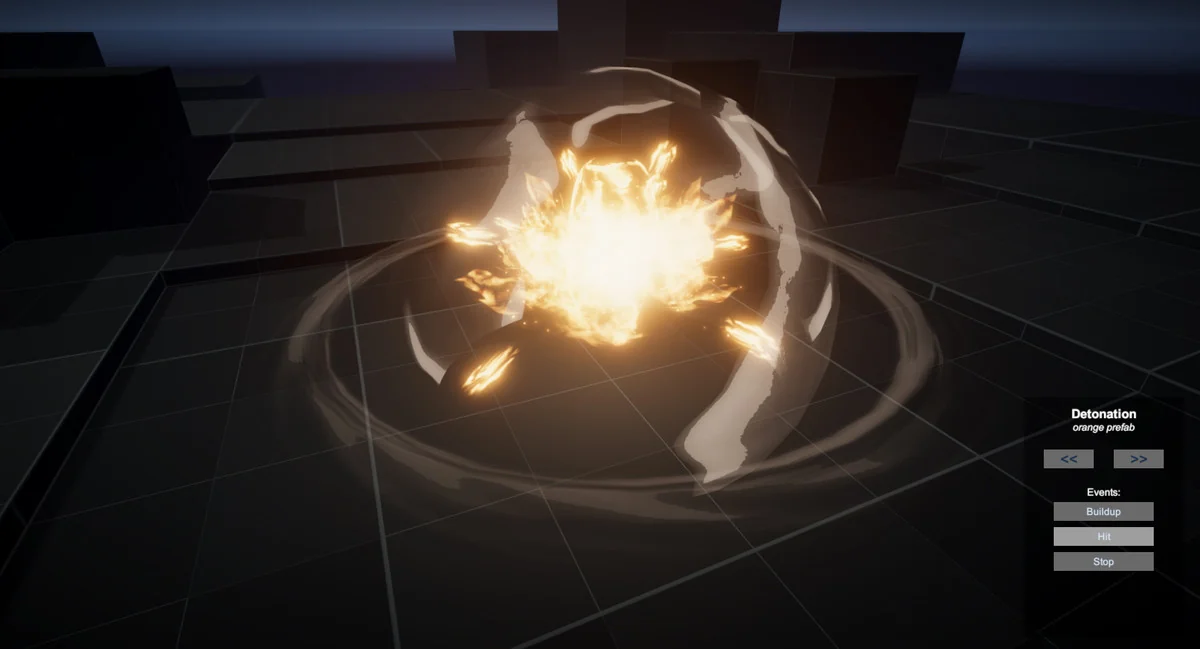
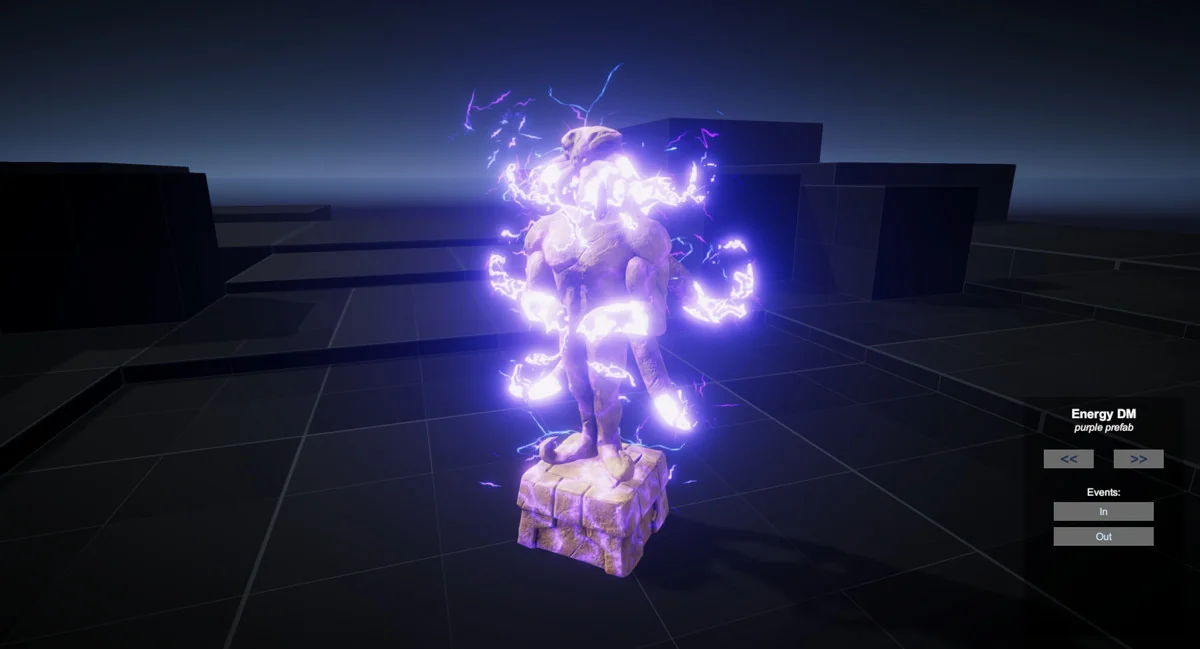
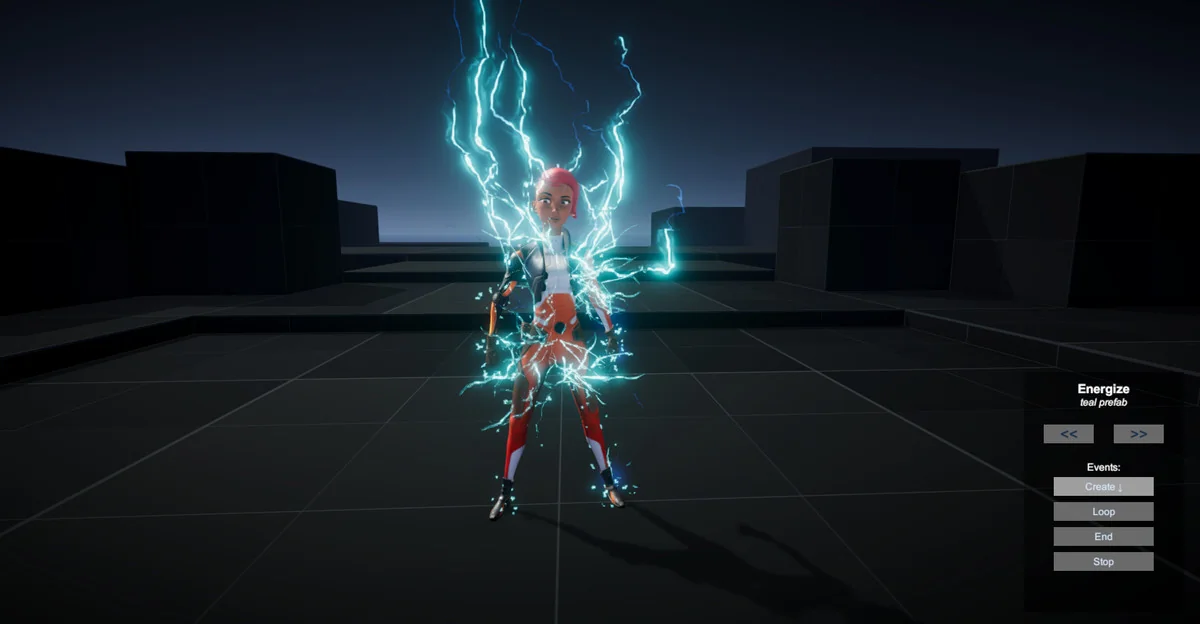
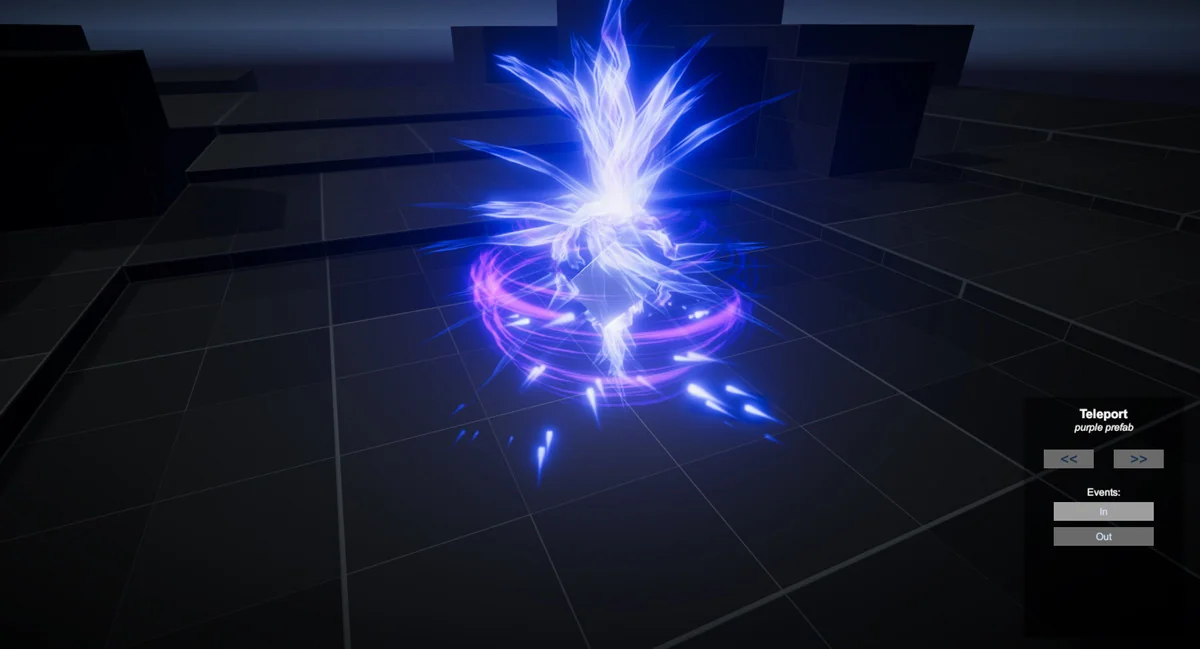
The included packs point to practical uses in gameplay scenes. Shields & Defense supports barriers and impact responses. Dissolve & Teleport fits transitions, disappearing characters, or teleport-style changes. Missiles & Explosions covers moving projectiles and impact moments. Characters & Artifacts gives effects that can follow animated characters or enhance scene objects. Essentials provides a starting layer for the rest of the pack.
This mix makes it easier to keep a consistent visual language across different kinds of moments. A shield can react to a hit, a character can leave particles in world space, and a teleport or dissolve effect can use the same event-driven logic to move from one state to another. Since one GameObject can store multiple effects, a single gameplay object can carry a full sequence without splitting everything into separate setups.
The pack is also geared toward quick iteration. Because important properties are exposed, the visual response can be adjusted while keeping the underlying graph structure intact. That is especially useful when tuning how a burst behaves, how long a loop remains active, or how a materialize-style change should read on screen.
Compatibility and maintenance notes
UNI VFX works in URP and has limited compatibility with mobile devices, including the WebGL platform. If a VFX does not appear, it needs to be recompiled. The editor menu includes a rebuild path: Edit → VFX → Rebuild and Save All VFX Graphs.
The texture set is mostly based on 1k textures, with a few exceptions for tiny elements such as sparks and embers. That detail matters when effects need small highlights without pushing into unrelated texture sizes. The combination of exposed controls, event-driven triggering, custom shaders, and optimized meshes makes the pack practical for production scenes that need repeatable visual effects without constant graph editing.
Preview Images
Protected download
Access this resource
All resources are 100% manually reviewed to eliminate all risks.