Introduction to the Ultimate Menu System
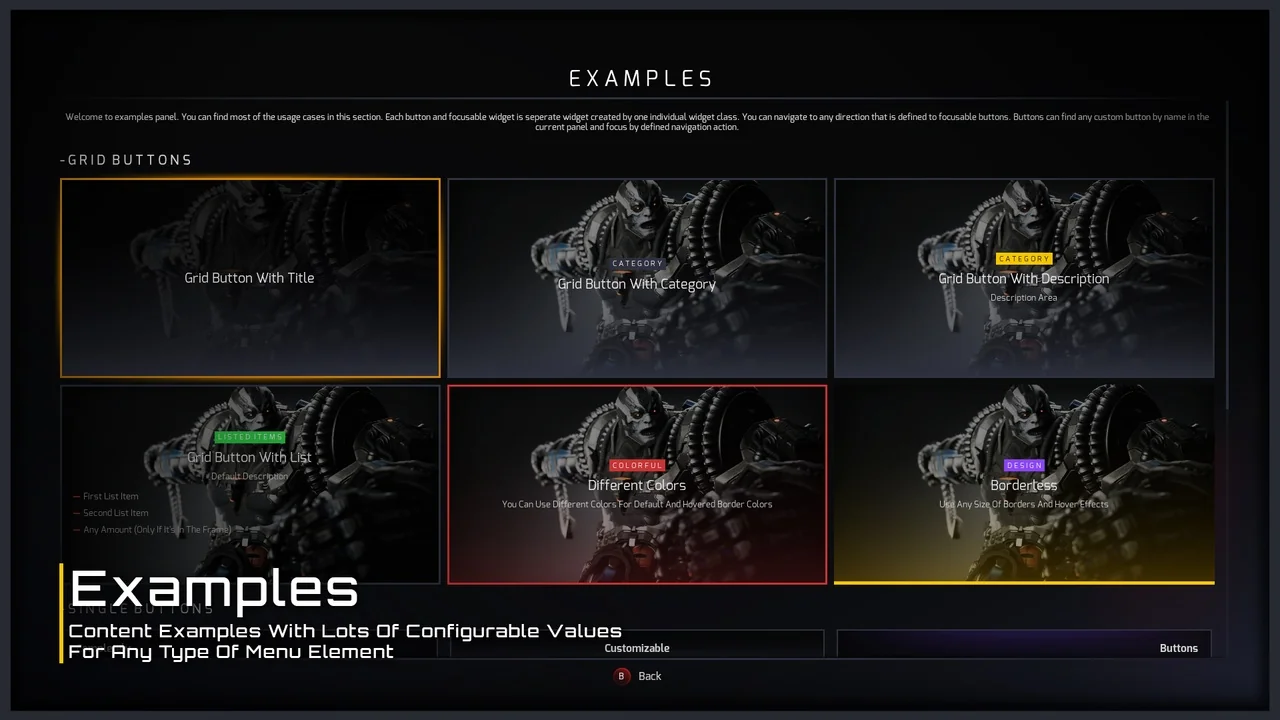
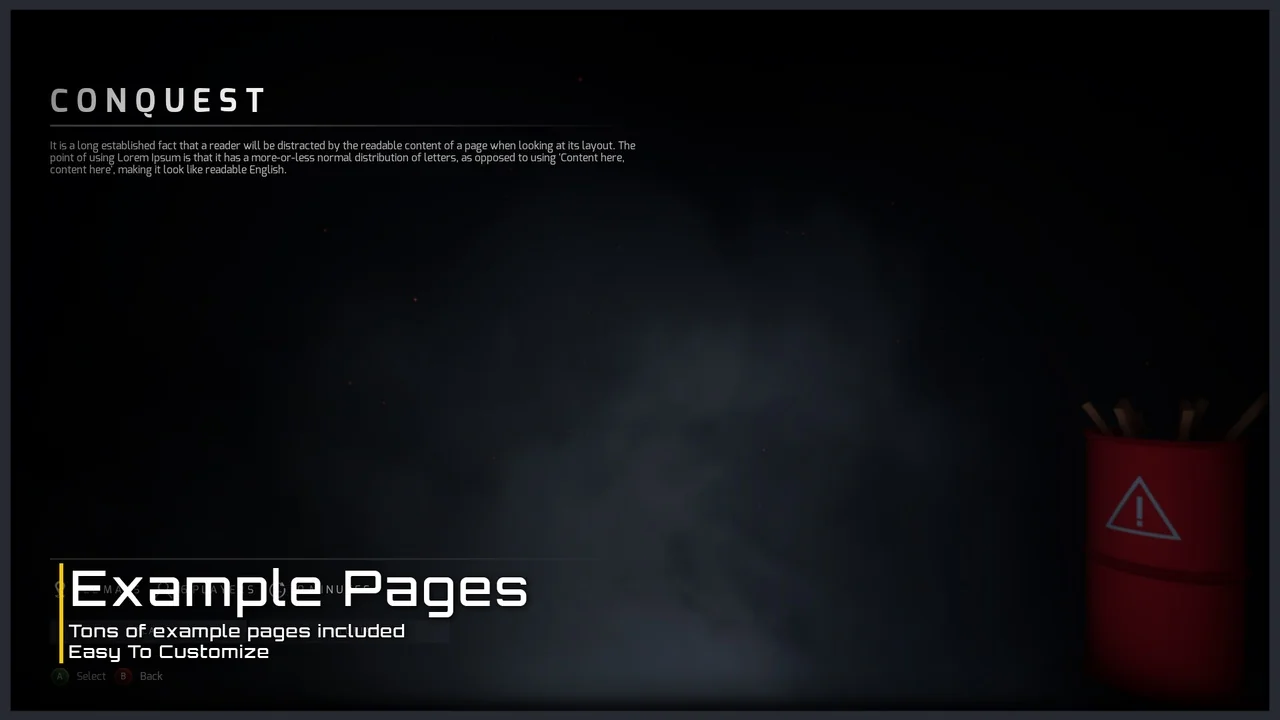
The Ultimate Menu System is a dynamic and modular framework designed to streamline the creation of game interfaces. This asset provides a highly customizable solution for developers working on either single-player or multiplayer projects. Because the system is built with flexibility in mind, you can easily modify the design using integrated variables. Consequently, it serves as a robust foundation for any game genre.
Versatile Navigation and Customization
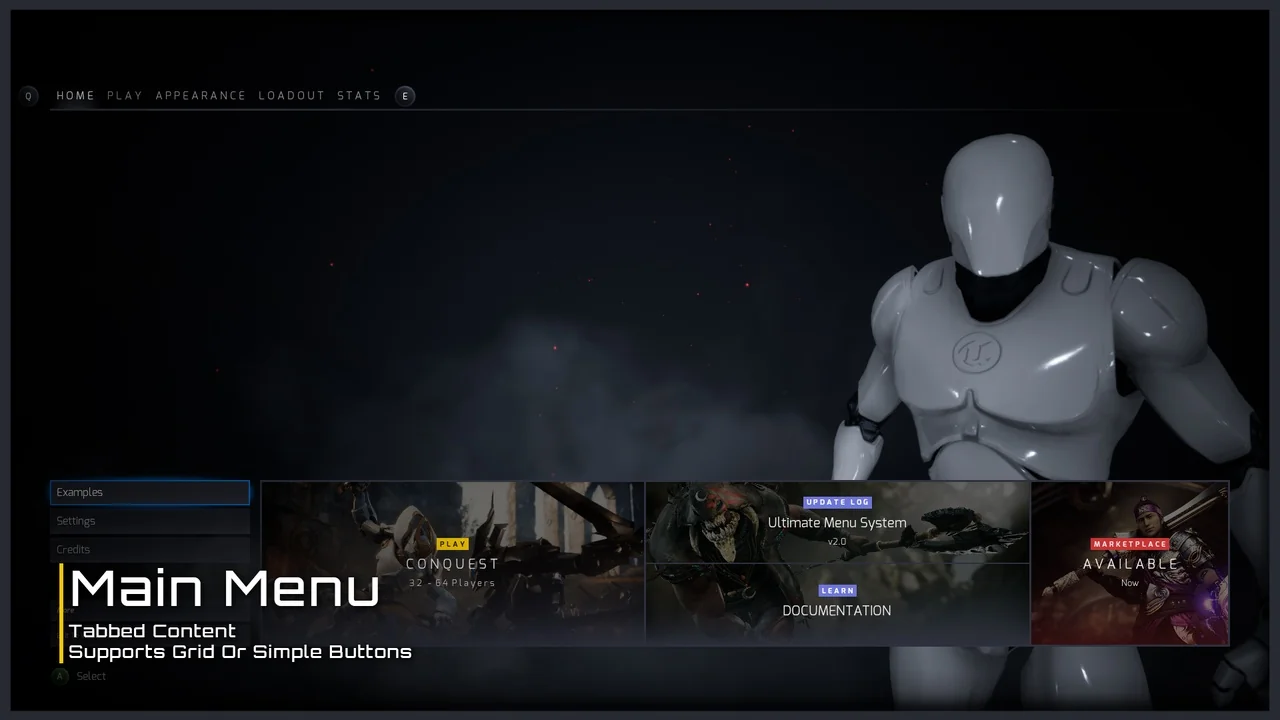
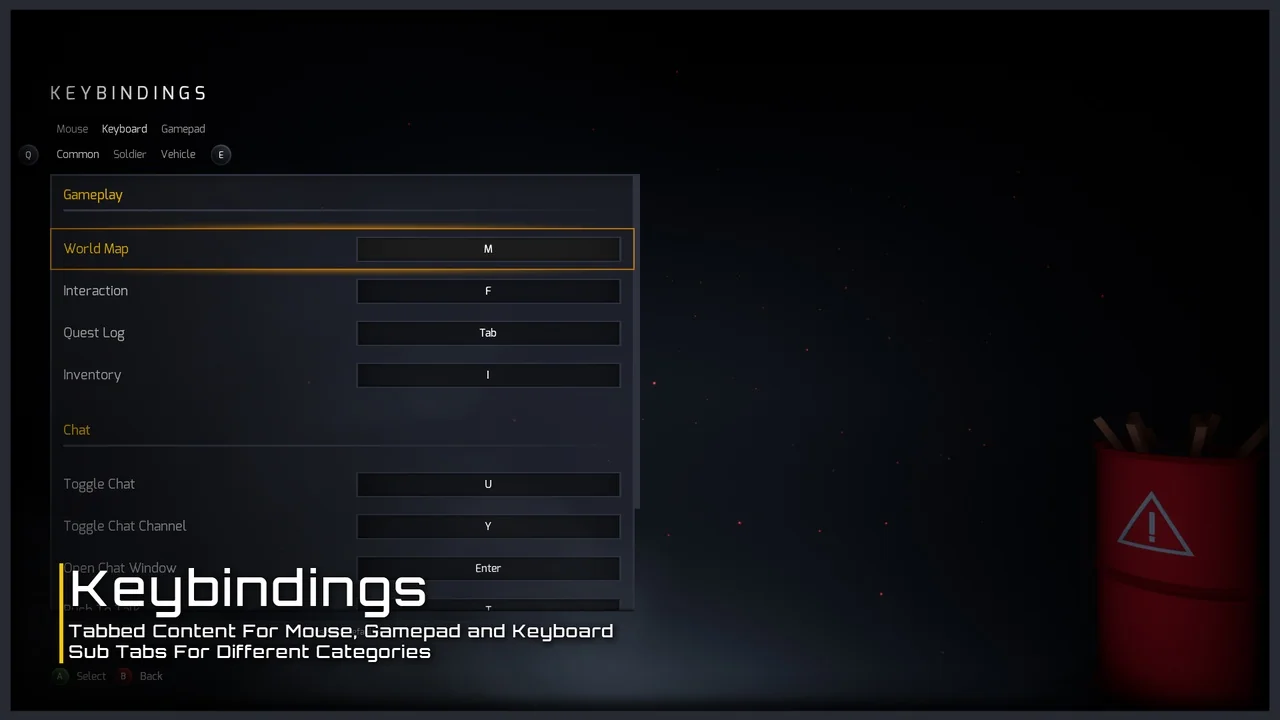
Navigation is a critical component of any user interface. The Ultimate Menu System supports all directions of navigation to ensure a smooth user experience. Moreover, it is fully compatible with mouse, keyboard, and gamepad inputs. This versatility allows developers to target multiple platforms without rewriting the input logic. Therefore, the system remains accessible to all players regardless of their preferred controller.
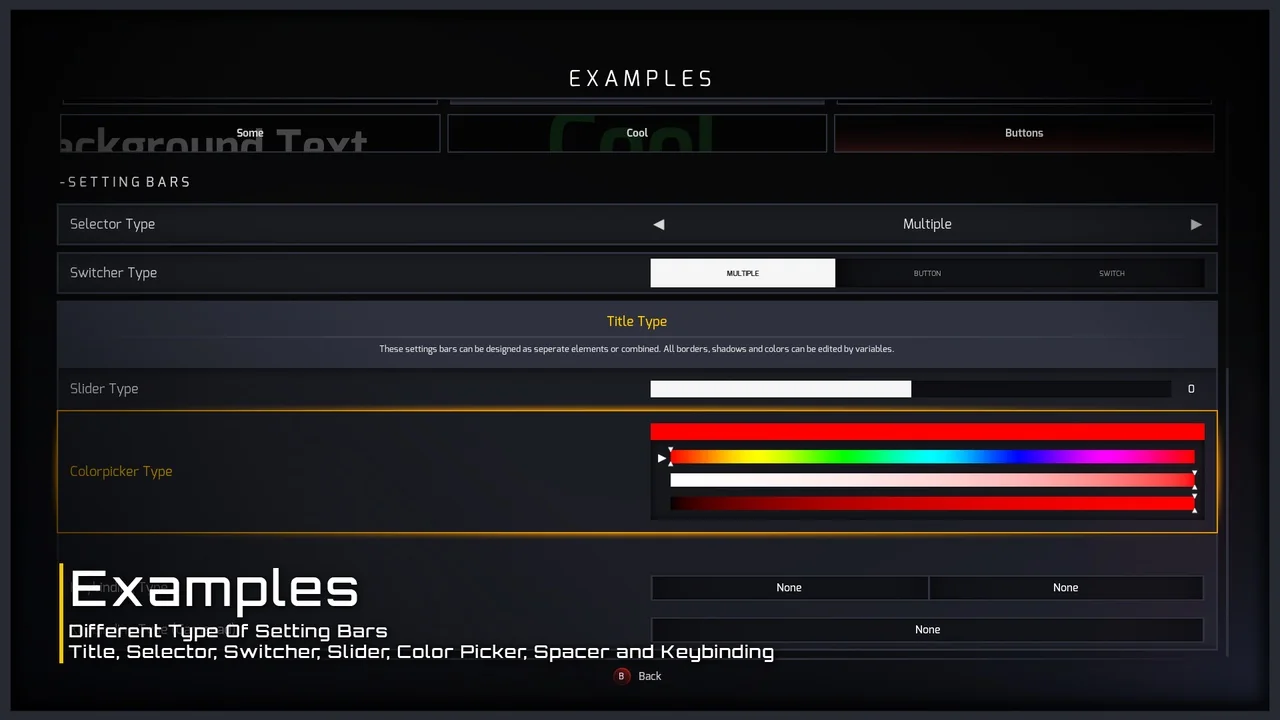
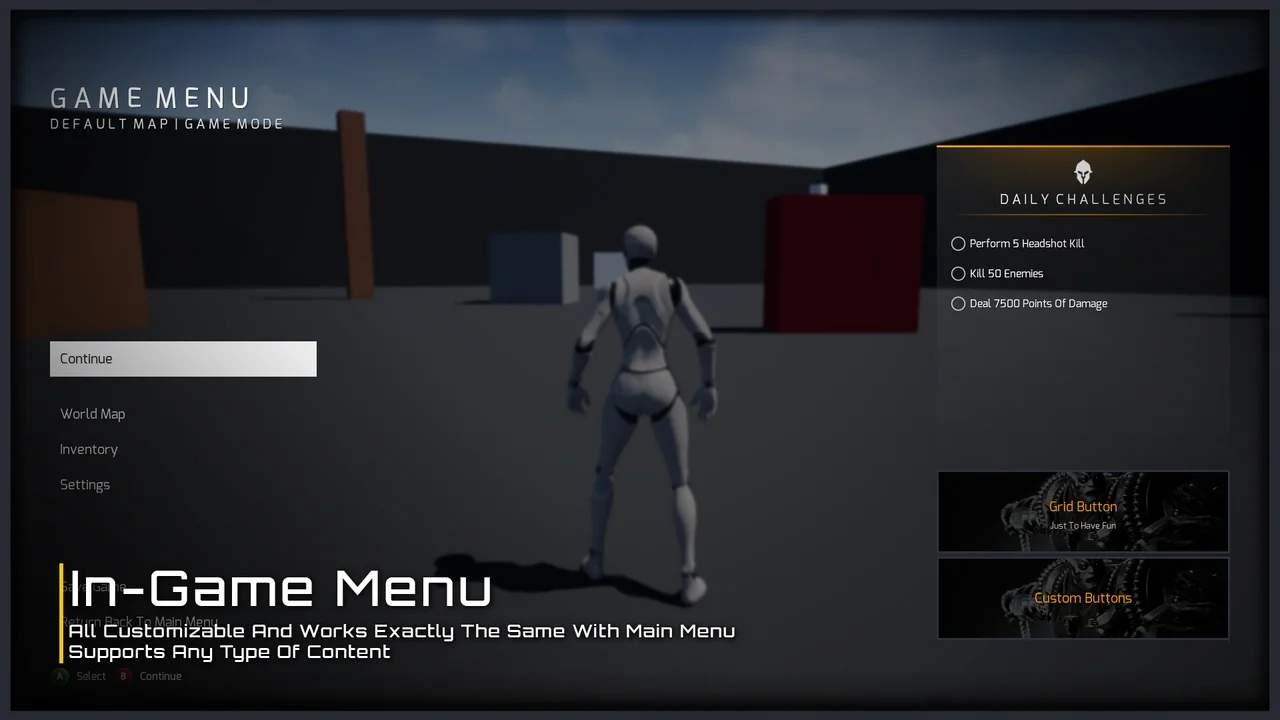
Customization is equally straightforward. Developers can change the visual style through simple variables to match their game’s aesthetic. Additionally, you can create and load your own custom widgets within the framework. This modularity ensures that the Ultimate Menu System adapts to your specific project requirements.
Multiplayer and Single-Player Functionality
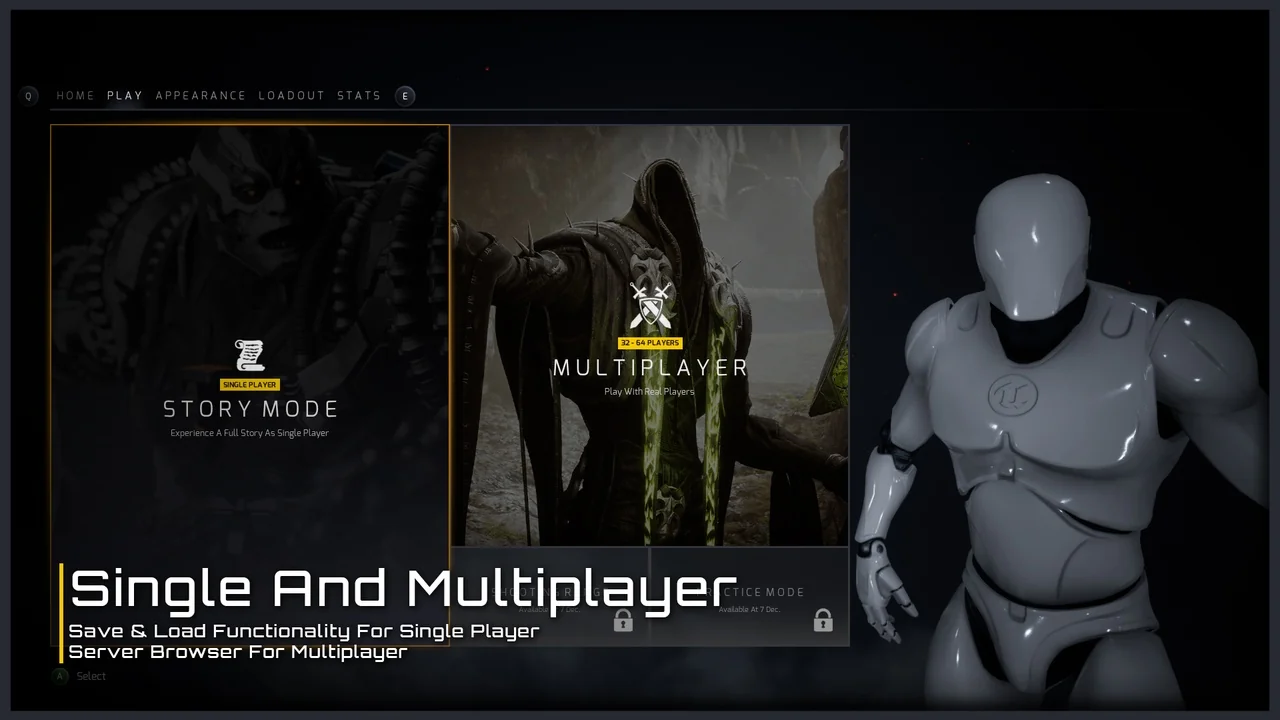
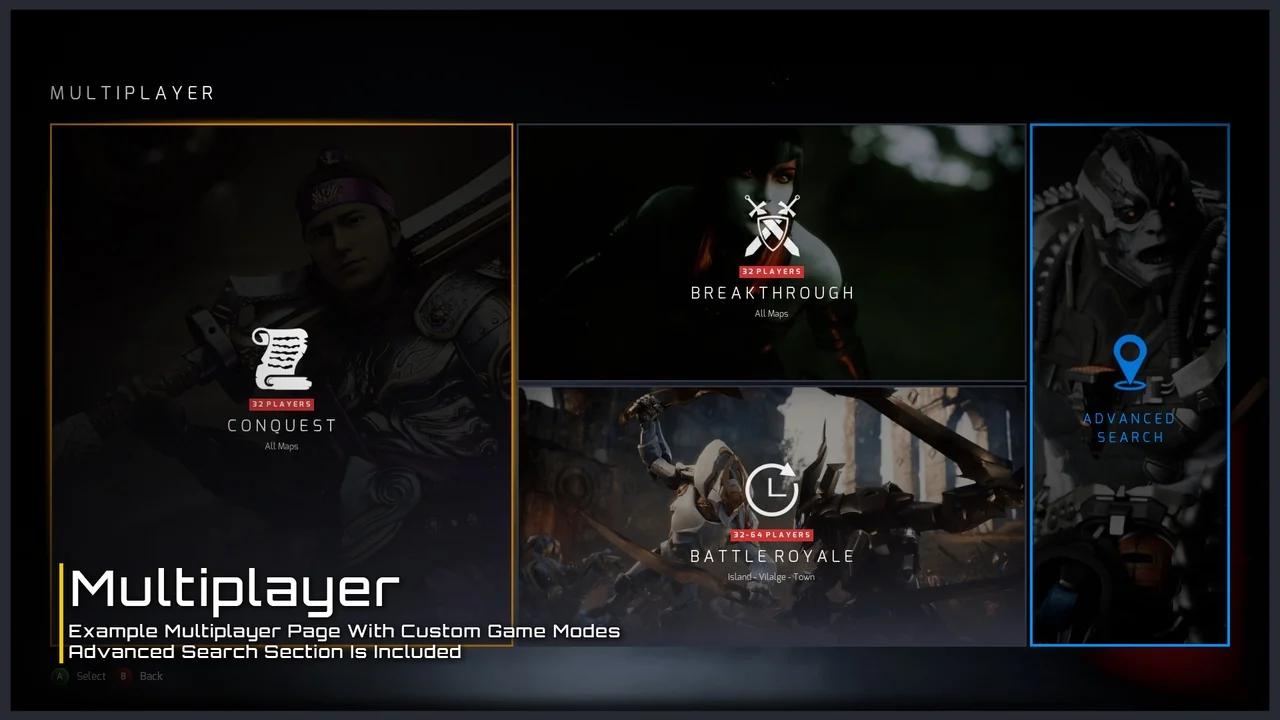
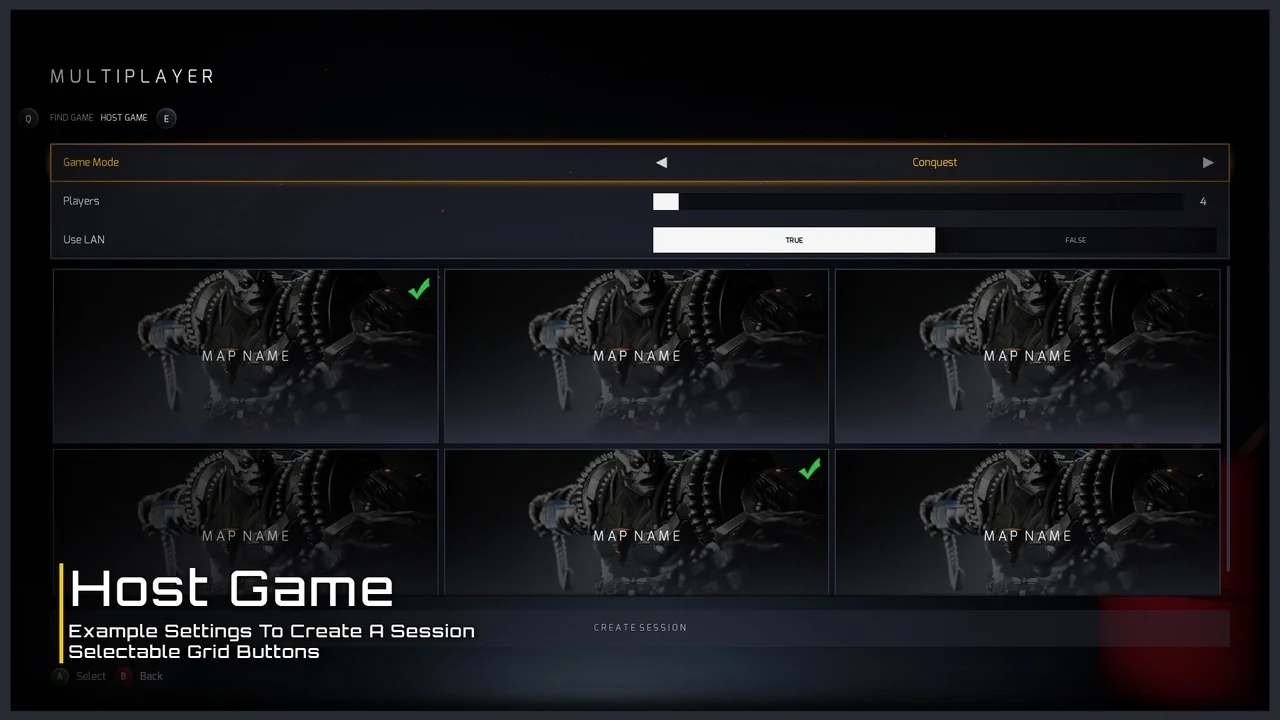
This system includes dedicated features for different game modes. For multiplayer projects, it offers a simple Host-Find Game functionality right out of the box. While this is ready to use immediately, it is also easy to expand based on your specific networking needs. On the other hand, single-player games benefit from a completely functional Save and Load system.
- Dynamic Host-Find Game functionality for multiplayer.
- Integrated Save and Load systems for single-player progress.
- Expandable blueprints with provided examples.
- Control all panels via pure functions in any blueprint.
Advanced Settings and Loading Systems
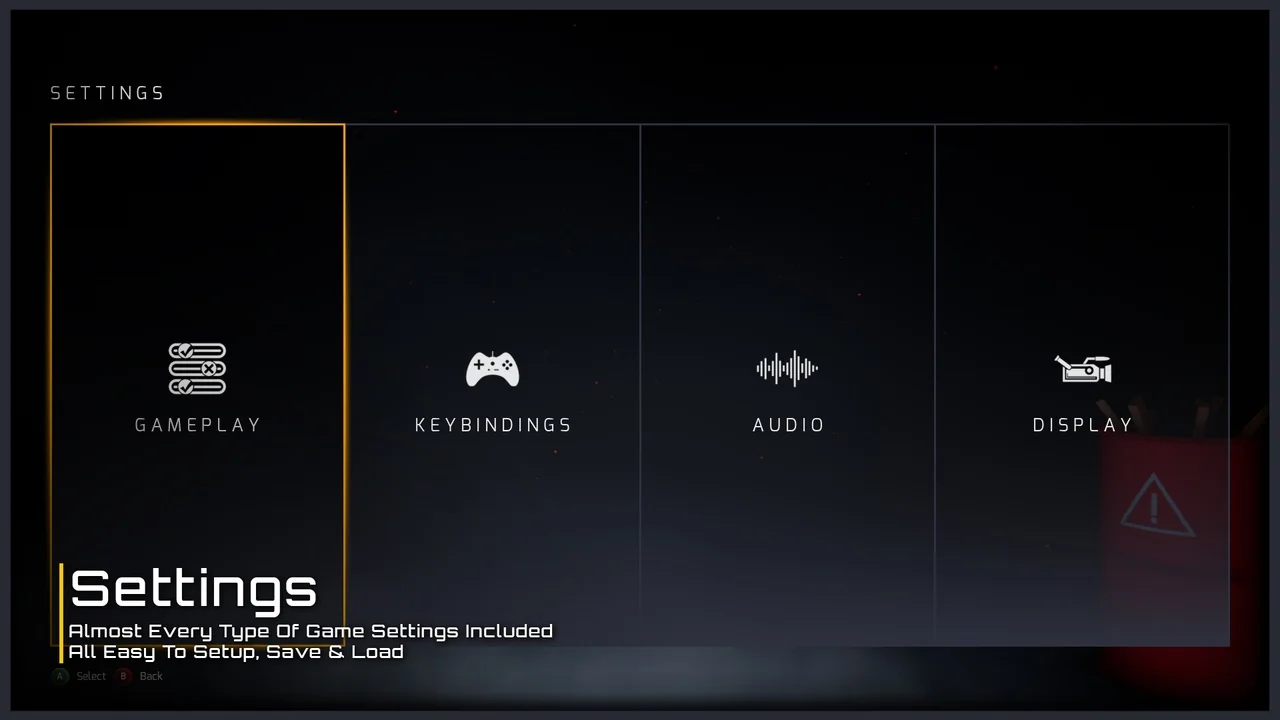
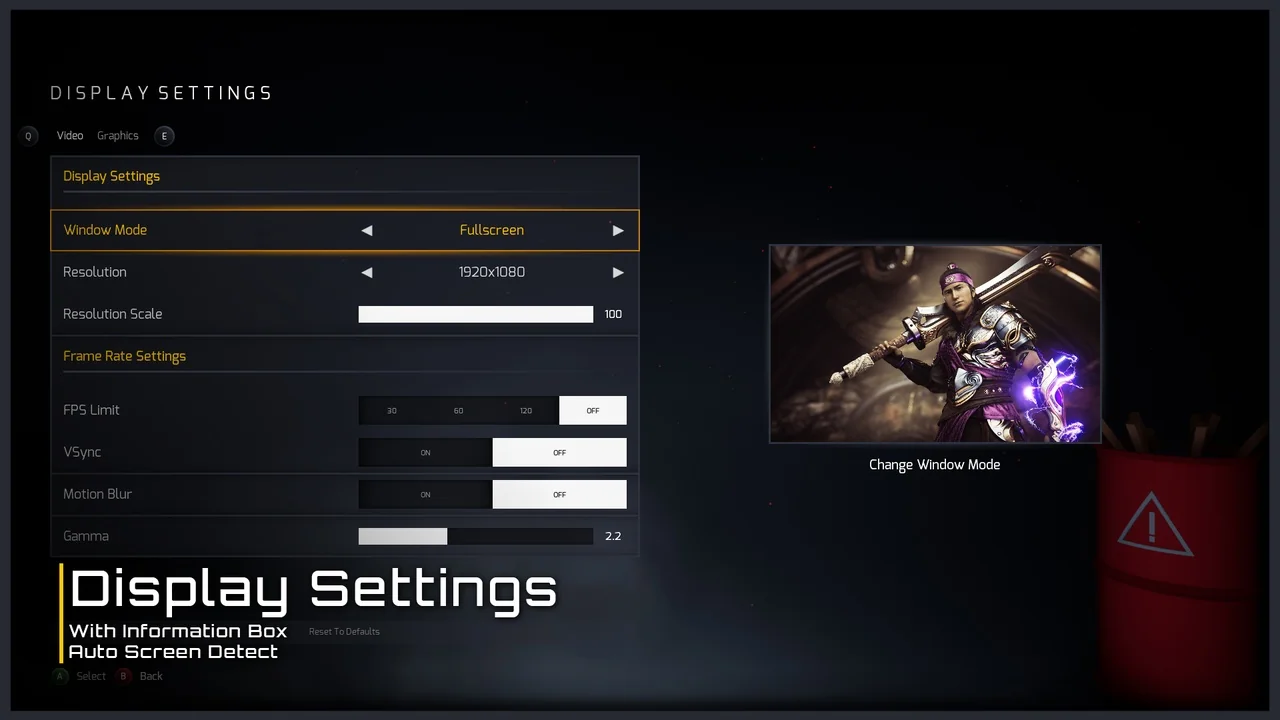
The developer has included a comprehensive suite of game settings. These include fully working options for keybindings, audio levels, and display configurations. Furthermore, these settings are designed to save and load automatically. Gameplay settings are also provided as examples to help you get started quickly.
The loading process in the Ultimate Menu System uses a unique approach. It first loads an empty map before transitioning to the streaming level. Because of this method, the loading screen does not freeze or disappear prematurely. As a result, the transition between levels feels polished and professional.
Optimized Performance and Workflow
Performance is a priority in this framework. The system utilizes a Widget Pooling method to manage resources efficiently. By creating required widgets at the start, it performs one hard load and then reuses those references. If a widget is missing from the pool, the system creates it and adds it for future use. This optimization keeps the game state fluid and responsive.
Conclusion
The Ultimate Menu System is a complete and optimized tool for game developers. It combines ease of use with deep technical features like widget pooling and custom loading sequences. Whether you are building a simple indie title or a complex multiplayer shooter, this system provides the necessary infrastructure for a professional UI. By using this modular framework, you can focus more on gameplay and less on interface management.
Screenshots & Gallery