This project allows you to easily and quickly add a AAA-standard, dynamic third person camera to your game! These features are smooth and non-intrusive, always prioritizing the player’s input. The system uses blueprints and C++ but no knowledge of C++ is required!
💪 Strengths
- Customize it, Make it yours – Allows you to customize the system even in real-time.
- Plug & Play – Leverages Unreal’s Camera Modifier system for extra simplicity!
- Simple Blueprints – The system is mostly in blueprints with some base classes in C++, coded with optimized industry standards. No C++ knowledge is required!
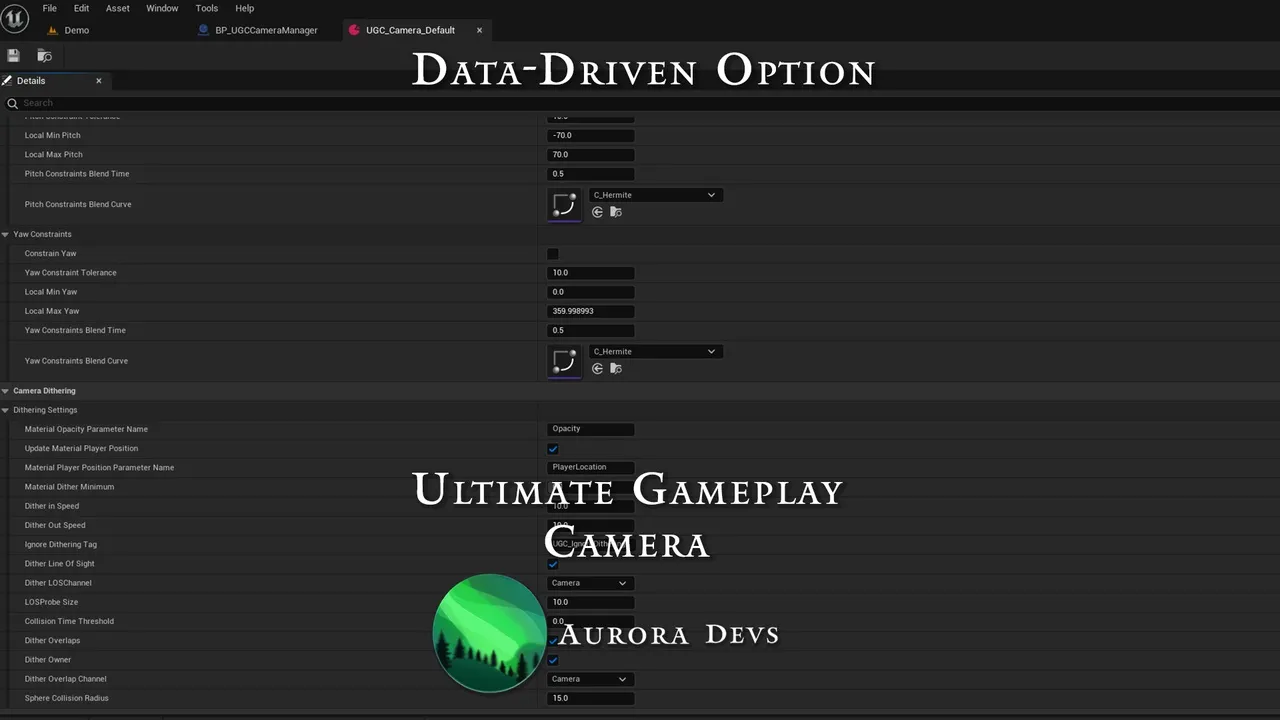
- Data-driven Option – You can change the camera’s properties with data assets or you can use functions to change them at runtime!
- Fully Replicated – The good thing about a camera is that it is client-side, which means it works seamlessly in multiplayer.
✨Features
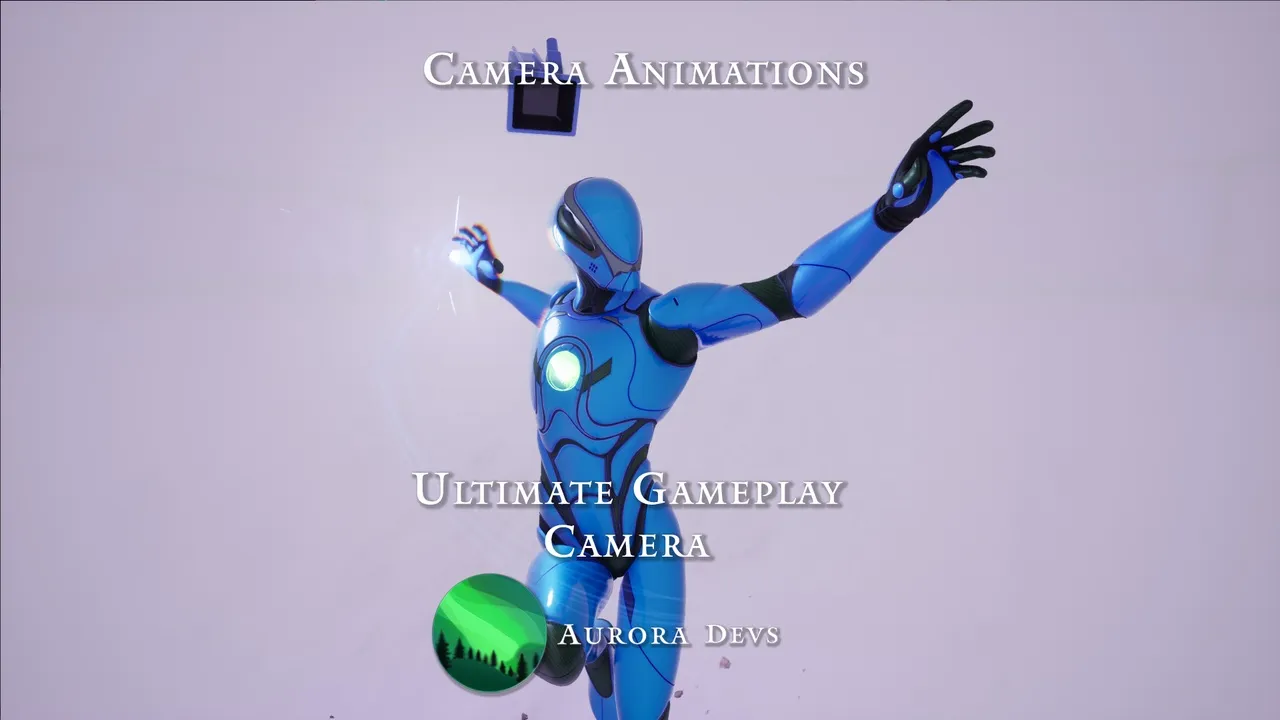
- Animation Camera – Ever seen those cool camera finishers in video games and thought it was too good for your game? Well think again, we have made it easily available with UE’s Camera Animations Sequencer for professional-grade results!
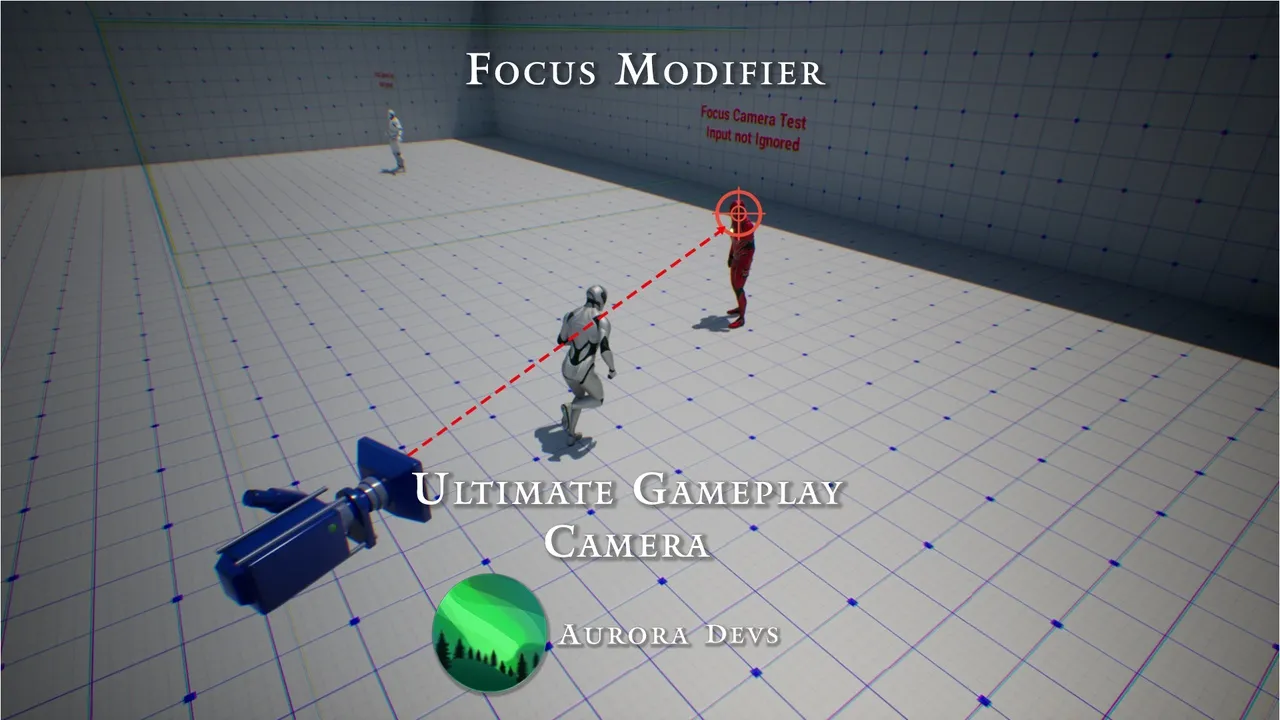
- Focus Modifier (Camera Lock-On) – Are your players struggling with the camera during combat, or missing important details in your world? The Focus modifier can highlight ✨anything✨. Easily implement hard-lock, aim-assist, or focus points of interest in your beautiful world!
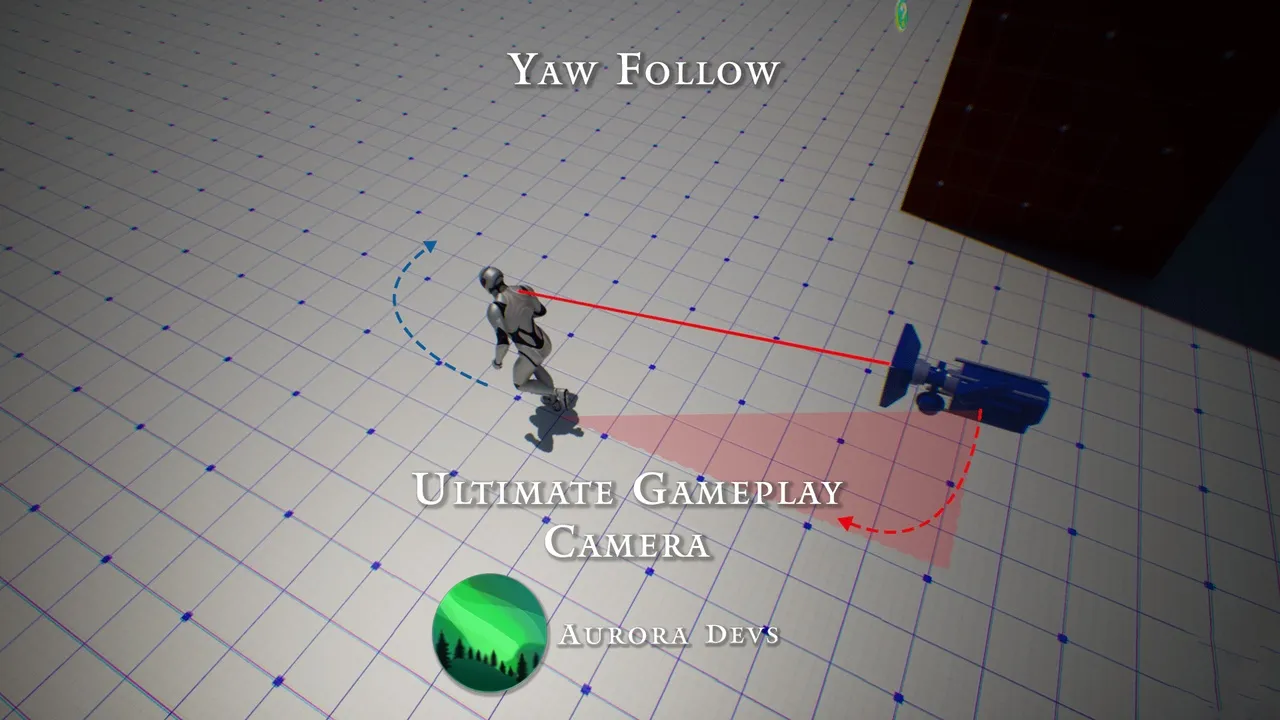
- Yaw Movement Follow – Are your players tired of constantly needing to adjust the camera? Make the camera automatically & smoothly follow the movement direction of your character!
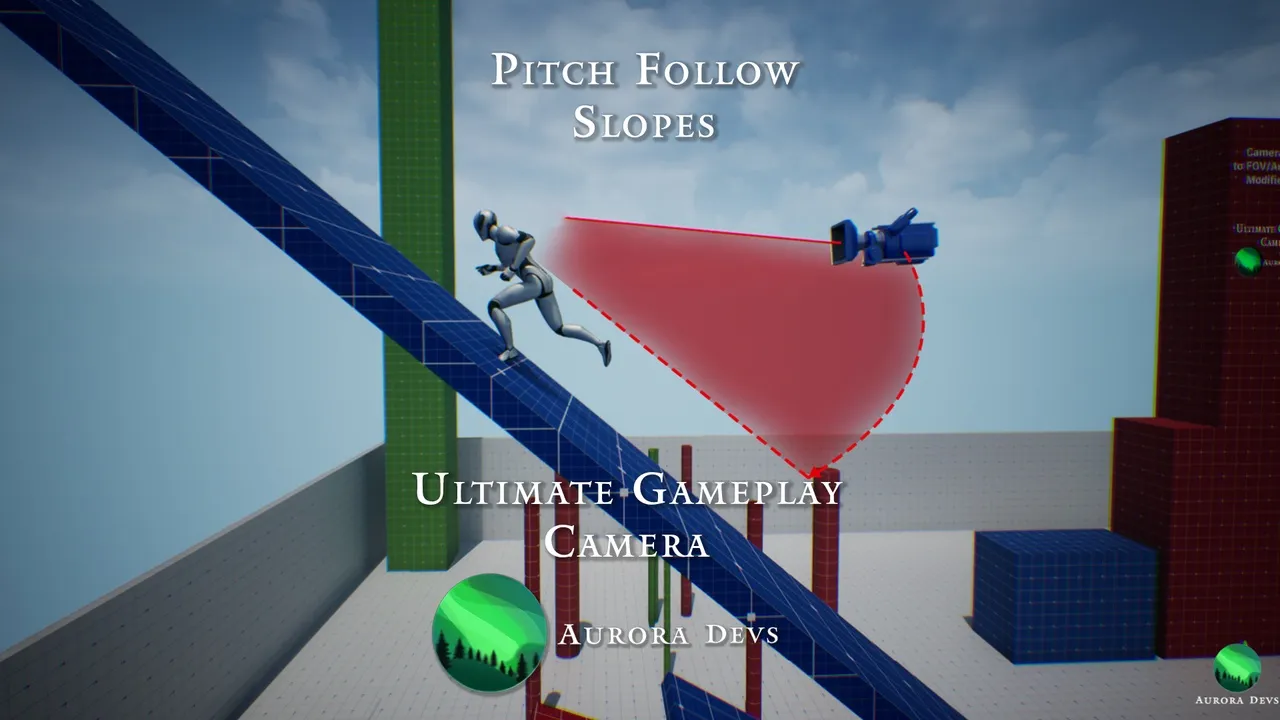
- Pitch Follow – Automatically adjust the pitch of the camera to the inclination of slopes, the default pitch, and/or the falling direction.
- Yaw Angle Constraints – Limit the yaw rotation of the camera to make the player focus on their current action (e.g., when climbing a ladder) or on points of interest in your world (NPCs)!
- Pitch Angle Constraints – No self-respecting game lets you shoot your feet, there’s no reason yours should either! ✨Smoothly✨ limit the pitch angle of your players to avoid problems with looking/aiming at extreme angles.
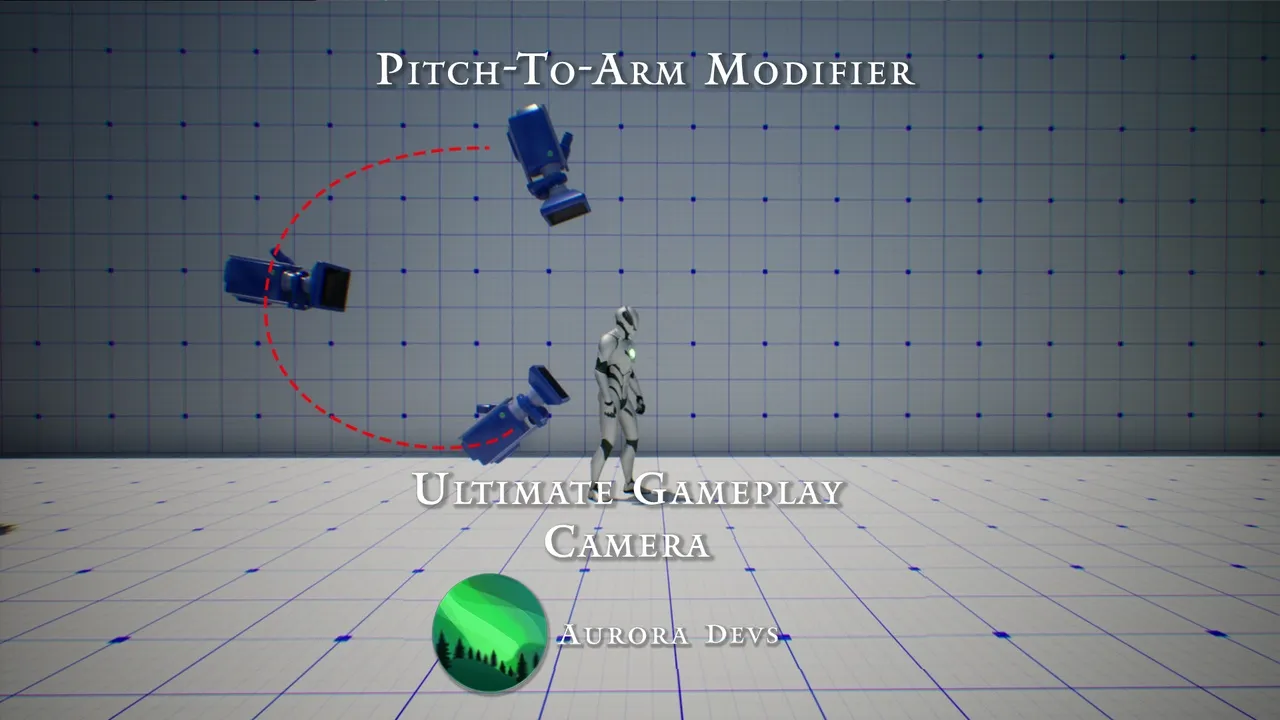
- Pitch to Arm Length and FOV Modifier – One of the more subtle features of AAA game that add extra layers of polish! Smoothly change the FOV and the distance of the camera depending on its pitch angle!
- Arm Length and Offset Ranges – Create a dynamic camera by changing its framing (distance and offset) when your character changes states (Sprinting, Crouching, Prone; etc.)
- Collision Modifier – Tired of Unreal’s janky camera collisions? We have you covered with our extra smooth predictive collision modifier.
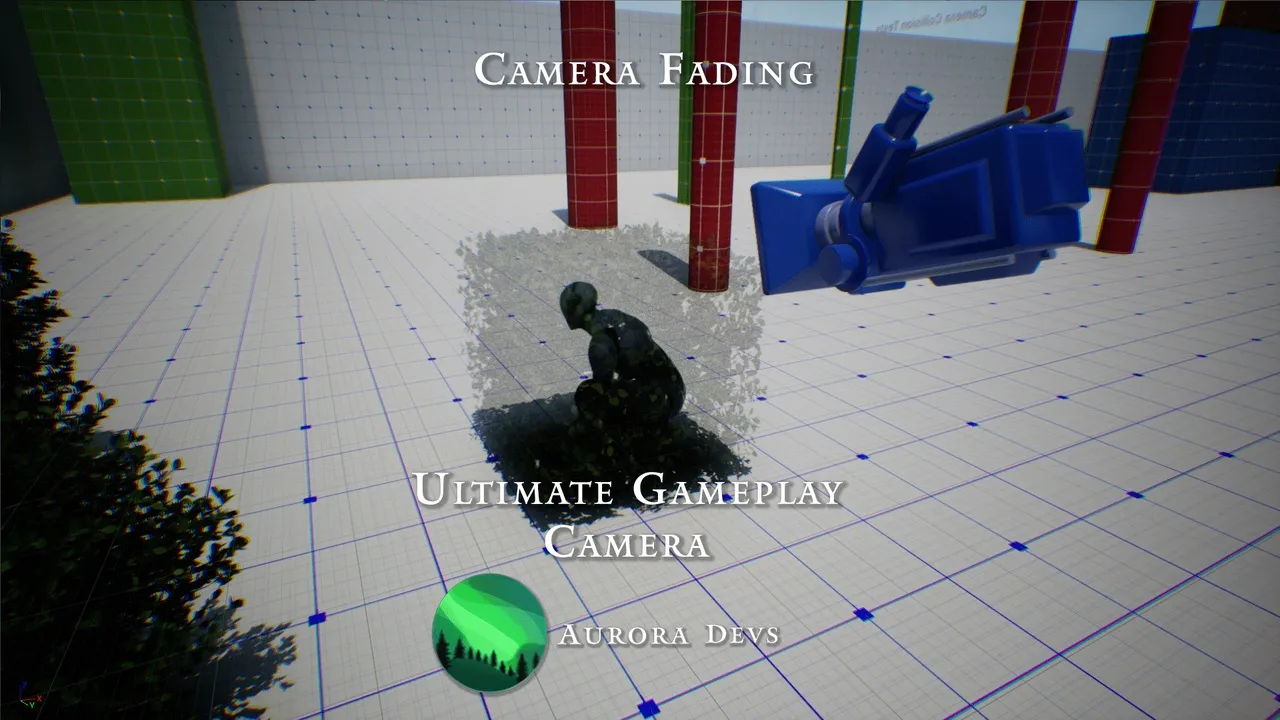
- Dithering Modifier – Don’t you hate it when objects get in the way of your camera and the character? We do too. That’s why you can now hide anything that comes between the character and the camera, even other characters.
Click the button below to download.
Download: