Dynamic Interface Motion with UI Particle Image
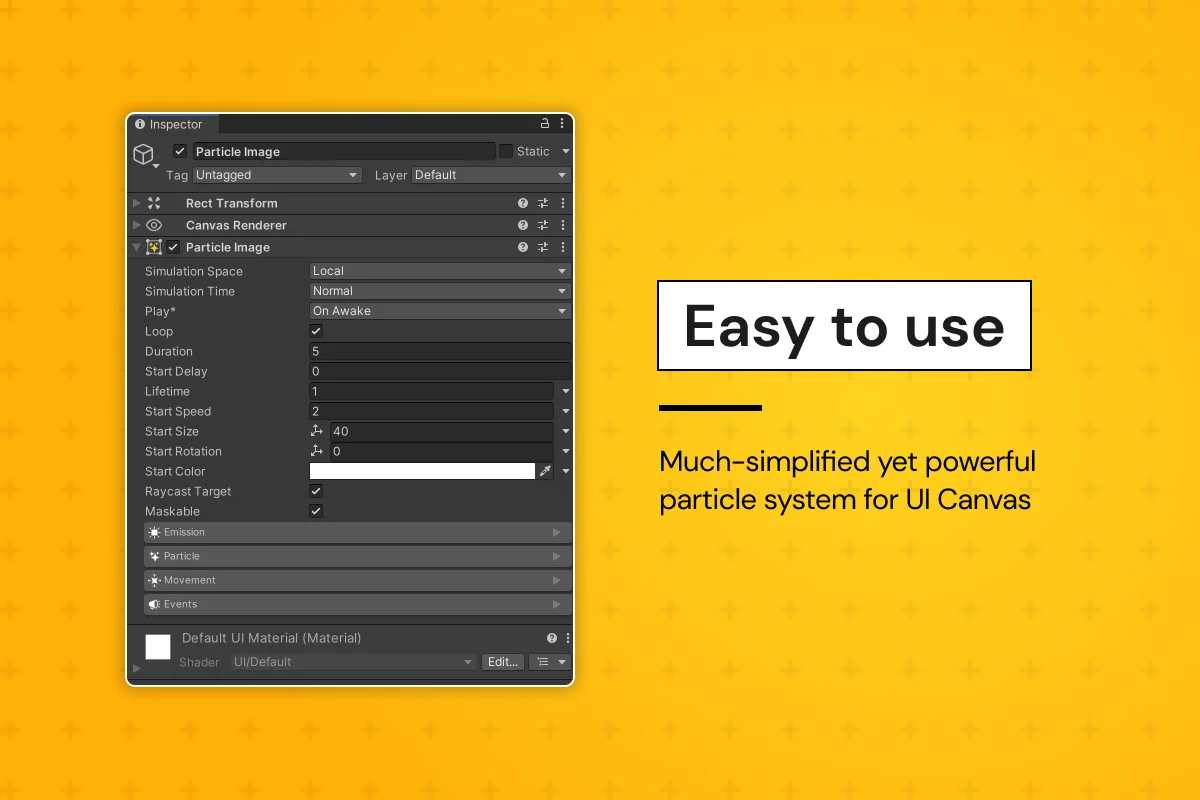
UI Particle Image offers a specialized solution for developers looking to integrate high-quality particle effects directly into their game’s user interface. Unlike standard particle systems that often require complex workarounds to function correctly within a UI canvas, this tool is built from scratch as a MaskableGraphic. This architectural choice ensures that effects behave like native UI elements, respecting the layout and rendering rules of the Unity UI system.
The system is designed to be accessible, allowing for the creation of visual effects such as sparkling buttons, loot transitions, or environmental UI flourishes with minimal setup. Developers can begin by generating a new object via the GameObject menu or by utilizing the included collection of over 12 demo scenes and starter particles. These templates provide a functional foundation for understanding how individual settings—ranging from emitter shapes to movement modifiers—interact to create complex visuals.
Advanced Movement and Behavioral Control
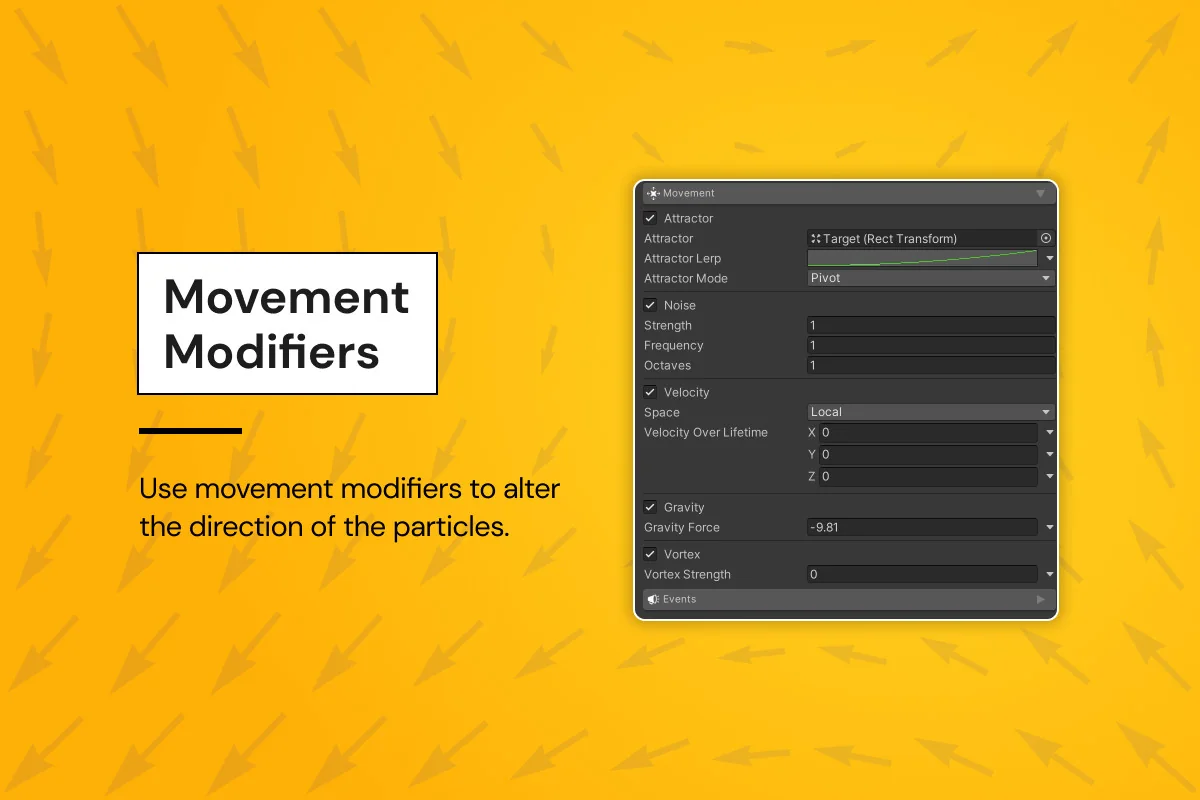
One of the core strengths of UI Particle Image is the variety of movement modifiers that dictate how particles behave once emitted. Rather than relying on simple linear paths, the system includes several physics-inspired modifiers:
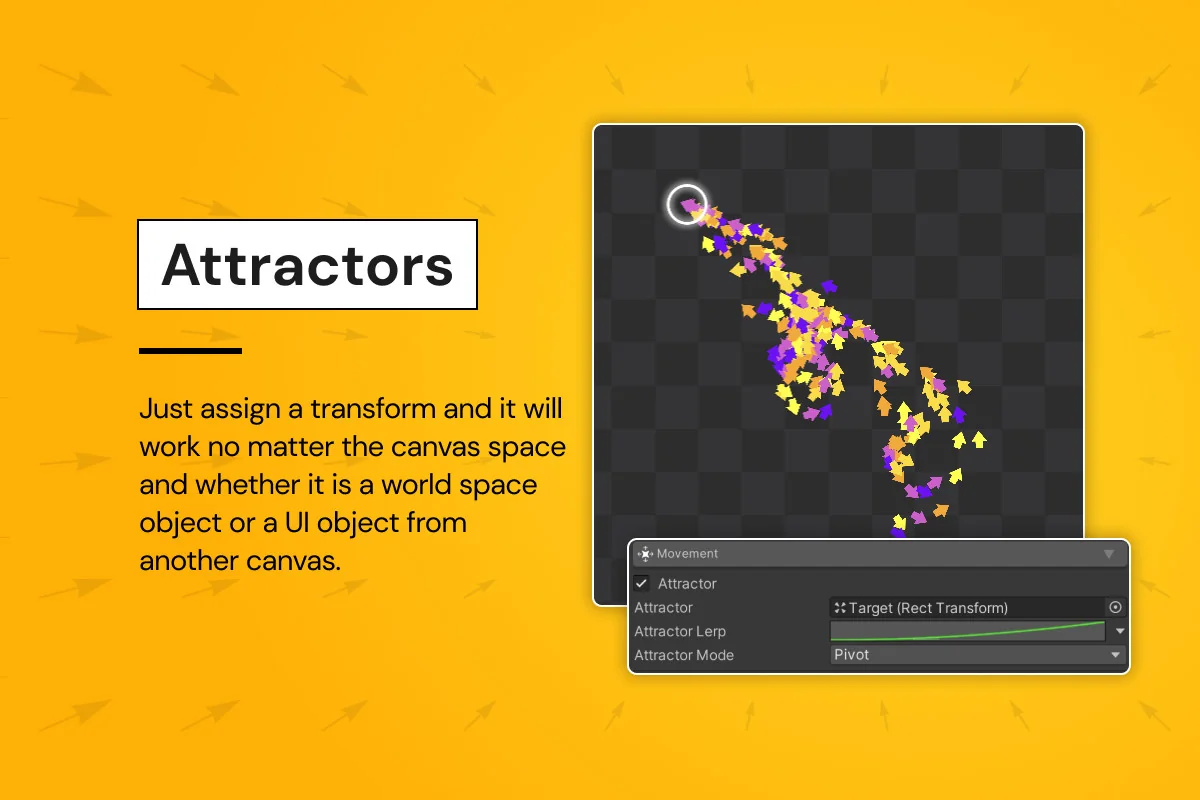
- Attractors: These allow particles to be drawn toward specific points on the UI, which is particularly useful for mechanics like currency flying into a player’s inventory icon or mana particles gathering around a skill button.
- Vortex and Noise: These add organic, swirling motion to particles, preventing them from appearing too mechanical or predictable.
- Gravity and Velocity: Standard forces that can be applied to simulate weight or explosive bursts within the interface.
The simulation supports both scaled and unscaled time, giving developers the flexibility to have UI effects continue playing even when the game is paused. This is a critical feature for maintaining a polished feel during menu interactions where the rest of the game world may be frozen.
Native UI Integration and Masking
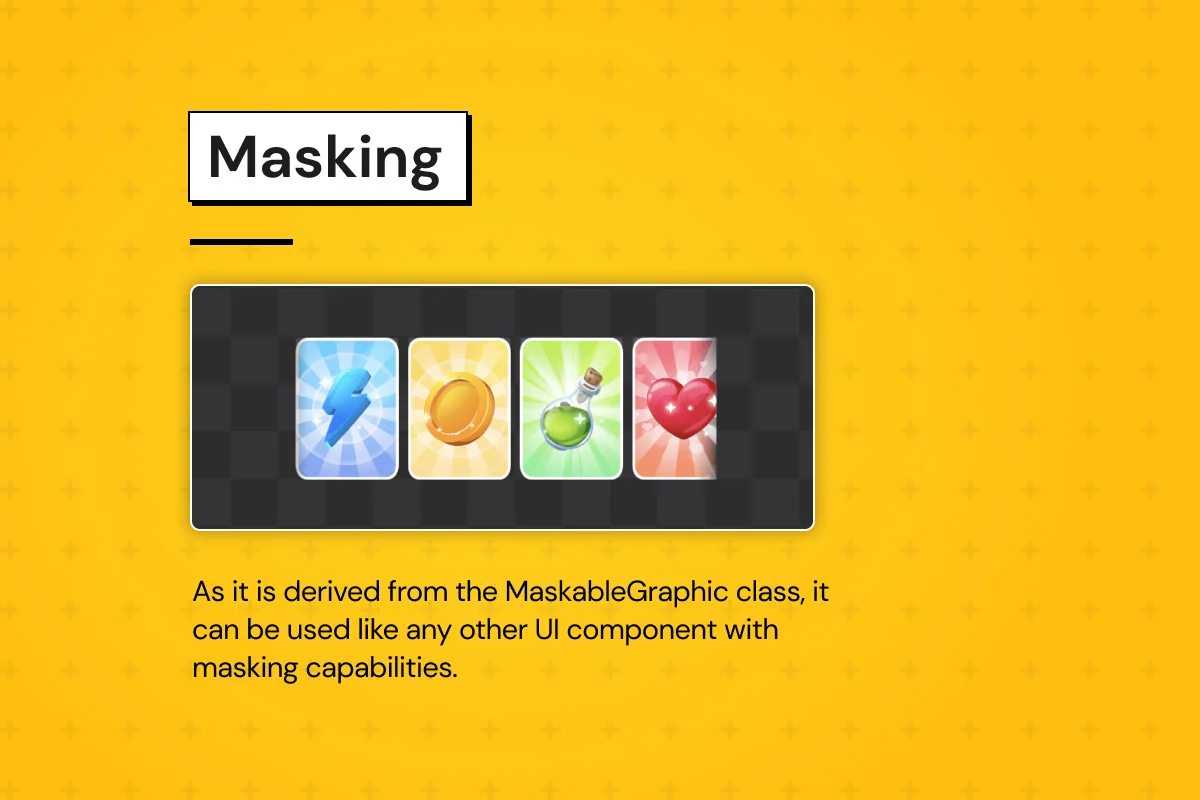
Because UI Particle Image is derived from the MaskableGraphic class, it solves several common headaches associated with particles in a canvas. It supports standard UI masking, meaning particles will be correctly clipped when they move outside the boundaries of a scroll rect or a specific UI panel. This is often a significant technical hurdle when using Unity’s built-in Shuriken system for UI purposes.
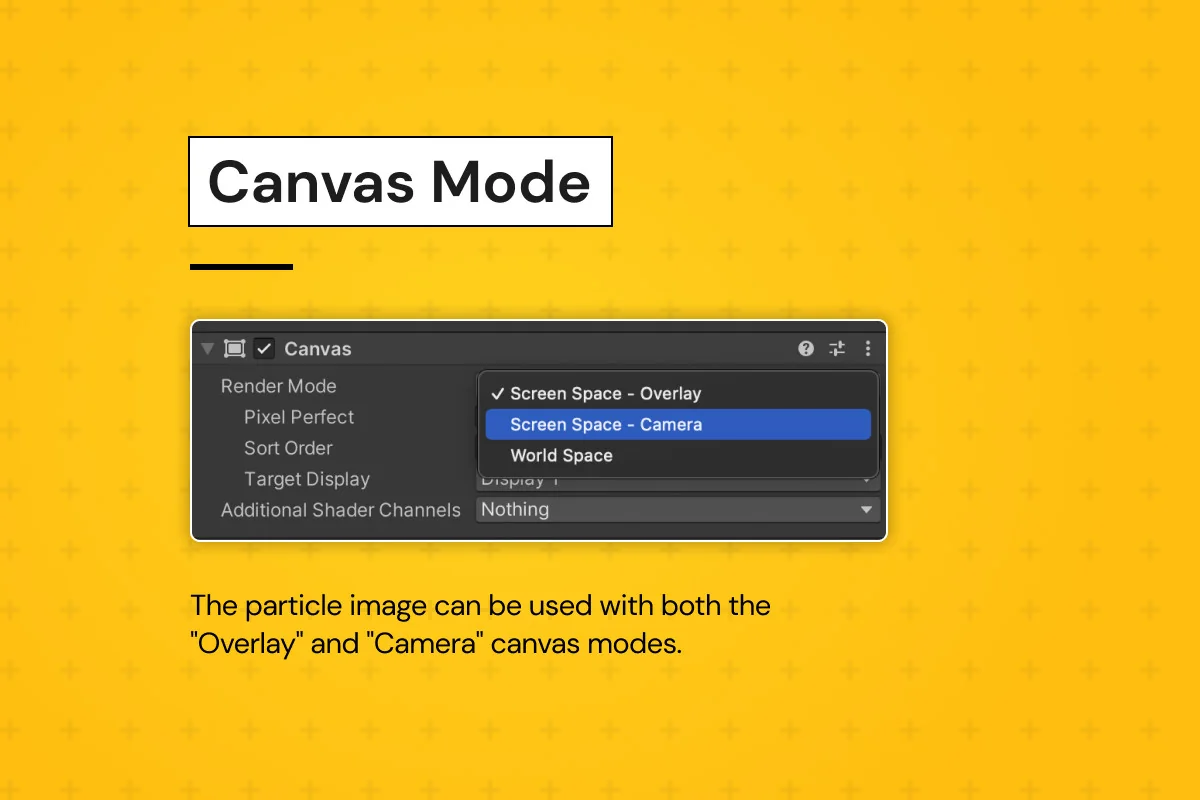
Also, the system supports both Overlay and Camera canvas modes, ensuring compatibility regardless of how a project’s UI is structured. It can also function as a raycast target, allowing particles themselves to respond to player input or block interactions with elements behind them. For more complex visual requirements, the system supports Texture Sheet Animation, enabling the use of animated sprites within the particle stream, and includes a dedicated trail renderer for adding motion blur or light-streak effects to individual particles.
Performance-Oriented Architecture
Performance is a primary consideration for UI systems, especially on mobile platforms. UI Particle Image addresses this by utilizing a multithreaded simulation, offloading the heavy lifting of particle calculations from the main thread. This helps maintain a consistent frame rate even when dozens of particle systems are active simultaneously. Additionally, the entire system is optimized to use only a single draw call, significantly reducing the rendering overhead.
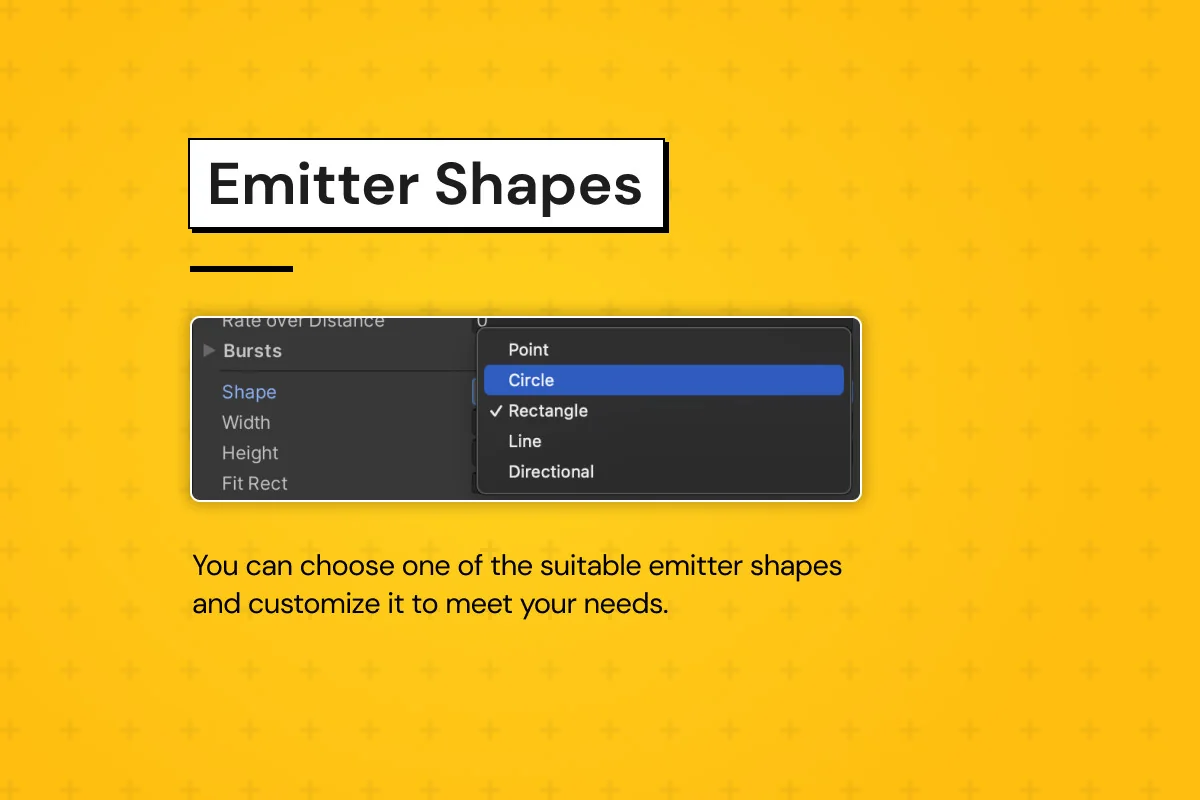
The workflow is further streamlined by the ability to simulate and preview particles directly in the Unity Editor without entering Play Mode. This real-time feedback loop allows for rapid iteration on particle life, color gradients, and emitter shapes. The system includes various emitter shapes to suit different UI layouts, including Point, Circle, Rectangle, Line, and Directional emitters.
Technical Flexibility and Pipeline Support
UI Particle Image is designed to work across various rendering pipelines, making it a versatile tool for different project types. It maintains compatibility with most third-party UI and Sprite shaders, allowing developers to apply custom visual styles to their particles without breaking the system’s core functionality. For those who need deep integration, a comprehensive C# API is available, enabling granular control over particle states and the triggering of specific events through code.
It is important to note that this system is a standalone solution designed specifically for the UI canvas. It does not support Unity’s built-in Shuriken particle system, as it was built from the ground up to address the specific limitations of UI rendering. Future updates are planned to include a Shuriken converter and mesh particle support, which will further bridge the gap between world-space effects and interface-bound visuals.
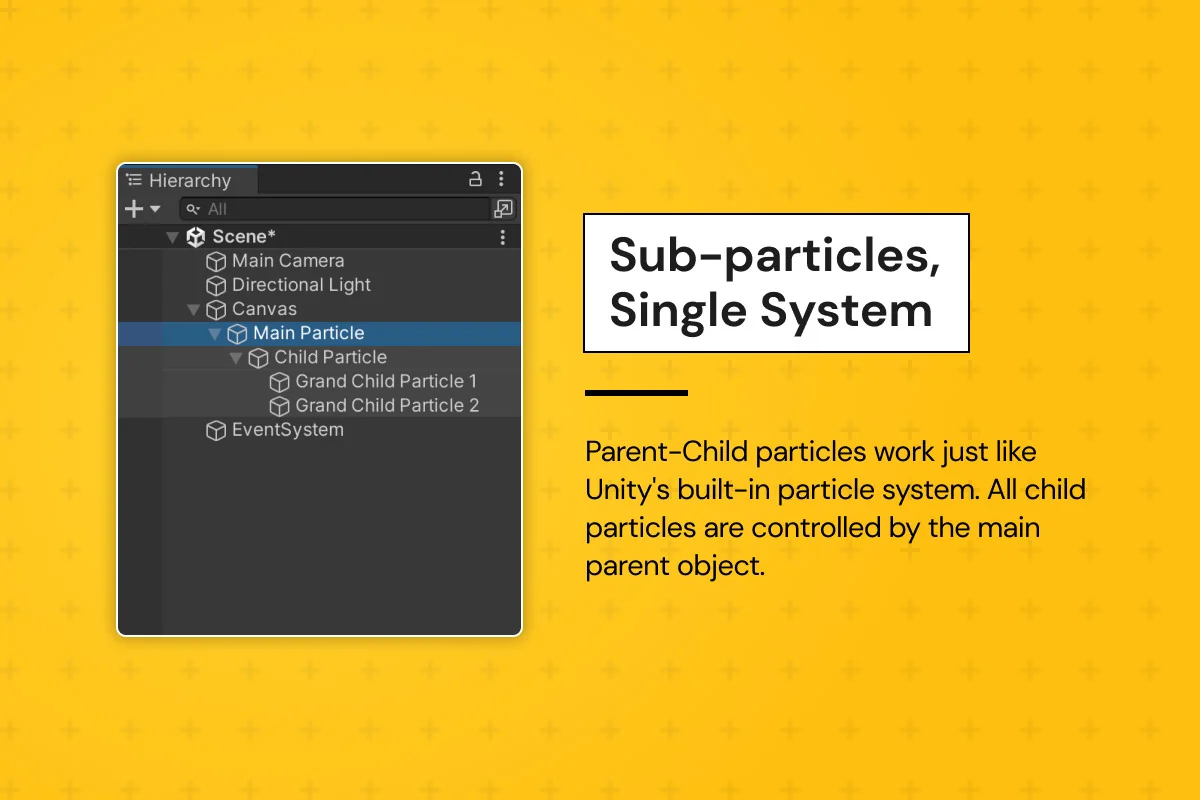
By providing a simplified yet powerful settings panel, UI Particle Image allows for the creation of professional-grade effects that were previously difficult to implement within the Unity UI framework. Whether it is through the use of sub-particles in a single system or the application of complex movement modifiers, the tool provides the necessary features to make game interfaces feel more reactive and visually engaging.
Asset Gallery
Protected download
Access this resource
All resources are 100% manually reviewed to eliminate all risks.