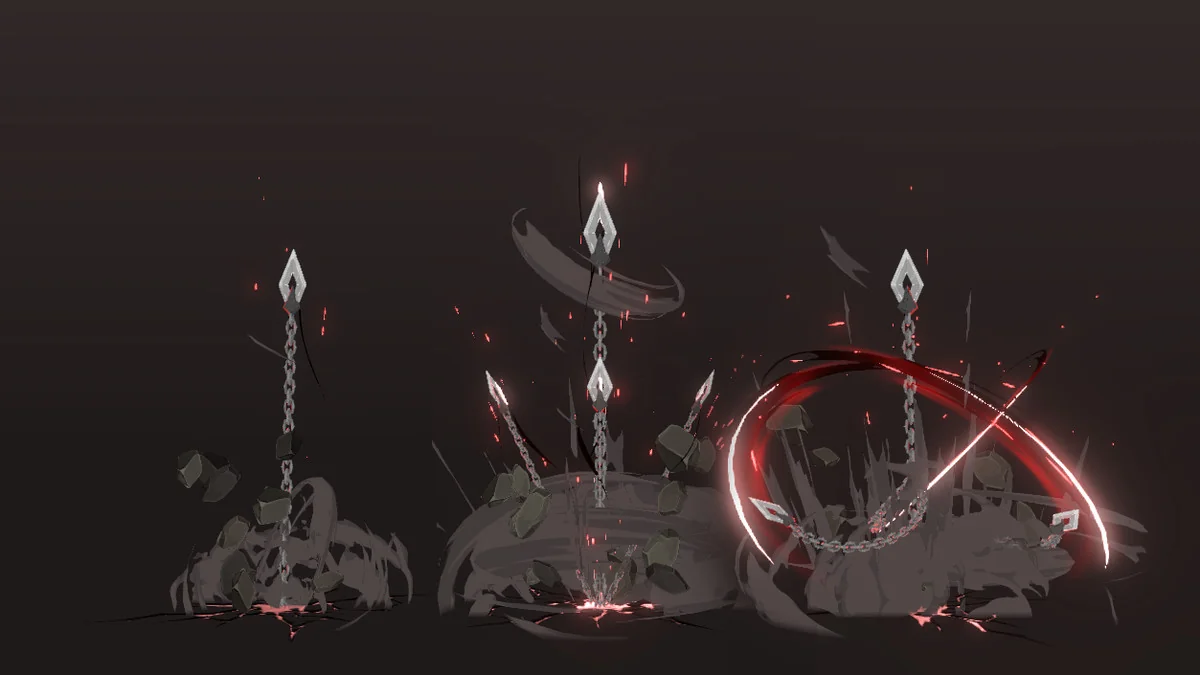
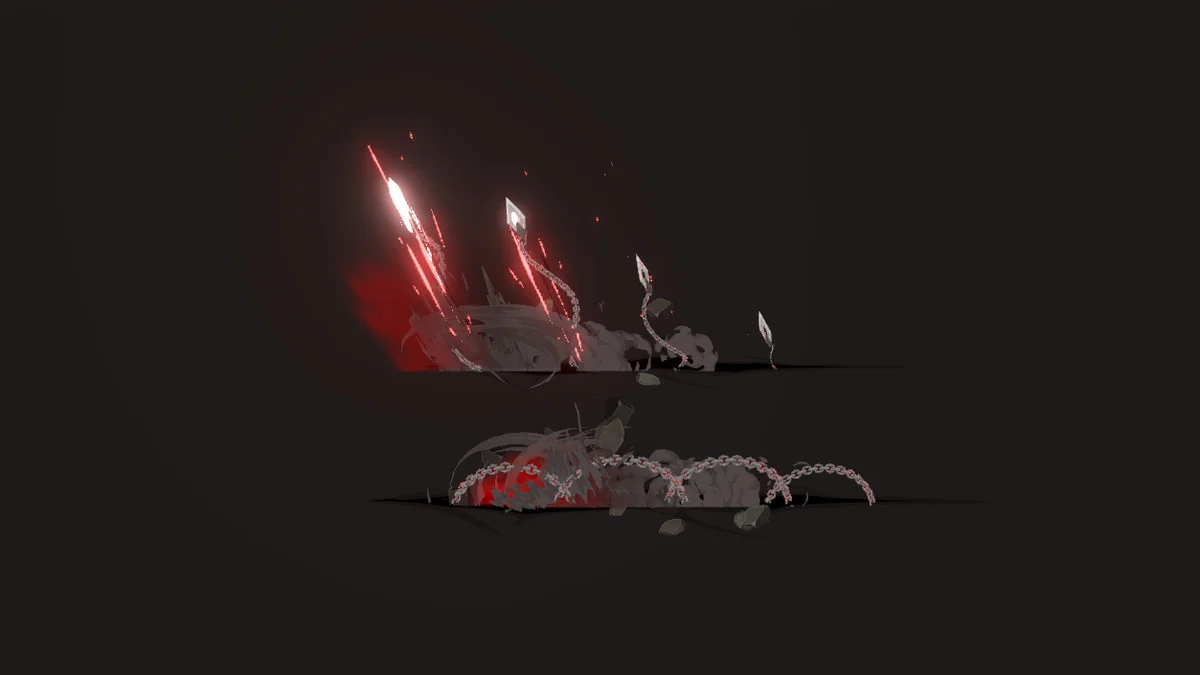
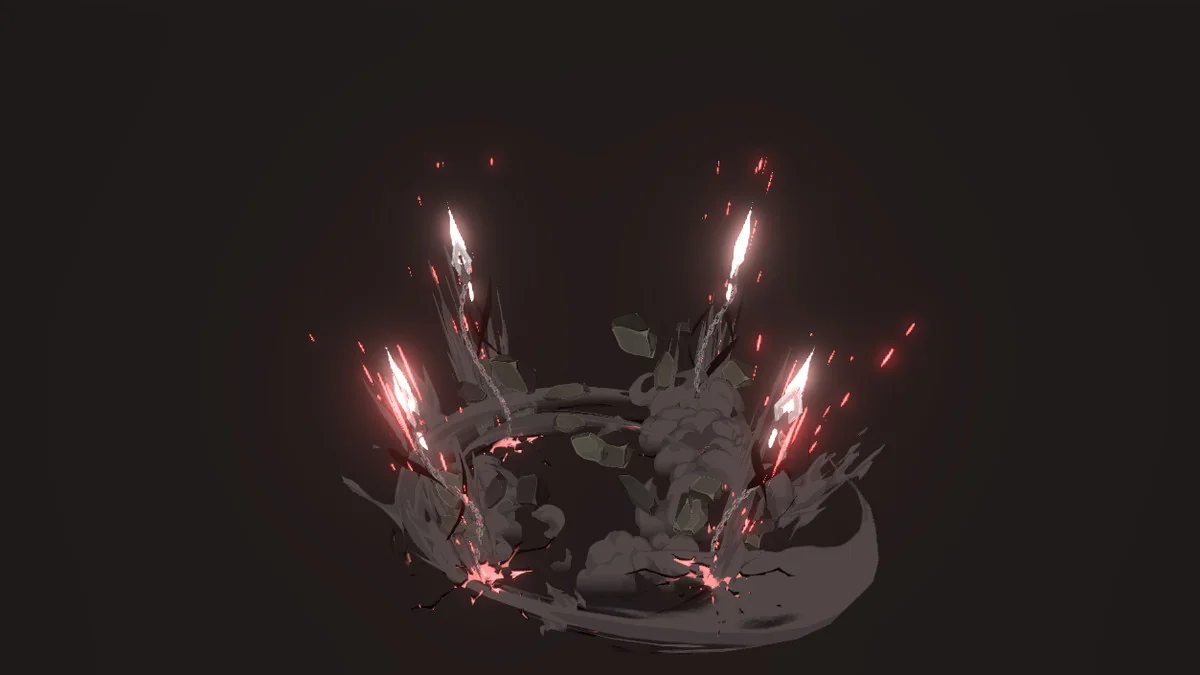
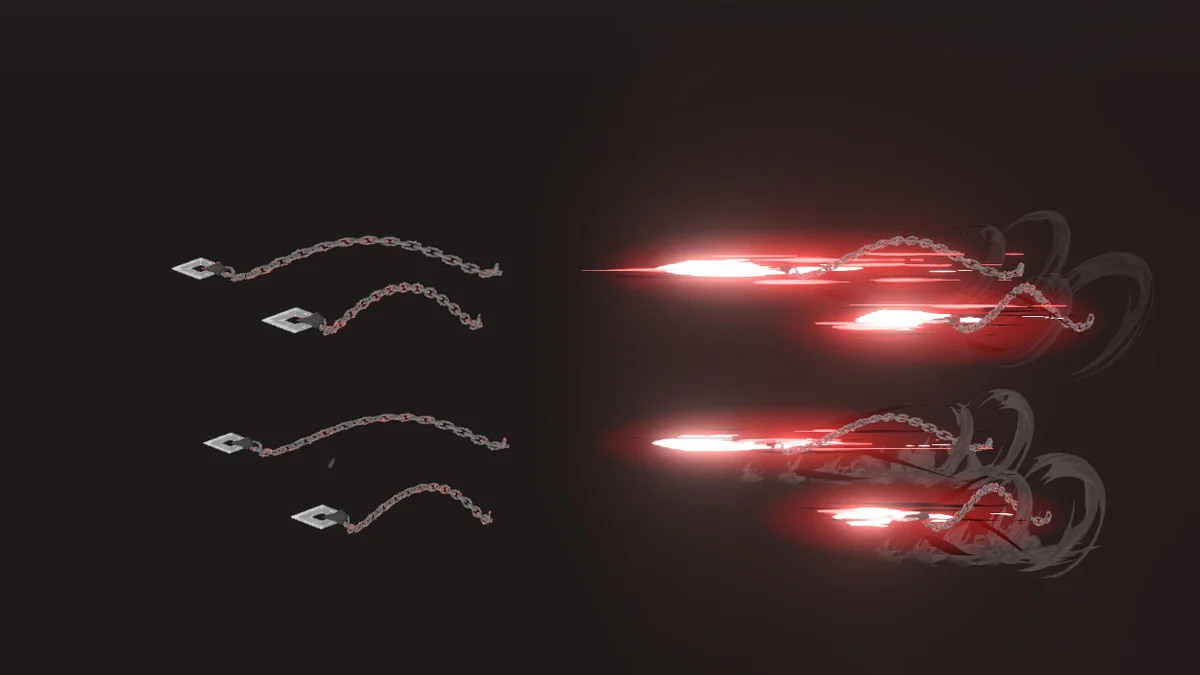
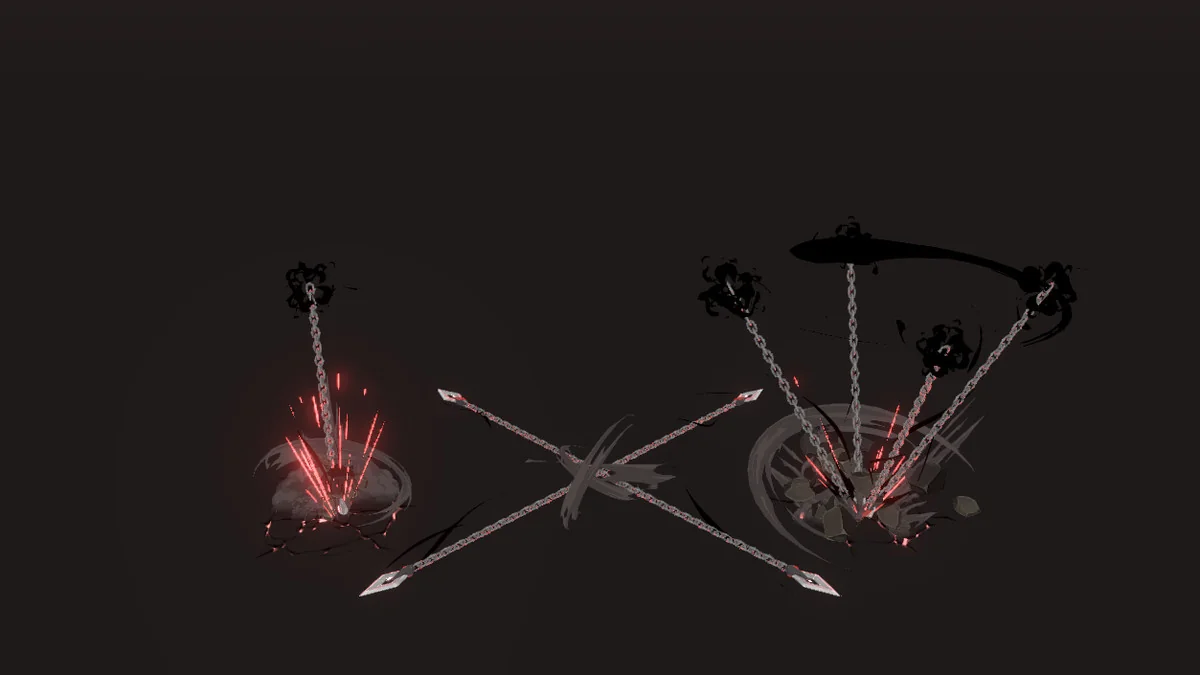
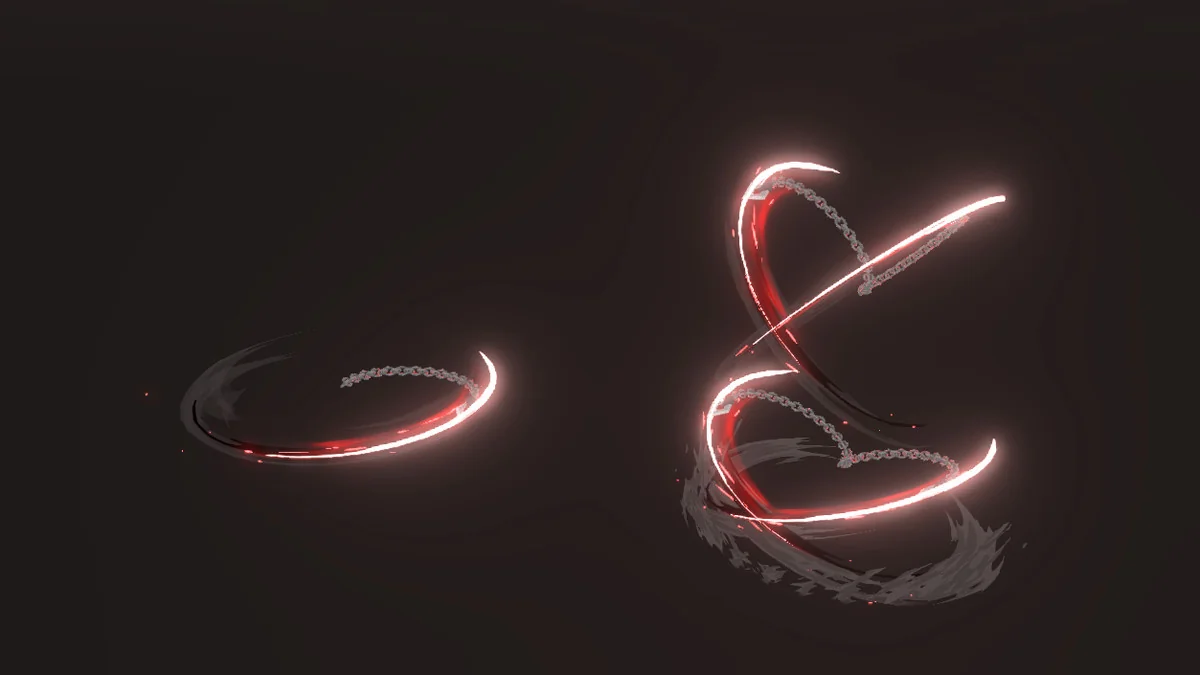
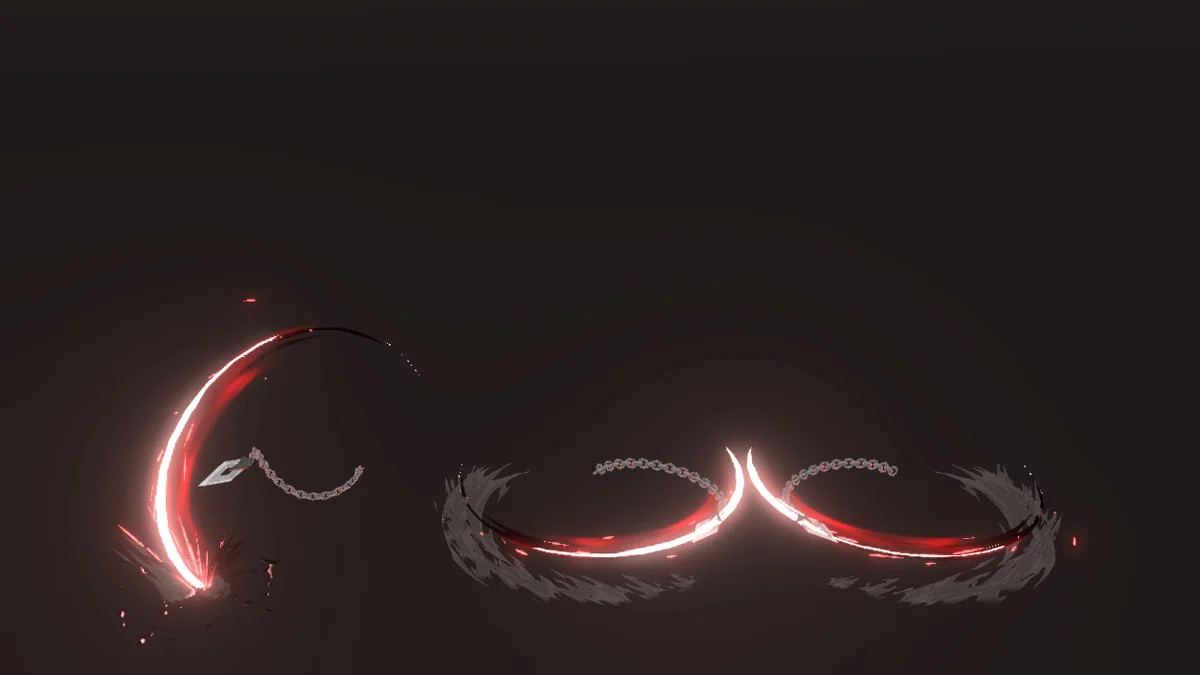
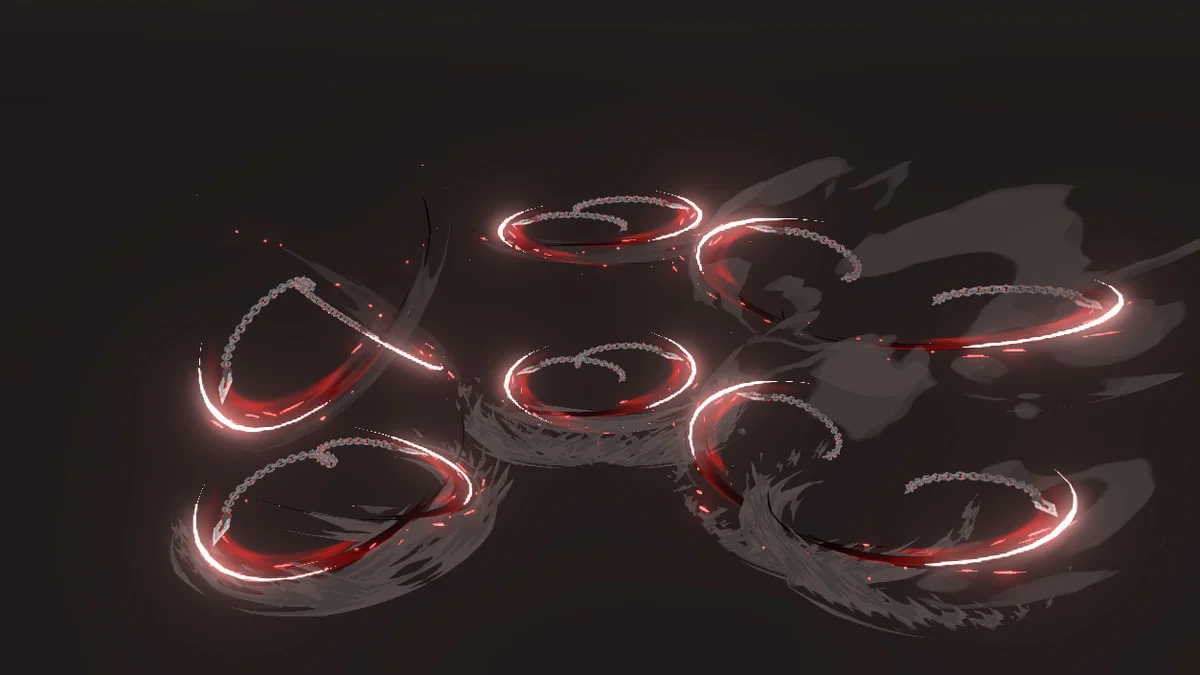
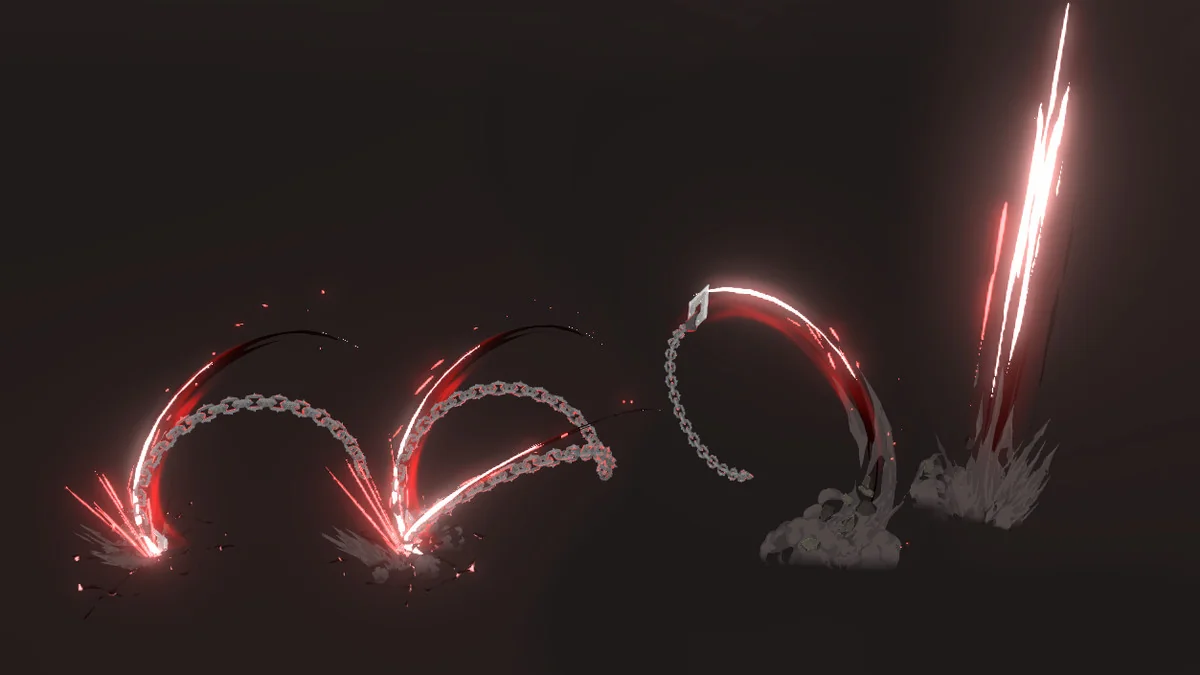
When a character needs a chain-themed combo attack, this Unity asset supplies the visual pieces needed to place that effect into a project without starting from zero. The focus stays on stylized chain skills, with a cartoon, lowpoly look and tags that point to particles, effects, skill work, and VFX use.
The package is more than a single effect file. It brings together textures, materials, shaders, meshes, and prefabs, so the elements behind the look are already separated into practical parts that can be handled during setup and scene placement.
What comes with the effect set
The contents are easy to break down: 7 textures, 5 materials, 3 shaders, 10 meshes, and 60 prefabs. The total asset count is 110, and the package size is 10.2 MB.
That mix tells you how the asset is organized for use. Textures provide the surface data, materials hold the visual setup, shaders control the rendering path, meshes give shape to the chain elements, and prefabs group the pieces into reusable items. For a combo attack, that structure matters because it keeps the visual work ready to be placed in a character workflow rather than rebuilt each time the effect appears.
The prefab count is especially useful in a production setting. A large share of the asset is already assembled into ready-to-use objects, which helps when the same chain skill needs to appear multiple times or be repeated across different moves in a character’s attack sequence.
Import steps to check before using it
There are three setup notes attached to the package, and each one affects how the effect should be handled during import or in a camera setup.
- During import in the Package Manager window, click Skip In the warning window.
- If the project uses an orthographic camera and the environment is 2D or 2D Experimental, set the “Use SoftParticle Factor?” Boolean parameter on all materials to off.
- For Built-in use, install Shader Graph From the Package Manager, and make sure the project version is 2021.2.0 or higher.
These notes keep the workflow specific. The import step is simple, but it is still part of the process. The camera note matters when the project is in 2D or 2D Experimental and the view is orthographic, because every material tied to the effect needs the same parameter change. The Built-in note adds a clear dependency: Shader Graph must be present, and the project version has to meet the stated minimum.
Nothing here turns the asset into a complicated setup, but it does mean the first pass should include a quick check of import behavior, camera type, and project version before the chain skill is used in a scene.
Pipeline support and version alignment
The package is available in Built-in, URP, and HDRP. Render pipeline compatibility is listed for 2021.3.31f1 across those three paths, and the original Unity version is 2021.3.31.
That gives the asset a clear place in a pipeline-based workflow. Instead of being limited to a single render path, the same stylized chain skill content can be matched to the project setup already in use. The compatibility information is especially useful when a team is already committed to one of the supported pipelines and wants the visual effect to follow that choice without extra guesswork.
The category and tags reinforce the same direction. It sits in the particles category, with a path under vfx/particles, and the labels include Built-In, URP, HDRP, Effects, 2D, skill, chain, particles, Cartoon, Game, Stylized, lowpoly, Shader Graph, VFX, and FX. Those tags give a compact picture of the intended style and technical context: a stylized particle-based skill effect that can live across multiple Unity rendering setups.
Where a chain skill fits in character work
The clearest use case is a character combo attack that needs a chain motif. The package description keeps that focus narrow, which makes the asset most relevant when the job is to put a visual chain skill onto a character action and keep the effect consistent from one move to the next.
The stylized, cartoon, and lowpoly tags help define the visual language. That means the effect is not trying to read like a realistic simulation; it is aimed at a more graphic presentation where the shape and motion of the chain skill matter alongside the rest of the attack animation. The meshes, materials, and shaders are the core pieces behind that look, and the prefabs make it easier to bring those pieces into a scene in a repeatable way.
For a 2D project, the orthographic-camera note is the first thing to handle. For a Built-in project, Shader Graph is part of the setup. For URP or HDRP work, the pipeline compatibility already points to the right path. With those pieces in place, the asset fits naturally into a production line where a character needs a stylized chain-based skill effect and the team wants the setup to stay close to the project’s existing Unity configuration.
The practical takeaway is simple: verify the import choice, check the camera and material setting if the project is 2D or orthographic, match the render pipeline, and then place the prefabs where the combo attack needs its chain effect to appear.
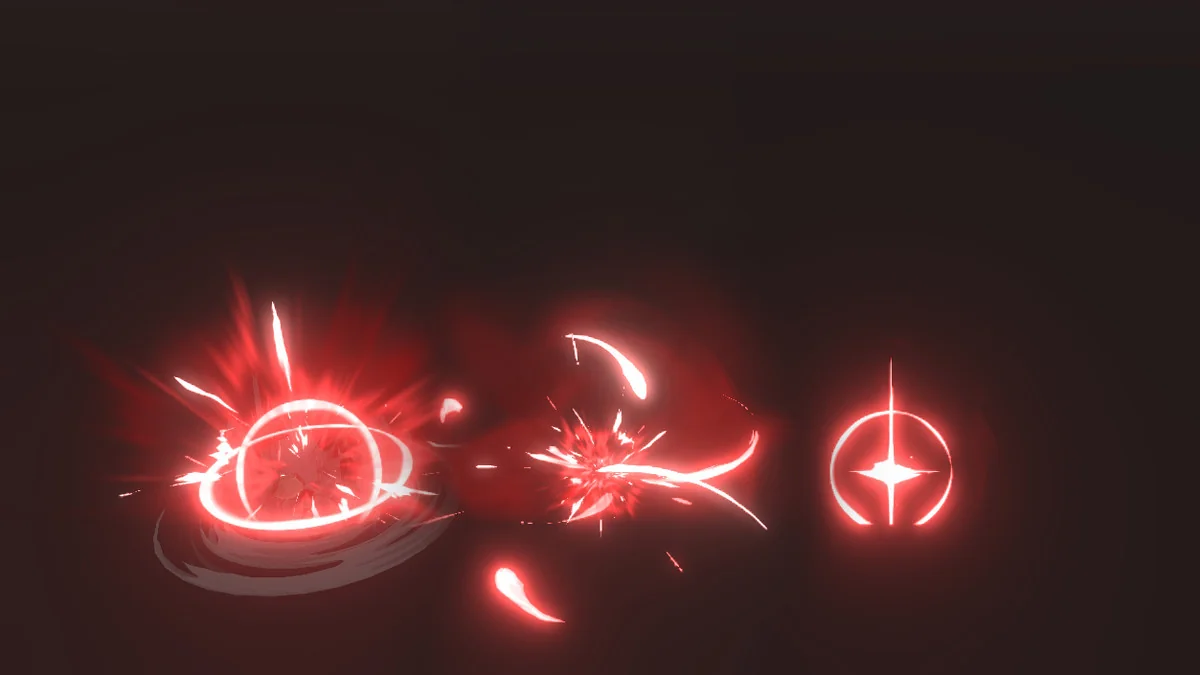
Visual Breakdown
Protected download
Access this resource
All resources are 100% manually reviewed to eliminate all risks.