Dissolve-Based Transition Workflow
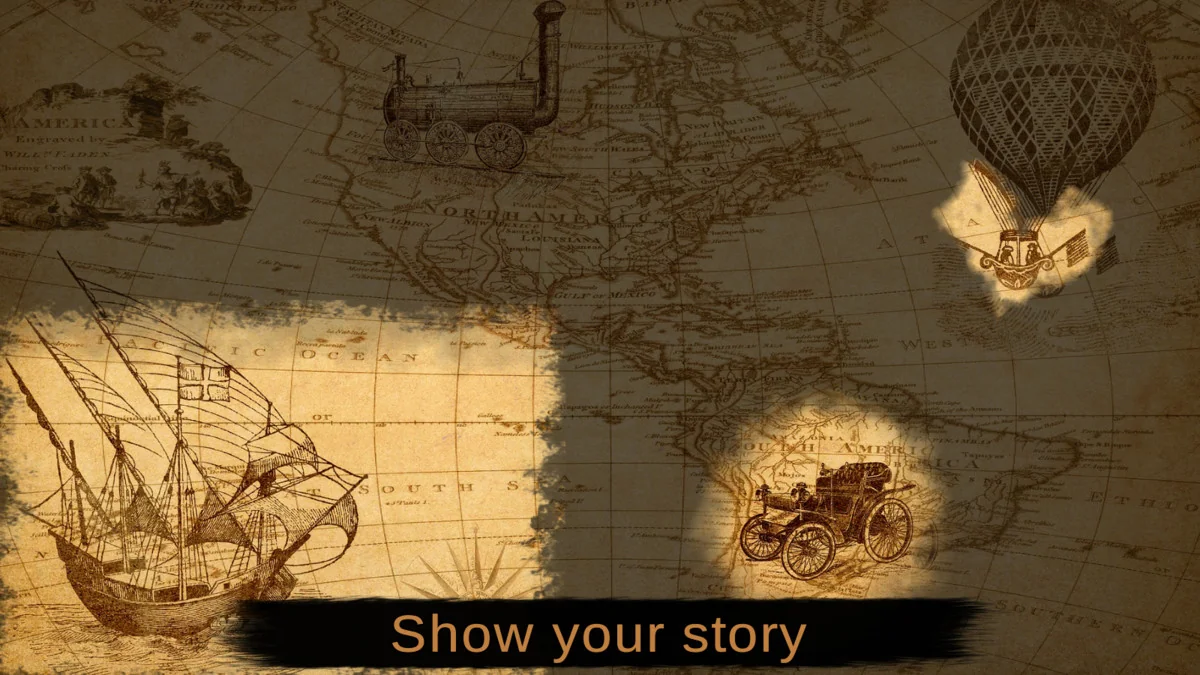
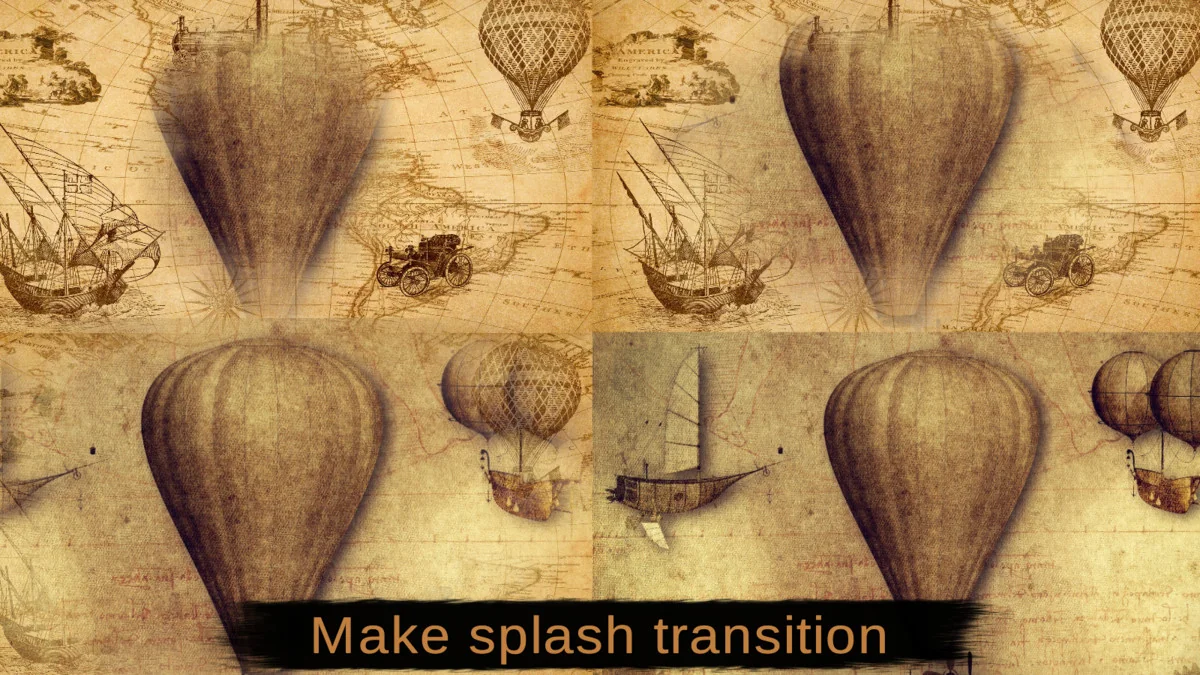
The Storytelling Splash Effect is designed as an advanced utility for presenting content through stylized image transitions within the Unity GUI system. Unlike typical transition effects that may offer limited creative range, this tool utilizes dissolve textures to manage how images appear and disappear on the screen. The implementation process is straightforward: the creator adds the component directly to a Unity Image object and configures properties to drive the visual behavior.
One of the primary advantages of this system is the ability to generate multiple sources of appearing image parts from a single object. This allows for complex, layered reveals that feel more dynamic than a standard fade. To ensure the effect matches the specific art style of a project, the developer can apply additional noises and smoothings, which refine the edges and texture of the transitions.
Animator Control and Customization
A significant portion of the tool is dedicated to giving animators precise control over the timing and movement of visual elements. The component includes settings for fade-in, fade-out, and loop curves, allowing for more stylish appearances than linear transitions. By adjusting these curves, the developer can dictate the acceleration and deceleration of the splash effect.
Beyond timing, the system provides granular control over the spatial properties of every transition. This includes the ability to manipulate:
- Position and range positioning
- Size and scale of the effect
- Rotation of the transition patterns
For projects requiring synchronized timing across multiple elements, a timeScaleMultiplier feature allows for scaling the entire animation time without the need to modify each individual splash setting separately.
Patterns and Visual Resources
To facilitate rapid setup, the tool includes a variety of pre-configured patterns. There are 13 example effect patterns that serve as templates for different transition styles, alongside 6 noise patterns used to add variance to the dissolve edges. These resources are particularly useful for specific storytelling tasks, such as concept art previews, presenting new game content, or creating film-like credit sequences.
The system also supports the standard Mask component. In this workflow, the Storytelling Splash Effect can be treated as a mask for the GUI, enabling more complex UI designs where the transition itself dictates the visibility of child elements.
Technical Integration and Compatibility
The tool is built specifically for the Unity GUI and Image component, operating within the Standard Rendering Pipeline (Built-in). It has been updated to support various Canvas configurations, with specific improvements made for Screen Space Overlay (SSOverlay) canvas resizing and pivot positioning. This ensures that transitions remains consistent even when forced game view resolutions are utilized.
Compatibility extends across several years of the engine, with support for versions ranging from 2018.x through 2022.x. Recent updates have focused on ensuring stability during runtime resizing through the RefreshEffectsBounds function, which allows the developer to refresh effect boundaries after an image size change without requiring the willResizeInRuntime flag.
The package remains lightweight at approximately 8.3 MB, containing 34 assets that cover the necessary scripts, patterns, and example splashes required to implement the effect into a project immediately.
Visual Breakdown
Protected download
Access this resource
All resources are 100% manually reviewed to eliminate all risks.